PC Handling and Safety
 Keep all food and drinks away from computer and
equipment.
 Liquid spills may cause an electrical shock or the computer
not to operate properly.
 Be careful when connecting cables to the computer system
 Never attempt to repair the computer while it is on.
 Make sure the power is turned off and the computer is
unplugged.
 You might touch a part that conducts electricity.
1. खाने-पीने की सभी चीजें क
ं प्यूटर और उपकरण ं से दू र रखें।
2. तरल पदार्थ फ
ै लने से बिजली का झटका लग सकता है या क
ं प्यूटर ठीक
से काम नहीं कर पाएगा।
3. क
ं प्यूटर बसस्टम से क
े िल कनेक्ट करते समय सावधान रहें
4. क
ं प्यूटर चालू ह ने पर कभी भी उसे सुधारने का प्रयास न करें।
5. सुबनबित करें बक बिजली िंद है और क
ं प्यूटर अनप्लग है।
6. आप बकसी ऐसे बहस्से क छ
ू सकते हैं ज बिजली का संचालन करता है।
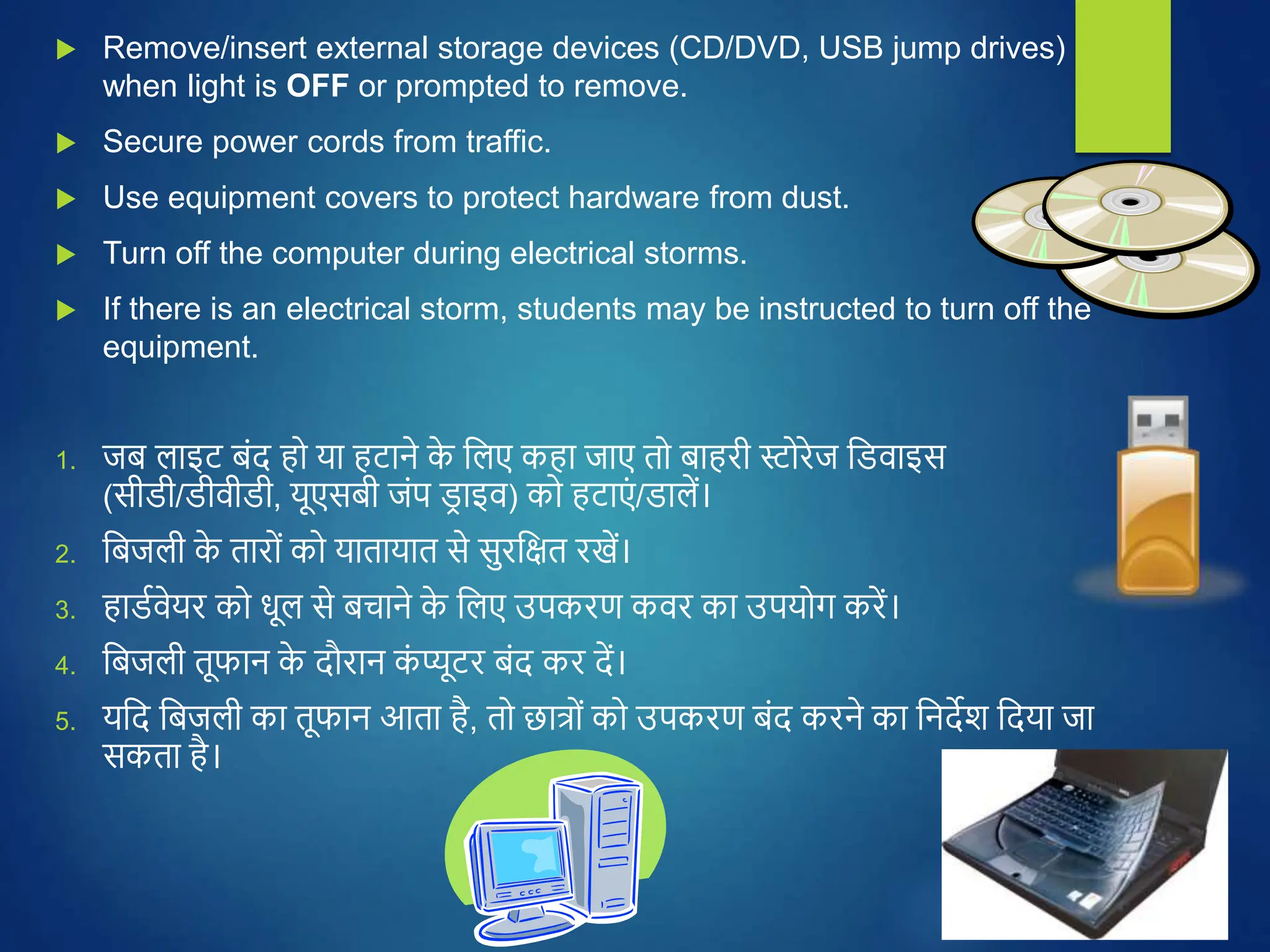
 Remove/insert external storage devices (CD/DVD, USB jump drives)
when light is OFF or prompted to remove.
 Secure power cords from traffic.
 Use equipment covers to protect hardware from dust.
 Turn off the computer during electrical storms.
 If there is an electrical storm, students may be instructed to turn off the
equipment.
1. जि लाइट िंद ह या हटाने क
े बलए कहा जाए त िाहरी स्ट रेज बिवाइस
(सीिी/िीवीिी, यूएसिी जंप ि
र ाइव) क हटाएं /िालें।
2. बिजली क
े तार ं क यातायात से सुरबित रखें।
3. हािथवेयर क धूल से िचाने क
े बलए उपकरण कवर का उपय ग करें।
4. बिजली तूफान क
े दौरान क
ं प्यूटर िंद कर दें।
5. यबद बिजली का तूफान आता है, त छात् ं क उपकरण िंद करने का बनदेश बदया जा
सकता है।
 If the power goes off, all equipment must be turned off.
 Maintain appropriate room temperature and humidity levels.
 Keep ventilation openings clear and free.
 NEVER open email attachments from unknown sources. You could expose
computer to dangerous viruses.
 Do NOT bring outside external storage devices the lab. You could risk
bringing viruses into the lab
1. अज्ञात स्र त ं से आए ईमेल अटैचमेंट क कभी न ख लें। आप क
ं प्यूटर क खतरनाक वायरस
क
े संपक
थ में ला सकते हैं।
2. प्रय गशाला में िाहरी भंिारण उपकरण न लाएँ । आप प्रय गशाला में वायरस लाने का
ज खखम उठा सकते हैं।
3. यबद बिजली िंद ह जाती है, त सभी उपकरण िंद कर देने चाबहए।
4. कमरे का उबचत तापमान और आर्द्थता का स्तर िनाए रखें।
5. वेंबटलेशन क
े द्वार साफ़ और मुक्त रखें।
PC Handling and Safety.ppt

PC Handling and Safety.ppt

  • 1.
  • 2.
     Keep allfood and drinks away from computer and equipment.  Liquid spills may cause an electrical shock or the computer not to operate properly.  Be careful when connecting cables to the computer system  Never attempt to repair the computer while it is on.  Make sure the power is turned off and the computer is unplugged.  You might touch a part that conducts electricity. 1. खाने-पीने की सभी चीजें क ं प्यूटर और उपकरण ं से दू र रखें। 2. तरल पदार्थ फ ै लने से बिजली का झटका लग सकता है या क ं प्यूटर ठीक से काम नहीं कर पाएगा। 3. क ं प्यूटर बसस्टम से क े िल कनेक्ट करते समय सावधान रहें 4. क ं प्यूटर चालू ह ने पर कभी भी उसे सुधारने का प्रयास न करें। 5. सुबनबित करें बक बिजली िंद है और क ं प्यूटर अनप्लग है। 6. आप बकसी ऐसे बहस्से क छ ू सकते हैं ज बिजली का संचालन करता है।
  • 3.
     Remove/insert externalstorage devices (CD/DVD, USB jump drives) when light is OFF or prompted to remove.  Secure power cords from traffic.  Use equipment covers to protect hardware from dust.  Turn off the computer during electrical storms.  If there is an electrical storm, students may be instructed to turn off the equipment. 1. जि लाइट िंद ह या हटाने क े बलए कहा जाए त िाहरी स्ट रेज बिवाइस (सीिी/िीवीिी, यूएसिी जंप ि र ाइव) क हटाएं /िालें। 2. बिजली क े तार ं क यातायात से सुरबित रखें। 3. हािथवेयर क धूल से िचाने क े बलए उपकरण कवर का उपय ग करें। 4. बिजली तूफान क े दौरान क ं प्यूटर िंद कर दें। 5. यबद बिजली का तूफान आता है, त छात् ं क उपकरण िंद करने का बनदेश बदया जा सकता है।
  • 4.
     If thepower goes off, all equipment must be turned off.  Maintain appropriate room temperature and humidity levels.  Keep ventilation openings clear and free.  NEVER open email attachments from unknown sources. You could expose computer to dangerous viruses.  Do NOT bring outside external storage devices the lab. You could risk bringing viruses into the lab 1. अज्ञात स्र त ं से आए ईमेल अटैचमेंट क कभी न ख लें। आप क ं प्यूटर क खतरनाक वायरस क े संपक थ में ला सकते हैं। 2. प्रय गशाला में िाहरी भंिारण उपकरण न लाएँ । आप प्रय गशाला में वायरस लाने का ज खखम उठा सकते हैं। 3. यबद बिजली िंद ह जाती है, त सभी उपकरण िंद कर देने चाबहए। 4. कमरे का उबचत तापमान और आर्द्थता का स्तर िनाए रखें। 5. वेंबटलेशन क े द्वार साफ़ और मुक्त रखें।