Our CloudFlare Experience
Nick Malcolm
CTO at ThisData
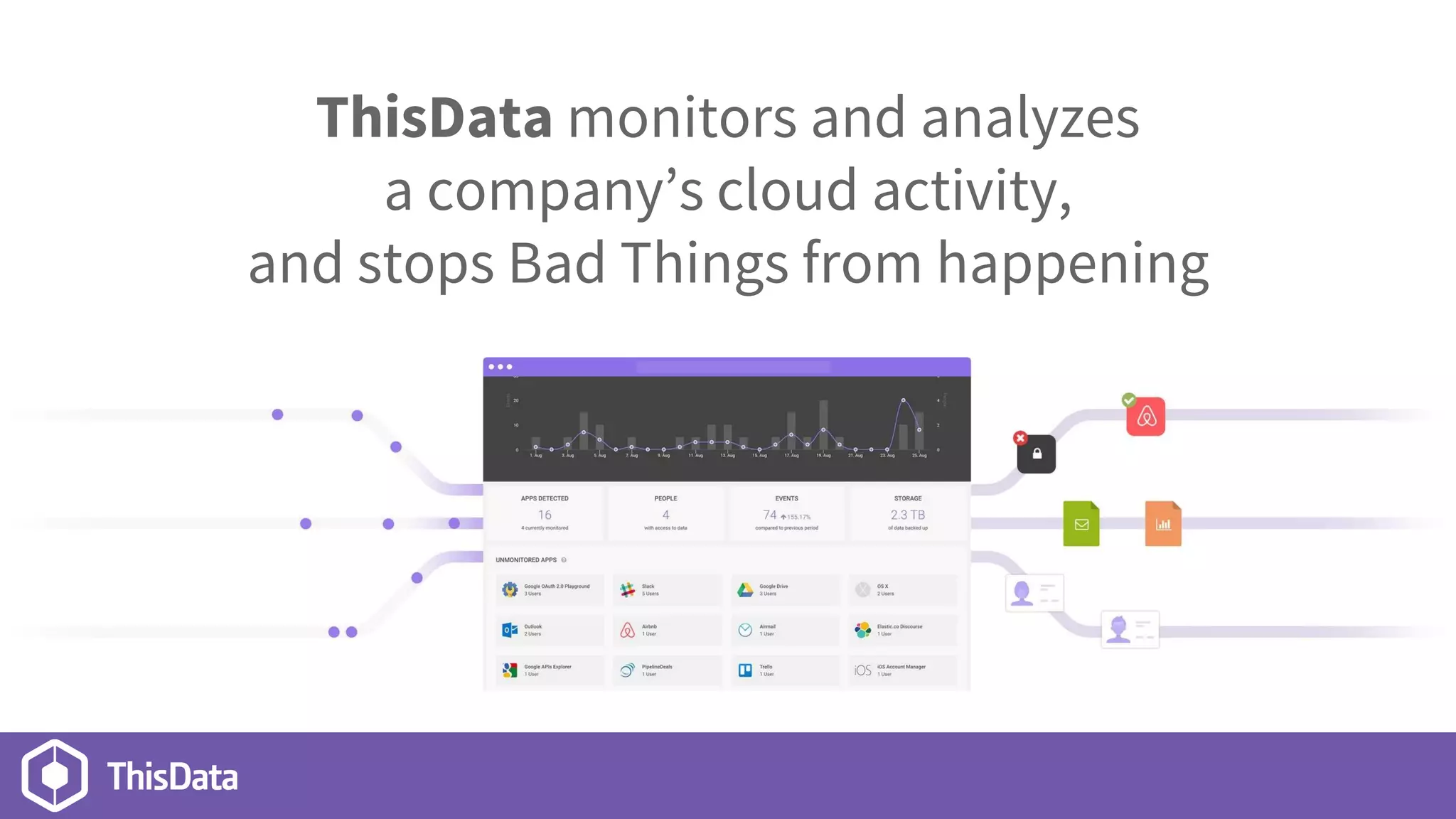
ThisData monitors and analyzes
a company’s cloud activity,
and stops Bad Things from happening
In the time it takes to hear this talk,
you could set up CloudFlare.
Overview
● Why to use CloudFlare
● How to set it up
● Our Results & Mistakes
Why?
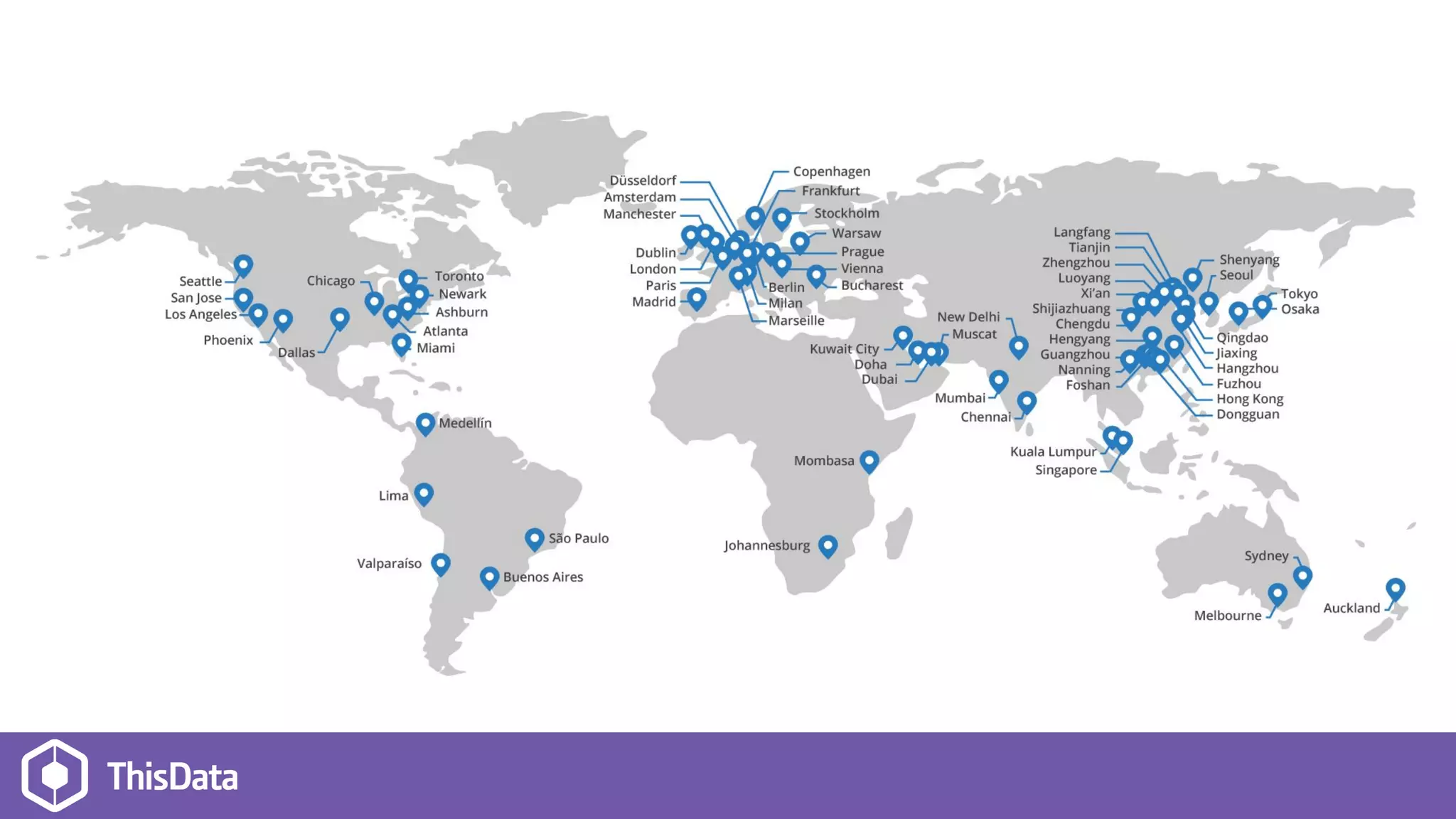
● DDoS Protection
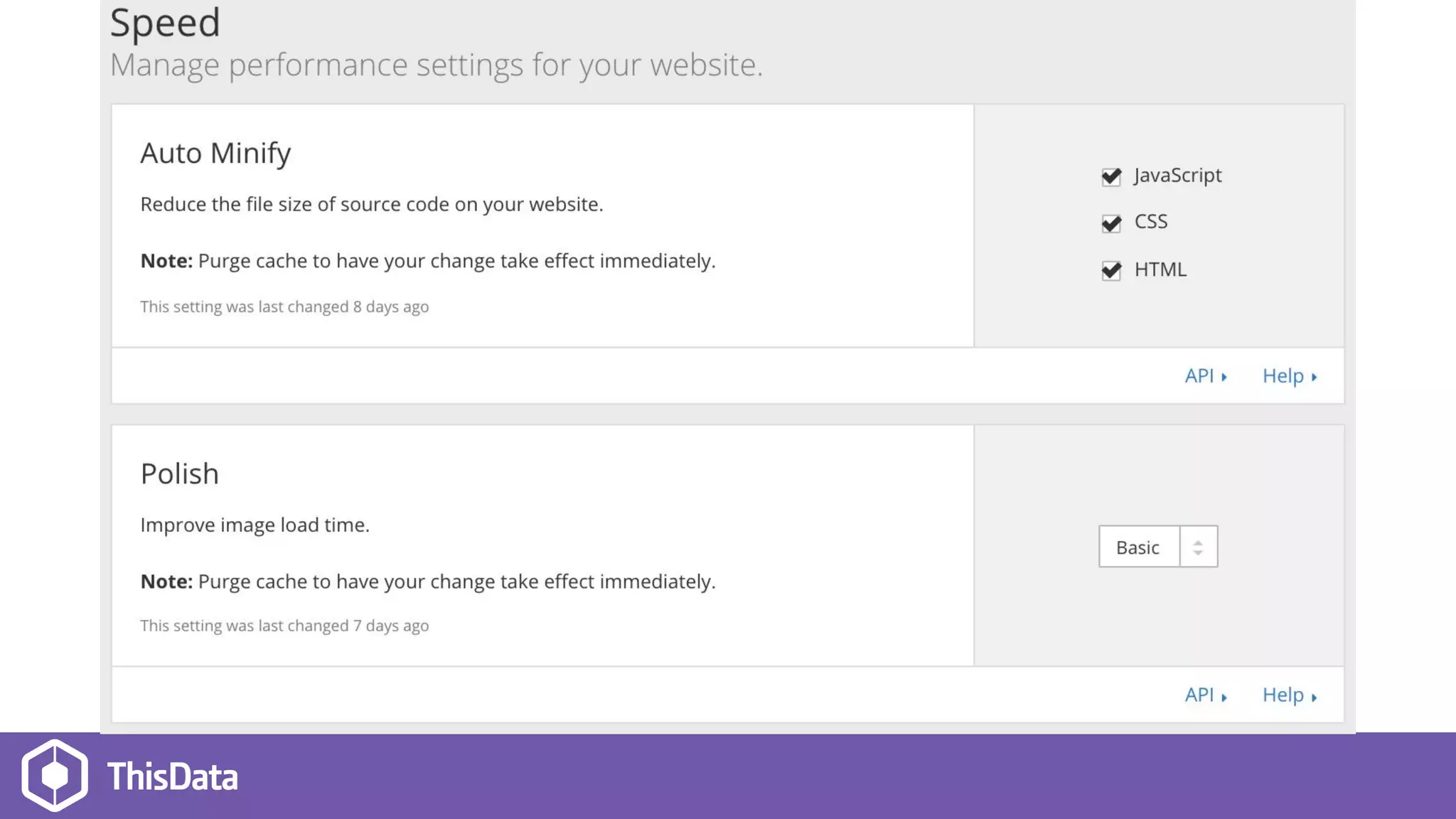
● Page Speed
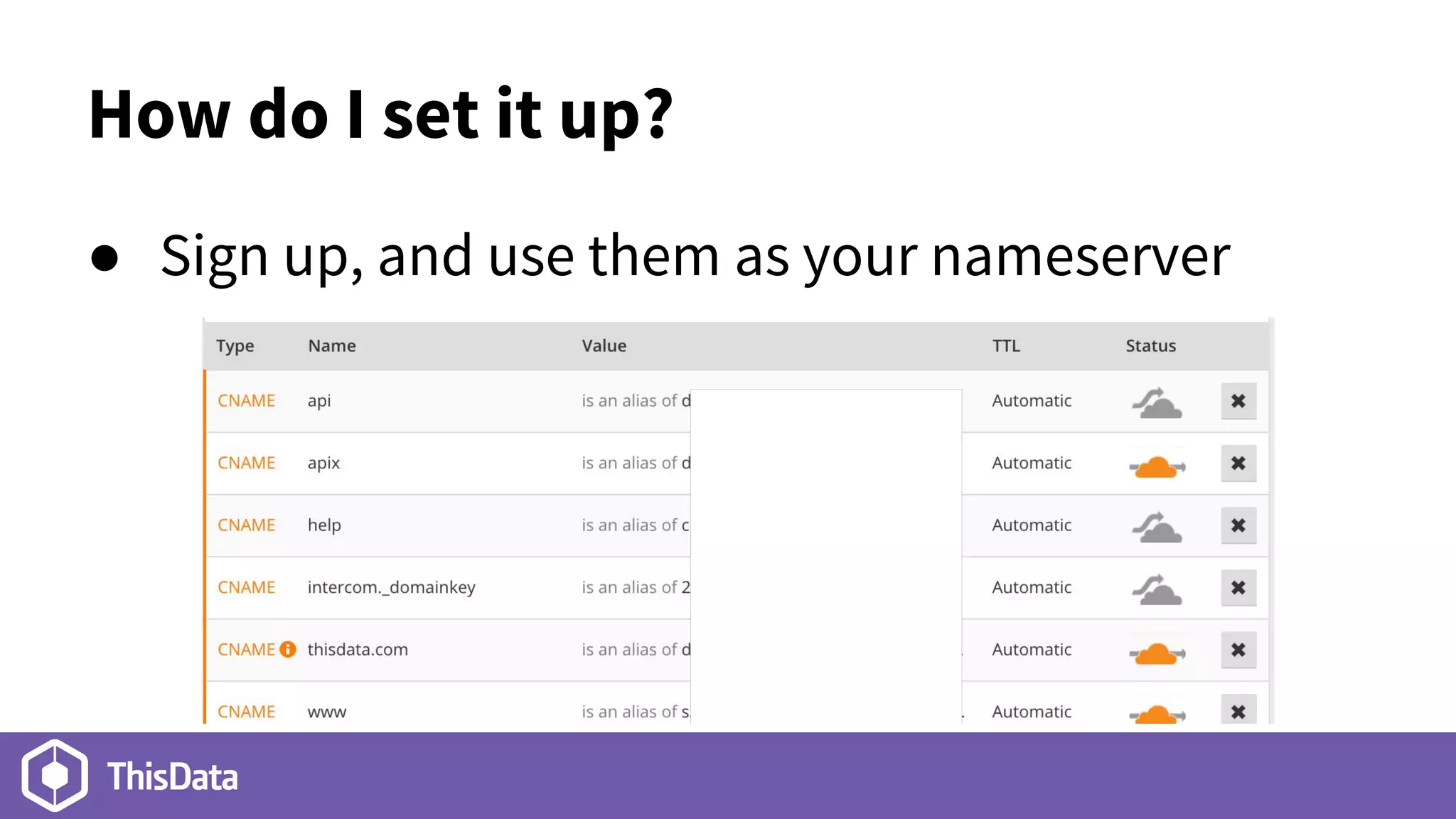
How do I set it up?
● Sign up, and use them as your nameserver
What if I use SSL?
● Set it up, but don’t click the orange clouds yet.
● Add your SSL certificate details
● Turn on the orange clouds
What gets blocked?
● Adjustable security levels to challenge visitors
● White/black list by IP, Country
● DDoS Protection
○ Turn on “I’m under attack!” mode to analyze ALL
visitors & stop the baddies
What gets cached?
● All static assets (images, JS, CSS)
● Not HTML, by default.
● You can turn it on with white- or black-list rules
● Or via Cache-Control headers
● Can’t cache requests returning cookies
Results
● Protection from baddies!
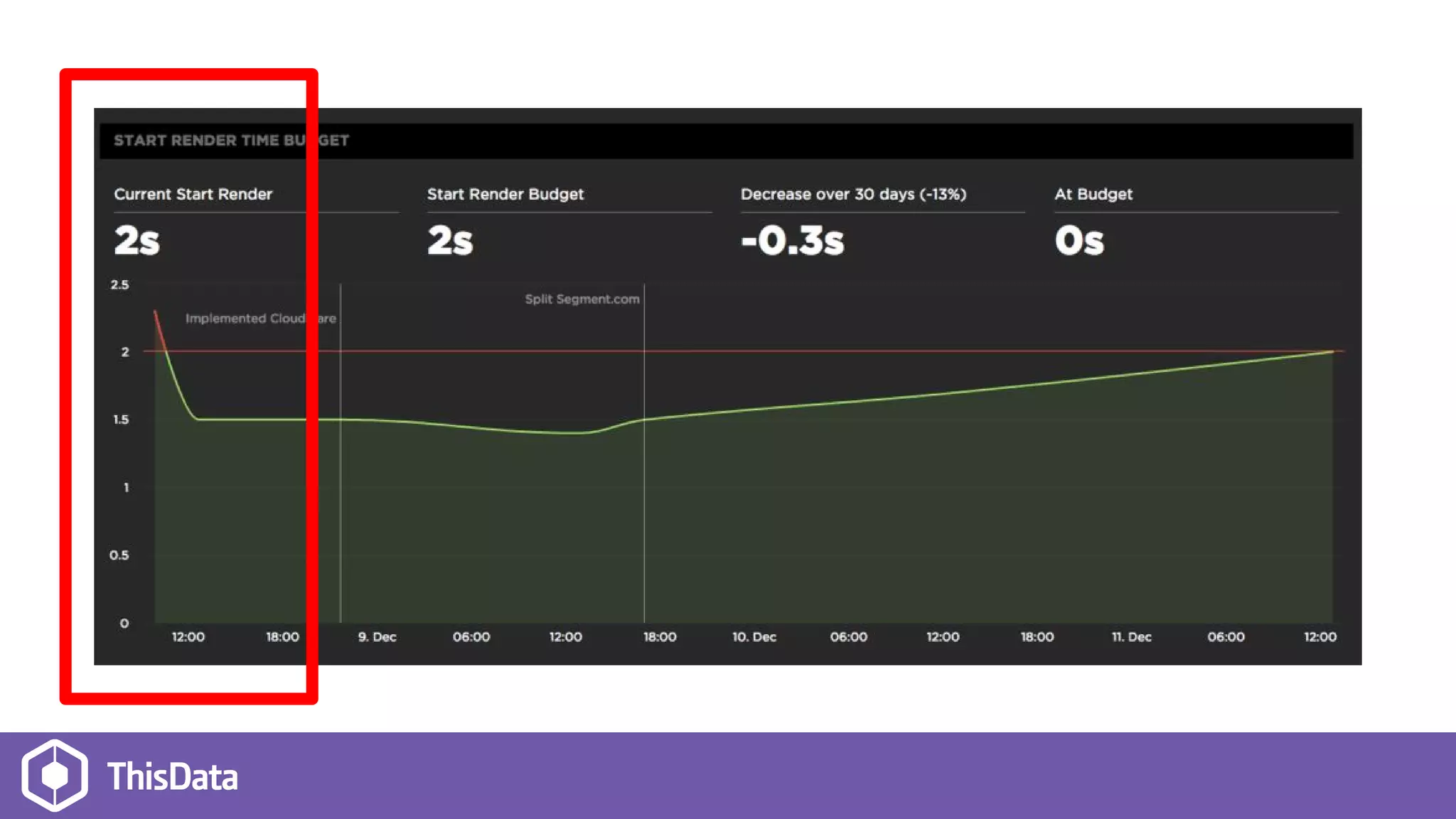
● Response time decreased from 2.5s to 1.5s
● Content size reduced by 300kb
● Everything feels faster!
Mistakes
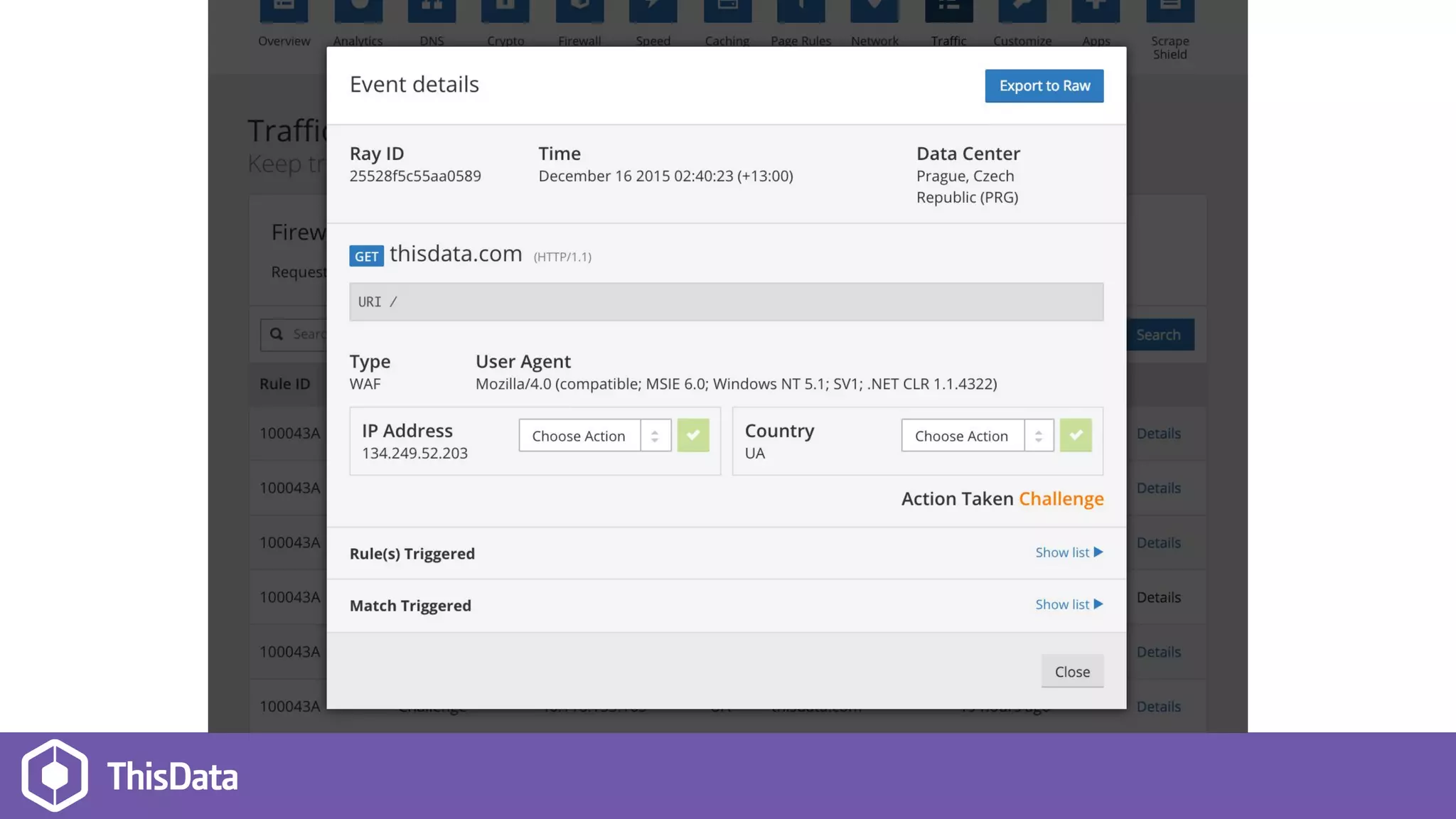
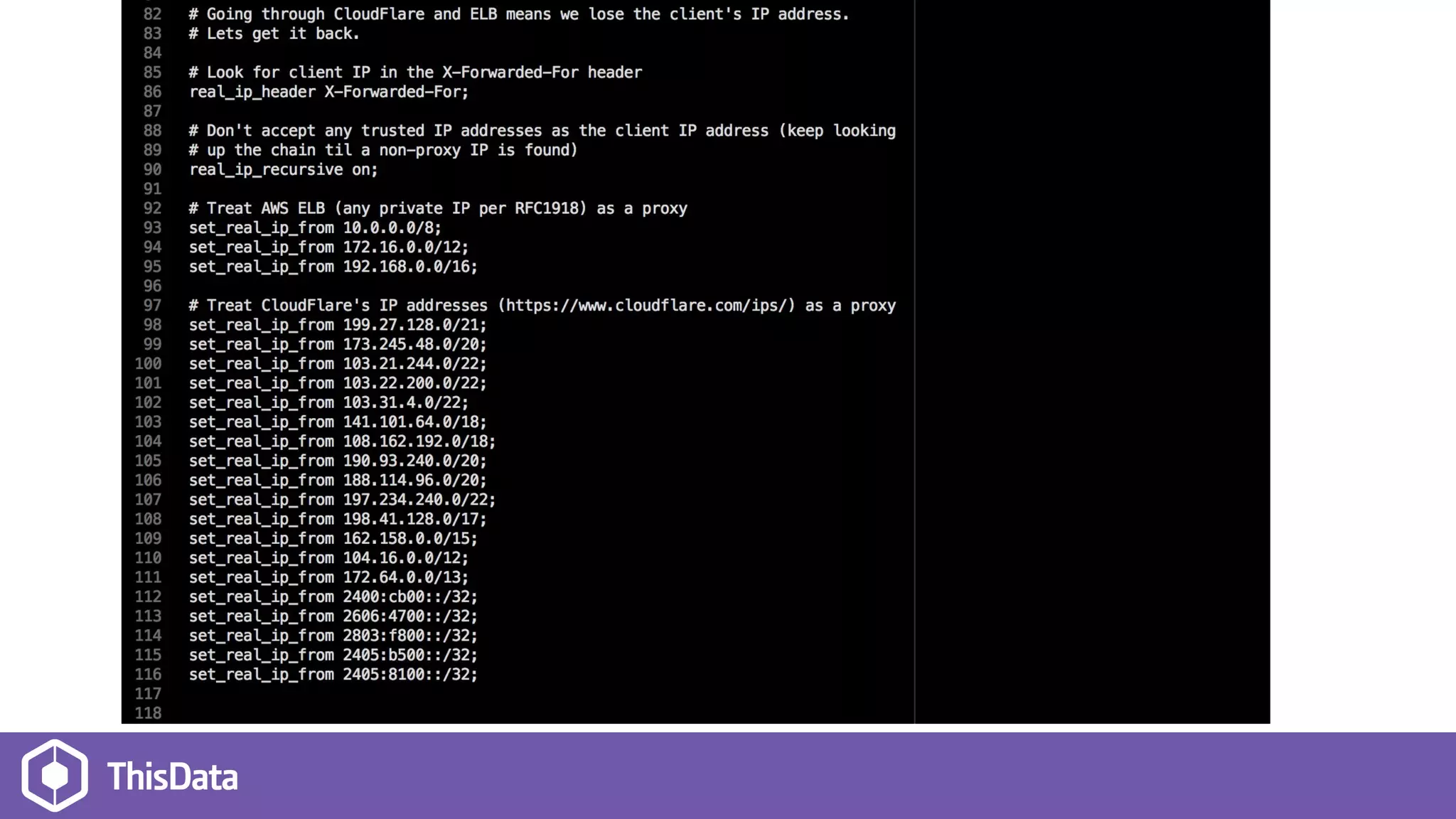
● GeoIP stopped working, as every request looks
like it’s from CloudFlare
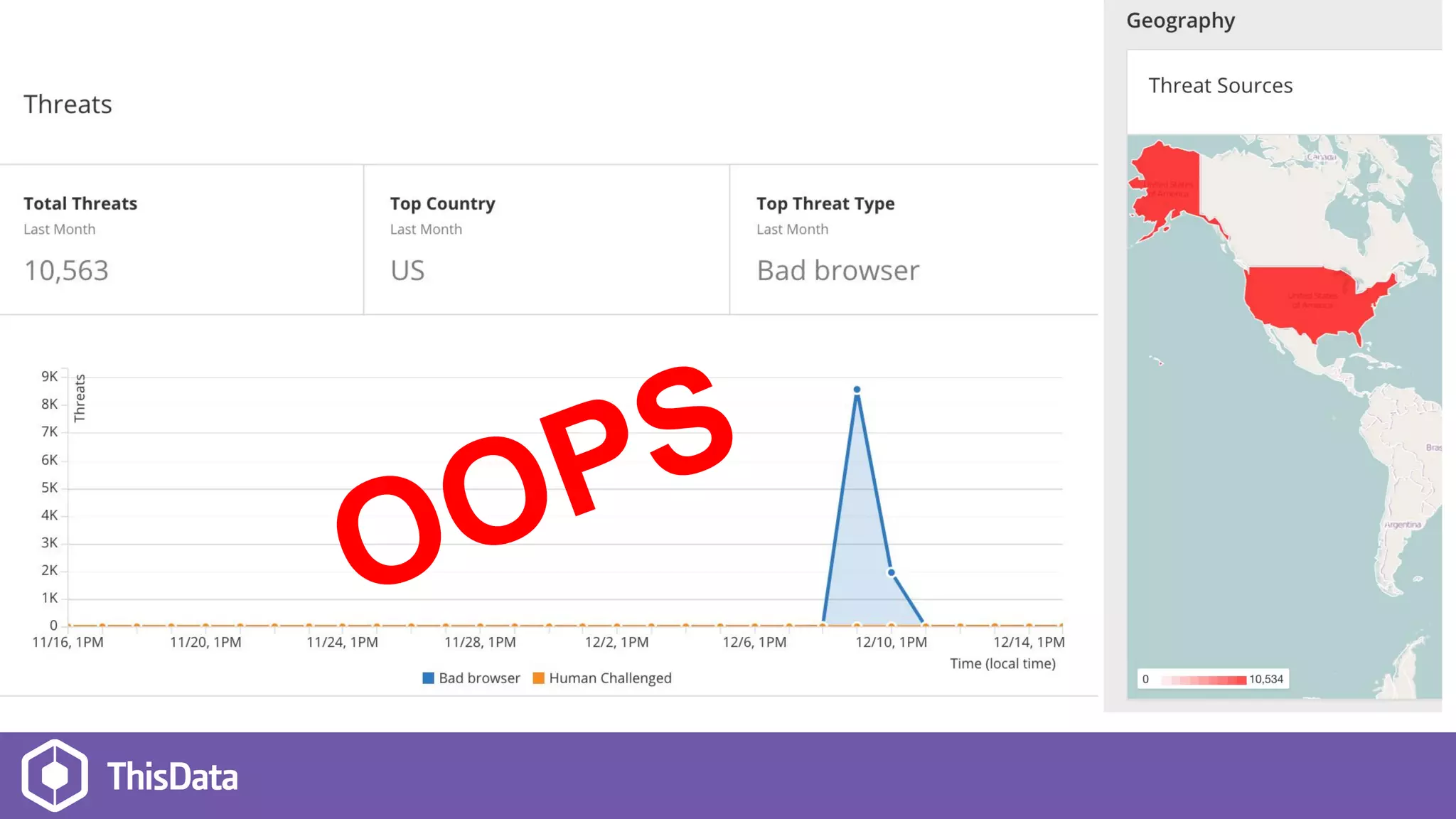
● CloudFlare blocked a partner who sends us
webhooks
OOPS
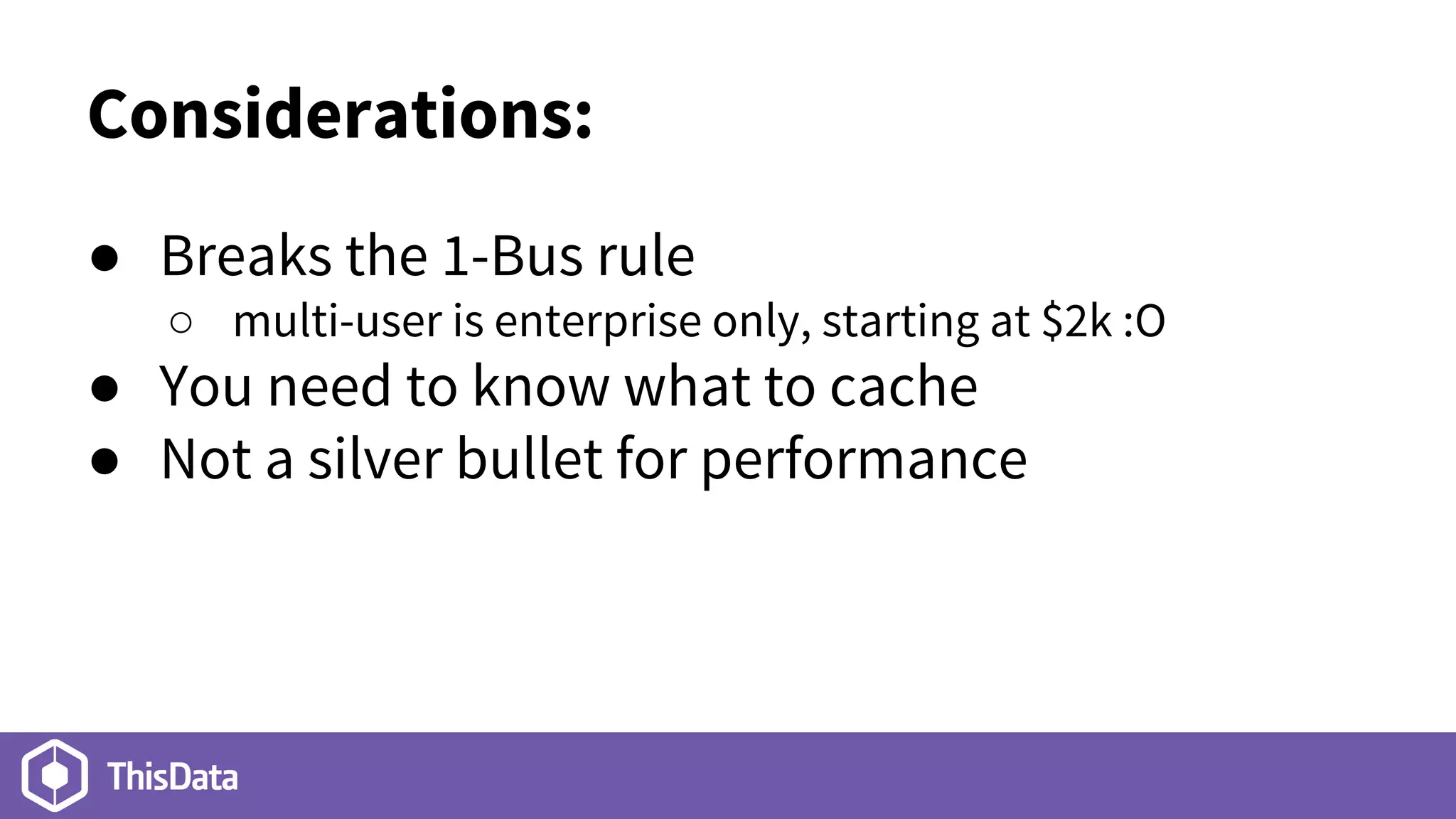
Considerations:
● Breaks the 1-Bus rule
○ multi-user is enterprise only, starting at $2k :O
● You need to know what to cache
● Not a silver bullet for performance
Give it a go
It’s free! Or $20/m for moar features
Questions?
Thanks!
@nickmalcolm https://thisdata.com

Our CloudFlare experience