Evolution of Operating System
Role of Operating System
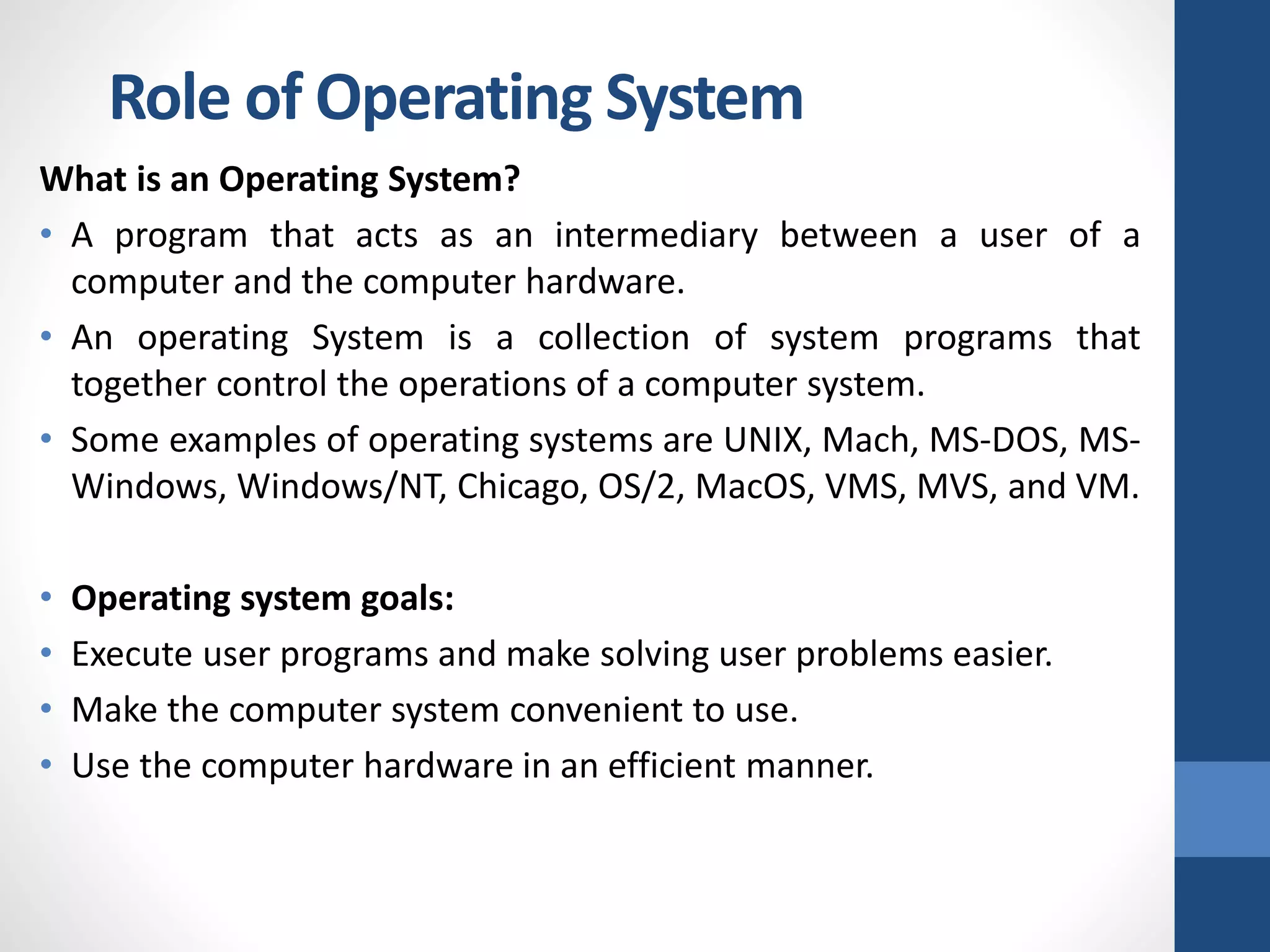
What is an Operating System?
• A program that acts as an intermediary between a user of a
computer and the computer hardware.
• An operating System is a collection of system programs that
together control the operations of a computer system.
• Some examples of operating systems are UNIX, Mach, MS-DOS, MS-
Windows, Windows/NT, Chicago, OS/2, MacOS, VMS, MVS, and VM.
• Operating system goals:
• Execute user programs and make solving user problems easier.
• Make the computer system convenient to use.
• Use the computer hardware in an efficient manner.
Role of Operating System
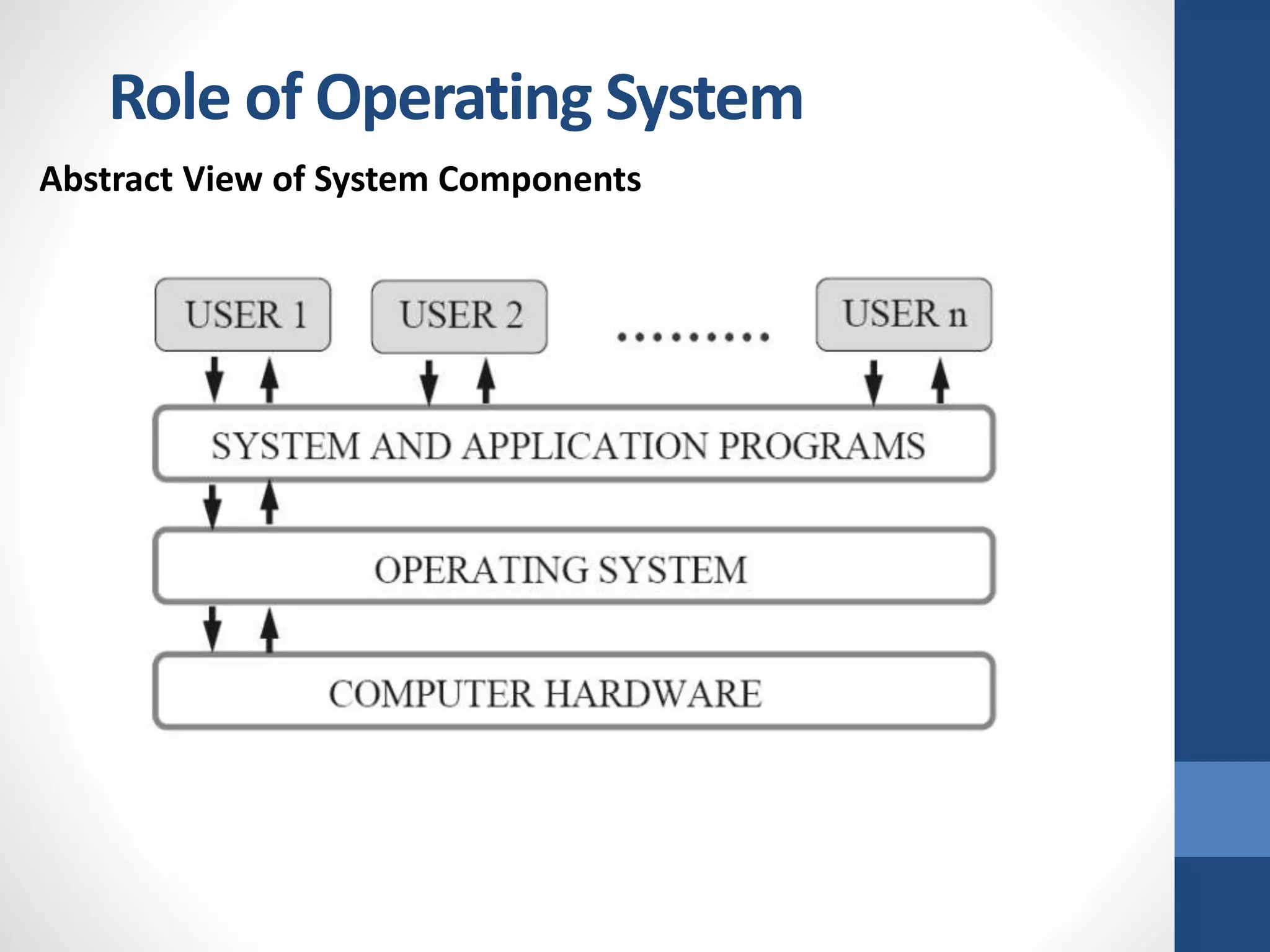
Computer System Components
1. Hardware
It provides basic computing resources (CPU, memory, I/O
devices).
2. Operating system
It controls and coordinates the use of the hardware among the
various application programs for the various users.
3. Applications programs
Define the ways in which the system resources are used to
solve the computing problems of the users (compilers, database
systems, video games, business programs).
4. Users (people, machines, other computers).
Role of Operating System
Abstract View of System Components
Role of Operating System
Operating System Definitions
• Resource allocator : It manages and allocates resources.
• Control program: It controls the execution of user programs and
operations of I/O devices.
• Kernel: The one program running at all times (all else being
application programs).
• Components of OS: OS has two parts:
• (1) Kernel. (2) Shell.
• Kernel is an active part of an OS i.e., it is the part of OS running at
all times. It is a programs which can interact with the hardware. Ex:
Device driver, dll files, system files etc.
• Shell is called as the command interpreter. It is a set of programs
used to interact with the application programs. It is responsible for
execution of instructions given to OS (called commands).
Role of Operating System
Operating systems can be explored from two viewpoints:
• User View:
From the user’s point view, the OS is designed for one user to
monopolize its resources, to maximize the work that the user
is performing and for ease of use.
• System View:
From the computer's point of view, an operating system is a
control program that manages the execution of user programs
to prevent errors and improper use of the computer. It is
concerned with the operation and control of I/O devices.
1. Process Management:
• A program does nothing unless their instructions are executed by a
CPU. A process is a program in execution. A time shared user
program such as a complier is a process. A word processing program
being run by an individual user on a pc is a process.
• A system task such as sending output to a printer is also a process. A
process needs certain resources including CPU time, memory files &
I/O devices to accomplish its task.
• These resources are either given to the process when it is created or
allocated to it while it is running.
• The OS is responsible for the following activities of process
management:
• Creating & deleting both user & system processes, Suspending &
resuming processes, Providing mechanism for process
synchronization, Providing mechanism for process communication
and Providing mechanism for deadlock handling.
Operating System Functions
2. Main Memory Management:
The main memory is central to the operation of a modern computer
system. Main memory is a large array of words or bytes ranging in size
from hundreds of thousand to billions.
The central processor reads instruction from main memory during
instruction fetch cycle & it both reads &writes data from main memory
during the data fetch cycle. For example, for the CPU to process data
from disk. Instruction must be in memory for the CPU to execute them.
The OS is responsible for the following activities in connection with
memory management:
• Keeping track of which parts of memory are currently being used &
by whom.
• Deciding which processes are to be loaded into memory when
memory space becomes available.
• Allocating &deallocating memory space as needed.
Operating System Functions
3. File Management:
File management is one of the most important components of an OS
computer can store information on several different types of physical
media magnetic tape, magnetic disk & optical disk are the most
common media.
Each medium is controlled by a device such as disk drive or tape drive
those has unique characteristics. These characteristics include access
speed, capacity, data transfer rate & access method (sequential or
random). The OS abstracts from the physical properties of its storage
devices to define a logical storage unit the file.
The OS is responsible for the following activities of file management:
• Creating & deleting files, Creating & deleting directories, Supporting
primitives for manipulating files & directories, Mapping files into
secondary storage and Backing up files on non-volatile media
Operating System Functions
4. I/O System Management:
One of the purposes of an OS is to hide the peculiarities of specific
hardware devices from the user. For example, in UNIX the peculiarities
of I/O devices are hidden from the bulk of the OS itself by the I/O
subsystem.
The I/O subsystem consists of:
• A memory management component that includes buffering, catching
& spooling.
• A general device- driver interfaces drivers for specific hardware
devices. Only the device driver knows the peculiarities of the specific
device to which it is assigned.
Operating System Functions
5. Secondary Storage Management:
The main purpose of computer system is to execute programs. These
programs with the data they access must be in main memory during
execution. As the main memory is too small to accommodate all data &
programs & because the data that it holds are lost when power is lost.
The computer system must provide secondary storage to back-up main
memory. Most modern computer systems are disks as the storage
medium to store data & program.
The operating system is responsible for the following activities of disk
management:
• Free space management.
• Storage allocation.
• Disk scheduling Because secondary storage is used frequently it must
be used efficiently.
Operating System Functions
• Networking: A distributed system is a collection of processors that
don’t share memory peripheral devices or a clock. Each processor
has its own local memory & clock and the processor communicate
with one another through various communication lines such as high
speed buses or networks. The processors in the system are
connected through communication networks which are configured in
a number of different ways.
• Protection or security: If a computer system has multi users & allow
the concurrent execution of multiple processes then the various
processes must be protected from one another’s activities. For that
purpose, mechanisms ensure that files, memory segments, CPU &
other resources can be operated on by only those processes that
have gained proper authorization from the OS.
• Command interpretation: One of the most important functions of
the OS is connected interpretation where it acts as the interface
between the user & the OS.
Operating System Functions
Operating System Services
Following are the five services provided by operating systems to the
convenience of the users.
1. Program Execution
The purpose of computer systems is to allow the user to execute
programs. So the operating system provides an environment where
the user can conveniently run programs. Running a program involves
the allocating and deallocating memory, CPU scheduling in case of
multiprocessing.
2. I/O Operations
Each program requires an input and produces output. This involves
the use of I/O. So the operating systems are providing I/O makes it
convenient for the users to run programs.
3. File System Manipulation
The output of a program may need to be written into new files or
input taken from some files. The operating system provides this
service.
4. Communications
The processes need to communicate with each other to exchange
information during execution. It may be between processes running
on the same computer or running on the different computers.
Communications can be occur in two ways: (i) shared memory or (ii)
message passing
5. Error Detection
An error is one part of the system may cause malfunctioning of the
complete system. To avoid such a situation operating system
constantly monitors the system for detecting the errors. This relieves
the user of the worry of errors propagating to various part of the
system and causing malfunctioning.
Following are the three services provided by operating systems for
ensuring the efficient operation of the system itself.
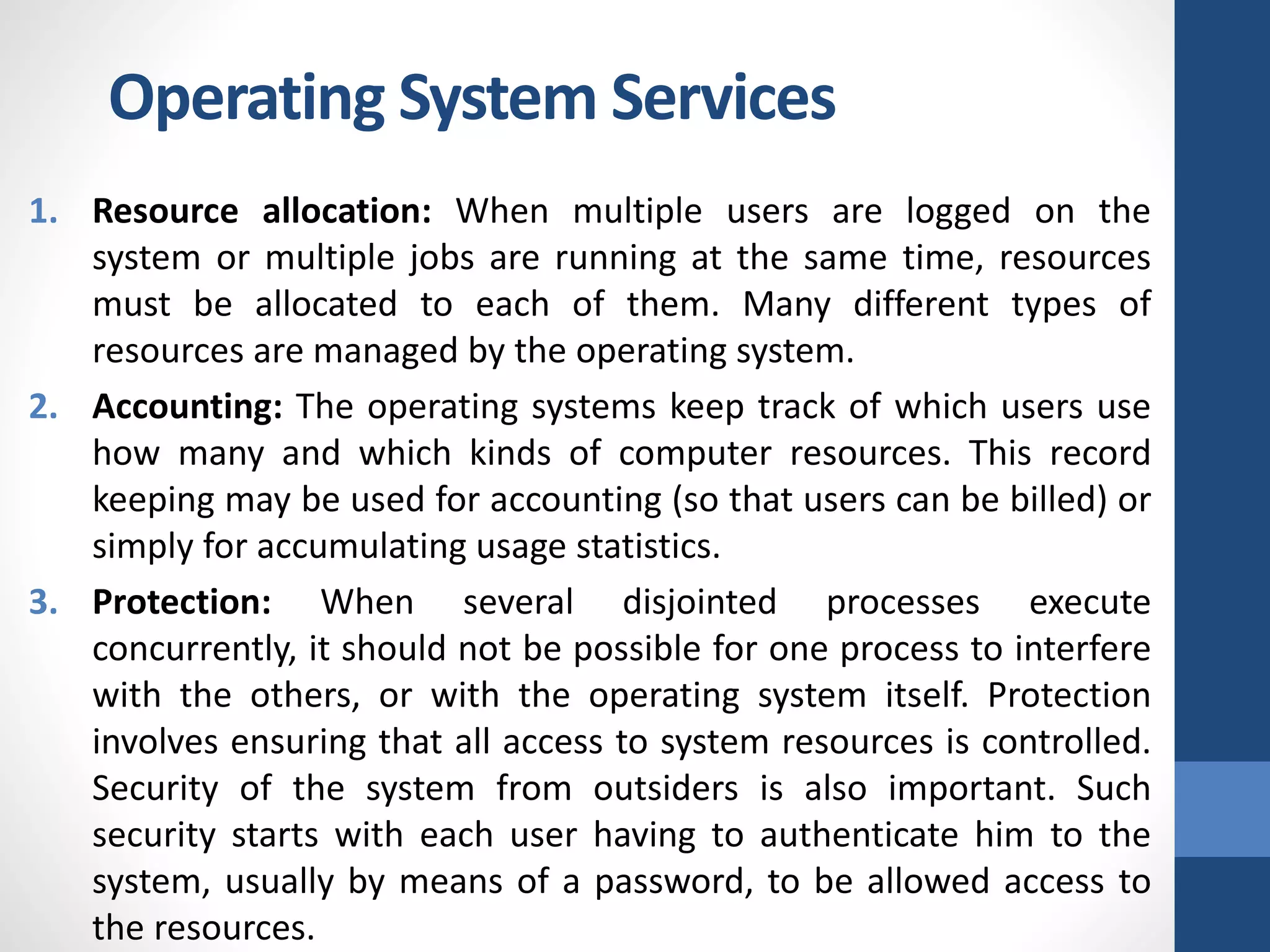
Operating System Services
1. Resource allocation: When multiple users are logged on the
system or multiple jobs are running at the same time, resources
must be allocated to each of them. Many different types of
resources are managed by the operating system.
2. Accounting: The operating systems keep track of which users use
how many and which kinds of computer resources. This record
keeping may be used for accounting (so that users can be billed) or
simply for accumulating usage statistics.
3. Protection: When several disjointed processes execute
concurrently, it should not be possible for one process to interfere
with the others, or with the operating system itself. Protection
involves ensuring that all access to system resources is controlled.
Security of the system from outsiders is also important. Such
security starts with each user having to authenticate him to the
system, usually by means of a password, to be allowed access to
the resources.
Operating System Services
• It contains following:
• System Components
• Operating System Services
• System Calls
• System Programs
• System Structure
• Virtual Machines
• System Design and Implementation
• System Generation
Operating System Structure
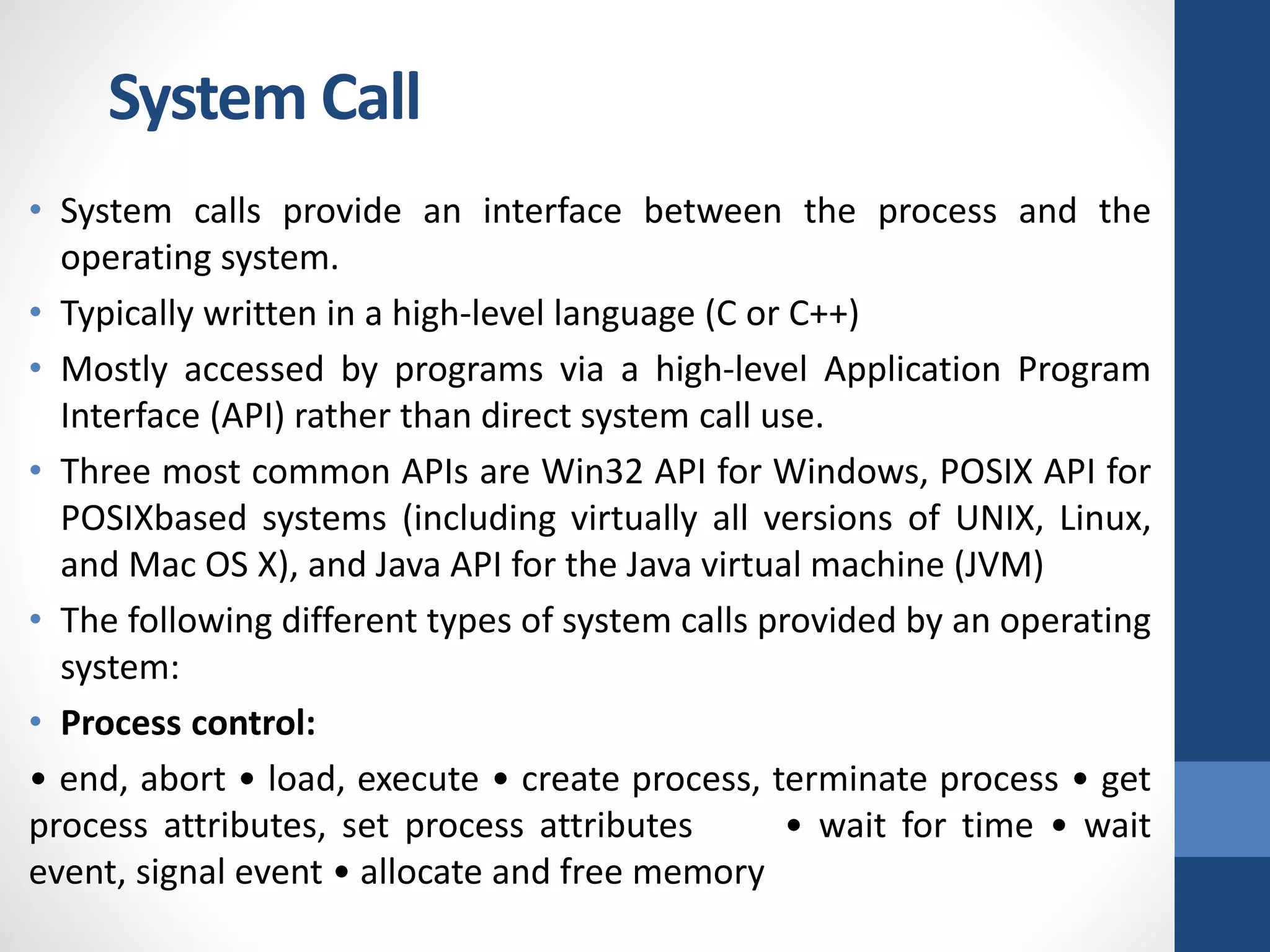
• System calls provide an interface between the process and the
operating system.
• Typically written in a high-level language (C or C++)
• Mostly accessed by programs via a high-level Application Program
Interface (API) rather than direct system call use.
• Three most common APIs are Win32 API for Windows, POSIX API for
POSIXbased systems (including virtually all versions of UNIX, Linux,
and Mac OS X), and Java API for the Java virtual machine (JVM)
• The following different types of system calls provided by an operating
system:
• Process control:
• end, abort • load, execute • create process, terminate process • get
process attributes, set process attributes • wait for time • wait
event, signal event • allocate and free memory
System Call
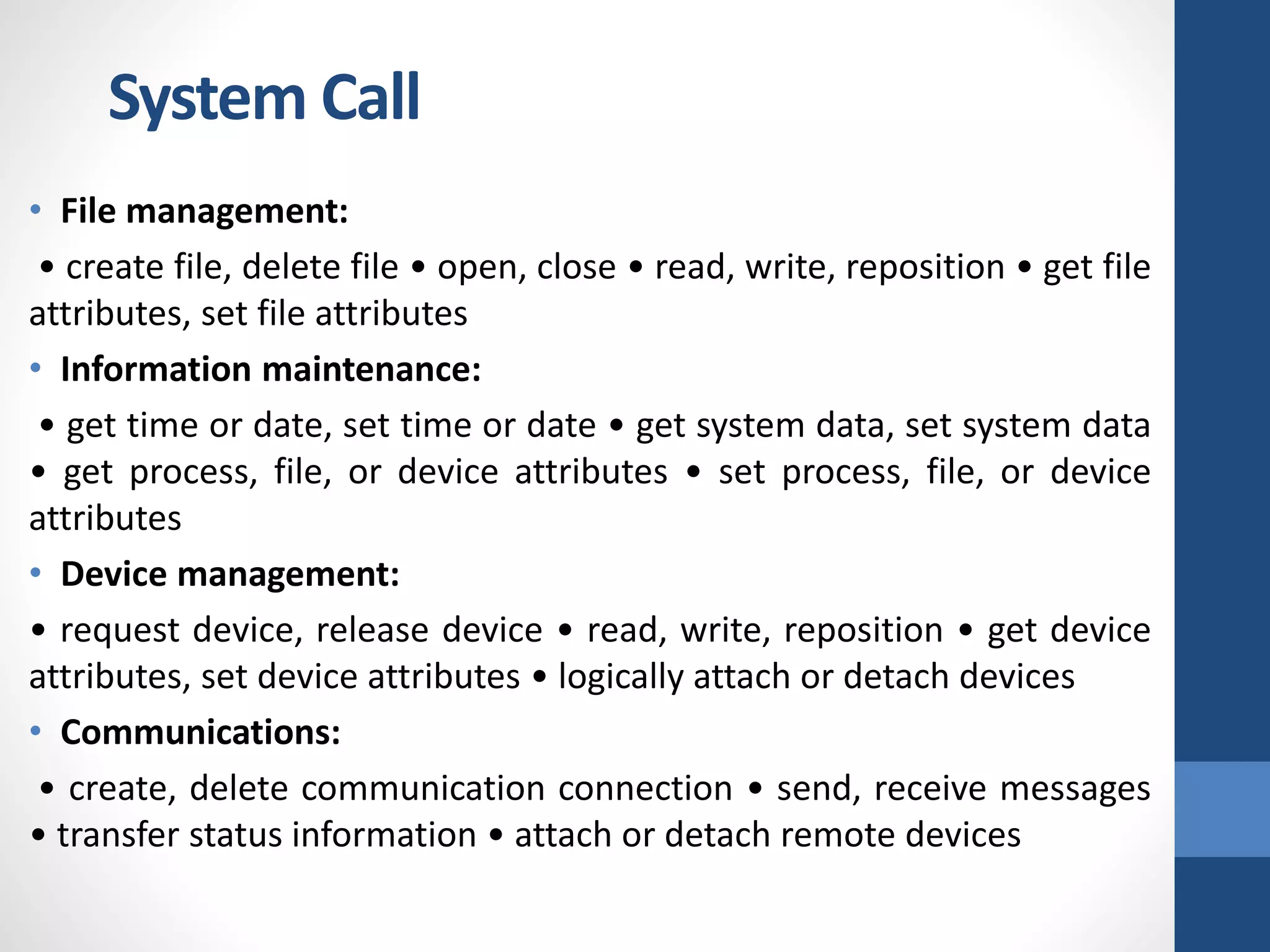
• File management:
• create file, delete file • open, close • read, write, reposition • get file
attributes, set file attributes
• Information maintenance:
• get time or date, set time or date • get system data, set system data
• get process, file, or device attributes • set process, file, or device
attributes
• Device management:
• request device, release device • read, write, reposition • get device
attributes, set device attributes • logically attach or detach devices
• Communications:
• create, delete communication connection • send, receive messages
• transfer status information • attach or detach remote devices
System Call

OS.pptx

  • 1.
  • 2.
  • 3.
  • 4.
  • 5.
  • 6.
  • 7.
  • 8.
  • 9.
  • 10.
  • 11.
  • 12.
    Role of OperatingSystem What is an Operating System? • A program that acts as an intermediary between a user of a computer and the computer hardware. • An operating System is a collection of system programs that together control the operations of a computer system. • Some examples of operating systems are UNIX, Mach, MS-DOS, MS- Windows, Windows/NT, Chicago, OS/2, MacOS, VMS, MVS, and VM. • Operating system goals: • Execute user programs and make solving user problems easier. • Make the computer system convenient to use. • Use the computer hardware in an efficient manner.
  • 13.
    Role of OperatingSystem Computer System Components 1. Hardware It provides basic computing resources (CPU, memory, I/O devices). 2. Operating system It controls and coordinates the use of the hardware among the various application programs for the various users. 3. Applications programs Define the ways in which the system resources are used to solve the computing problems of the users (compilers, database systems, video games, business programs). 4. Users (people, machines, other computers).
  • 14.
    Role of OperatingSystem Abstract View of System Components
  • 15.
    Role of OperatingSystem Operating System Definitions • Resource allocator : It manages and allocates resources. • Control program: It controls the execution of user programs and operations of I/O devices. • Kernel: The one program running at all times (all else being application programs). • Components of OS: OS has two parts: • (1) Kernel. (2) Shell. • Kernel is an active part of an OS i.e., it is the part of OS running at all times. It is a programs which can interact with the hardware. Ex: Device driver, dll files, system files etc. • Shell is called as the command interpreter. It is a set of programs used to interact with the application programs. It is responsible for execution of instructions given to OS (called commands).
  • 16.
    Role of OperatingSystem Operating systems can be explored from two viewpoints: • User View: From the user’s point view, the OS is designed for one user to monopolize its resources, to maximize the work that the user is performing and for ease of use. • System View: From the computer's point of view, an operating system is a control program that manages the execution of user programs to prevent errors and improper use of the computer. It is concerned with the operation and control of I/O devices.
  • 17.
    1. Process Management: •A program does nothing unless their instructions are executed by a CPU. A process is a program in execution. A time shared user program such as a complier is a process. A word processing program being run by an individual user on a pc is a process. • A system task such as sending output to a printer is also a process. A process needs certain resources including CPU time, memory files & I/O devices to accomplish its task. • These resources are either given to the process when it is created or allocated to it while it is running. • The OS is responsible for the following activities of process management: • Creating & deleting both user & system processes, Suspending & resuming processes, Providing mechanism for process synchronization, Providing mechanism for process communication and Providing mechanism for deadlock handling. Operating System Functions
  • 18.
    2. Main MemoryManagement: The main memory is central to the operation of a modern computer system. Main memory is a large array of words or bytes ranging in size from hundreds of thousand to billions. The central processor reads instruction from main memory during instruction fetch cycle & it both reads &writes data from main memory during the data fetch cycle. For example, for the CPU to process data from disk. Instruction must be in memory for the CPU to execute them. The OS is responsible for the following activities in connection with memory management: • Keeping track of which parts of memory are currently being used & by whom. • Deciding which processes are to be loaded into memory when memory space becomes available. • Allocating &deallocating memory space as needed. Operating System Functions
  • 19.
    3. File Management: Filemanagement is one of the most important components of an OS computer can store information on several different types of physical media magnetic tape, magnetic disk & optical disk are the most common media. Each medium is controlled by a device such as disk drive or tape drive those has unique characteristics. These characteristics include access speed, capacity, data transfer rate & access method (sequential or random). The OS abstracts from the physical properties of its storage devices to define a logical storage unit the file. The OS is responsible for the following activities of file management: • Creating & deleting files, Creating & deleting directories, Supporting primitives for manipulating files & directories, Mapping files into secondary storage and Backing up files on non-volatile media Operating System Functions
  • 20.
    4. I/O SystemManagement: One of the purposes of an OS is to hide the peculiarities of specific hardware devices from the user. For example, in UNIX the peculiarities of I/O devices are hidden from the bulk of the OS itself by the I/O subsystem. The I/O subsystem consists of: • A memory management component that includes buffering, catching & spooling. • A general device- driver interfaces drivers for specific hardware devices. Only the device driver knows the peculiarities of the specific device to which it is assigned. Operating System Functions
  • 21.
    5. Secondary StorageManagement: The main purpose of computer system is to execute programs. These programs with the data they access must be in main memory during execution. As the main memory is too small to accommodate all data & programs & because the data that it holds are lost when power is lost. The computer system must provide secondary storage to back-up main memory. Most modern computer systems are disks as the storage medium to store data & program. The operating system is responsible for the following activities of disk management: • Free space management. • Storage allocation. • Disk scheduling Because secondary storage is used frequently it must be used efficiently. Operating System Functions
  • 22.
    • Networking: Adistributed system is a collection of processors that don’t share memory peripheral devices or a clock. Each processor has its own local memory & clock and the processor communicate with one another through various communication lines such as high speed buses or networks. The processors in the system are connected through communication networks which are configured in a number of different ways. • Protection or security: If a computer system has multi users & allow the concurrent execution of multiple processes then the various processes must be protected from one another’s activities. For that purpose, mechanisms ensure that files, memory segments, CPU & other resources can be operated on by only those processes that have gained proper authorization from the OS. • Command interpretation: One of the most important functions of the OS is connected interpretation where it acts as the interface between the user & the OS. Operating System Functions
  • 23.
    Operating System Services Followingare the five services provided by operating systems to the convenience of the users. 1. Program Execution The purpose of computer systems is to allow the user to execute programs. So the operating system provides an environment where the user can conveniently run programs. Running a program involves the allocating and deallocating memory, CPU scheduling in case of multiprocessing. 2. I/O Operations Each program requires an input and produces output. This involves the use of I/O. So the operating systems are providing I/O makes it convenient for the users to run programs. 3. File System Manipulation The output of a program may need to be written into new files or input taken from some files. The operating system provides this service.
  • 24.
    4. Communications The processesneed to communicate with each other to exchange information during execution. It may be between processes running on the same computer or running on the different computers. Communications can be occur in two ways: (i) shared memory or (ii) message passing 5. Error Detection An error is one part of the system may cause malfunctioning of the complete system. To avoid such a situation operating system constantly monitors the system for detecting the errors. This relieves the user of the worry of errors propagating to various part of the system and causing malfunctioning. Following are the three services provided by operating systems for ensuring the efficient operation of the system itself. Operating System Services
  • 25.
    1. Resource allocation:When multiple users are logged on the system or multiple jobs are running at the same time, resources must be allocated to each of them. Many different types of resources are managed by the operating system. 2. Accounting: The operating systems keep track of which users use how many and which kinds of computer resources. This record keeping may be used for accounting (so that users can be billed) or simply for accumulating usage statistics. 3. Protection: When several disjointed processes execute concurrently, it should not be possible for one process to interfere with the others, or with the operating system itself. Protection involves ensuring that all access to system resources is controlled. Security of the system from outsiders is also important. Such security starts with each user having to authenticate him to the system, usually by means of a password, to be allowed access to the resources. Operating System Services
  • 26.
    • It containsfollowing: • System Components • Operating System Services • System Calls • System Programs • System Structure • Virtual Machines • System Design and Implementation • System Generation Operating System Structure
  • 27.
    • System callsprovide an interface between the process and the operating system. • Typically written in a high-level language (C or C++) • Mostly accessed by programs via a high-level Application Program Interface (API) rather than direct system call use. • Three most common APIs are Win32 API for Windows, POSIX API for POSIXbased systems (including virtually all versions of UNIX, Linux, and Mac OS X), and Java API for the Java virtual machine (JVM) • The following different types of system calls provided by an operating system: • Process control: • end, abort • load, execute • create process, terminate process • get process attributes, set process attributes • wait for time • wait event, signal event • allocate and free memory System Call
  • 28.
    • File management: •create file, delete file • open, close • read, write, reposition • get file attributes, set file attributes • Information maintenance: • get time or date, set time or date • get system data, set system data • get process, file, or device attributes • set process, file, or device attributes • Device management: • request device, release device • read, write, reposition • get device attributes, set device attributes • logically attach or detach devices • Communications: • create, delete communication connection • send, receive messages • transfer status information • attach or detach remote devices System Call