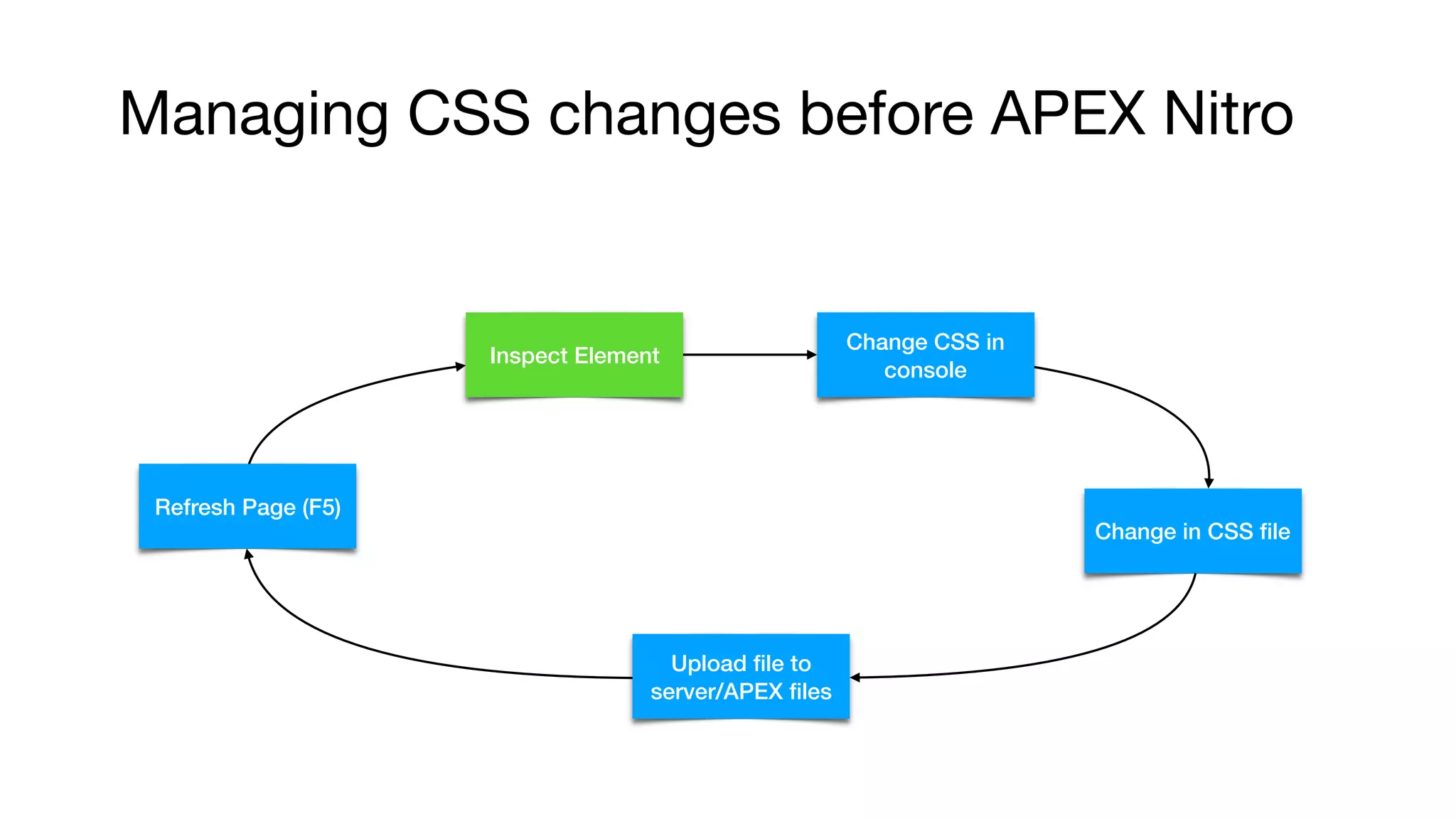
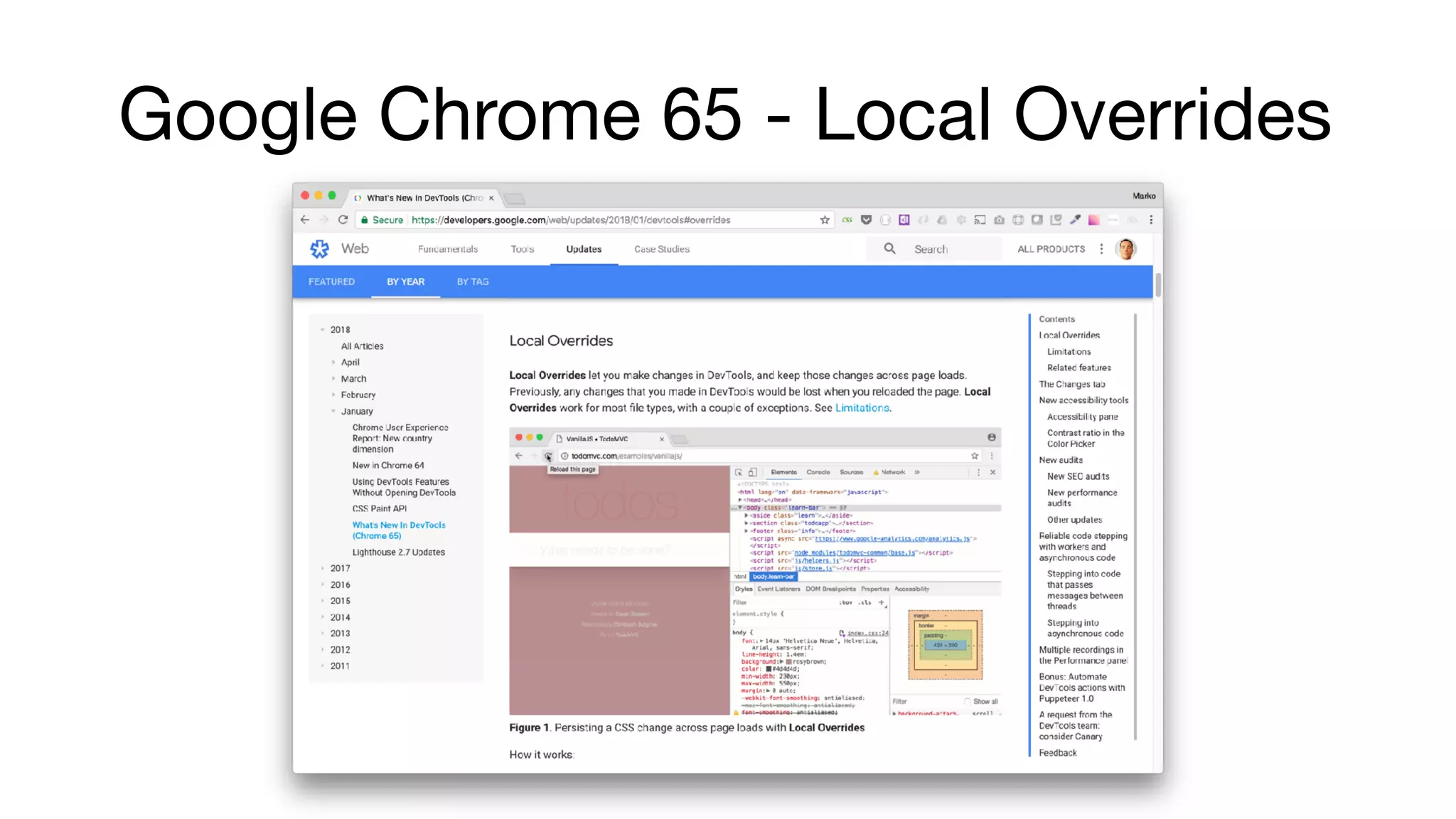
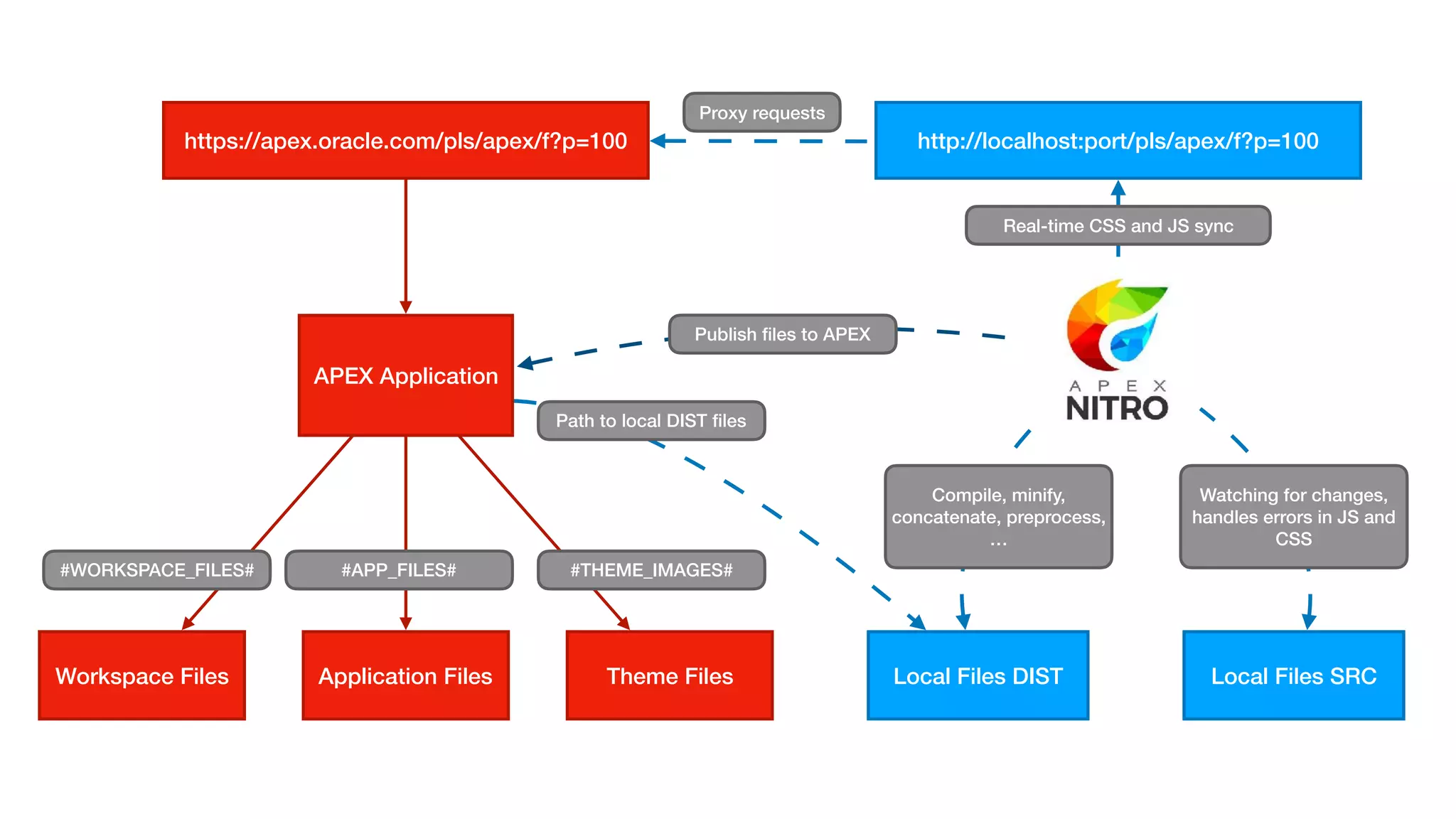
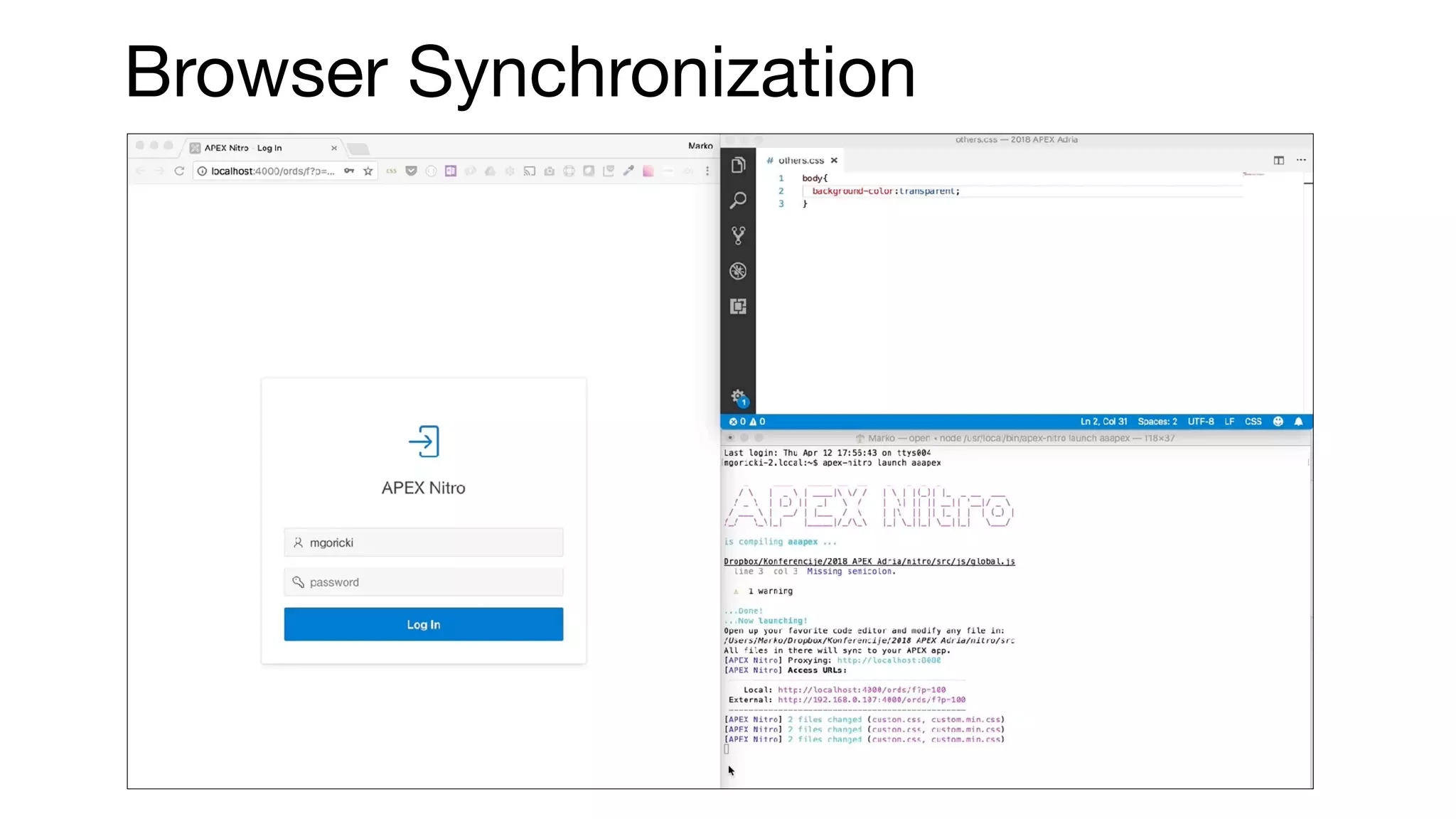
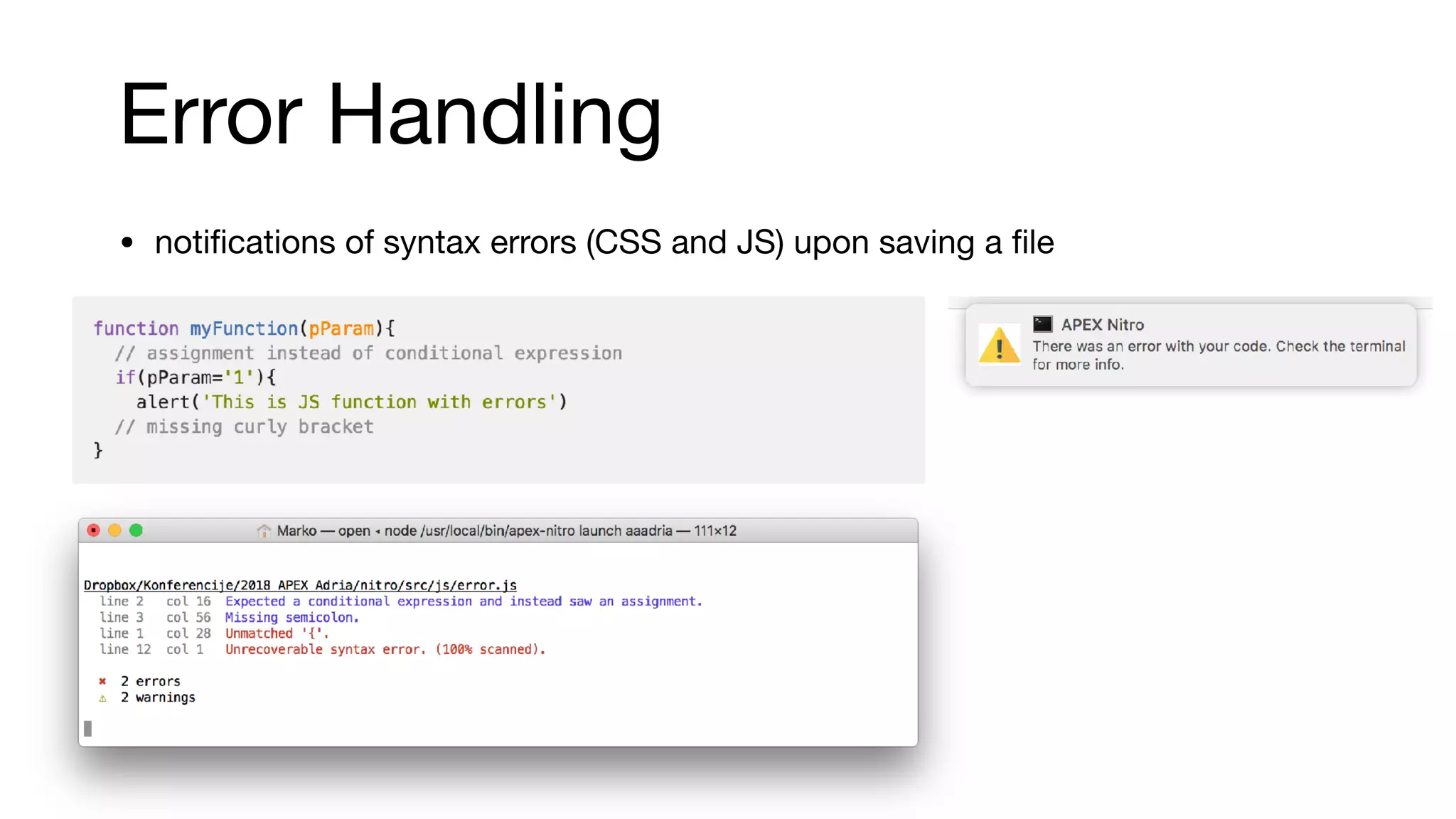
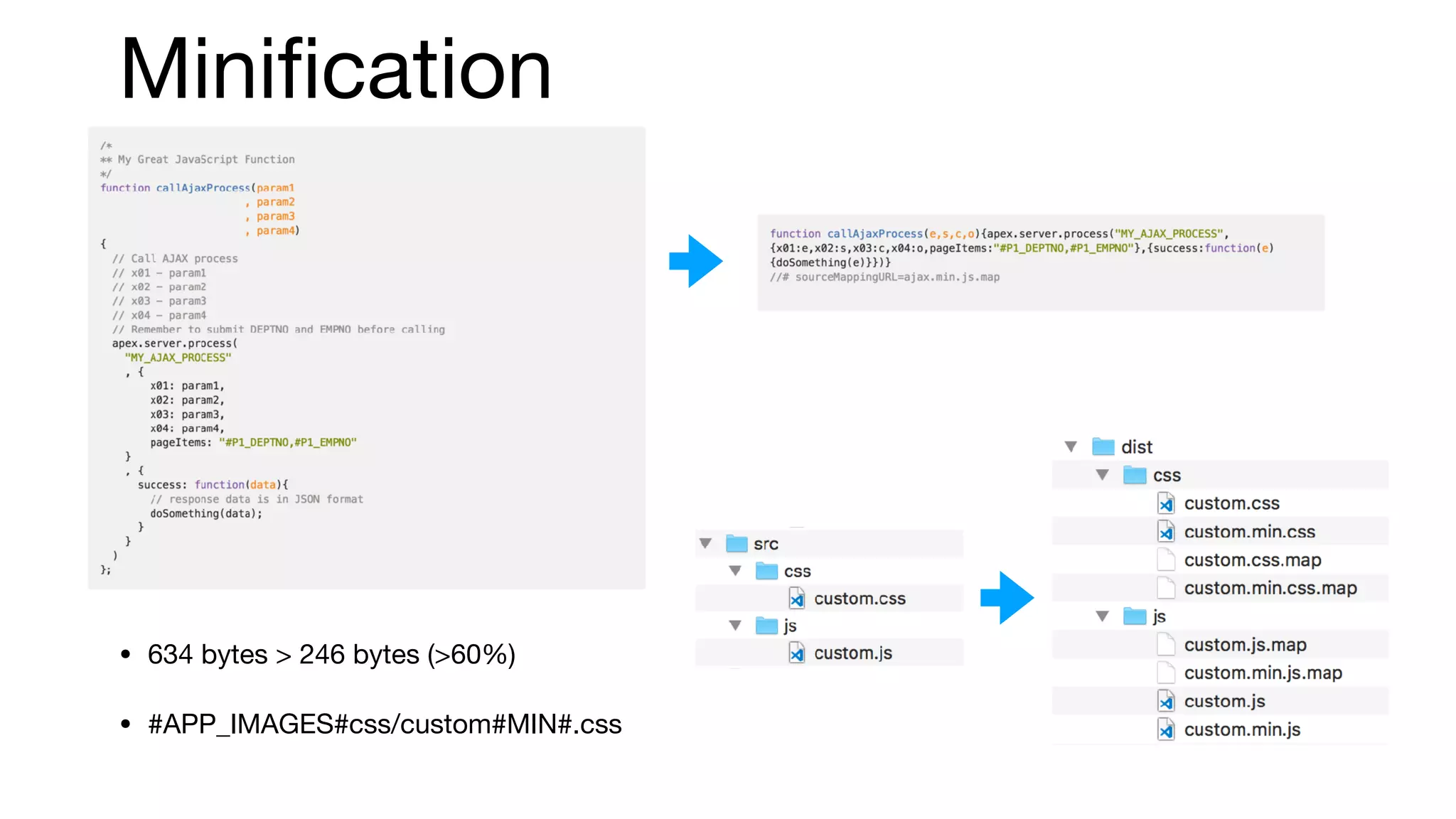
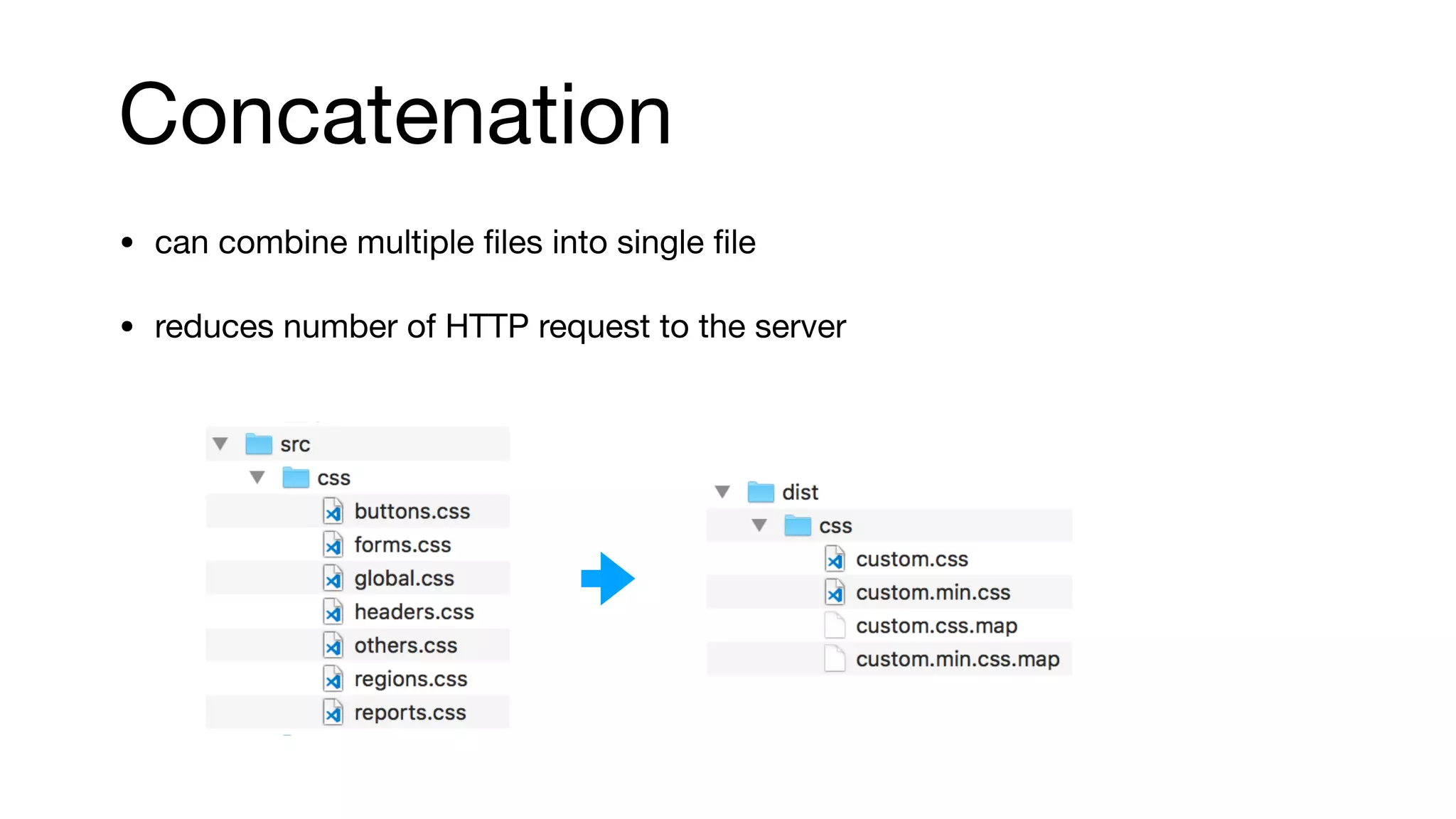
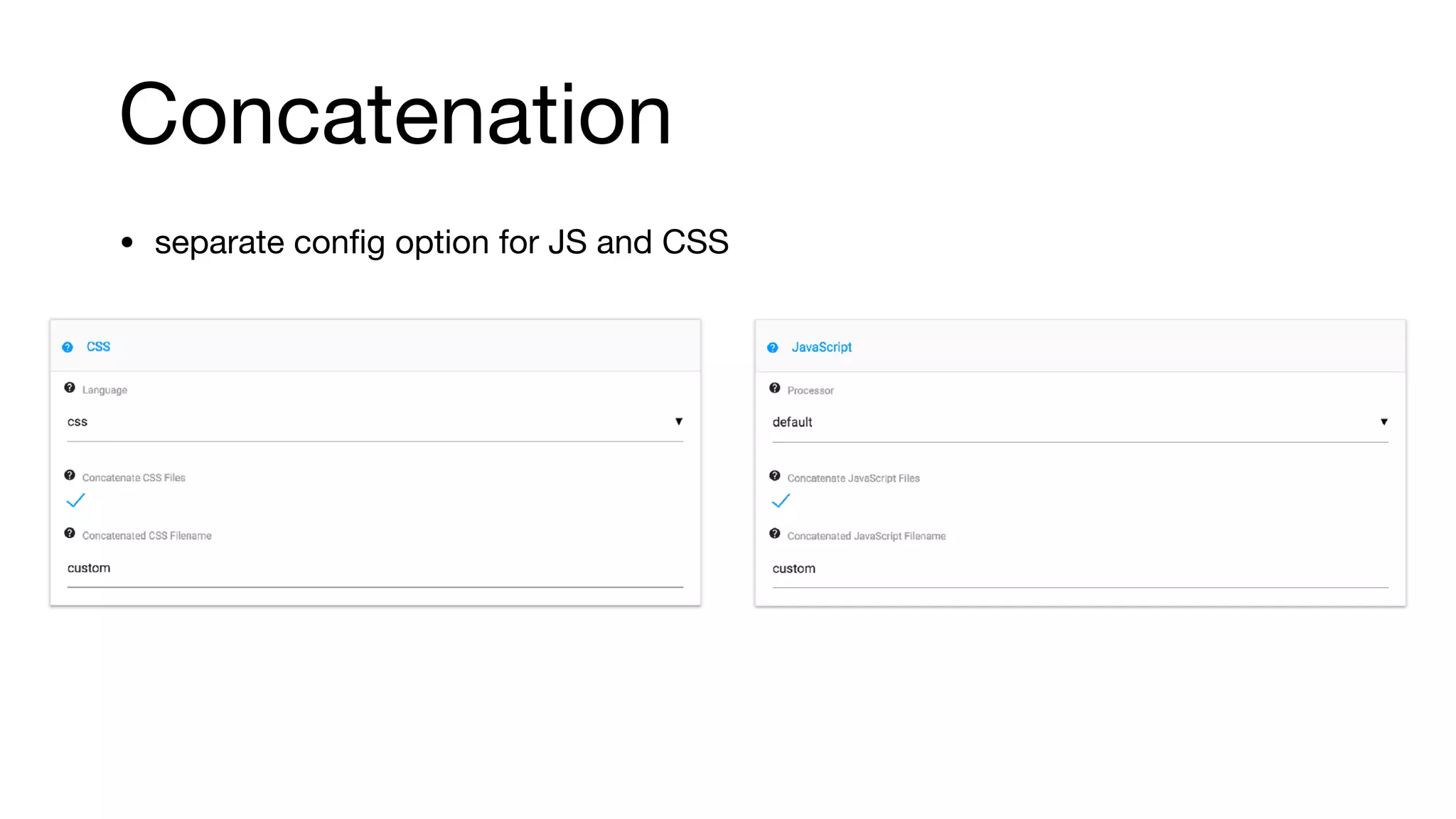
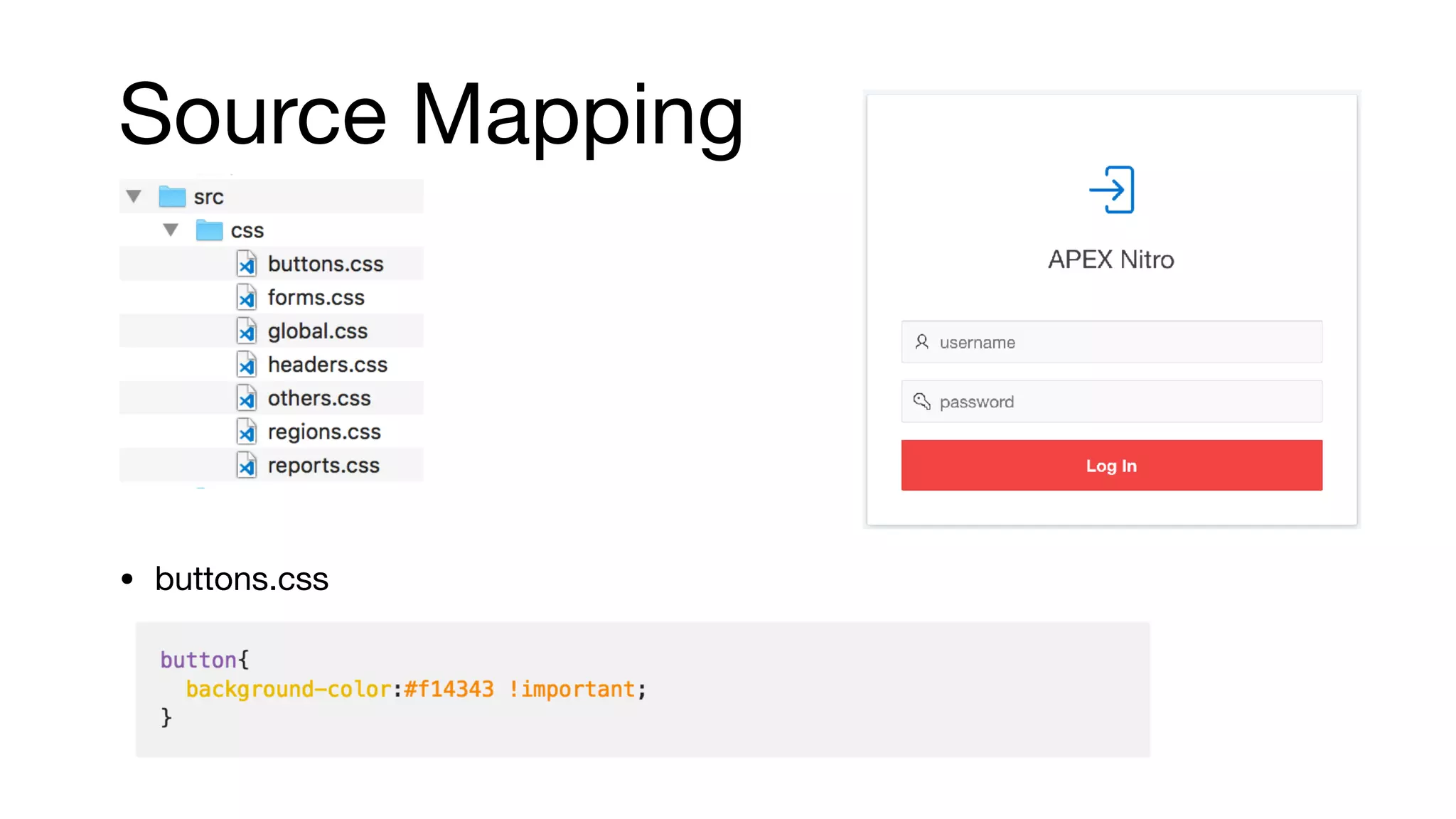
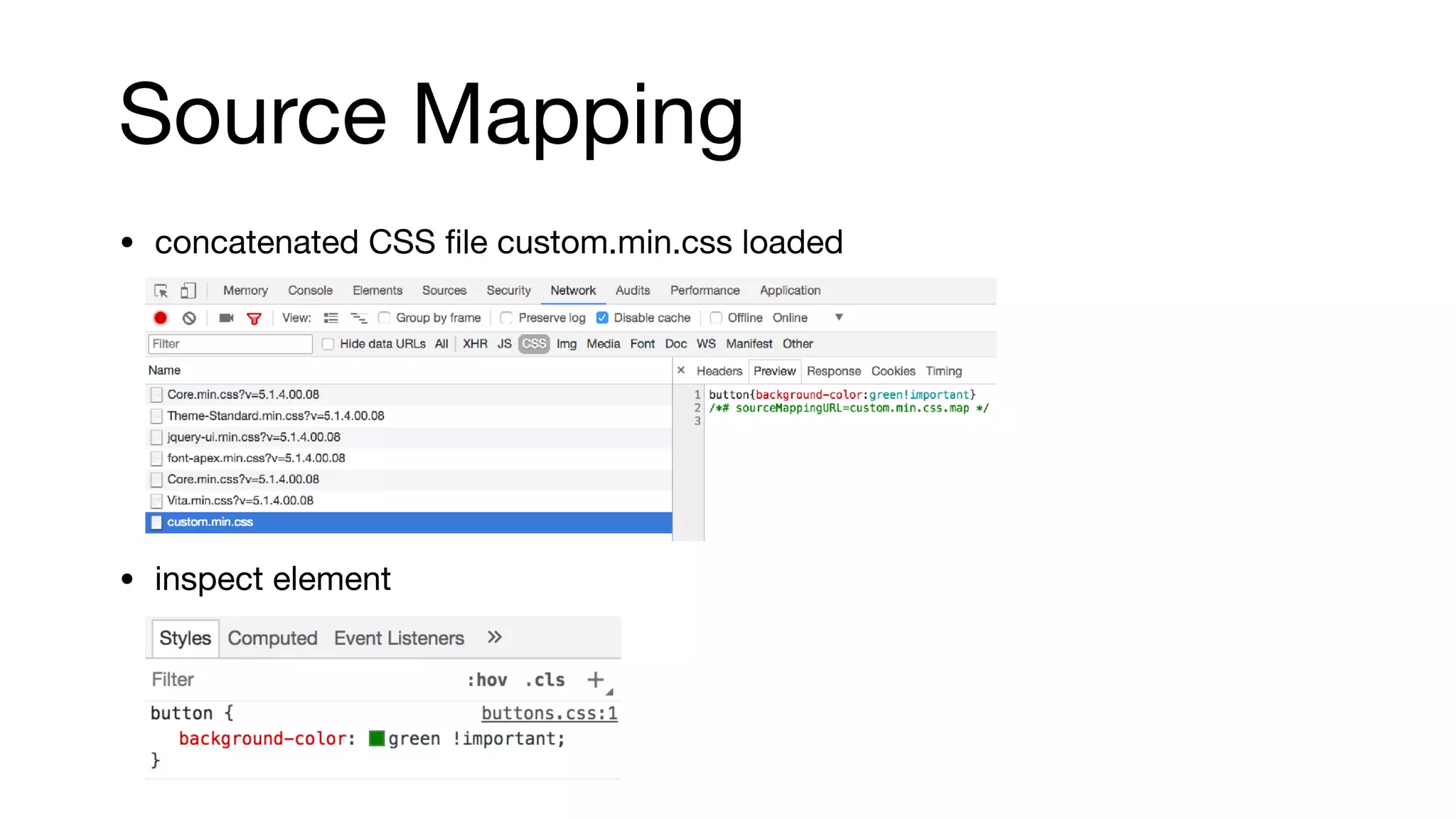
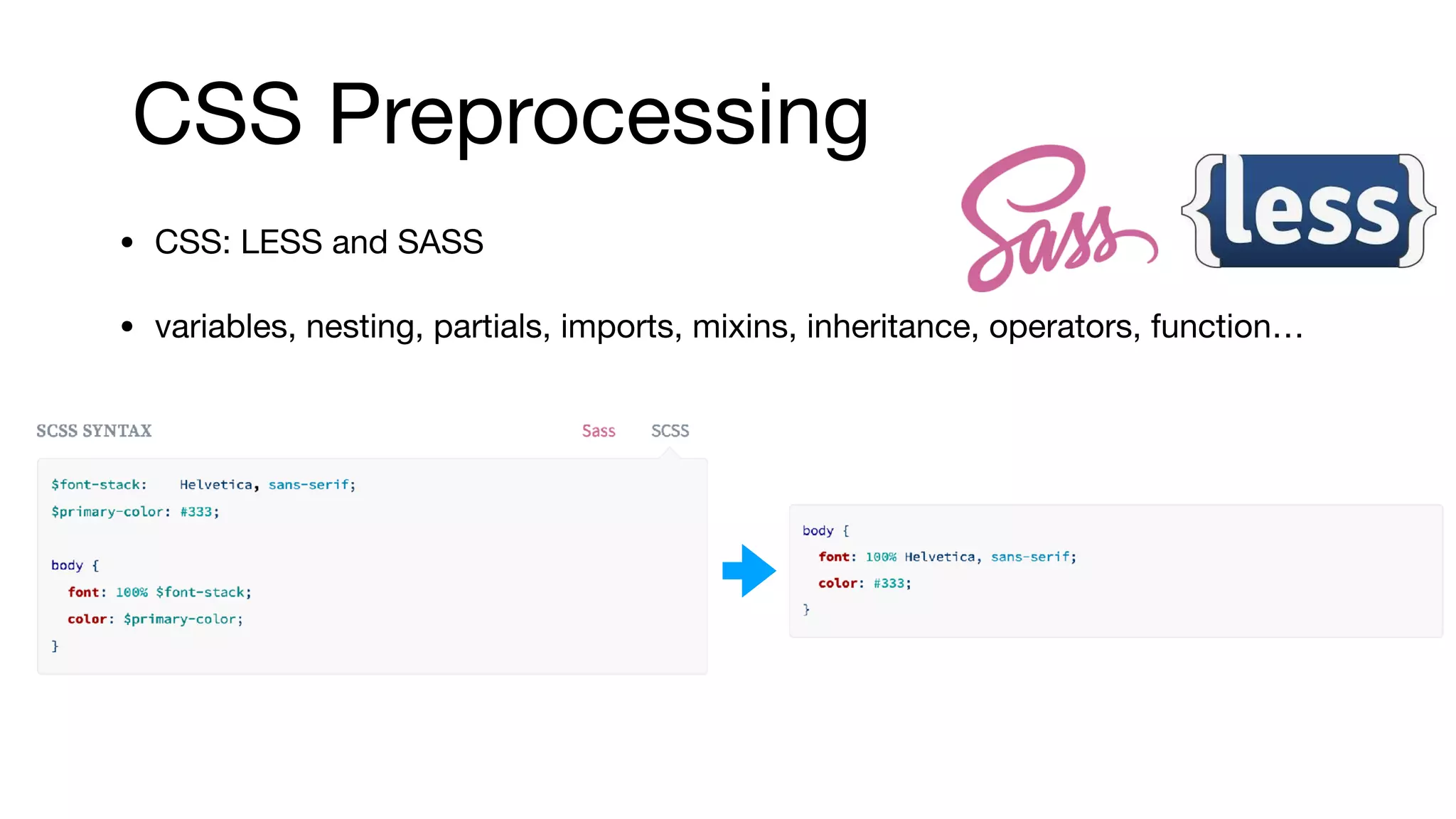
This document discusses using APEX Nitro to improve the APEX development process. APEX Nitro allows developers to write CSS and JavaScript locally and have changes automatically synced to their APEX application. It provides features like error handling, minification, concatenation, and preprocessing to boost performance and maintainability. The document reviews how to install, configure, and use APEX Nitro to enhance the front-end development experience.
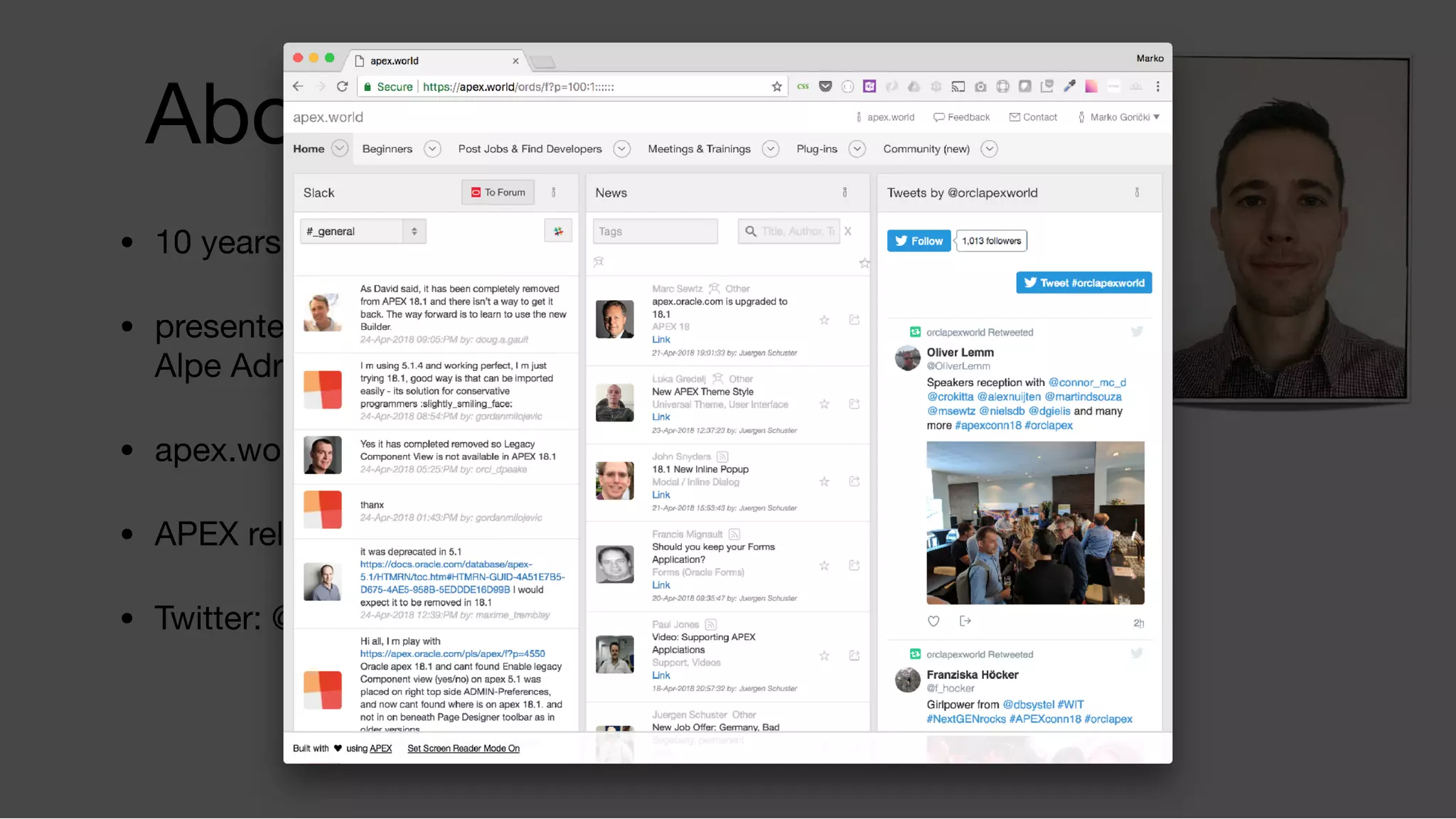
An introduction to Marko Gorički, a seasoned APEX professional with 10 years of experience. His involvement in key APEX conferences and contributions to the APEX community are highlighted.
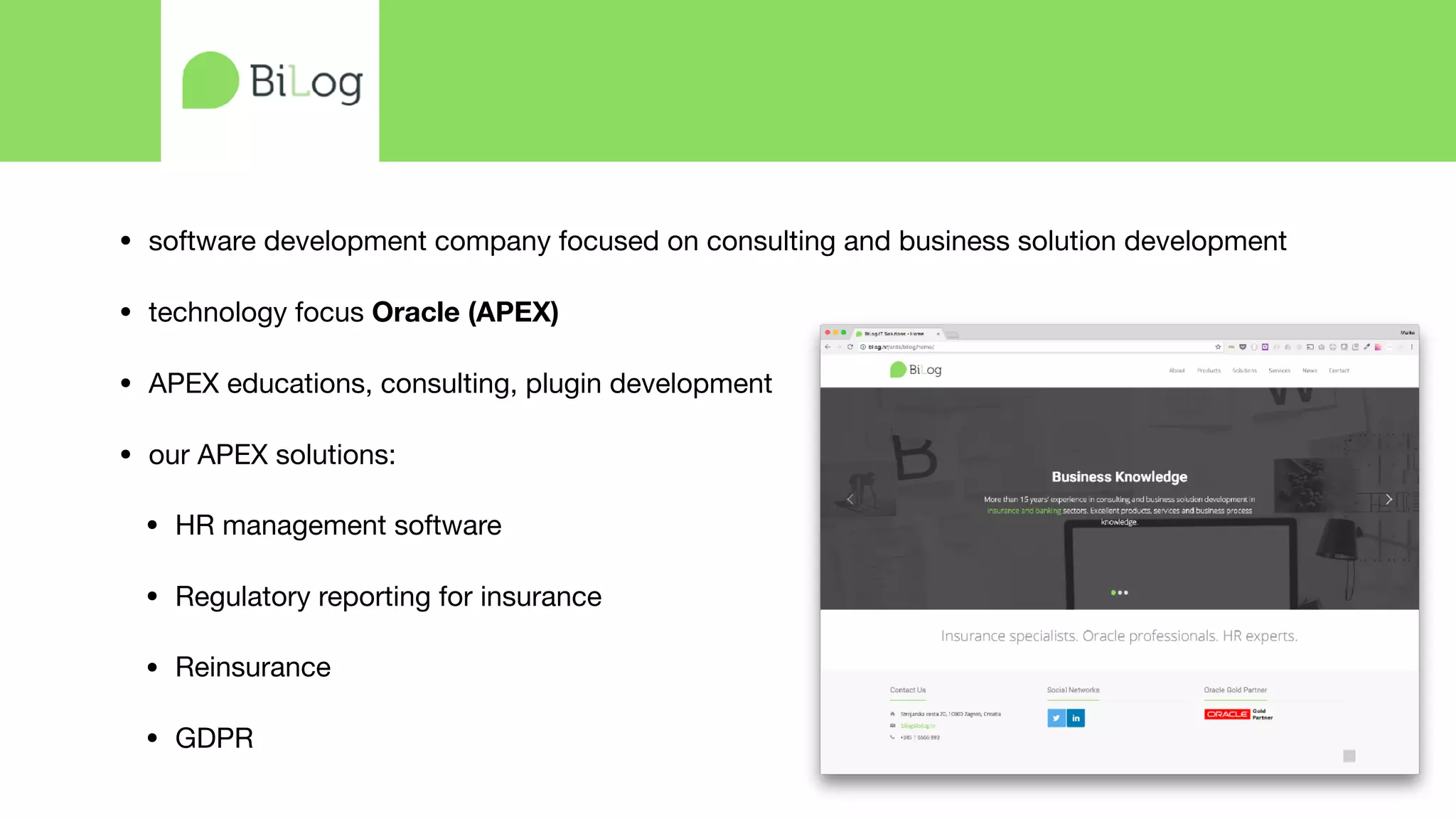
Discussion of a consulting company's focus on Oracle APEX with solutions including HR management software and regulatory reporting.
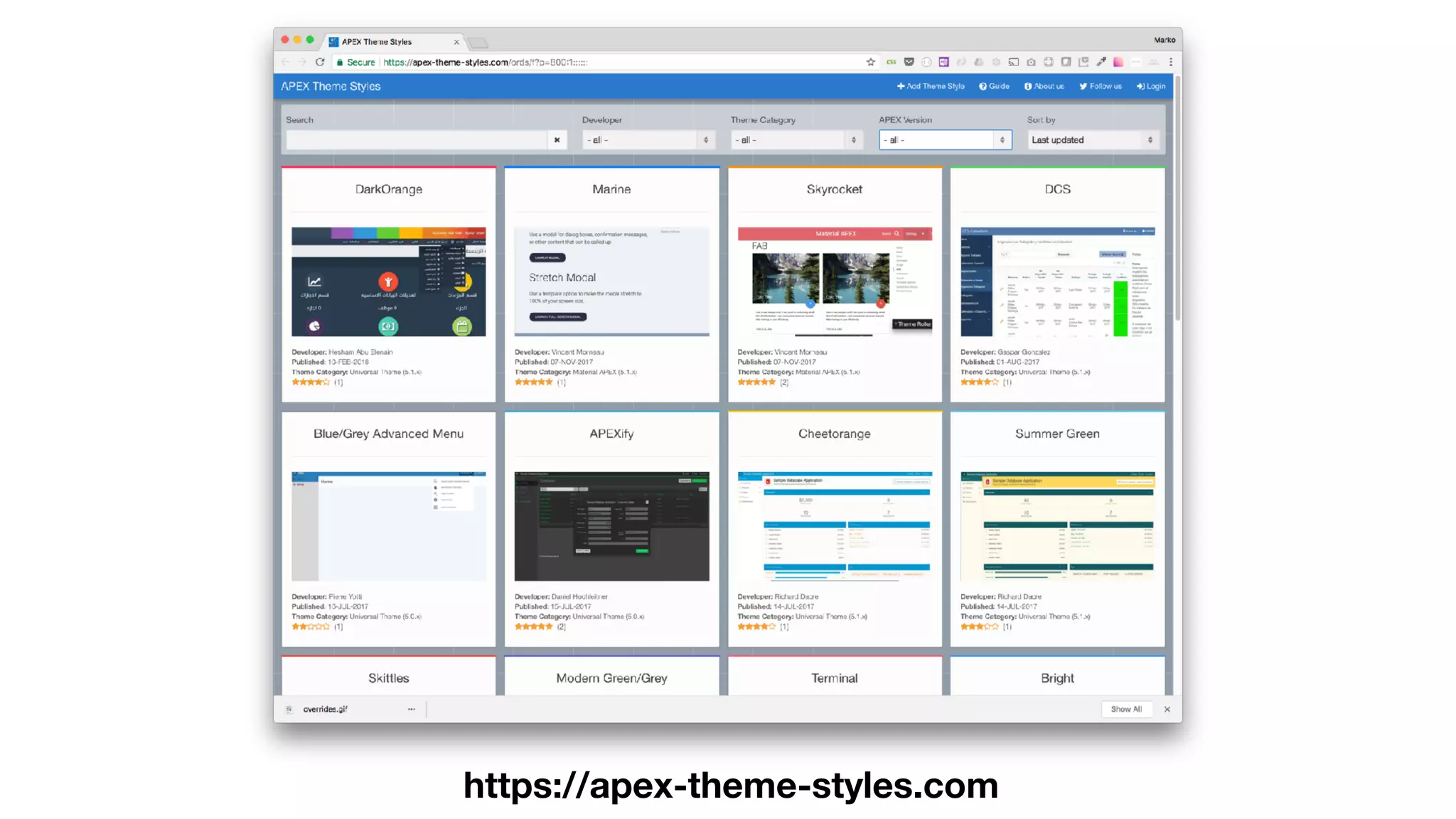
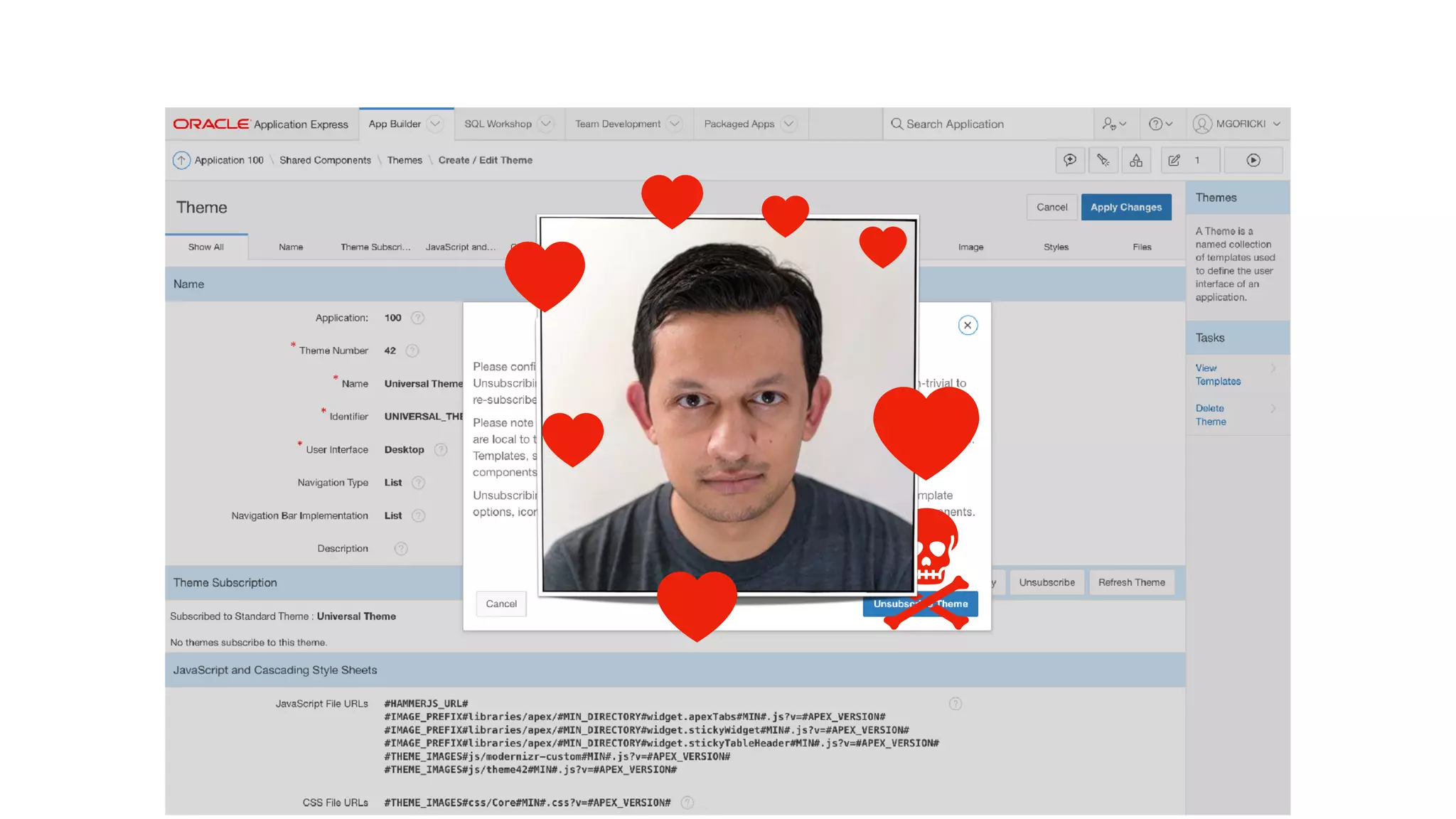
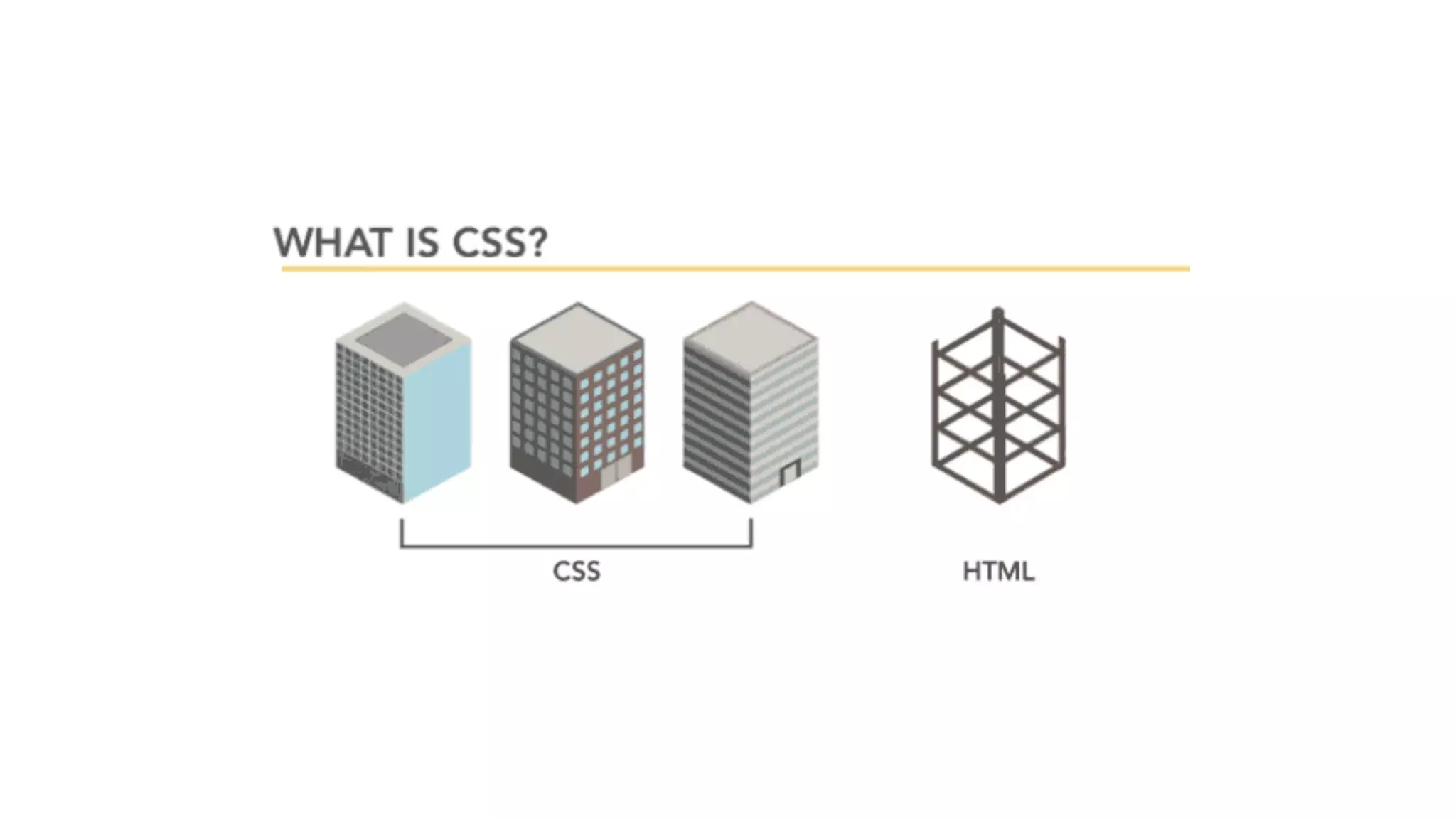
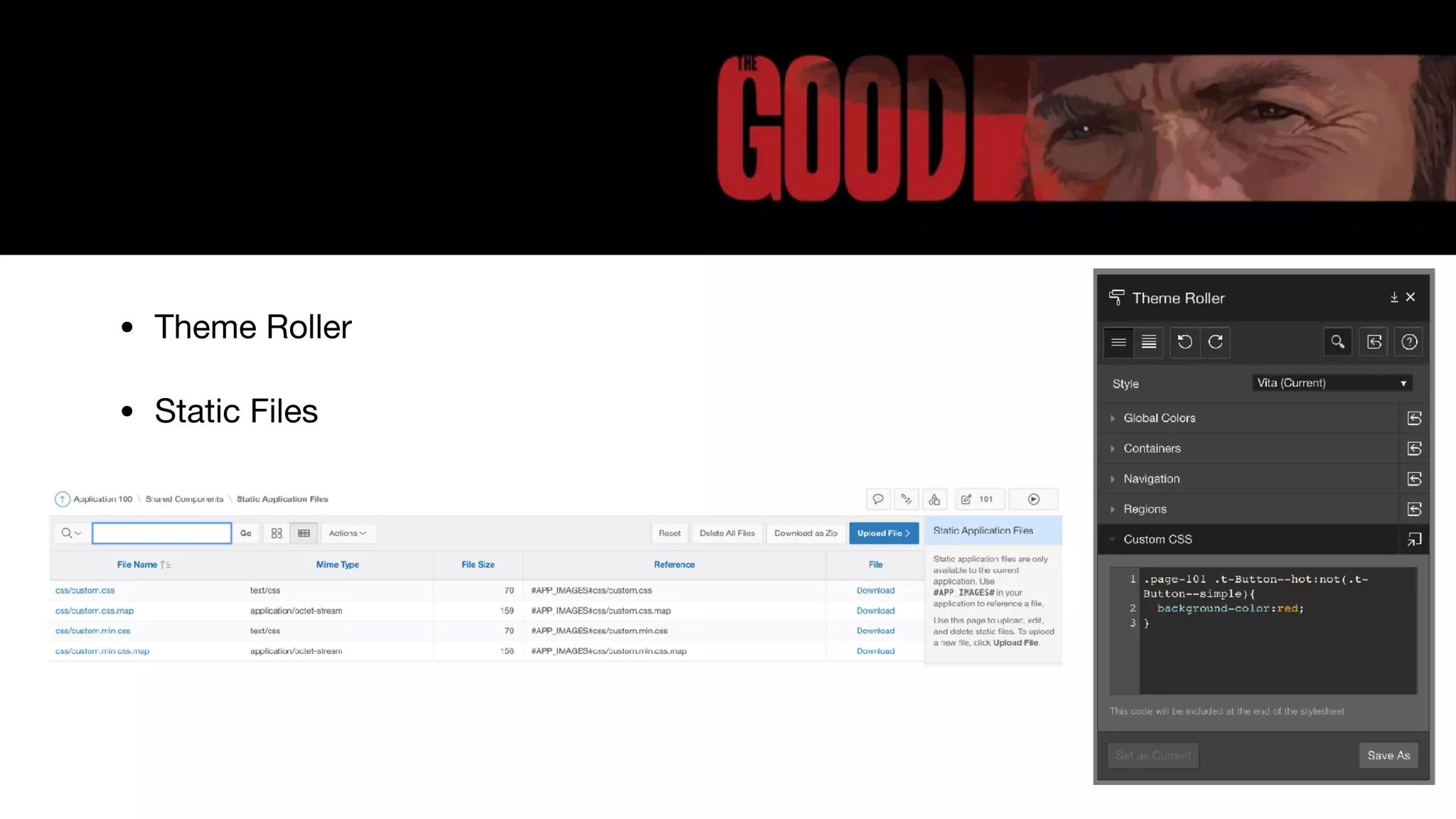
The agenda outlines CSS usage in APEX, emphasizing best practices like using Universal Theme and Theme Roller over custom CSS.
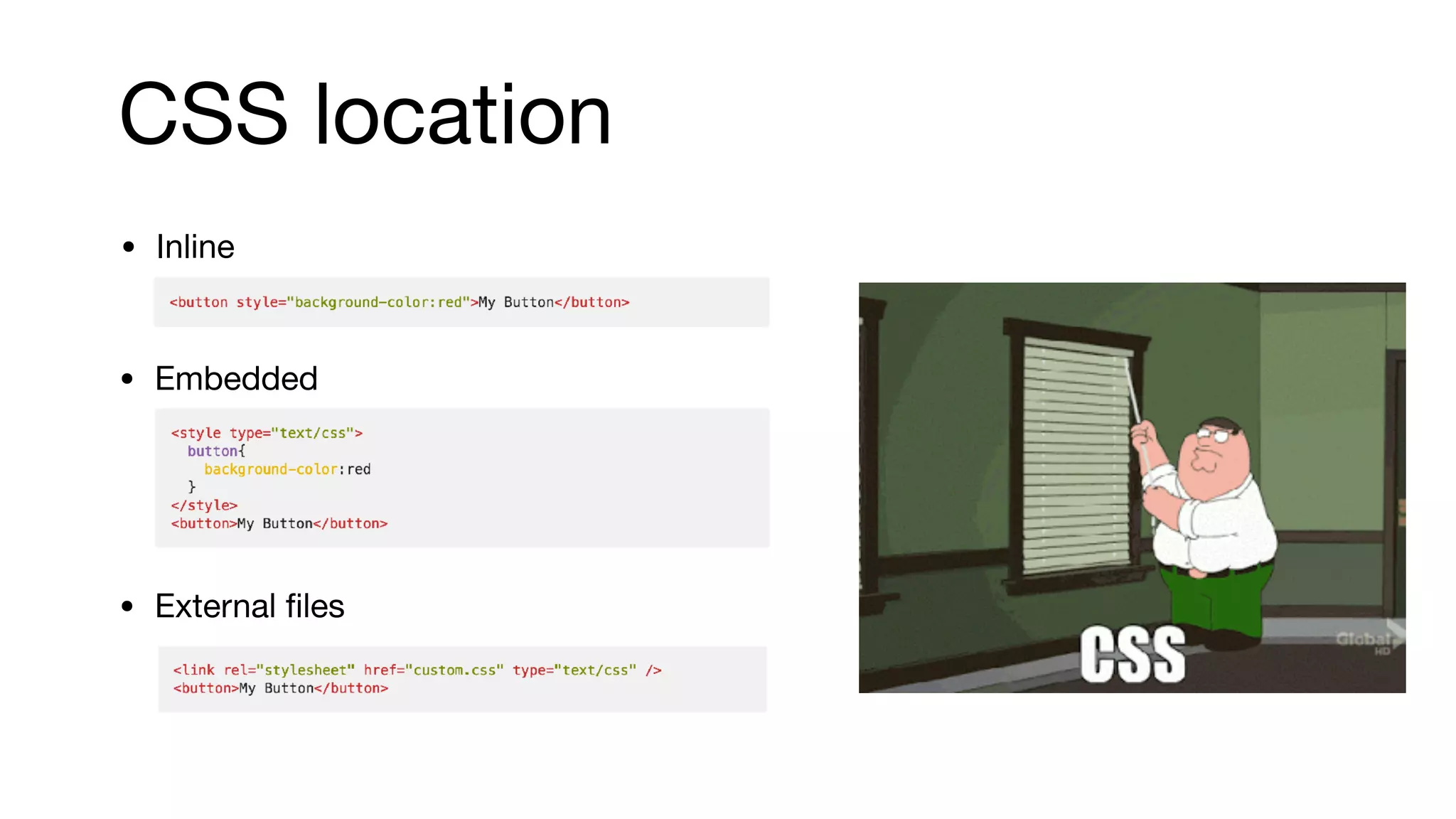
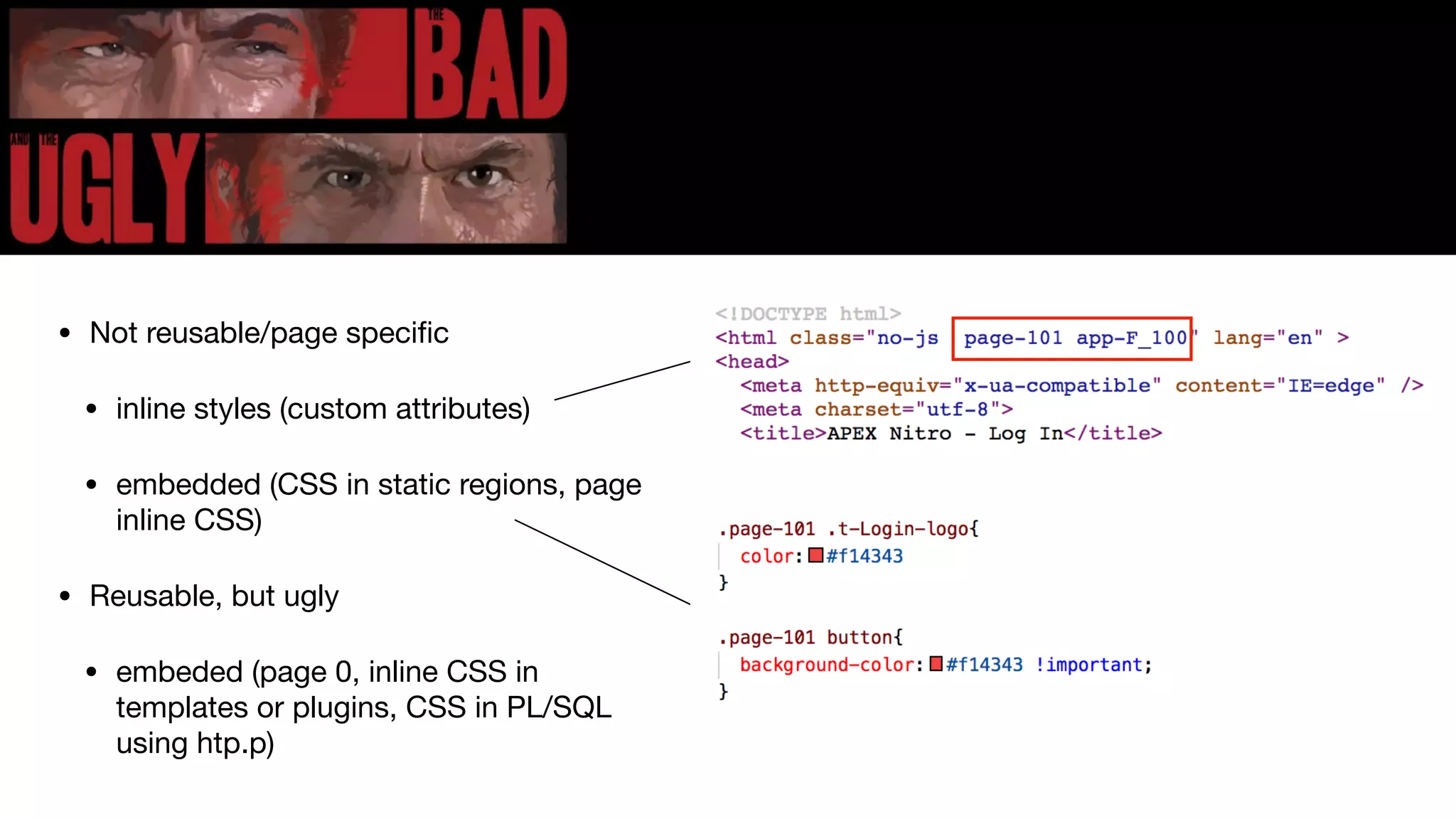
Strategies for managing CSS in APEX, including embedded options, inline styles, and static files, with a focus on maintaining usability and aesthetics.
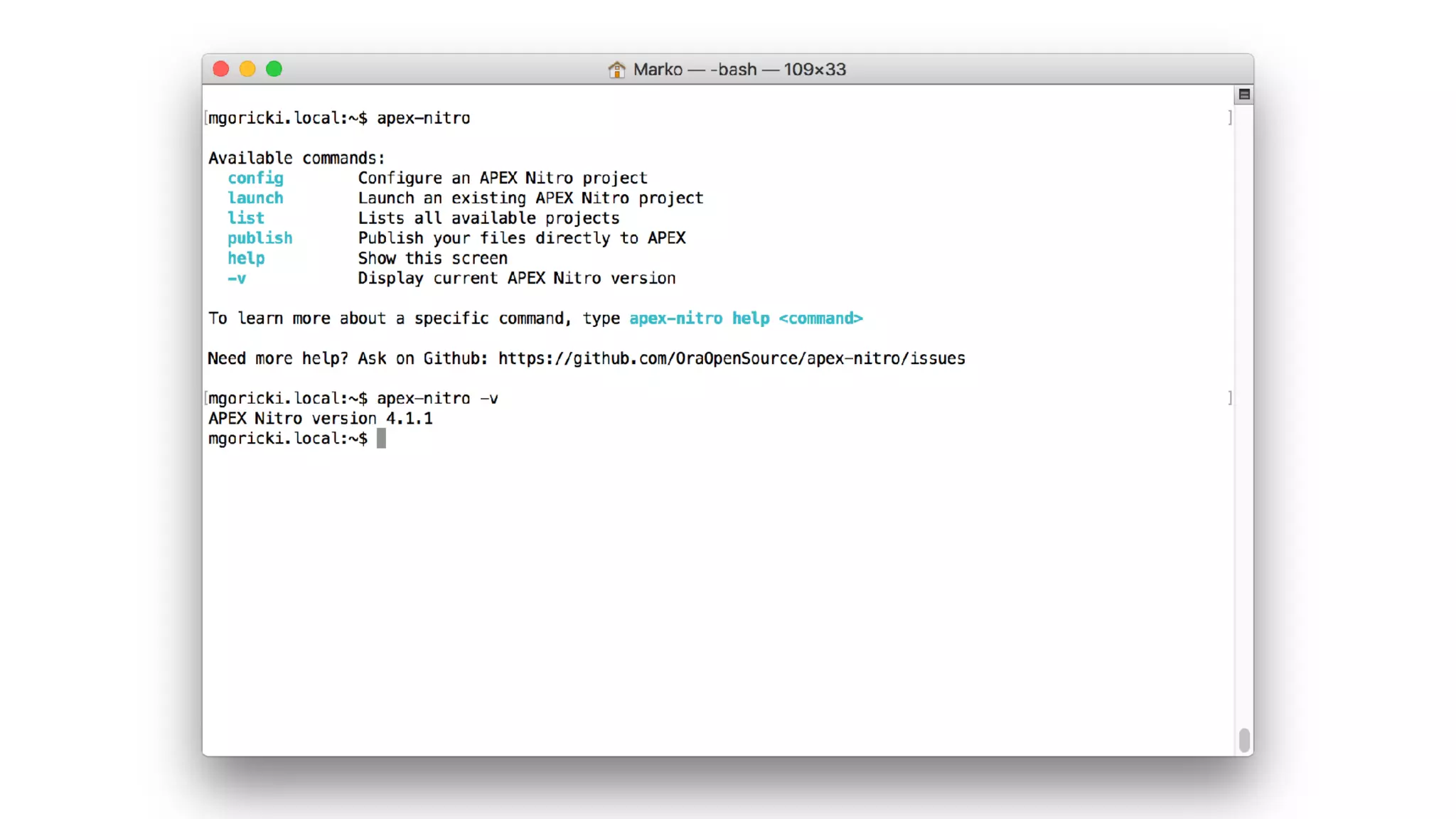
Introduction to APEX Nitro, explaining how it works and providing an overview of its installation and project configuration.
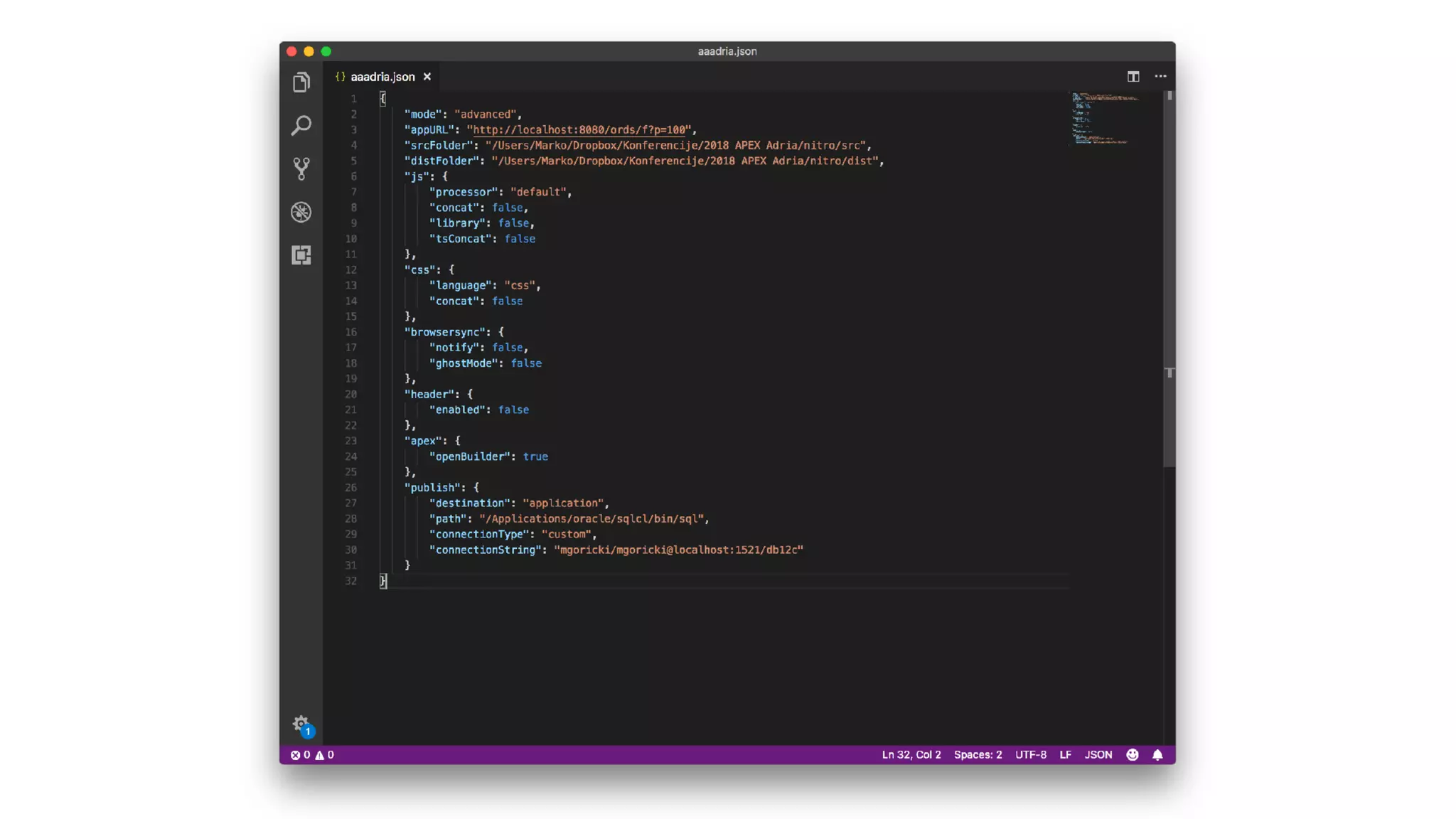
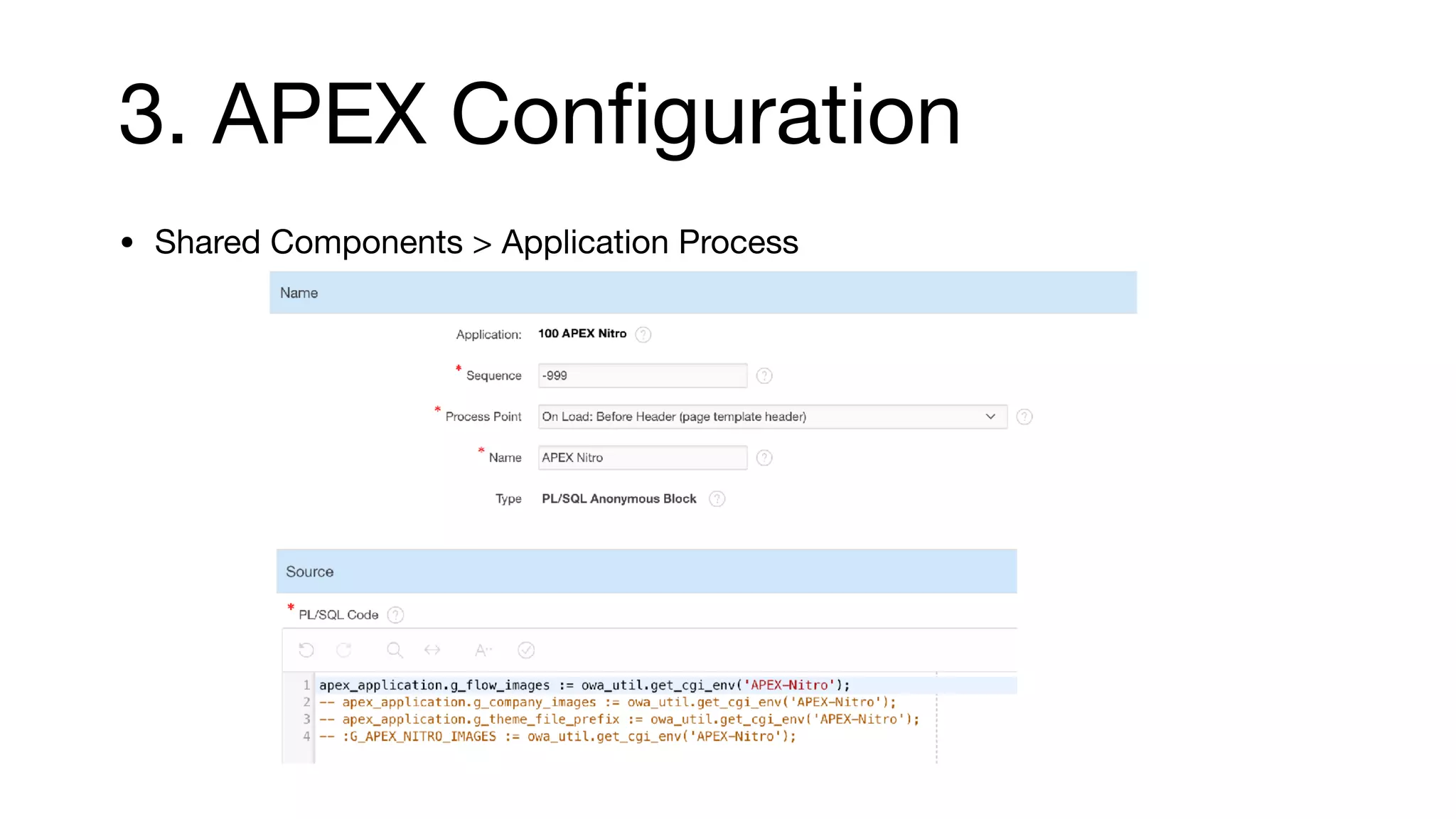
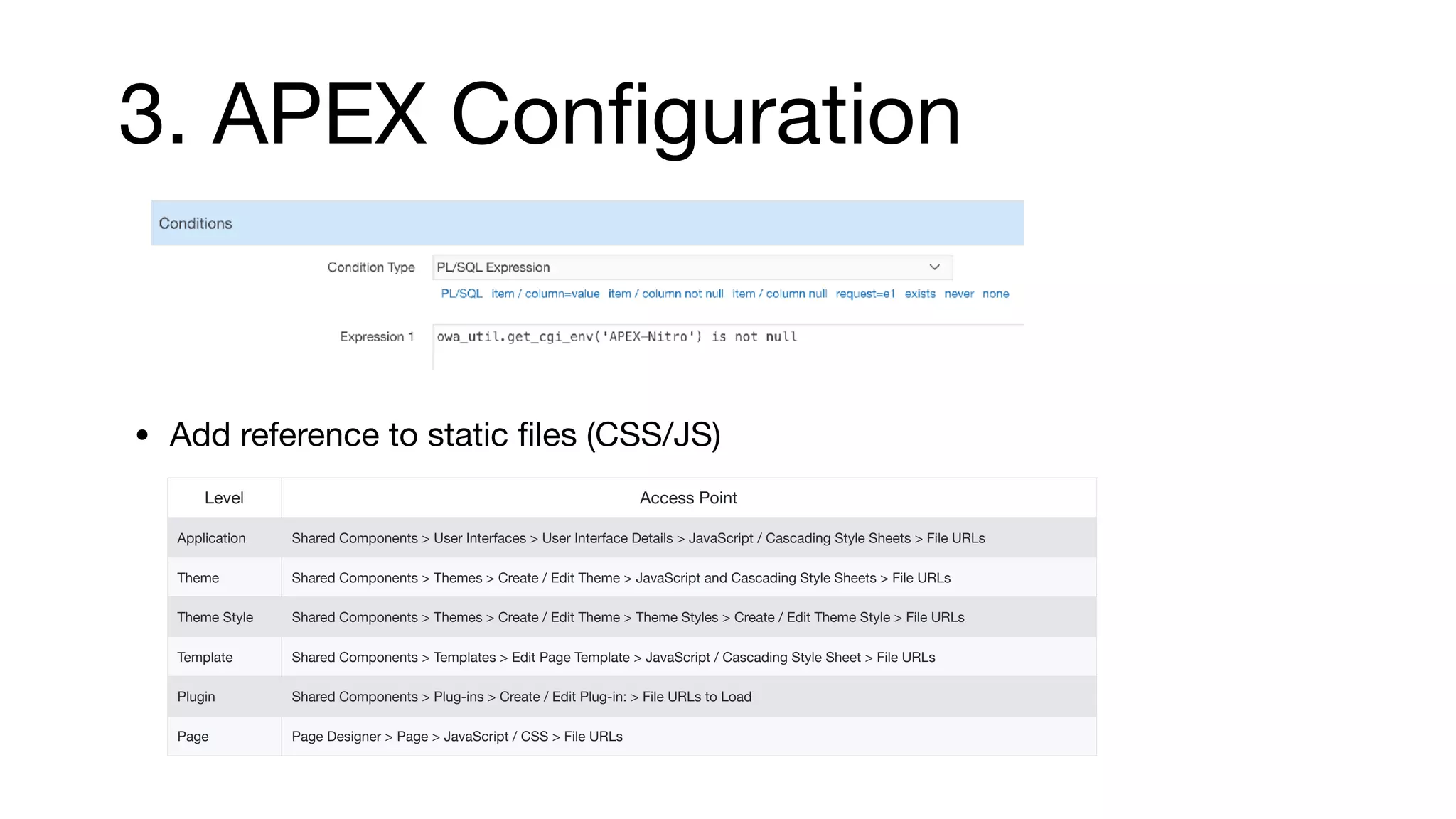
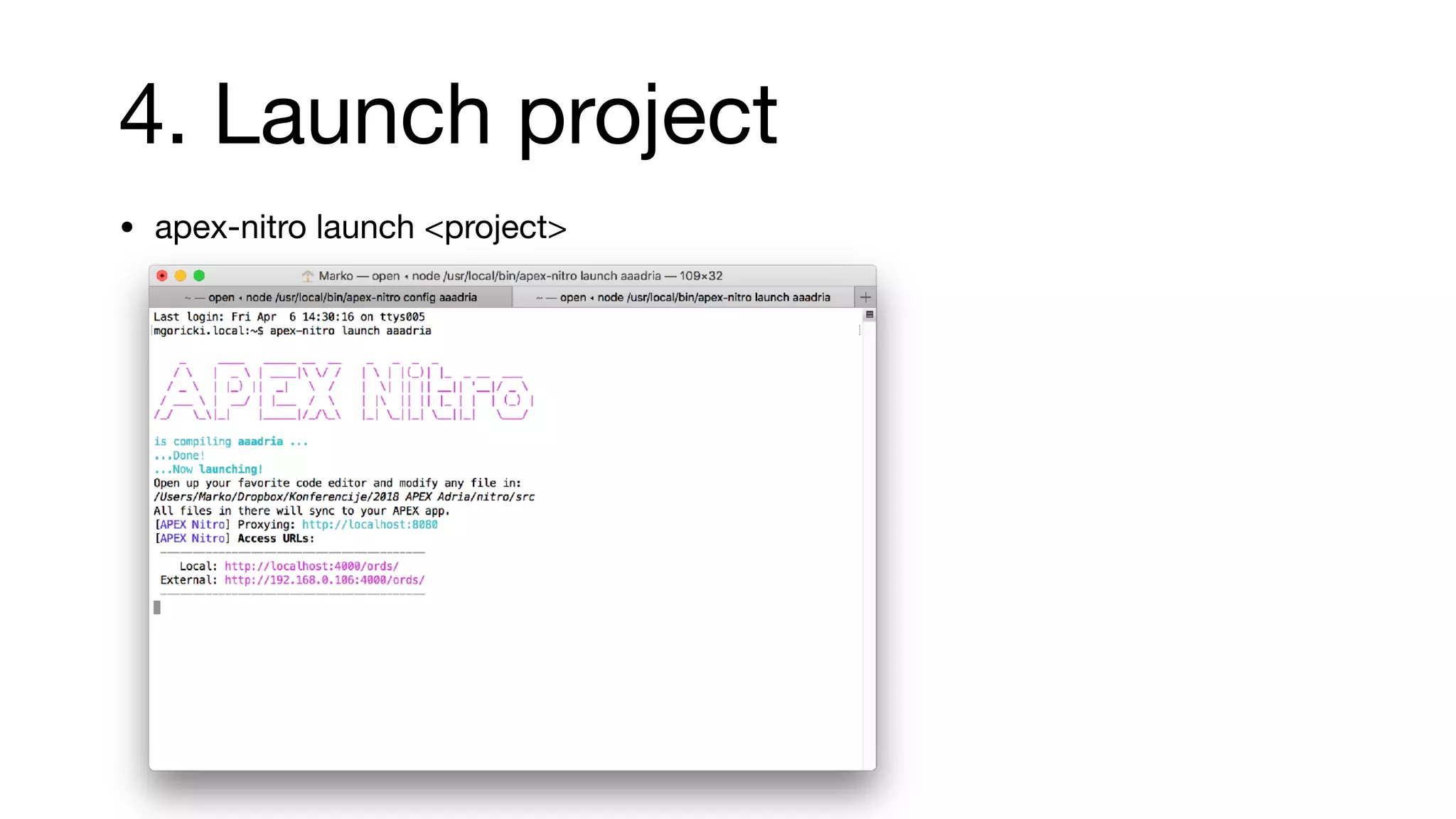
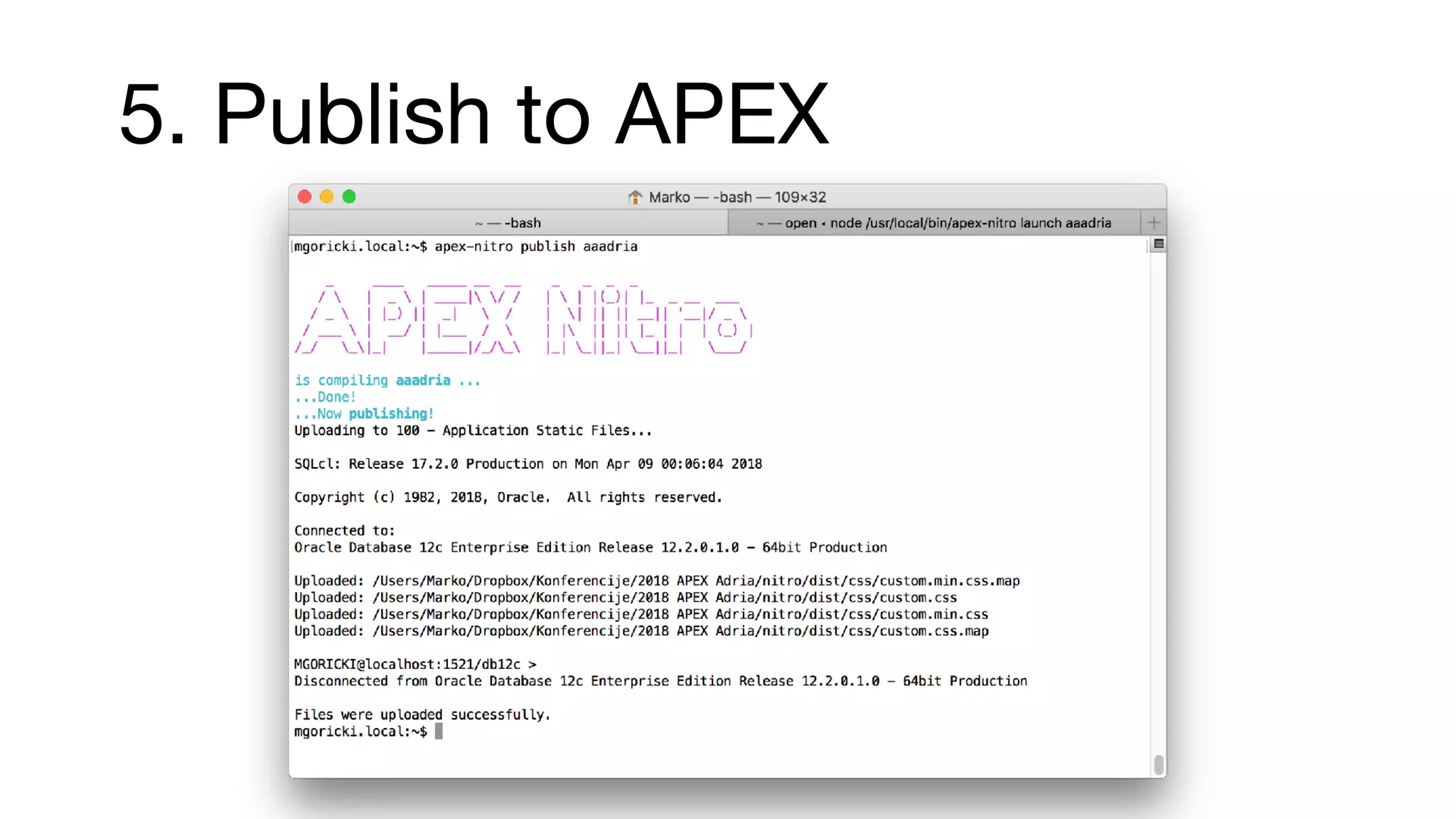
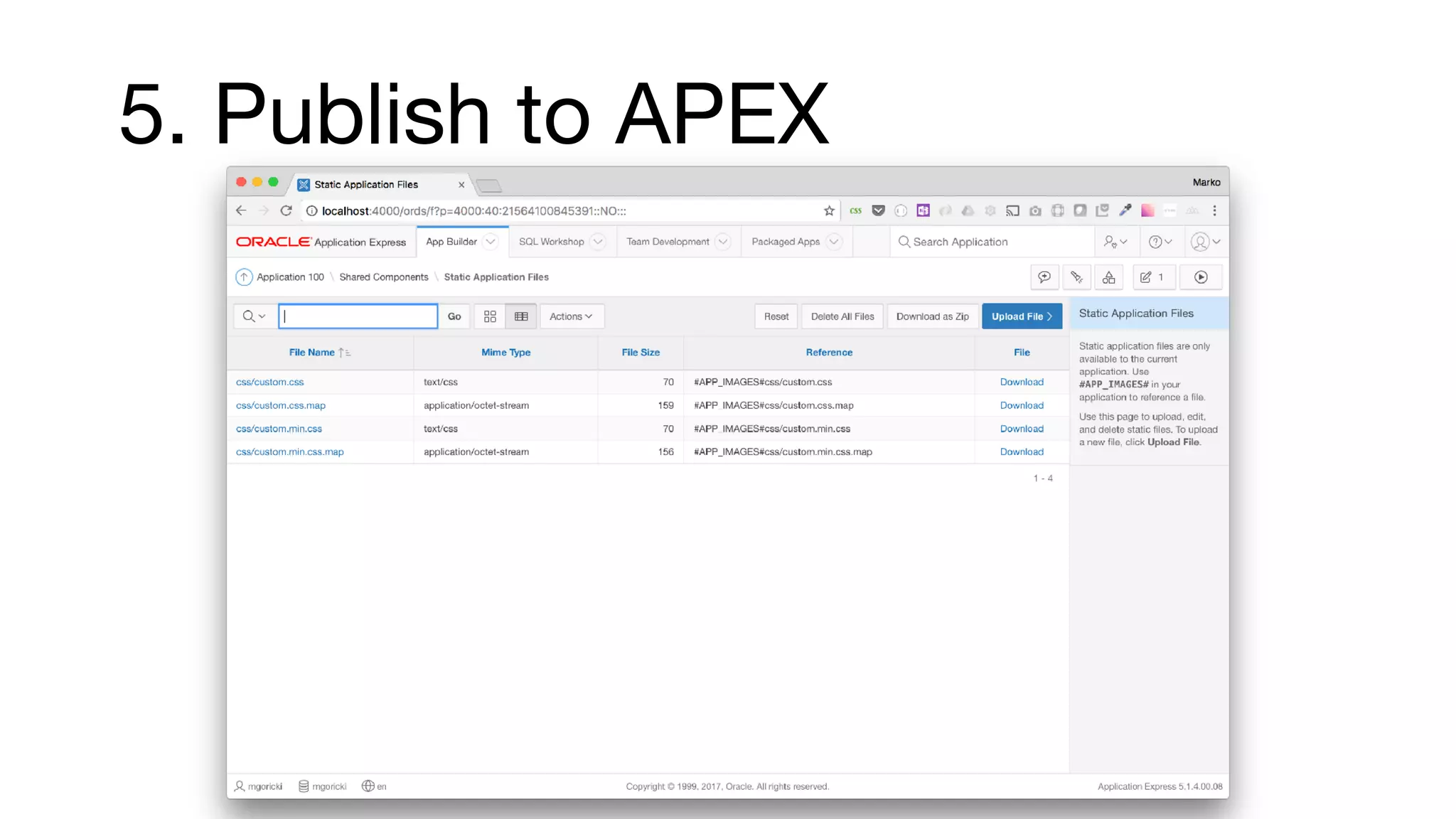
Steps for configuring APEX Nitro, including installation prerequisites, project setup, and methodical publishing to APEX.
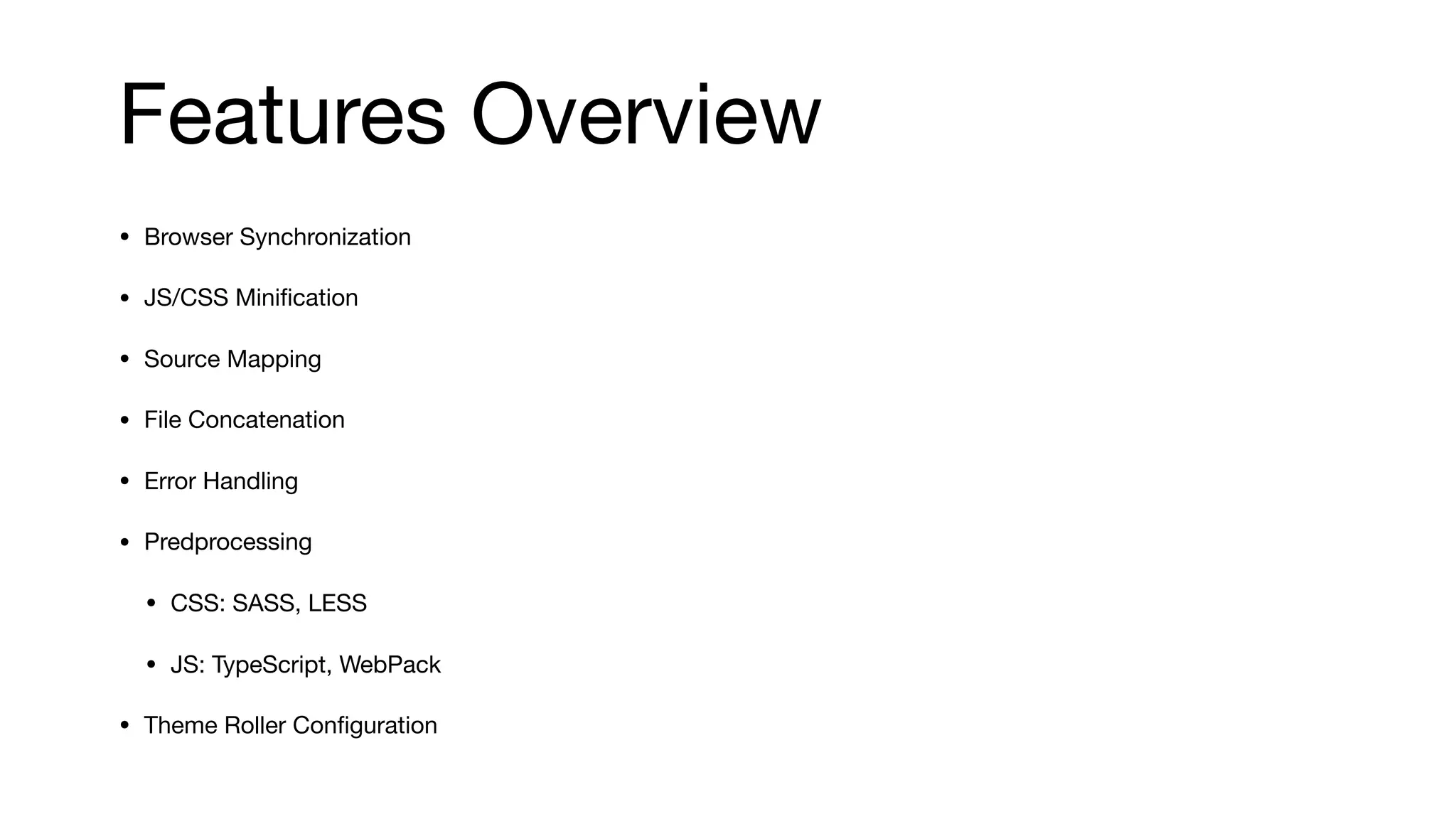
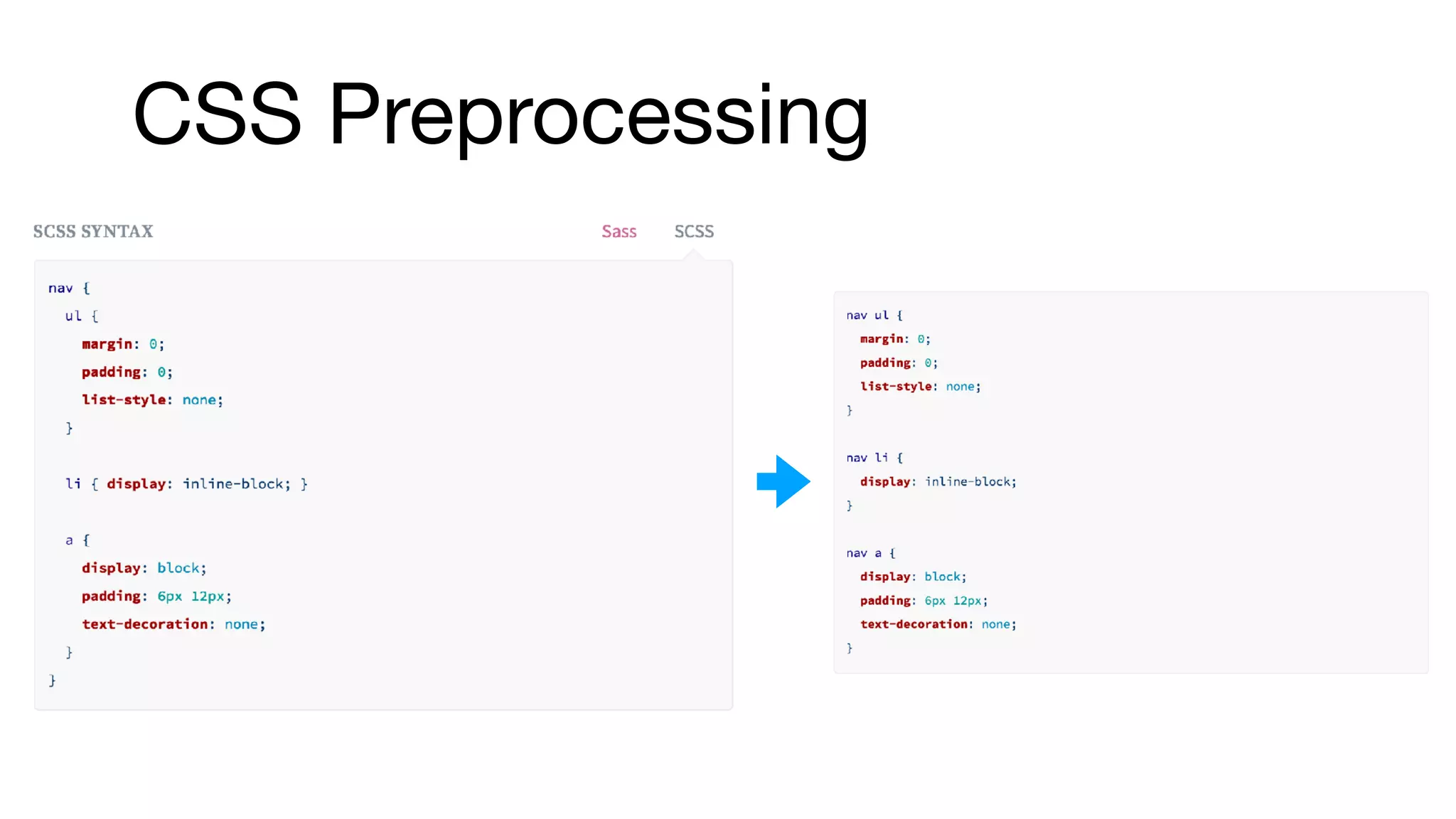
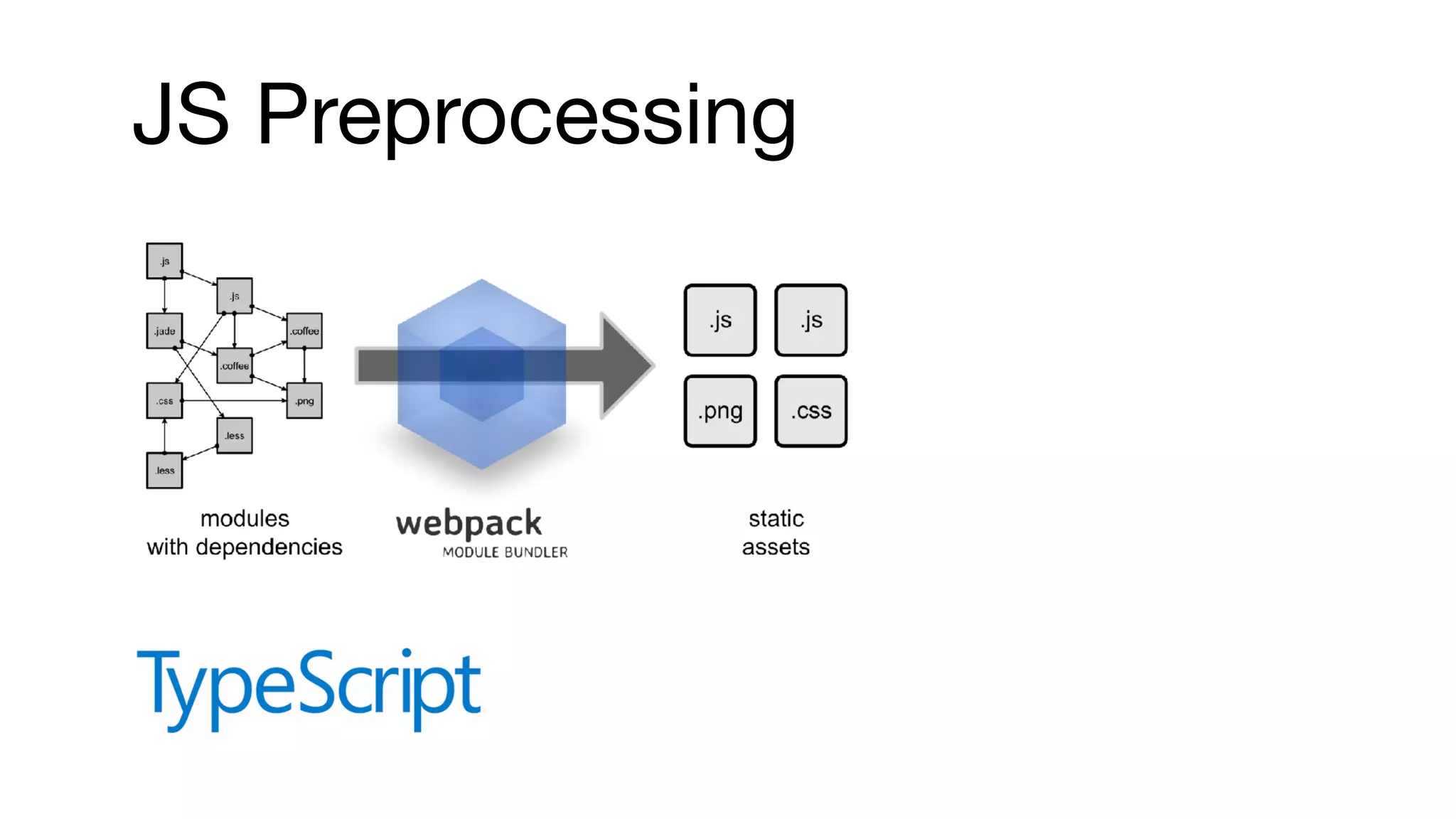
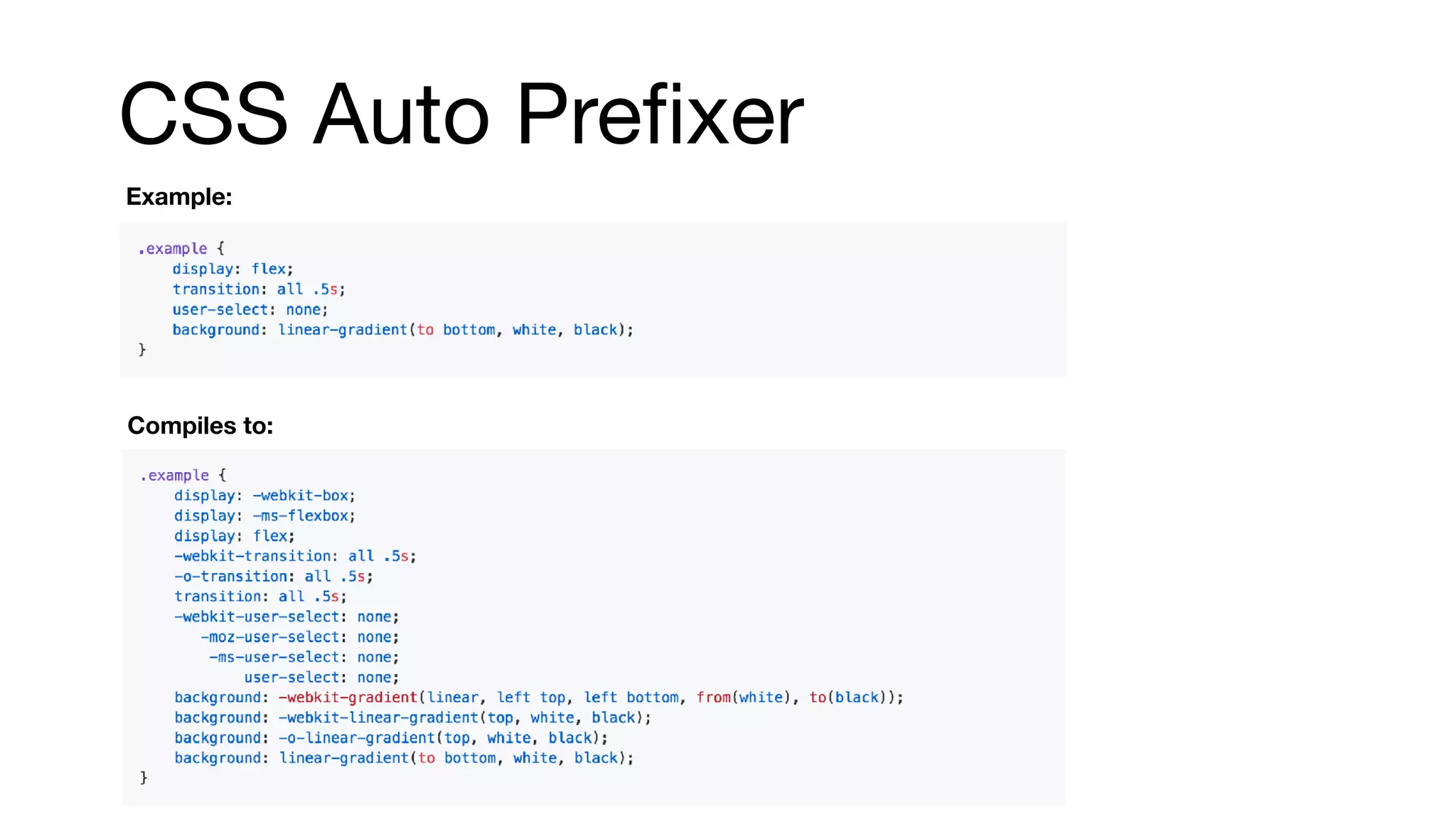
Key features of APEX Nitro include browser synchronization, minification, error handling, CSS preprocessing, and enhancements for responsive development.
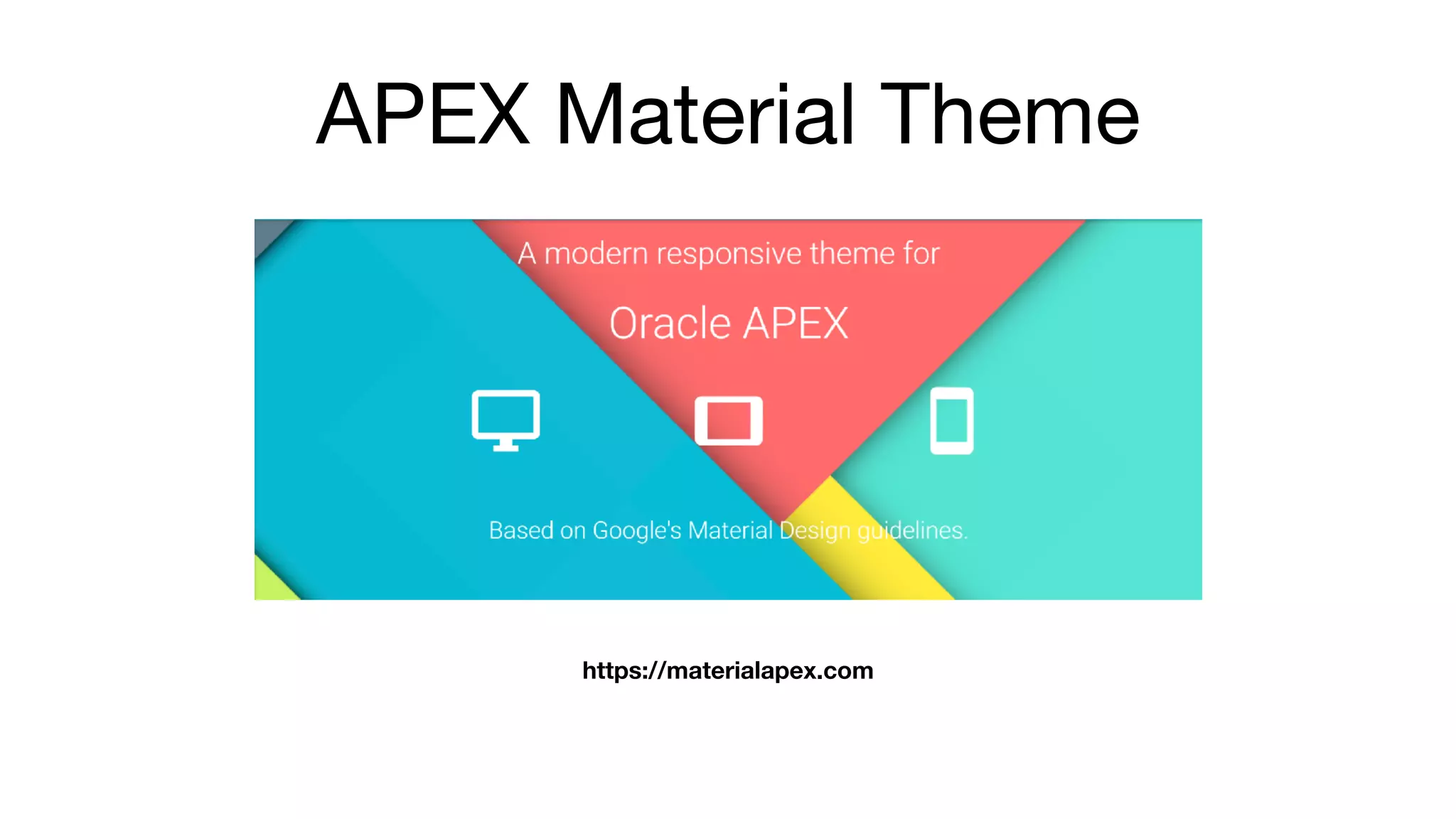
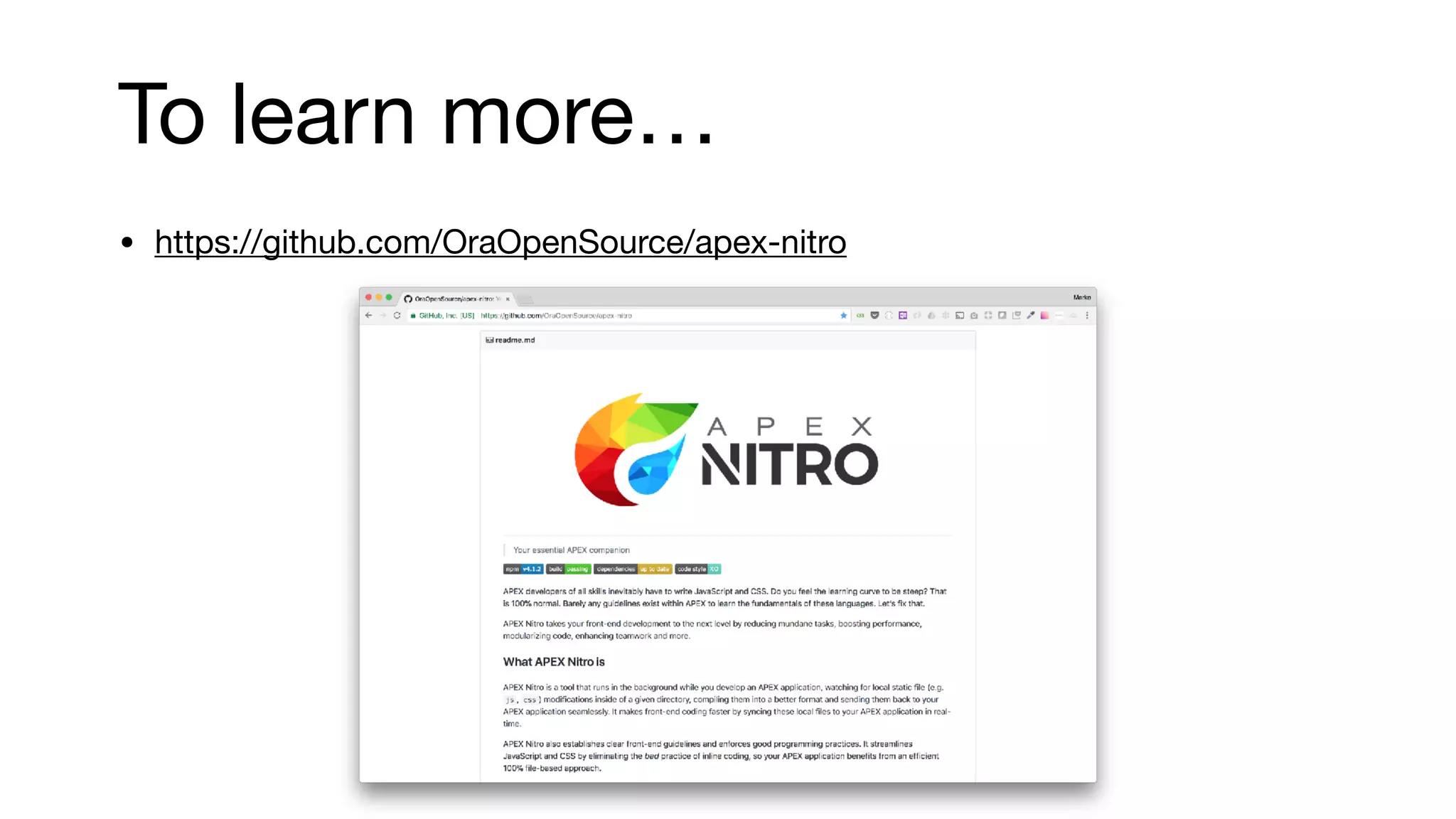
Conclusion of the presentation, sharing a link to APEX Material Theme, and directing to resources for further learning.
About Me
• 10years of experience with APEX
• presenter at HROUG, SIOUG, APEX World, KSCOPE, APEX
Alpe Adria, APEX Connect
• apex.world Member of the year 2017
• APEX related blog apexbyg.blogspot.com
• Twitter: @mgoricki
5.
• software developmentcompany focused on consulting and business solution development
• technology focus Oracle (APEX)
• APEX educations, consulting, plugin development
• our APEX solutions:
• HR management software
• Regulatory reporting for insurance
• Reinsurance
• GDPR
6.
Agenda
• How touse CSS in APEX
• APEX Nitro Magic
• Installation and Configuration
• Top Features
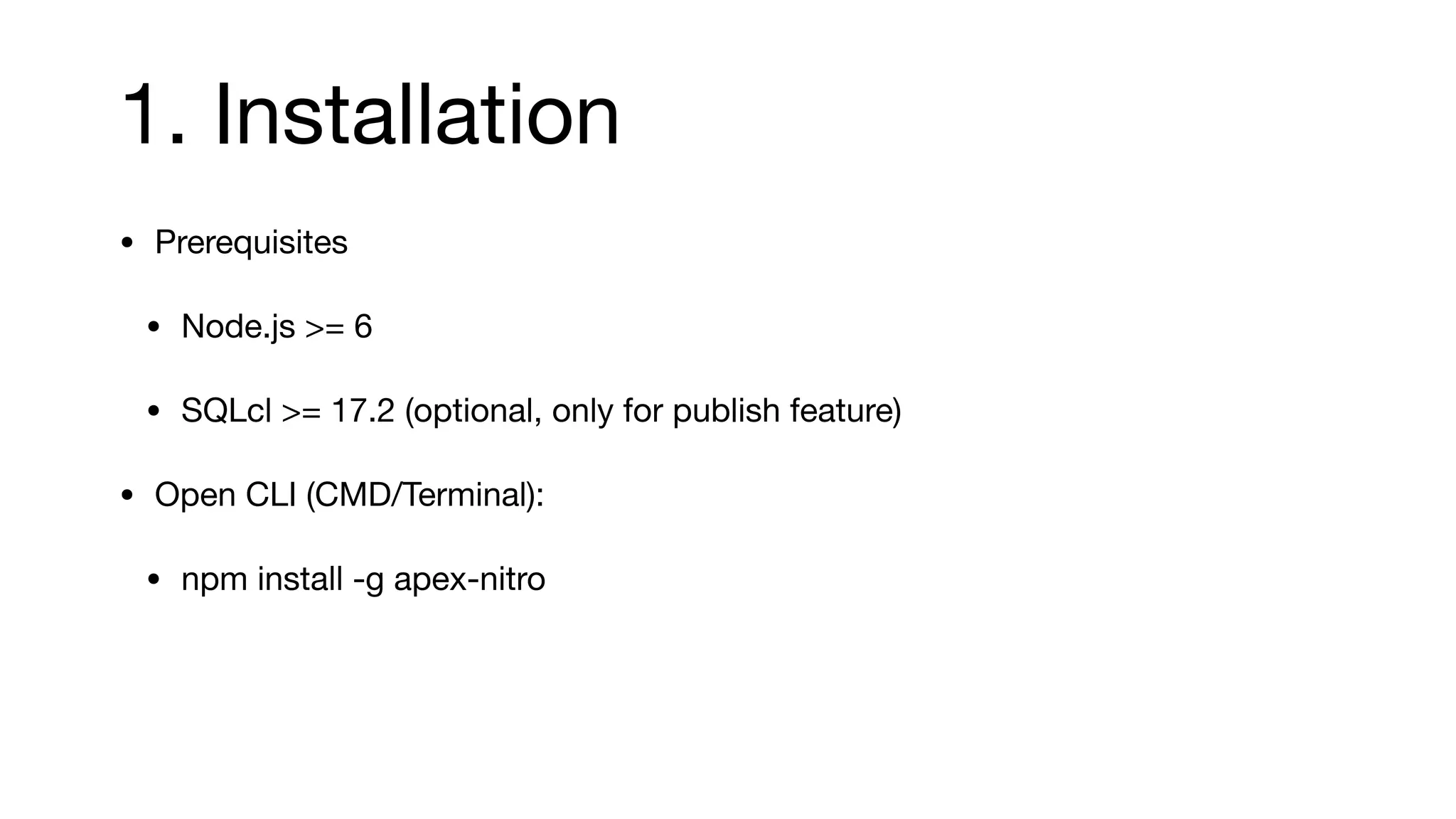
1. Installation
• Prerequisites
•Node.js >= 6
• SQLcl >= 17.2 (optional, only for publish feature)
• Open CLI (CMD/Terminal):
• npm install -g apex-nitro
27.
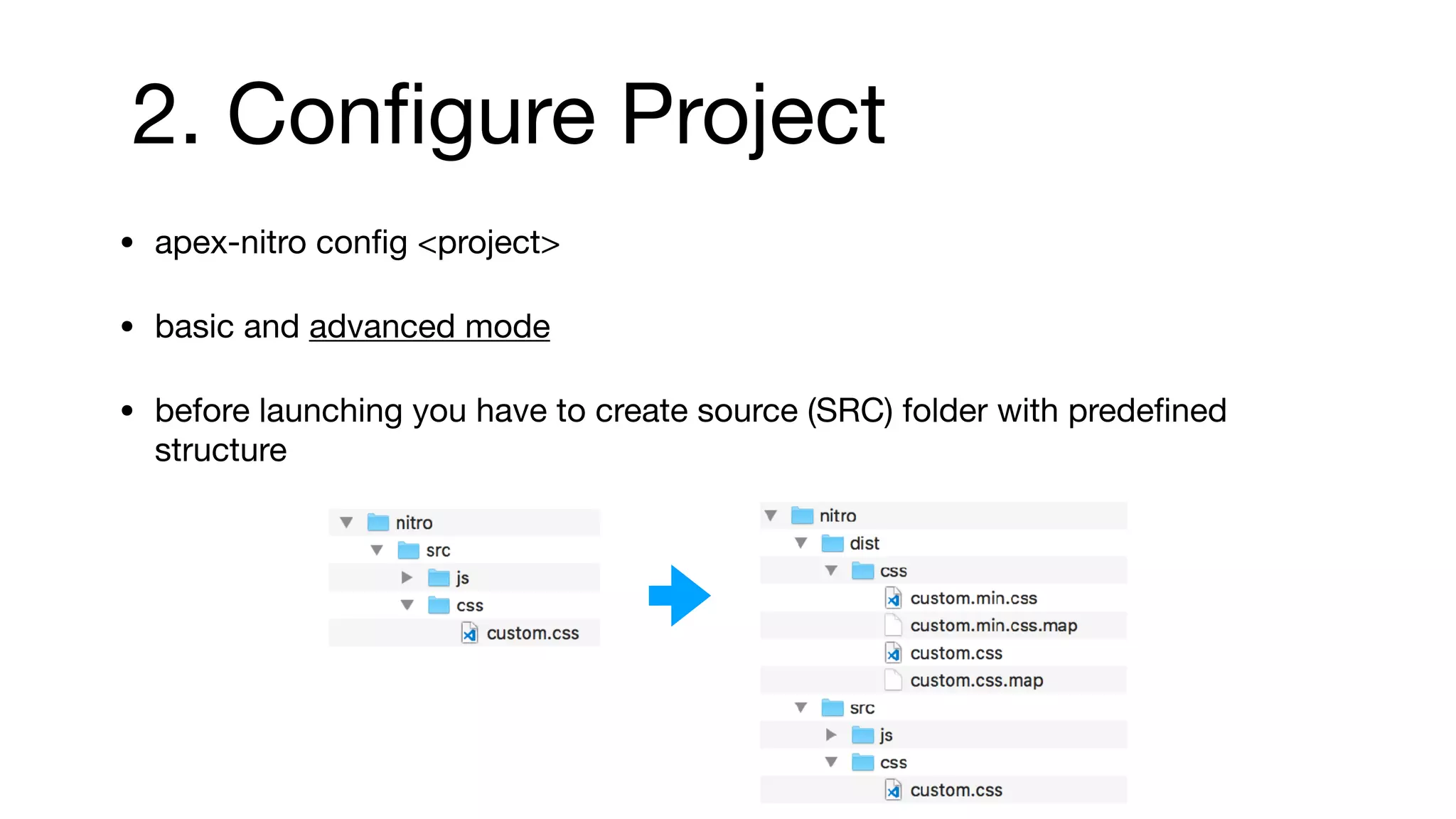
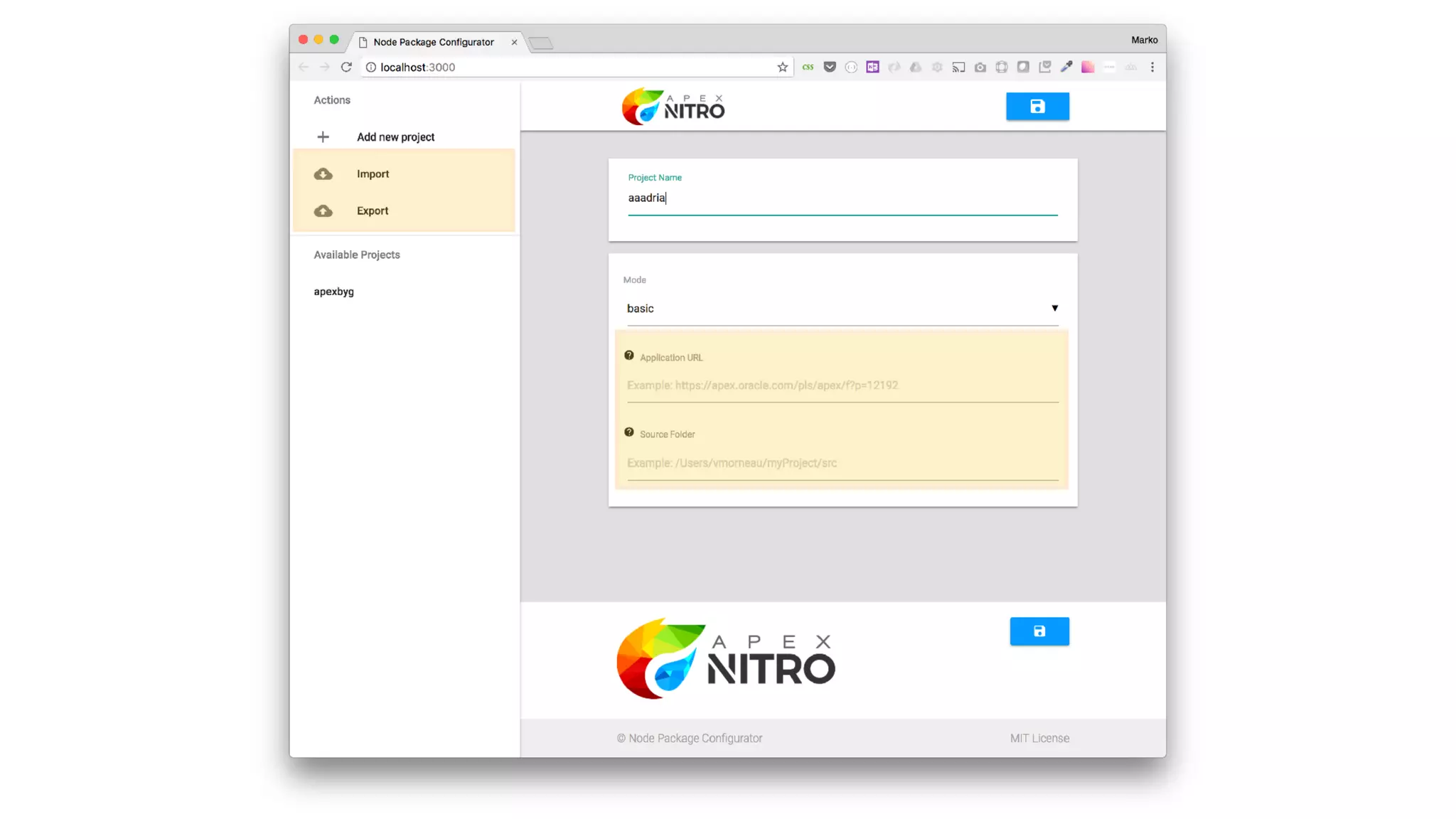
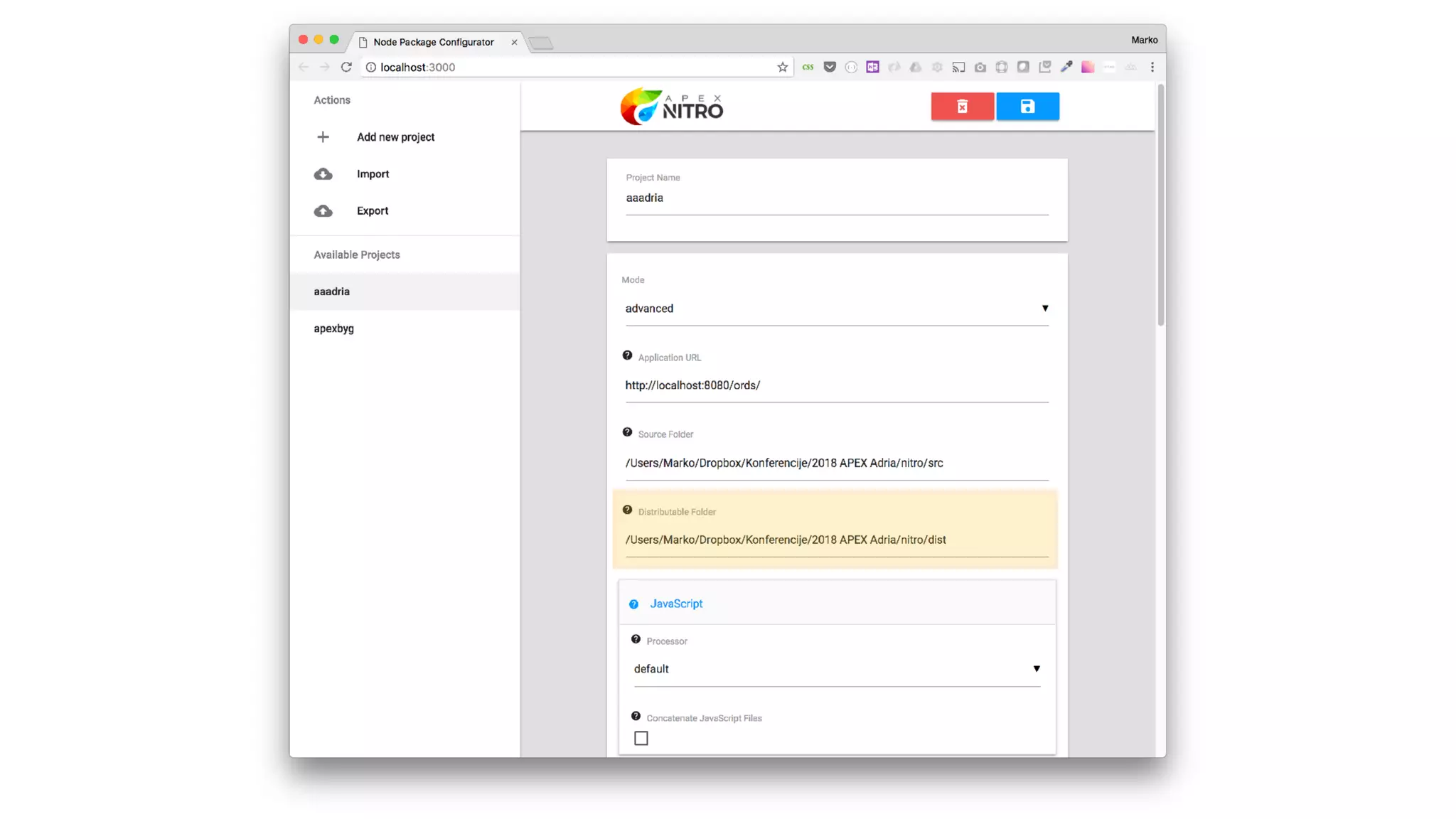
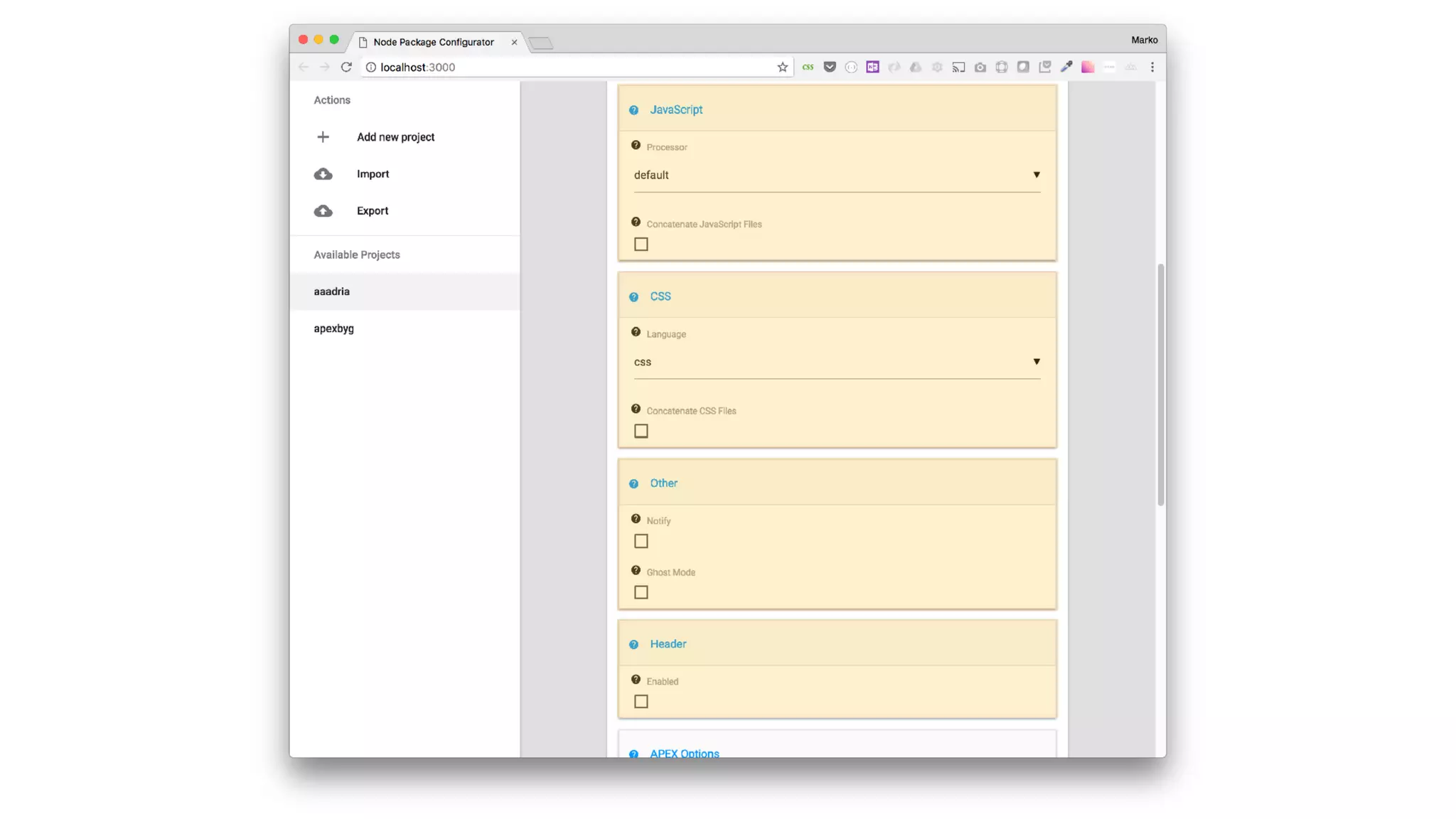
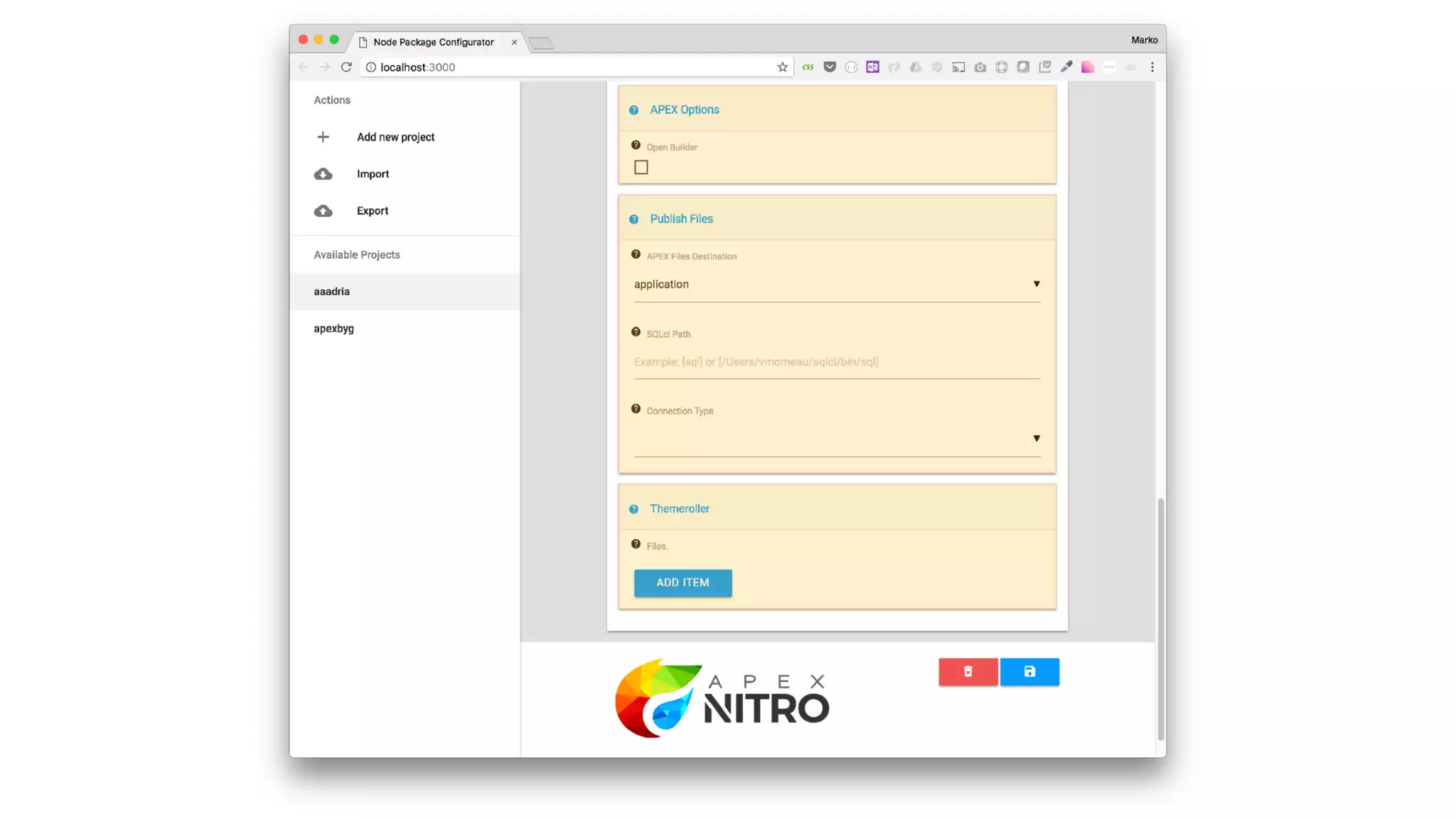
2. Configure Project
•apex-nitro config <project>
• basic and advanced mode
• before launching you have to create source (SRC) folder with predefined
structure
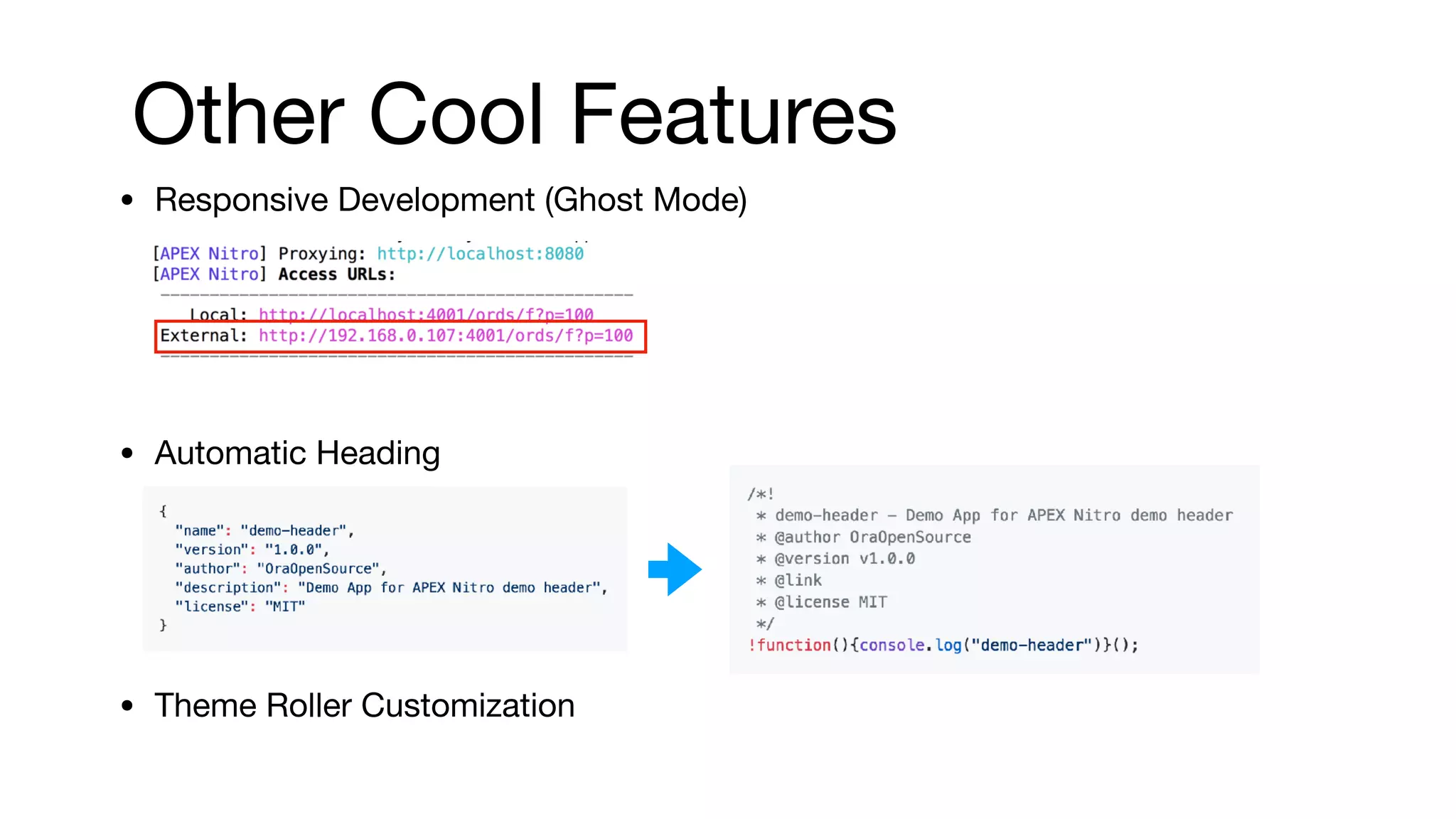
Other Cool Features
•Responsive Development (Ghost Mode)
• Automatic Heading
• Theme Roller Customization
53.
Benefits from Nitro
•boost your front-end APEX development
• better application performance
• reduce repeating tasks
• increase maintainability
• enhance teamwork
• help you write “better” CSS
• make responsive development easier