

Open Source  Schools Miles Berry Michelle Walters José Picardo Doug Belshaw BETT, January 2009
What is Open Source?
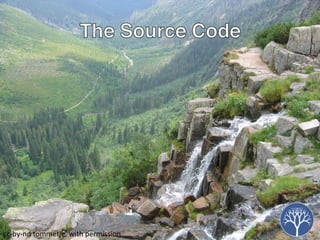
c c-by-nd  tommetje, with permission
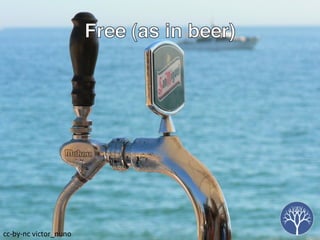
c c-by-nc  victor_nuno
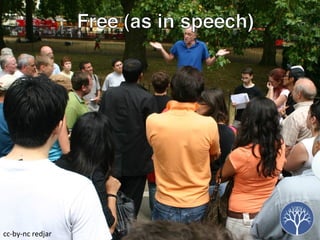
Free (as in speech) c c-by-nc  redjar
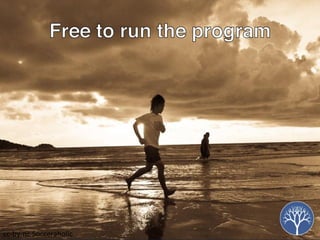
c c-by-nc  Socceraholic
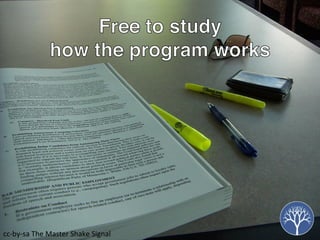
c c-by-sa  The Master Shake Signal
c c-by-nc-sa  Sarah Parrott
c c-by-nc  Maggie T
So, what are the advantages?
c c-by-nc-sa  spaceninja
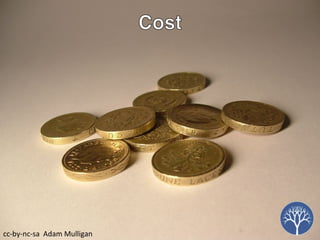
c c-by-nc-sa  Adam Mulligan
c c-by-nc  Cambodia Trust
c c-by-nc-sa  thomas.merton
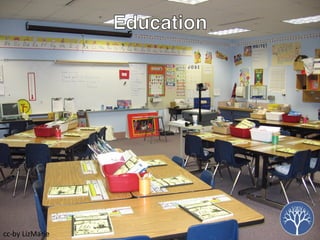
c c-by LizMarie
c c-by-nc-sa Vermin Inc
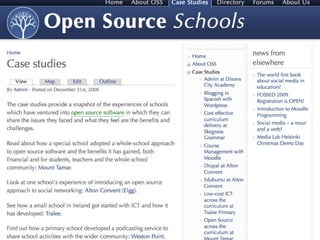
Case Studies OpenOffice.org Audacity Linux Netbooks Moodle
OpenOffice.org Michelle Walters
OpenOffice.org A free, open-source alternative to Microsoft Office OpenOffice has six basic components:  Writer, a word processor and HTML editor;  Calc, a spreadsheet;  Draw, a graphics editor;  Impress, a presentations program;  Math, an equation editor;  and Base, a database application
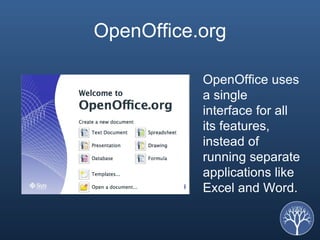
OpenOffice.org OpenOffice uses a single interface for all its features, instead of running separate applications like Excel and Word.
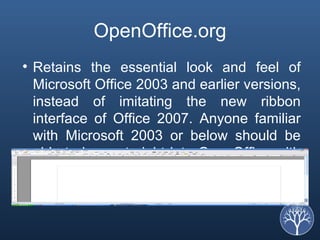
OpenOffice.org Retains the essential look and feel of Microsoft Office 2003 and earlier versions, instead of imitating the new ribbon interface of Office 2007. Anyone familiar with Microsoft 2003 or below should be able to jump straight into OpenOffice with minimal, if any, training.
OpenOffice.org If you've been thinking about taking the plunge into Microsoft Office 2007 (or 2008 on the Mac), which often requires training because of significant interface changes, you should be evaluating OpenOffice as well.
OpenOffice.org One attractive feature of OpenOffice is that it's the only major application suite that runs on Windows, Mac OS X, and Linux with almost exactly the same feature set on all platforms. For anyone thinking of switching from Office to OpenOffice, the biggest question is, How well will OpenOffice handle your old Office documents and worksheets? The answer is, incredibly well, even with the new Office 2007 formats.
OpenOffice In addition to read and write support for the Microsoft Office binary file formats (.doc, .xls, .ppt, etc.), OpenOffice is capable of opening files created with Microsoft Office 2007 or Microsoft Office 2008 for Mac OS X (.docx, .xlsx, .pptx, etc). Thus, OpenOffice users can interact with users still using Microsoft Office.
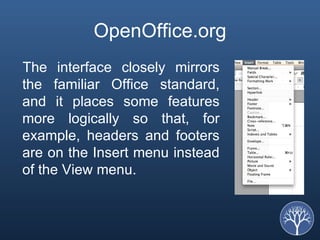
OpenOffice.org The interface closely mirrors the familiar Office standard, and it places some features more logically so that, for example, headers and footers are on the Insert menu instead of the View menu.
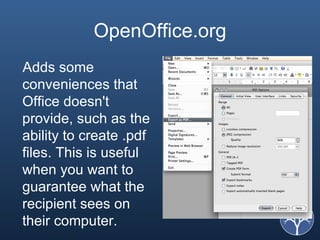
OpenOffice.org Adds some conveniences that Office doesn't provide, such as the ability to create .pdf files. This is useful when you want to guarantee what the recipient sees on their computer.
For Pupils and Students OpenOffice forms an ideal teaching platform for core computer literacy skills, without tying students to commercial products.  The free software licence means students can be given copies of software to use at home - perfectly legally - a useful 'added value'.  For IT students, OpenOffice's component based software is also an ideal platform for developing IT skills and understanding real-life software engineering
OpenOffice.org OpenOffice is free software. That means you are free to download it, free to install it on as many PCs as you like, free to pass copies to as many people as you like.  More than a one-off cost saving.  legal  No need for software audits,  No need for keeping invoices for years,  No worry about ending up in court because you misread some small print in a licence agreement.
José Picardo
Using Audacity in Schools What is Audacity? Why would you use Audacity? What can you do with Audacity? What do you need?
What is Audacity? Free and Open Source  desktop sound recorder  and  editor
Why would you use Audacity? It’s free It’s intuitive and easy to use It does the job as well as commercial alternatives
What can you do with Audacity? Create and edit teaching resources Podcasts: Deliver content to your students Coursework, homework and assessment Links with VLEs
What do you need? A computer with Audacity (and Lame encoder for .mp3) A microphone
Quick demonstration
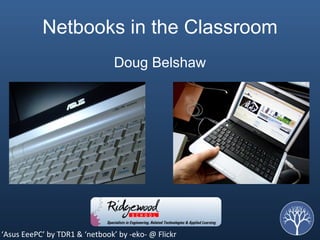
Netbooks in the Classroom Doug Belshaw ‘ Asus EeePC’ by TDR1 & ‘netbook’ by -eko- @ Flickr
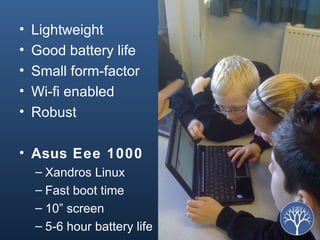
Lightweight Good battery life Small form-factor Wi-fi enabled Robust  Asus Eee 1000 Xandros Linux Fast boot time 10” screen 5-6 hour battery life


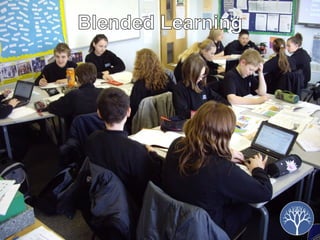
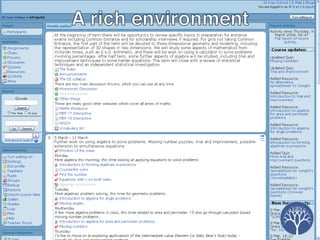
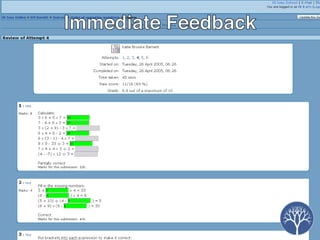
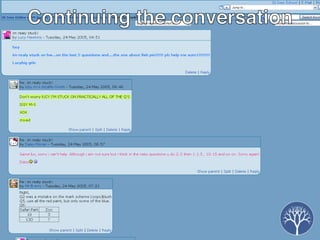
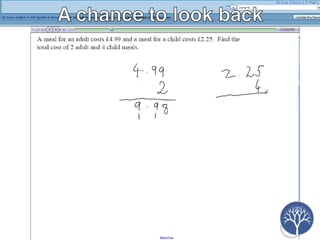
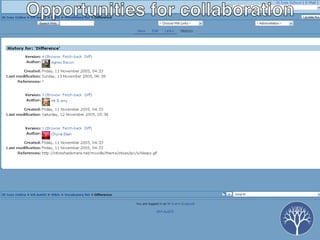
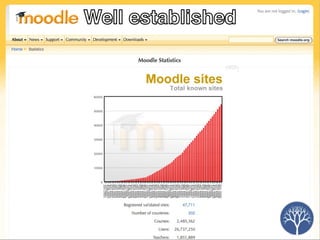
Moodle Miles Berry


Getting Started Michelle Walters
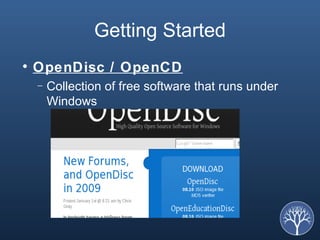
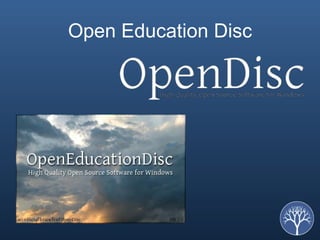
Getting Started OpenDisc / OpenCD Collection of free software that runs under Windows
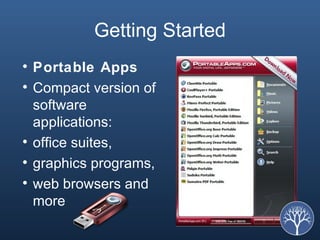
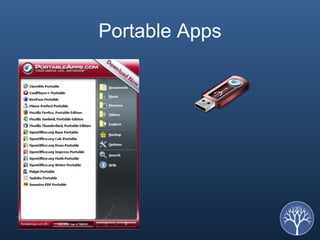
Getting Started Portable Apps Compact version of software applications:  office suites,  graphics programs,  web browsers and more
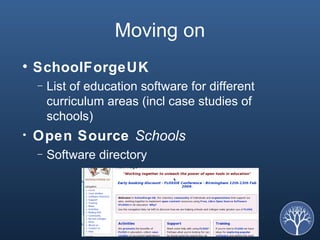
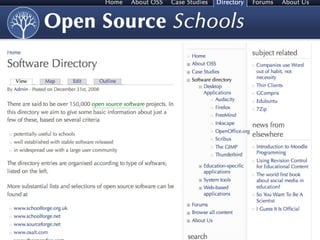
Moving on SchoolForgeUK List of education software for different curriculum areas (incl case studies of schools) Open Source  Schools Software directory
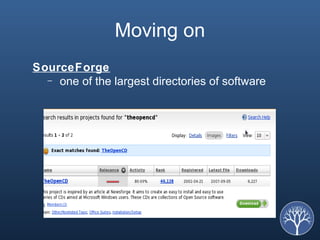
Moving on SourceForge one of the largest directories of software
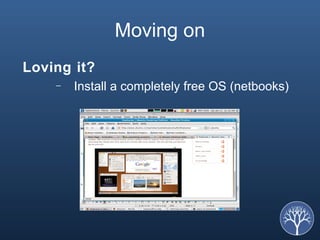
Moving on Loving it? Install a completely free OS (netbooks)
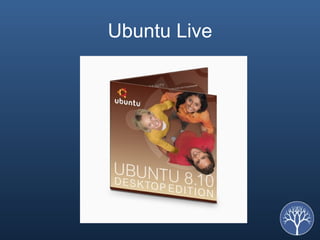
Ubuntu Live
Support Although free – you can get commercial support as well as free support Training is available for software Because the code is available, it is possible to customise the software, or request new features Commercial support and hosting of particular apps by the vendor (Zimbra, RedHat), and community support
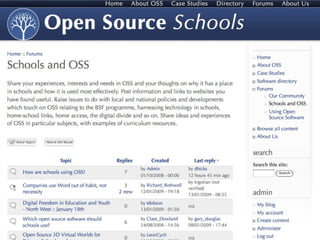
Communities Major applications discussed have community groups volunteers (often project's own support staff) developers General forums Mailing lists Chat rooms
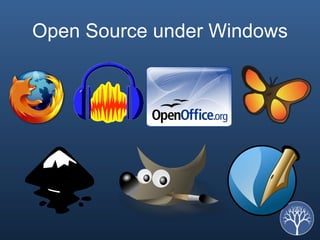
Open Source under Windows
Portable Apps
Open Education Disc
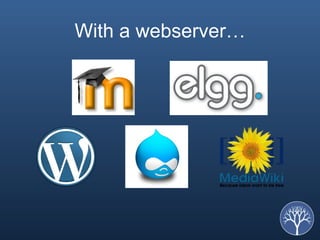
With a webserver …
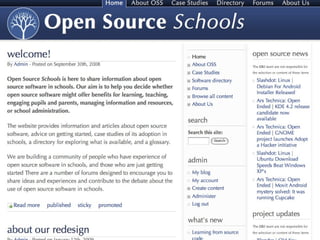
For more information opensourceschools.org.uk


Any questions? opensourceschools.org.uk Miles: miles@opensourceschools.org.uk Michelle:  [email_address] José: jose.picardo@boxoftricks.net Doug: dajbelshaw@gmail.com

OpenSourceSchools

  • 1.
    Open Source Schools Miles Berry Michelle Walters José Picardo Doug Belshaw BETT, January 2009
  • 2.
    What is OpenSource?
  • 3.
    c c-by-nd tommetje, with permission
  • 4.
    c c-by-nc victor_nuno
  • 5.
    Free (as inspeech) c c-by-nc redjar
  • 6.
    c c-by-nc Socceraholic
  • 7.
    c c-by-sa The Master Shake Signal
  • 8.
    c c-by-nc-sa Sarah Parrott
  • 9.
    c c-by-nc Maggie T
  • 10.
    So, what arethe advantages?
  • 11.
    c c-by-nc-sa spaceninja
  • 12.
    c c-by-nc-sa Adam Mulligan
  • 13.
    c c-by-nc Cambodia Trust
  • 14.
    c c-by-nc-sa thomas.merton
  • 15.
  • 16.
  • 17.
    Case Studies OpenOffice.orgAudacity Linux Netbooks Moodle
  • 18.
  • 19.
    OpenOffice.org A free,open-source alternative to Microsoft Office OpenOffice has six basic components: Writer, a word processor and HTML editor; Calc, a spreadsheet; Draw, a graphics editor; Impress, a presentations program; Math, an equation editor; and Base, a database application
  • 20.
    OpenOffice.org OpenOffice usesa single interface for all its features, instead of running separate applications like Excel and Word.
  • 21.
    OpenOffice.org Retains theessential look and feel of Microsoft Office 2003 and earlier versions, instead of imitating the new ribbon interface of Office 2007. Anyone familiar with Microsoft 2003 or below should be able to jump straight into OpenOffice with minimal, if any, training.
  • 22.
    OpenOffice.org If you'vebeen thinking about taking the plunge into Microsoft Office 2007 (or 2008 on the Mac), which often requires training because of significant interface changes, you should be evaluating OpenOffice as well.
  • 23.
    OpenOffice.org One attractivefeature of OpenOffice is that it's the only major application suite that runs on Windows, Mac OS X, and Linux with almost exactly the same feature set on all platforms. For anyone thinking of switching from Office to OpenOffice, the biggest question is, How well will OpenOffice handle your old Office documents and worksheets? The answer is, incredibly well, even with the new Office 2007 formats.
  • 24.
    OpenOffice In additionto read and write support for the Microsoft Office binary file formats (.doc, .xls, .ppt, etc.), OpenOffice is capable of opening files created with Microsoft Office 2007 or Microsoft Office 2008 for Mac OS X (.docx, .xlsx, .pptx, etc). Thus, OpenOffice users can interact with users still using Microsoft Office.
  • 25.
    OpenOffice.org The interfaceclosely mirrors the familiar Office standard, and it places some features more logically so that, for example, headers and footers are on the Insert menu instead of the View menu.
  • 26.
    OpenOffice.org Adds someconveniences that Office doesn't provide, such as the ability to create .pdf files. This is useful when you want to guarantee what the recipient sees on their computer.
  • 27.
    For Pupils andStudents OpenOffice forms an ideal teaching platform for core computer literacy skills, without tying students to commercial products. The free software licence means students can be given copies of software to use at home - perfectly legally - a useful 'added value'. For IT students, OpenOffice's component based software is also an ideal platform for developing IT skills and understanding real-life software engineering
  • 28.
    OpenOffice.org OpenOffice isfree software. That means you are free to download it, free to install it on as many PCs as you like, free to pass copies to as many people as you like. More than a one-off cost saving. legal No need for software audits, No need for keeping invoices for years, No worry about ending up in court because you misread some small print in a licence agreement.
  • 29.
  • 30.
    Using Audacity inSchools What is Audacity? Why would you use Audacity? What can you do with Audacity? What do you need?
  • 31.
    What is Audacity?Free and Open Source desktop sound recorder and editor
  • 32.
    Why would youuse Audacity? It’s free It’s intuitive and easy to use It does the job as well as commercial alternatives
  • 33.
    What can youdo with Audacity? Create and edit teaching resources Podcasts: Deliver content to your students Coursework, homework and assessment Links with VLEs
  • 34.
    What do youneed? A computer with Audacity (and Lame encoder for .mp3) A microphone
  • 35.
  • 36.
    Netbooks in theClassroom Doug Belshaw ‘ Asus EeePC’ by TDR1 & ‘netbook’ by -eko- @ Flickr
  • 37.
    Lightweight Good batterylife Small form-factor Wi-fi enabled Robust Asus Eee 1000 Xandros Linux Fast boot time 10” screen 5-6 hour battery life
  • 38.
  • 39.
  • 40.
  • 41.
  • 42.
  • 43.
  • 44.
  • 45.
  • 46.
  • 47.
  • 48.
  • 49.
  • 50.
  • 51.
  • 52.
  • 53.
    Getting Started OpenDisc/ OpenCD Collection of free software that runs under Windows
  • 54.
    Getting Started PortableApps Compact version of software applications: office suites, graphics programs, web browsers and more
  • 55.
    Moving on SchoolForgeUKList of education software for different curriculum areas (incl case studies of schools) Open Source Schools Software directory
  • 56.
    Moving on SourceForgeone of the largest directories of software
  • 57.
    Moving on Lovingit? Install a completely free OS (netbooks)
  • 58.
  • 59.
    Support Although free– you can get commercial support as well as free support Training is available for software Because the code is available, it is possible to customise the software, or request new features Commercial support and hosting of particular apps by the vendor (Zimbra, RedHat), and community support
  • 60.
    Communities Major applicationsdiscussed have community groups volunteers (often project's own support staff) developers General forums Mailing lists Chat rooms
  • 61.
  • 62.
  • 63.
  • 64.
  • 65.
    For more informationopensourceschools.org.uk
  • 66.
  • 67.
  • 68.
  • 69.
  • 70.
    Any questions? opensourceschools.org.ukMiles: miles@opensourceschools.org.uk Michelle: [email_address] José: jose.picardo@boxoftricks.net Doug: dajbelshaw@gmail.com