Presentation
on
Built-in Package ,User-define package.
Presented By:
Mehreen Jerin Khan
ID: 222902019
Student of
Green University of Bangladesh
Presented To:
Dr. Muhammad Aminur Rahaman
Chairperson, Department of CSE
Green University of Bangladesh
Contents:
•Introduction
• Creating Package
•Steps For Creating Package
•Accessing Package
•Advantages of Packages
•Using a package
•Conclusion
What is Built-in package?
 Pre-defined package.
Built-in Package
How to create a built in package?
Creating Built-in Package
What is User Define package?
Defined by user.
Syntax :
package packageName;
public class className
{ - - - - - - - - - - - - -
// Body of className
- - - - - - - - - - - - }
User Define Package
Java supports a keyword called “package” which is used to create
user-defined packages in Java programming. The general syntax
to create a package is as:
Here, packageName is the name of package. The package
statement must be the first line in a Java source code file followed
by one or more classes. For example:
Creating User Define Package
package packageName;
package myPackage;
public class A {
// class body
}
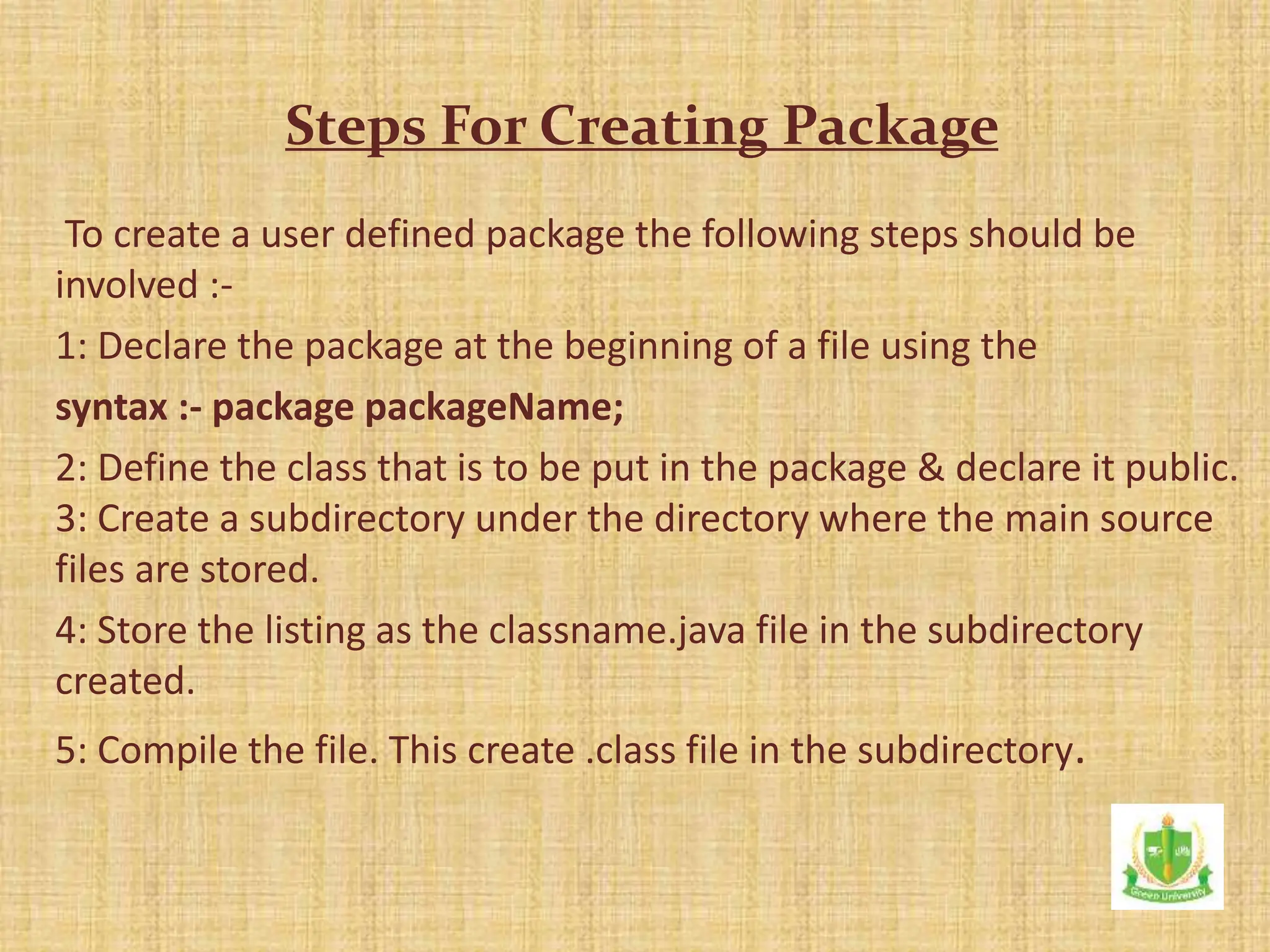
To create a user defined package the following steps should be
involved :-
1: Declare the package at the beginning of a file using the
syntax :- package packageName;
2: Define the class that is to be put in the package & declare it public.
3: Create a subdirectory under the directory where the main source
files are stored.
4: Store the listing as the classname.java file in the subdirectory
created.
5: Compile the file. This create .class file in the subdirectory.
Steps For Creating Package
Java package can be accessed either using a fully
qualified class name or using a shortcut approach
through the import statement.
Syntax :
Accessing a package
import package1[.package2][.package3].classname;
package package1;
public class ClassA {
public void displayA()
System.out.println(“welcome”); s
} }
import package1.classA;
class Test {
public static void main(String args[]) {
classA obj=new classA();
obj.displayA();
}
Using a package
•Packages are useful to arrange related classes and
interface into a group.
•Packages hide the classes & interfaces in a seprate
subdirectory.
•The classes & interfaces of a packages are isolated form
the classes & interfaces of another packages.
•Reusability of code is one of the most important
requirements in the software industry.
Advantages of Packages
Ability to reuse the code within the same programs is
achieved in oops that means of extending and
implementing. Including this property java also provides a
mechanism, that is reuse of the code out side the program
without physical copy, is achieved by using packages.
Conclusion
To our honorable faculty member and my supportive batch
mates.
Thank You

OOP_packages_222902019.pptx

  • 1.
    Presentation on Built-in Package ,User-definepackage. Presented By: Mehreen Jerin Khan ID: 222902019 Student of Green University of Bangladesh Presented To: Dr. Muhammad Aminur Rahaman Chairperson, Department of CSE Green University of Bangladesh
  • 2.
    Contents: •Introduction • Creating Package •StepsFor Creating Package •Accessing Package •Advantages of Packages •Using a package •Conclusion
  • 3.
    What is Built-inpackage?  Pre-defined package. Built-in Package
  • 4.
    How to createa built in package? Creating Built-in Package
  • 5.
    What is UserDefine package? Defined by user. Syntax : package packageName; public class className { - - - - - - - - - - - - - // Body of className - - - - - - - - - - - - } User Define Package
  • 6.
    Java supports akeyword called “package” which is used to create user-defined packages in Java programming. The general syntax to create a package is as: Here, packageName is the name of package. The package statement must be the first line in a Java source code file followed by one or more classes. For example: Creating User Define Package package packageName; package myPackage; public class A { // class body }
  • 7.
    To create auser defined package the following steps should be involved :- 1: Declare the package at the beginning of a file using the syntax :- package packageName; 2: Define the class that is to be put in the package & declare it public. 3: Create a subdirectory under the directory where the main source files are stored. 4: Store the listing as the classname.java file in the subdirectory created. 5: Compile the file. This create .class file in the subdirectory. Steps For Creating Package
  • 8.
    Java package canbe accessed either using a fully qualified class name or using a shortcut approach through the import statement. Syntax : Accessing a package import package1[.package2][.package3].classname;
  • 9.
    package package1; public classClassA { public void displayA() System.out.println(“welcome”); s } } import package1.classA; class Test { public static void main(String args[]) { classA obj=new classA(); obj.displayA(); } Using a package
  • 10.
    •Packages are usefulto arrange related classes and interface into a group. •Packages hide the classes & interfaces in a seprate subdirectory. •The classes & interfaces of a packages are isolated form the classes & interfaces of another packages. •Reusability of code is one of the most important requirements in the software industry. Advantages of Packages
  • 11.
    Ability to reusethe code within the same programs is achieved in oops that means of extending and implementing. Including this property java also provides a mechanism, that is reuse of the code out side the program without physical copy, is achieved by using packages. Conclusion
  • 12.
    To our honorablefaculty member and my supportive batch mates. Thank You