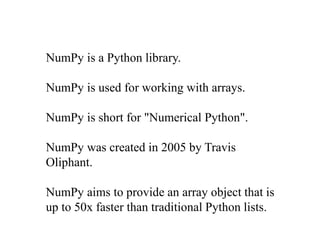
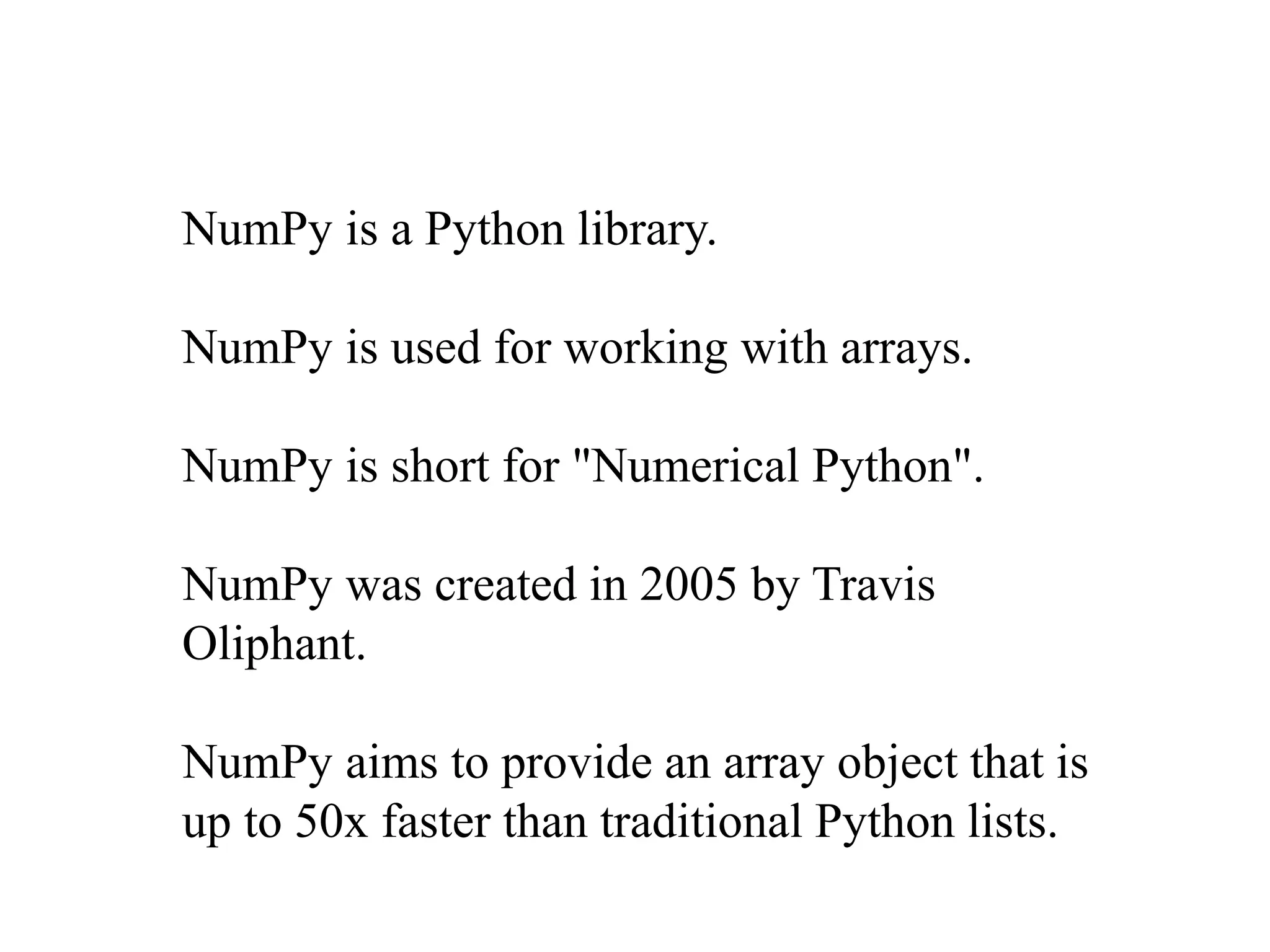
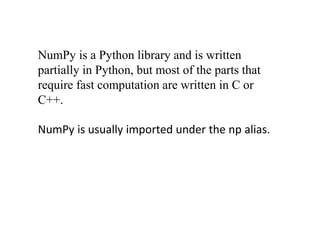
NumPy is a Python library created in 2005 for working with arrays. NumPy aims to provide array objects that are up to 50x faster than traditional Python lists by being written partially in Python but mostly in C/C++. NumPy is commonly imported under the 'np' alias and allows users to create multi-dimensional arrays and slice arrays in Python.
![Create a 2-D array containing two arrays with
the values 1,2,3 and 4,5,6:
• import numpy as np
arr = np.array([[1, 2, 3], [4, 5, 6]])
print(arr)](https://image.slidesharecdn.com/numpy-220908070450-62367903/85/Numpy-pptx-3-320.jpg)
![Get the first element from the
following array:
• import numpy as np
arr = np.array([1, 2, 3, 4])
print(arr[0])](https://image.slidesharecdn.com/numpy-220908070450-62367903/85/Numpy-pptx-4-320.jpg)
![Get third and fourth elements from
the following array and add them.
• import numpy as np
• arr = np.array([1, 2, 3, 4])
• print(arr[2] + arr[3])](https://image.slidesharecdn.com/numpy-220908070450-62367903/85/Numpy-pptx-5-320.jpg)
![Access the element on the first row,
second column:
• import numpy as np
arr = np.array([[1,2,3,4,5], [6,7,8,9,10]])
print('2nd element on 1st row: ', arr[0, 1])](https://image.slidesharecdn.com/numpy-220908070450-62367903/85/Numpy-pptx-6-320.jpg)
![Slicing arrays
• Slicing in python means taking elements from
one given index to another given index.
• import numpy as np
arr = np.array([1, 2, 3, 4, 5, 6, 7])
print(arr[1:5])](https://image.slidesharecdn.com/numpy-220908070450-62367903/85/Numpy-pptx-7-320.jpg)
![Slice elements from index 4 to the end
of the array:
• import numpy as np
arr = np.array([1, 2, 3, 4, 5, 6, 7])
print(arr[4:])](https://image.slidesharecdn.com/numpy-220908070450-62367903/85/Numpy-pptx-8-320.jpg)
![NUMPY [Autosaved] .pptx](https://cdn.slidesharecdn.com/ss_thumbnails/numpyautosaved-240106041504-989a0cc3-thumbnail.jpg?width=640&height=640&fit=bounds)


