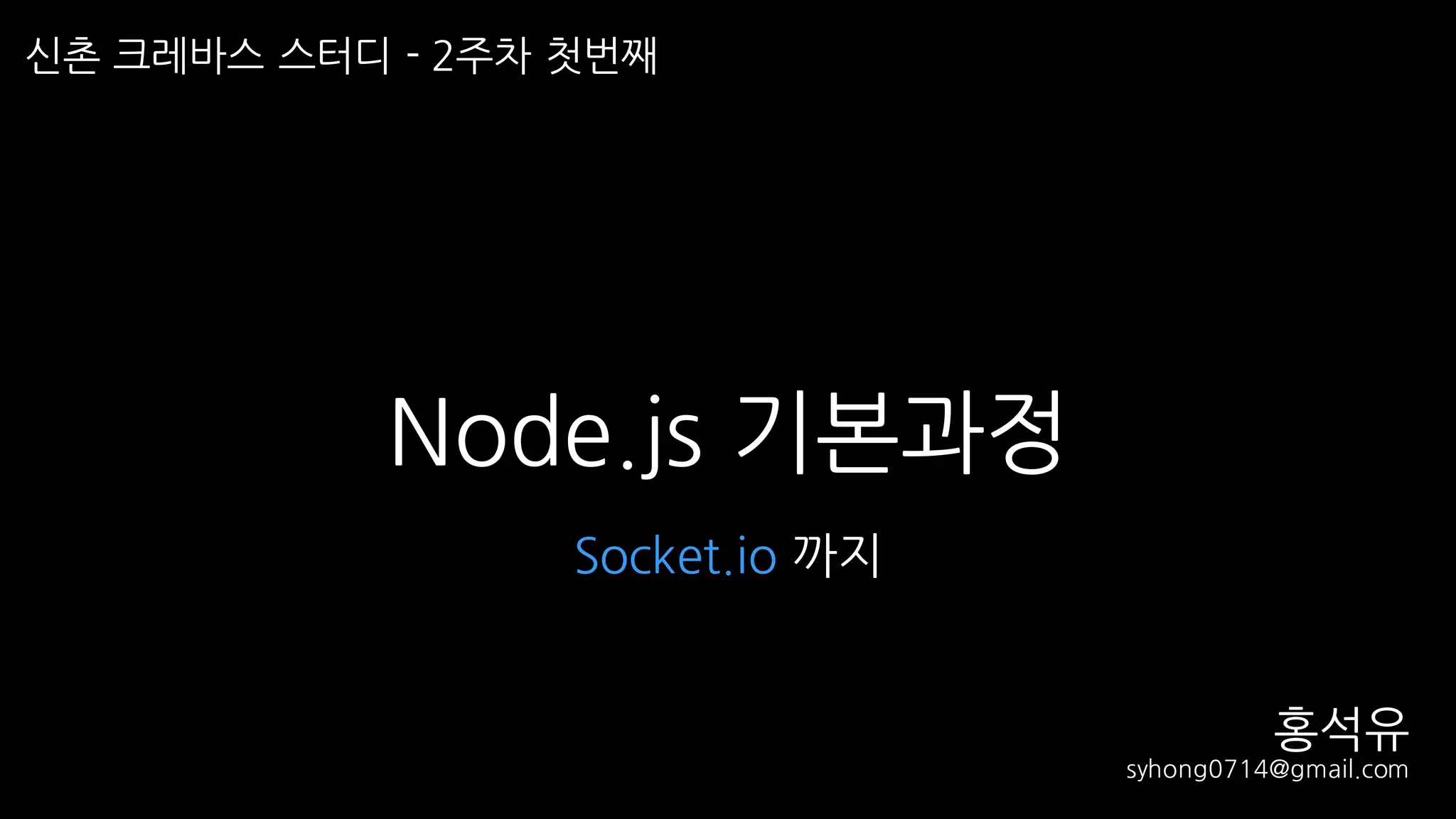
교재1. 모던 웹을위한
Node.js 프로그래밍
2. Udemy 강의 - https://www.udemy.com/understand-nodejs
3. T아카데미 수업 - https://tacademy.sktechx.com/live/player/listOnline.action
4. 아마존 웹서비스
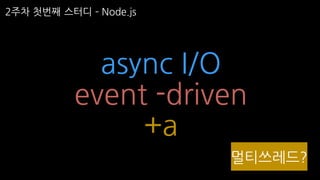
2주차 첫번째 스터디 Node.js
3.
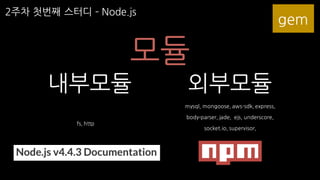
2주차 첫번째 스터디 Node.js
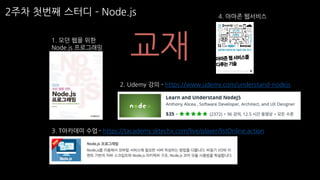
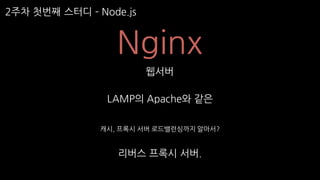
Node.js
RUBY
Ruby on Rails
Node.js
Express
2주차 첫번째 스터디 Node.js
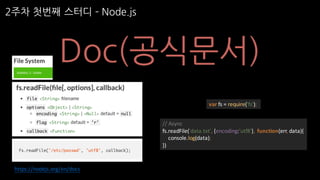
Doc(공식문서)
var fs = require('fs');
// Async
fs.readFile('data.txt', {encoding:'utf8'}, function(err, data){
console.log(data);
})
https://nodejs.org/en/docs
7.
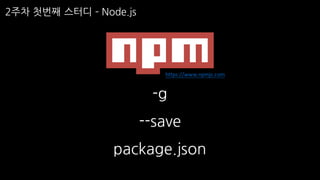
2주차 첫번째 스터디 Node.js
-g
--save
package.json
https://www.npmjs.com
8.
2주차 첫번째 스터디 Node.js
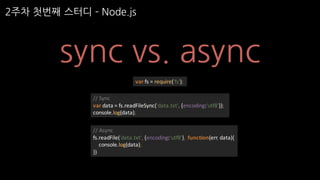
sync vs. async
var fs = require('fs');
// Sync
var data = fs.readFileSync('data.txt', {encoding:'utf8'});
console.log(data);
// Async
fs.readFile('data.txt', {encoding:'utf8'}, function(err, data){
console.log(data);
})
9.
2주차 첫번째 스터디 Node.js
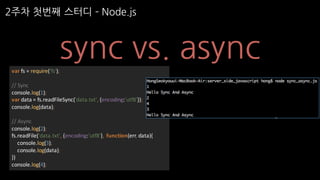
sync vs. asyncvar fs = require('fs');
// Sync
console.log(1);
var data = fs.readFileSync('data.txt', {encoding:'utf8'});
console.log(data);
// Async
console.log(2);
fs.readFile('data.txt', {encoding:'utf8'}, function(err, data){
console.log(3);
console.log(data);
})
console.log(4);
10.
2주차 첫번째 스터디 Node.js
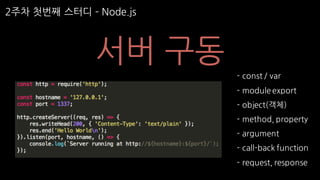
서버 구동
- const / var
- module export
- object(객체)
- method, property
- argument
- call-back function
- request, response
11.
2주차 첫번째 스터디 Node.js
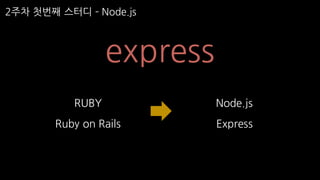
express
RUBY
Ruby on Rails
Node.js
Express
12.
2주차 첫번째 스터디 Node.js
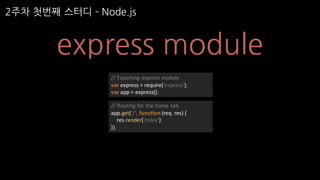
express module
// Routing for the home tab
app.get('/', function (req, res) {
res.render('index');
});
// Exporting express module
var express = require('express');
var app = express();
13.
2주차 첫번째 스터디 Node.js
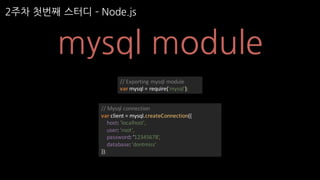
mysql module
// Exporting mysql module
var mysql = require('mysql');
// Mysql connection
var client = mysql.createConnection({
host: 'localhost',
user: 'root',
password: ‘12345678’,
database: 'dontmiss'
});
14.
2주차 첫번째 스터디 Node.js
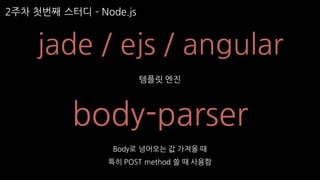
jade / ejs / angular
템플릿 엔진
body-parser
Body로 넘어오는 값 가져올 때
특히 POST method 쓸 때 사용함
15.
2주차 첫번째 스터디 Node.js
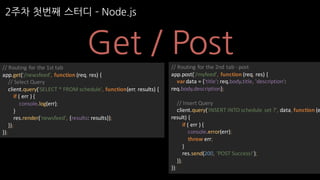
Get / Post
// Routing for the 1st tab
app.get('/newsfeed', function (req, res) {
// Select Query
client.query('SELECT * FROM schedule', function(err, results) {
if ( err ) {
console.log(err);
}
res.render('newsfeed', {results: results});
});
});
// Routing for the 2nd tab - post
app.post('/myfeed', function (req, res) {
vardata = {'title': req.body.title, 'description':
req.body.description};
// Insert Query
client.query('INSERT INTO schedule set ?', data, function (e
result) {
if ( err ) {
console.error(err);
throw err;
}
res.send(200, 'POST Success!');
});
});
16.
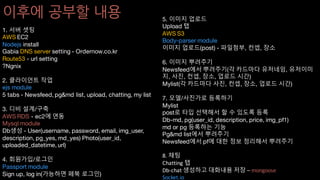
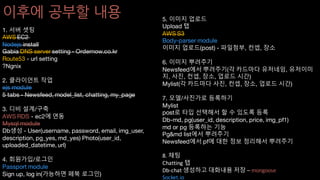
이후에 공부할 내용
1.서버 셋팅
AWS EC2
Nodejs install
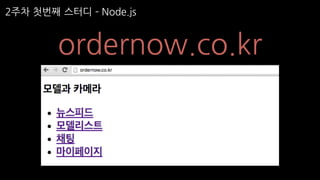
Gabia DNS server setting - Ordernow.co.kr
Route53 - url setting
?Ngnix
2. 클라이언트 작업
ejs module
5 tabs - Newsfeed, pg&md list, upload, chatting, my list
3. 디비 설계/구축
AWS RDS - ec2에 연동
Mysql module
Db생성 - User(username, password, email, img_user,
description, pg_yes, md_yes) Photo(user_id,
uploaded_datetime, url)
4. 회원가입/로그인
Passport module
Sign up, log in(가능하면 페북 로그인)
5. 이미지 업로드
Upload 탭
AWS S3
Body-parser module
이미지 업로드(post) - 파일첨부, 컨셉, 장소
6. 이미지 뿌려주기
Newsfeed에서 뿌려주기(각 카드마다 유저네임, 유저이미
지, 사진, 컨셉, 장소, 업로드 시간)
Mylist(각 카드마다 사진, 컨셉, 장소, 업로드 시간)
7. 모델/사진가로 등록하기
Mylist
post로 타입 선택해서 할 수 있도록 등록
Db-md, pg(user_id, description, price, img_pf1)
md or pg 등록하는 기능
Pg&md list에서 뿌려주기
Newsfeed에서 pf에 대한 정보 정리해서 뿌려주기
8. 채팅
Chatting 탭
Db-chat 생성하고 대화내용 저장 – mongoose
Socket.io
17.
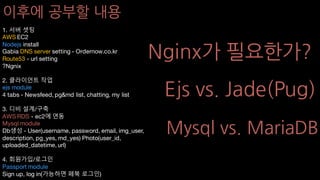
이후에 공부할 내용
1.서버 셋팅
AWS EC2
Nodejs install
Gabia DNS server setting - Ordernow.co.kr
Route53 - url setting
?Ngnix
2. 클라이언트 작업
ejs module
5 tabs - Newsfeed, pg&md list, upload, chatting, my list
3. 디비 설계/구축
AWS RDS - ec2에 연동
Mysql module
Db생성 - User(username, password, email, img_user,
description, pg_yes, md_yes) Photo(user_id,
uploaded_datetime, url)
4. 회원가입/로그인
Passport module
Sign up, log in(가능하면 페북 로그인)
5. 이미지 업로드
Upload 탭
AWS S3
Body-parser module
이미지 업로드(post) - 파일첨부, 컨셉, 장소
6. 이미지 뿌려주기
Newsfeed에서 뿌려주기(각 카드마다 유저네임, 유저이미
지, 사진, 컨셉, 장소, 업로드 시간)
Mylist(각 카드마다 사진, 컨셉, 장소, 업로드 시간)
7. 모델/사진가로 등록하기
Mylist
post로 타입 선택해서 할 수 있도록 등록
Db-md, pg(user_id, description, price, img_pf1)
md or pg 등록하는 기능
Pg&md list에서 뿌려주기
Newsfeed에서 pf에 대한 정보 정리해서 뿌려주기
8. 채팅
Chatting 탭
Db-chat 생성하고 대화내용 저장 – mongoose
Socket.io
2주차 세번째 스터디 Node.js
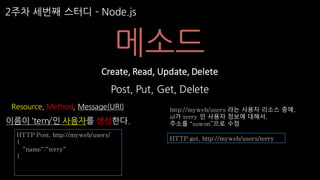
메소드
Post, Put, Get, Delete
Create, Read, Update, Delete
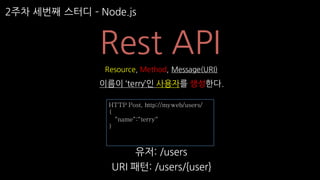
Resource, Method, Message(URI)
이름이 ‘terry’인 사용자를 생성한다.
HTTP get, http://myweb/users/terry
http://myweb/users 라는 사용자 리소스 중에,
id가 terry 인 사용자 정보에 대해서,
주소를 “suwon”으로 수정
HTTP Post, http://myweb/users/
{
“name“:“terry“
}
30.
2주차 세번째 스터디 Node.js
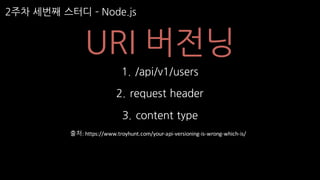
URI 버전닝
1. /api/v1/users
2. request header
3. content type
출처: https://www.troyhunt.com/your-api-versioning-is-wrong-which-is/


![[아꿈사/111105] html5 9장 클라이언트측 데이터로 작업하기](https://cdn.slidesharecdn.com/ss_thumbnails/111105html59-111104211800-phpapp01-thumbnail.jpg?width=640&height=640&fit=bounds)


![[1B6]Realm a database for android & ios](https://cdn.slidesharecdn.com/ss_thumbnails/1b6realm-adatabaseforandroidios-140929005236-phpapp01-thumbnail.jpg?width=640&height=640&fit=bounds)


![[리뷰] 풀스택 개발자를 위한 MEAM 스택 입문](https://cdn.slidesharecdn.com/ss_thumbnails/mean-re-151003142901-lva1-app6892-thumbnail.jpg?width=640&height=640&fit=bounds)


![[Korea Linux Forum] Implementing web based online multiplayer tetris with Ope...](https://cdn.slidesharecdn.com/ss_thumbnails/implementingwebbasedonlinemultiplayertetris-141111200036-conversion-gate02-thumbnail.jpg?width=640&height=640&fit=bounds)

![[D2 CAMPUS] tech meet up(Back-end) - 교내 웹서비스 개발 일지 (박은찬님)](https://cdn.slidesharecdn.com/ss_thumbnails/techmeet-up2-180502073321-thumbnail.jpg?width=640&height=640&fit=bounds)