Node.js in Production
at Aviary
NYC Node.js Meetup
March 5, 2014
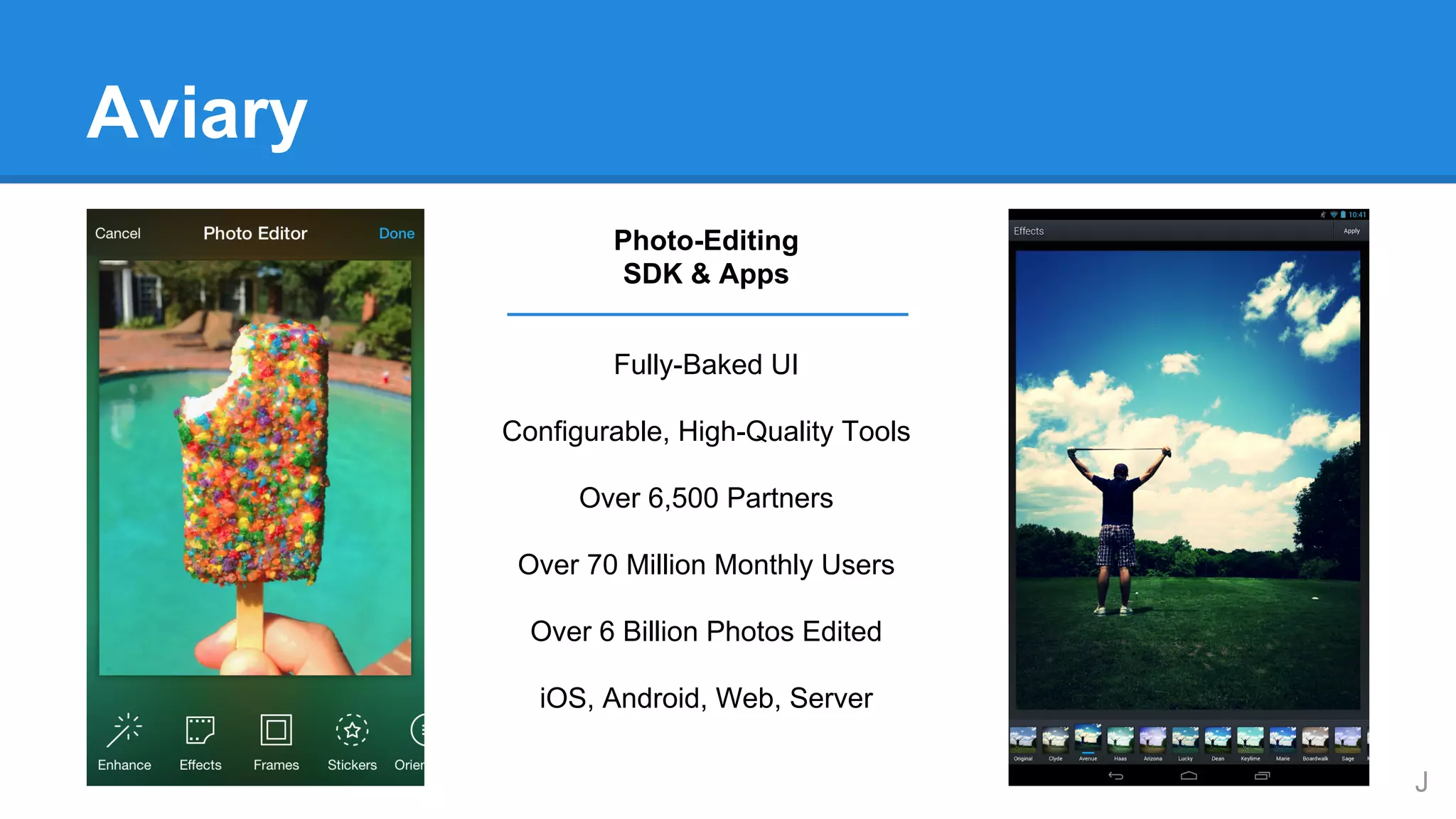
Aviary
Photo-Editing
SDK & Apps
Fully-Baked UI
Configurable, High-Quality Tools
Over 6,500 Partners
Over 70 Million Monthly Users
Over 6 Billion Photos Edited
iOS, Android, Web, Server
J
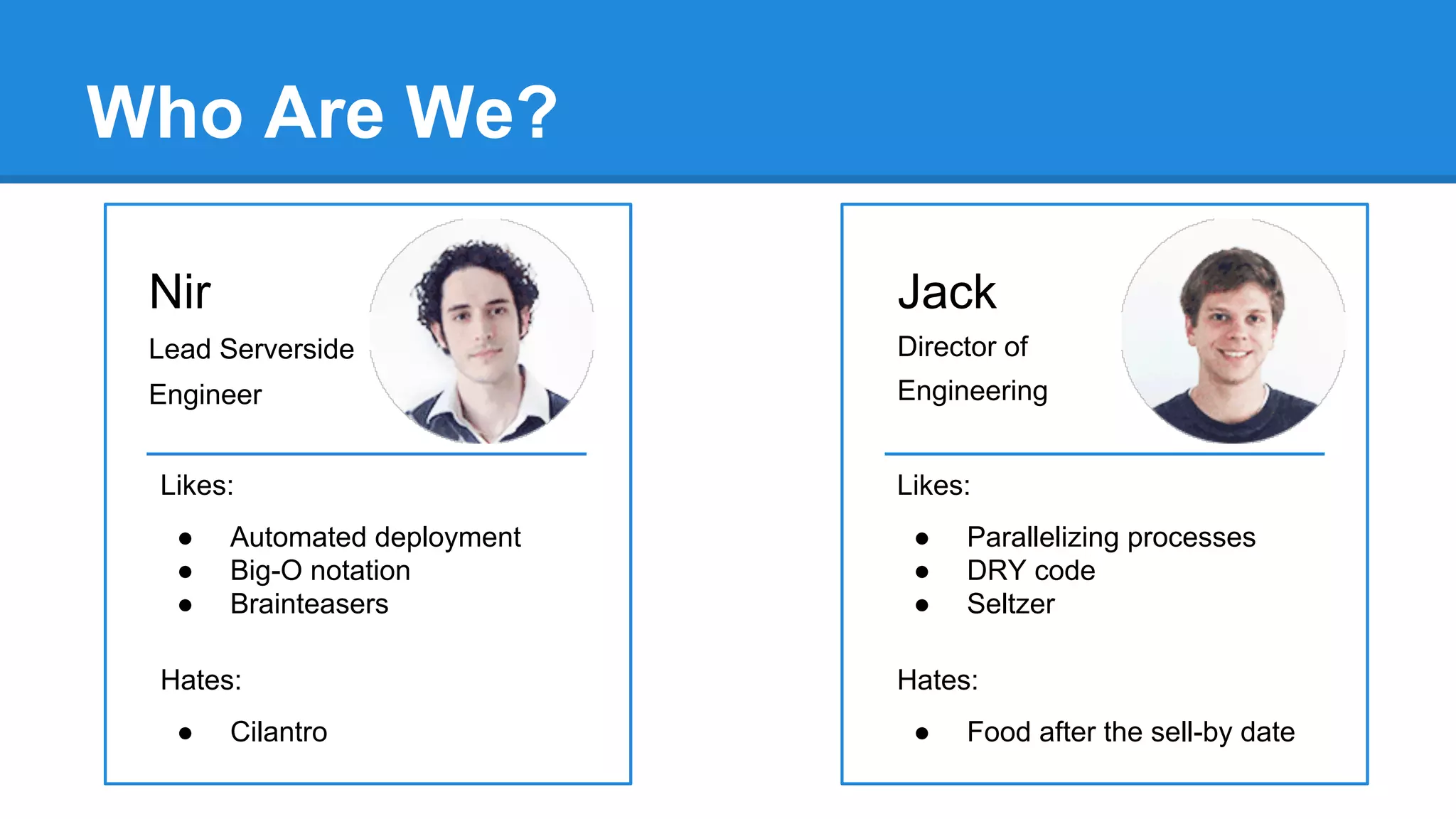
Who Are We?
Nir

Jack

Lead Serverside

Director of

Engineer

Engineering

Likes:
●
●
●

Automated deployment
Big-O notation
Brainteasers

Hates:
●

Cilantro

Likes:
●
●
●

Parallelizing processes
DRY code
Seltzer

Hates:
●

Food after the sell-by date
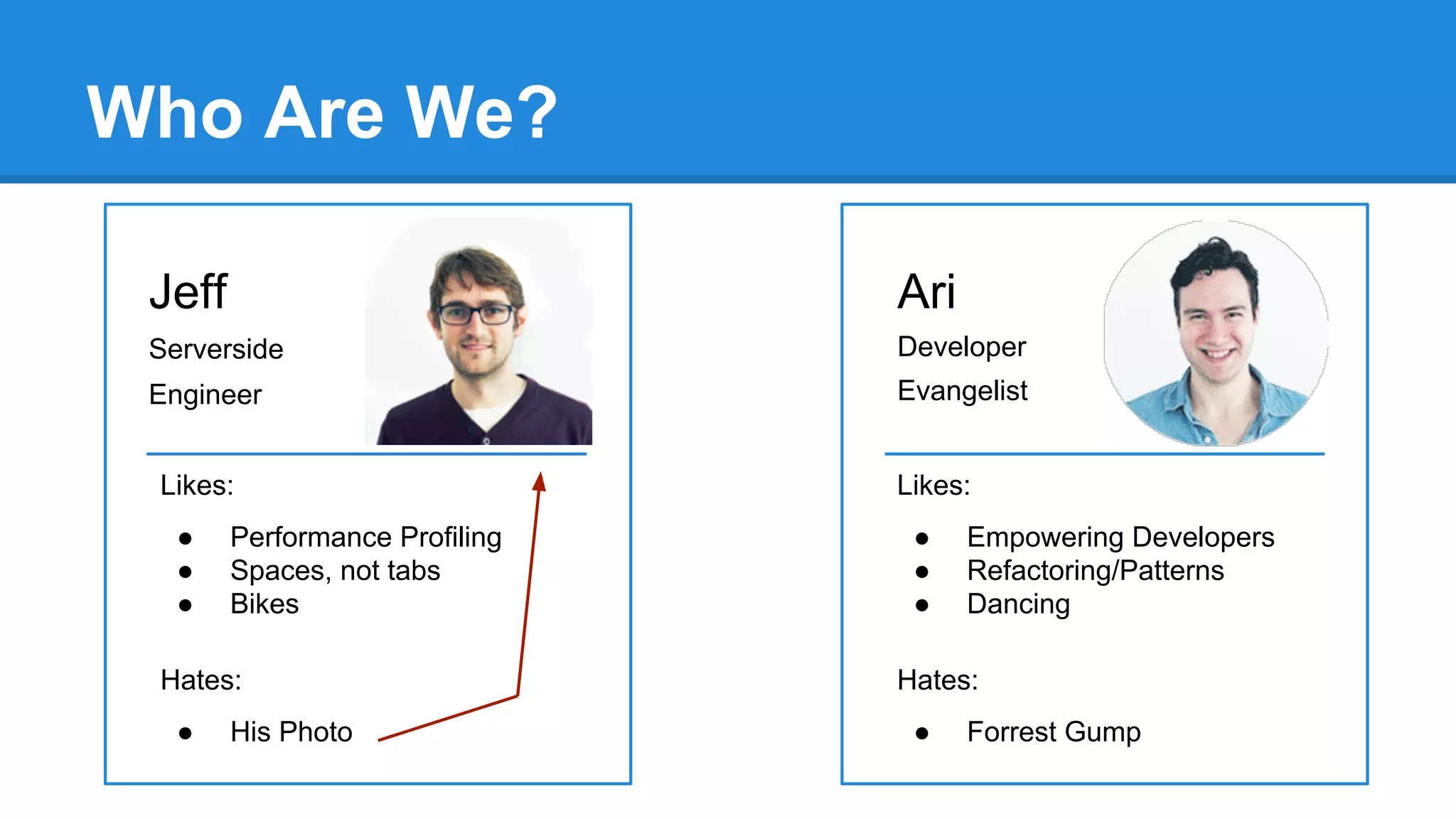
Who Are We?
Jeff

Ari

Serverside

Developer

Engineer

Evangelist

Likes:
●
●
●

Performance Profiling
Spaces, not tabs
Bikes

Hates:
●

His Photo

Likes:
●
●
●

Empowering Developers
Refactoring/Patterns
Dancing

Hates:
●

Forrest Gump
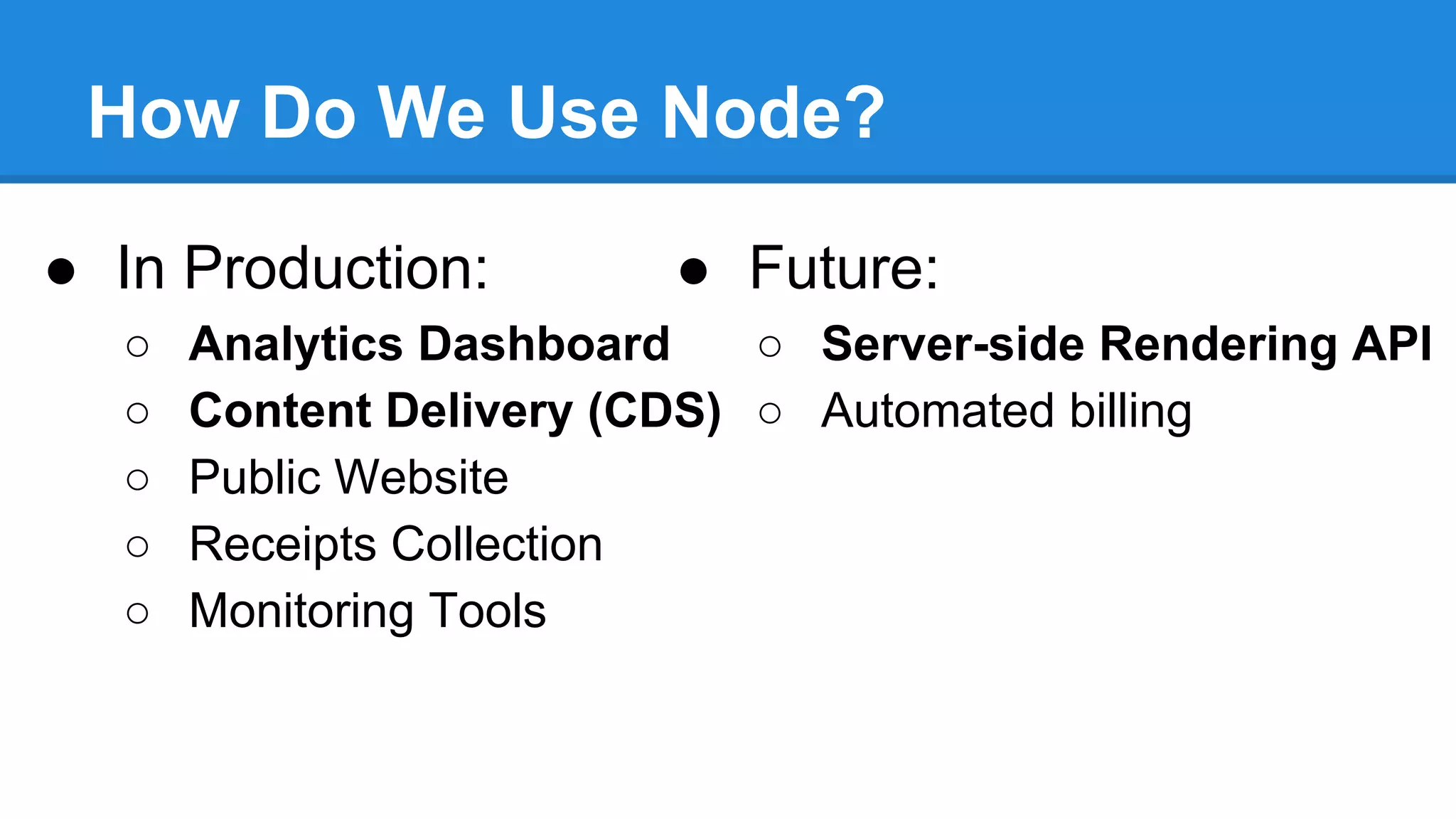
How Do We Use Node?
● In Production:
○
○
○
○
○

● Future:

Analytics Dashboard
○ Server-side Rendering API
Content Delivery (CDS) ○ Automated billing
Public Website
Receipts Collection
Monitoring Tools
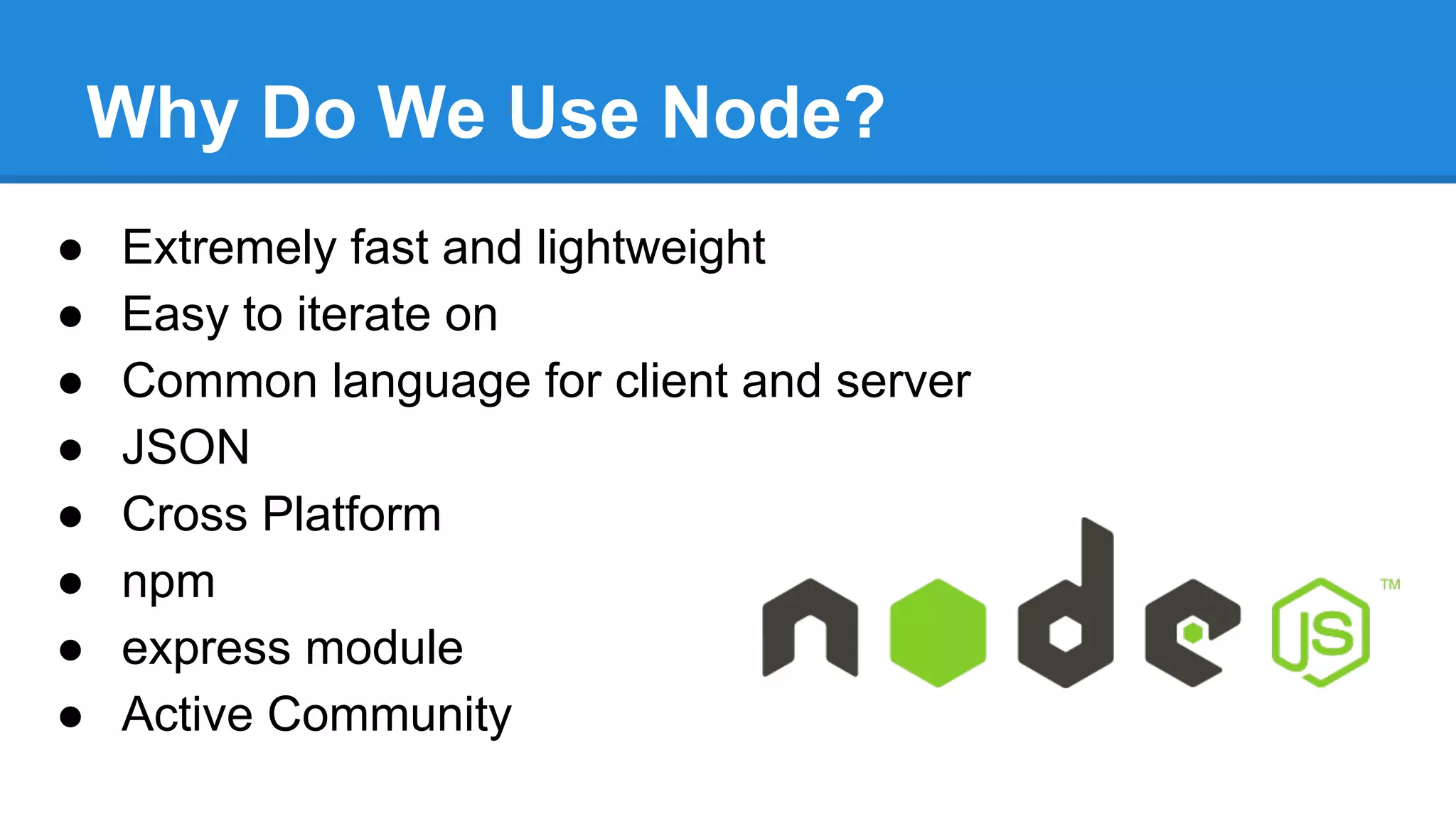
Why Do We Use Node?
●
●
●
●
●
●
●
●

Extremely fast and lightweight
Easy to iterate on
Common language for client and server
JSON
Cross Platform
npm
express module
Active Community
Setting Up
Your Server
Request Routing
Our API servers all require(routes.json)
{
“home”: {
“getVersion”: {
“verb”: “get”,
“path”: “/version”
}
},
“queue”: {
“updateContent”: {
“verb”: ”put”,
“path”: “/content/:id”,
“permissions”: [“content”]
}
}
}

for (var controllerName in routes) {
var controller = require(ctrlrDir + controllerName);
for (var endpointName in routes[controllerName]) {
var endpoint =
routes[controllerName][endpointName];
var callback = controller[endpointName];
app[endpoint.verb](
endpoint.path,
ensurePermissions(endpoint.permissions),
callback
);
}
}
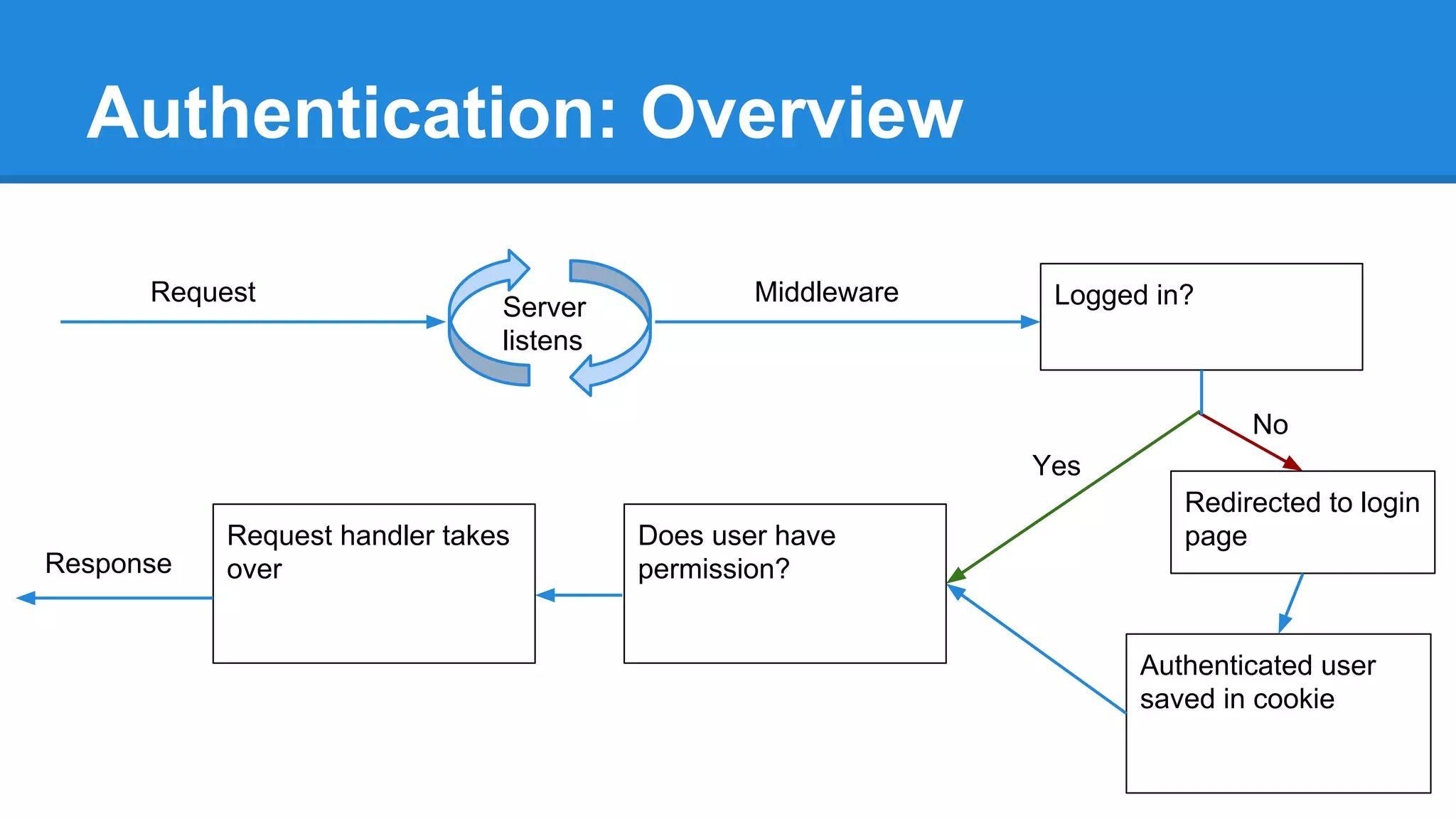
Authentication: Overview
Request

Server
listens

Middleware

Logged in?

No
Yes

Response

Request handler takes
over

Does user have
permission?

Redirected to login
page

Authenticated user
saved in cookie
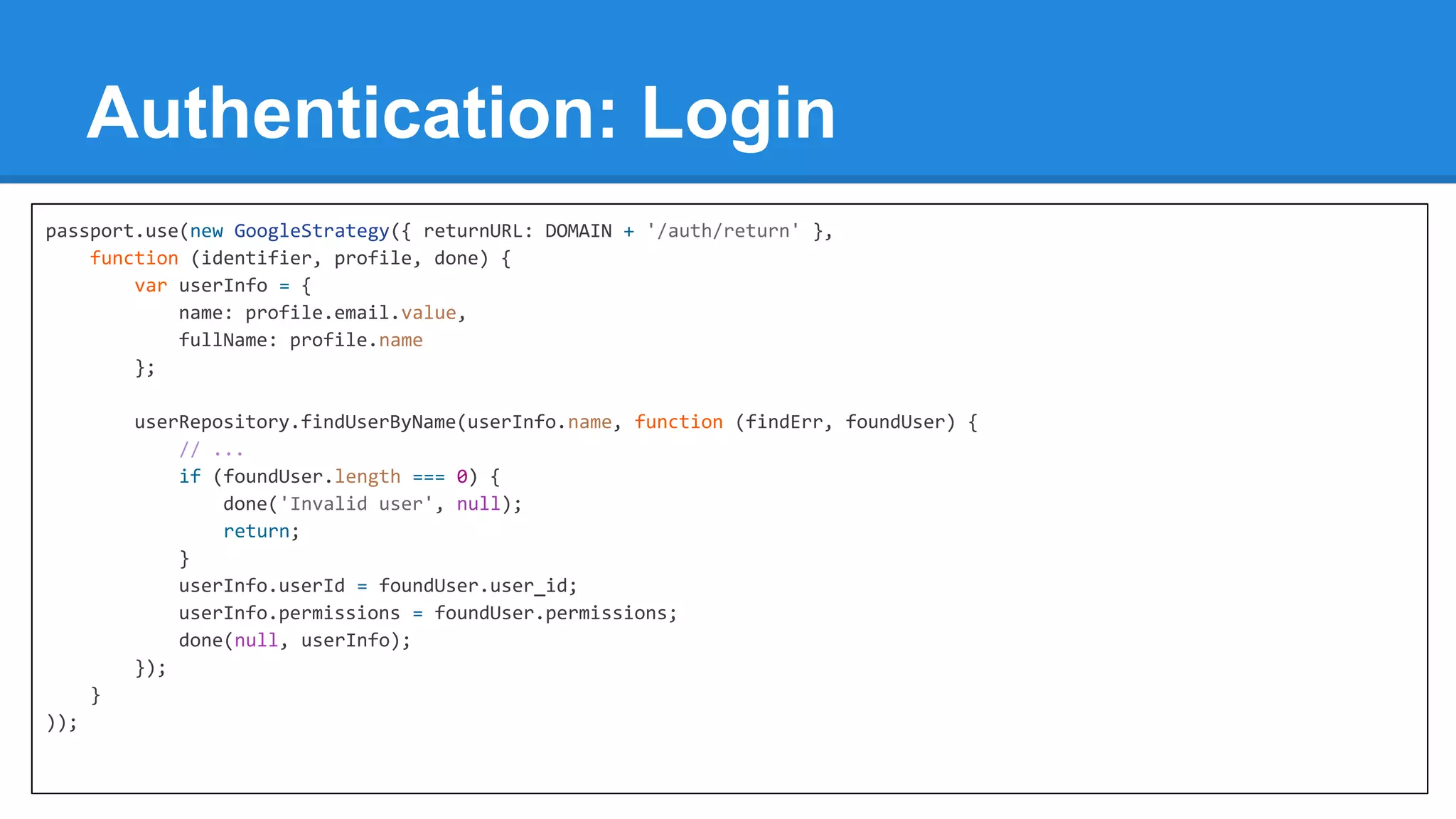
Authentication: Login
passport.use(new GoogleStrategy({ returnURL: DOMAIN + '/auth/return' },
function (identifier, profile, done) {
var userInfo = {
name: profile.email.value,
fullName: profile.name
};
userRepository.findUserByName(userInfo.name, function (findErr, foundUser) {
// ...
if (foundUser.length === 0) {
done('Invalid user', null);
return;
}
userInfo.userId = foundUser.user_id;
userInfo.permissions = foundUser.permissions;
done(null, userInfo);
});
}
));
Working with
JSON
Validation - JSON Schema
SCHEMA

● JSON-based

JSON

{

{
“type”: “object”
“additionalProperties”: false
“properties”: {
“status”: {
“type”: “string”,
“enum”: [“ok”, “error”],
“required”: true
},
“data”: {
“type”: “object”,
“required”: false
}
}

● Like XML Schema
● Validation modules
● Used throughout
Aviary’s systems

}

“status”: “ok”
}
{
“status”: “error”,
“data”: {
“reason”: “hoisting”
}
}
{
“status”: “gladys”,
“node”: “meetup”
}
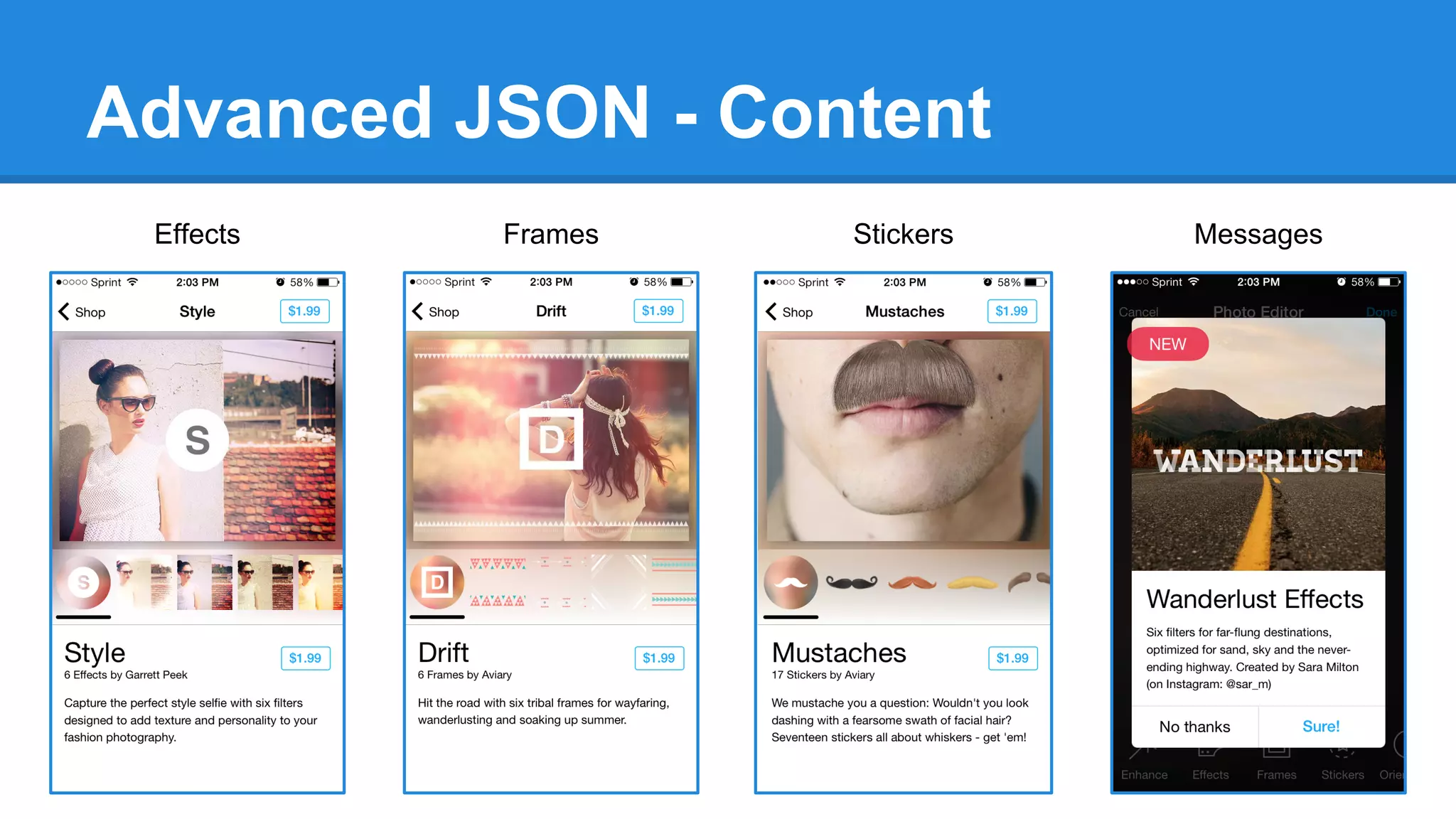
Advanced JSON - Content
Effects

Frames

Stickers

Messages
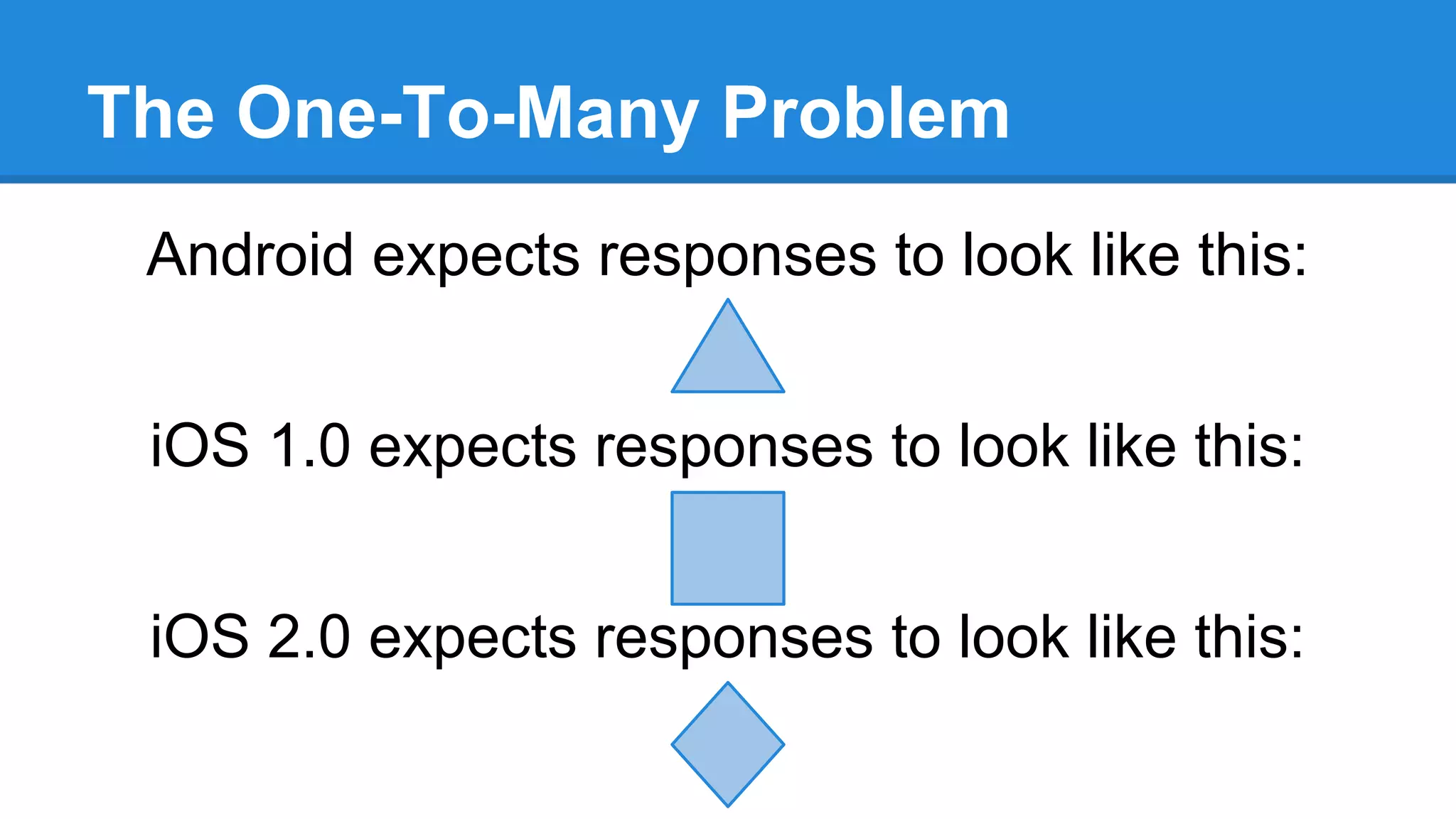
The One-To-Many Problem
Android expects responses to look like this:
iOS 1.0 expects responses to look like this:
iOS 2.0 expects responses to look like this:
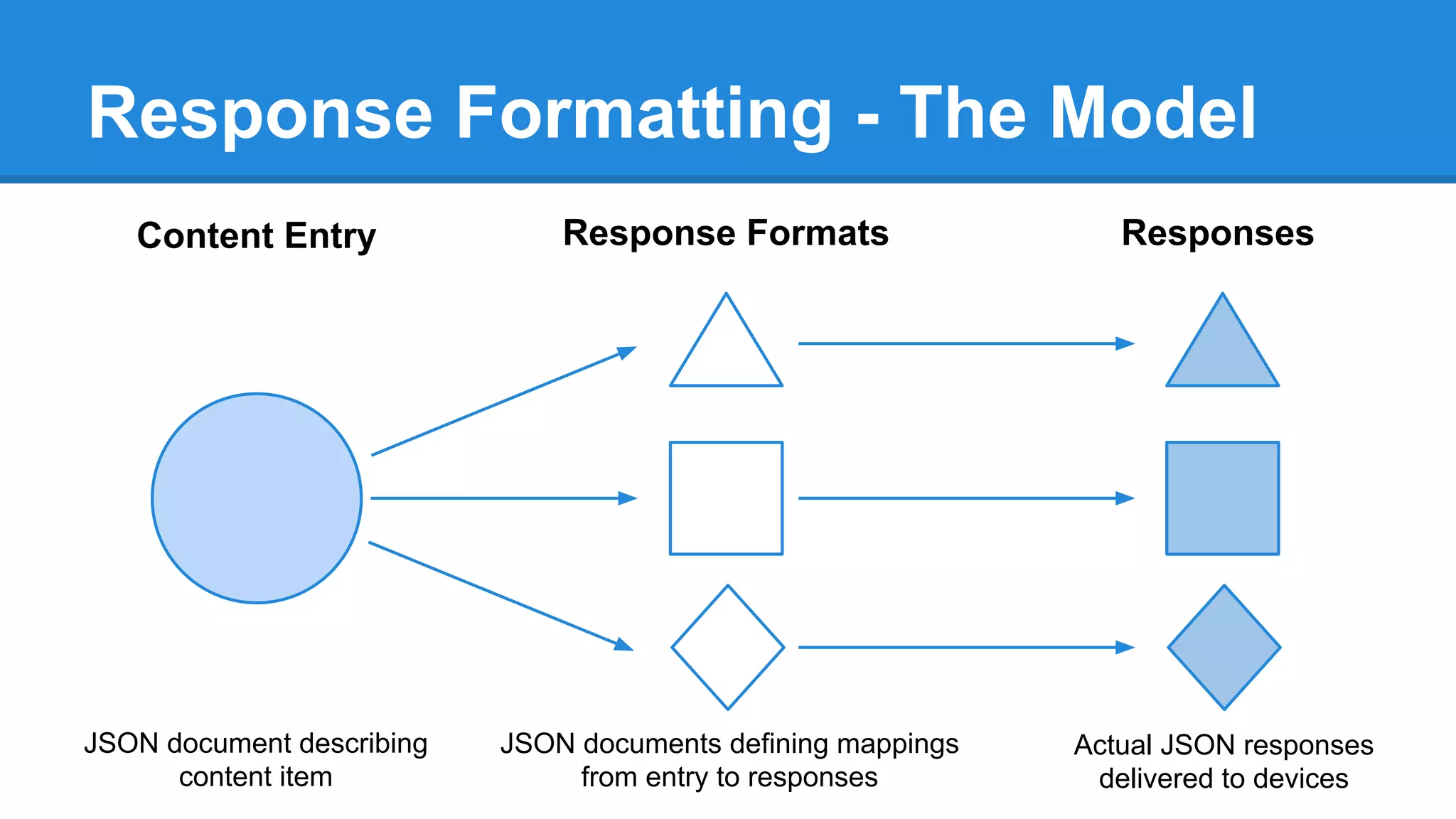
Response Formatting - The Model
Content Entry

Response Formats

Responses

JSON document describing
content item

JSON documents defining mappings
from entry to responses

Actual JSON responses
delivered to devices
Response Formatting - Details
The Single Content Entry
"identifier": "com.aviary.stickers.234fe"

The Response Format
"id": {

"dataKey": "identifier"

"icon": {
"path": "cds/hats/icon.png"
"path-100": "cds/hats/icon100.png"

},
"isPaid": {

"isPaid": true,
"iconImagePath": "cds/hats/icon100.png"
"stickers": [
{

"type": "boolean",

},

"dataKey": "isFree",

{

"identifier": "1"

"transformations": ["negateBool"]

"items": [

"imageUrl": "cds/hats/1.png"

},

"identifier": "1"

}

"iconImagePath": {

"imageUrl": "cds/hats/1.png"

"type": "string",

}
]

"id": "com.aviary.stickers.234fe",
"type": "string",

"isFree": false,

The Response

"dataKey": "icon.path-100"
},
"stickers": {
"type": "array",
"dataKey": "items"

]
Code Sample (Dumbed Down)
var formattedResponse = {};

for (var propName in responseFormat) {
var val = contentEntry[responseFormat[propName].dataKey];
for (var transformation in responseFormat[propName].transformations) {
val = transformationModule[transformation](val);
}
formattedResponse[propName] = val;
}

return formattedResponse;
Interacting with
External Processes
Image Rendering
Challenge: Use our existing image rendering .NET/C++
process from node server
Solution:
require(‘child_process’).spawn(‘renderer.exe’)

Benefits: Easy IPC, asynchronous workflow
Code Sample
var spawn = require(‘child_process’).spawn;

var renderer = spawn(‘renderer.exe’, [‘-i’, ‘inputImage.jpg’, … ]);
// read text
renderer.stderr.setEncoding(‘utf8’);
renderer.stderr.on(‘data’, function (data) { json += data; });
// or binary data
renderer.stdout.on(‘data’, function (data) { buffers.push(data); });

renderer.on(‘close’, function (code, signal) {
// respond to exit code, signal (e.g. ‘SIGTERM’), process output
var diagnostics = JSON.parse(json);
var img = Buffer.concat(buffers);
});
Going Live
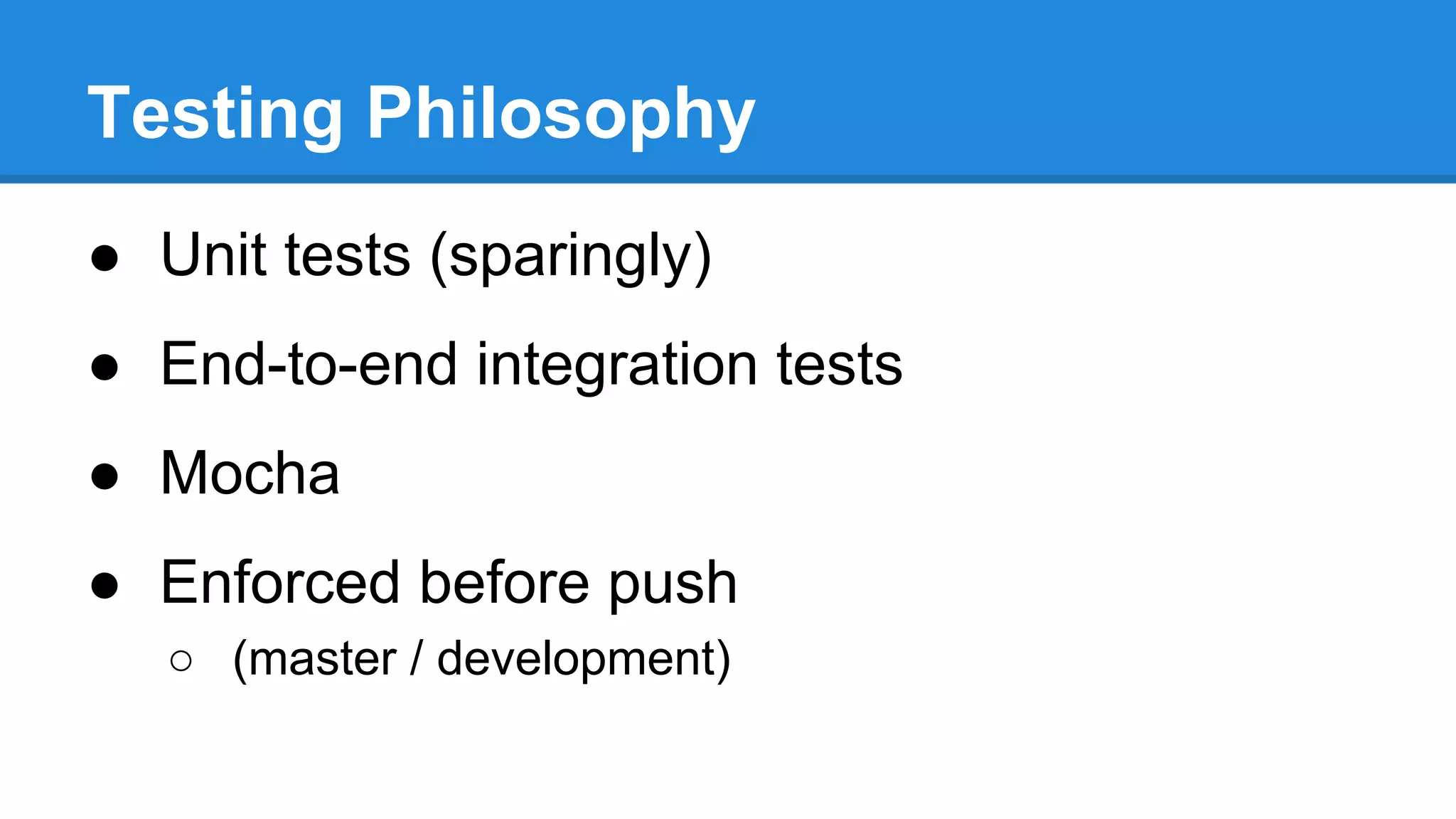
Testing Philosophy
● Unit tests (sparingly)
● End-to-end integration tests
● Mocha
● Enforced before push
○ (master / development)
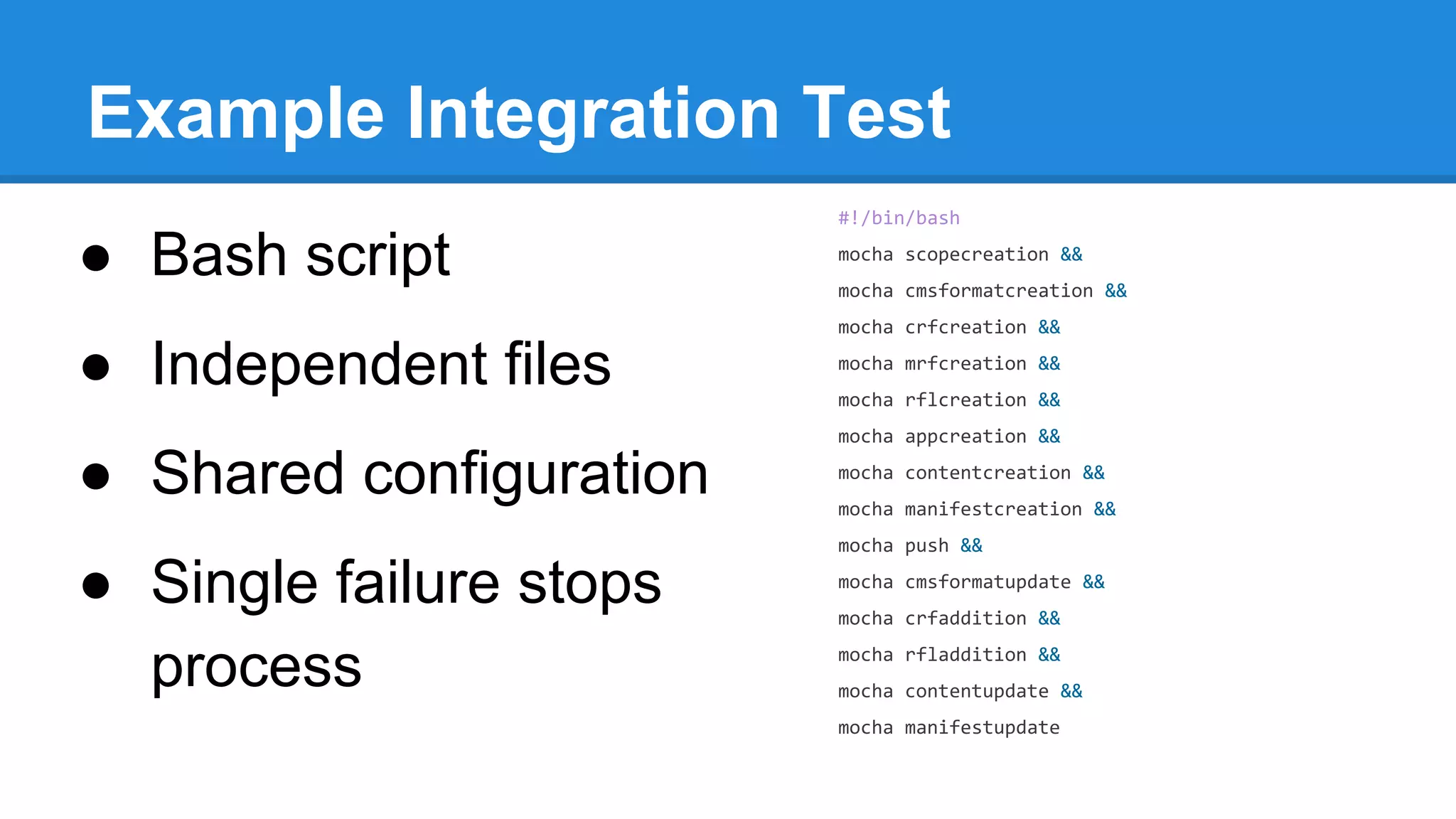
Example Integration Test
#!/bin/bash

● Bash script

mocha scopecreation &&
mocha cmsformatcreation &&
mocha crfcreation &&

● Independent files

mocha mrfcreation &&
mocha rflcreation &&
mocha appcreation &&

● Shared configuration

mocha contentcreation &&
mocha manifestcreation &&
mocha push &&

● Single failure stops
process

mocha cmsformatupdate &&
mocha crfaddition &&
mocha rfladdition &&
mocha contentupdate &&
mocha manifestupdate
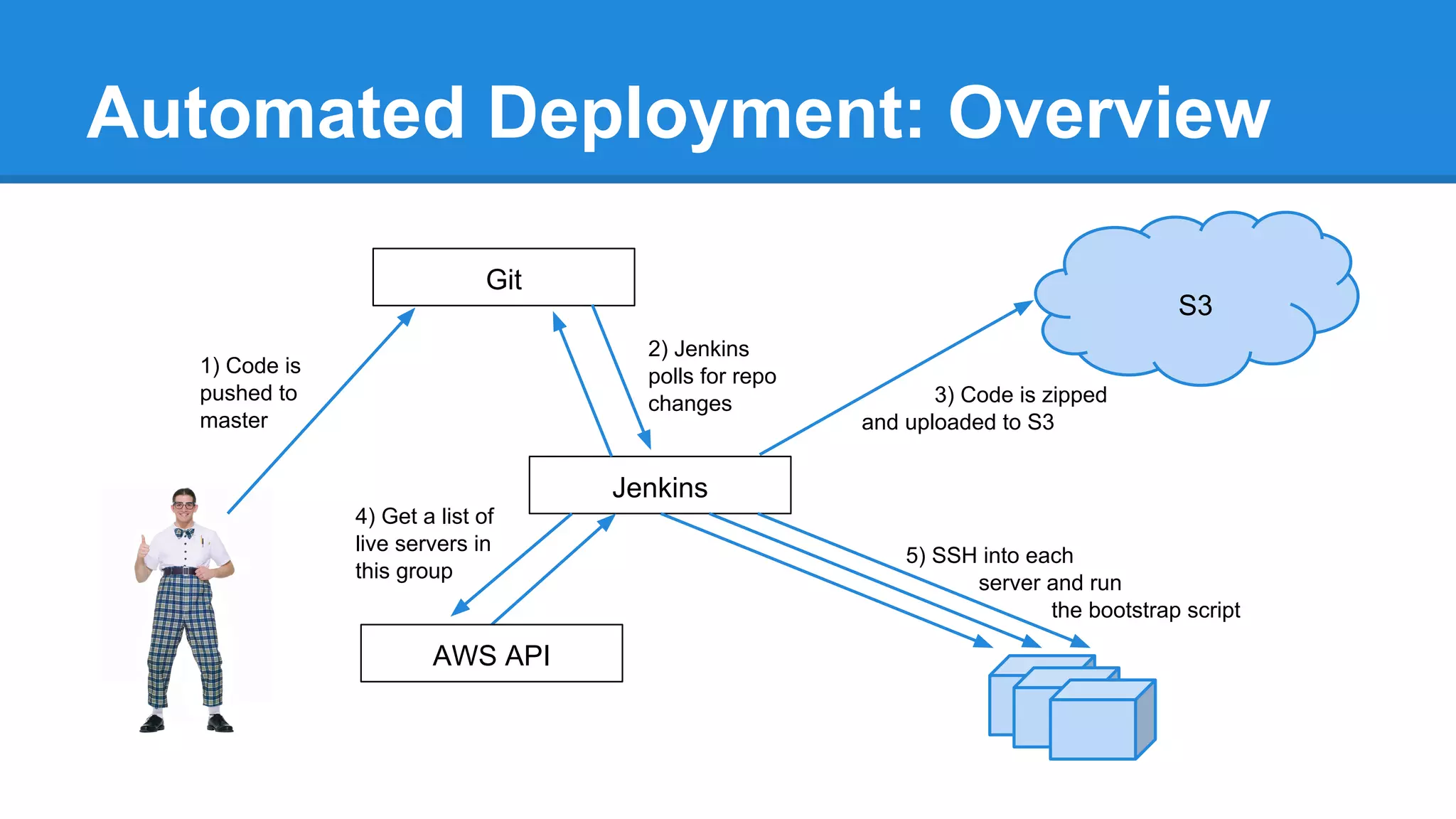
Automated Deployment: Overview
Git

S3
2) Jenkins
polls for repo
changes

1) Code is
pushed to
master

3) Code is zipped
and uploaded to S3

Jenkins
4) Get a list of
live servers in
this group

AWS API

5) SSH into each
server and run
the bootstrap script
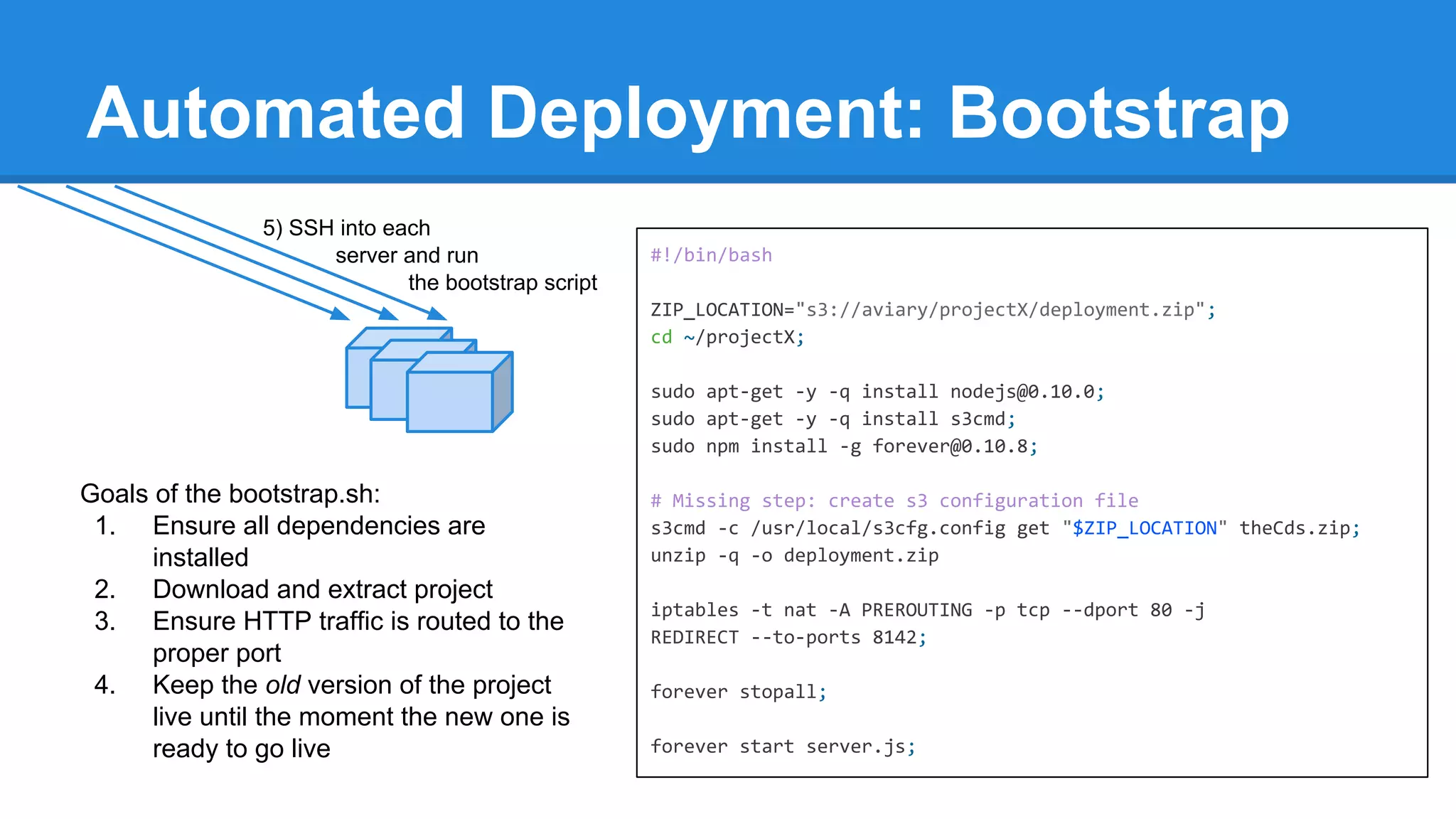
Automated Deployment: Bootstrap
5) SSH into each
server and run
the bootstrap script

#!/bin/bash
ZIP_LOCATION="s3://aviary/projectX/deployment.zip";
cd ~/projectX;
sudo apt-get -y -q install nodejs@0.10.0;
sudo apt-get -y -q install s3cmd;
sudo npm install -g forever@0.10.8;

Goals of the bootstrap.sh:
1. Ensure all dependencies are
installed
2. Download and extract project
3. Ensure HTTP traffic is routed to the
proper port
4. Keep the old version of the project
live until the moment the new one is
ready to go live

# Missing step: create s3 configuration file
s3cmd -c /usr/local/s3cfg.config get "$ZIP_LOCATION" theCds.zip;
unzip -q -o deployment.zip
iptables -t nat -A PREROUTING -p tcp --dport 80 -j
REDIRECT --to-ports 8142;
forever stopall;
forever start server.js;
Summary
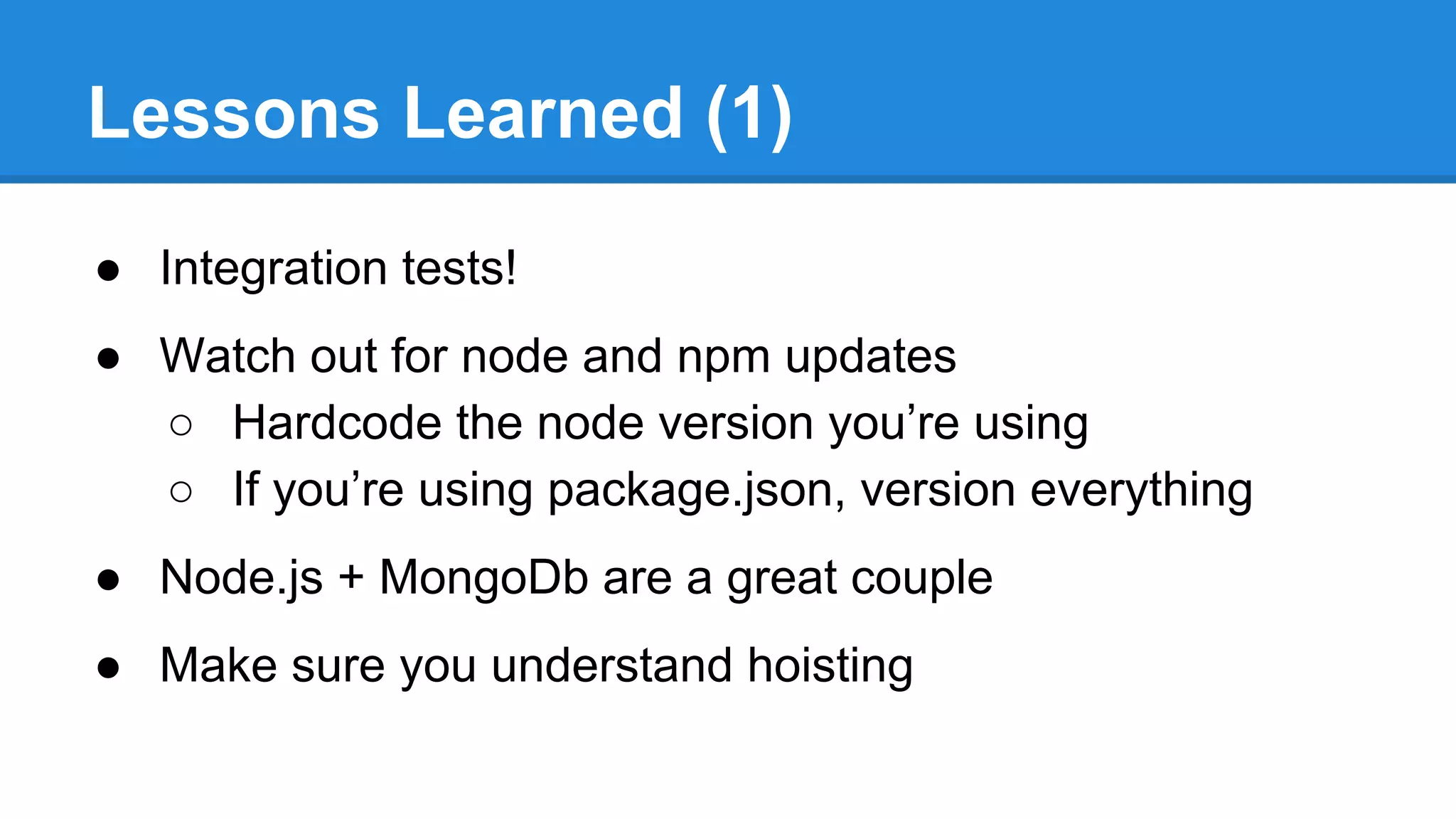
Lessons Learned (1)
● Integration tests!
● Watch out for node and npm updates
○ Hardcode the node version you’re using
○ If you’re using package.json, version everything
● Node.js + MongoDb are a great couple
● Make sure you understand hoisting
Lessons Learned (2)
● Always callback in async functions
● Always return after a callback
● Node doesn’t always run the same on all platforms
● Use middleware only when necessary
● Always store dates as Unix Timestamps
○ Timezones are a pain in your future
● Throwing unhandled errors will crash your process
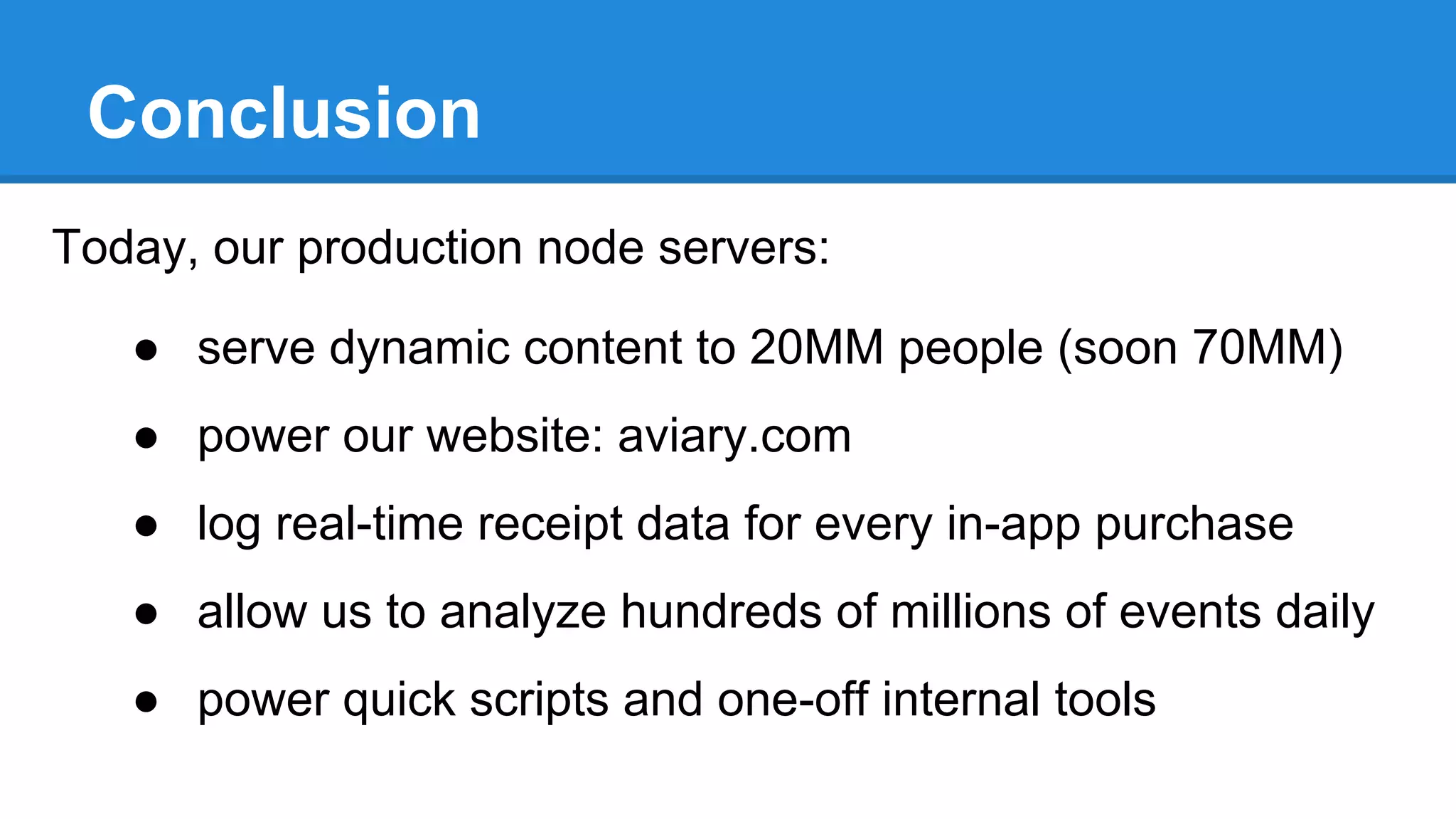
Conclusion
Today, our production node servers:
● serve dynamic content to 20MM people (soon 70MM)
● power our website: aviary.com
● log real-time receipt data for every in-app purchase
● allow us to analyze hundreds of millions of events daily
● power quick scripts and one-off internal tools
Questions?
Comments also welcome
nir@aviary.com - jack@aviary.com - ari@aviary.com - jeff@aviary.com
…and by the way, WE’RE HIRING!

Node in Production at Aviary

  • 1.
    Node.js in Production atAviary NYC Node.js Meetup March 5, 2014
  • 2.
    Aviary Photo-Editing SDK & Apps Fully-BakedUI Configurable, High-Quality Tools Over 6,500 Partners Over 70 Million Monthly Users Over 6 Billion Photos Edited iOS, Android, Web, Server J
  • 3.
    Who Are We? Nir Jack LeadServerside Director of Engineer Engineering Likes: ● ● ● Automated deployment Big-O notation Brainteasers Hates: ● Cilantro Likes: ● ● ● Parallelizing processes DRY code Seltzer Hates: ● Food after the sell-by date
  • 4.
    Who Are We? Jeff Ari Serverside Developer Engineer Evangelist Likes: ● ● ● PerformanceProfiling Spaces, not tabs Bikes Hates: ● His Photo Likes: ● ● ● Empowering Developers Refactoring/Patterns Dancing Hates: ● Forrest Gump
  • 5.
    How Do WeUse Node? ● In Production: ○ ○ ○ ○ ○ ● Future: Analytics Dashboard ○ Server-side Rendering API Content Delivery (CDS) ○ Automated billing Public Website Receipts Collection Monitoring Tools
  • 6.
    Why Do WeUse Node? ● ● ● ● ● ● ● ● Extremely fast and lightweight Easy to iterate on Common language for client and server JSON Cross Platform npm express module Active Community
  • 7.
  • 8.
    Request Routing Our APIservers all require(routes.json) { “home”: { “getVersion”: { “verb”: “get”, “path”: “/version” } }, “queue”: { “updateContent”: { “verb”: ”put”, “path”: “/content/:id”, “permissions”: [“content”] } } } for (var controllerName in routes) { var controller = require(ctrlrDir + controllerName); for (var endpointName in routes[controllerName]) { var endpoint = routes[controllerName][endpointName]; var callback = controller[endpointName]; app[endpoint.verb]( endpoint.path, ensurePermissions(endpoint.permissions), callback ); } }
  • 9.
    Authentication: Overview Request Server listens Middleware Logged in? No Yes Response Requesthandler takes over Does user have permission? Redirected to login page Authenticated user saved in cookie
  • 10.
    Authentication: Login passport.use(new GoogleStrategy({returnURL: DOMAIN + '/auth/return' }, function (identifier, profile, done) { var userInfo = { name: profile.email.value, fullName: profile.name }; userRepository.findUserByName(userInfo.name, function (findErr, foundUser) { // ... if (foundUser.length === 0) { done('Invalid user', null); return; } userInfo.userId = foundUser.user_id; userInfo.permissions = foundUser.permissions; done(null, userInfo); }); } ));
  • 11.
  • 12.
    Validation - JSONSchema SCHEMA ● JSON-based JSON { { “type”: “object” “additionalProperties”: false “properties”: { “status”: { “type”: “string”, “enum”: [“ok”, “error”], “required”: true }, “data”: { “type”: “object”, “required”: false } } ● Like XML Schema ● Validation modules ● Used throughout Aviary’s systems } “status”: “ok” } { “status”: “error”, “data”: { “reason”: “hoisting” } } { “status”: “gladys”, “node”: “meetup” }
  • 13.
    Advanced JSON -Content Effects Frames Stickers Messages
  • 14.
    The One-To-Many Problem Androidexpects responses to look like this: iOS 1.0 expects responses to look like this: iOS 2.0 expects responses to look like this:
  • 15.
    Response Formatting -The Model Content Entry Response Formats Responses JSON document describing content item JSON documents defining mappings from entry to responses Actual JSON responses delivered to devices
  • 16.
    Response Formatting -Details The Single Content Entry "identifier": "com.aviary.stickers.234fe" The Response Format "id": { "dataKey": "identifier" "icon": { "path": "cds/hats/icon.png" "path-100": "cds/hats/icon100.png" }, "isPaid": { "isPaid": true, "iconImagePath": "cds/hats/icon100.png" "stickers": [ { "type": "boolean", }, "dataKey": "isFree", { "identifier": "1" "transformations": ["negateBool"] "items": [ "imageUrl": "cds/hats/1.png" }, "identifier": "1" } "iconImagePath": { "imageUrl": "cds/hats/1.png" "type": "string", } ] "id": "com.aviary.stickers.234fe", "type": "string", "isFree": false, The Response "dataKey": "icon.path-100" }, "stickers": { "type": "array", "dataKey": "items" ]
  • 17.
    Code Sample (DumbedDown) var formattedResponse = {}; for (var propName in responseFormat) { var val = contentEntry[responseFormat[propName].dataKey]; for (var transformation in responseFormat[propName].transformations) { val = transformationModule[transformation](val); } formattedResponse[propName] = val; } return formattedResponse;
  • 18.
  • 19.
    Image Rendering Challenge: Useour existing image rendering .NET/C++ process from node server Solution: require(‘child_process’).spawn(‘renderer.exe’) Benefits: Easy IPC, asynchronous workflow
  • 20.
    Code Sample var spawn= require(‘child_process’).spawn; var renderer = spawn(‘renderer.exe’, [‘-i’, ‘inputImage.jpg’, … ]); // read text renderer.stderr.setEncoding(‘utf8’); renderer.stderr.on(‘data’, function (data) { json += data; }); // or binary data renderer.stdout.on(‘data’, function (data) { buffers.push(data); }); renderer.on(‘close’, function (code, signal) { // respond to exit code, signal (e.g. ‘SIGTERM’), process output var diagnostics = JSON.parse(json); var img = Buffer.concat(buffers); });
  • 21.
  • 22.
    Testing Philosophy ● Unittests (sparingly) ● End-to-end integration tests ● Mocha ● Enforced before push ○ (master / development)
  • 23.
    Example Integration Test #!/bin/bash ●Bash script mocha scopecreation && mocha cmsformatcreation && mocha crfcreation && ● Independent files mocha mrfcreation && mocha rflcreation && mocha appcreation && ● Shared configuration mocha contentcreation && mocha manifestcreation && mocha push && ● Single failure stops process mocha cmsformatupdate && mocha crfaddition && mocha rfladdition && mocha contentupdate && mocha manifestupdate
  • 24.
    Automated Deployment: Overview Git S3 2)Jenkins polls for repo changes 1) Code is pushed to master 3) Code is zipped and uploaded to S3 Jenkins 4) Get a list of live servers in this group AWS API 5) SSH into each server and run the bootstrap script
  • 25.
    Automated Deployment: Bootstrap 5)SSH into each server and run the bootstrap script #!/bin/bash ZIP_LOCATION="s3://aviary/projectX/deployment.zip"; cd ~/projectX; sudo apt-get -y -q install nodejs@0.10.0; sudo apt-get -y -q install s3cmd; sudo npm install -g forever@0.10.8; Goals of the bootstrap.sh: 1. Ensure all dependencies are installed 2. Download and extract project 3. Ensure HTTP traffic is routed to the proper port 4. Keep the old version of the project live until the moment the new one is ready to go live # Missing step: create s3 configuration file s3cmd -c /usr/local/s3cfg.config get "$ZIP_LOCATION" theCds.zip; unzip -q -o deployment.zip iptables -t nat -A PREROUTING -p tcp --dport 80 -j REDIRECT --to-ports 8142; forever stopall; forever start server.js;
  • 26.
  • 27.
    Lessons Learned (1) ●Integration tests! ● Watch out for node and npm updates ○ Hardcode the node version you’re using ○ If you’re using package.json, version everything ● Node.js + MongoDb are a great couple ● Make sure you understand hoisting
  • 28.
    Lessons Learned (2) ●Always callback in async functions ● Always return after a callback ● Node doesn’t always run the same on all platforms ● Use middleware only when necessary ● Always store dates as Unix Timestamps ○ Timezones are a pain in your future ● Throwing unhandled errors will crash your process
  • 29.
    Conclusion Today, our productionnode servers: ● serve dynamic content to 20MM people (soon 70MM) ● power our website: aviary.com ● log real-time receipt data for every in-app purchase ● allow us to analyze hundreds of millions of events daily ● power quick scripts and one-off internal tools
  • 30.
    Questions? Comments also welcome nir@aviary.com- jack@aviary.com - ari@aviary.com - jeff@aviary.com …and by the way, WE’RE HIRING!