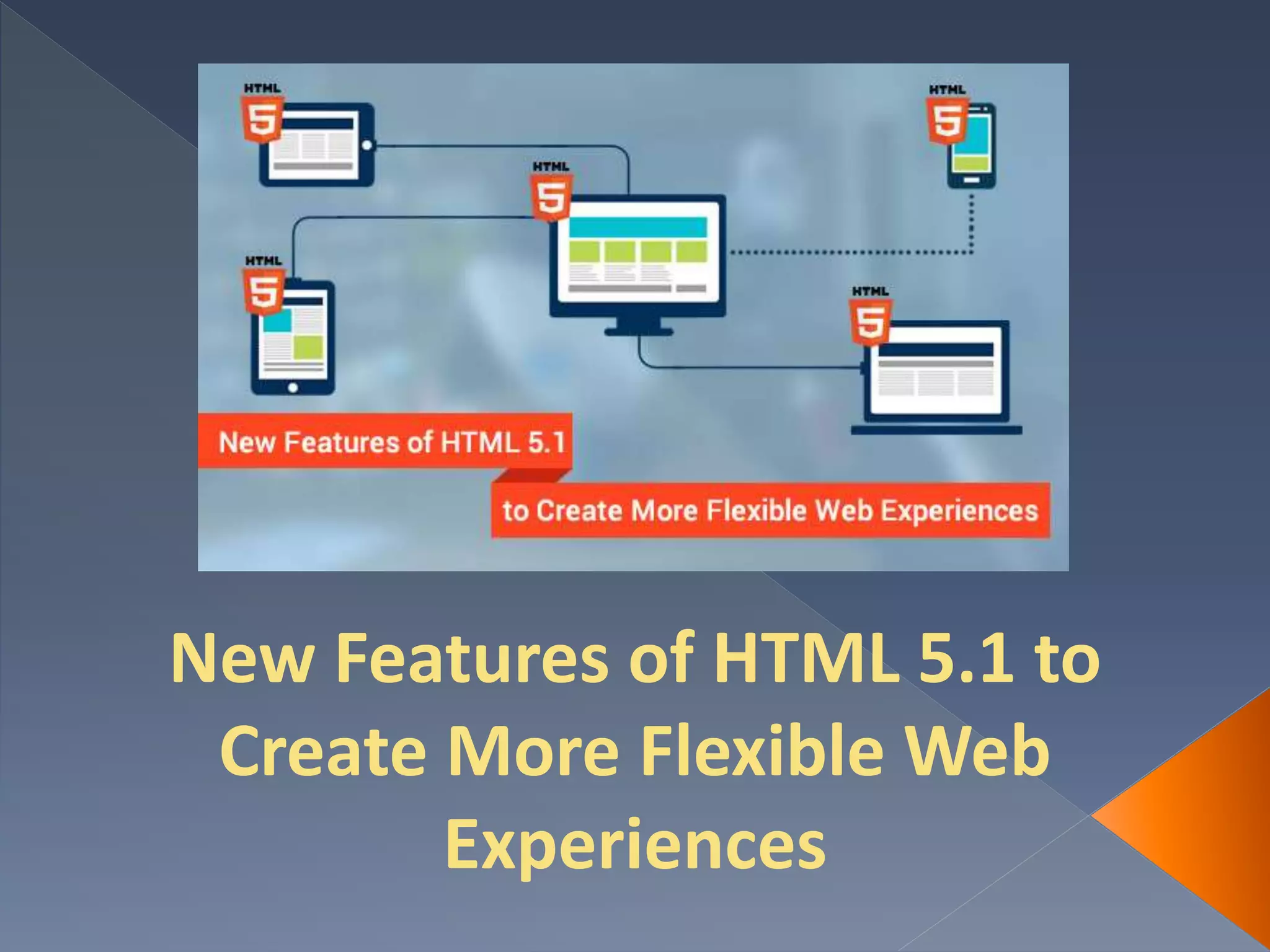
New Features of HTML 5.1 to
Create More Flexible Web
Experiences
With the release of HTML 5.1 in November 2016,
aptly called as the gold standard by W3C, you are
now empowered with new options to create more
versatile web applications. W3C published its new
HTML 5.1 recommendation to announce that the
HTML specification has been given a major revamp.
We will be discussing some of the new features here
but remember to check browser support as you give
these features a try in production because not all
browsers support all of them.
Making responsive image selection
possible
HTML 5.1 allows you to use <picture> tag along
with the srcset attribute in order to enable you to
do responsive image selection. This tag functions as
an image container for the multiple image resources.
Remember, default image resources need to be
declared as the value of the src attribute within the
<img> tag. And also declare the alternative image
resources as the value of the srcset attribute of
the <img> as well as <source> elements.
Showing and hiding extra information
Now, you can use <details> and <summary>
tags to add extra information in a content piece. By
default this extra information will remain hidden
but if the users are interested to have a look they
have an option to do so. Web development
experts have to place the <summary> tag inside
<details> while they code and the extra
information that they want to hide must be added
after the <summary> tag.
Creating reverse link relationships
With HTML 5.1 you will able to use rev
attribute for the <link> and <a> elements
to specify how your current document is
related to the linked document i.e. it defines
the relationship in the reverse direction.
Creating an empty option
You can create an empty <option> element
which could be defined as the child element of
<select>, <optgroup> or
<datalist> elements. While designing
user-friendly forms, you will find this feature
useful.
Handling figure captions flexibly
In HTML the <figure> element serves as a
container for visuals, e.g. photos, diagrams and
illustrations. The caption or legend of this
<figure> element is represented by the
<figcaption> tag which can appear
anywhere within its <figure> container as
per the new release.
To implement all the new features in your web
application development, get in touch with a
HTML5 Development Service Provider and
create a feature-rich flexible web application.
Originally posted by : https://goo.gl/PTTSUy
Interested To Know More About?
Outsourcing HTML5 Ontwikkeling
Website Ontwikkeling Specialist
Mobiele Applicatie

New Features of HTML 5.1 to Create More Flexible Web Experiences

  • 1.
    New Features ofHTML 5.1 to Create More Flexible Web Experiences
  • 2.
    With the releaseof HTML 5.1 in November 2016, aptly called as the gold standard by W3C, you are now empowered with new options to create more versatile web applications. W3C published its new HTML 5.1 recommendation to announce that the HTML specification has been given a major revamp. We will be discussing some of the new features here but remember to check browser support as you give these features a try in production because not all browsers support all of them.
  • 3.
    Making responsive imageselection possible HTML 5.1 allows you to use <picture> tag along with the srcset attribute in order to enable you to do responsive image selection. This tag functions as an image container for the multiple image resources. Remember, default image resources need to be declared as the value of the src attribute within the <img> tag. And also declare the alternative image resources as the value of the srcset attribute of the <img> as well as <source> elements.
  • 4.
    Showing and hidingextra information Now, you can use <details> and <summary> tags to add extra information in a content piece. By default this extra information will remain hidden but if the users are interested to have a look they have an option to do so. Web development experts have to place the <summary> tag inside <details> while they code and the extra information that they want to hide must be added after the <summary> tag.
  • 5.
    Creating reverse linkrelationships With HTML 5.1 you will able to use rev attribute for the <link> and <a> elements to specify how your current document is related to the linked document i.e. it defines the relationship in the reverse direction.
  • 6.
    Creating an emptyoption You can create an empty <option> element which could be defined as the child element of <select>, <optgroup> or <datalist> elements. While designing user-friendly forms, you will find this feature useful.
  • 7.
    Handling figure captionsflexibly In HTML the <figure> element serves as a container for visuals, e.g. photos, diagrams and illustrations. The caption or legend of this <figure> element is represented by the <figcaption> tag which can appear anywhere within its <figure> container as per the new release.
  • 8.
    To implement allthe new features in your web application development, get in touch with a HTML5 Development Service Provider and create a feature-rich flexible web application. Originally posted by : https://goo.gl/PTTSUy
  • 9.
    Interested To KnowMore About? Outsourcing HTML5 Ontwikkeling Website Ontwikkeling Specialist Mobiele Applicatie