Download as PDF, PPTX







![_peerID = [[MCPeerID alloc]
initWithDisplayName:displayName];
_session = [[MCSession alloc] initWithPeer:_peerID];
_session.delegate = self;](https://image.slidesharecdn.com/multipleconnectivityframeworkkeynote-140410212955-phpapp01/85/Multiple-Connectivity-Framework-Keynote-12-320.jpg)
![_advertiser = [[MCAdvertiserAssistant alloc]
initWithServiceType:@"chat-files"
discoveryInfo:nil
session:_session];
[_advertiser start];
_browser = [[MCBrowserViewController alloc]
initWithServiceType:@"chat-files"
session:_session];](https://image.slidesharecdn.com/multipleconnectivityframeworkkeynote-140410212955-phpapp01/85/Multiple-Connectivity-Framework-Keynote-13-320.jpg)

![[_appDelegate.mcManager.session sendData:dataToSend
toPeers:allPeers
withMode:MCSessionSendDataReliable
error:&error];](https://image.slidesharecdn.com/multipleconnectivityframeworkkeynote-140410212955-phpapp01/85/Multiple-Connectivity-Framework-Keynote-15-320.jpg)
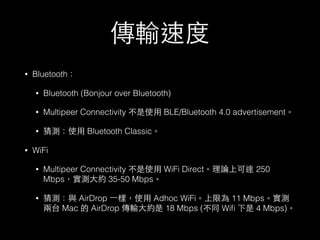



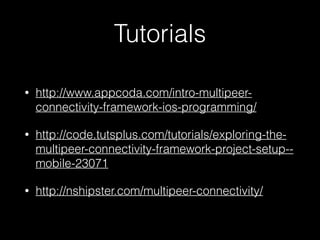

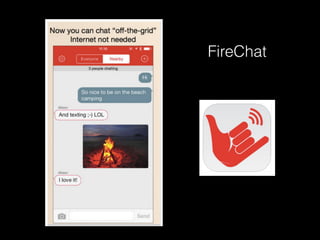
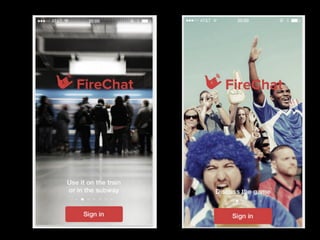
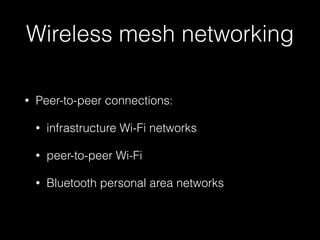
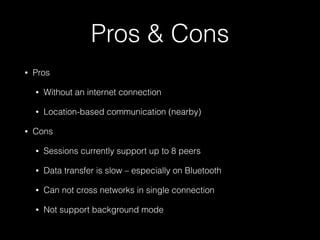
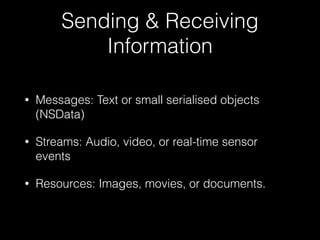
The document discusses Apple's Multipeer Connectivity framework which allows for direct peer-to-peer connections between nearby iOS and OS X devices over WiFi, Bluetooth, or infrastructure WiFi networks. It recommends downloading the FireChat app as an example and provides information on pros and cons, sending and receiving data, building connections between peers, and data transfer speeds using different connection types. Resources for tutorials on the Multipeer Connectivity framework are also listed.


