100%
Certified
Advantages of
Modernizing Applications
with Containers
What are containers and why we use
them
Benefits of containers
Case study in education
Pitfalls
Q&A
Aleks Daranutsa, AWS Solutions Architect and AWS-certified Black
Belt in Containers
Stratus10 is an AWS Advanced Consulting Partner with specialty
areas: migration, DevOps automation, application modernization,
cost optimization, and managed services.
Introduction
Agenda
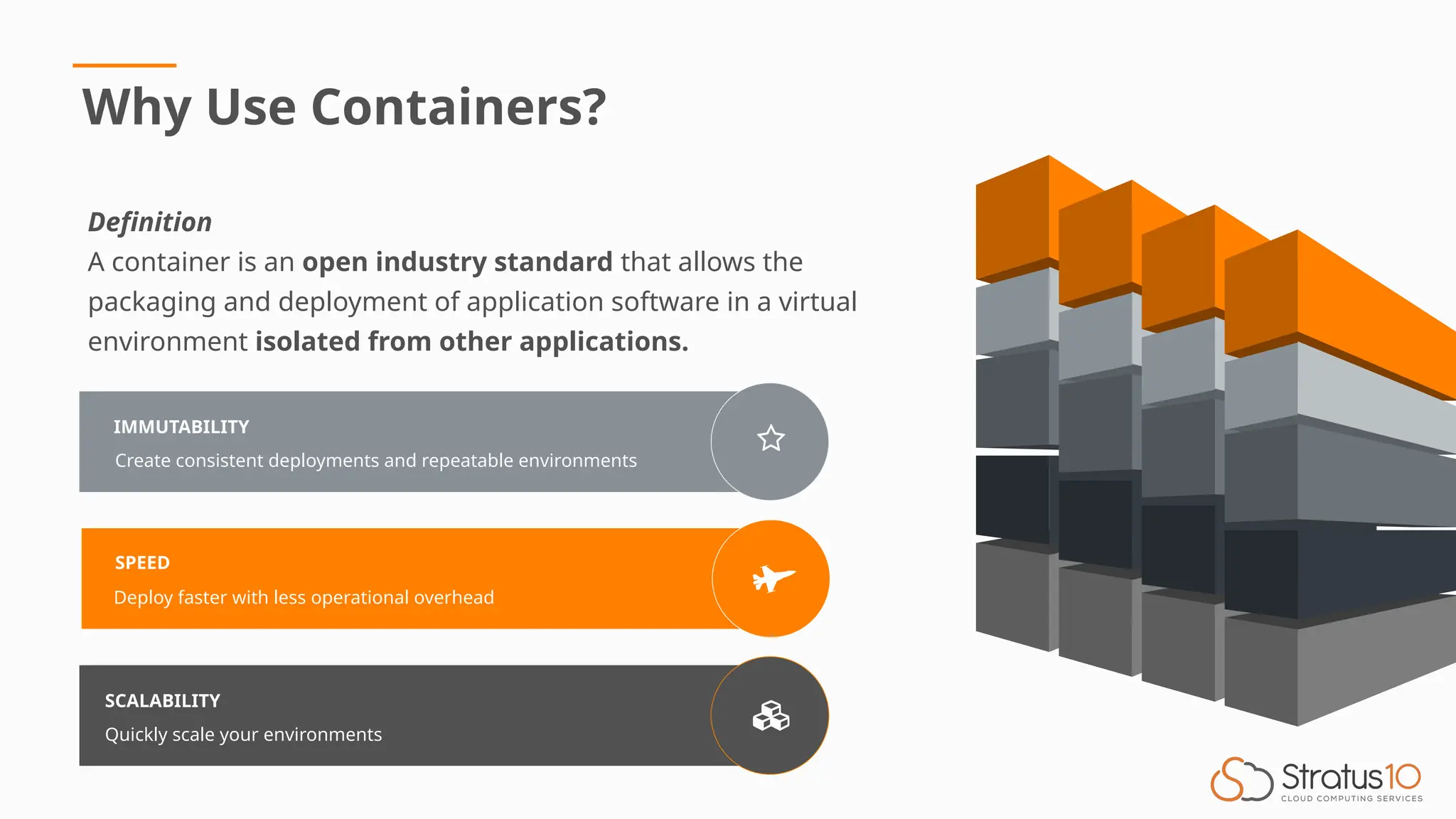
IMMUTABILITY
Create consistent deployments and repeatable environments
SPEED
Deploy faster with less operational overhead
SCALABILITY
Quickly scale your environments
Why Use Containers?
Definition
A container is an open industry standard that allows the
packaging and deployment of application software in a virtual
environment isolated from other applications.
Benefits of Using Containers
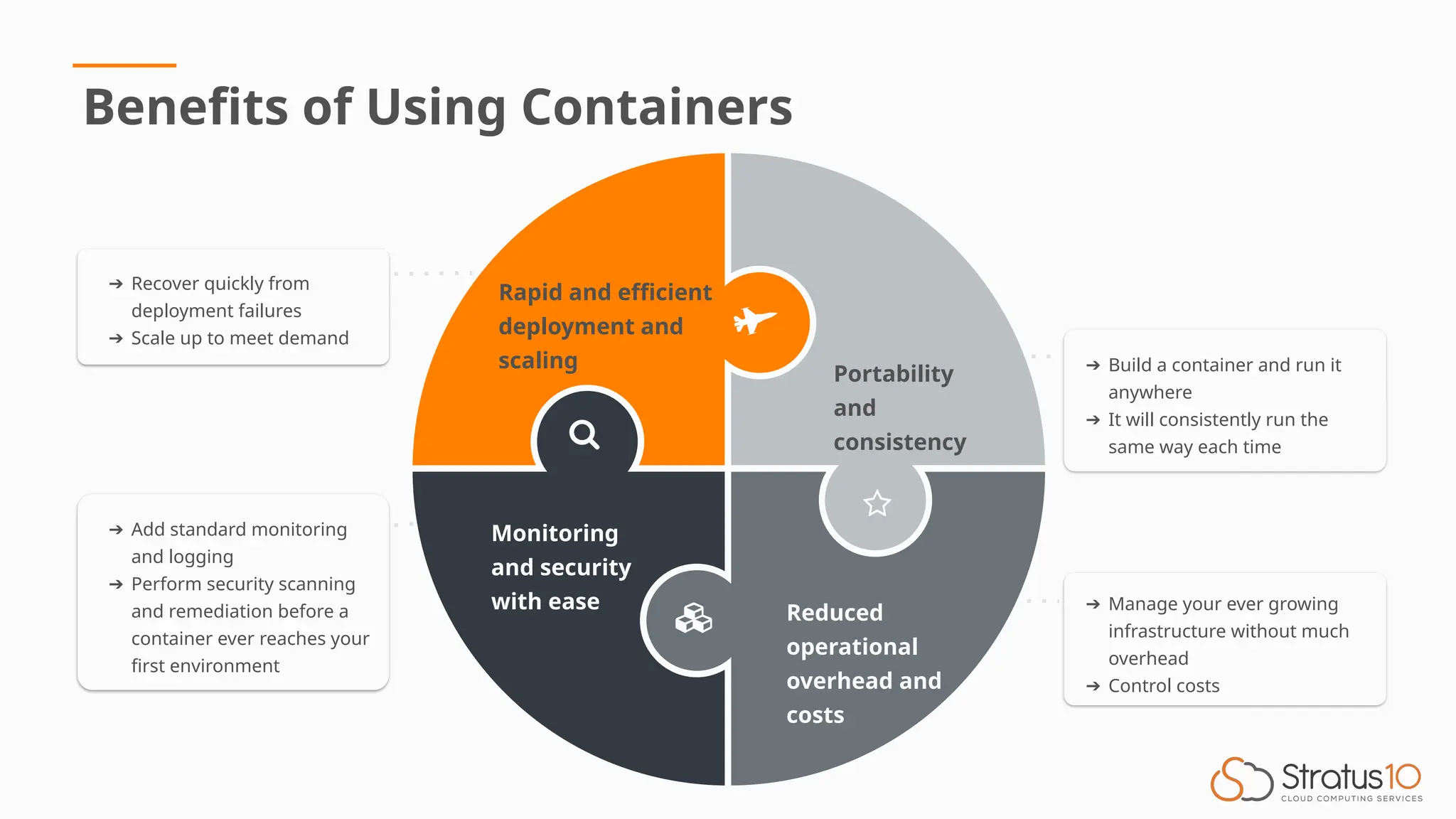
➔ Build a container and run it
anywhere
➔ It will consistently run the
same way each time
Portability
and
consistency
Reduced
operational
overhead and
costs
Rapid and efficient
deployment and
scaling
Monitoring
and security
with ease ➔ Manage your ever growing
infrastructure without much
overhead
➔ Control costs
➔ Recover quickly from
deployment failures
➔ Scale up to meet demand
➔ Add standard monitoring
and logging
➔ Perform security scanning
and remediation before a
container ever reaches your
first environment
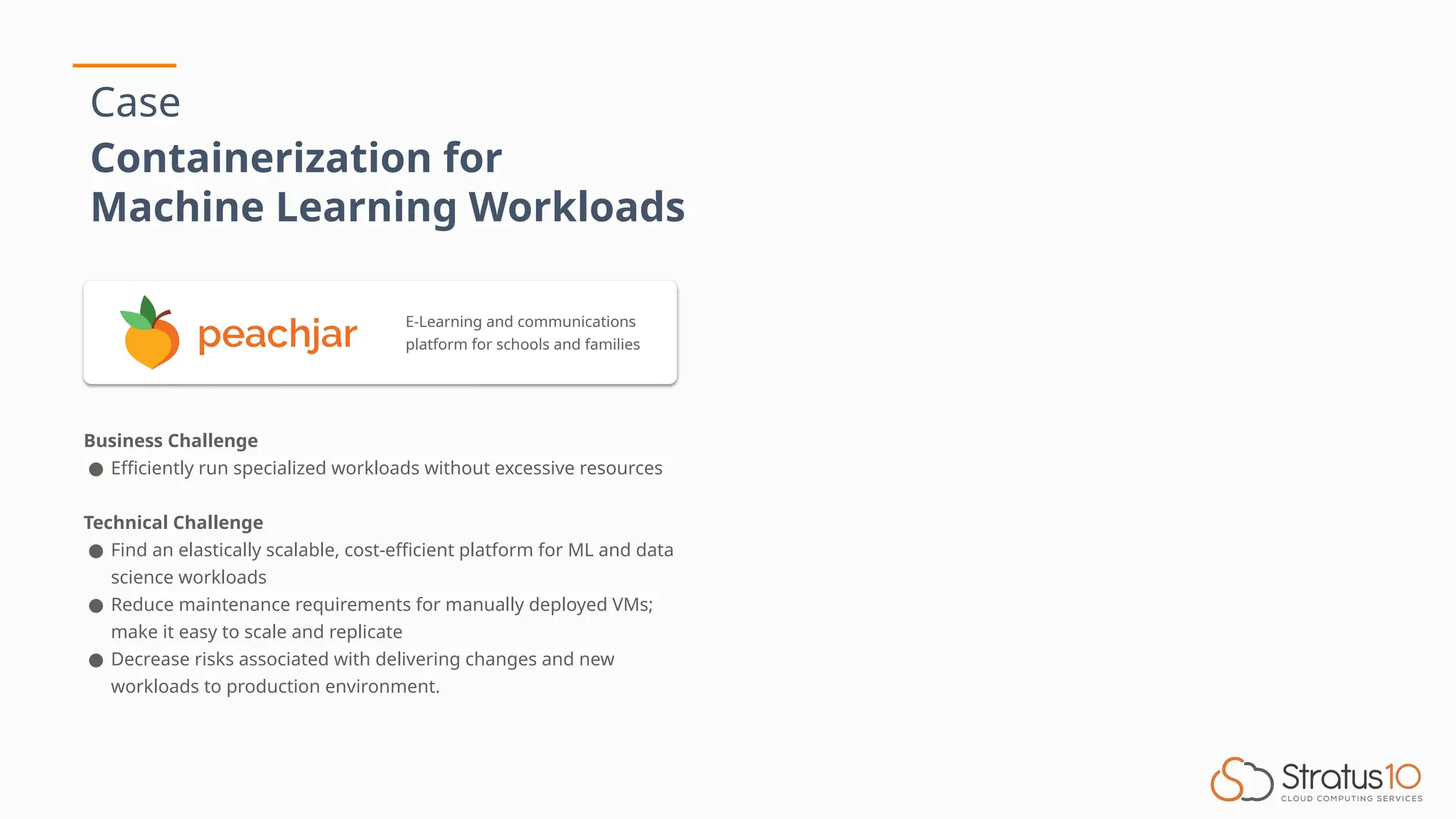
Case
Containerization for
Machine Learning Workloads
Business Challenge
● Efficiently run specialized workloads without excessive resources
Technical Challenge
● Find an elastically scalable, cost-efficient platform for ML and data
science workloads
● Reduce maintenance requirements for manually deployed VMs;
make it easy to scale and replicate
● Decrease risks associated with delivering changes and new
workloads to production environment.
E-Learning and communications
platform for schools and families
Case
Containerization for
Machine Learning Workloads
Business Challenge
● Efficiently run specialized workloads without excessive resources
Technical Challenge
● Find an elastically scalable, cost-efficient platform for ML and data
science workloads
● Reduce maintenance requirements for manually deployed VMs;
make it easy to scale and replicate
● Decrease risks associated with delivering changes and new
workloads to production environment.
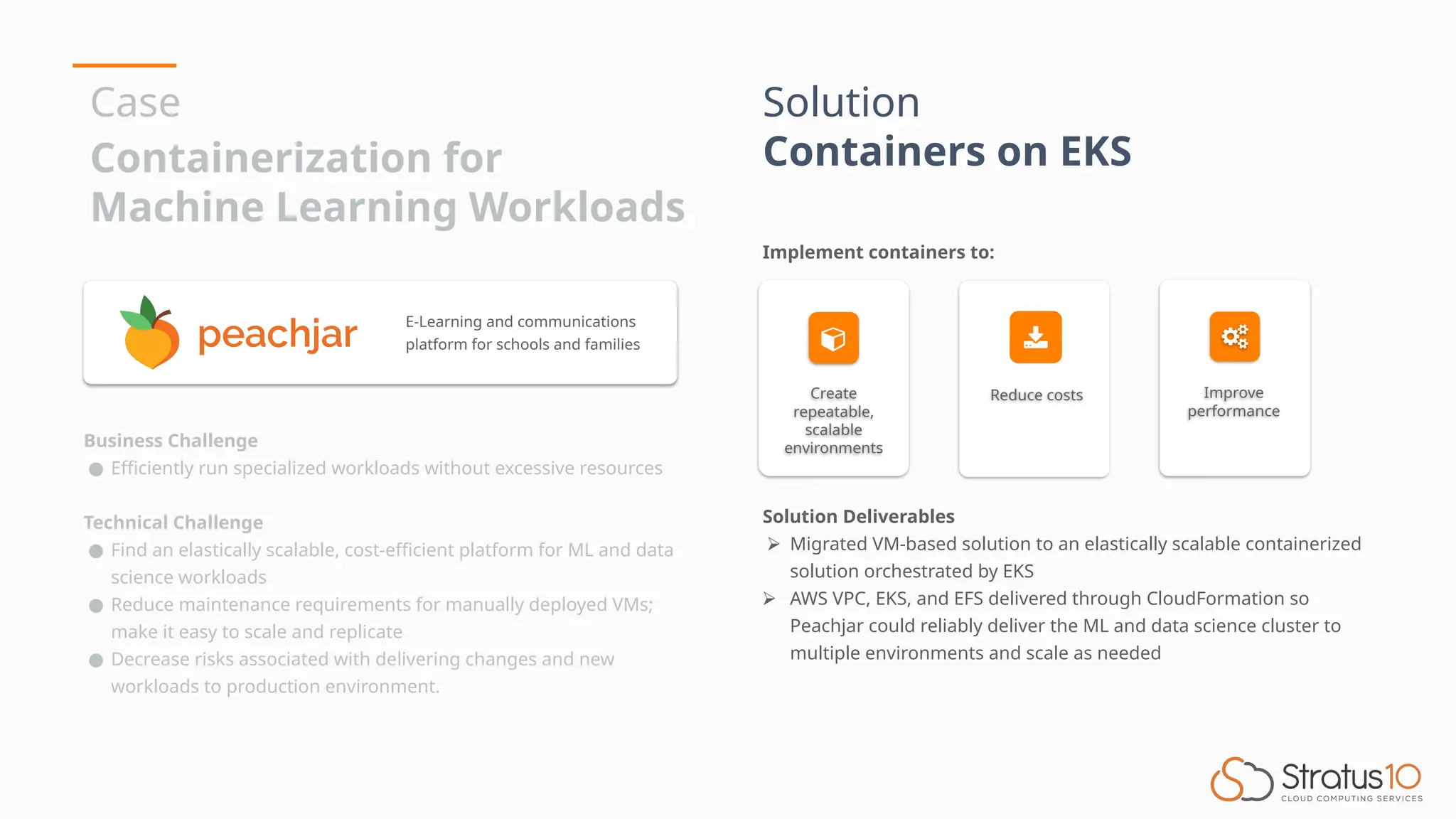
Solution
Containers on EKS
Solution Deliverables
⮚ Migrated VM-based solution to an elastically scalable containerized
solution orchestrated by EKS
⮚ AWS VPC, EKS, and EFS delivered through CloudFormation so
Peachjar could reliably deliver the ML and data science cluster to
multiple environments and scale as needed
Create
repeatable,
scalable
environments
Reduce costs Improve
performance
Implement containers to:
E-Learning and communications
platform for schools and families
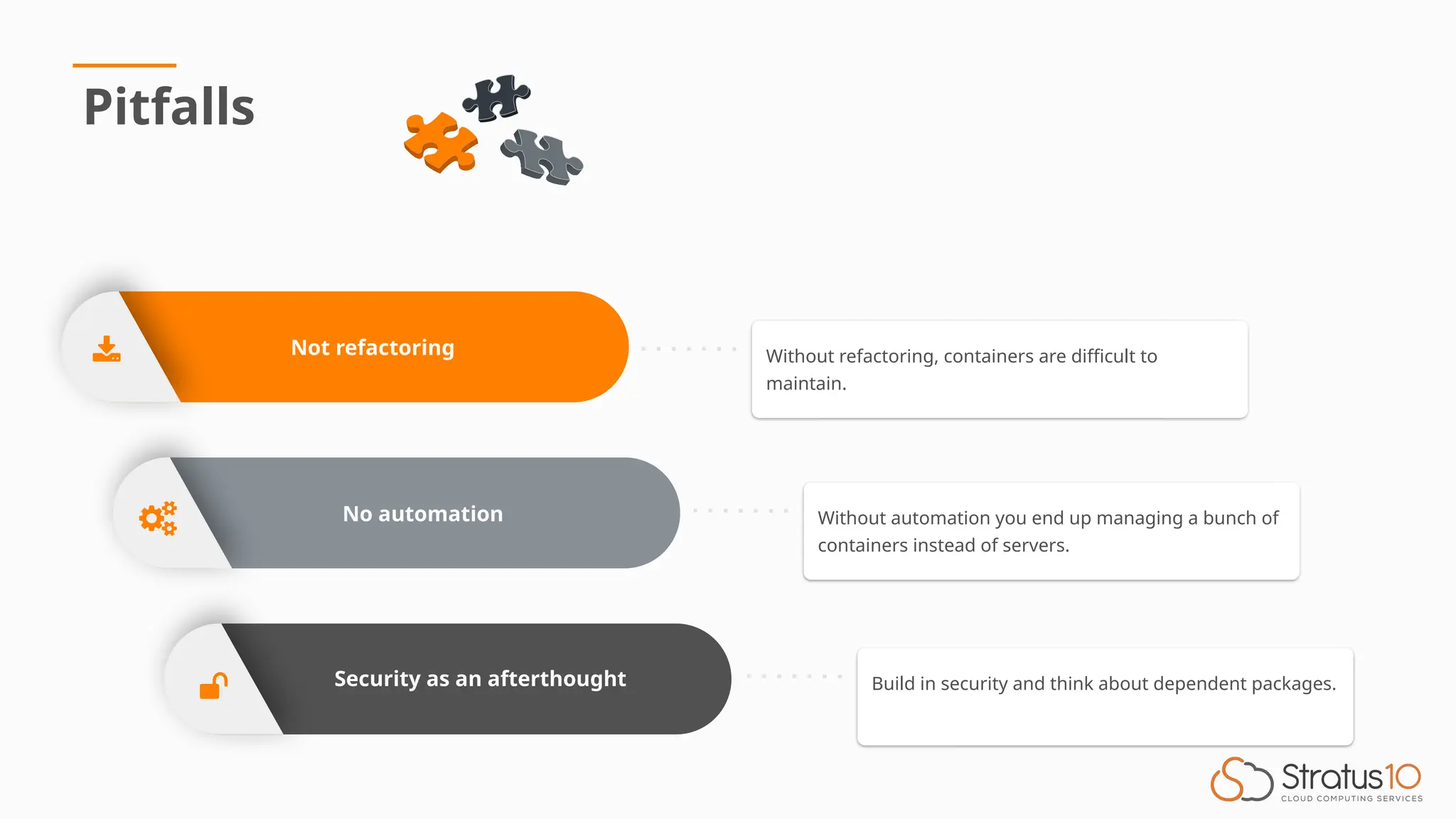
No automation
Security as an afterthought
Not refactoring
Pitfalls
Build in security and think about dependent packages.
Without automation you end up managing a bunch of
containers instead of servers.
Without refactoring, containers are difficult to
maintain.
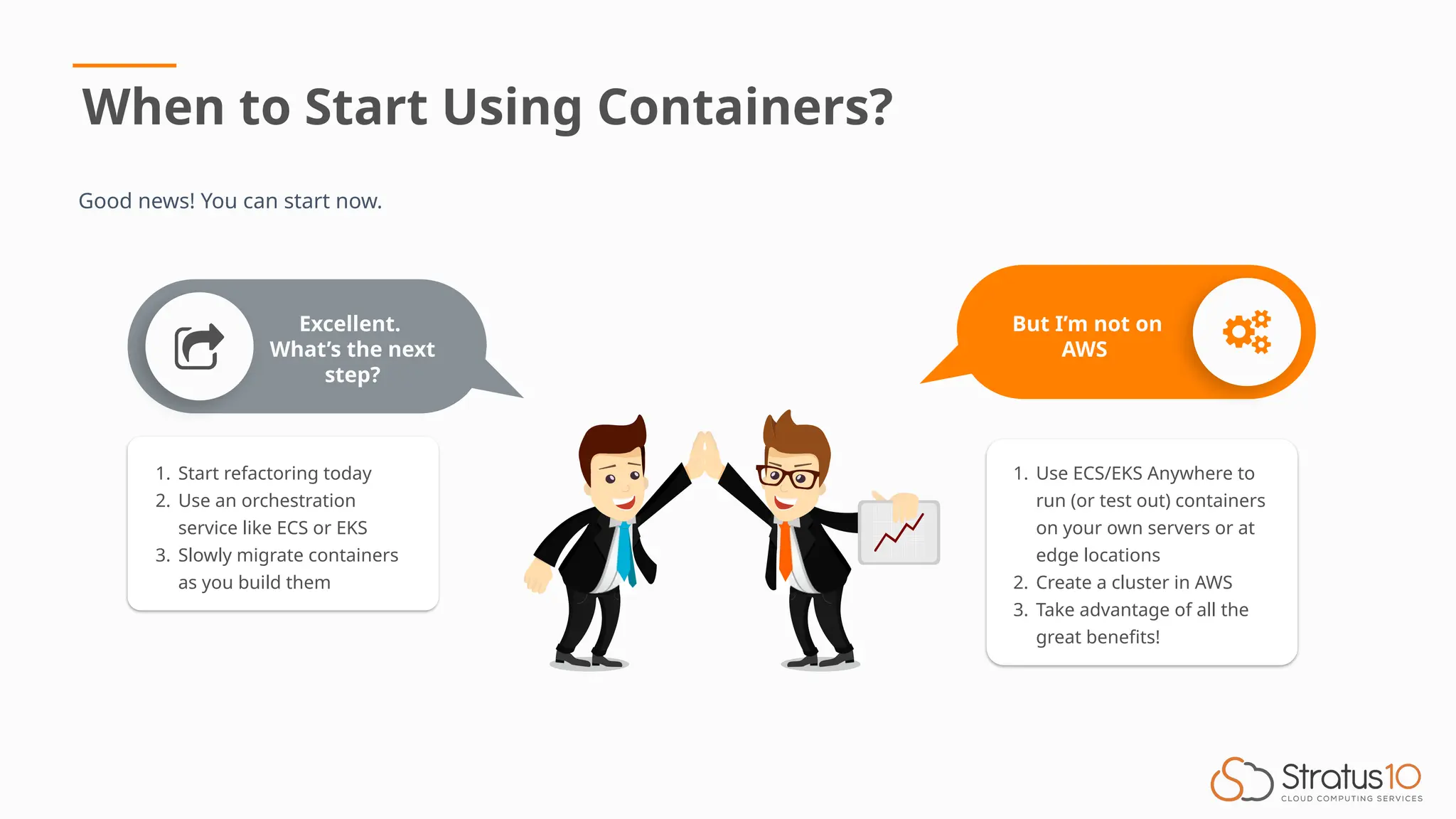
When to Start Using Containers?
Good news! You can start now.
1. Start refactoring today
2. Use an orchestration
service like ECS or EKS
3. Slowly migrate containers
as you build them
Excellent.
What’s the next
step?
But I’m not on
AWS
1. Use ECS/EKS Anywhere to
run (or test out) containers
on your own servers or at
edge locations
2. Create a cluster in AWS
3. Take advantage of all the
great benefits!
Connect with Us
Email
sales@stratus10.com
Phone
619-780-6100
Website
stratus10.com
Free Assessments with Consultation
• Windows Modernization Assessment
• Migration Assessment (MAP)
• AWS Well-Architected Reviews
• AWS Cost Optimization
• AWS Security and Compliance
Kevin RisonChu
Co-Founder & CTO
Stratus10
Oscar Moncada
Co-Founder & CEO
Stratus10
Aleks Daranutsa
Solutions Architect & AWS-
Certified Black Belt in
Containers, Stratus10
Thank you!

Modernizing Applications with Containers

  • 1.
  • 2.
    What are containersand why we use them Benefits of containers Case study in education Pitfalls Q&A Aleks Daranutsa, AWS Solutions Architect and AWS-certified Black Belt in Containers Stratus10 is an AWS Advanced Consulting Partner with specialty areas: migration, DevOps automation, application modernization, cost optimization, and managed services. Introduction Agenda
  • 3.
    IMMUTABILITY Create consistent deploymentsand repeatable environments SPEED Deploy faster with less operational overhead SCALABILITY Quickly scale your environments Why Use Containers? Definition A container is an open industry standard that allows the packaging and deployment of application software in a virtual environment isolated from other applications.
  • 4.
    Benefits of UsingContainers ➔ Build a container and run it anywhere ➔ It will consistently run the same way each time Portability and consistency Reduced operational overhead and costs Rapid and efficient deployment and scaling Monitoring and security with ease ➔ Manage your ever growing infrastructure without much overhead ➔ Control costs ➔ Recover quickly from deployment failures ➔ Scale up to meet demand ➔ Add standard monitoring and logging ➔ Perform security scanning and remediation before a container ever reaches your first environment
  • 5.
    Case Containerization for Machine LearningWorkloads Business Challenge ● Efficiently run specialized workloads without excessive resources Technical Challenge ● Find an elastically scalable, cost-efficient platform for ML and data science workloads ● Reduce maintenance requirements for manually deployed VMs; make it easy to scale and replicate ● Decrease risks associated with delivering changes and new workloads to production environment. E-Learning and communications platform for schools and families
  • 6.
    Case Containerization for Machine LearningWorkloads Business Challenge ● Efficiently run specialized workloads without excessive resources Technical Challenge ● Find an elastically scalable, cost-efficient platform for ML and data science workloads ● Reduce maintenance requirements for manually deployed VMs; make it easy to scale and replicate ● Decrease risks associated with delivering changes and new workloads to production environment. Solution Containers on EKS Solution Deliverables ⮚ Migrated VM-based solution to an elastically scalable containerized solution orchestrated by EKS ⮚ AWS VPC, EKS, and EFS delivered through CloudFormation so Peachjar could reliably deliver the ML and data science cluster to multiple environments and scale as needed Create repeatable, scalable environments Reduce costs Improve performance Implement containers to: E-Learning and communications platform for schools and families
  • 8.
    No automation Security asan afterthought Not refactoring Pitfalls Build in security and think about dependent packages. Without automation you end up managing a bunch of containers instead of servers. Without refactoring, containers are difficult to maintain.
  • 9.
    When to StartUsing Containers? Good news! You can start now. 1. Start refactoring today 2. Use an orchestration service like ECS or EKS 3. Slowly migrate containers as you build them Excellent. What’s the next step? But I’m not on AWS 1. Use ECS/EKS Anywhere to run (or test out) containers on your own servers or at edge locations 2. Create a cluster in AWS 3. Take advantage of all the great benefits!
  • 10.
    Connect with Us Email sales@stratus10.com Phone 619-780-6100 Website stratus10.com FreeAssessments with Consultation • Windows Modernization Assessment • Migration Assessment (MAP) • AWS Well-Architected Reviews • AWS Cost Optimization • AWS Security and Compliance Kevin RisonChu Co-Founder & CTO Stratus10 Oscar Moncada Co-Founder & CEO Stratus10 Aleks Daranutsa Solutions Architect & AWS- Certified Black Belt in Containers, Stratus10
  • 11.

Editor's Notes

  • #2 Today, we’ll cover what containers are and why we use them And some common pitfalls if using containers.
  • #3 Definition Some attractive features of containers are: (immutability, speed, scalability) Immutability: The guarantee that once you build a container image, it will never change. This allows you to create consistent … Speed: Since containers are smaller images that run on top of the existing operating system, you’re able to deploy faster … Scalability: This feature is a direct result of the containers speed. Not only can you deploy quicker, you can also scale up to several containers within minutes, allowing you to handle increased load with ease.
  • #4 We’ll go over some more benefits of using containers First: Rapid and efficient ……… this builds off of a containers speed and scalability. Not only can you quickly scale up to meet demand, but this same speed allows you to quickly recover from failures If a container fails, quickly replace it or roll back the deployment Second: Portability and consistency. The great thing about containers is that they package all dependencies into the image. Once you have a container image, it can be run anywhere. Locally, in a data center, the cloud. Not only that, but it will consistently run the same way each time. This means that once you test a container image in a lower environment, you can be sure it will perform exactly the same in production. Next: Reduced operational ……… Infrastructure is almost never static. Load always fluctuates. As your infrastructure continues to grow, containers used with the proper orchestration software allow you to scale to hundreds of containers without much overhead. Additionally, coupled with the autoscaling capability of AWS, you’re able to scale down during low traffic times and scale up during demand rather quickly. These two things allows you to use containers to control infrastructure costs. Finally: Monitoring and ……. Building off of portability and consistency, using containers allows you to build standard monitoring and logging directly into the image. So your monitoring tools get deployed at the same time as your container. No more forgetting to install monitoring or making sure it is standard across all servers. Additionally, a proper CI/CD Pipeline allows you to perform security scanning on your containers during the build process and fix any security issues before the container ever reaches your first environment. All these features and benefits of containers make them a really attractive option for your infrastructure. Let’s look at a case study.
  • #5 Peachjar is an E-learning and communication platform used in K-12 schools …… and they are a Stratus 10 client. Peachjar was searching for a solution to efficiently run specialized machine learning workloads without excessive resources Some of the technical challenges they ran into were: (List the challenges off slide) Notice how their challenges can easily be solved using containers? Some container benefits, like portability and consistency, can directly decrease their risk with delivering …. (read off slide) Let’s look at the solution Stratus10 delivered.
  • #6 Stratus10 assisted Peachjar on moving to containers running on AWS Managed Kubernetes Service or EKS. Containers were implemented to: (List the items from the slide) Stratus10 migrated their VM-based …. (read off slide) Their infrastructure like AWS VPC, EKS, and Elastic File System (EFS) was deployed using AWS CloudFormation, the Infrastructure as Code tool by AWS. This not only ensures that containers run consistently, but also their entire AWS infrastructure is deployed in a consistent manner. This allows Peachjar to reliably deliver ….. (read off slide, last item) To efficiently reduce overhead and save costs, it is important to have a proper CI/CD Pipeline. We’ll review Peachjar’s CI/CD Pipeline.
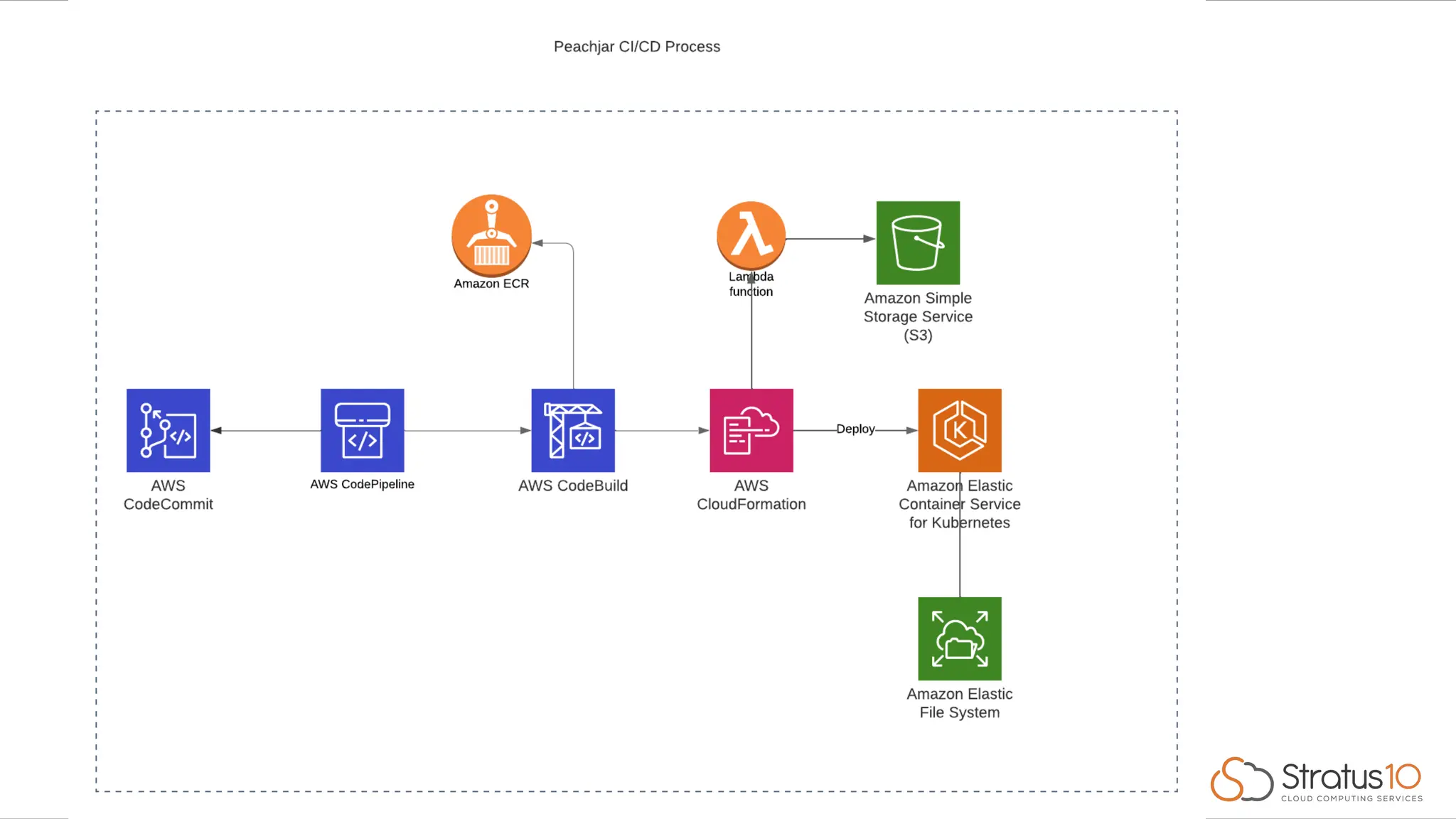
  • #7 This pipeline that Stratus10 implemented is fully automated. The only responsibility Peachjar has is to modify their code in their git repository. The pipeline starts with AWS CodeCommit, AWS’s git repository. Developers push code here. This triggers AWS CodePipeline. This service is the pipeline itself and takes care of running the different parts of the pipeline. Specifically, it will detect changes and pull from the source, which is CodeCommit Kick off a build job which runs on AWS CodeBuild Then finish off with deploying the changes using AWS CloudFormation. Inside CodeBuild, the images are tested, built, security scans performed, and any dependencies like logging and monitoring are installed. Then the image is pushed to a container repository called AWS Elastic Container Registry or ECR Next, the pipeline kicks off CloudFormation which updates the infrastructure they have deployed and updates their EKS task definitions with the latest container image from ECR.
  • #8 Containers are great and we talked them up for the last few slides. Now let’s look at some common pitfalls. They are no so much pitfalls of using containers, moreso using them the wrong way. First: not refactoring your app. We’ve seen all the many benefits of containers, but in order to take advantage of them, you need to ensure your app is refactored properly. You cannot simply wrap your existing app in a container and call it a day. You need to make sure your app configurations used from environment variables. If your app has multiple components in a single server, you need to split those off into separate containers and run them as separate components or services of your overall app. Next: using containers with no automation. If you don’t have an automated CI/CD pipeline, a container orchestration software, or are manually managing containers, then you will incur significant costs coming from inefficient containers and high personnel overhead that will require managing all those containers. At the end of the day, you didn’t do anything besides switch from servers to containers and can’t take advantage of the many great benefits of using containers. Always automate. Finally: Security as an afterthought. As you build containers, you should be thinking of how to secure them and how to ensure all your dependent packages are secure as well. This goes hand on hand with automation. A proper CI/CD pipeline and security scanning during the build process is a much. Failure to do so can leave you open to the many vulnerabilities out there. Remember these pitfalls and avoid them at all costs. It’s the only way to truly see the value of using containers.
  • #9 When to start …. Good news, you can start now. No matter where you’re running your infrastructure or how mature it is, there’s an option for you. Here are some next steps. First: start refactoring today Second: Use an … (read from slide) Finally: Start migrating some services to containers and using them But what if you’re not yet on AWS? No problem. AWS offers services for you. AWS Elastic Container Service or ECS Anywhere or EKS Anywhere can help you orchestra containers running…well…anywhere. You can sign up for an AWS account and start using these services. You’ll be able to create an ECS or EKS cluster and then install an agent on your physical servers running in your data centers, offices, or anywhere they are as long as they have an internet connection. ECS and EKS Anywhere will then schedule your containers on your own physical servers. This allows you to take advantage of all the great benefits of AWS and containers no matter where you are. As an added bonus, whenever you’re ready to switch to AWS, simply change where your containers are scheduled to run, like AWS Fargate or EC2 Instances and you’re set to go on AWS. It makes the transition to containers and AWS a breeze.
  • #10 If any other questions come to mind, feel free to connect with me or my team. I’ve also highlighted a few complimentary assessments we’re offering