Download to read offline

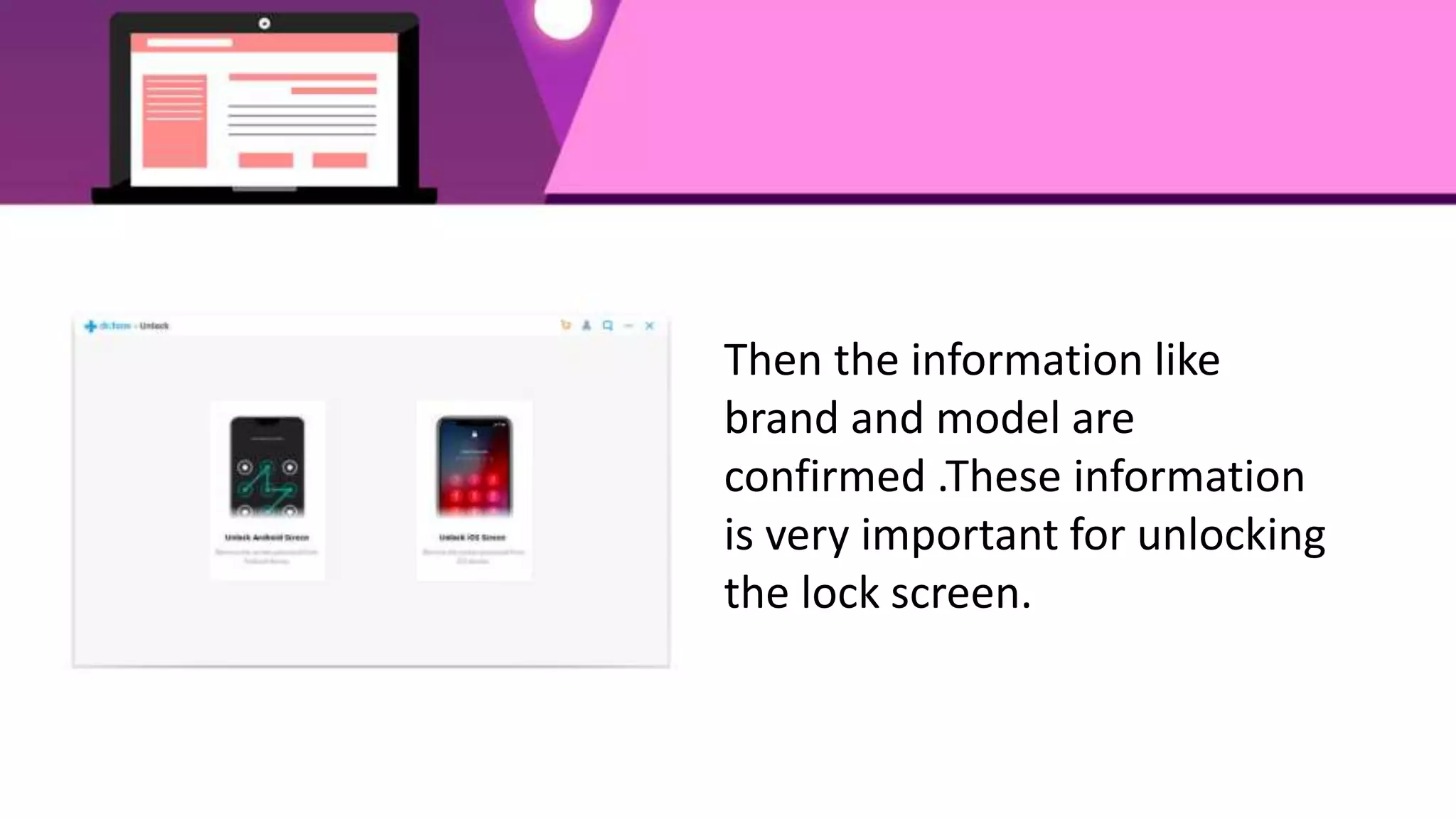
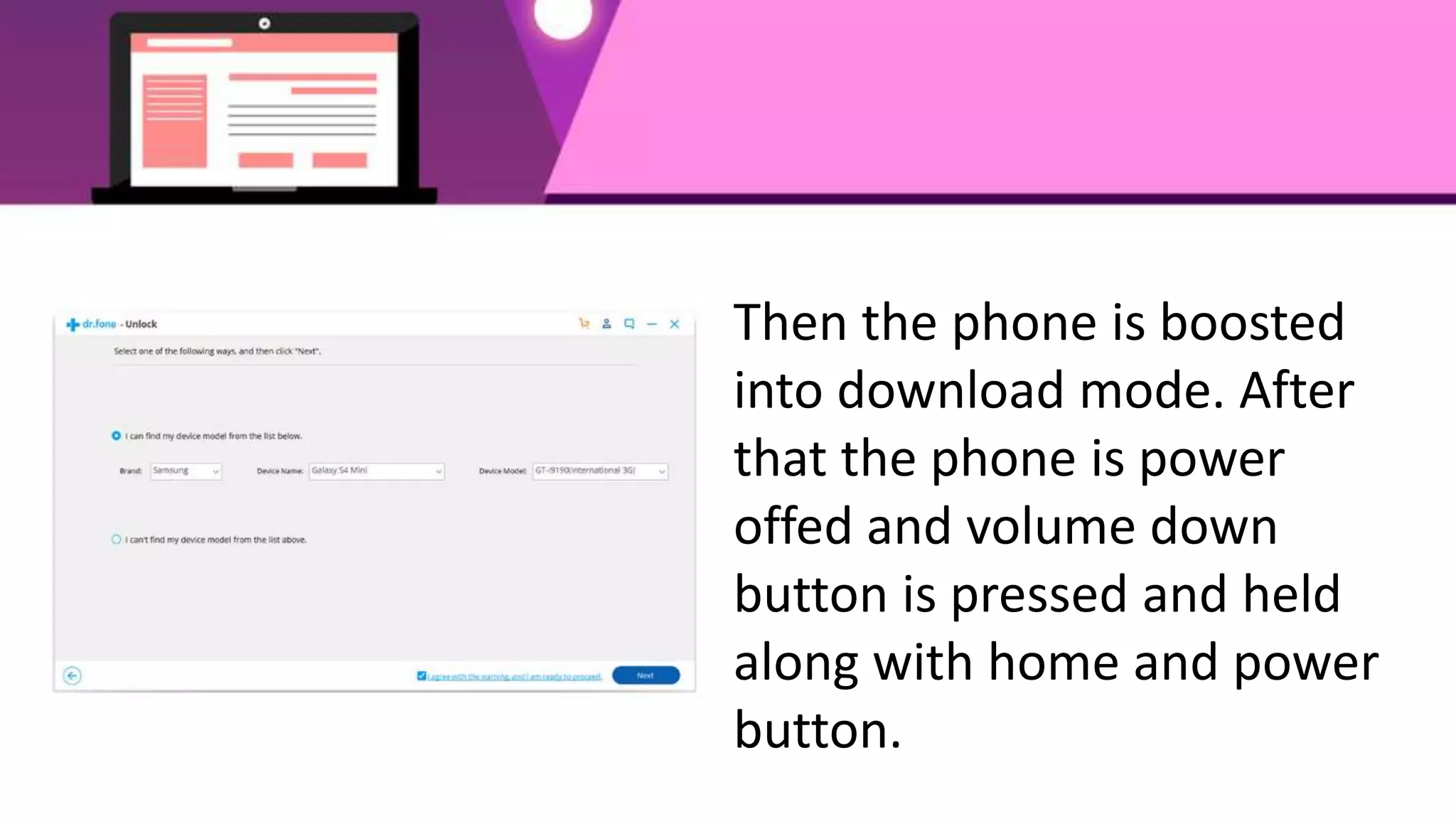
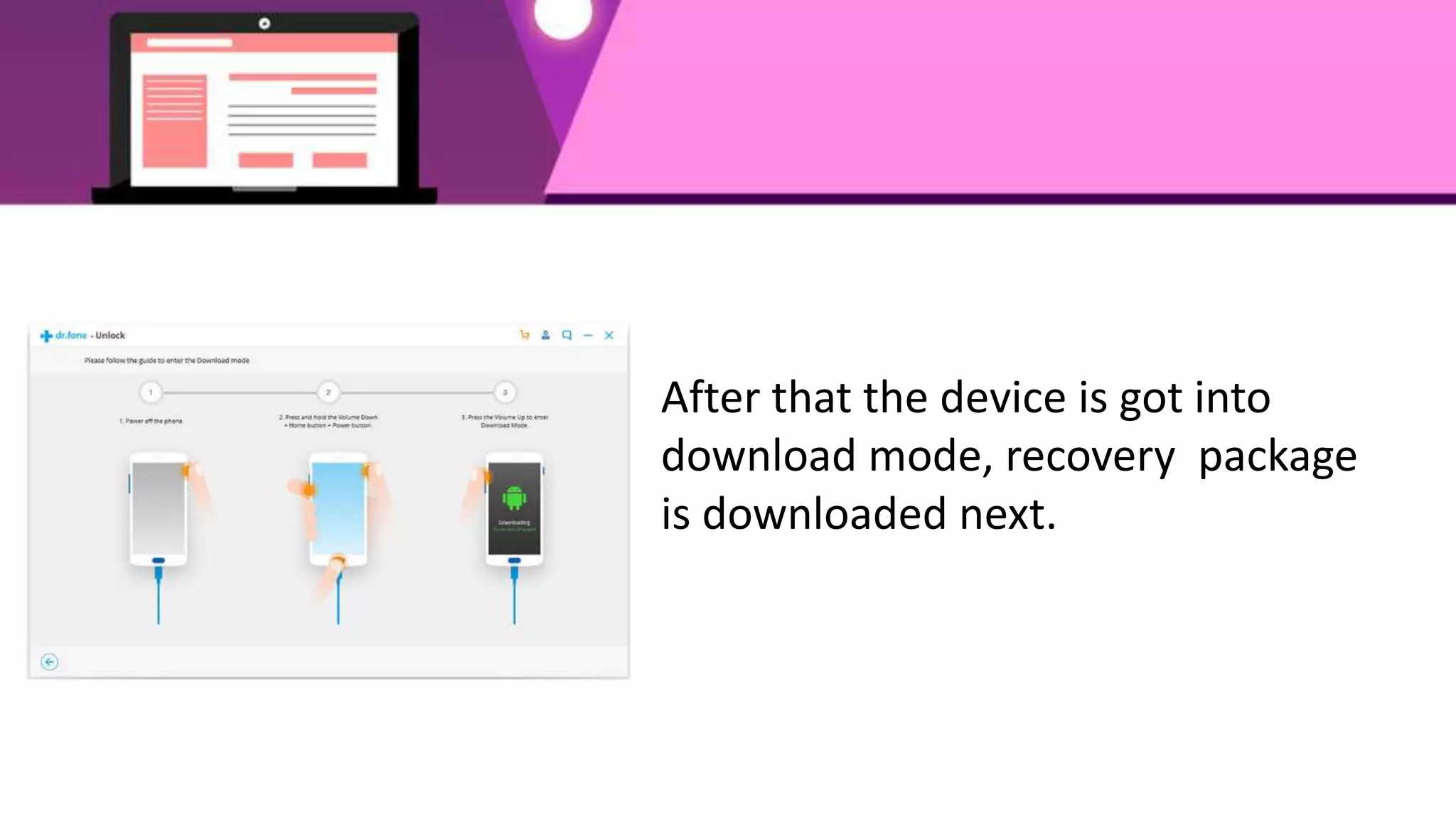


The mobile phone lock screen can be unlocked using the dr.fone application. The application is downloaded to a computer and launched. The Android phone is then connected to the computer via USB cable. In the application, "unlock Android Screen" is clicked to begin the process. The phone brand and model are confirmed for unlocking. The phone is put into download mode by boosting it and pressing volume down while turning it off. A recovery package is downloaded and the lock removal process begins, unlocking the phone without losing data.


