MERN Stack Project Tracking
System
Managing and Monitoring Projects
with MongoDB, Express, React, and
Node.js
Your Name – 2025
Introduction to MERN Stack
• • MongoDB – NoSQL database
• • Express.js – Backend framework
• • React – Frontend library
• • Node.js – Runtime environment
Why MERN for Project Tracking?
• • Full-stack JavaScript
• • Real-time data handling
• • Scalable and modular
• • Fast development cycle
System Requirements
• • Node.js and npm
• • MongoDB
• • Code Editor (VS Code)
• • Postman (for API testing)
Application Features
• • User authentication and roles
• • Project creation and management
• • Task assignment and tracking
• • Real-time status updates
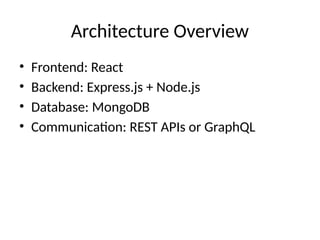
Architecture Overview
• Frontend: React
• Backend: Express.js + Node.js
• Database: MongoDB
• Communication: REST APIs or GraphQL
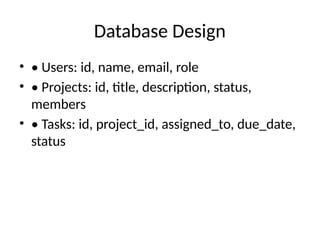
Database Design
• • Users: id, name, email, role
• • Projects: id, title, description, status,
members
• • Tasks: id, project_id, assigned_to, due_date,
status
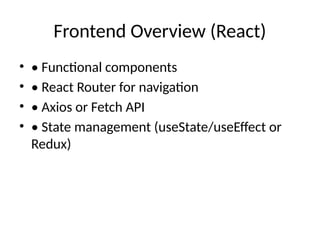
Frontend Overview (React)
• • Functional components
• • React Router for navigation
• • Axios or Fetch API
• • State management (useState/useEffect or
Redux)
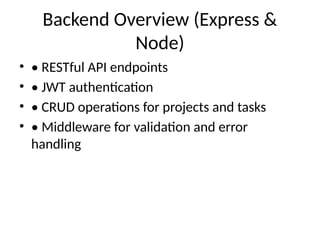
Backend Overview (Express &
Node)
• • RESTful API endpoints
• • JWT authentication
• • CRUD operations for projects and tasks
• • Middleware for validation and error
handling
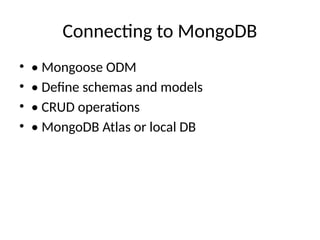
Connecting to MongoDB
• • Mongoose ODM
• • Define schemas and models
• • CRUD operations
• • MongoDB Atlas or local DB
Authentication Module
• • JWT-based login system
• • Secure password hashing (bcrypt)
• • Role-based access control
Project and Task Modules
• • Create/edit/delete projects
• • Assign tasks to users
• • Track status and deadlines
• • Filter/search functionality
Real-time Updates (Optional)
• • Use WebSockets or libraries like Socket.io
• • Notify users of changes
• • Live status indicators
Deployment
• • Frontend: Netlify, Vercel
• • Backend: Render, Heroku
• • Database: MongoDB Atlas
• • Use environment variables (.env)
Best Practices
• • Keep components modular
• • Use environment-based configuration
• • Write unit and integration tests
• • Secure APIs
Conclusion & Future
Enhancements
• • Summary of features
• • Possible upgrades: Gantt charts, email alerts
• • Scalable team collaboration
Q&A
• Any questions?

MERN_Stack_Project_Tracking_System.pptx.

  • 1.
    MERN Stack ProjectTracking System Managing and Monitoring Projects with MongoDB, Express, React, and Node.js Your Name – 2025
  • 2.
    Introduction to MERNStack • • MongoDB – NoSQL database • • Express.js – Backend framework • • React – Frontend library • • Node.js – Runtime environment
  • 3.
    Why MERN forProject Tracking? • • Full-stack JavaScript • • Real-time data handling • • Scalable and modular • • Fast development cycle
  • 4.
    System Requirements • •Node.js and npm • • MongoDB • • Code Editor (VS Code) • • Postman (for API testing)
  • 5.
    Application Features • •User authentication and roles • • Project creation and management • • Task assignment and tracking • • Real-time status updates
  • 6.
    Architecture Overview • Frontend:React • Backend: Express.js + Node.js • Database: MongoDB • Communication: REST APIs or GraphQL
  • 7.
    Database Design • •Users: id, name, email, role • • Projects: id, title, description, status, members • • Tasks: id, project_id, assigned_to, due_date, status
  • 8.
    Frontend Overview (React) •• Functional components • • React Router for navigation • • Axios or Fetch API • • State management (useState/useEffect or Redux)
  • 9.
    Backend Overview (Express& Node) • • RESTful API endpoints • • JWT authentication • • CRUD operations for projects and tasks • • Middleware for validation and error handling
  • 10.
    Connecting to MongoDB •• Mongoose ODM • • Define schemas and models • • CRUD operations • • MongoDB Atlas or local DB
  • 11.
    Authentication Module • •JWT-based login system • • Secure password hashing (bcrypt) • • Role-based access control
  • 12.
    Project and TaskModules • • Create/edit/delete projects • • Assign tasks to users • • Track status and deadlines • • Filter/search functionality
  • 13.
    Real-time Updates (Optional) •• Use WebSockets or libraries like Socket.io • • Notify users of changes • • Live status indicators
  • 14.
    Deployment • • Frontend:Netlify, Vercel • • Backend: Render, Heroku • • Database: MongoDB Atlas • • Use environment variables (.env)
  • 15.
    Best Practices • •Keep components modular • • Use environment-based configuration • • Write unit and integration tests • • Secure APIs
  • 16.
    Conclusion & Future Enhancements •• Summary of features • • Possible upgrades: Gantt charts, email alerts • • Scalable team collaboration
  • 17.