Dictionary in python
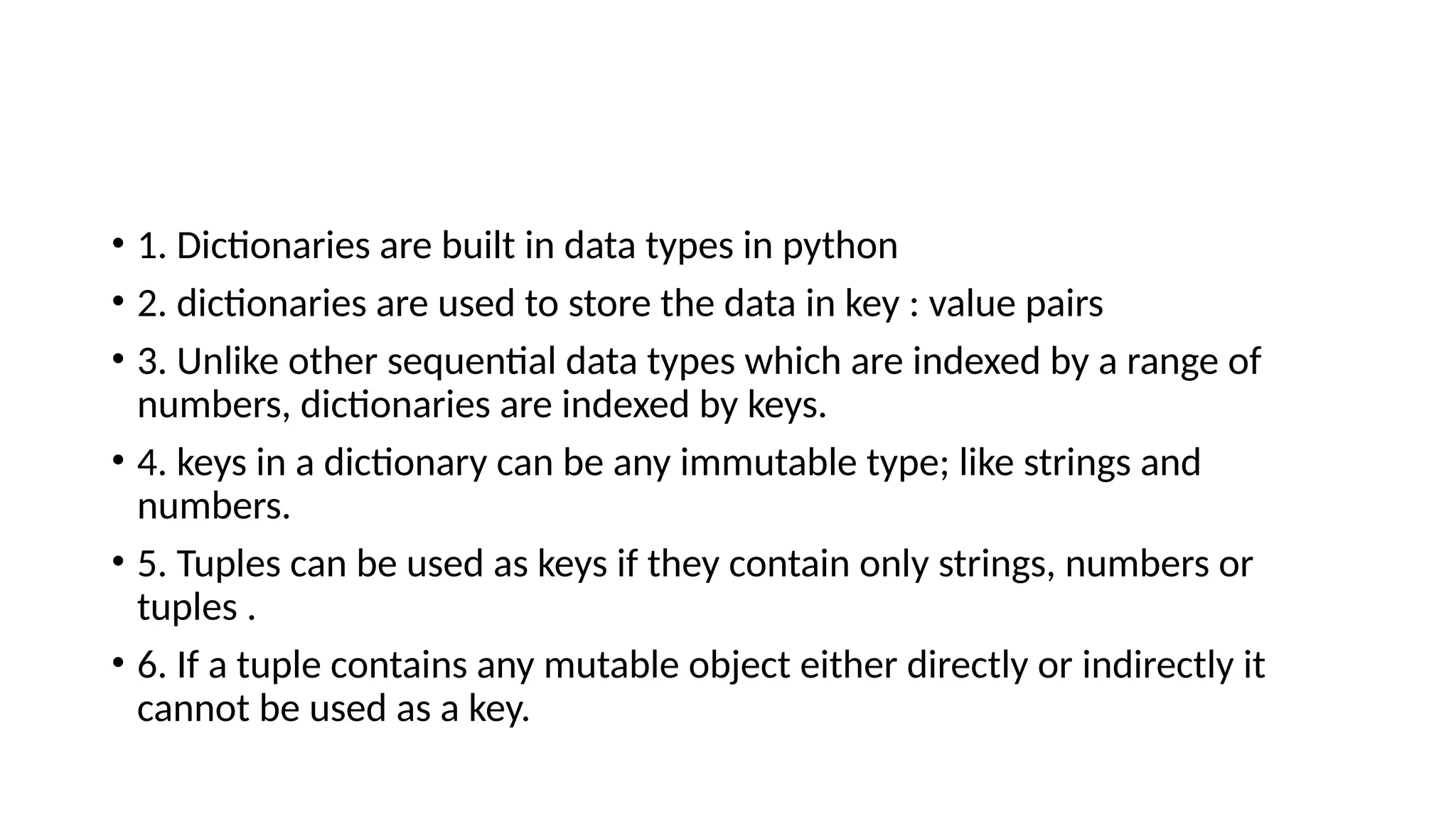
• 1. Dictionaries are built in data types in python
• 2. dictionaries are used to store the data in key : value pairs
• 3. Unlike other sequential data types which are indexed by a range of
numbers, dictionaries are indexed by keys.
• 4. keys in a dictionary can be any immutable type; like strings and
numbers.
• 5. Tuples can be used as keys if they contain only strings, numbers or
tuples .
• 6. If a tuple contains any mutable object either directly or indirectly it
cannot be used as a key.
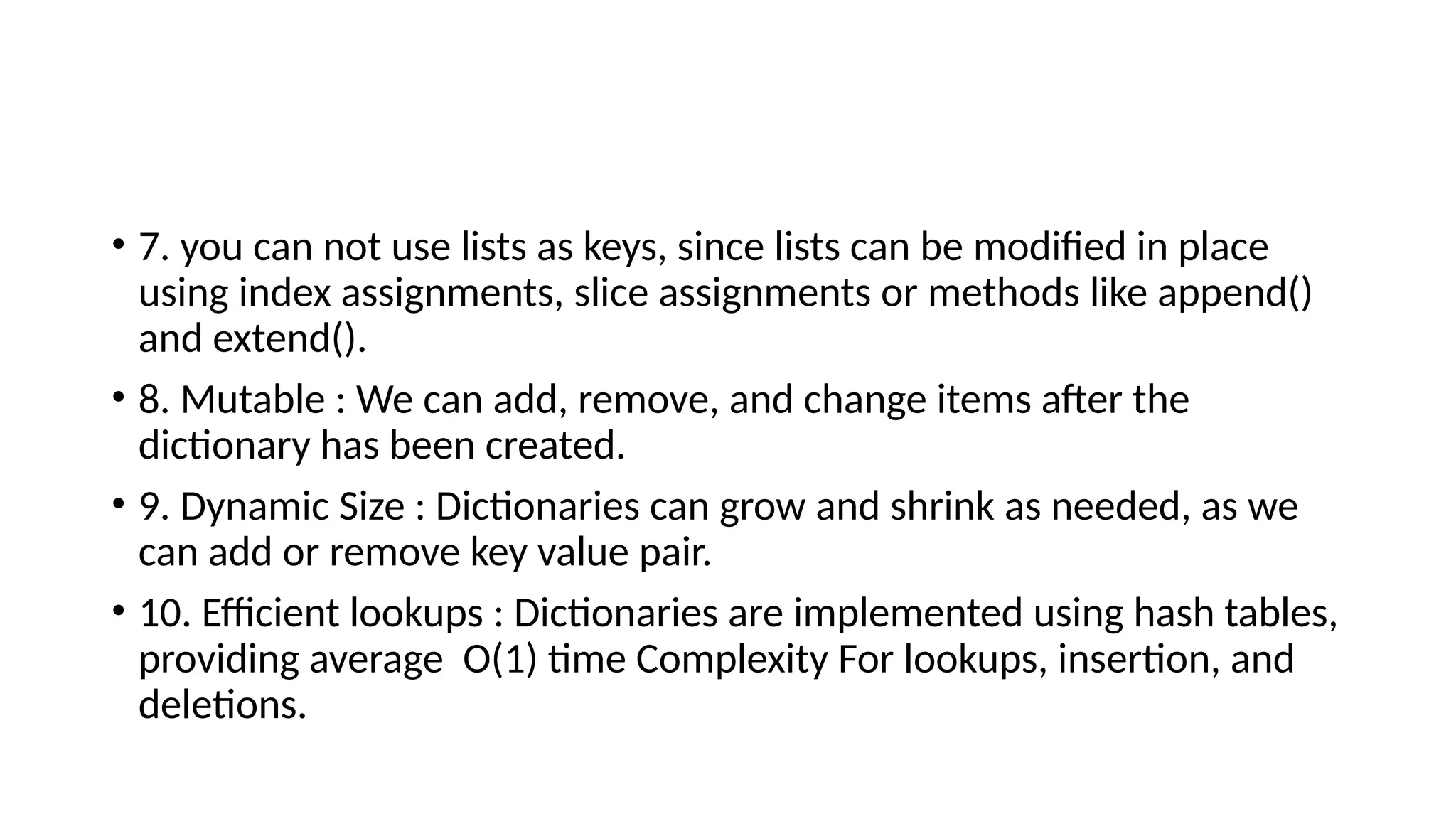
• 7. you can not use lists as keys, since lists can be modified in place
using index assignments, slice assignments or methods like append()
and extend().
• 8. Mutable : We can add, remove, and change items after the
dictionary has been created.
• 9. Dynamic Size : Dictionaries can grow and shrink as needed, as we
can add or remove key value pair.
• 10. Efficient lookups : Dictionaries are implemented using hash tables,
providing average O(1) time Complexity For lookups, insertion, and
deletions.
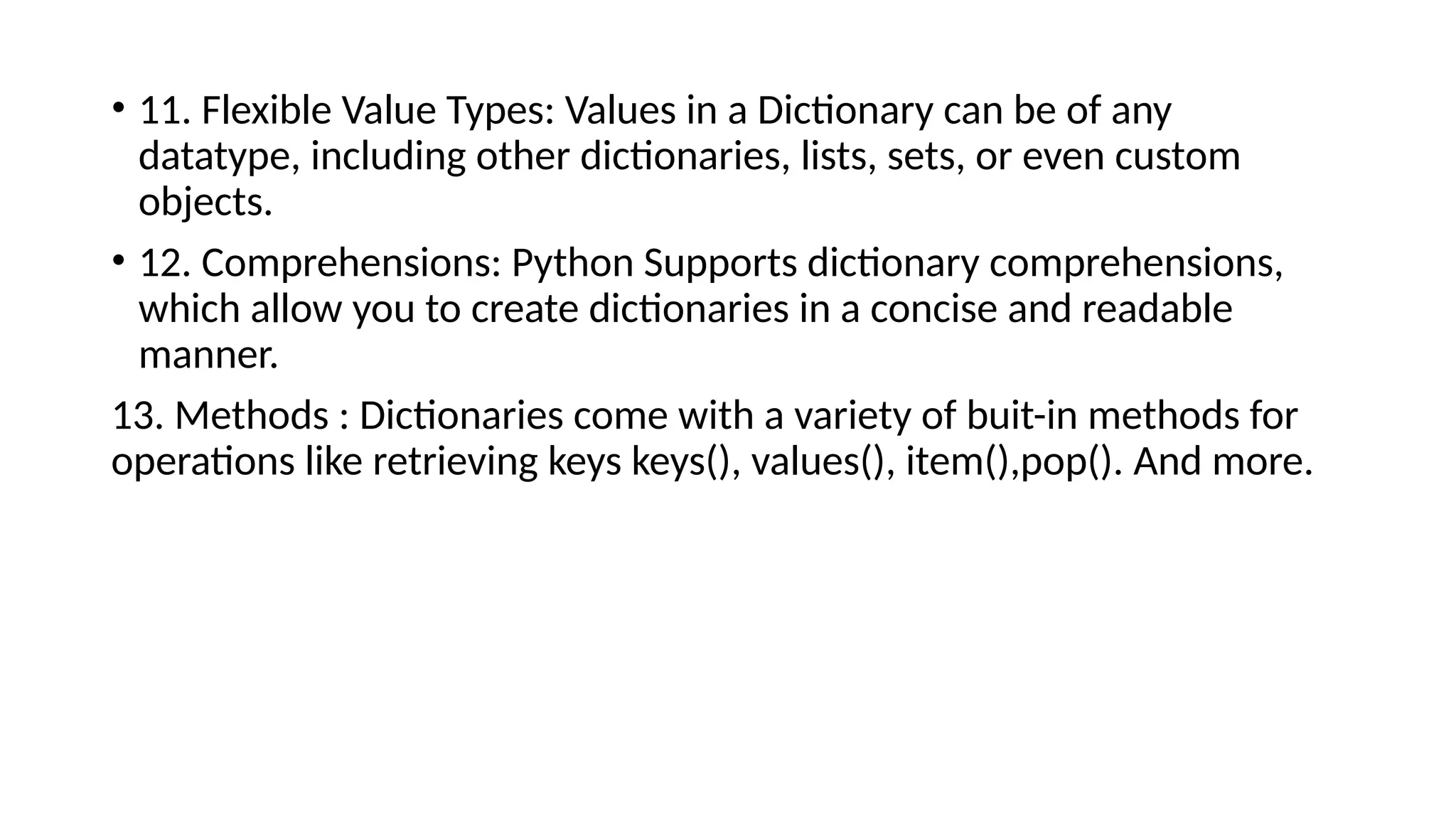
• 11. Flexible Value Types: Values in a Dictionary can be of any
datatype, including other dictionaries, lists, sets, or even custom
objects.
• 12. Comprehensions: Python Supports dictionary comprehensions,
which allow you to create dictionaries in a concise and readable
manner.
13. Methods : Dictionaries come with a variety of buit-in methods for
operations like retrieving keys keys(), values(), item(),pop(). And more.
• # Creating a Dictionary
• My_dict = {'name' : “Ram", "age" : 30, "City" : "new York"}
• print(My_dict) #{'name': ‘Ram', 'age': 30, 'City': 'new York'}
• #adding a key – value pair
• My_dict[“job”] = “Engineer”
• print(My_dict) # {'name': ‘Ram', 'age': 30, 'City': 'new York', 'job': 'Engineer’}
#Modifying a value
• My_dict[“age”] = 31
• print(My_dict) # {'name': ‘Ram', 'age': 31, 'City': 'new York', 'job': 'Engineer’}
• #Removing a key value pair
• del My_dict[‘city’] # {'name': ‘Ram', 'age': 31, 'job': 'Engineer'}
• #checking if a key exists
• print(“name” in My-dict) #True
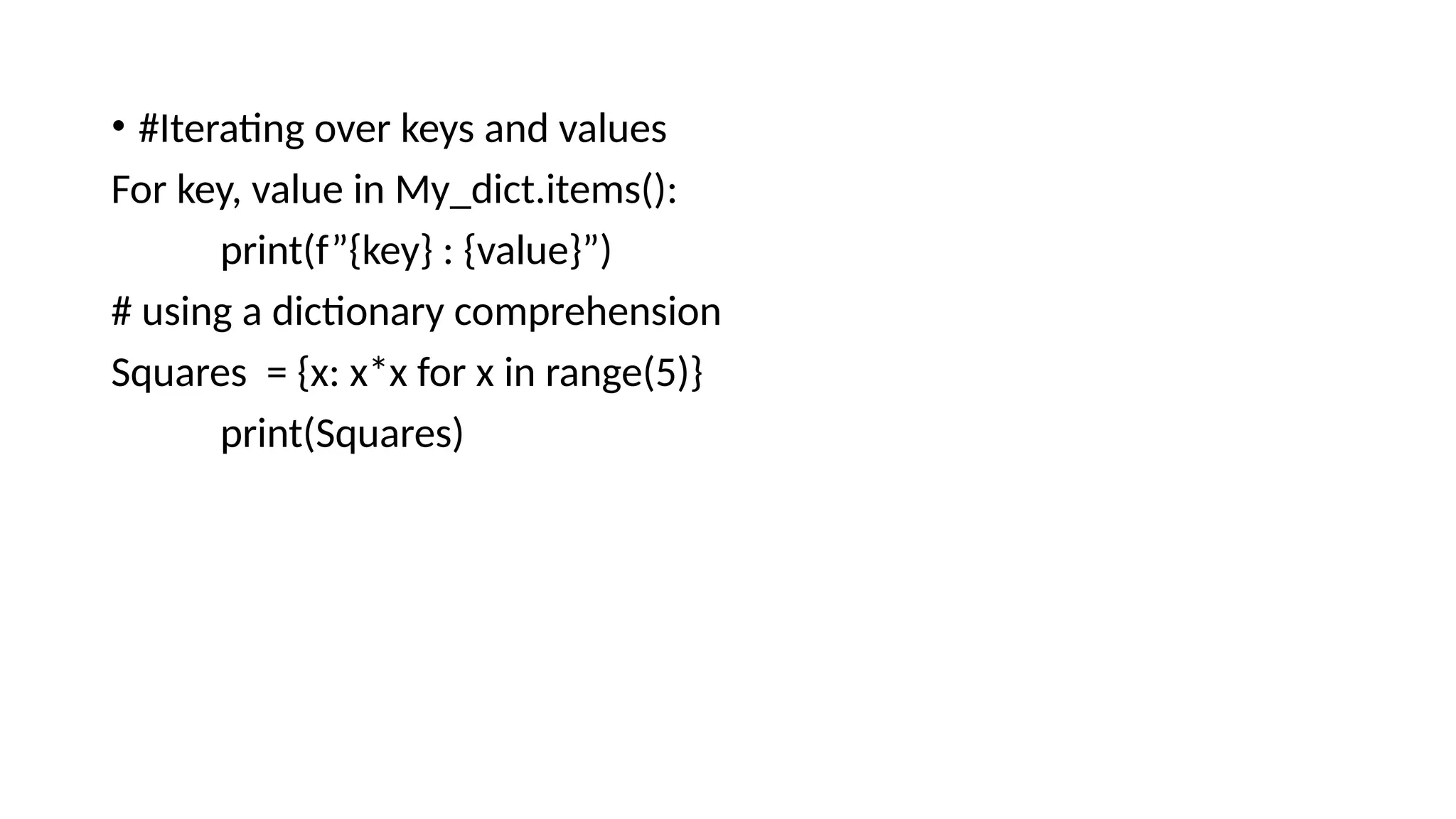
• #Iterating over keys and values
For key, value in My_dict.items():
print(f”{key} : {value}”)
# using a dictionary comprehension
Squares = {x: x*x for x in range(5)}
print(Squares)
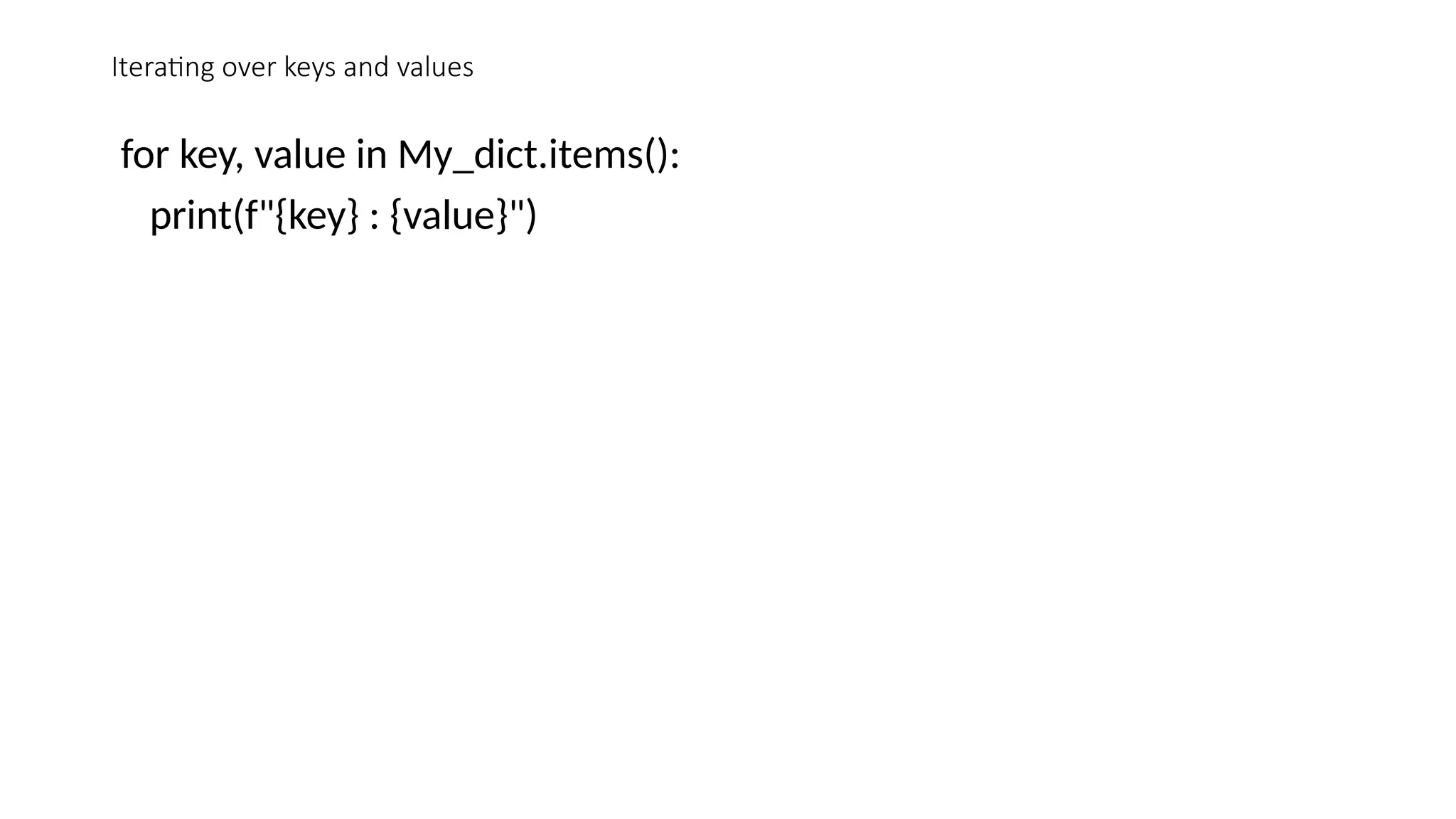
Iterating over keys and values
for key, value in My_dict.items():
print(f"{key} : {value}")
Using a dictionary comprehension
• quares = {x: x*x for x in range(5)}
• print(squares)
• Output:
• {0: 0, 1: 1, 2: 4, 3: 9, 4: 16}
Pop() function
• In Python, the pop() method in dictionaries is used to remove a
specified key and return its corresponding value. If the specified key is
not found, the method can return a default value if provided, or raise
a KeyError if no default value is specified.
• dict.pop(key[, default])
• key: The key to be removed from the dictionary.
• default (optional): The value to return if the key is not found. If not
provided and the key is not found, a KeyError is raised.
Example
• # Define a dictionary
• my_dict = {'a': 1, 'b': 2, 'c': 3}
• # Remove and return the value for the key 'b'
• value = my_dict.pop('b')
• print(value) # Output: 2
• # Print the updated dictionary
• print(my_dict) # Output: {'a': 1, 'c': 3}
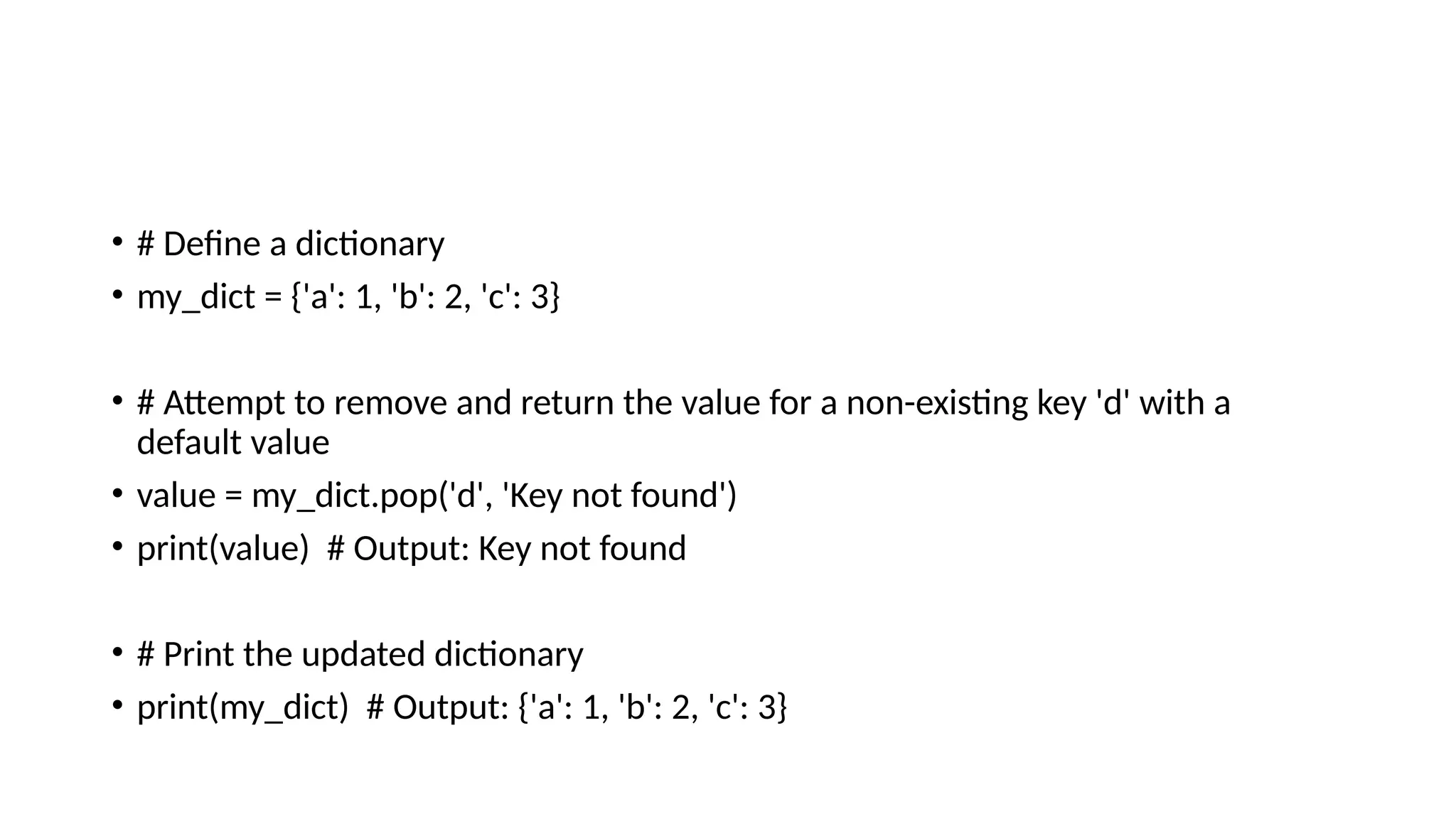
• # Define a dictionary
• my_dict = {'a': 1, 'b': 2, 'c': 3}
• # Attempt to remove and return the value for a non-existing key 'd' with a
default value
• value = my_dict.pop('d', 'Key not found')
• print(value) # Output: Key not found
• # Print the updated dictionary
• print(my_dict) # Output: {'a': 1, 'b': 2, 'c': 3}
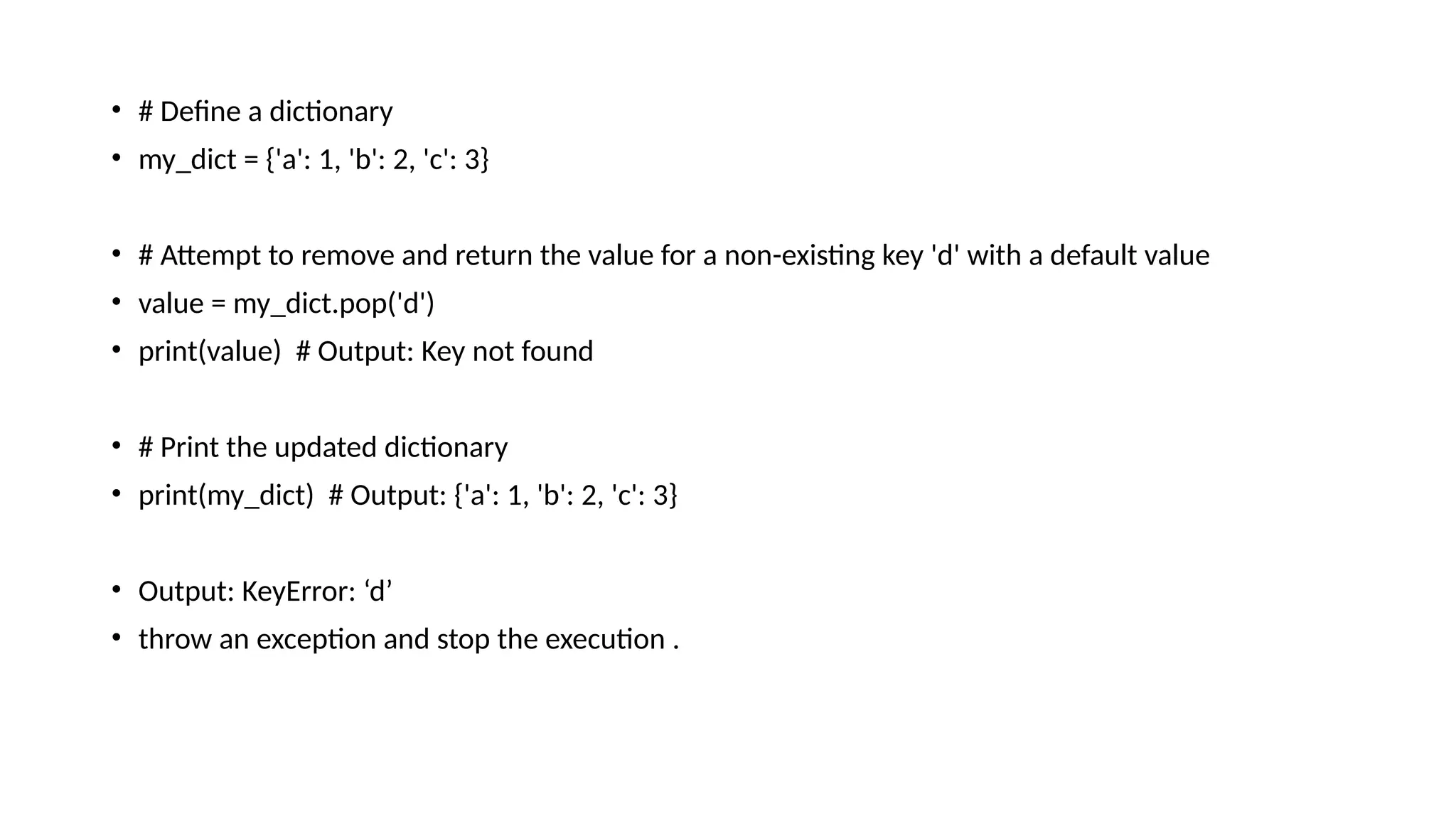
• # Define a dictionary
• my_dict = {'a': 1, 'b': 2, 'c': 3}
• # Attempt to remove and return the value for a non-existing key 'd' with a default value
• value = my_dict.pop('d')
• print(value) # Output: Key not found
• # Print the updated dictionary
• print(my_dict) # Output: {'a': 1, 'b': 2, 'c': 3}
• Output: KeyError: ‘d’
• throw an exception and stop the execution .
Summary
• The pop() method removes the specified key from the dictionary and
returns its value.If the key is not found, it can return a default value if
provided; otherwise, it raises a KeyError.This method is useful for
safely removing and retrieving values from a dictionary.

Meaning of Dictionary in python language

  • 1.
  • 2.
    • 1. Dictionariesare built in data types in python • 2. dictionaries are used to store the data in key : value pairs • 3. Unlike other sequential data types which are indexed by a range of numbers, dictionaries are indexed by keys. • 4. keys in a dictionary can be any immutable type; like strings and numbers. • 5. Tuples can be used as keys if they contain only strings, numbers or tuples . • 6. If a tuple contains any mutable object either directly or indirectly it cannot be used as a key.
  • 3.
    • 7. youcan not use lists as keys, since lists can be modified in place using index assignments, slice assignments or methods like append() and extend(). • 8. Mutable : We can add, remove, and change items after the dictionary has been created. • 9. Dynamic Size : Dictionaries can grow and shrink as needed, as we can add or remove key value pair. • 10. Efficient lookups : Dictionaries are implemented using hash tables, providing average O(1) time Complexity For lookups, insertion, and deletions.
  • 4.
    • 11. FlexibleValue Types: Values in a Dictionary can be of any datatype, including other dictionaries, lists, sets, or even custom objects. • 12. Comprehensions: Python Supports dictionary comprehensions, which allow you to create dictionaries in a concise and readable manner. 13. Methods : Dictionaries come with a variety of buit-in methods for operations like retrieving keys keys(), values(), item(),pop(). And more.
  • 5.
    • # Creatinga Dictionary • My_dict = {'name' : “Ram", "age" : 30, "City" : "new York"} • print(My_dict) #{'name': ‘Ram', 'age': 30, 'City': 'new York'} • #adding a key – value pair • My_dict[“job”] = “Engineer” • print(My_dict) # {'name': ‘Ram', 'age': 30, 'City': 'new York', 'job': 'Engineer’} #Modifying a value • My_dict[“age”] = 31 • print(My_dict) # {'name': ‘Ram', 'age': 31, 'City': 'new York', 'job': 'Engineer’} • #Removing a key value pair • del My_dict[‘city’] # {'name': ‘Ram', 'age': 31, 'job': 'Engineer'} • #checking if a key exists • print(“name” in My-dict) #True
  • 6.
    • #Iterating overkeys and values For key, value in My_dict.items(): print(f”{key} : {value}”) # using a dictionary comprehension Squares = {x: x*x for x in range(5)} print(Squares)
  • 7.
    Iterating over keysand values for key, value in My_dict.items(): print(f"{key} : {value}")
  • 8.
    Using a dictionarycomprehension • quares = {x: x*x for x in range(5)} • print(squares) • Output: • {0: 0, 1: 1, 2: 4, 3: 9, 4: 16}
  • 9.
    Pop() function • InPython, the pop() method in dictionaries is used to remove a specified key and return its corresponding value. If the specified key is not found, the method can return a default value if provided, or raise a KeyError if no default value is specified. • dict.pop(key[, default]) • key: The key to be removed from the dictionary. • default (optional): The value to return if the key is not found. If not provided and the key is not found, a KeyError is raised.
  • 10.
    Example • # Definea dictionary • my_dict = {'a': 1, 'b': 2, 'c': 3} • # Remove and return the value for the key 'b' • value = my_dict.pop('b') • print(value) # Output: 2 • # Print the updated dictionary • print(my_dict) # Output: {'a': 1, 'c': 3}
  • 11.
    • # Definea dictionary • my_dict = {'a': 1, 'b': 2, 'c': 3} • # Attempt to remove and return the value for a non-existing key 'd' with a default value • value = my_dict.pop('d', 'Key not found') • print(value) # Output: Key not found • # Print the updated dictionary • print(my_dict) # Output: {'a': 1, 'b': 2, 'c': 3}
  • 12.
    • # Definea dictionary • my_dict = {'a': 1, 'b': 2, 'c': 3} • # Attempt to remove and return the value for a non-existing key 'd' with a default value • value = my_dict.pop('d') • print(value) # Output: Key not found • # Print the updated dictionary • print(my_dict) # Output: {'a': 1, 'b': 2, 'c': 3} • Output: KeyError: ‘d’ • throw an exception and stop the execution .
  • 13.
    Summary • The pop()method removes the specified key from the dictionary and returns its value.If the key is not found, it can return a default value if provided; otherwise, it raises a KeyError.This method is useful for safely removing and retrieving values from a dictionary.