
Download as ODP, PPTX

![Accessing Values in Dictionary:
● To access dictionary elements, you can use the familiar
square brackets along with the key to obtain its value.
● For example:
● dict = {'Name': 'Zara', 'Age': 7, 'Class': 'First'};
print "dict['Name']: ", dict['Name'];
● Output:
dict['Name']: Zara](https://image.slidesharecdn.com/dictionaries-130820012026-phpapp02/75/Dictionaries-in-Python-8-2048.jpg)
![Updating Dictionary:
●You can update a dictionary by adding a new entry or item (i.e., a key-value pair)
I.e:
●modifying an existing entry, or deleting an existing entry as shown below in the
simple example
●dict = {'Name': 'Zara', 'Age': 7, 'Class': 'First'};
dict['Age'] = 8; # update existing entry
dict['School'] = "DPS School"; # Add new entry
print "dict['Age']: ", dict['Age'];
print "dict['School']: ", dict['School'];
●Output:
dict['Age']: 8
●dict['School']: DPS School](https://image.slidesharecdn.com/dictionaries-130820012026-phpapp02/75/Dictionaries-in-Python-9-2048.jpg)
![Delete Dictionary Elements:
You can either remove individual dictionary elements or clear the entire
contents of a dictionary
● To explicitly remove an entire dictionary, just use the del statement.
i.e:
dict = {'Name': 'Zara', 'Age': 7, 'Class': 'First'};
● del dict['Name']; # remove entry with key 'Name'
dict.clear(); # remove all entries in dict
del dict ; # delete entire dictionary
● print "dict['Age']: ", dict['Age'];
● print "dict['School']: ", dict['School'];
output:dict['Age']:
Traceback (most recent call last):
File "test.py", line 8, in <module>
print "dict['Age']: ", dict['Age'];
TypeError: 'type' object is unsubscriptable](https://image.slidesharecdn.com/dictionaries-130820012026-phpapp02/75/Dictionaries-in-Python-10-2048.jpg)
![Properties of Dictionary Keys:
● There are two important points to remember about dictionary keys:
● (a) More than one entry per key not allowed. Which means no duplicate key is allowed.
When duplicate keys encountered during assignment, the last assignment wins.
● i.e:
● dict = {'Name': 'Zara', 'Age': 7, 'Name': 'Manni'};
print "dict['Name']: ", dict['Name'];
● Output:
● dict['Name']: Manni
● (b) Keys must be immutable. Which means you can use strings, numbers, or tuples as
dictionary keys but something like ['key'] is not allowed. Following is a simple example:
● dict = {['Name']: 'Zara', 'Age': 7};
● print "dict['Name']: ", dict['Name']; output:Traceback (most recent call last):
File "test.py", line 3, in <module>
ict = {['Name']: 'Zara', 'Age': 7};
TypeError: list objects are unhashable](https://image.slidesharecdn.com/dictionaries-130820012026-phpapp02/75/Dictionaries-in-Python-11-2048.jpg)

This document provides information about dictionaries in Python. It defines dictionaries as mutable containers that store key-value pairs, with keys being unique and values being of any type. It describes dictionary syntax and how to access, update, delete and add elements. It notes that dictionary keys must be immutable like strings or numbers, while values can be any type. Properties of dictionary keys like no duplicate keys and keys requiring immutability are also summarized.
This slide contains a disclaimer regarding the presentation, clarifying its non-official status and association with Baabtra.
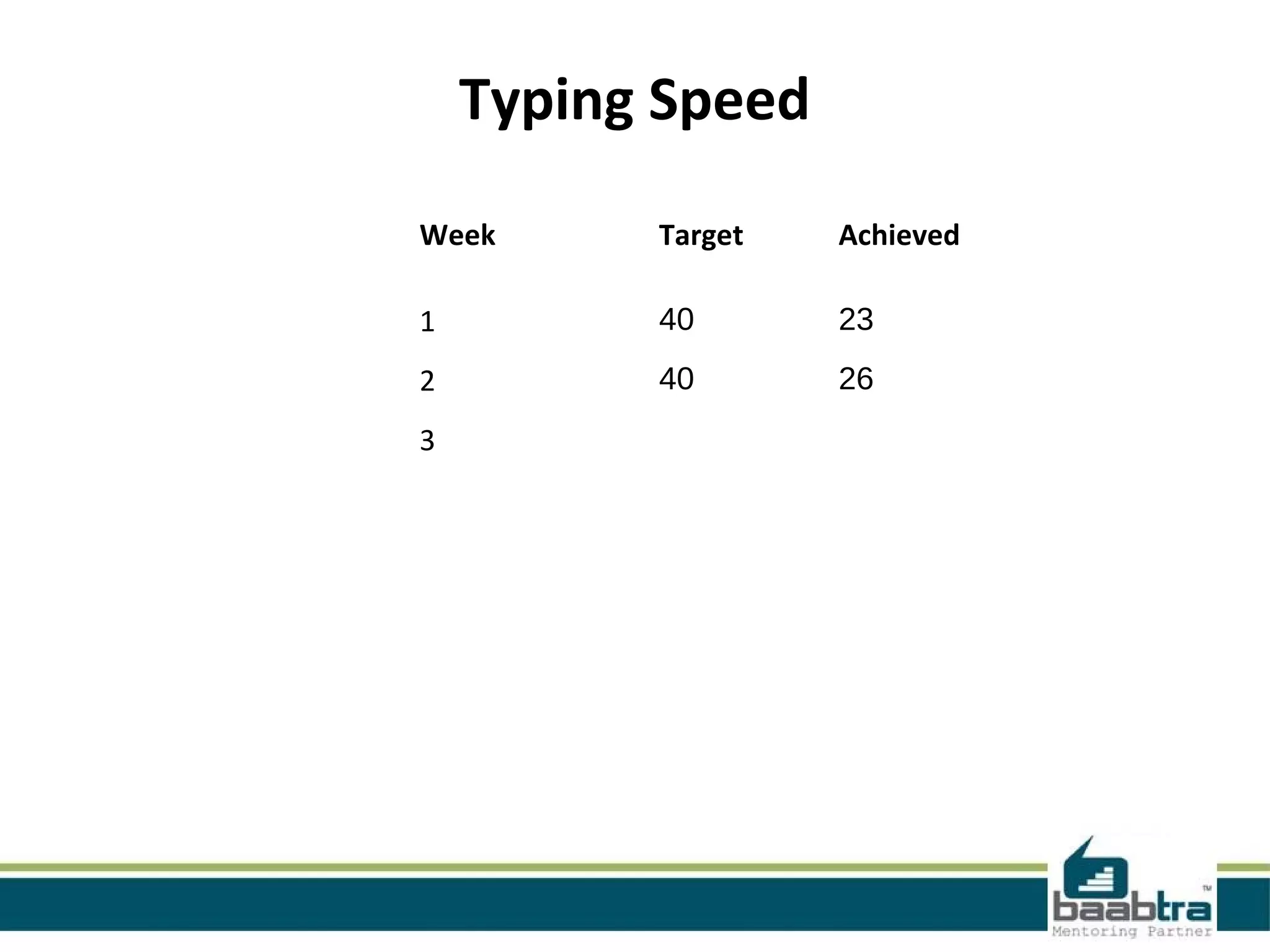
Slide displays a weekly target of 40 with achieved scores: Week 1: 23, Week 2: 26.
This slide provides a framework for job applications including columns for company, designation, applied date, and current status.
Slide contains personal details of shafeeque, including contact information and social media links.
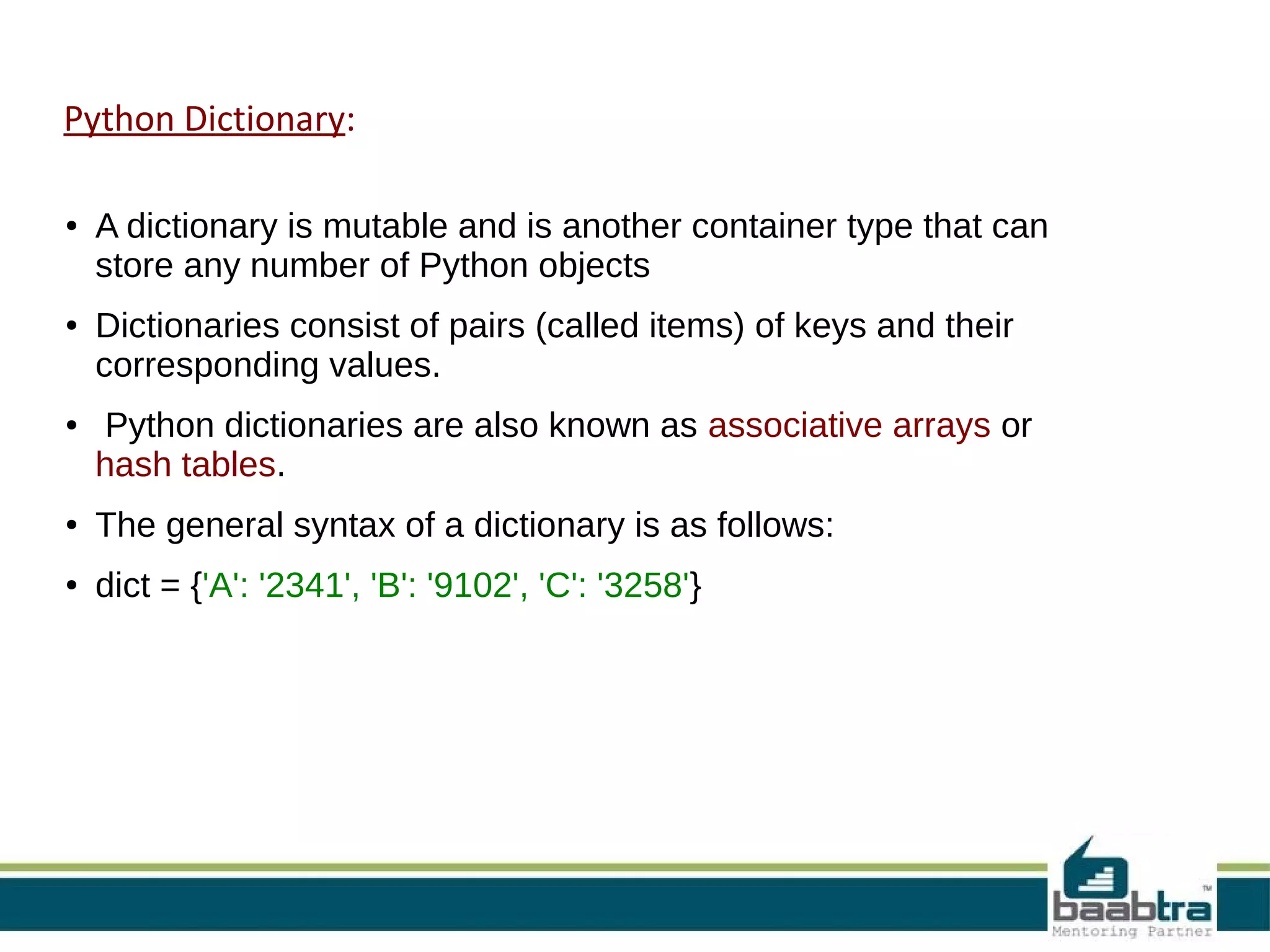
Defines Python dictionaries as mutable containers that store key-value pairs with syntax examples.
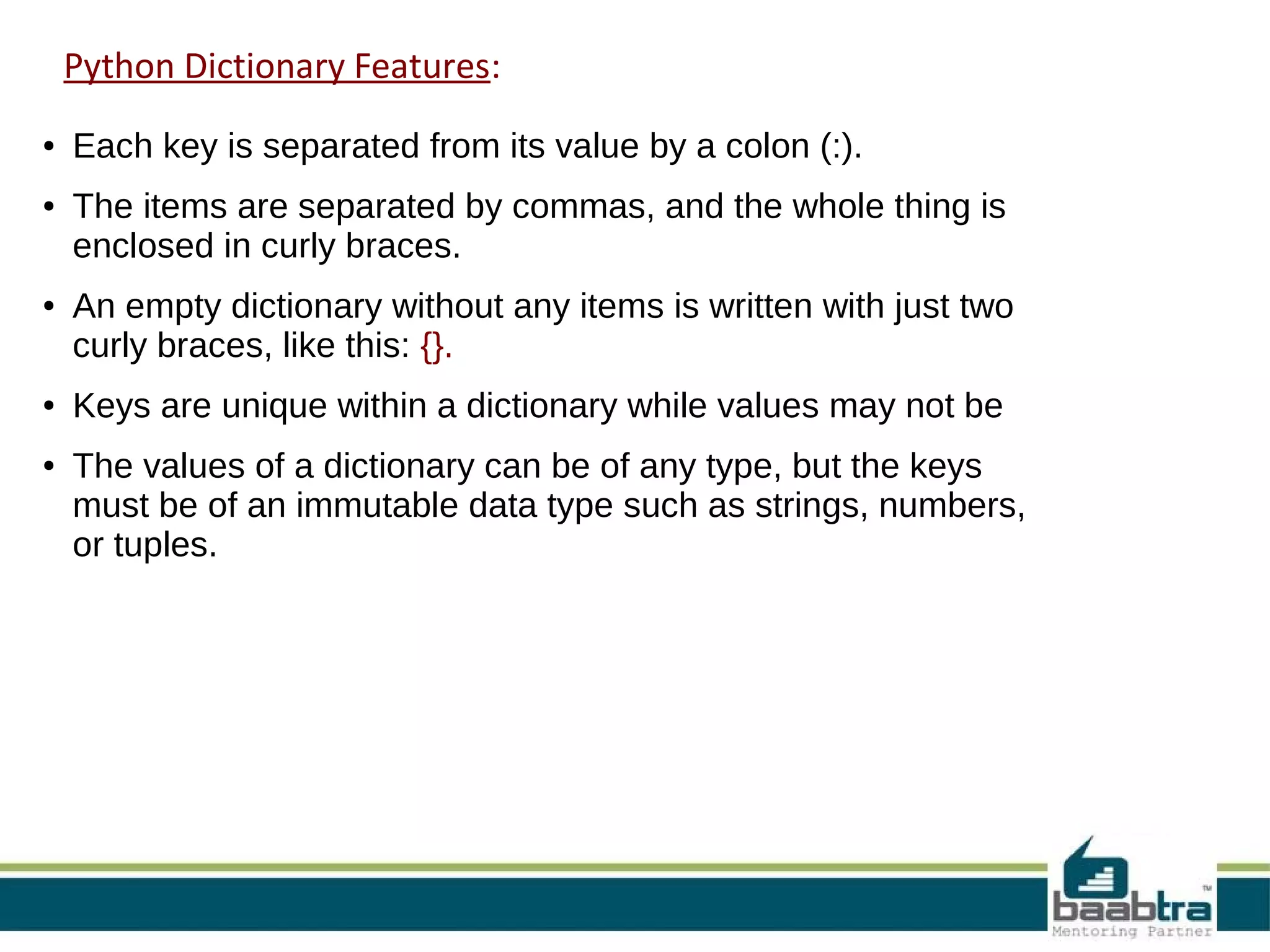
Describes features of Python dictionaries including key-value structure, uniqueness of keys, and types of values.
Explains how to access values in a dictionary using square brackets with a syntax example.
Details how to update, add, or modify entries in a dictionary with code examples.
Explains methods to delete individual elements or clear entire dictionaries with practical examples.
Describes properties of keys in dictionaries including uniqueness and immutability with examples.
Encourages viewers to engage with Baabtra's Facebook page and visit the official website.
Provides contact details for Baabtra including addresses and phone numbers across multiple locations.


