DICTIONARY
• WHAT IS DICTIONARY?
• HOW TO CREATE DICTIONARY?
• HOW TO ACCESS / TRAVERSE ELEMENTS IN DICTIONARY?
• DICTIONARY OPERATIONS
• DICTIONARY FUNCTIONS
WHAT IS DICTIONARY?
• It is unordered collection of elements in the form key:value pair.
• Keys must be of immutable type such as string,number or a
tuple.
• Values can be of any type.
• It is Mutable.
• Indexed by keys not by Numbers.
• Keys must be unique.
• Dictionaries are also called ‘associative arrays’ or ‘mappings’ or
hashes.
• Examples:
• D1 = { }
• Signal = {‘Red’:1, ‘Green’:2, ‘Yellow’:3}
• Dict1={1:’test’, ‘string’: 2, ‘list’:[1,2,3], (5,7):’tuple’}
How to create Dictionary?
1) Initialisation
Signal = {‘Red’:1, ‘Green’:2, ‘Yellow’:3}
2) Using dict( )
1) D = dict( )  Creates Empty dictionary
2) Signal = dict(Red=1,Green=2, Yellow=3)
3) Signal = dict([‘Red’,1],[‘Green’,2],[‘Yellow’,3])
4) Signal = dict(zip((‘Red’,’Green’,’Yellow’),(1,2,3)))
HOW TO ACCESS ELEMENTS IN A DICTIONARY?
• In Dictionary, the elements are accessed through keys.
Syntax: <DictionaryName>[<key>]
Months={‘Jan’:31,’Feb’:28,’Mar’:31,’Apr’:30,’May’:31}
Vowels={1:’a’, 2:’e’, 3:’i’, 4:’o’, 5:’u’}
>>>Months[‘Feb’]
28
>>>Months[‘May’]
31
>>>Vowels[3]
I
>>>Vowels[‘e’]
Error Message
Traversing a Dictionary
Syntax:
for <item> in <Dictionary> :
item Keys in dictionary
Dictionary[item]  Value corresponding to key
Ex:1
D1={‘Red’:1, ‘Green’:2, ‘Yellow’:3}
for key in D1:
print(key, D1[key])
Output:
Red 1
Green 2
Yellow 3
for i in D1:
print(D1[i])
Output: Output:
1 2
2 1
3 3
Dictionaries are unordered set of
elements, the printed order of elements
is not same as the order you store the
elements in.
CHARACTERISTICS OF A DICTIONARY
1. Unordered Set
2. Not a sequence
3. Indexed by keys not by Numbers
4. Keys must be unique
5. Mutable
6. Internally stored as Mappings
Dictionary Operations
Student={‘Name’:’John’, ‘Age’:16}
1) Adding Elements to Dictionary
Syntax: Dictionary[key] = value
>>> Student[‘Class’]=12
>>> Student
{‘Name’:’John’, ‘Age’:16,’Class’:12}
2) Updating Existing elements
Syntax: Dictionary[key]=Newvalue
Ex: Student[‘Age’]=17
Result: Student={‘Name’:’John’, ‘Age’:17}
Student[‘age’]=18
Result: : Student={‘Name’:’John’, ‘Age’:17, ‘age’:18}
3) Deleting Elements from Dictionay
i) Using del statement
Syntax: del dictionary[key]
>>>del Student[‘age’]
>>>del Student
>>>del Student[‘DOB’]
Error Message : KeyError: 'DOB‘
ii) Using pop( ) method
Syntax: <Dictionary>.pop(<key>)
>>>Student.pop(‘Age’)
16
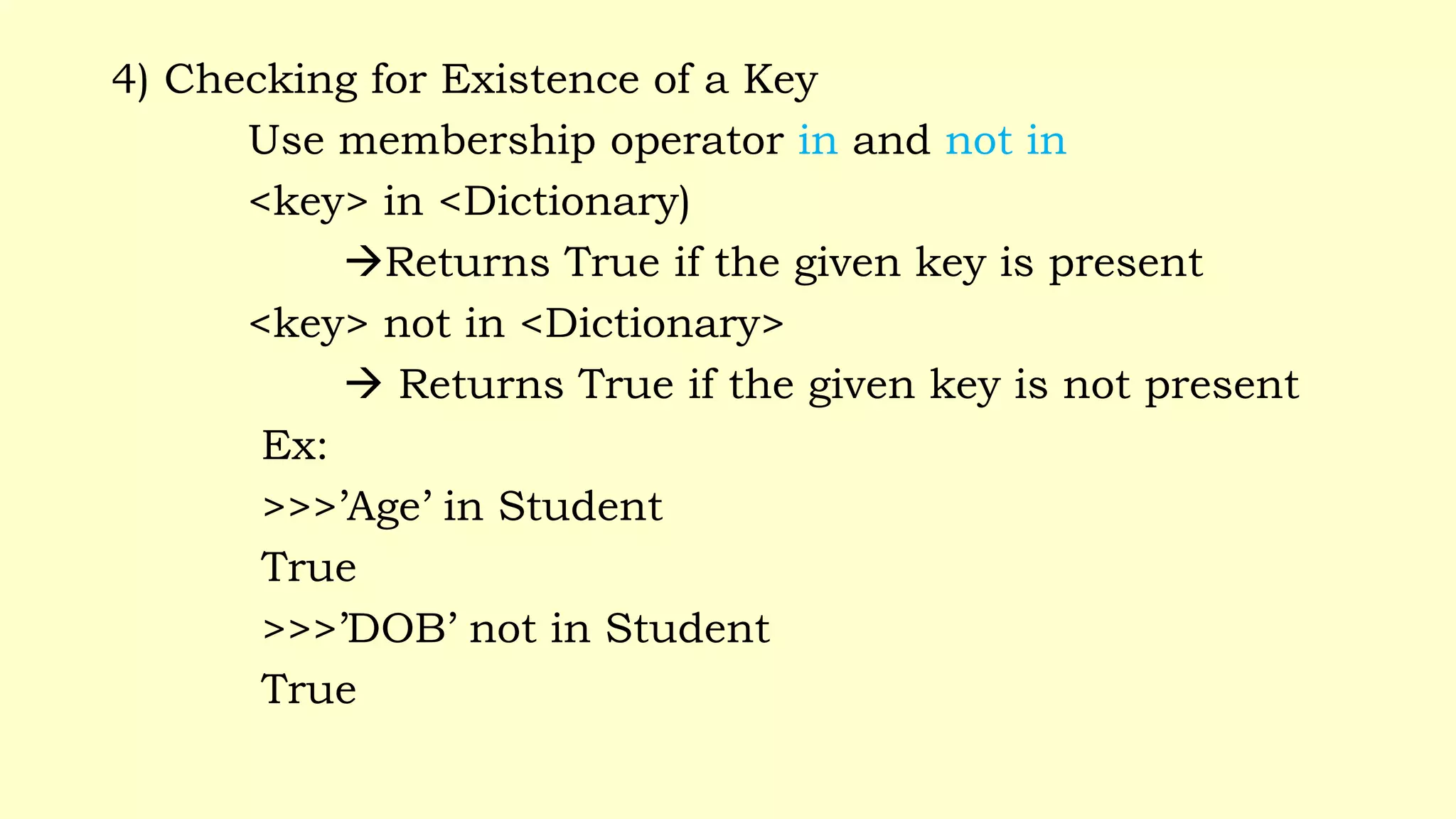
4) Checking for Existence of a Key
Use membership operator in and not in
<key> in <Dictionary)
Returns True if the given key is present
<key> not in <Dictionary>
 Returns True if the given key is not present
Ex:
>>>’Age’ in Student
True
>>>’DOB’ not in Student
True
Dictionary Functions and Methods
Student = {‘Name’:’John’, ‘Age’:16, ‘Class’:12}
1) len( )  Returns no of elements in a dictionary
Syntax: len(<dictionary>)
Argument: 1 argument of type Dictionary
Return: Integer
Example: >>> len(Student)
3
2) clear( )  Clears/Deletes all elements in a dictionary
Syntax: <dictionary>.clear( )
Argument: No argument
Return: Nothing
Example: >>>Student.clear( )
>>> Student
{ }
3) get( )  Get the item with given key or User defined message
Syntax: <dictionry>.get(key , [default])
Argument: 1 – Essential argument, 1 – Optional argument
Return: Object/ Value
Example: >>> Student.get(‘Name’)
John
>>>Student.Get(‘dob’, “Key does not exist”)
Key does not exist
4) items( )  Returns all the items in the dictionary as (key,value) tuple
Syntax: <dictionary>.items( )
Argument: No argument
Return: Sequence of (key, value) pair
Example: >>>Student.items( )
dict_items([('Name', 'John'), ('Age', 17), ('Class', 12)])
5) keys( )  Returns all the keys in dictionary as a list.
Syntax: <dictionary>.keys( )
Argument: No argument
Return: List of keys
Example: >>> Student.keys( )
[‘Name’, ‘Age’, ‘Class’]
6) values( )  Returns all the values in dictionary as a list.
Syntax: <dictionary>.values( )
Argument: No argument
Return: List of values
Example: >>> Student.values( )
[‘John’, 16,12]
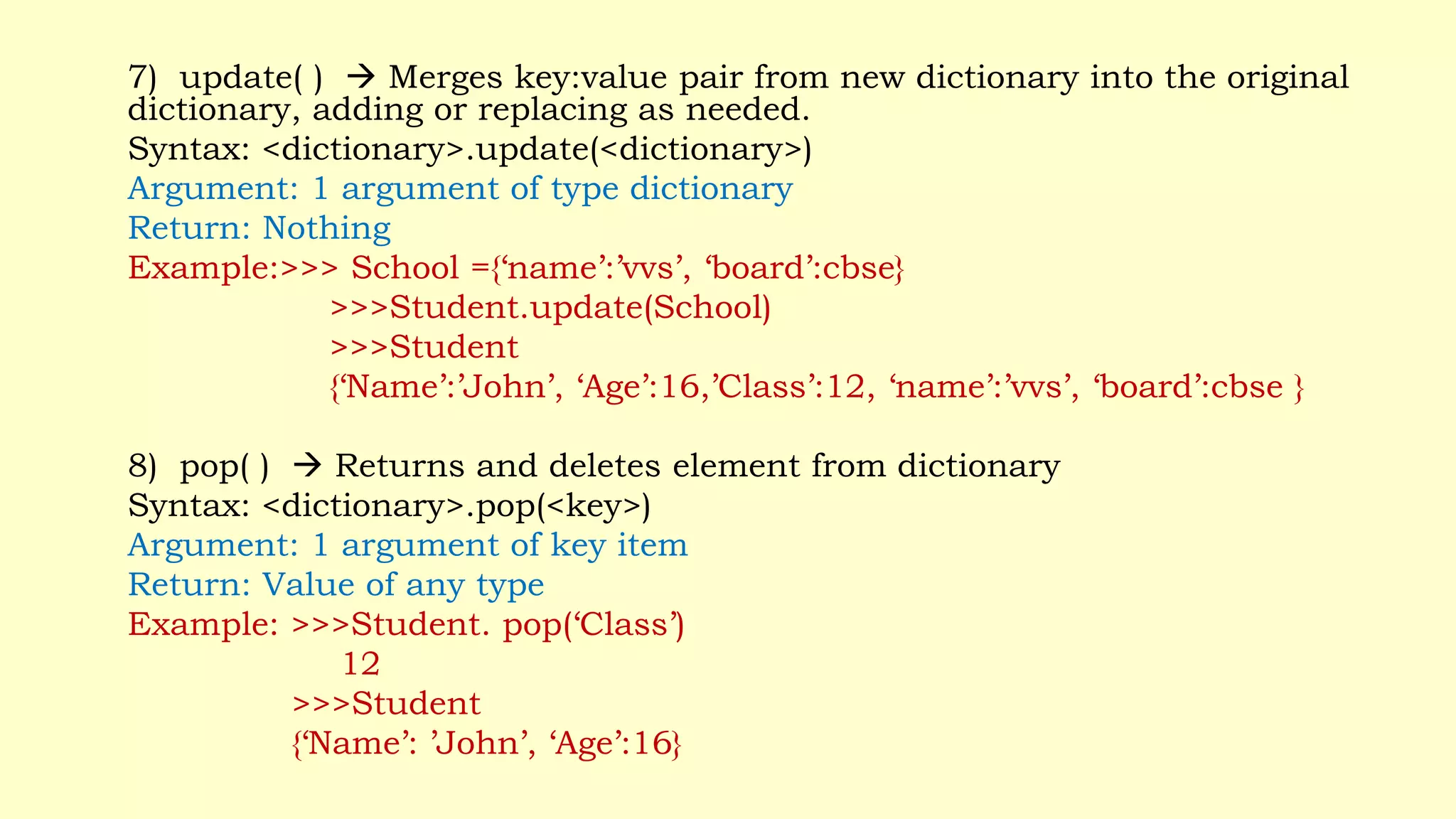
7) update( )  Merges key:value pair from new dictionary into the original
dictionary, adding or replacing as needed.
Syntax: <dictionary>.update(<dictionary>)
Argument: 1 argument of type dictionary
Return: Nothing
Example:>>> School ={‘name’:’vvs’, ‘board’:cbse}
>>>Student.update(School)
>>>Student
{‘Name’:’John’, ‘Age’:16,’Class’:12, ‘name’:’vvs’, ‘board’:cbse }
8) pop( )  Returns and deletes element from dictionary
Syntax: <dictionary>.pop(<key>)
Argument: 1 argument of key item
Return: Value of any type
Example: >>>Student. pop(‘Class’)
12
>>>Student
{‘Name’: ’John’, ‘Age’:16}
THANK YOU 

Ch_13_Dictionary.pptx

  • 1.
    DICTIONARY • WHAT ISDICTIONARY? • HOW TO CREATE DICTIONARY? • HOW TO ACCESS / TRAVERSE ELEMENTS IN DICTIONARY? • DICTIONARY OPERATIONS • DICTIONARY FUNCTIONS
  • 2.
    WHAT IS DICTIONARY? •It is unordered collection of elements in the form key:value pair. • Keys must be of immutable type such as string,number or a tuple. • Values can be of any type. • It is Mutable. • Indexed by keys not by Numbers. • Keys must be unique. • Dictionaries are also called ‘associative arrays’ or ‘mappings’ or hashes. • Examples: • D1 = { } • Signal = {‘Red’:1, ‘Green’:2, ‘Yellow’:3} • Dict1={1:’test’, ‘string’: 2, ‘list’:[1,2,3], (5,7):’tuple’}
  • 3.
    How to createDictionary? 1) Initialisation Signal = {‘Red’:1, ‘Green’:2, ‘Yellow’:3} 2) Using dict( ) 1) D = dict( )  Creates Empty dictionary 2) Signal = dict(Red=1,Green=2, Yellow=3) 3) Signal = dict([‘Red’,1],[‘Green’,2],[‘Yellow’,3]) 4) Signal = dict(zip((‘Red’,’Green’,’Yellow’),(1,2,3)))
  • 4.
    HOW TO ACCESSELEMENTS IN A DICTIONARY? • In Dictionary, the elements are accessed through keys. Syntax: <DictionaryName>[<key>] Months={‘Jan’:31,’Feb’:28,’Mar’:31,’Apr’:30,’May’:31} Vowels={1:’a’, 2:’e’, 3:’i’, 4:’o’, 5:’u’} >>>Months[‘Feb’] 28 >>>Months[‘May’] 31 >>>Vowels[3] I >>>Vowels[‘e’] Error Message
  • 5.
    Traversing a Dictionary Syntax: for<item> in <Dictionary> : item Keys in dictionary Dictionary[item]  Value corresponding to key Ex:1 D1={‘Red’:1, ‘Green’:2, ‘Yellow’:3} for key in D1: print(key, D1[key]) Output: Red 1 Green 2 Yellow 3 for i in D1: print(D1[i]) Output: Output: 1 2 2 1 3 3 Dictionaries are unordered set of elements, the printed order of elements is not same as the order you store the elements in.
  • 6.
    CHARACTERISTICS OF ADICTIONARY 1. Unordered Set 2. Not a sequence 3. Indexed by keys not by Numbers 4. Keys must be unique 5. Mutable 6. Internally stored as Mappings
  • 7.
    Dictionary Operations Student={‘Name’:’John’, ‘Age’:16} 1)Adding Elements to Dictionary Syntax: Dictionary[key] = value >>> Student[‘Class’]=12 >>> Student {‘Name’:’John’, ‘Age’:16,’Class’:12} 2) Updating Existing elements Syntax: Dictionary[key]=Newvalue Ex: Student[‘Age’]=17 Result: Student={‘Name’:’John’, ‘Age’:17} Student[‘age’]=18 Result: : Student={‘Name’:’John’, ‘Age’:17, ‘age’:18}
  • 8.
    3) Deleting Elementsfrom Dictionay i) Using del statement Syntax: del dictionary[key] >>>del Student[‘age’] >>>del Student >>>del Student[‘DOB’] Error Message : KeyError: 'DOB‘ ii) Using pop( ) method Syntax: <Dictionary>.pop(<key>) >>>Student.pop(‘Age’) 16
  • 9.
    4) Checking forExistence of a Key Use membership operator in and not in <key> in <Dictionary) Returns True if the given key is present <key> not in <Dictionary>  Returns True if the given key is not present Ex: >>>’Age’ in Student True >>>’DOB’ not in Student True
  • 10.
    Dictionary Functions andMethods Student = {‘Name’:’John’, ‘Age’:16, ‘Class’:12} 1) len( )  Returns no of elements in a dictionary Syntax: len(<dictionary>) Argument: 1 argument of type Dictionary Return: Integer Example: >>> len(Student) 3 2) clear( )  Clears/Deletes all elements in a dictionary Syntax: <dictionary>.clear( ) Argument: No argument Return: Nothing Example: >>>Student.clear( ) >>> Student { }
  • 11.
    3) get( ) Get the item with given key or User defined message Syntax: <dictionry>.get(key , [default]) Argument: 1 – Essential argument, 1 – Optional argument Return: Object/ Value Example: >>> Student.get(‘Name’) John >>>Student.Get(‘dob’, “Key does not exist”) Key does not exist 4) items( )  Returns all the items in the dictionary as (key,value) tuple Syntax: <dictionary>.items( ) Argument: No argument Return: Sequence of (key, value) pair Example: >>>Student.items( ) dict_items([('Name', 'John'), ('Age', 17), ('Class', 12)])
  • 12.
    5) keys( ) Returns all the keys in dictionary as a list. Syntax: <dictionary>.keys( ) Argument: No argument Return: List of keys Example: >>> Student.keys( ) [‘Name’, ‘Age’, ‘Class’] 6) values( )  Returns all the values in dictionary as a list. Syntax: <dictionary>.values( ) Argument: No argument Return: List of values Example: >>> Student.values( ) [‘John’, 16,12]
  • 13.
    7) update( ) Merges key:value pair from new dictionary into the original dictionary, adding or replacing as needed. Syntax: <dictionary>.update(<dictionary>) Argument: 1 argument of type dictionary Return: Nothing Example:>>> School ={‘name’:’vvs’, ‘board’:cbse} >>>Student.update(School) >>>Student {‘Name’:’John’, ‘Age’:16,’Class’:12, ‘name’:’vvs’, ‘board’:cbse } 8) pop( )  Returns and deletes element from dictionary Syntax: <dictionary>.pop(<key>) Argument: 1 argument of key item Return: Value of any type Example: >>>Student. pop(‘Class’) 12 >>>Student {‘Name’: ’John’, ‘Age’:16}
  • 14.