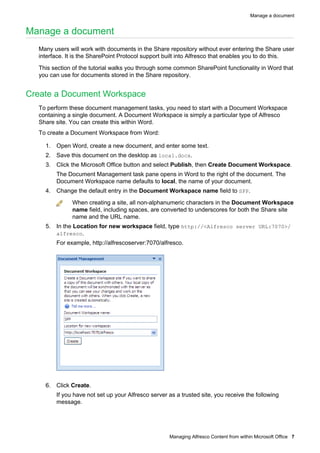
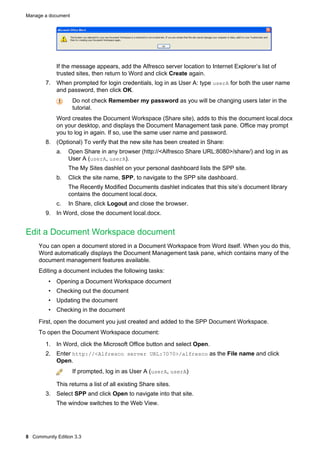
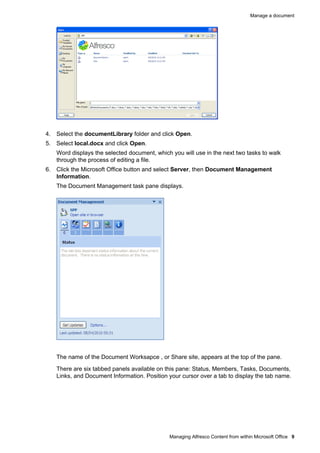
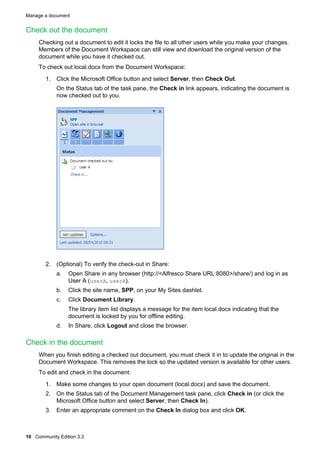
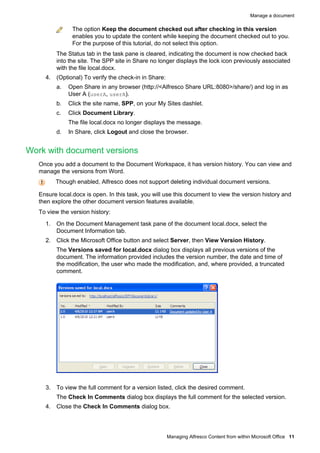
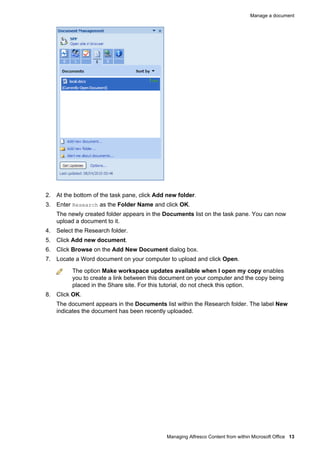
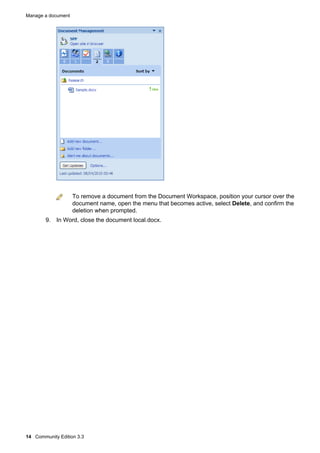
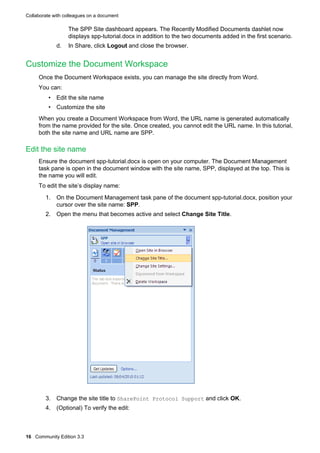
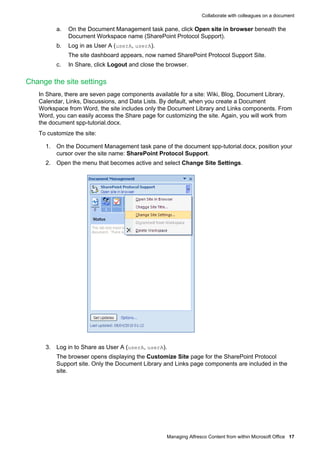
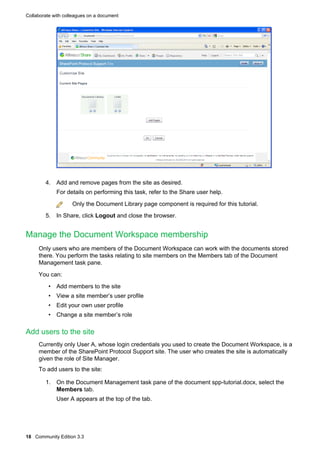
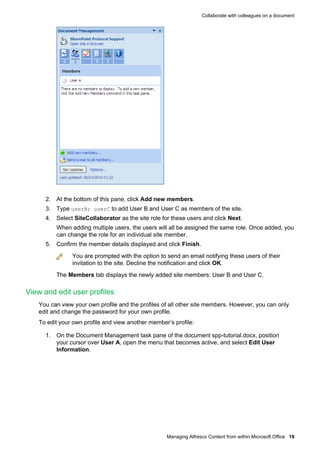
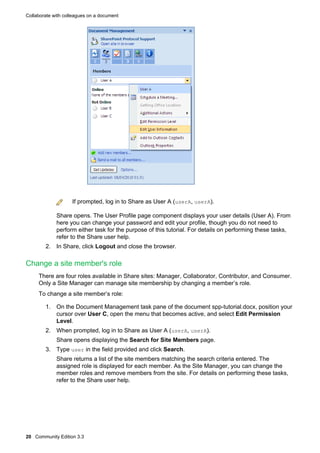
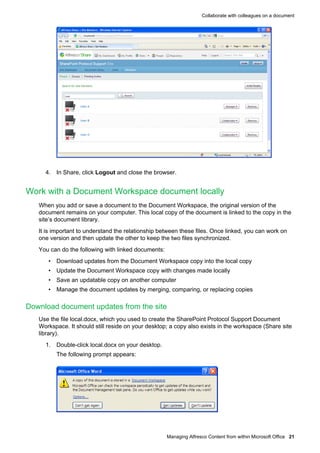
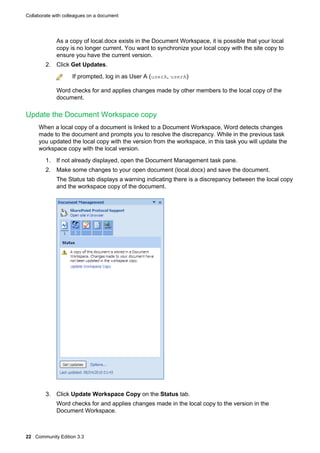
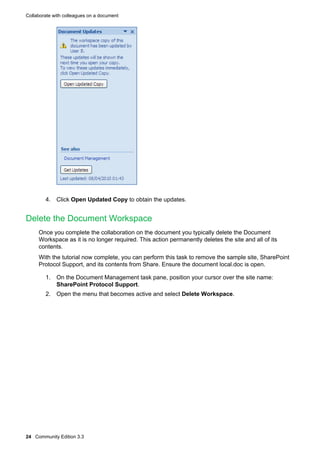
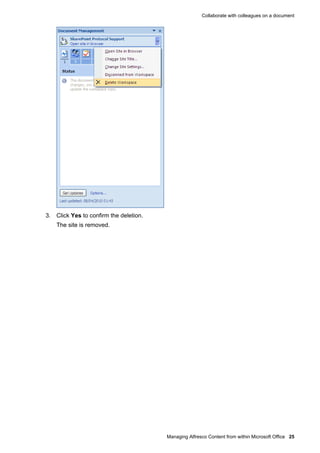

This document provides instructions for managing content from within Microsoft Office using Alfresco Community Edition 3.3. It describes how to: 1. Create a Document Workspace called SPP in Word that stores documents in Alfresco Share. This allows managing documents without entering the Share interface. 2. Edit a document stored in the SPP Document Workspace by checking it out, making changes, and checking it back in once complete. Version history is maintained. 3. Collaborate on documents with colleagues by customizing the SPP site, managing members and permissions, and working with local and site-stored document copies. 4. Additional features covered include adding folders and content to the site document


