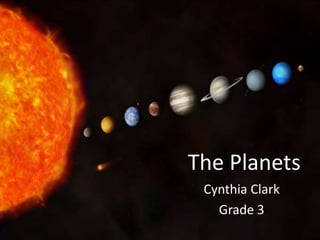
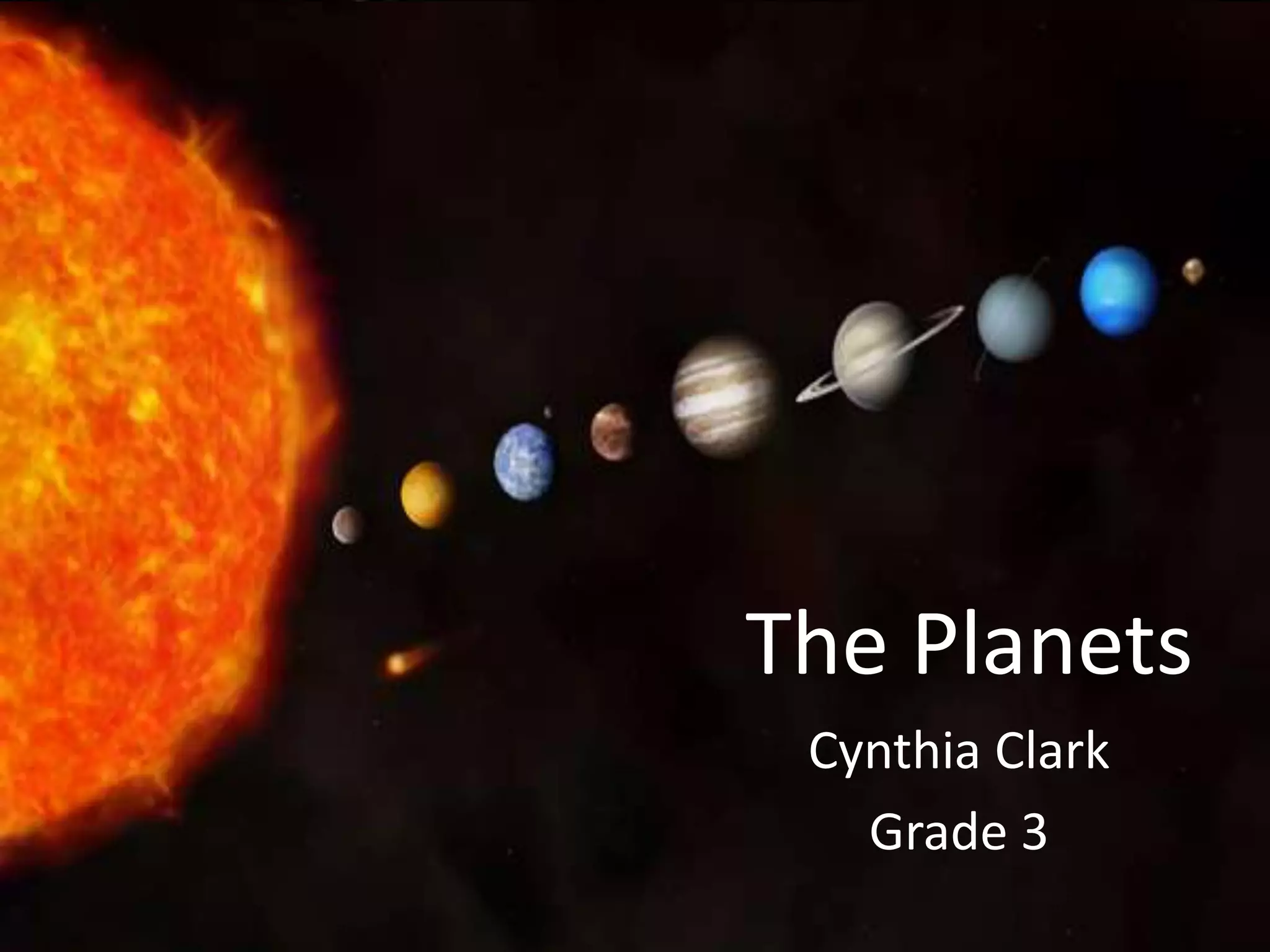
The Planets
 Cynthia Clark
   Grade 3
Technology Integration
Rationale:
For many students, the planets in our solar system seem so
far away. Students can have trouble grasping the concept of
our planets and their order in the solar system. Technology
can help the solar system become something that is not so
far away! By incorporating technology in the classroom
students can bring the planets close to them and learn all
they need to know! There are many different ways to use
technology and many different sources of technology. All of
these sources can help the many different learners inside of
the classroom.
Website Reliability
• All websites have a recent date. This ensures
  that the content on the websites is recent and
  has been recently updated.
• All websites were either a government site or
  from a university.
Internet Content
• The internet offers many different images and
  videos about the planets in our solar system.
  The images and videos can show you what
  each planet is made of, their location in the
  solar system, and so much more! Not only are
  there images and videos for students and
  teachers to explore, there are lots of
  interactive websites as well!
Content from YouTube


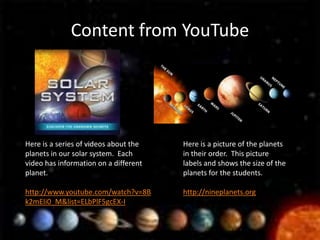
Here is a series of videos about the   Here is a picture of the planets
planets in our solar system. Each      in their order. This picture
video has information on a different   labels and shows the size of the
planet.                                planets for the students.

http://www.youtube.com/watch?v=8B      http://nineplanets.org
k2mEIi0_M&list=ELbPlF5gcEX-I
Internet Blog
• http://blogs.jpl.nasa.gov/category/solar-
  system/
• This blog has pictures, maps, videos and much
  more along with lots of information.
• This blog is up to date with all of the most
  recent information about the planets and our
  solar system.
Internet Podcast
• http://www.nasa.gov/multimedia/podcasting/
  solar_system_index.html
• Here is a list of many different Podcasts to
  watch and listen to.
• This type of media is something that students
  can relate very well to.
Internet Resources
• The internet offers direct access to
  government sites and other agencies that
  provide information about our solar system
  and the planets in the solar system.
• The next two slides offer websites that can be
  used to gain information about the planets
  and the solar system.
Internet Resources 1
• Astronomy for Kids
  – This website has lots of useful information about
    our solar system and the planets. The information
    is kid friendly and very easy for them to access!
    There are many pictures and videos on the
    website to go along with all the useful
    information.
• National Geographic
  – National Geographic has lots of vocabulary that
    can be used and videos that can be used when
    teaching the solar system.
Internet Resources 2
• National Aeronautics and Space
  Administration
  – NASA provides lots of up to date information
    about our solar system. The website contains lots
    of information and can be a great tool!
• The Nine Planets
  – This website has an overview of the planets and
    the solar system. The website includes
    information from NASA as well as their own
    information.
Inspiration Diagram


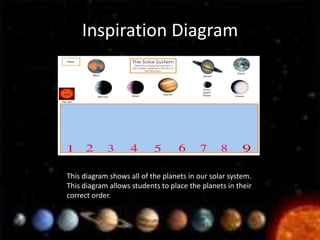
This diagram shows all of the planets in our solar system.
This diagram allows students to place the planets in their
correct order.
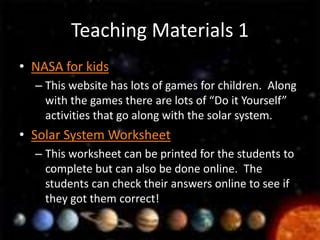
Teaching Materials 1
• NASA for kids
  – This website has lots of games for children. Along
    with the games there are lots of “Do it Yourself”
    activities that go along with the solar system.
• Solar System Worksheet
  – This worksheet can be printed for the students to
    complete but can also be done online. The
    students can check their answers online to see if
    they got them correct!
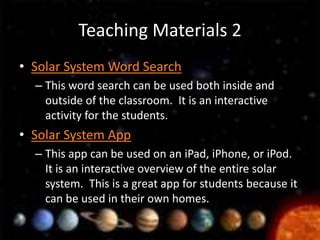
Teaching Materials 2
• Solar System Word Search
  – This word search can be used both inside and
    outside of the classroom. It is an interactive
    activity for the students.
• Solar System App
  – This app can be used on an iPad, iPhone, or iPod.
    It is an interactive overview of the entire solar
    system. This is a great app for students because it
    can be used in their own homes.
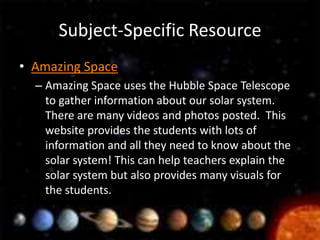
Subject-Specific Resource
• Amazing Space
  – Amazing Space uses the Hubble Space Telescope
    to gather information about our solar system.
    There are many videos and photos posted. This
    website provides the students with lots of
    information and all they need to know about the
    solar system! This can help teachers explain the
    solar system but also provides many visuals for
    the students.
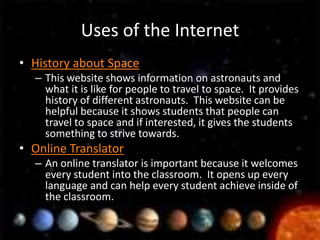
Uses of the Internet
• History about Space
  – This website shows information on astronauts and
    what it is like for people to travel to space. It provides
    history of different astronauts. This website can be
    helpful because it shows students that people can
    travel to space and if interested, it gives the students
    something to strive towards.
• Online Translator
  – An online translator is important because it welcomes
    every student into the classroom. It opens up every
    language and can help every student achieve inside of
    the classroom.
Web 2.0
• Space Game
  – This is a website that as educational games for
    students. This game is a multiplication game that
    involves space. Using this game students can use their
    knowledge about space but also their knowledge of
    multiplication.
• Search Engine for Students
  – This search engine can be a useful tool for students
    both inside and outside of the classroom. All of the
    information is easy for students to read and
    understand.

Mat modules presentation

  • 1.
    The Planets CynthiaClark Grade 3
  • 2.
    Technology Integration Rationale: For manystudents, the planets in our solar system seem so far away. Students can have trouble grasping the concept of our planets and their order in the solar system. Technology can help the solar system become something that is not so far away! By incorporating technology in the classroom students can bring the planets close to them and learn all they need to know! There are many different ways to use technology and many different sources of technology. All of these sources can help the many different learners inside of the classroom.
  • 3.
    Website Reliability • Allwebsites have a recent date. This ensures that the content on the websites is recent and has been recently updated. • All websites were either a government site or from a university.
  • 4.
    Internet Content • Theinternet offers many different images and videos about the planets in our solar system. The images and videos can show you what each planet is made of, their location in the solar system, and so much more! Not only are there images and videos for students and teachers to explore, there are lots of interactive websites as well!
  • 5.
    Content from YouTube Hereis a series of videos about the Here is a picture of the planets planets in our solar system. Each in their order. This picture video has information on a different labels and shows the size of the planet. planets for the students. http://www.youtube.com/watch?v=8B http://nineplanets.org k2mEIi0_M&list=ELbPlF5gcEX-I
  • 6.
    Internet Blog • http://blogs.jpl.nasa.gov/category/solar- system/ • This blog has pictures, maps, videos and much more along with lots of information. • This blog is up to date with all of the most recent information about the planets and our solar system.
  • 7.
    Internet Podcast • http://www.nasa.gov/multimedia/podcasting/ solar_system_index.html • Here is a list of many different Podcasts to watch and listen to. • This type of media is something that students can relate very well to.
  • 8.
    Internet Resources • Theinternet offers direct access to government sites and other agencies that provide information about our solar system and the planets in the solar system. • The next two slides offer websites that can be used to gain information about the planets and the solar system.
  • 9.
    Internet Resources 1 •Astronomy for Kids – This website has lots of useful information about our solar system and the planets. The information is kid friendly and very easy for them to access! There are many pictures and videos on the website to go along with all the useful information. • National Geographic – National Geographic has lots of vocabulary that can be used and videos that can be used when teaching the solar system.
  • 10.
    Internet Resources 2 •National Aeronautics and Space Administration – NASA provides lots of up to date information about our solar system. The website contains lots of information and can be a great tool! • The Nine Planets – This website has an overview of the planets and the solar system. The website includes information from NASA as well as their own information.
  • 11.
    Inspiration Diagram This diagramshows all of the planets in our solar system. This diagram allows students to place the planets in their correct order.
  • 12.
    Teaching Materials 1 •NASA for kids – This website has lots of games for children. Along with the games there are lots of “Do it Yourself” activities that go along with the solar system. • Solar System Worksheet – This worksheet can be printed for the students to complete but can also be done online. The students can check their answers online to see if they got them correct!
  • 13.
    Teaching Materials 2 •Solar System Word Search – This word search can be used both inside and outside of the classroom. It is an interactive activity for the students. • Solar System App – This app can be used on an iPad, iPhone, or iPod. It is an interactive overview of the entire solar system. This is a great app for students because it can be used in their own homes.
  • 14.
    Subject-Specific Resource • AmazingSpace – Amazing Space uses the Hubble Space Telescope to gather information about our solar system. There are many videos and photos posted. This website provides the students with lots of information and all they need to know about the solar system! This can help teachers explain the solar system but also provides many visuals for the students.
  • 15.
    Uses of theInternet • History about Space – This website shows information on astronauts and what it is like for people to travel to space. It provides history of different astronauts. This website can be helpful because it shows students that people can travel to space and if interested, it gives the students something to strive towards. • Online Translator – An online translator is important because it welcomes every student into the classroom. It opens up every language and can help every student achieve inside of the classroom.
  • 16.
    Web 2.0 • SpaceGame – This is a website that as educational games for students. This game is a multiplication game that involves space. Using this game students can use their knowledge about space but also their knowledge of multiplication. • Search Engine for Students – This search engine can be a useful tool for students both inside and outside of the classroom. All of the information is easy for students to read and understand.

Editor's Notes

  • #6 These videos can be watched both inside and outside of the classroom. The students could be assigned these videos for homework or I could assign an in class activity to do. Additionally, these videos can be viewed at home if the student needs a further explanation.
  • #7 This blog can be viewed both inside and outside of the classroom and can be a very helpful tool for students.
  • #8 Students enjoy having something to watch. By including Podcasts students can have something to listen to and watch that is informative.
  • #12 This diagram can be very useful in a lesson. It can be used on a projector and done as a class. It can also be used individually. The students can use this diagram as many times as they need to practice the order of the planets. It helps many students to visualize. This can help students visually see the order of the planets which will help them remember better.