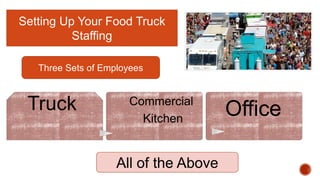
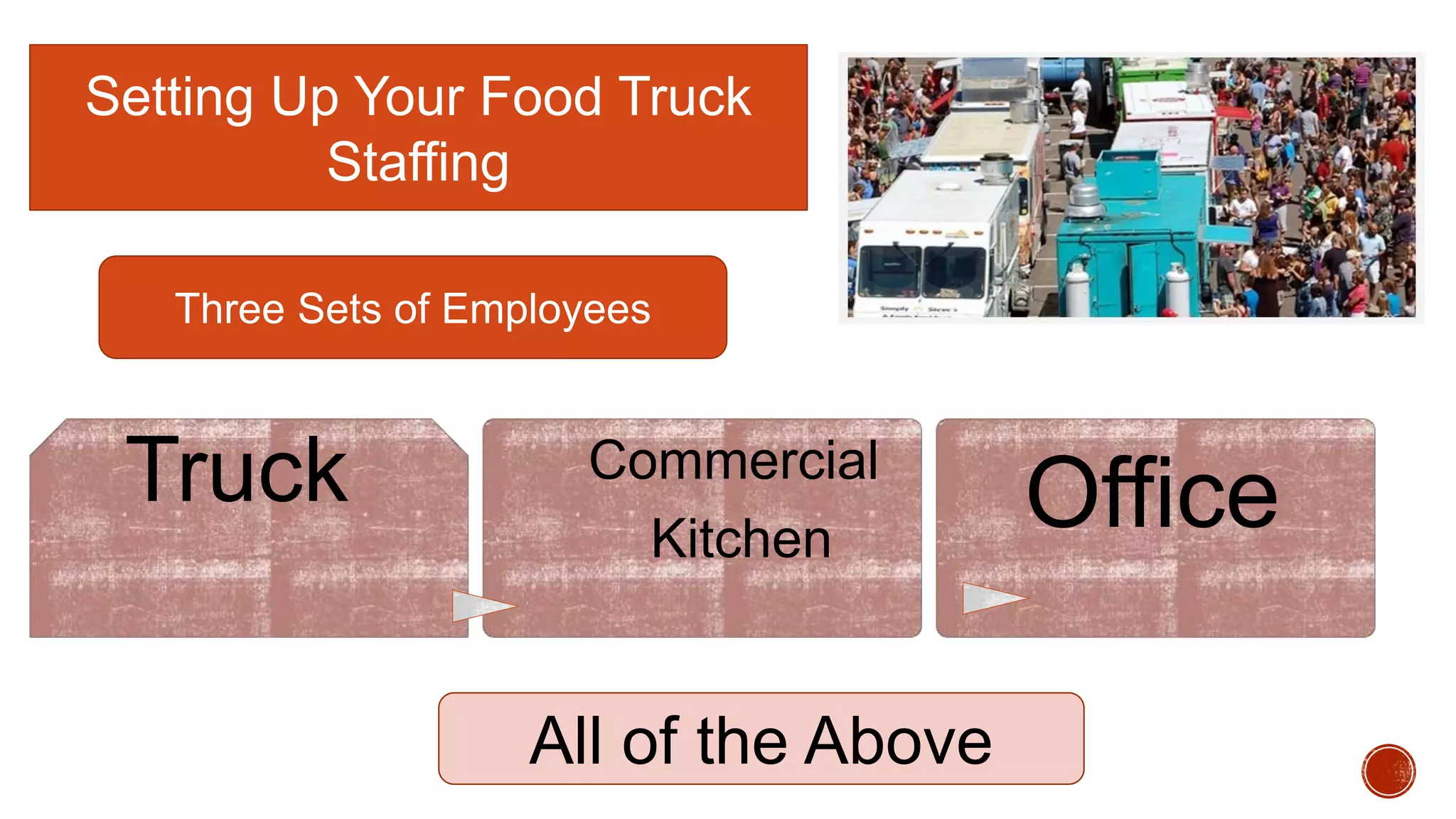
Setting Up Your Food Truck
Staffing
Truck Commercial
Kitchen
Office
Three Sets of Employees
All of the Above
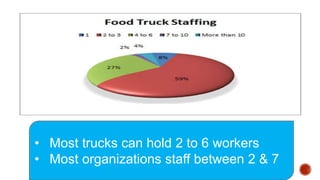
• Most trucks can hold 2 to 6 workers
• Most organizations staff between 2 & 7
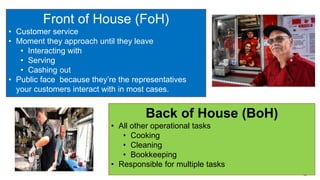
Front of House (FoH)
• Customer service
• Moment they approach until they leave
• Interacting with
• Serving
• Cashing out
• Public face because they’re the representatives
your customers interact with in most cases.
Back of House (BoH)
• All other operational tasks
• Cooking
• Cleaning
• Bookkeeping
• Responsible for multiple tasks
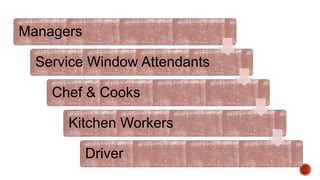
Managers
Service Window Attendants
Chef & Cooks
Kitchen Workers
Driver
Staffing
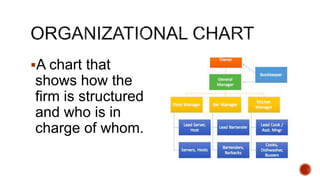
A chart that
shows how the
firm is structured
and who is in
charge of whom.
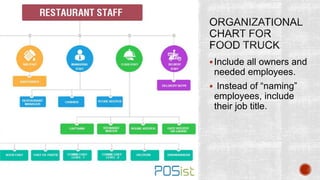
Include all owners and
needed employees.
 Instead of “naming”
employees, include
their job title.
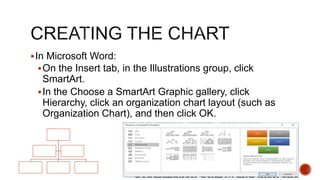
In Microsoft Word:
On the Insert tab, in the Illustrations group, click
SmartArt.
In the Choose a SmartArt Graphic gallery, click
Hierarchy, click an organization chart layout (such as
Organization Chart), and then click OK.
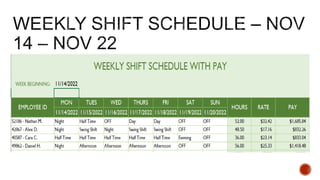
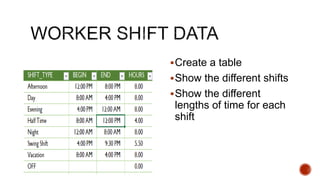
Create a table
Show the different shifts
Show the different
lengths of time for each
shift
© 2017 Business Girl. All Rights Reserved.

Management Team.pptx

  • 1.
    Setting Up YourFood Truck Staffing Truck Commercial Kitchen Office Three Sets of Employees All of the Above
  • 2.
    • Most truckscan hold 2 to 6 workers • Most organizations staff between 2 & 7
  • 3.
    Front of House(FoH) • Customer service • Moment they approach until they leave • Interacting with • Serving • Cashing out • Public face because they’re the representatives your customers interact with in most cases. Back of House (BoH) • All other operational tasks • Cooking • Cleaning • Bookkeeping • Responsible for multiple tasks
  • 4.
    Managers Service Window Attendants Chef& Cooks Kitchen Workers Driver
  • 5.
  • 6.
    A chart that showshow the firm is structured and who is in charge of whom.
  • 7.
    Include all ownersand needed employees.  Instead of “naming” employees, include their job title.
  • 8.
    In Microsoft Word: Onthe Insert tab, in the Illustrations group, click SmartArt. In the Choose a SmartArt Graphic gallery, click Hierarchy, click an organization chart layout (such as Organization Chart), and then click OK.
  • 10.
    Create a table Showthe different shifts Show the different lengths of time for each shift © 2017 Business Girl. All Rights Reserved.