Lua
Introduction to Lua programming language
By Soulaymen Chouri 
http://github.com/praisethemoon
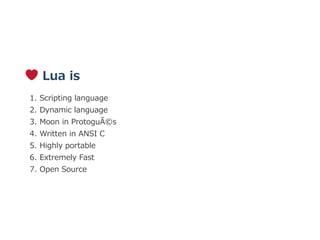
 Lua is
1. Scripting language
2. Dynamic language
3. Moon in Protogués
4. Written in ANSI C
5. Highly portable
6. Extremely Fast
7. Open Source
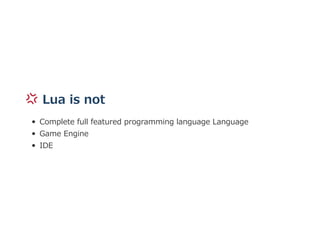
 Lua is not
Complete full featured programming language Language
Game Engine
IDE
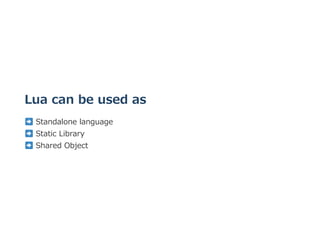
Lua can be used as
 Standalone language
 Static Library 
 Shared Object
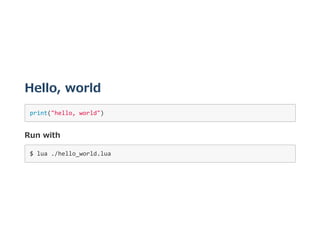
Hello, world
print("hello, world") 
Run with
$ lua ./hello_world.lua 
 .. Simple!
Comments
‐‐ A single line comment :D 
‐‐[[ 
   A multi‐line comment 
]] 
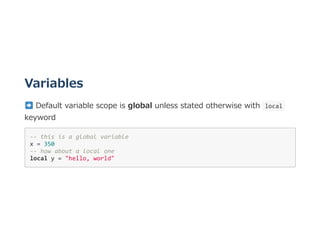
Variables
 Default variable scope is global unless stated otherwise with  local 
keyword
‐‐ this is a global variable 
x = 350  
‐‐ how about a local one 
local y = "hello, world"
Basic data types
Lua has 4 basic data types
‐‐ 1. Numbers: there is no difference between int and float :) 
local x = 30 
local z = 15.2 
‐‐ 2. Booleans 
local z, w = true, false
print(z) ‐‐ true 
print(w) ‐‐ false 
‐‐ 3. nil 
local alpha = nil 
‐‐ 4. String 
local str = "praise the moon!" 
‐‐[[ String concatenation: ]] 
local str2 = str .. ", JUST.. DO IT !" 
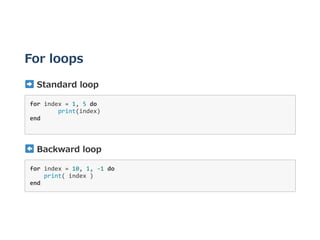
For loops
 Standard loop
for index = 1, 5 do 
  print(index) 
end 
 Backward loop
for index = 10, 1, ‐1 do 
    print( index ) 
end 
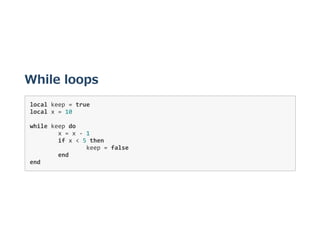
While loops
local keep = true 
local x = 10 
while keep do 
  x = x ‐ 1 
  if x < 5 then  
    keep = false 
  end 
end 
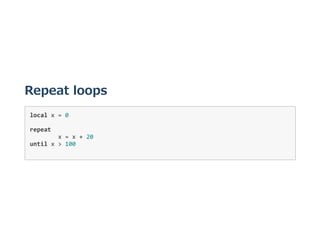
Repeat loops
local x = 0 
repeat  
  x = x + 20 
until x > 100 
Lua has no  continue  statement 
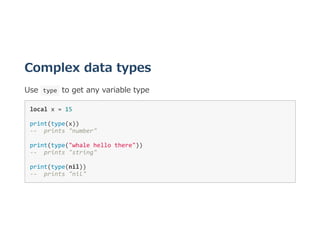
Complex data types
Use  type  to get any variable type
local x = 15 
print(type(x)) 
‐‐  prints "number" 
print(type("whale hello there")) 
‐‐  prints "string" 
print(type(nil)) 
‐‐  prints "nil" 
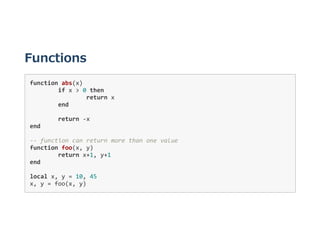
Functions
function abs(x) 
  if x > 0 then 
    return x 
  end 
     
  return ‐x 
end 
‐‐ function can return more than one value 
function foo(x, y) 
  return x+1, y+1 
end 
local x, y = 10, 45 
x, y = foo(x, y) 
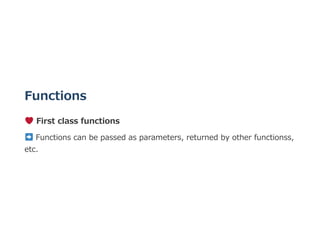
Functions
 First class functions
 Functions can be passed as parameters, returned by other functionss,
etc.
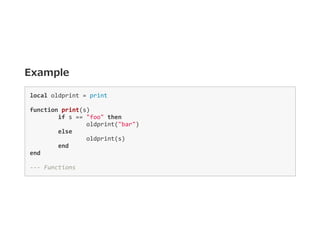
Example
local oldprint = print 
function print(s)      
  if s == "foo" then 
    oldprint("bar") 
  else 
    oldprint(s) 
  end 
end 
‐‐‐ Functions  
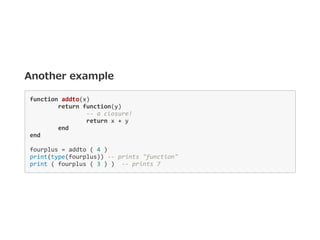
Another example
function addto(x) 
  return function(y) 
    ‐‐ a closure! 
    return x + y 
  end 
end 
fourplus = addto ( 4 ) 
print(type(fourplus)) ‐‐ prints "function" 
print ( fourplus ( 3 ) )  ‐‐ prints 7 
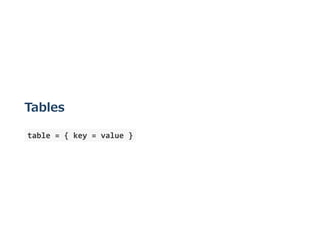
Tables
 table = { key = value } 
Tables
‐‐ empty table 
a_table = { } 
a_table = { x = 10 } 
print( a_table ["x"] )  
–‐ prints 10 
‐‐[[ MORE ]] 
b_table = a_table  
b_table["x"] = 20    
print( b_table["x"] )  
print( a_table.x )  
–‐ both prints 20 
 Tables are passed by reference!
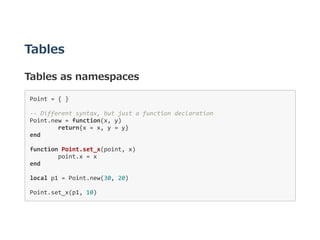
Tables
Tables as namespaces
Point = { }  
‐‐ Different syntax, but just a function declaration 
Point.new = function(x, y) 
  return{x = x, y = y} 
end 
function Point.set_x(point, x) 
  point.x = x 
end 
local p1 = Point.new(30, 20) 
Point.set_x(p1, 10) 
Tables
Tables as Arrays
 Lua arrays are 1‒indexed
array = { "a", "b", "c", "d" } 
print(array[2]) ‐‐ prints b 
array[0] = "z"  
‐‐[[ illegal ]] 
‐‐ array size operator: 
print(#array)  
‐‐ prints 4 
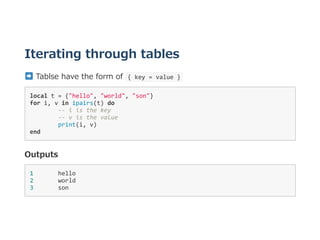
Iterating through tables
 Tablse have the form of  { key = value } 
local t = {"hello", "world", "son"} 
for i, v in ipairs(t) do 
  ‐‐ i is the key 
  ‐‐ v is the value 
  print(i, v) 
end 
Outputs
1       hello 
2       world 
3       son 
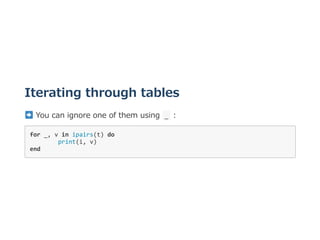
Iterating through tables
 You can ignore one of them using  _  :
for _, v in ipairs(t) do 
  print(i, v) 
end 
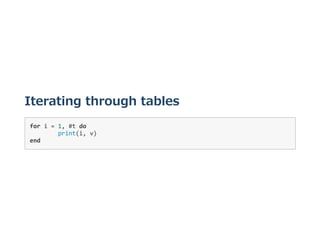
Iterating through tables
for i = 1, #t do 
  print(i, v) 
end 
Other data types
 usertype 
 thread 
 Not discussed here
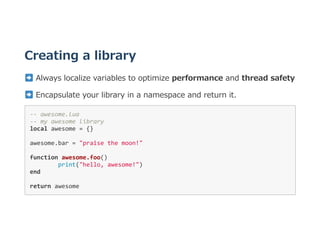
Creating a library
 Always localize variables to optimize performance and thread safety
 Encapsulate your library in a namespace and return it.
‐‐ awesome.lua 
‐‐ my awesome library 
local awesome = {} 
awesome.bar = "praise the moon!" 
function awesome.foo()  
  print("hello, awesome!") 
end 
return awesome 
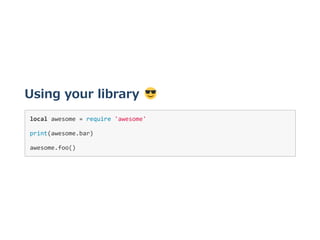
Using your library 
local awesome = require 'awesome' 
print(awesome.bar) 
awesome.foo() 
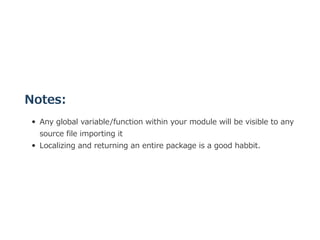
Notes:
Any global variable/function within your module will be visible to any
source file importing it
Localizing and returning an entire package is a good habbit.
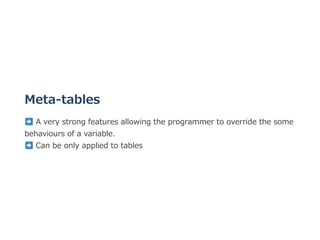
Meta‒tables
 A very strong features allowing the programmer to override the some
behaviours of a variable. 
 Can be only applied to tables
Example
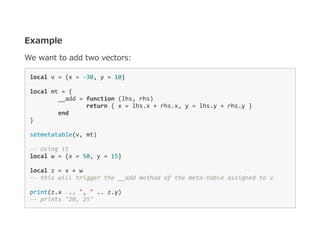
We want to add two vectors:
local v = {x = ‐30, y = 10} 
local mt = { 
  __add = function (lhs, rhs)  
    return { x = lhs.x + rhs.x, y = lhs.y + rhs.y } 
  end 
} 
setmetatable(v, mt)  
‐‐ Using it  
local w = {x = 50, y = 15} 
local z = v + w 
‐‐ this will trigger the __add method of the meta‐table assigned to v 
print(z.x  .. ", " .. z.y) 
‐‐ prints "20, 25" 
Where to go from here:
Lua manual: https://www.lua.org/manual/5.1/manual.html
Lua tutorial: https://www.tutorialspoint.com/lua/index.htm
Lua Users Wiki  : http://lua‒users.org/wiki/LuaDirectory
 Thank you

Lua introduction