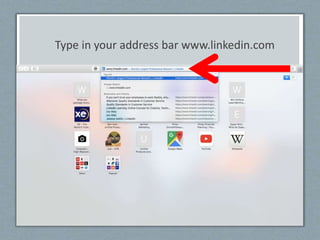
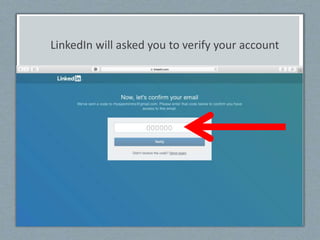
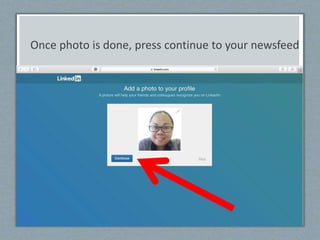
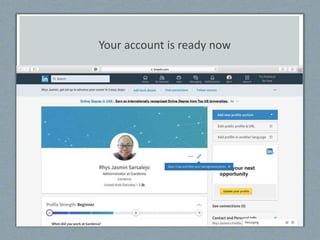
To set up a LinkedIn account, choose a web browser and go to LinkedIn.com. Fill out your name, email, password, country, and employment details. LinkedIn will send a verification code to your email; enter this code to verify your account. Once verified, LinkedIn will prompt you to add contacts and a profile photo. Your account is then ready to use to grow your professional network on LinkedIn.