Lifesaving,
Timesaving,
Sanity-saving
HOTKEYS
Julie Cameron ∆ @jewlofthelotus
@jewlofthelotus
Hotkeys are one of the
best ways to boost
productivity.
@jewlofthelotus
SUPER.
FLIPPING.
FAST.
@jewlofthelotus
What are
Hotkeys?
AKA Keyboard Shortcuts
@jewlofthelotus
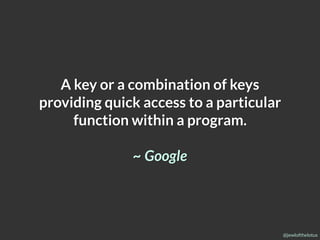
A key or a combination of keys
providing quick access to a particular
function within a program.
~ Google
@jewlofthelotus
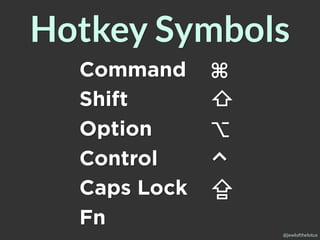
Command ⌘
Shift ⇧
⇧Option ⌥
Control ⌃
Caps Lock ⇪
Fn
Hotkey Symbols
@jewlofthelotus
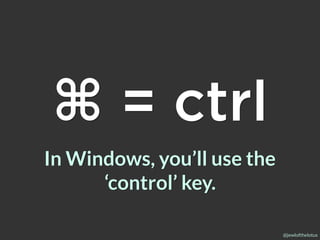
In Windows, you’ll use the
‘control’ key.
⌘ = ctrl
@jewlofthelotus
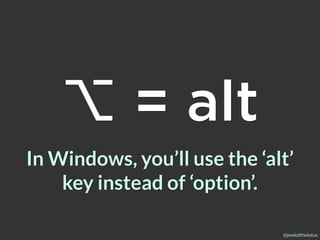
In Windows, you’ll use the ‘alt’
key instead of ‘option’.
⌥ = alt
@jewlofthelotus
Common
Hotkeys
The following combos work in most
operating systems and applications.
@jewlofthelotus
⌘+X
Cut
@jewlofthelotus
⌘+C
Copy
@jewlofthelotus
⌘+V
Paste
@jewlofthelotus
⌘+A
Select All
@jewlofthelotus
⌘+Z
Undo Change
@jewlofthelotus
⌘+⇧+Z
Redo Change
In Windows: ctrl + Y
@jewlofthelotus
⌘+F
Find
@jewlofthelotus
⌘+H
Hide Application
@jewlofthelotus
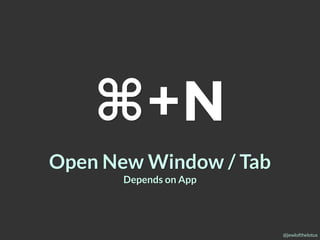
⌘+N
Open New Window / Tab
Depends on App
@jewlofthelotus
Save File
⌘+S
@jewlofthelotus
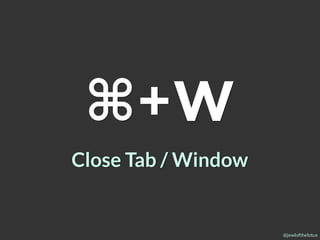
⌘+W
Close Tab / Window
@jewlofthelotus
⌘+Q
Quit Program
@jewlofthelotus
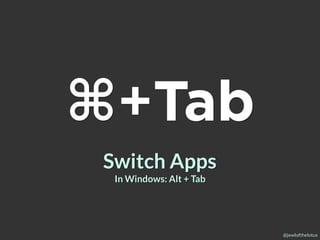
⌘+Tab
Switch Apps
In Windows: Alt + Tab
@jewlofthelotus
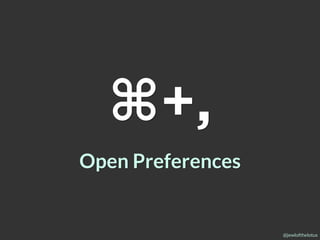
⌘+,
Open Preferences
@jewlofthelotus
Rich Text Editing
Hotkeys
@jewlofthelotus
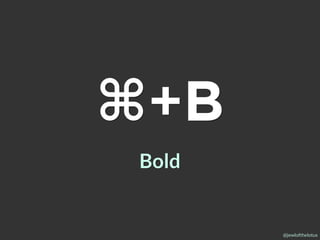
⌘+B
Bold
@jewlofthelotus
⌘+I
Italic
@jewlofthelotus
⌘+U
Underline
@jewlofthelotus
Basic Text Editing
Hotkeys
@jewlofthelotus
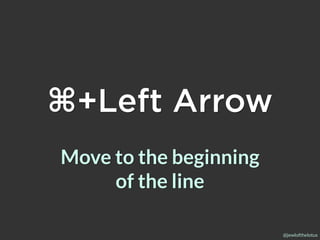
⌘+Left Arrow
Move to the beginning
of the line
@jewlofthelotus
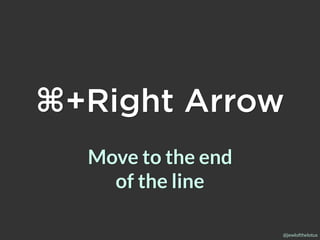
⌘+Right Arrow
Move to the end
of the line
@jewlofthelotus
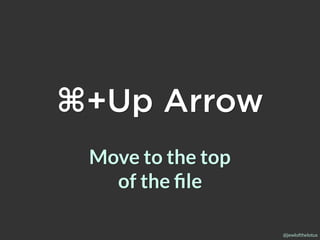
⌘+Up Arrow
Move to the top

of the file
@jewlofthelotus
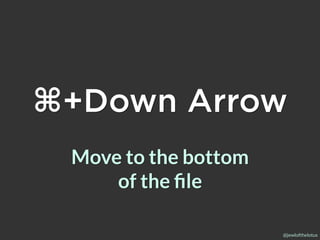
⌘+Down Arrow
Move to the bottom
of the file
@jewlofthelotus
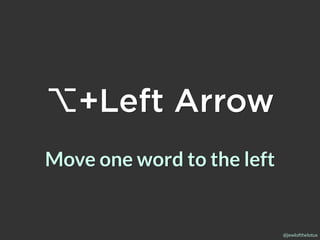
⌥+Left Arrow
Move one word to the left
@jewlofthelotus
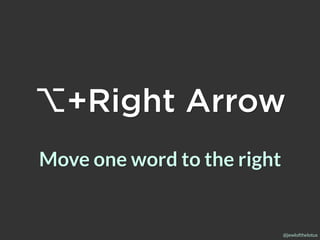
⌥+Right Arrow
Move one word to the right
@jewlofthelotus
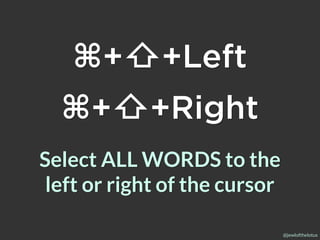
Select ALL WORDS to the
left or right of the cursor
⌘+⇧+Left
⌘+⇧+Right
@jewlofthelotus
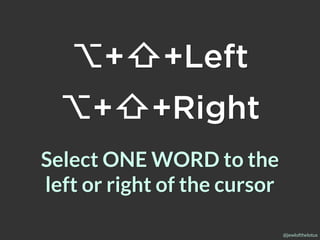
Select ONE WORD to the
left or right of the cursor
⌥+⇧+Left
⌥+⇧+Right
@jewlofthelotus
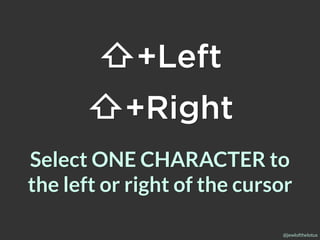
Select ONE CHARACTER to
the left or right of the cursor
⇧+Left
⇧+Right
@jewlofthelotus
Browser
Hotkeys
@jewlofthelotus
⌘+T
Open New Tab
@jewlofthelotus
⌘+R
Refresh Page
@jewlofthelotus
⌘+⌥+I
Open Dev Tools
@jewlofthelotus
⌘++Zoom In
@jewlofthelotus
⌘+-Zoom Out
@jewlofthelotus
Code Editor
Hotkeys
@jewlofthelotus
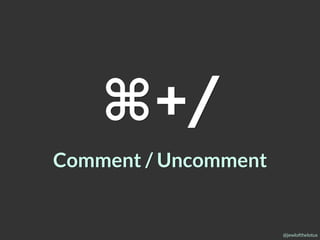
⌘+/
Comment / Uncomment
@jewlofthelotus
⌘+[or]
Text Editors: Indent / Outdent
Other Apps: Switch Tabs, Go
back / forward
@jewlofthelotus
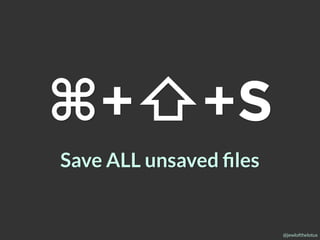
⌘+⇧+S
Save ALL unsaved files
@jewlofthelotus
@jewlofthelotus
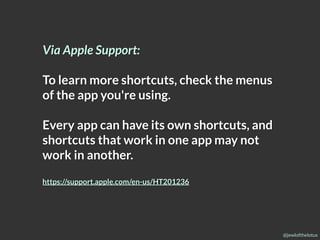
Via Apple Support:
To learn more shortcuts, check the menus
of the app you're using.
Every app can have its own shortcuts, and
shortcuts that work in one app may not
work in another.
https://support.apple.com/en-us/HT201236
@jewlofthelotus
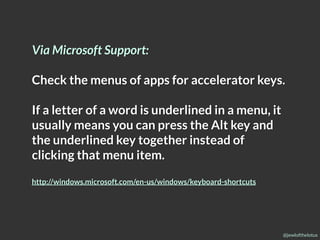
Via Microsoft Support:
Check the menus of apps for accelerator keys.
If a letter of a word is underlined in a menu, it
usually means you can press the Alt key and
the underlined key together instead of
clicking that menu item.
http://windows.microsoft.com/en-us/windows/keyboard-shortcuts
@jewlofthelotus
Dev Tool
Hotkey Practice
http://shortcutfoo.com
@jewlofthelotus
Google:
“{thing} hotkey cheatsheet”
@jewlofthelotus
Dated, but helpful:
http://lifehacker.com/5970089/back-to-the-basics-
learn-to-use-keyboard-shortcuts-like-a-ninja
@jewlofthelotus
Thanks!
Julie Cameron ∆ @jewlofthelotus

Lifesaving, Timesaving, Sanity-saving HOTKEYS!