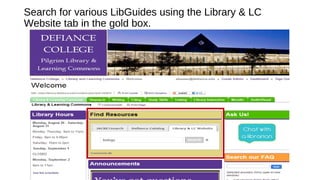
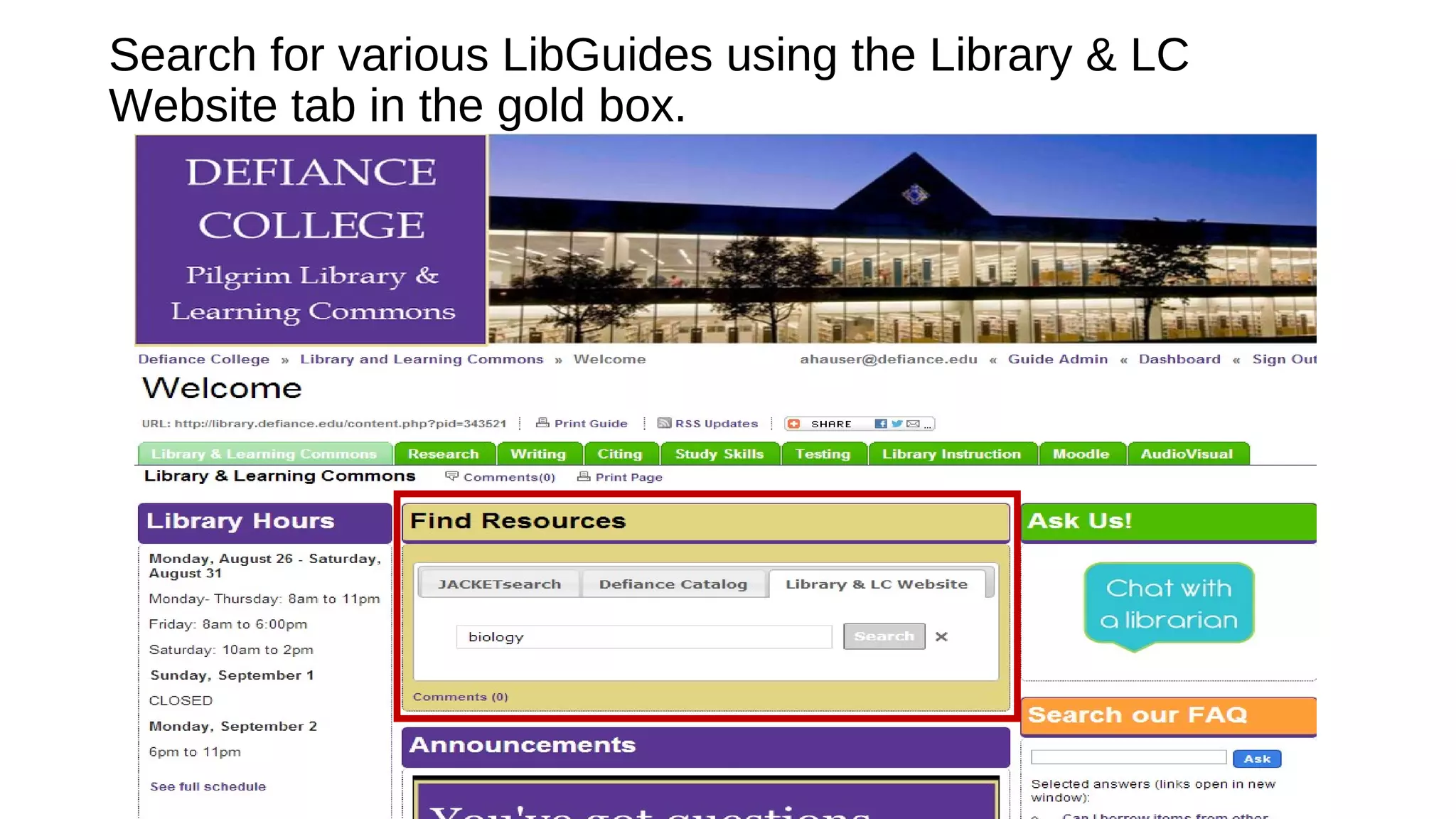
Search for various LibGuides using the Library & LC
Website tab in the gold box.
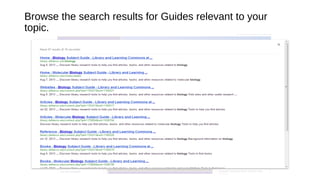
Browse the search results for Guides relevant to your
topic.
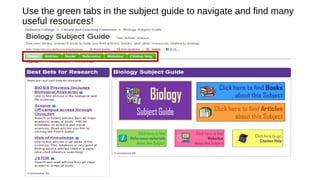
Use the green tabs in the subject guide to navigate and find many
useful resources!
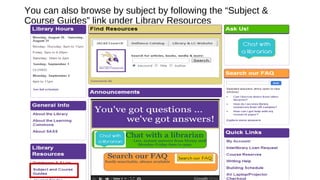
You can also browse by subject by following the “Subject &
Course Guides” link under Library Resources
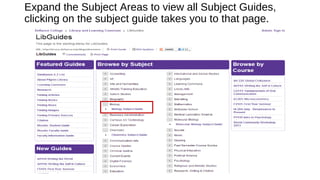
Expand the Subject Areas to view all Subject Guides,
clicking on the subject guide takes you to that page.
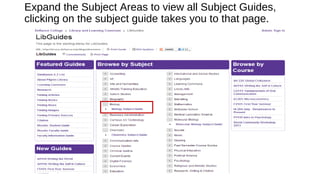
Expand the Subject Areas to view all Subject Guides,
clicking on the subject guide takes you to that page.

Finding & Using LibGuides for your Courses & Subjects

  • 1.
    Search for variousLibGuides using the Library & LC Website tab in the gold box.
  • 2.
    Browse the searchresults for Guides relevant to your topic.
  • 3.
    Use the greentabs in the subject guide to navigate and find many useful resources!
  • 4.
    You can alsobrowse by subject by following the “Subject & Course Guides” link under Library Resources
  • 5.
    Expand the SubjectAreas to view all Subject Guides, clicking on the subject guide takes you to that page.
  • 6.
    Expand the SubjectAreas to view all Subject Guides, clicking on the subject guide takes you to that page.