LAB#11 Tables and Forms
322432 Web Design Technology
1
Table
การสรางตารางใน เว็บเพจมีประโยชนมากมาย โดยที่สามารถประยุกตนำไปใชได
หลายอยาง เพื่อเปนการเพิ่มสีสันความสวยงามของเว็บเพจ การสรางตาราง ยังเปน
ชวยในการออกรายงานตางๆ จัดรูปแบบขอความ ในกรณีออกเปนรายงาน ผลตางๆ
การนำเสนอดวยตารางก็เปนที่นิยม 
2
Table
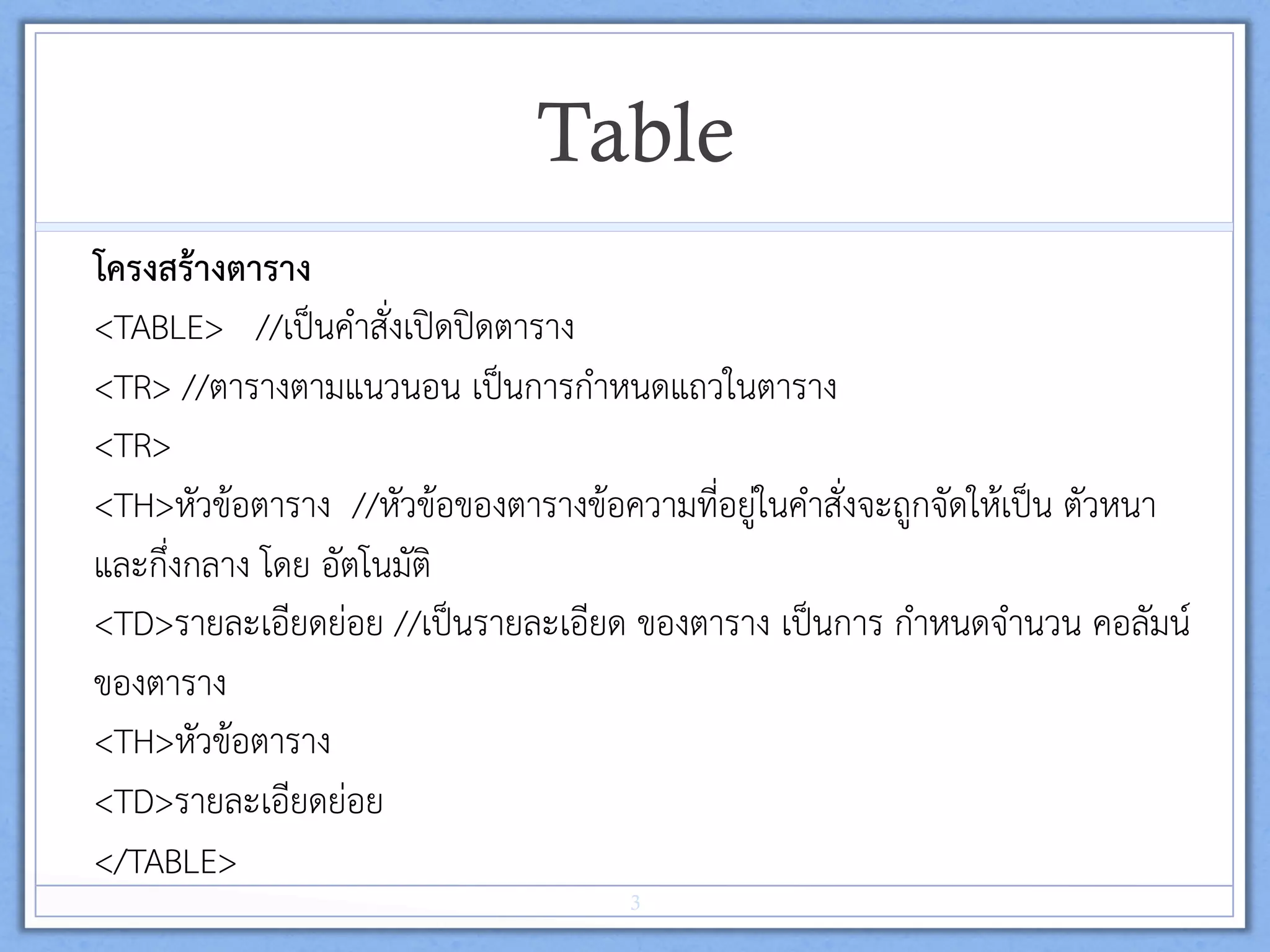
โครงสรางตาราง 
<TABLE> //เปนคำสั่งเปดปดตาราง 
<TR> //ตารางตามแนวนอน เปนการกำหนดแถวในตาราง 
<TR> 
<TH>หัวขอตาราง //หัวขอของตารางขอความที่อยูในคำสั่งจะถูกจัดใหเปน ตัวหนา
และกึ่งกลาง โดย อัตโนมัติ 
<TD>รายละเอียดยอย //เปนรายละเอียด ของตาราง เปนการ กำหนดจำนวน คอลัมน
ของตาราง 
<TH>หัวขอตาราง 
<TD>รายละเอียดยอย 
</TABLE> 
3
คุณสมบัติตาราง  
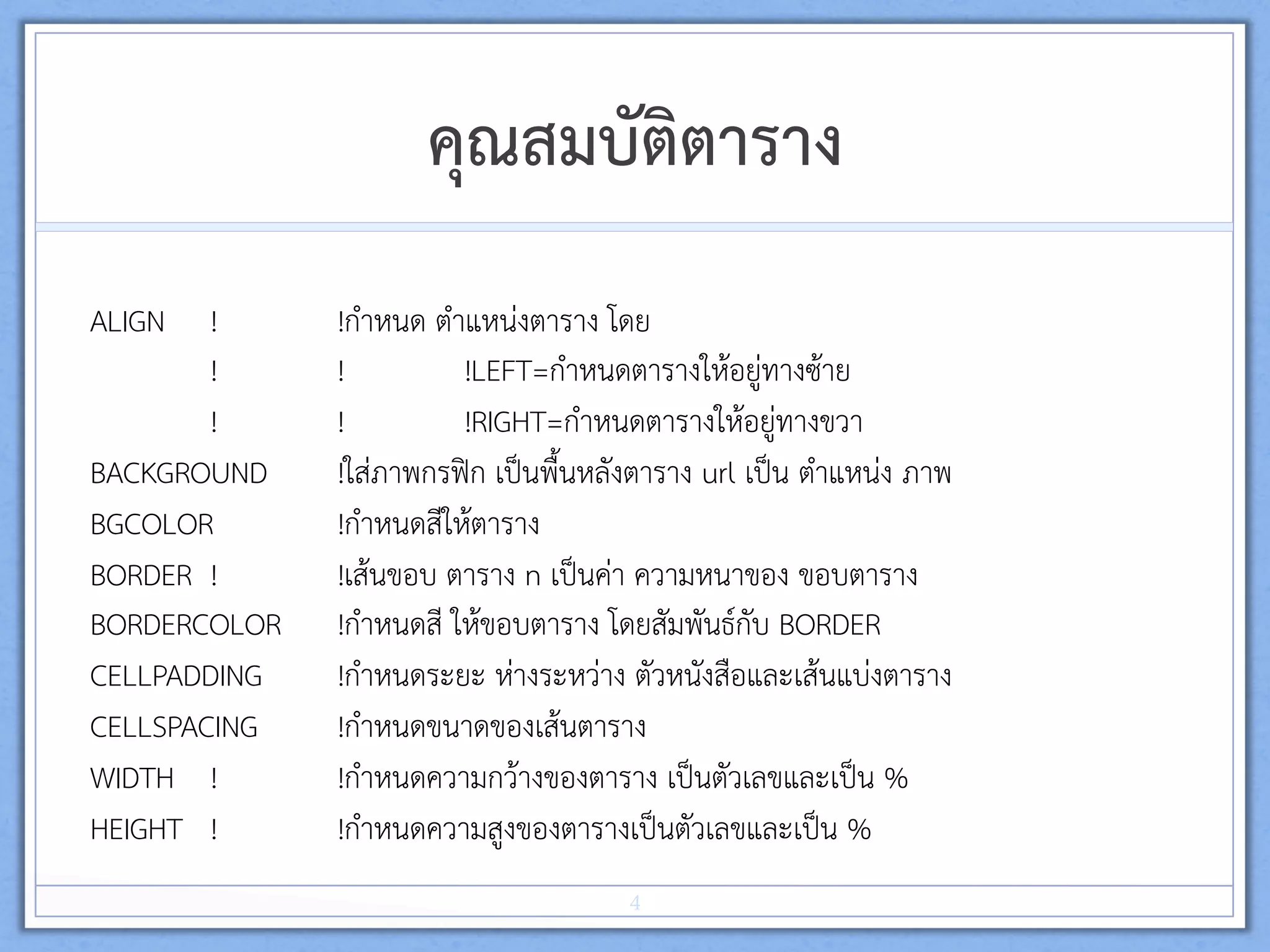
ALIGN ! !กำหนด ตำแหนงตาราง โดย 
! ! !LEFT=กำหนดตารางใหอยูทางซาย 
! ! !RIGHT=กำหนดตารางใหอยูทางขวา 
BACKGROUND !ใสภาพกรฟก เปนพื้นหลังตาราง url เปน ตำแหนง ภาพ 
BGCOLOR !กำหนดสีใหตาราง 
BORDER ! !เสนขอบ ตาราง n เปนคา ความหนาของ ขอบตาราง 
BORDERCOLOR !กำหนดสี ใหขอบตาราง โดยสัมพันธกับ BORDER 
CELLPADDING !กำหนดระยะ หางระหวาง ตัวหนังสือและเสนแบงตาราง 
CELLSPACING !กำหนดขนาดของเสนตาราง 
WIDTH ! !กำหนดความกวางของตาราง เปนตัวเลขและเปน % 
HEIGHT ! !กำหนดความสูงของตารางเปนตัวเลขและเปน % 
4
คุณสมบัติตาราง
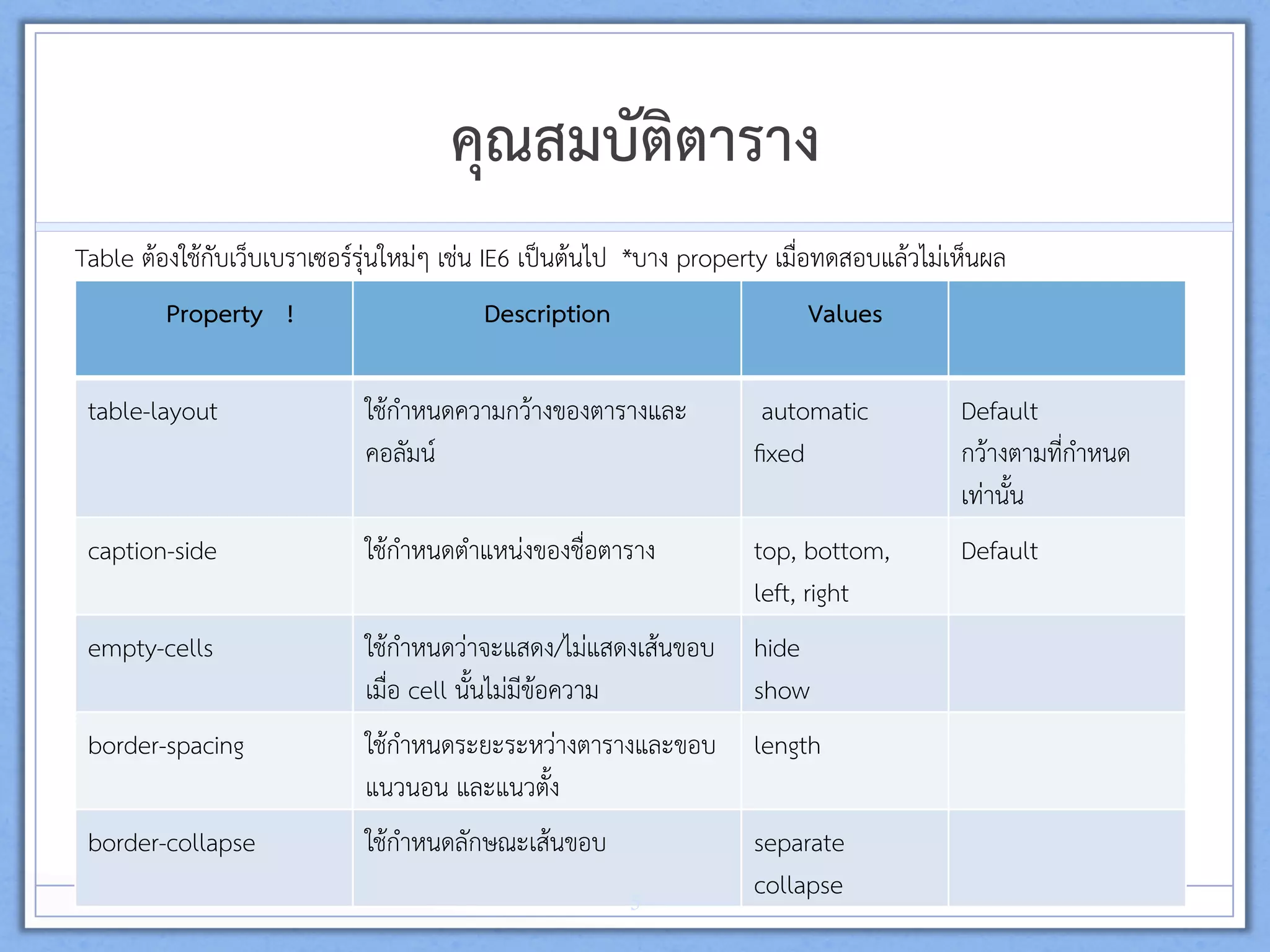
Table ตองใชกับเว็บเบราเซอรรุนใหมๆ เชน IE6 เปนตนไป *บาง property เมื่อทดสอบแลวไมเห็นผล 
Property !  Description  Values 
 
table-layout  ใชกำหนดความกวางของตารางและ
คอลัมน 
automatic 
fixed 
Default 
กวางตามที่กำหนด
เทานั้น 
caption-side  ใชกำหนดตำแหนงของชื่อตาราง  top, bottom, 
left, right  
Default 
 
empty-cells  ใชกำหนดวาจะแสดง/ไมแสดงเสนขอบ
เมื่อ cell นั้นไมมีขอความ  
hide 
show 
border-spacing  ใชกำหนดระยะระหวางตารางและขอบ
แนวนอน และแนวตั้ง 
length 
border-collapse 
 
ใชกำหนดลักษณะเสนขอบ   separate 
collapse 5
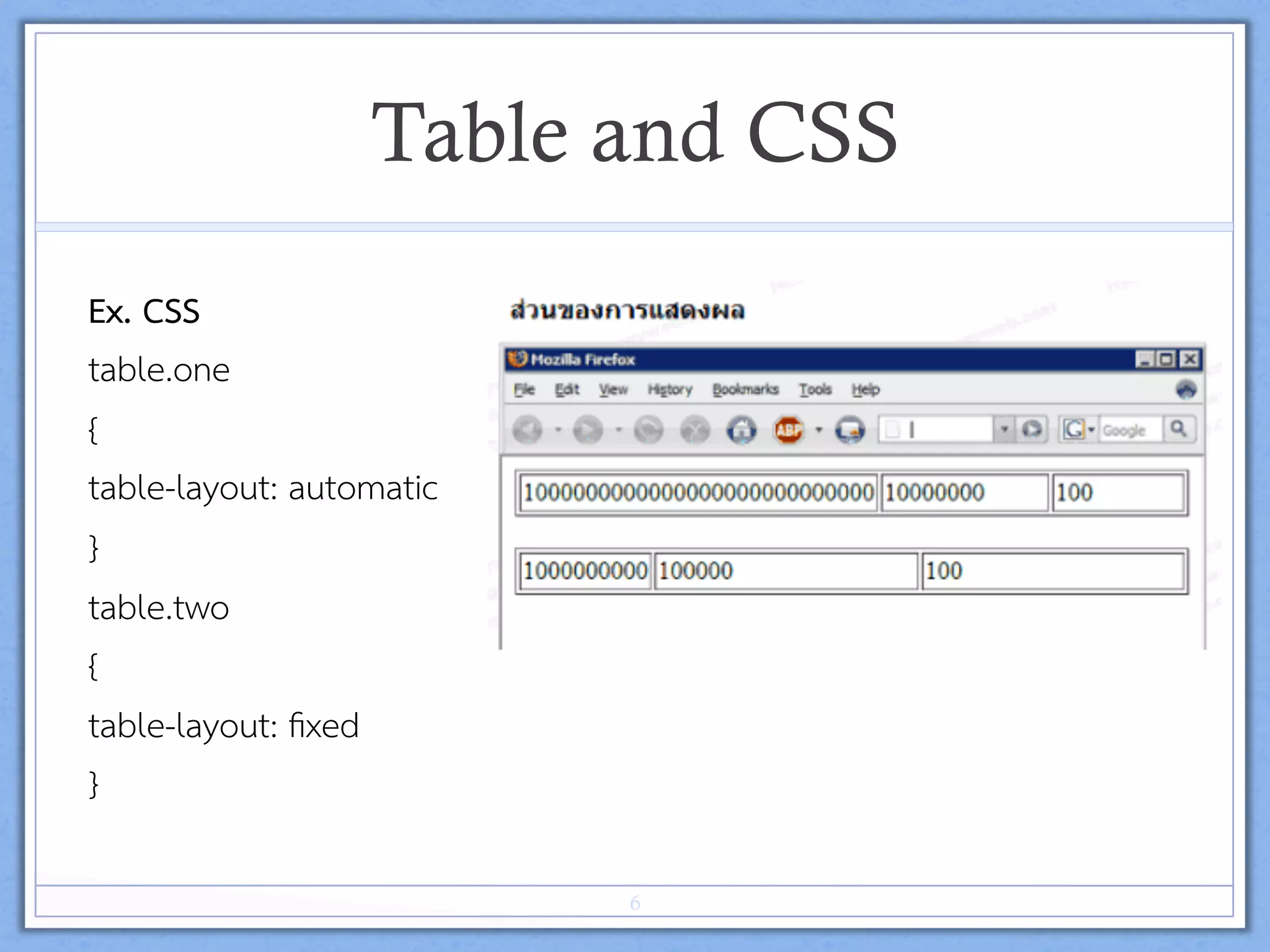
Table and CSS
Ex. CSS  
table.one 
{ 
table-layout: automatic 
} 
table.two 
{ 
table-layout: fixed 
} 
6
Table and CSS (Cont.)
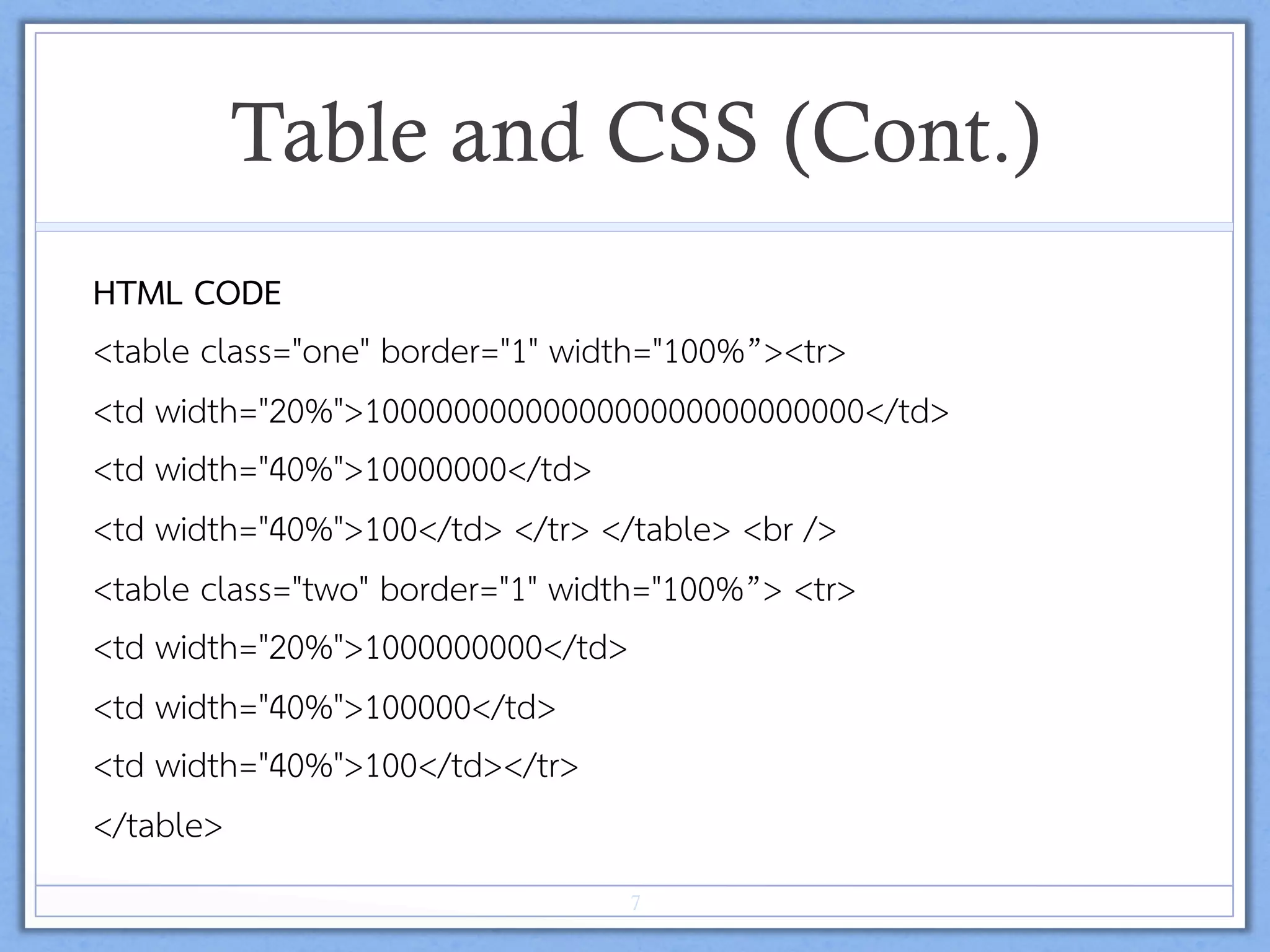
HTML CODE 
<table class="one" border="1" width="100%”><tr> 
<td width="20%">1000000000000000000000000000</td> 
<td width="40%">10000000</td> 
<td width="40%">100</td> </tr> </table> <br /> 
<table class="two" border="1" width="100%”> <tr> 
<td width="20%">1000000000</td> 
<td width="40%">100000</td> 
<td width="40%">100</td></tr> 
</table> 
7
Form
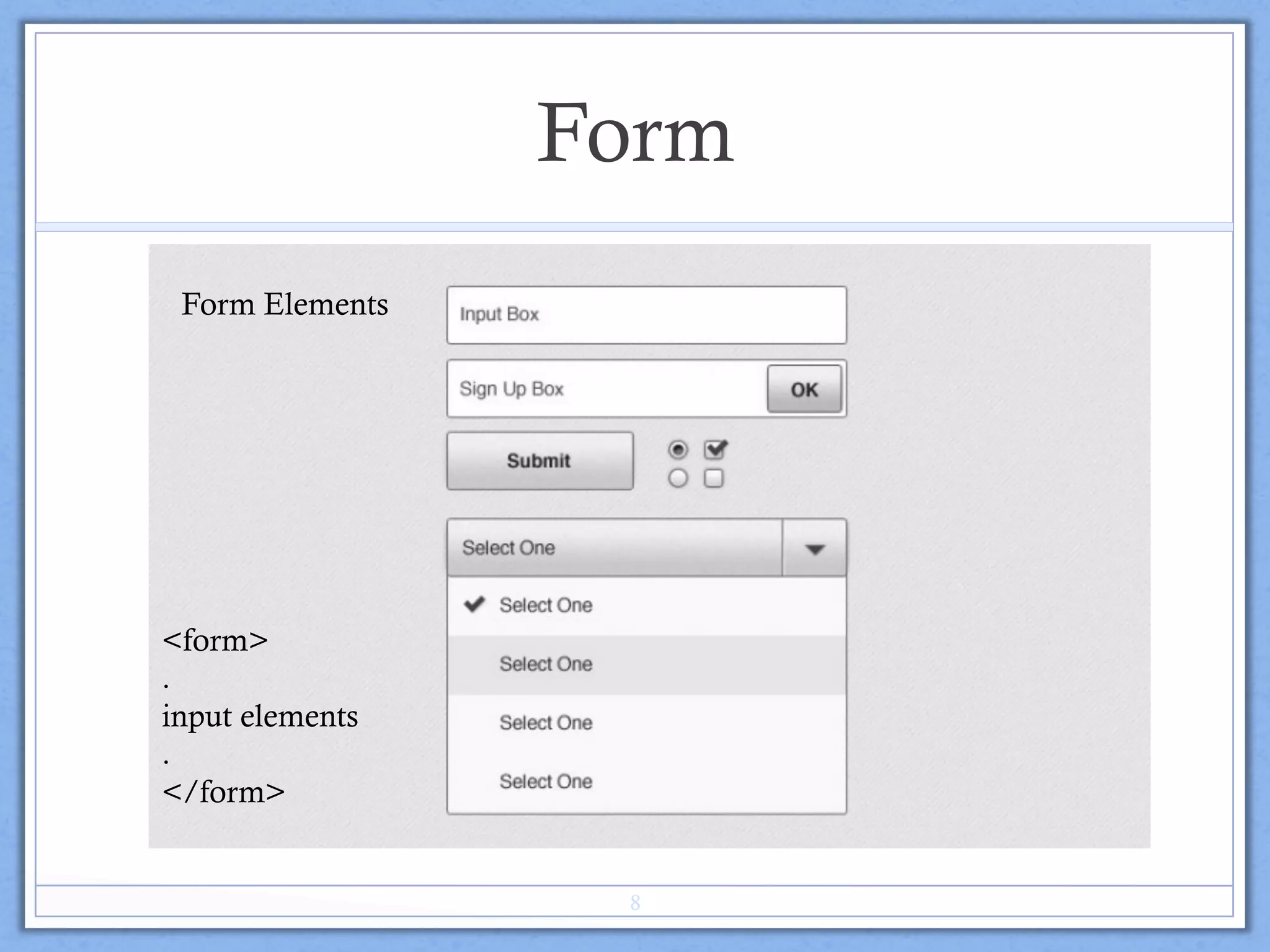
Form Elements
<form>
.
input elements
.
</form>
8
Form Text Fields
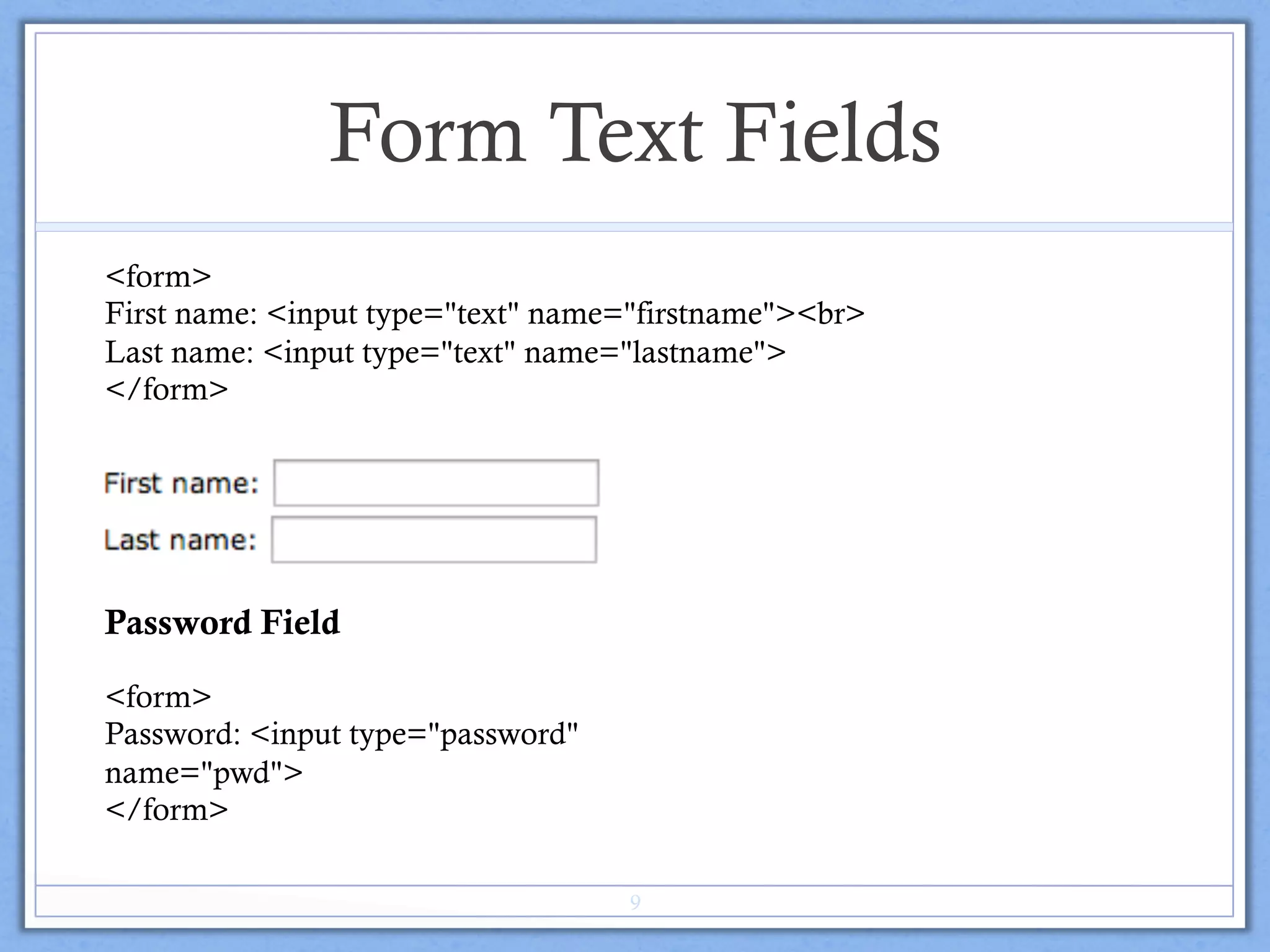
<form>
First name: <input type="text" name="firstname"><br>
Last name: <input type="text" name="lastname">
</form>
Password Field
<form>
Password: <input type="password"
name="pwd">
</form>
9
HTML Forms
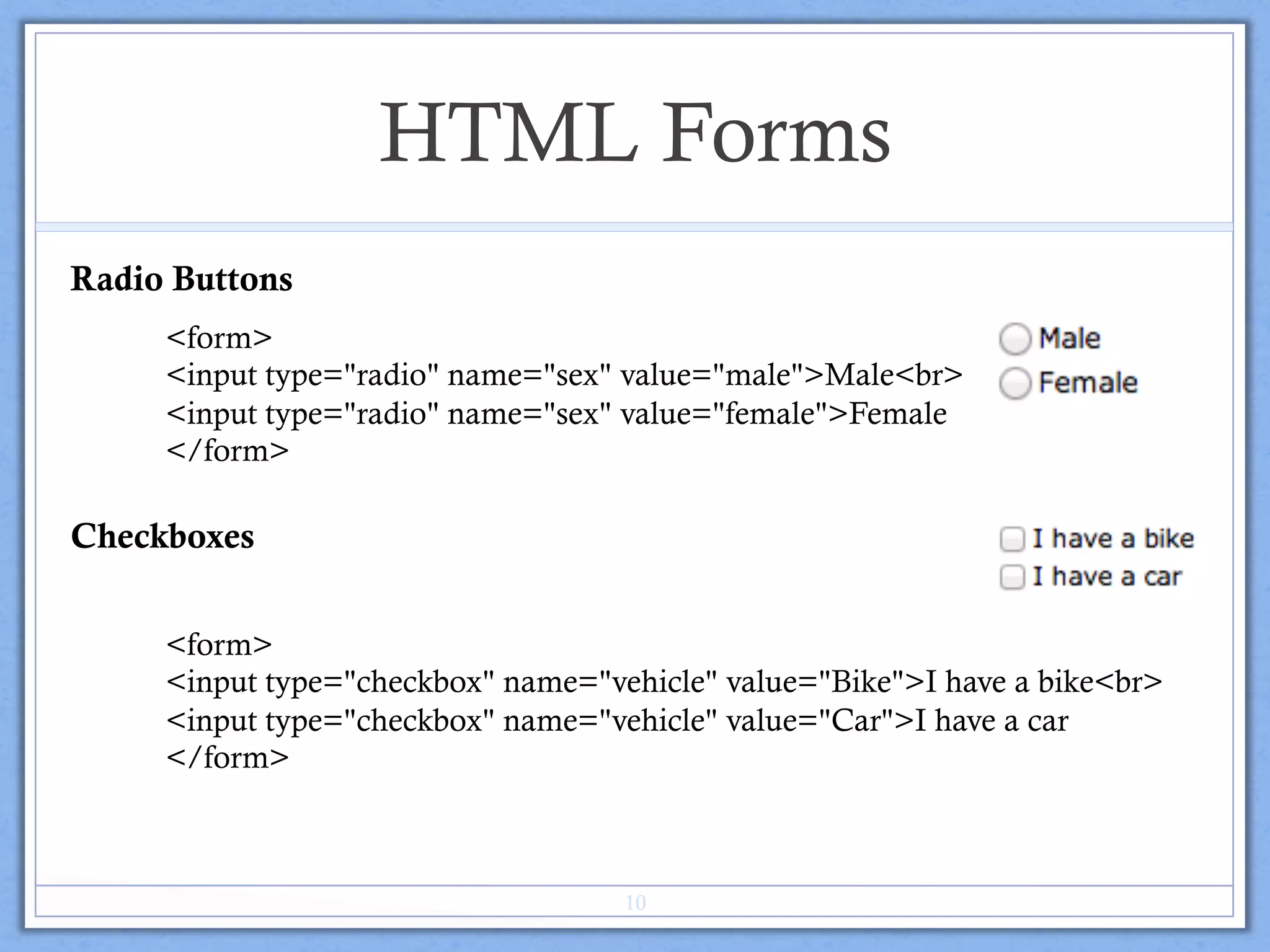
Radio Buttons
<form>
<input type="radio" name="sex" value="male">Male<br>
<input type="radio" name="sex" value="female">Female
</form>
Checkboxes
<form>
<input type="checkbox" name="vehicle" value="Bike">I have a bike<br>
<input type="checkbox" name="vehicle" value="Car">I have a car
</form>
10
HTML Forms
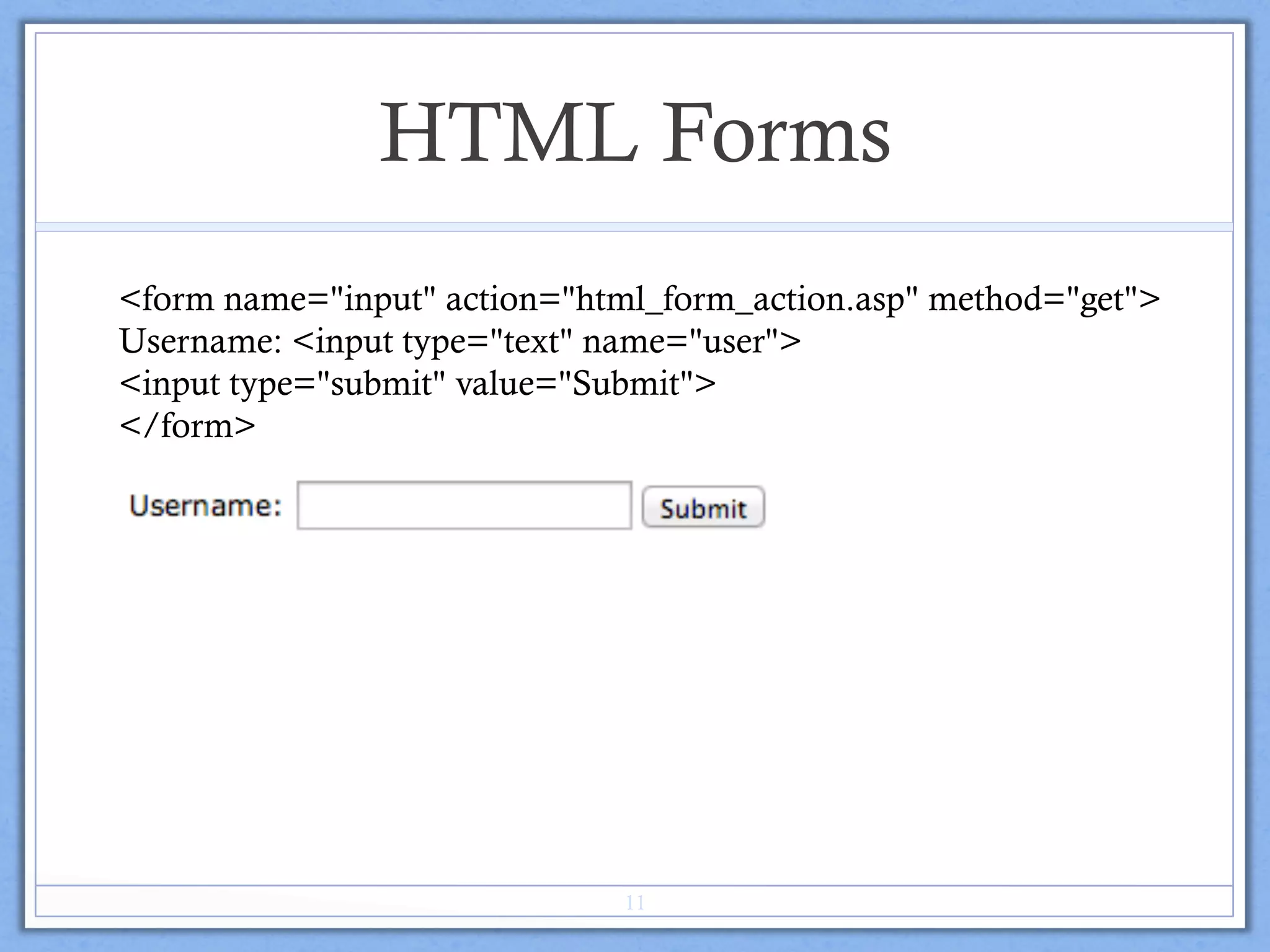
<form name="input" action="html_form_action.asp" method="get">
Username: <input type="text" name="user">
<input type="submit" value="Submit">
</form>
11
HTML Form Tags
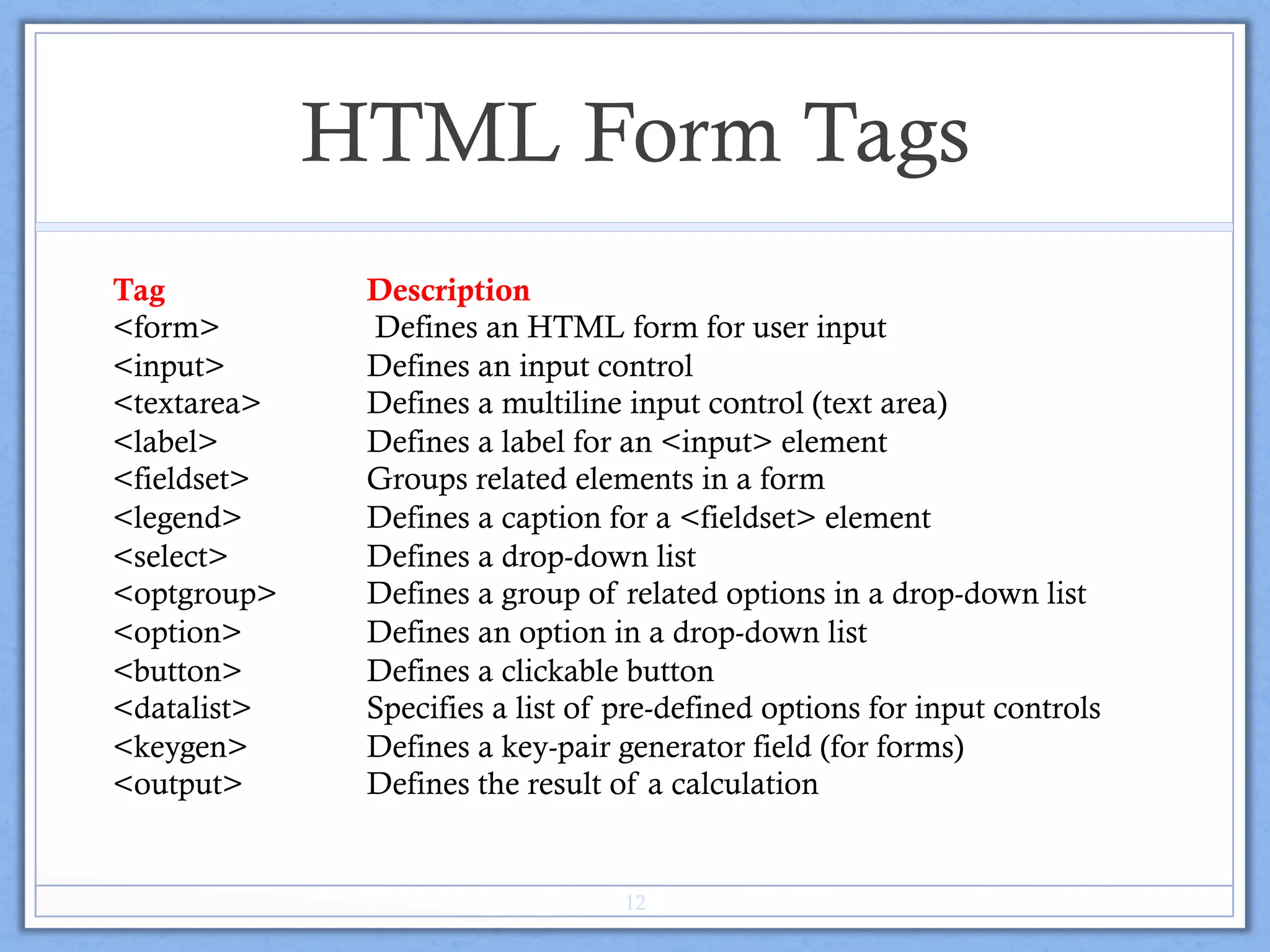
Tag Description
<form> Defines an HTML form for user input
<input> Defines an input control
<textarea> Defines a multiline input control (text area)
<label> Defines a label for an <input> element
<fieldset> Groups related elements in a form
<legend> Defines a caption for a <fieldset> element
<select> Defines a drop-down list
<optgroup> Defines a group of related options in a drop-down list
<option> Defines an option in a drop-down list
<button> Defines a clickable button
<datalist> Specifies a list of pre-defined options for input controls
<keygen> Defines a key-pair generator field (for forms)
<output> Defines the result of a calculation
12
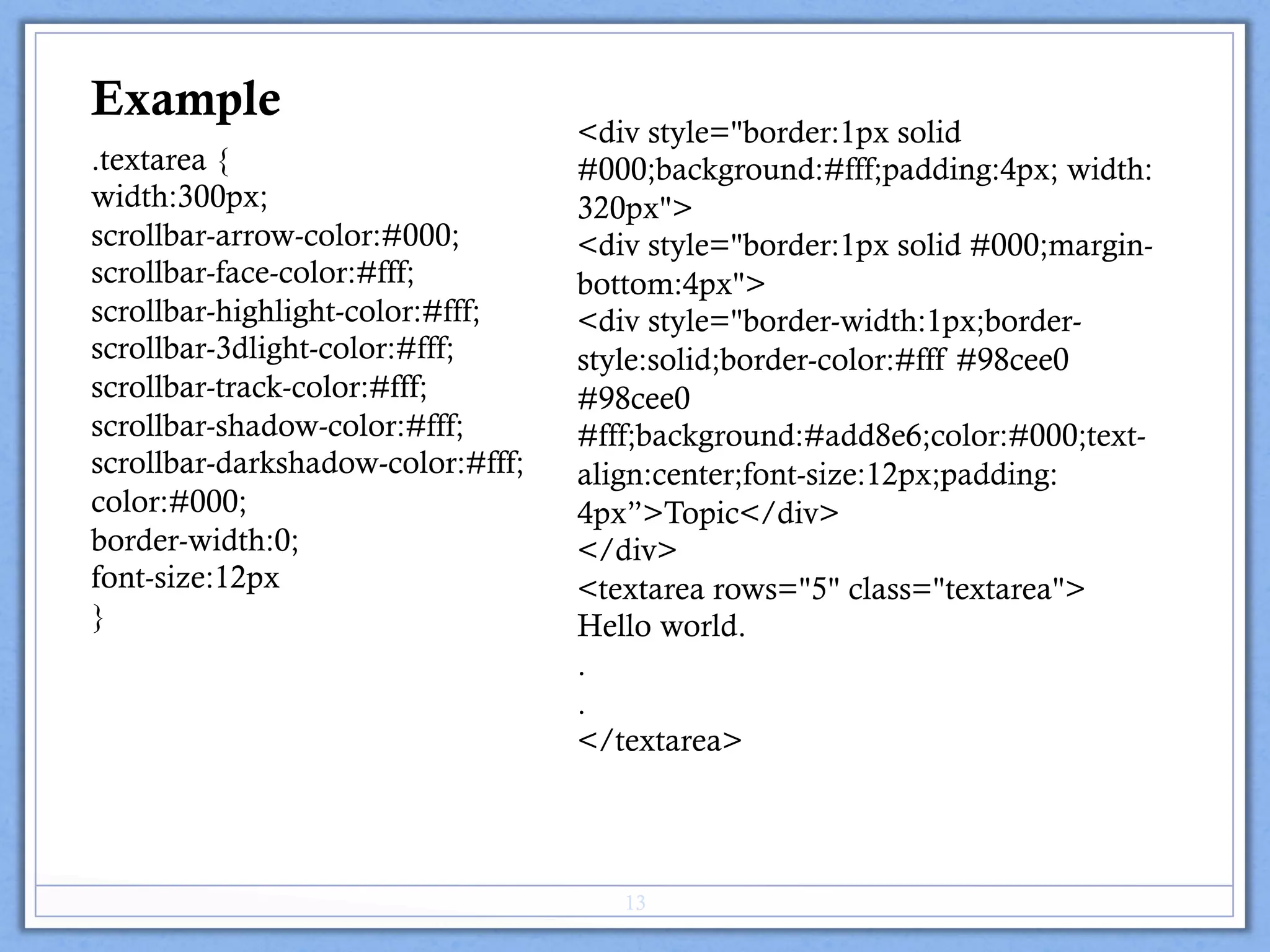
.textarea {
width:300px;
scrollbar-arrow-color:#000;
scrollbar-face-color:#fff;
scrollbar-highlight-color:#fff;
scrollbar-3dlight-color:#fff;
scrollbar-track-color:#fff;
scrollbar-shadow-color:#fff;
scrollbar-darkshadow-color:#fff;
color:#000;
border-width:0;
font-size:12px
}
<div style="border:1px solid
#000;background:#fff;padding:4px; width:
320px">
<div style="border:1px solid #000;margin-
bottom:4px">
<div style="border-width:1px;border-
style:solid;border-color:#fff #98cee0
#98cee0
#fff;background:#add8e6;color:#000;text-
align:center;font-size:12px;padding:
4px”>Topic</div>
</div>
<textarea rows="5" class="textarea">
Hello world.
.
.
</textarea>
Example
13
Example
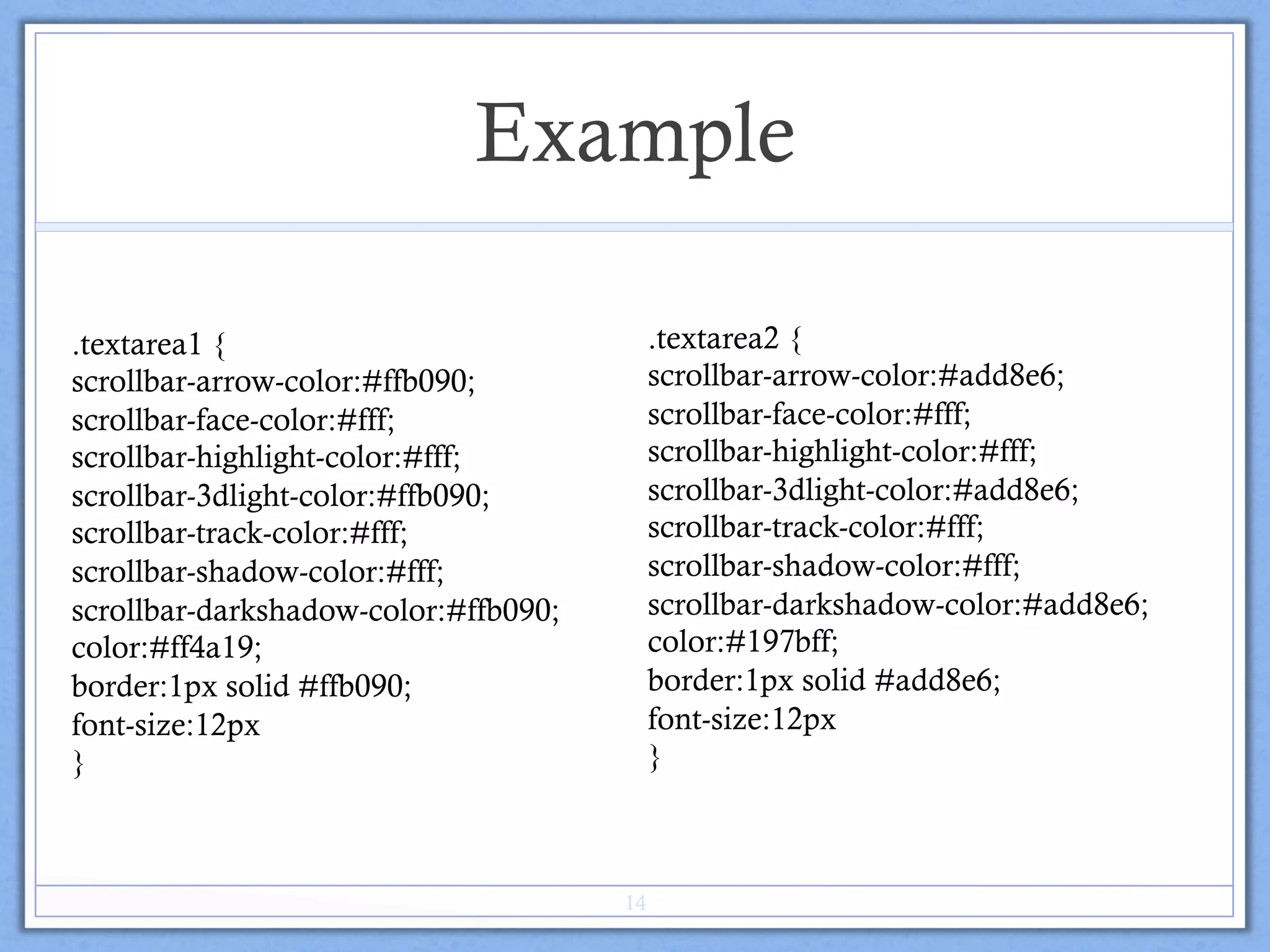
.textarea2 {
scrollbar-arrow-color:#add8e6;
scrollbar-face-color:#fff;
scrollbar-highlight-color:#fff;
scrollbar-3dlight-color:#add8e6;
scrollbar-track-color:#fff;
scrollbar-shadow-color:#fff;
scrollbar-darkshadow-color:#add8e6;
color:#197bff;
border:1px solid #add8e6;
font-size:12px
}
.textarea1 {
scrollbar-arrow-color:#ffb090;
scrollbar-face-color:#fff;
scrollbar-highlight-color:#fff;
scrollbar-3dlight-color:#ffb090;
scrollbar-track-color:#fff;
scrollbar-shadow-color:#fff;
scrollbar-darkshadow-color:#ffb090;
color:#ff4a19;
border:1px solid #ffb090;
font-size:12px
}
14
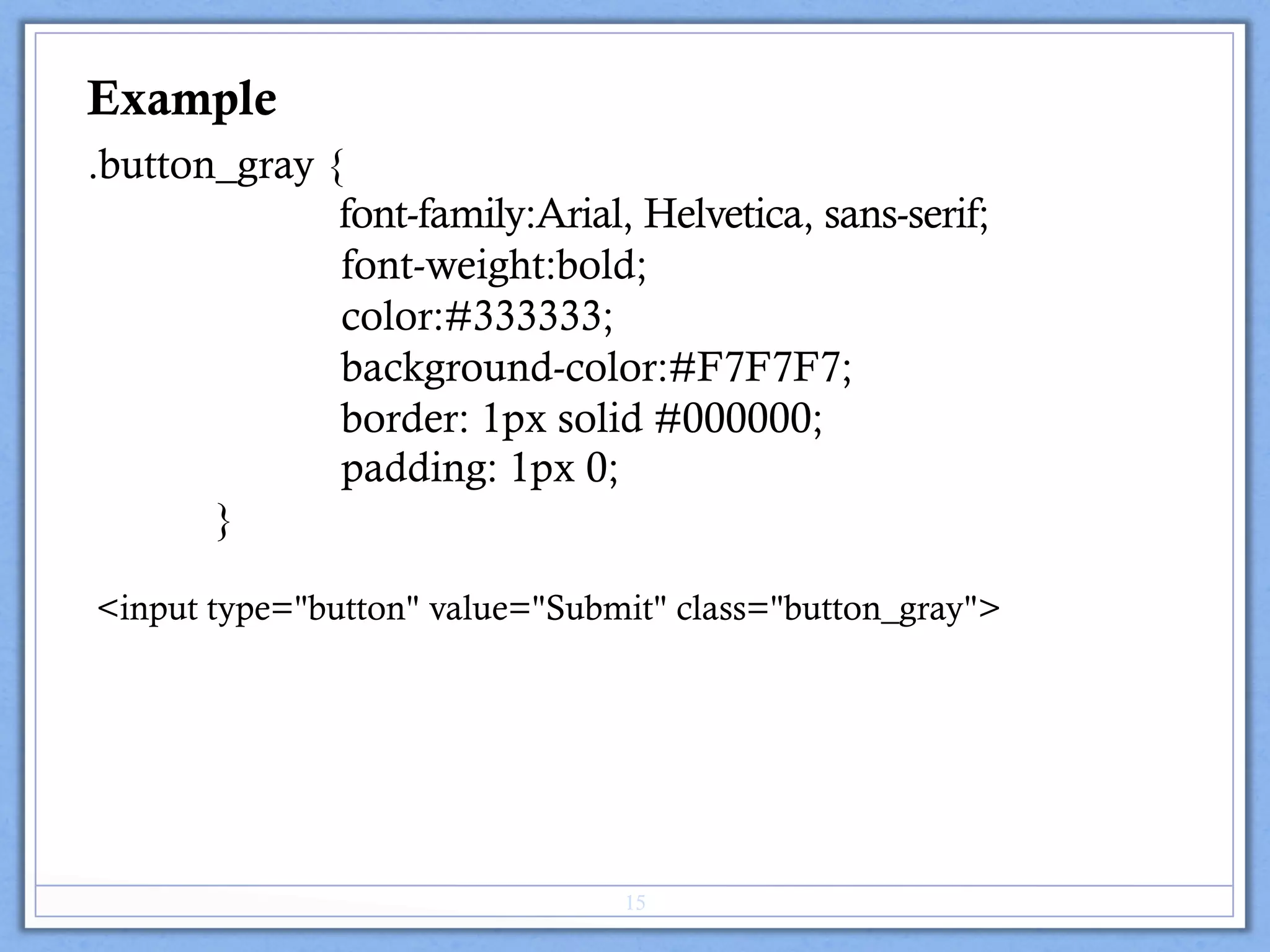
.button_gray {
font-family:Arial, Helvetica, sans-serif;
font-weight:bold;
color:#333333;
background-color:#F7F7F7;
border: 1px solid #000000;
padding: 1px 0;
}
Example
<input type="button" value="Submit" class="button_gray">
15
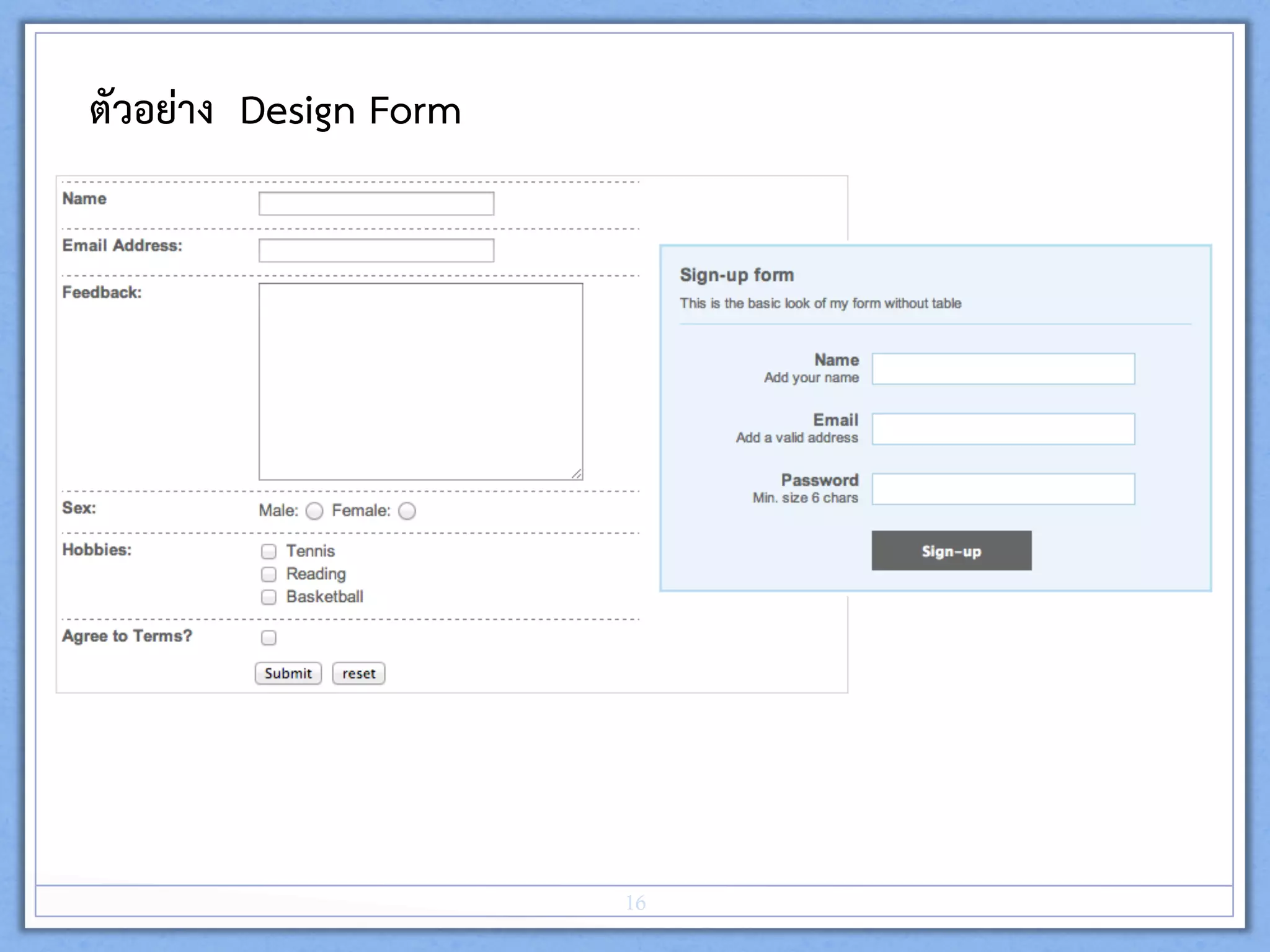
ตัวอยาง Design Form 
16
pseudo-classes
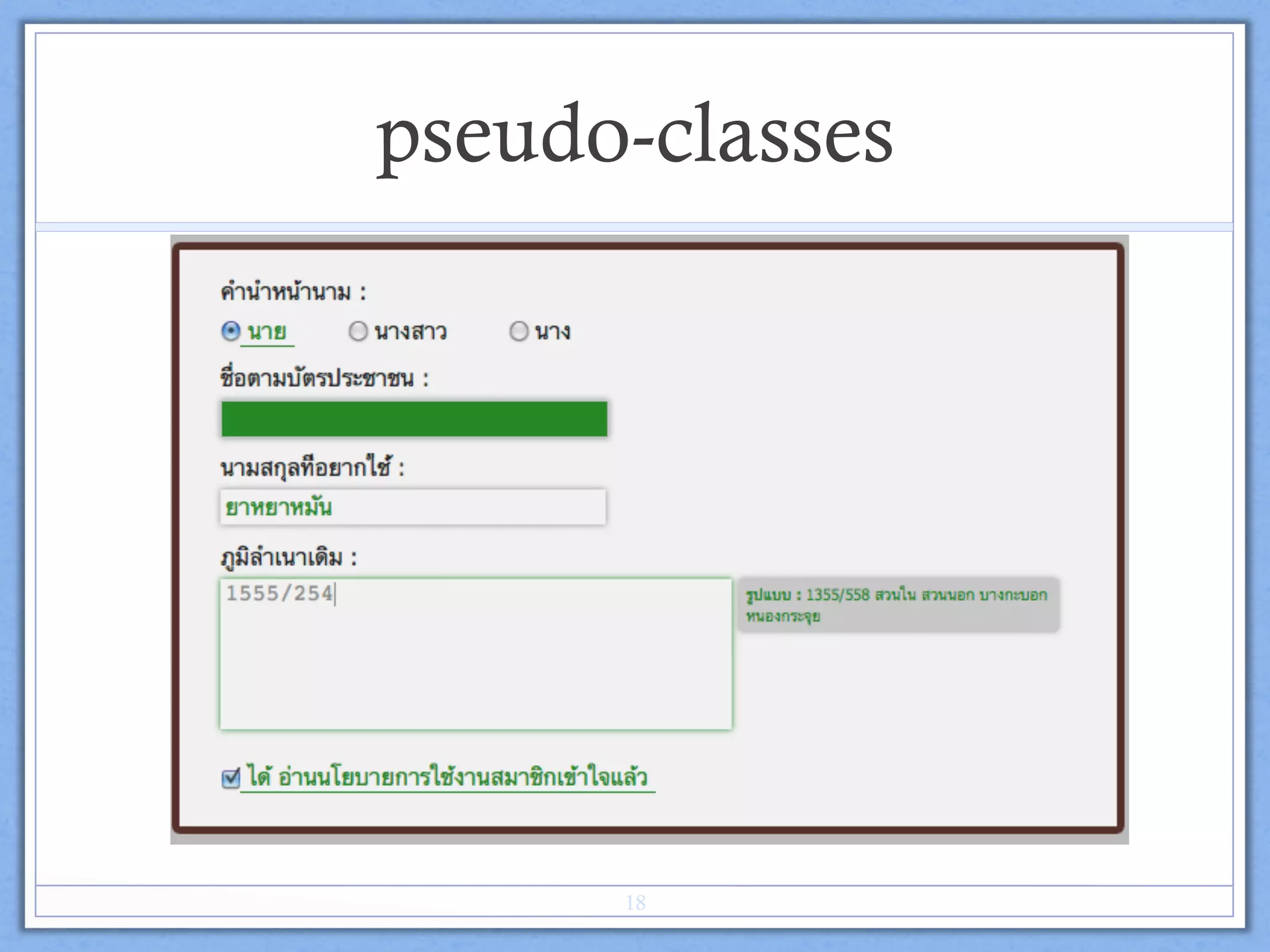
v :active ในที่นี้ จะทำงานในขณะที่ click mouse  
v :focus จะทำหนาที่บอกตำแหนงของตัวรับขอมูลของแบบฟอรมที่ cursor ของ
ผูใชงานทำงานอยู และ สถานะที่พรอมใชงาน (พรอมรับขอมูลที่จะกรอก) 
v :checked เปน pseudo-classes ที่ทำการเช็คคาความเปนจริงของ
input[type='checkbox'], input[type='radio'] วาไดทำการเลือกไปแลว 
17
pseudo-classes
18
input[type="checkbox"]:checked+label,
input[type="radio"]:checked+label
{ color: green;
border-bottom: 1px solid green;
}
input[type='text']:active, textarea:active {
background: green;
input[type='text']:focus, textarea:focus {
color: gray;
-moz-box-shadow: 0px 0px 5px green;
-webkit-box-shadow: 0px 0px 5px green;
}
input[type='text']:focus+p, textarea:focus+p {
visibility: visible;
}
Example
19
คำสั่ง LAB#11 
ใหนักศึกษาออกแบบฟอรม และตารางการเก็บขอมูลที่จัดเตรียมไวให โดยสวยงาม 
และใหเขียนคอมเมนโคด อธิบายเปนสวนๆ ดวย  
20

Lab#11 tableand form