JSP stands for Java Server Pages and enables developers to embed Java code directly into HTML pages. JSP pages have a .jsp extension and allow for platform-independent development since Java code can run on any system. The JSP request is sent to the web server, which passes the .jsp file to the JSP servlet engine. If it is the first request, the JSP file is parsed into a servlet class file; otherwise, an instantiated servlet handles the request. The servlet output is then sent to the user's browser.
JSP :
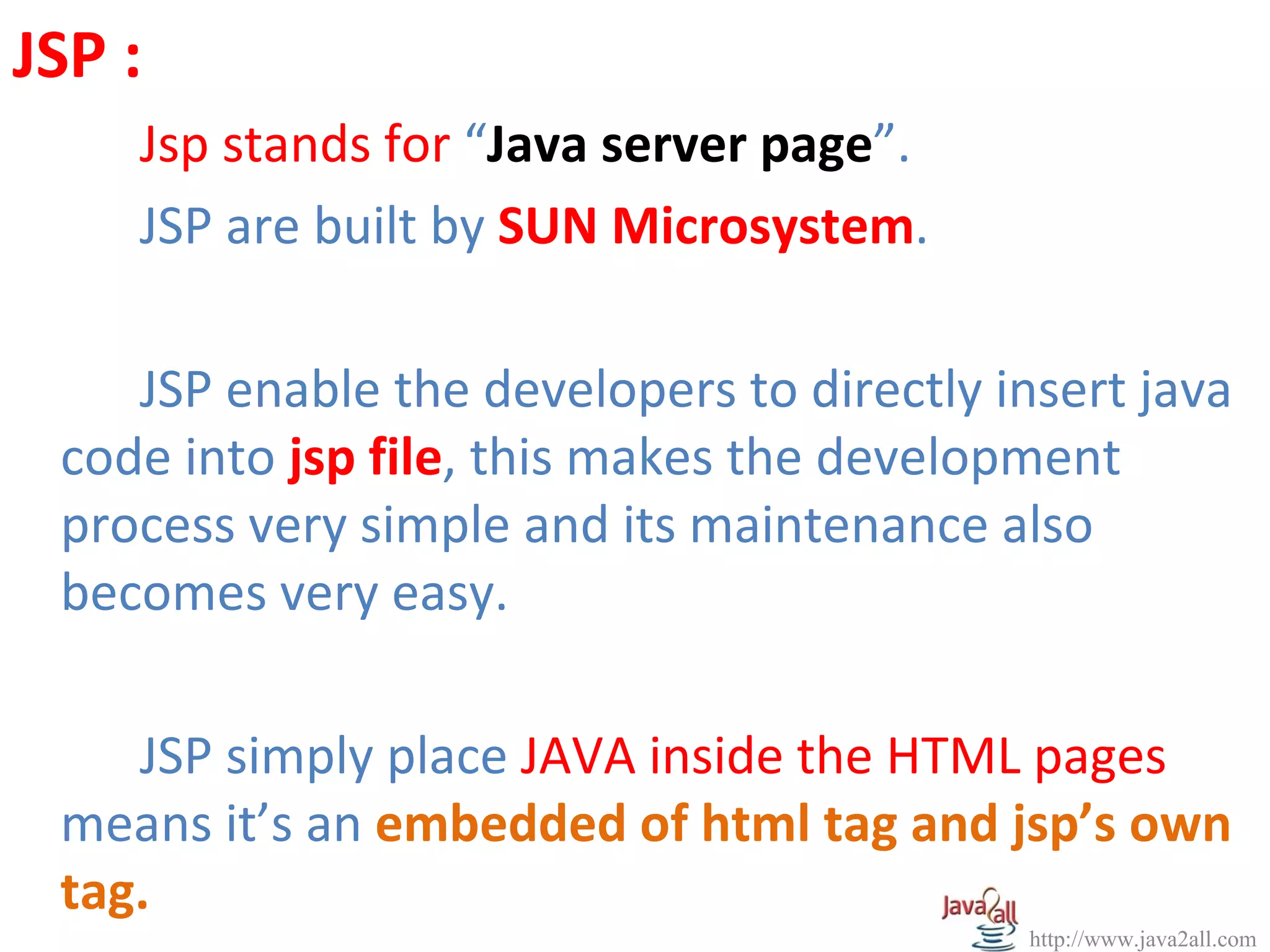
Jsp stands for “Java server page”.
JSP are built by SUN Microsystem.
JSP enable the developers to directly insert java
code into jsp file, this makes the development
process very simple and its maintenance also
becomes very easy.
JSP simply place JAVA inside the HTML pages
means it’s an embedded of html tag and jsp’s own
tag.
http://www.java2all.com
5.
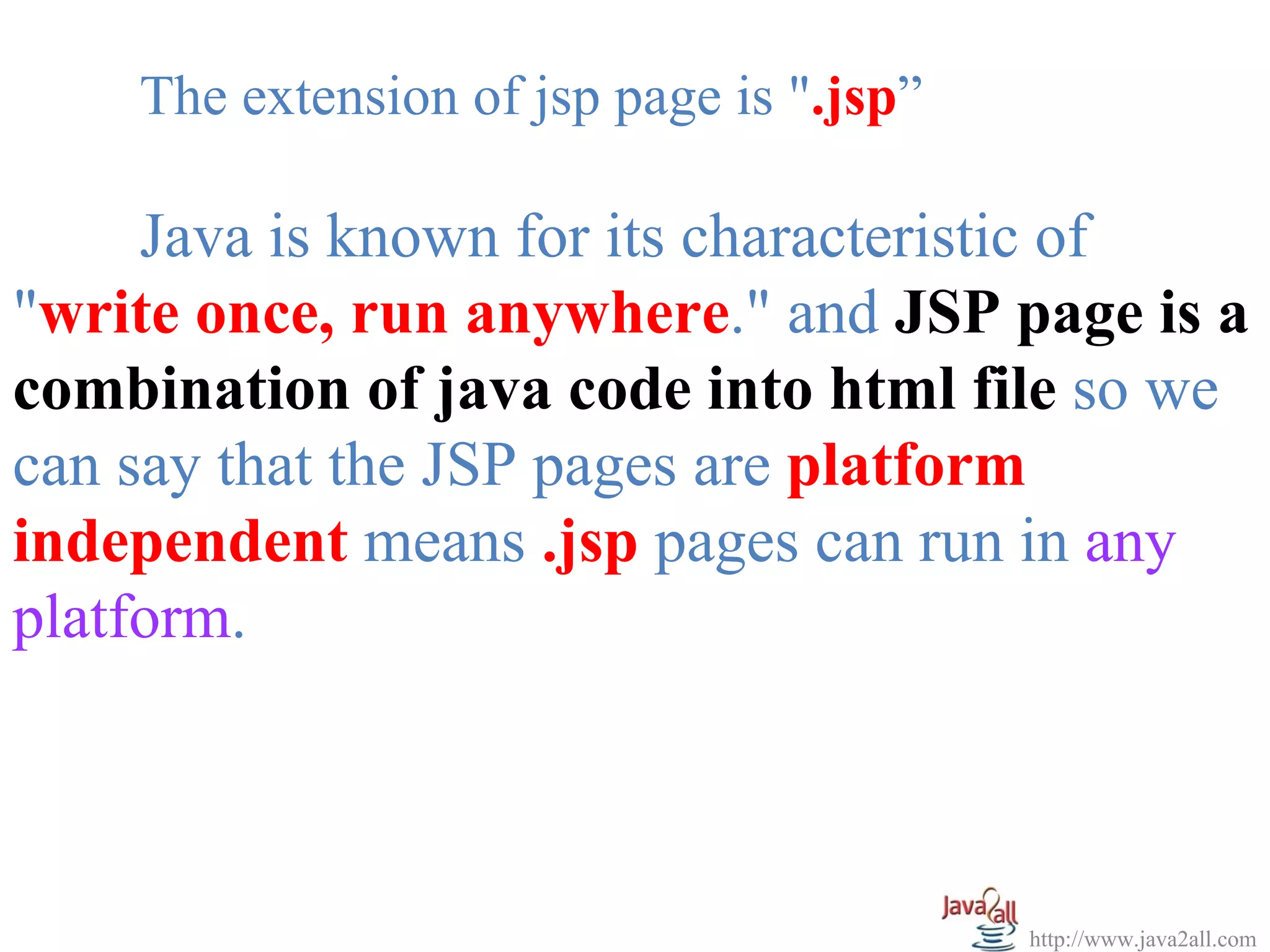
The extension ofjsp page is ".jsp”
Java is known for its characteristic of
"write once, run anywhere." and JSP page is a
combination of java code into html file so we
can say that the JSP pages are platform
independent means .jsp pages can run in any
platform.
http://www.java2all.com
6.
NOTE :
We are using here MyEclipse 7.1 an enterprise
edition for developing the jsp files in any web project.
You can visit the VIDEO/PPT of our site for detail of
that IDE (Integrated development environment).
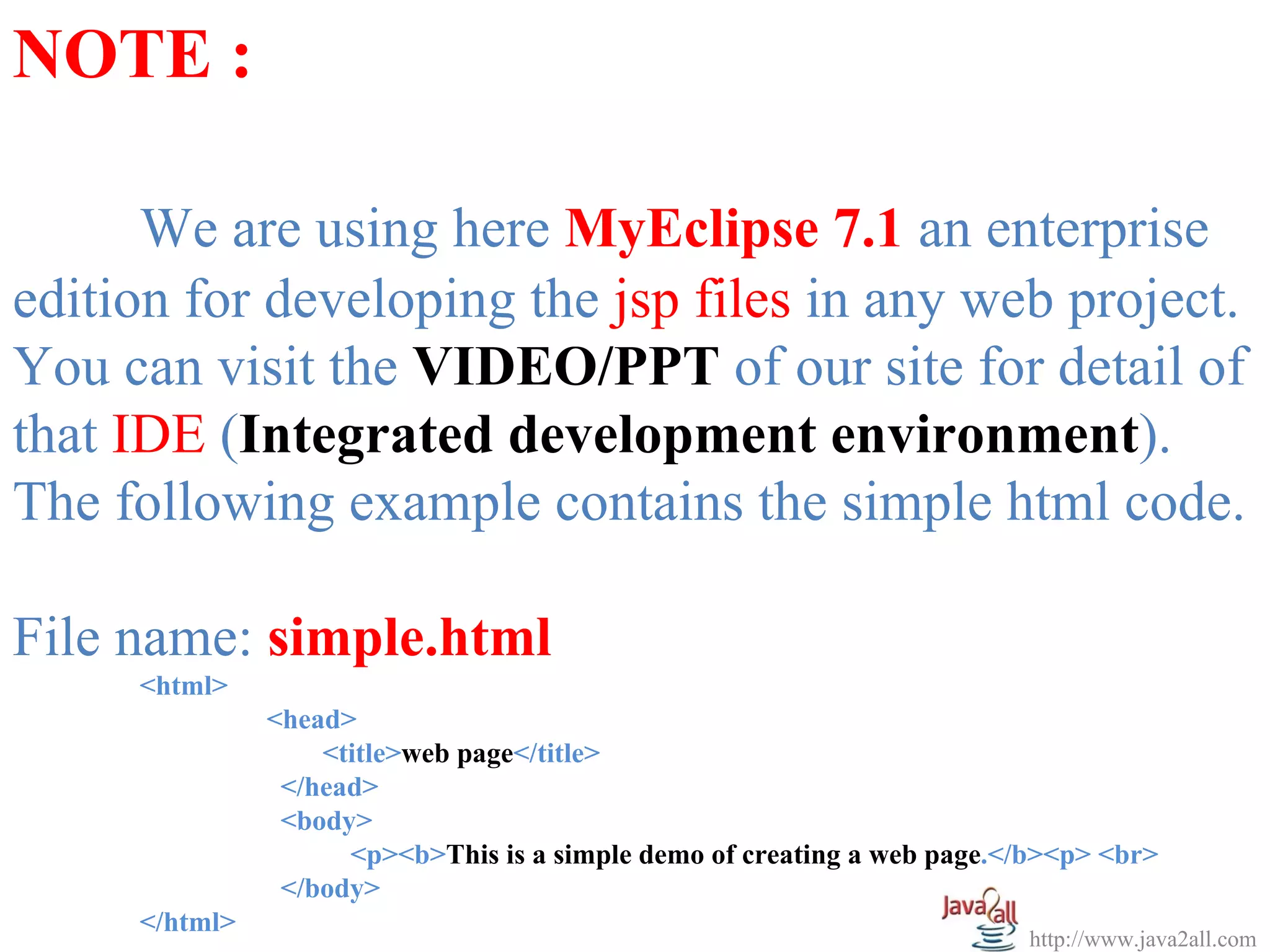
The following example contains the simple html code.
File name: simple.html
<html>
<head>
<title>web page</title>
</head>
<body>
<p><b>This is a simple demo of creating a web page.</b><p> <br>
</body>
</html>
http://www.java2all.com
7.
The output ofabove program is: This is a
simple demo of creating a web page.
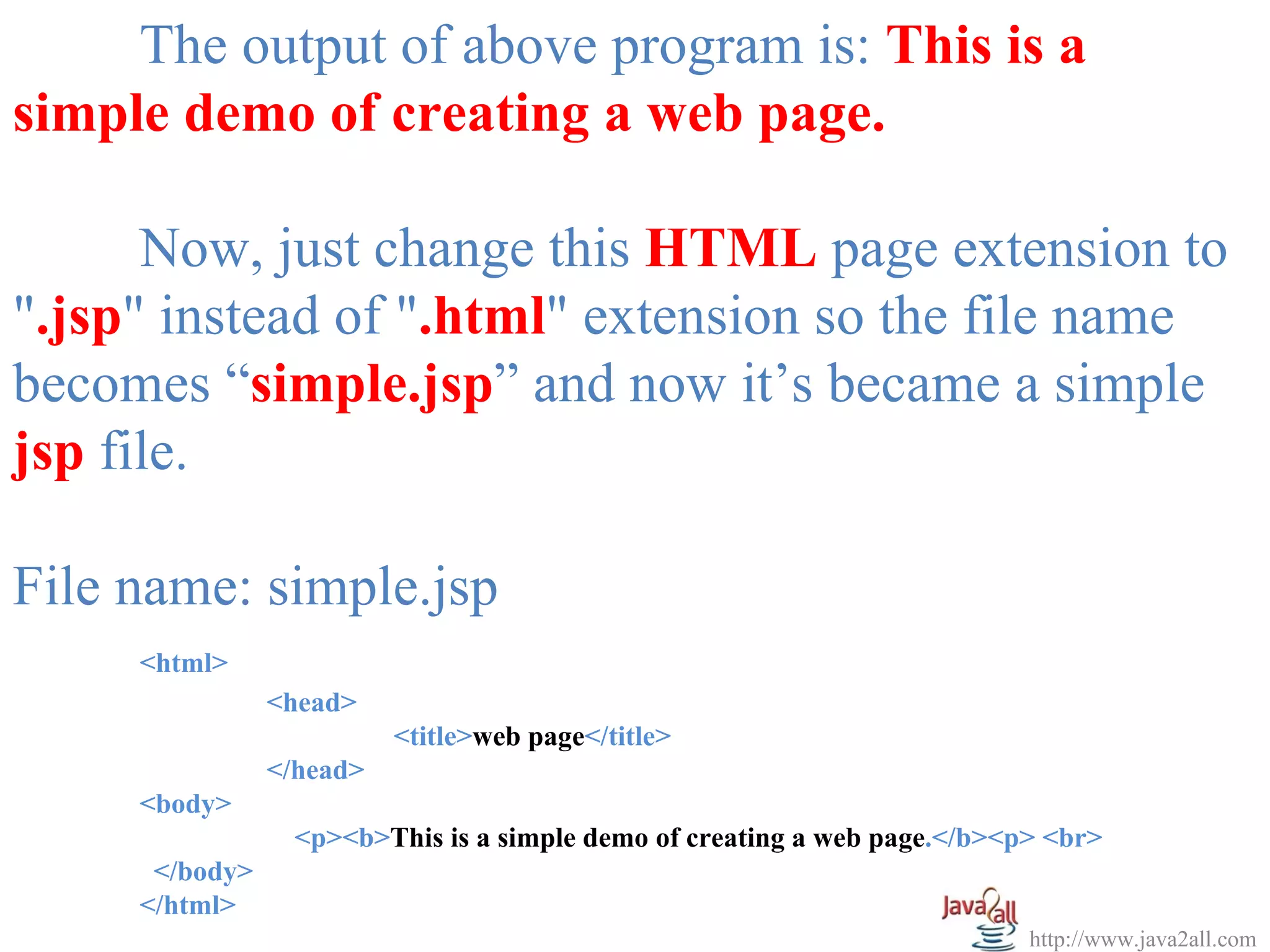
Now, just change this HTML page extension to
".jsp" instead of ".html" extension so the file name
becomes “simple.jsp” and now it’s became a simple
jsp file.
File name: simple.jsp
<html>
<head>
<title>web page</title>
</head>
<body>
<p><b>This is a simple demo of creating a web page.</b><p> <br>
</body>
</html>
http://www.java2all.com
8.
The output ofabove program is: This is a
simple demo of creating a web page.
NOTE : The simple .java file which is run on
server side is called Servlet. For the detail of Servlet
you can visit the Servlet technology in our site.
http://www.java2all.com
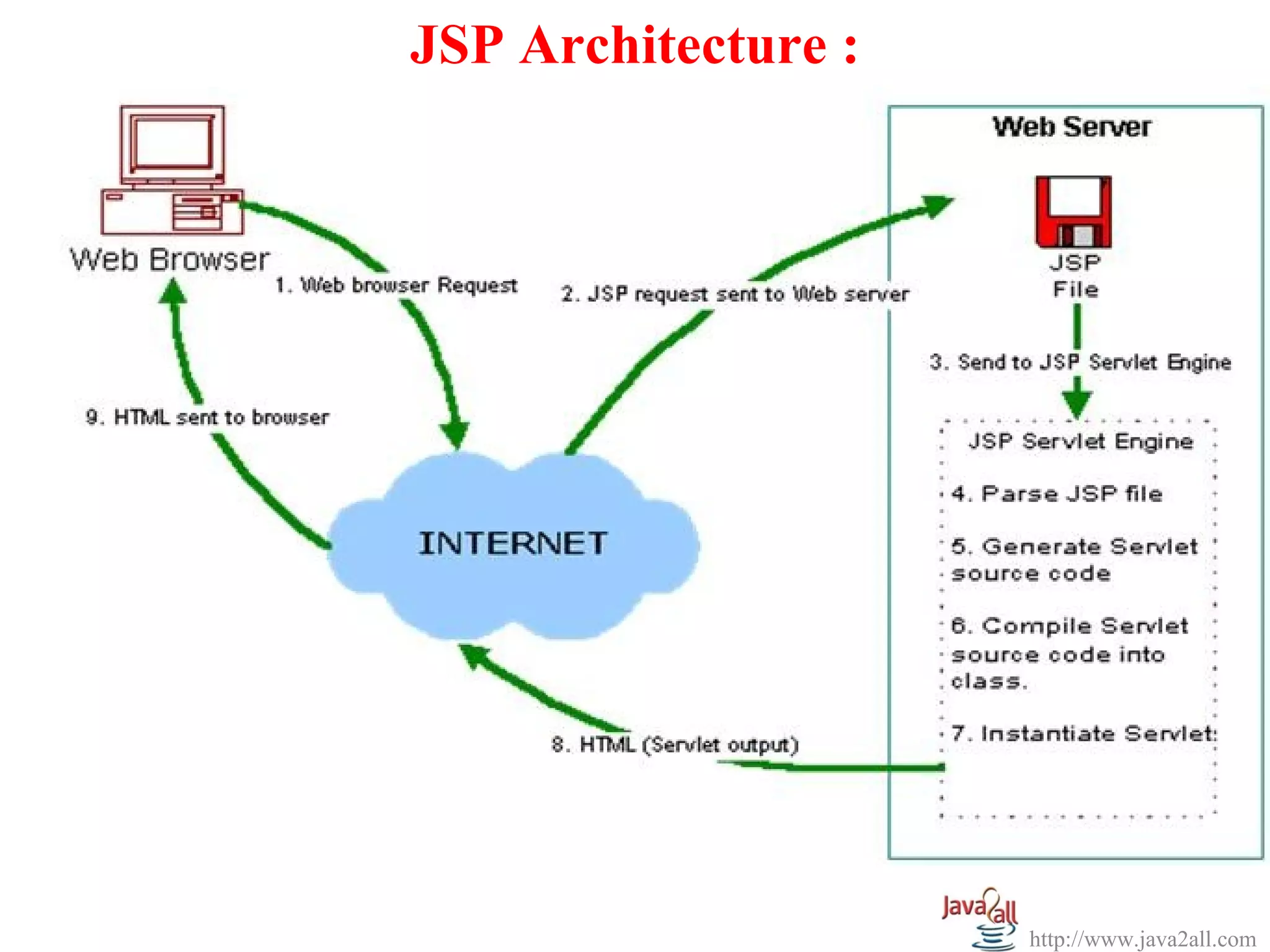
Steps :
1). Theuser goes to a JSP page by makes the
request via internet in user’s web browser.
2). The JSP request is sent to the Web Server.
3). Web server accepts the requested .jsp file and
passes the JSP file to the JSP Servlet Engine.
4). If the JSP file has been called the first time then
the JSP file is parsed otherwise servlet is instantiated.
http://www.java2all.com
12.
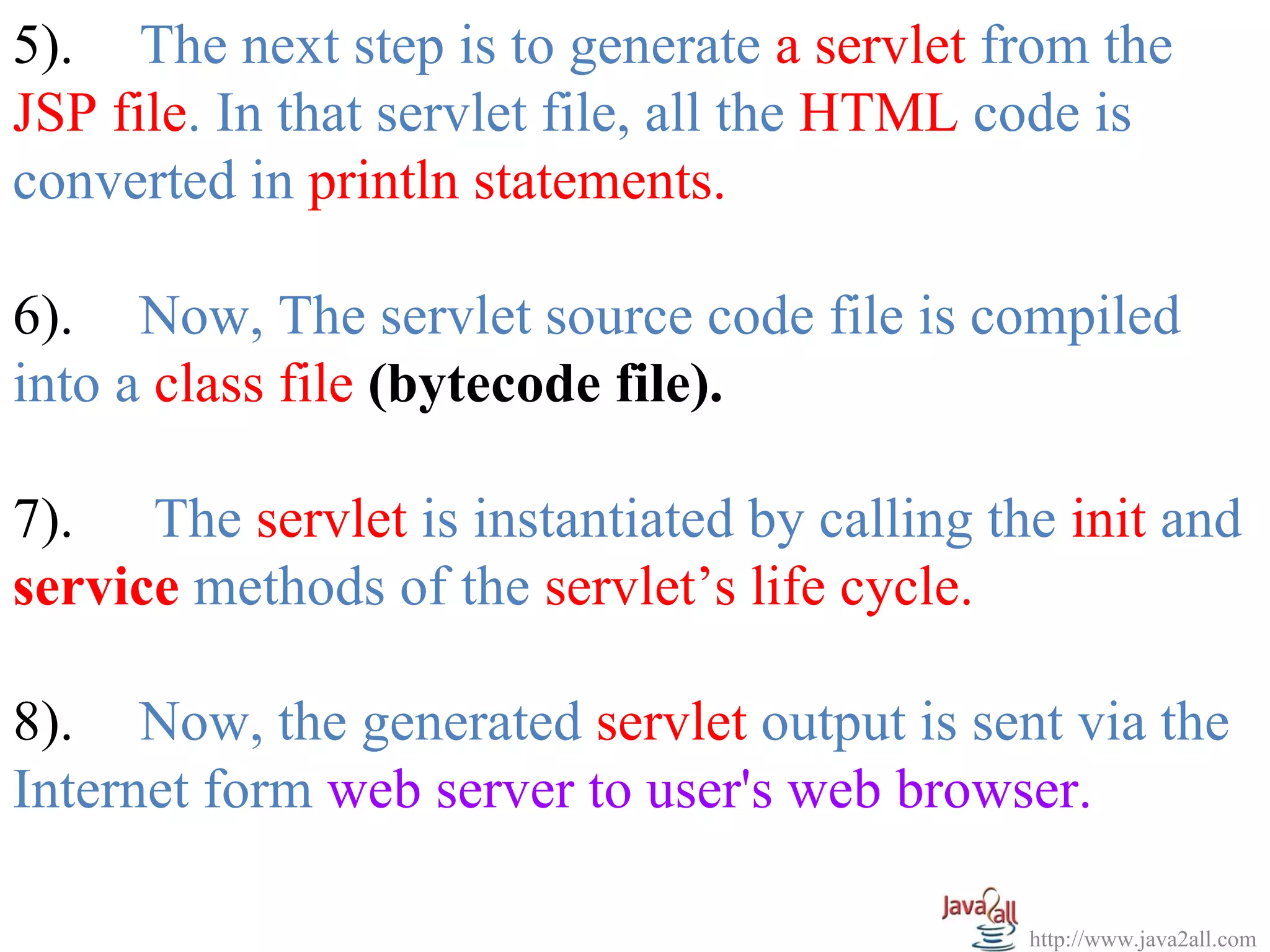
5). The nextstep is to generate a servlet from the
JSP file. In that servlet file, all the HTML code is
converted in println statements.
6). Now, The servlet source code file is compiled
into a class file (bytecode file).
7). The servlet is instantiated by calling the init and
service methods of the servlet’s life cycle.
8). Now, the generated servlet output is sent via the
Internet form web server to user's web browser.
http://www.java2all.com
13.
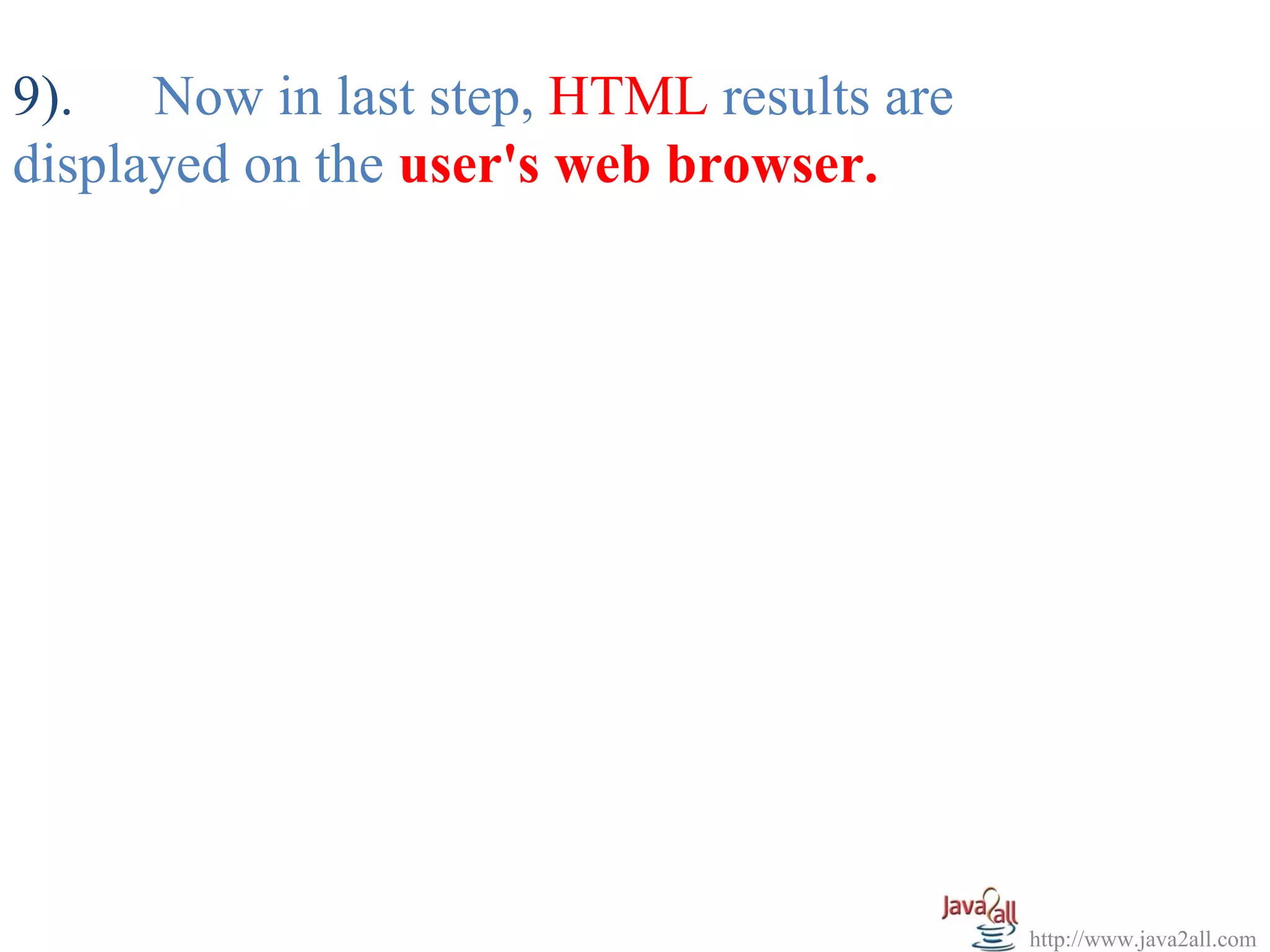
9). Now inlast step, HTML results are
displayed on the user's web browser.
http://www.java2all.com