IOS BLE DEVICE INTERFACING
Woodpecker Toy Robot Control
CocoaCoders - April 27, 2017
Steve Knodl - sknodl@gmail.com
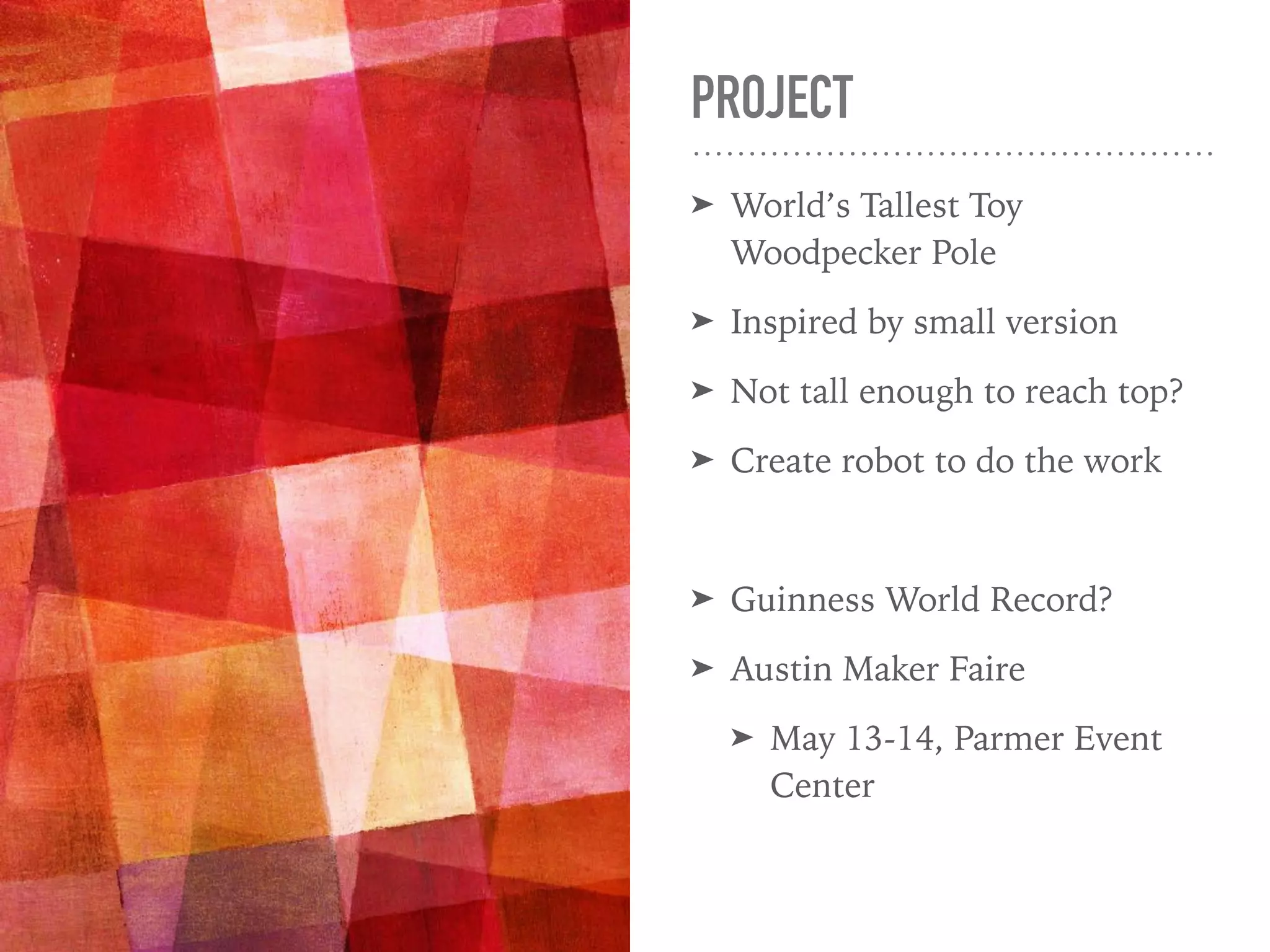
PROJECT
➤ World’s Tallest Toy
Woodpecker Pole
➤ Inspired by small version
➤ Not tall enough to reach top?
➤ Create robot to do the work
➤ Guinness World Record?
➤ Austin Maker Faire
➤ May 13-14, Parmer Event
Center
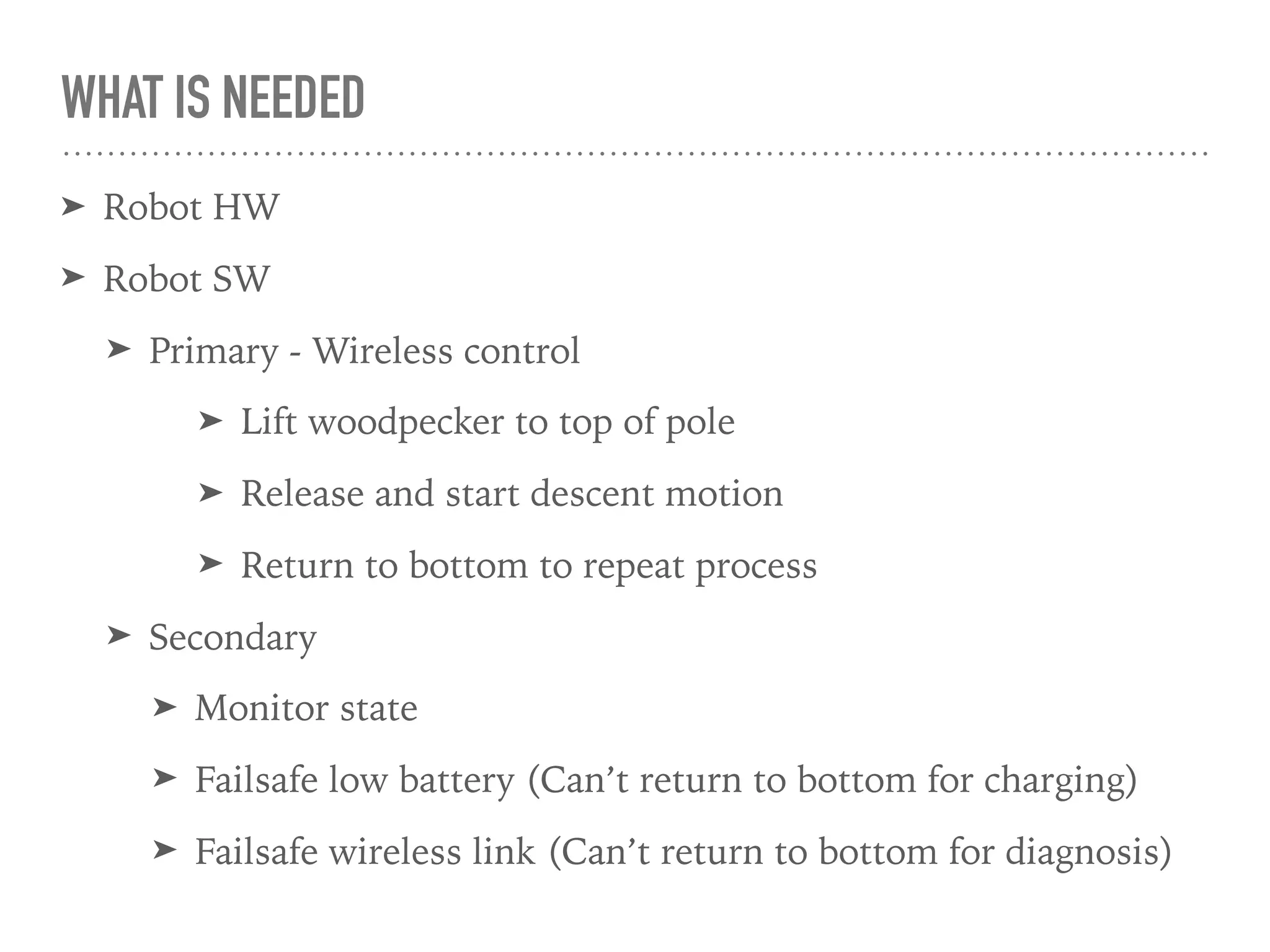
WHAT IS NEEDED
➤ Robot HW
➤ Robot SW
➤ Primary - Wireless control
➤ Lift woodpecker to top of pole
➤ Release and start descent motion
➤ Return to bottom to repeat process
➤ Secondary
➤ Monitor state
➤ Failsafe low battery (Can’t return to bottom for charging)
➤ Failsafe wireless link (Can’t return to bottom for diagnosis)
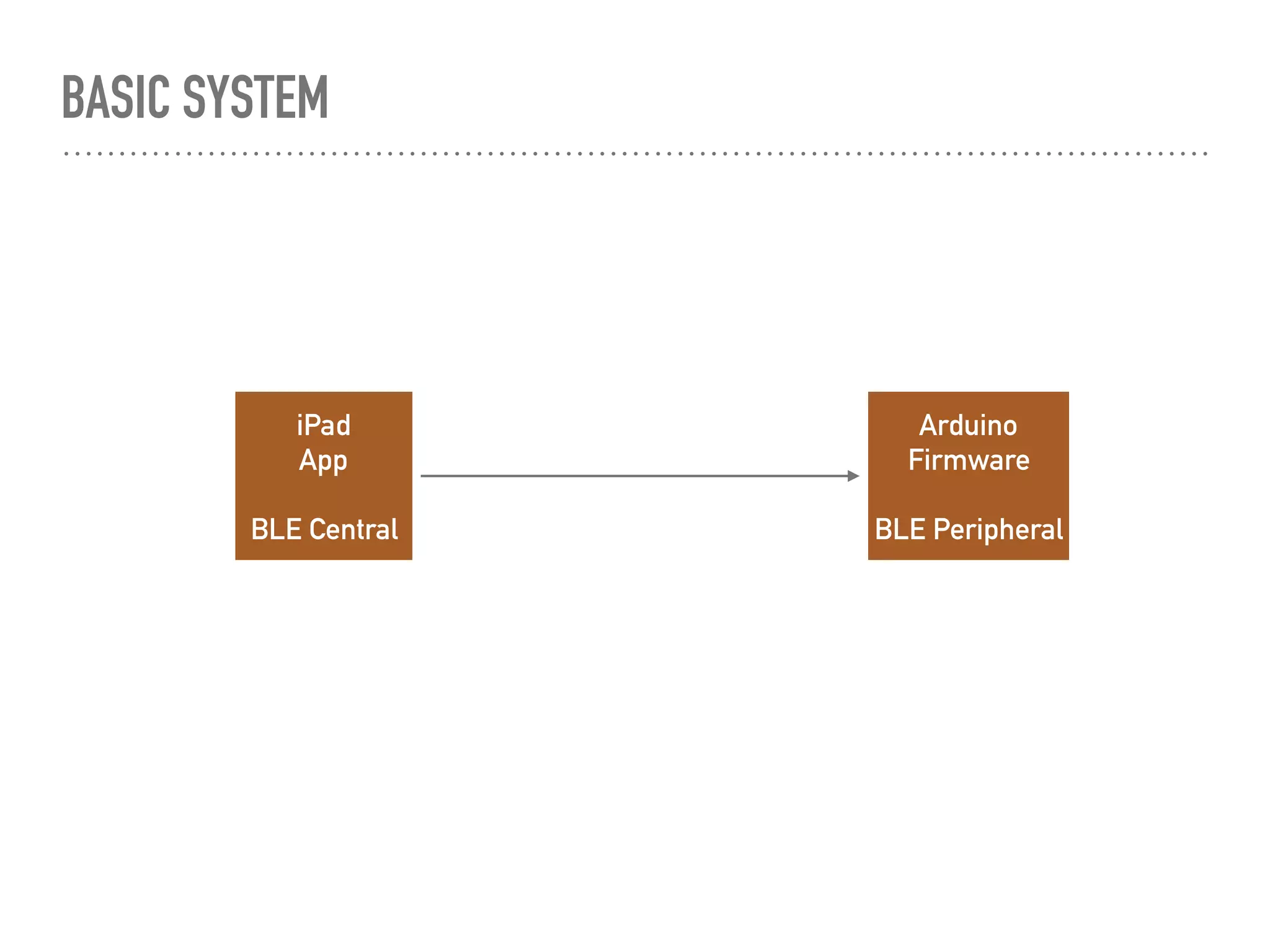
BASIC SYSTEM
iPad
App
BLE Central
Arduino
Firmware
BLE Peripheral
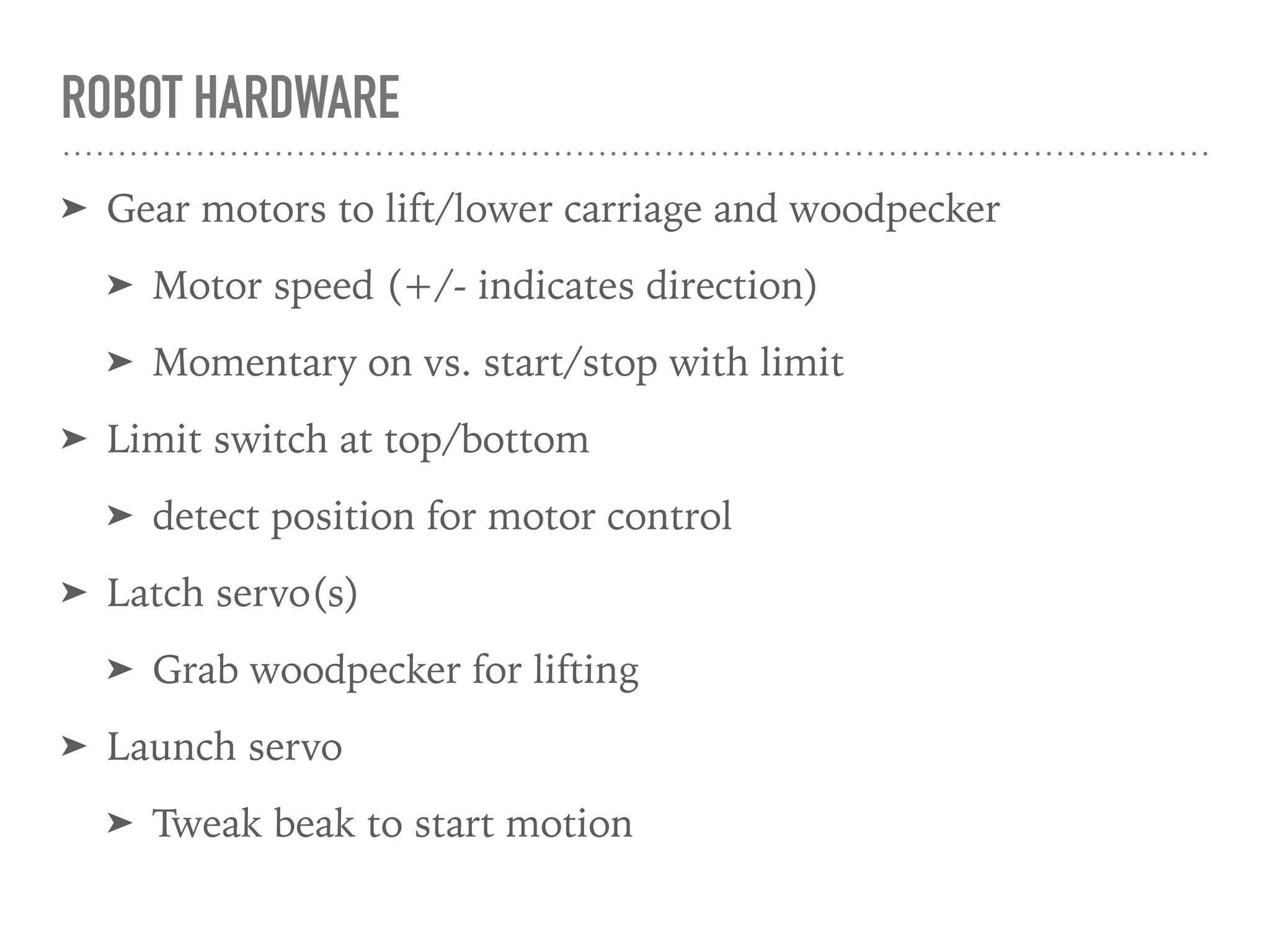
ROBOT HARDWARE
➤ Gear motors to lift/lower carriage and woodpecker
➤ Motor speed (+/- indicates direction)
➤ Momentary on vs. start/stop with limit
➤ Limit switch at top/bottom
➤ detect position for motor control
➤ Latch servo(s)
➤ Grab woodpecker for lifting
➤ Launch servo
➤ Tweak beak to start motion
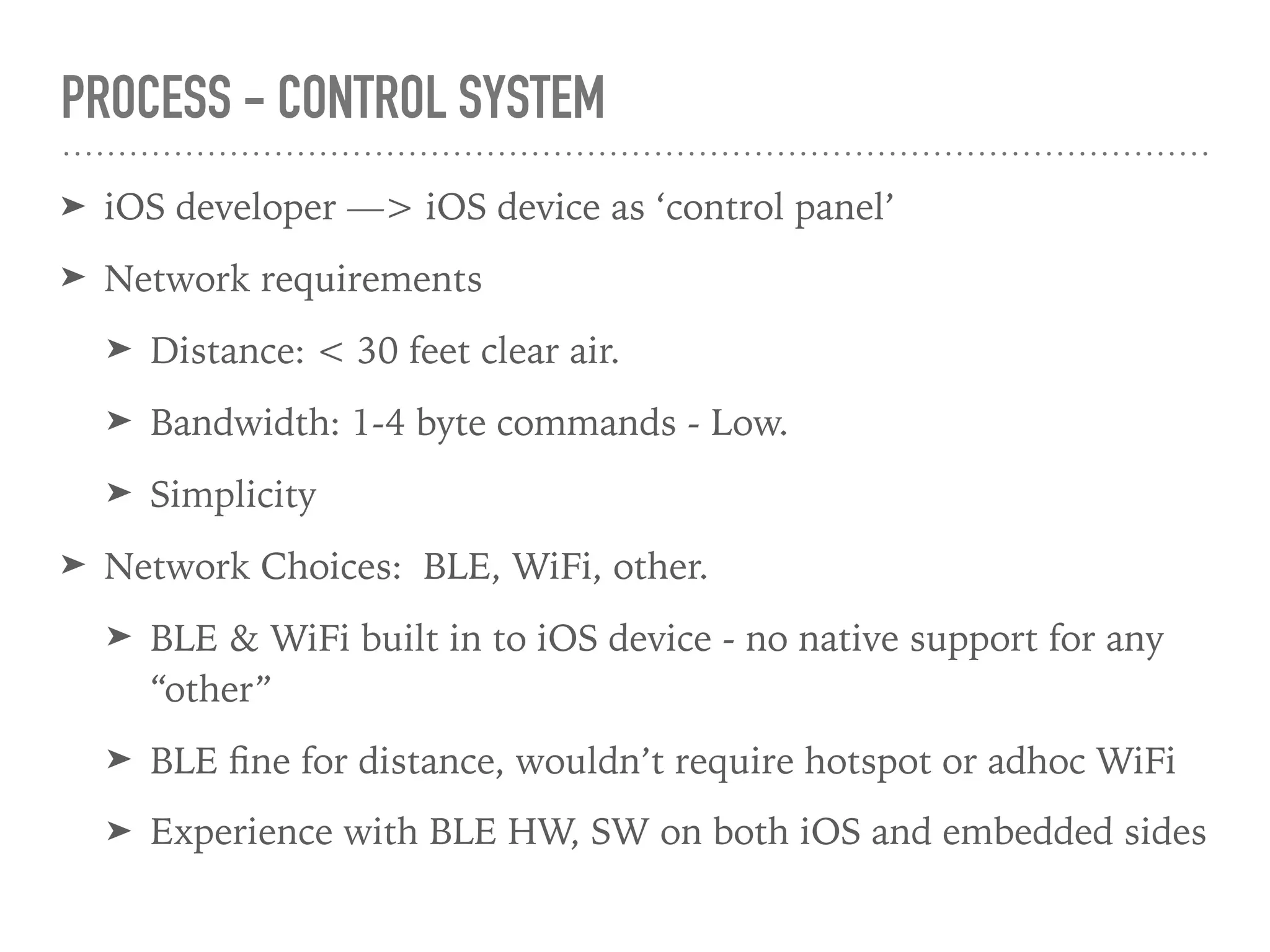
PROCESS - CONTROL SYSTEM
➤ iOS developer —> iOS device as ‘control panel’
➤ Network requirements
➤ Distance: < 30 feet clear air.
➤ Bandwidth: 1-4 byte commands - Low.
➤ Simplicity
➤ Network Choices: BLE, WiFi, other.
➤ BLE & WiFi built in to iOS device - no native support for any
“other”
➤ BLE fine for distance, wouldn’t require hotspot or adhoc WiFi
➤ Experience with BLE HW, SW on both iOS and embedded sides
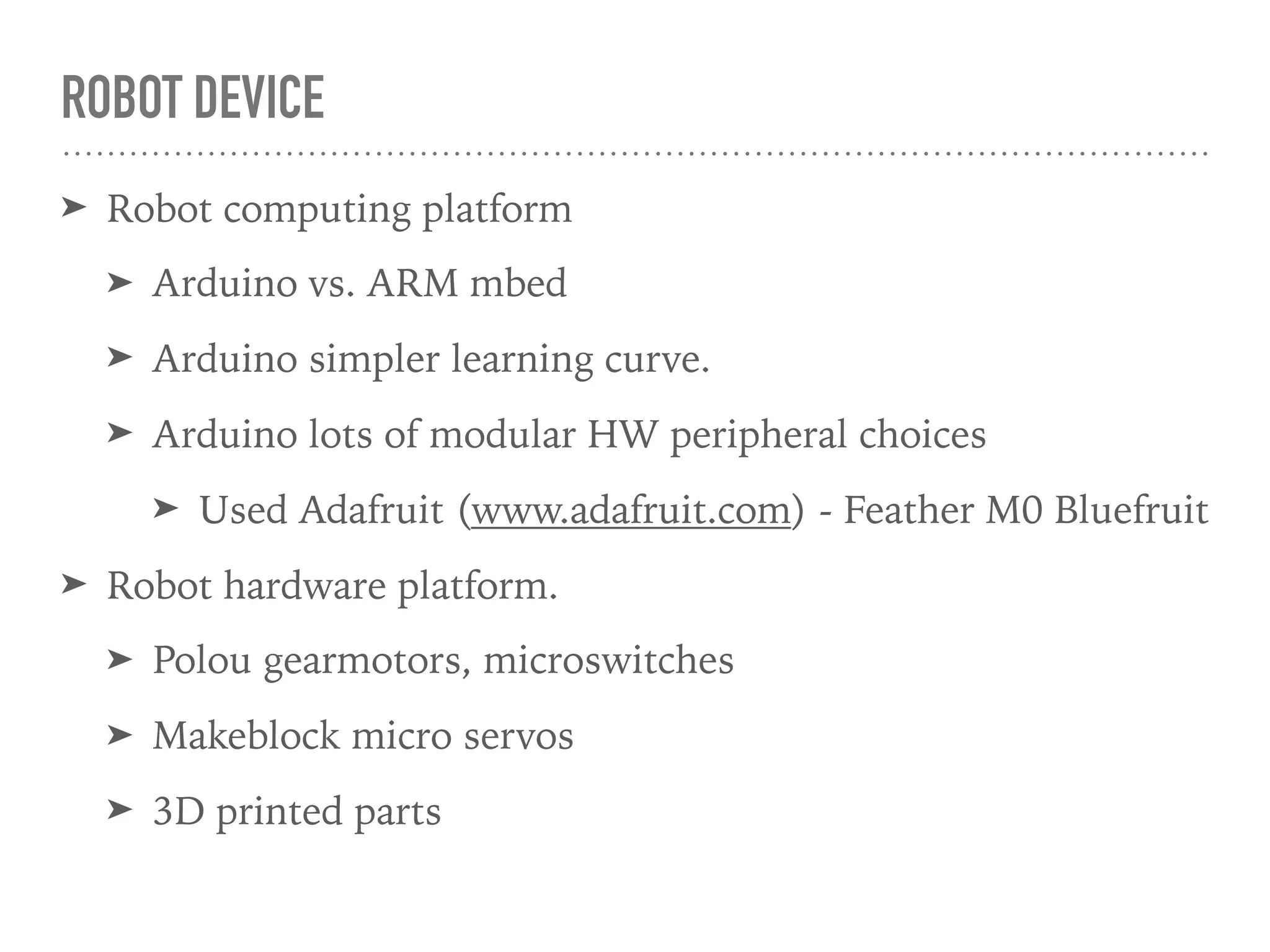
ROBOT DEVICE
➤ Robot computing platform
➤ Arduino vs. ARM mbed
➤ Arduino simpler learning curve.
➤ Arduino lots of modular HW peripheral choices
➤ Used Adafruit (www.adafruit.com) - Feather M0 Bluefruit
➤ Robot hardware platform.
➤ Polou gearmotors, microswitches
➤ Makeblock micro servos
➤ 3D printed parts
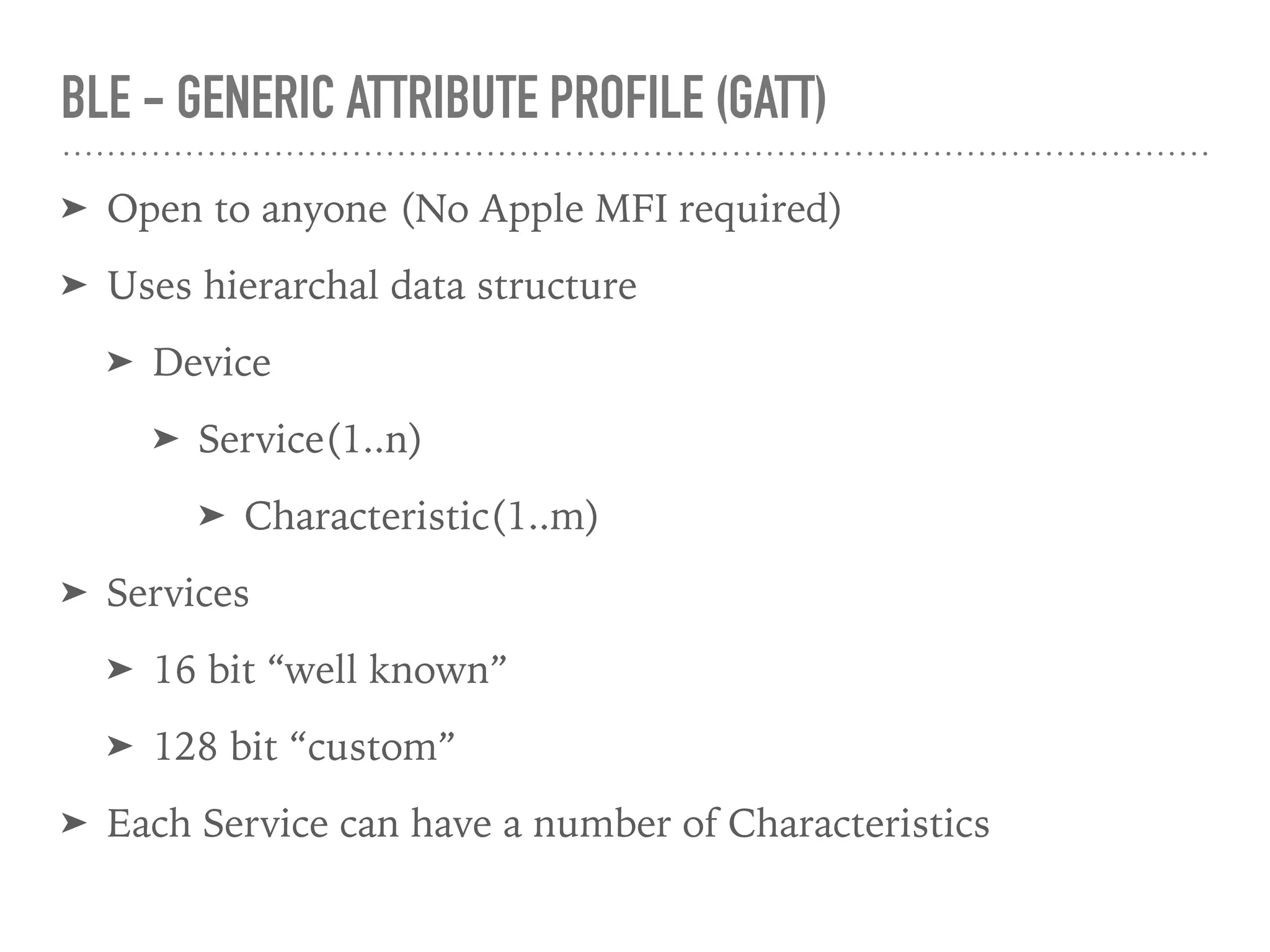
BLE - GENERIC ATTRIBUTE PROFILE (GATT)
➤ Open to anyone (No Apple MFI required)
➤ Uses hierarchal data structure
➤ Device
➤ Service(1..n)
➤ Characteristic(1..m)
➤ Services
➤ 16 bit “well known”
➤ 128 bit “custom”
➤ Each Service can have a number of Characteristics
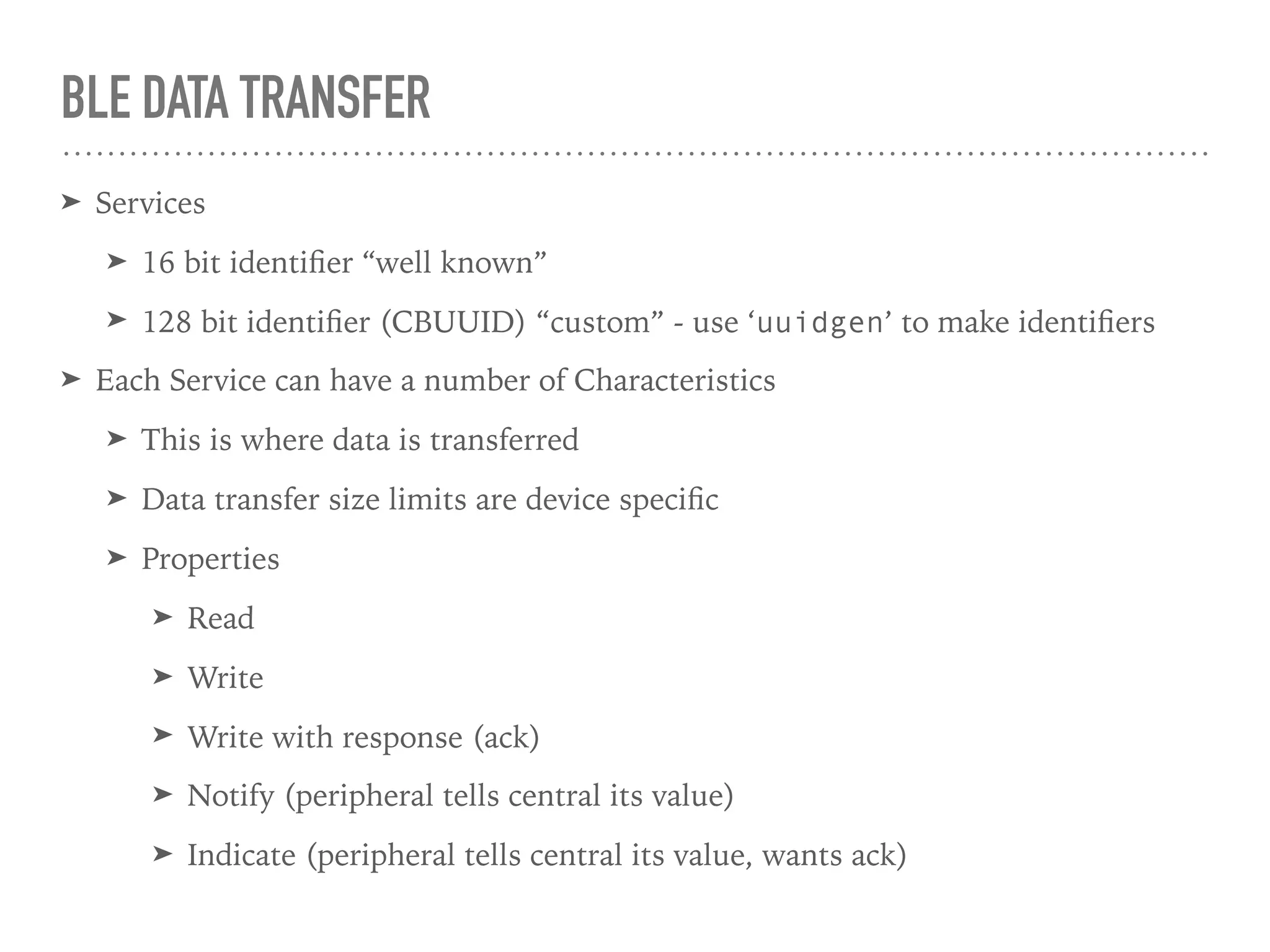
BLE DATA TRANSFER
➤ Services
➤ 16 bit identifier “well known”
➤ 128 bit identifier (CBUUID) “custom” - use ‘uuidgen’ to make identifiers
➤ Each Service can have a number of Characteristics
➤ This is where data is transferred
➤ Data transfer size limits are device specific
➤ Properties
➤ Read
➤ Write
➤ Write with response (ack)
➤ Notify (peripheral tells central its value)
➤ Indicate (peripheral tells central its value, wants ack)
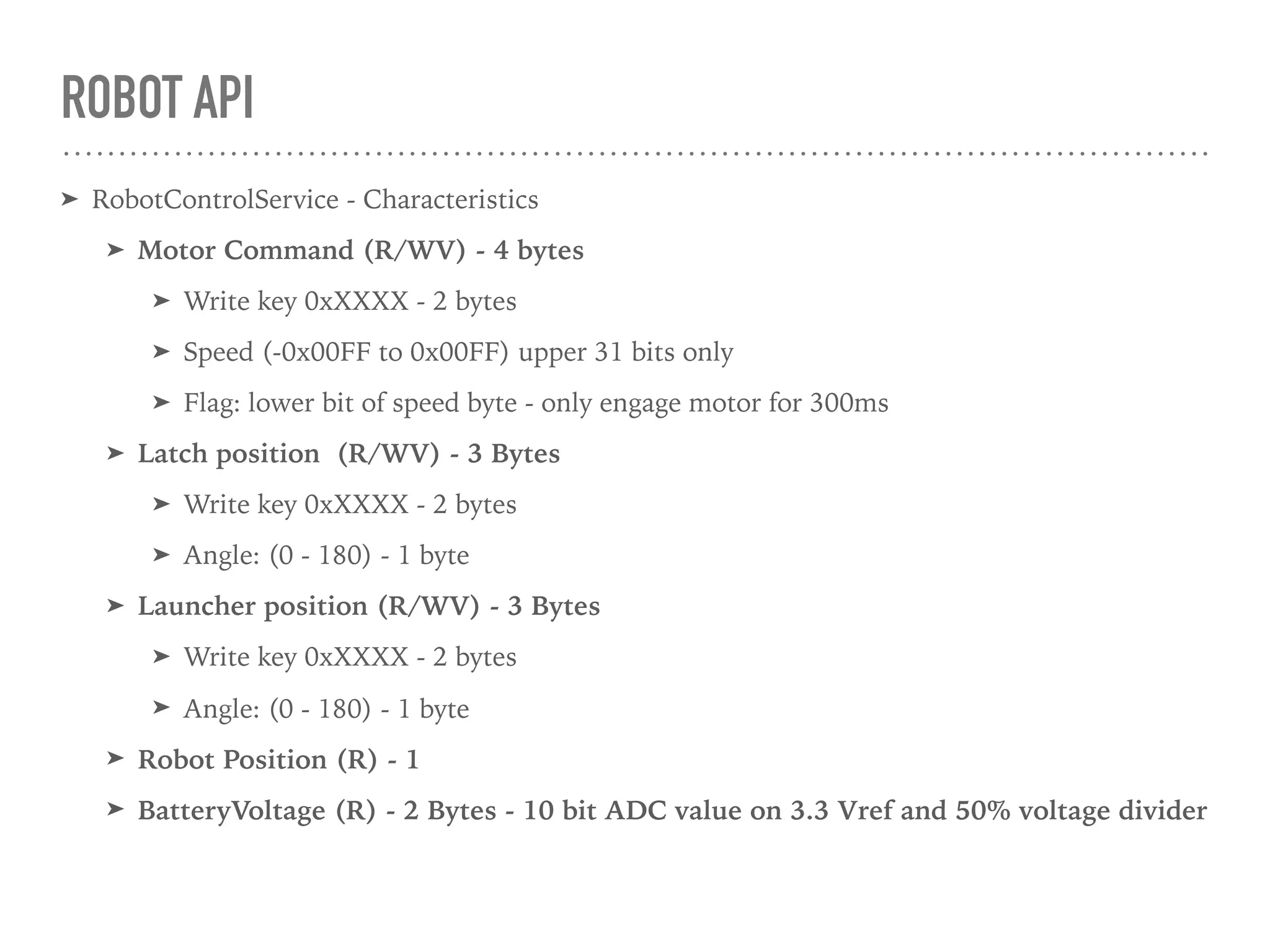
ROBOT API
➤ RobotControlService - Characteristics
➤ Motor Command (R/WV) - 4 bytes
➤ Write key 0xXXXX - 2 bytes
➤ Speed (-0x00FF to 0x00FF) upper 31 bits only
➤ Flag: lower bit of speed byte - only engage motor for 300ms
➤ Latch position (R/WV) - 3 Bytes
➤ Write key 0xXXXX - 2 bytes
➤ Angle: (0 - 180) - 1 byte
➤ Launcher position (R/WV) - 3 Bytes
➤ Write key 0xXXXX - 2 bytes
➤ Angle: (0 - 180) - 1 byte
➤ Robot Position (R) - 1
➤ BatteryVoltage (R) - 2 Bytes - 10 bit ADC value on 3.3 Vref and 50% voltage divider
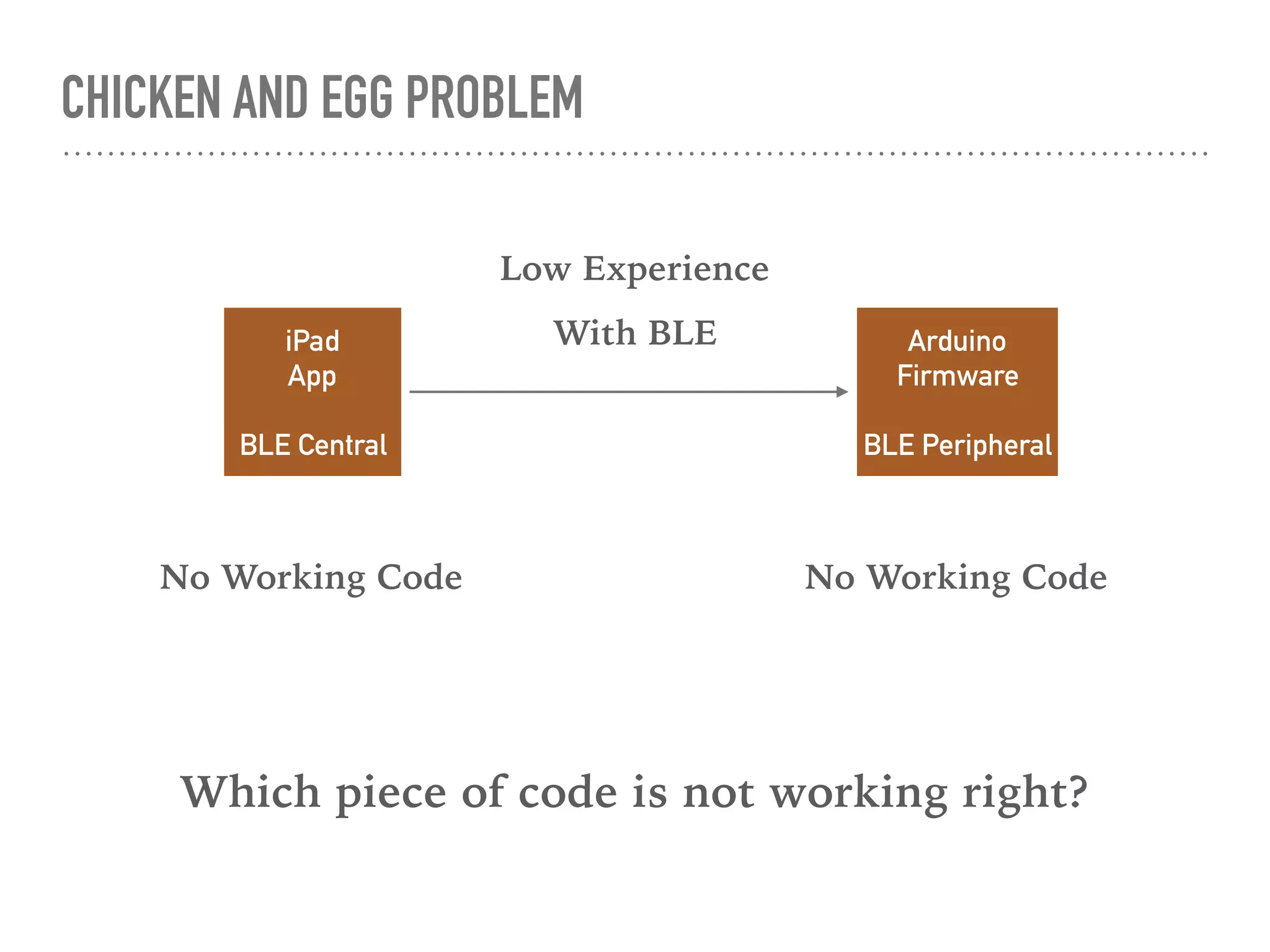
CHICKEN AND EGG PROBLEM
iPad
App
BLE Central
Arduino
Firmware
BLE Peripheral
No Working Code No Working Code
Low Experience
With BLE
Which piece of code is not working right?
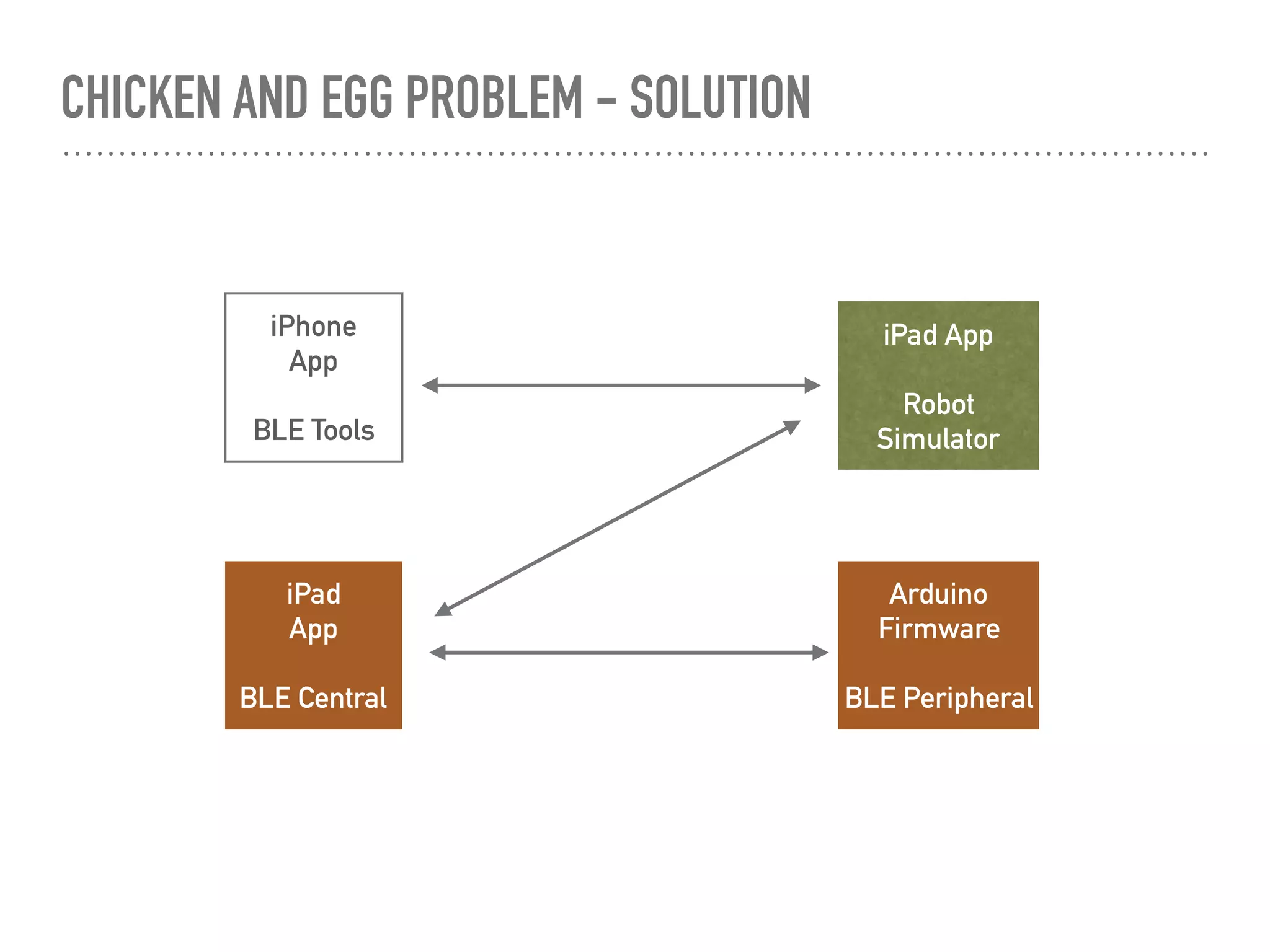
CHICKEN AND EGG PROBLEM - SOLUTION
iPad
App
BLE Central
iPhone
App
BLE Tools
Arduino
Firmware
BLE Peripheral
iPad App
Robot
Simulator
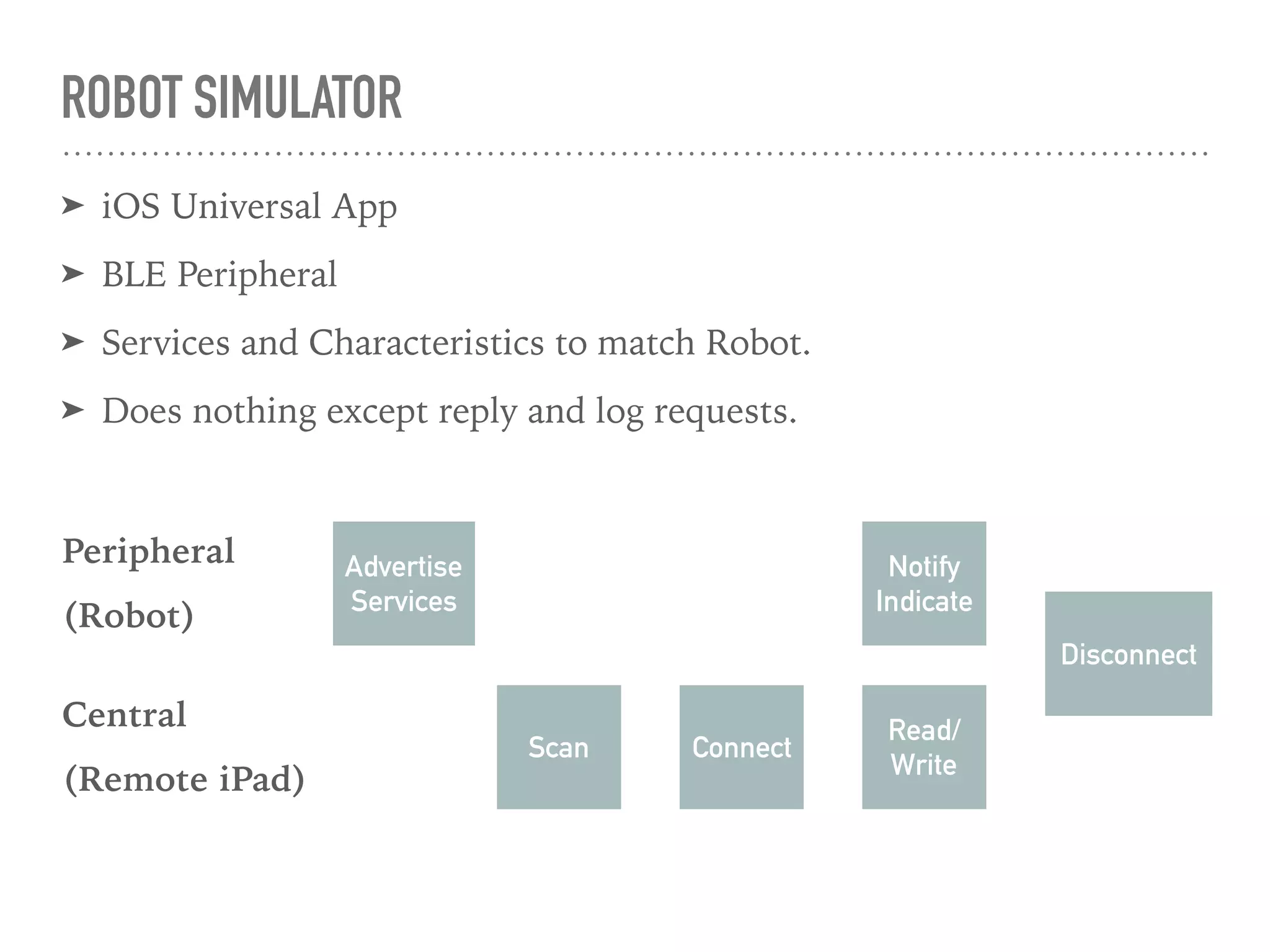
ROBOT SIMULATOR
➤ iOS Universal App
➤ BLE Peripheral
➤ Services and Characteristics to match Robot.
➤ Does nothing except reply and log requests.
Advertise
Services
Scan Connect
Read/
Write
Notify
Indicate
Disconnect
Peripheral
(Robot)
Central
(Remote iPad)
CBPERIPHERIALMANAGER
// CBPeripherialManager
//
// .add(CBService)
// .startAdvertising()
// .stopAdvertisting()
class MyPeripheralManagerDelegate: NSObject, CBPeripheralManagerDelegate {
func peripheralManagerDidUpdateState(_ peripheral: CBPeripheralManager) { }
func peripheralManagerDidStartAdvertising(_ peripheral: CBPeripheralManager, error: Error?) { }
func peripheralManager(_ peripheral: CBPeripheralManager, didReceiveRead request: CBATTRequest) { }
func peripheralManager(_ peripheral: CBPeripheralManager, didReceiveWrite requests: [CBATTRequest]) { }
// Not used in simulator
func peripheralManager(_ peripheral: CBPeripheralManager, didAdd service: CBService, error: Error?) { }
func peripheralManager(_ peripheral: CBPeripheralManager, willRestoreState dict: [String : Any]) { }
func peripheralManager(_ peripheral: CBPeripheralManager, central: CBCentral, didSubscribeTo characteristic:
CBCharacteristic) { }
func peripheralManager(_ peripheral: CBPeripheralManager, central: CBCentral, didUnsubscribeFrom characteristic:
CBCharacteristic) { }
func peripheralManagerIsReady(toUpdateSubscribers peripheral: CBPeripheralManager) { }
}
ROBOT CONTROL PANEL
➤ iOS iPad App
➤ BLE Central
➤ UI components
➤ Discovery/Connect/Monitor
➤ UIKit based control panel
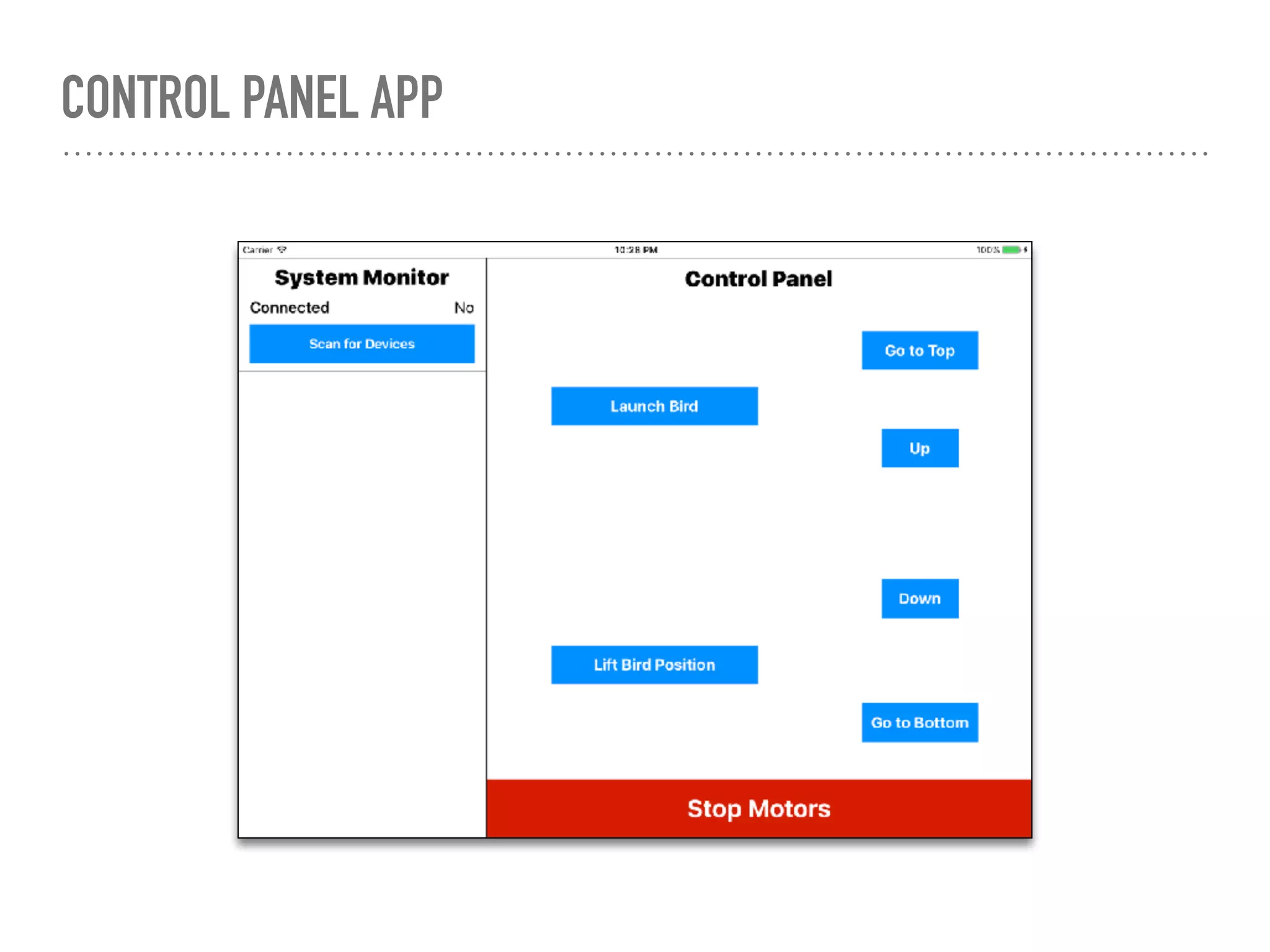
CONTROL PANEL APP
CBCENTRALMANAGER
// CBCentralManager
//
// .scanForPeripherals(<adv data>)
// .stopScan()
// .connect(CBPeripherial)
// .cancelPeripheralConnection(CBPeripheral)
class MyCentralDelegate : NSObject, CBCentralManagerDelegate {
func centralManagerDidUpdateState(_ central: CBCentralManager) {}
func centralManager(_ central: CBCentralManager, didDiscover peripheral: CBPeripheral, advertisementData: [String : Any],
rssi RSSI: NSNumber) {}
func centralManager(_ central: CBCentralManager, didConnect peripheral: CBPeripheral) {}
func centralManager(_ central: CBCentralManager, didFailToConnect peripheral: CBPeripheral, error: Error?) {}
func centralManager(_ central: CBCentralManager, didDisconnectPeripheral peripheral: CBPeripheral, error: Error?) {}
// Not used in Remote Control
func centralManager(_ central: CBCentralManager, willRestoreState dict: [String : Any]) {}
}
CBPERIPHERAL
// CBPeripheral
//
// .discoverServices([CBUUID] or nil for all services)
// .discoverCharacteristics([CBUUID])
// .setNotifyValue()
// .readValue()
// .writeValue()
class MyPeripheralDelegate : NSObject, CBPeripheralDelegate {
func peripheral(_ peripheral: CBPeripheral, didDiscoverServices error: Error?) {}
func peripheral(_ peripheral: CBPeripheral, didDiscoverCharacteristicsFor service: CBService, error: Error?) {}
func peripheral(_ peripheral: CBPeripheral, didWriteValueFor characteristic: CBCharacteristic, error: Error?) {}
func peripheral(_ peripheral: CBPeripheral, didUpdateValueFor characteristic: CBCharacteristic, error: Error?) {}
func peripheral(_ peripheral: CBPeripheral, didReadRSSI RSSI: NSNumber, error: Error?) {}
func peripheral(_ peripheral: CBPeripheral, didWriteValueFor descriptor: CBDescriptor, error: Error?) {}
// Not used in Remote Control
func peripheralDidUpdateName(_ peripheral: CBPeripheral) {}
func peripheral(_ peripheral: CBPeripheral, didUpdateValueFor descriptor: CBDescriptor, error: Error?) {}
func peripheral(_ peripheral: CBPeripheral, didModifyServices invalidatedServices: [CBService]) {}
func peripheral(_ peripheral: CBPeripheral, didDiscoverIncludedServicesFor service: CBService, error: Error?) {}
func peripheral(_ peripheral: CBPeripheral, didDiscoverDescriptorsFor characteristic: CBCharacteristic, error: Error?) {}
func peripheral(_ peripheral: CBPeripheral, didUpdateNotificationStateFor characteristic: CBCharacteristic, error: Error?) {}
}
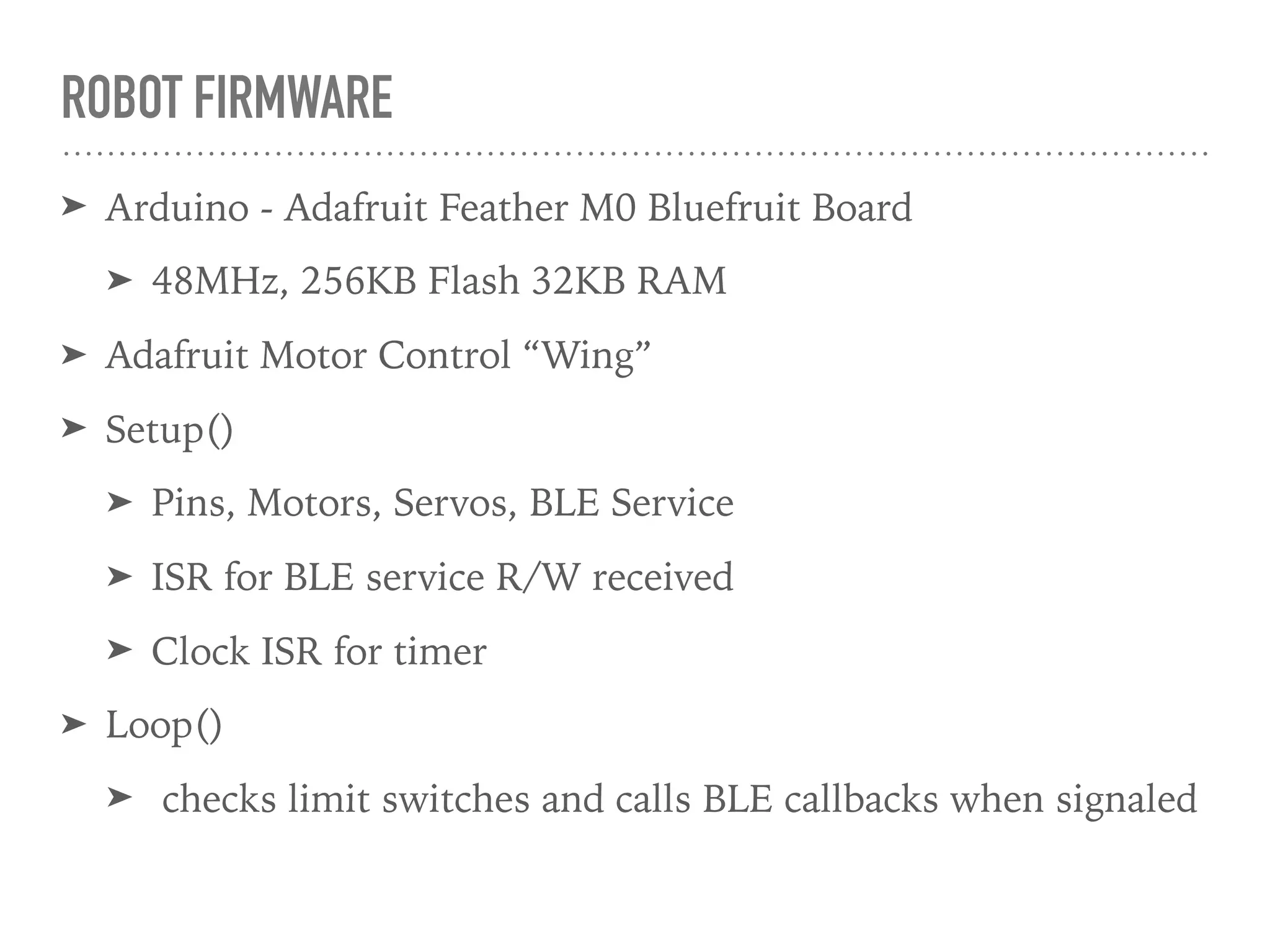
ROBOT FIRMWARE
➤ Arduino - Adafruit Feather M0 Bluefruit Board
➤ 48MHz, 256KB Flash 32KB RAM
➤ Adafruit Motor Control “Wing”
➤ Setup()
➤ Pins, Motors, Servos, BLE Service
➤ ISR for BLE service R/W received
➤ Clock ISR for timer
➤ Loop()
➤ checks limit switches and calls BLE callbacks when signaled
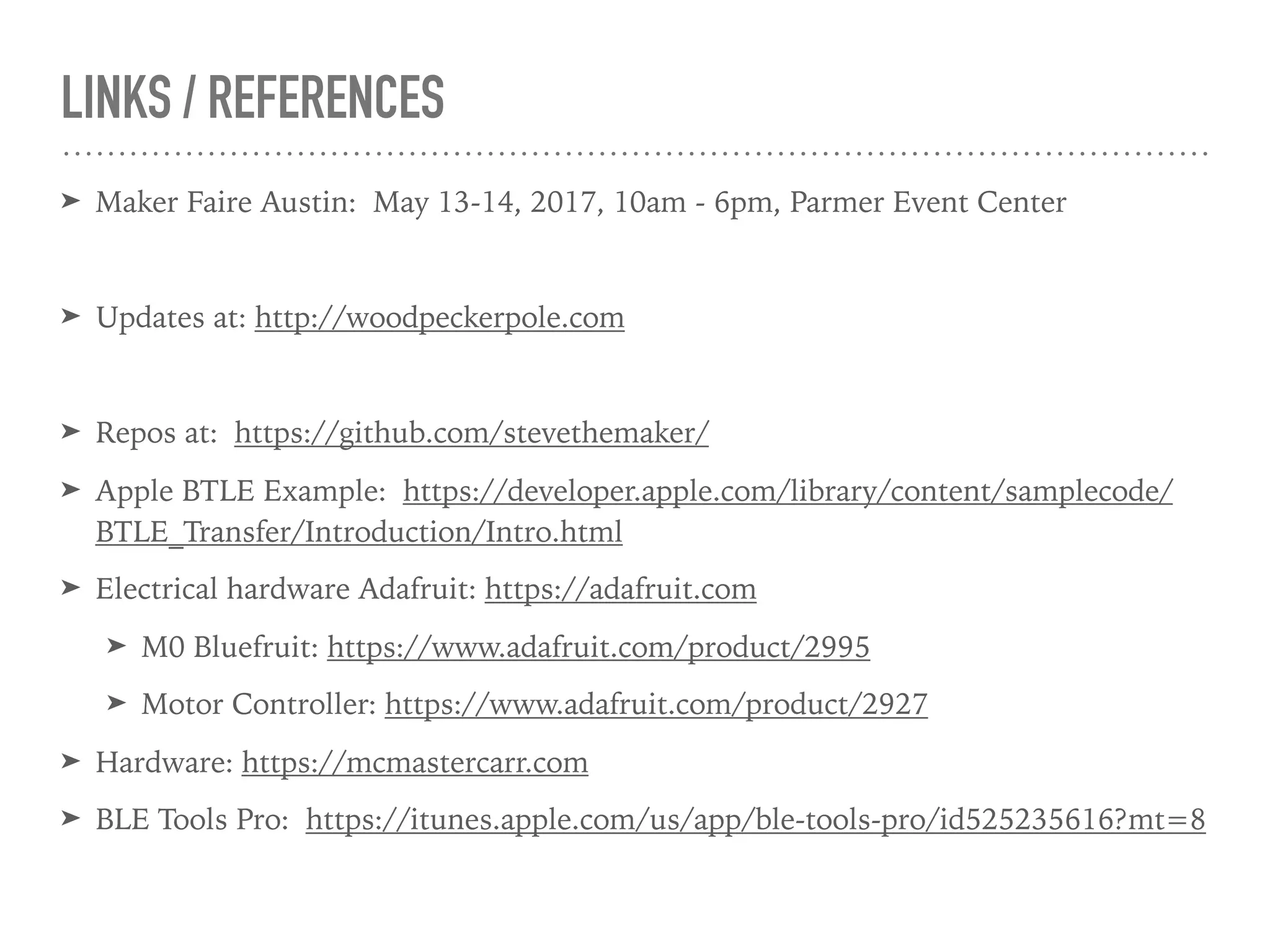
LINKS / REFERENCES
➤ Maker Faire Austin: May 13-14, 2017, 10am - 6pm, Parmer Event Center
➤ Updates at: http://woodpeckerpole.com
➤ Repos at: https://github.com/stevethemaker/
➤ Apple BTLE Example: https://developer.apple.com/library/content/samplecode/
BTLE_Transfer/Introduction/Intro.html
➤ Electrical hardware Adafruit: https://adafruit.com
➤ M0 Bluefruit: https://www.adafruit.com/product/2995
➤ Motor Controller: https://www.adafruit.com/product/2927
➤ Hardware: https://mcmastercarr.com
➤ BLE Tools Pro: https://itunes.apple.com/us/app/ble-tools-pro/id525235616?mt=8

iOS Bluetooth Low Energy (BLE) Remote Robot Interface

  • 1.
    IOS BLE DEVICEINTERFACING Woodpecker Toy Robot Control CocoaCoders - April 27, 2017 Steve Knodl - sknodl@gmail.com
  • 2.
    PROJECT ➤ World’s TallestToy Woodpecker Pole ➤ Inspired by small version ➤ Not tall enough to reach top? ➤ Create robot to do the work ➤ Guinness World Record? ➤ Austin Maker Faire ➤ May 13-14, Parmer Event Center
  • 3.
    WHAT IS NEEDED ➤Robot HW ➤ Robot SW ➤ Primary - Wireless control ➤ Lift woodpecker to top of pole ➤ Release and start descent motion ➤ Return to bottom to repeat process ➤ Secondary ➤ Monitor state ➤ Failsafe low battery (Can’t return to bottom for charging) ➤ Failsafe wireless link (Can’t return to bottom for diagnosis)
  • 4.
  • 5.
    ROBOT HARDWARE ➤ Gearmotors to lift/lower carriage and woodpecker ➤ Motor speed (+/- indicates direction) ➤ Momentary on vs. start/stop with limit ➤ Limit switch at top/bottom ➤ detect position for motor control ➤ Latch servo(s) ➤ Grab woodpecker for lifting ➤ Launch servo ➤ Tweak beak to start motion
  • 6.
    PROCESS - CONTROLSYSTEM ➤ iOS developer —> iOS device as ‘control panel’ ➤ Network requirements ➤ Distance: < 30 feet clear air. ➤ Bandwidth: 1-4 byte commands - Low. ➤ Simplicity ➤ Network Choices: BLE, WiFi, other. ➤ BLE & WiFi built in to iOS device - no native support for any “other” ➤ BLE fine for distance, wouldn’t require hotspot or adhoc WiFi ➤ Experience with BLE HW, SW on both iOS and embedded sides
  • 7.
    ROBOT DEVICE ➤ Robotcomputing platform ➤ Arduino vs. ARM mbed ➤ Arduino simpler learning curve. ➤ Arduino lots of modular HW peripheral choices ➤ Used Adafruit (www.adafruit.com) - Feather M0 Bluefruit ➤ Robot hardware platform. ➤ Polou gearmotors, microswitches ➤ Makeblock micro servos ➤ 3D printed parts
  • 8.
    BLE - GENERICATTRIBUTE PROFILE (GATT) ➤ Open to anyone (No Apple MFI required) ➤ Uses hierarchal data structure ➤ Device ➤ Service(1..n) ➤ Characteristic(1..m) ➤ Services ➤ 16 bit “well known” ➤ 128 bit “custom” ➤ Each Service can have a number of Characteristics
  • 9.
    BLE DATA TRANSFER ➤Services ➤ 16 bit identifier “well known” ➤ 128 bit identifier (CBUUID) “custom” - use ‘uuidgen’ to make identifiers ➤ Each Service can have a number of Characteristics ➤ This is where data is transferred ➤ Data transfer size limits are device specific ➤ Properties ➤ Read ➤ Write ➤ Write with response (ack) ➤ Notify (peripheral tells central its value) ➤ Indicate (peripheral tells central its value, wants ack)
  • 10.
    ROBOT API ➤ RobotControlService- Characteristics ➤ Motor Command (R/WV) - 4 bytes ➤ Write key 0xXXXX - 2 bytes ➤ Speed (-0x00FF to 0x00FF) upper 31 bits only ➤ Flag: lower bit of speed byte - only engage motor for 300ms ➤ Latch position (R/WV) - 3 Bytes ➤ Write key 0xXXXX - 2 bytes ➤ Angle: (0 - 180) - 1 byte ➤ Launcher position (R/WV) - 3 Bytes ➤ Write key 0xXXXX - 2 bytes ➤ Angle: (0 - 180) - 1 byte ➤ Robot Position (R) - 1 ➤ BatteryVoltage (R) - 2 Bytes - 10 bit ADC value on 3.3 Vref and 50% voltage divider
  • 11.
    CHICKEN AND EGGPROBLEM iPad App BLE Central Arduino Firmware BLE Peripheral No Working Code No Working Code Low Experience With BLE Which piece of code is not working right?
  • 12.
    CHICKEN AND EGGPROBLEM - SOLUTION iPad App BLE Central iPhone App BLE Tools Arduino Firmware BLE Peripheral iPad App Robot Simulator
  • 13.
    ROBOT SIMULATOR ➤ iOSUniversal App ➤ BLE Peripheral ➤ Services and Characteristics to match Robot. ➤ Does nothing except reply and log requests. Advertise Services Scan Connect Read/ Write Notify Indicate Disconnect Peripheral (Robot) Central (Remote iPad)
  • 14.
    CBPERIPHERIALMANAGER // CBPeripherialManager // // .add(CBService) //.startAdvertising() // .stopAdvertisting() class MyPeripheralManagerDelegate: NSObject, CBPeripheralManagerDelegate { func peripheralManagerDidUpdateState(_ peripheral: CBPeripheralManager) { } func peripheralManagerDidStartAdvertising(_ peripheral: CBPeripheralManager, error: Error?) { } func peripheralManager(_ peripheral: CBPeripheralManager, didReceiveRead request: CBATTRequest) { } func peripheralManager(_ peripheral: CBPeripheralManager, didReceiveWrite requests: [CBATTRequest]) { } // Not used in simulator func peripheralManager(_ peripheral: CBPeripheralManager, didAdd service: CBService, error: Error?) { } func peripheralManager(_ peripheral: CBPeripheralManager, willRestoreState dict: [String : Any]) { } func peripheralManager(_ peripheral: CBPeripheralManager, central: CBCentral, didSubscribeTo characteristic: CBCharacteristic) { } func peripheralManager(_ peripheral: CBPeripheralManager, central: CBCentral, didUnsubscribeFrom characteristic: CBCharacteristic) { } func peripheralManagerIsReady(toUpdateSubscribers peripheral: CBPeripheralManager) { } }
  • 15.
    ROBOT CONTROL PANEL ➤iOS iPad App ➤ BLE Central ➤ UI components ➤ Discovery/Connect/Monitor ➤ UIKit based control panel
  • 16.
  • 17.
    CBCENTRALMANAGER // CBCentralManager // // .scanForPeripherals(<advdata>) // .stopScan() // .connect(CBPeripherial) // .cancelPeripheralConnection(CBPeripheral) class MyCentralDelegate : NSObject, CBCentralManagerDelegate { func centralManagerDidUpdateState(_ central: CBCentralManager) {} func centralManager(_ central: CBCentralManager, didDiscover peripheral: CBPeripheral, advertisementData: [String : Any], rssi RSSI: NSNumber) {} func centralManager(_ central: CBCentralManager, didConnect peripheral: CBPeripheral) {} func centralManager(_ central: CBCentralManager, didFailToConnect peripheral: CBPeripheral, error: Error?) {} func centralManager(_ central: CBCentralManager, didDisconnectPeripheral peripheral: CBPeripheral, error: Error?) {} // Not used in Remote Control func centralManager(_ central: CBCentralManager, willRestoreState dict: [String : Any]) {} }
  • 18.
    CBPERIPHERAL // CBPeripheral // // .discoverServices([CBUUID]or nil for all services) // .discoverCharacteristics([CBUUID]) // .setNotifyValue() // .readValue() // .writeValue() class MyPeripheralDelegate : NSObject, CBPeripheralDelegate { func peripheral(_ peripheral: CBPeripheral, didDiscoverServices error: Error?) {} func peripheral(_ peripheral: CBPeripheral, didDiscoverCharacteristicsFor service: CBService, error: Error?) {} func peripheral(_ peripheral: CBPeripheral, didWriteValueFor characteristic: CBCharacteristic, error: Error?) {} func peripheral(_ peripheral: CBPeripheral, didUpdateValueFor characteristic: CBCharacteristic, error: Error?) {} func peripheral(_ peripheral: CBPeripheral, didReadRSSI RSSI: NSNumber, error: Error?) {} func peripheral(_ peripheral: CBPeripheral, didWriteValueFor descriptor: CBDescriptor, error: Error?) {} // Not used in Remote Control func peripheralDidUpdateName(_ peripheral: CBPeripheral) {} func peripheral(_ peripheral: CBPeripheral, didUpdateValueFor descriptor: CBDescriptor, error: Error?) {} func peripheral(_ peripheral: CBPeripheral, didModifyServices invalidatedServices: [CBService]) {} func peripheral(_ peripheral: CBPeripheral, didDiscoverIncludedServicesFor service: CBService, error: Error?) {} func peripheral(_ peripheral: CBPeripheral, didDiscoverDescriptorsFor characteristic: CBCharacteristic, error: Error?) {} func peripheral(_ peripheral: CBPeripheral, didUpdateNotificationStateFor characteristic: CBCharacteristic, error: Error?) {} }
  • 19.
    ROBOT FIRMWARE ➤ Arduino- Adafruit Feather M0 Bluefruit Board ➤ 48MHz, 256KB Flash 32KB RAM ➤ Adafruit Motor Control “Wing” ➤ Setup() ➤ Pins, Motors, Servos, BLE Service ➤ ISR for BLE service R/W received ➤ Clock ISR for timer ➤ Loop() ➤ checks limit switches and calls BLE callbacks when signaled
  • 20.
    LINKS / REFERENCES ➤Maker Faire Austin: May 13-14, 2017, 10am - 6pm, Parmer Event Center ➤ Updates at: http://woodpeckerpole.com ➤ Repos at: https://github.com/stevethemaker/ ➤ Apple BTLE Example: https://developer.apple.com/library/content/samplecode/ BTLE_Transfer/Introduction/Intro.html ➤ Electrical hardware Adafruit: https://adafruit.com ➤ M0 Bluefruit: https://www.adafruit.com/product/2995 ➤ Motor Controller: https://www.adafruit.com/product/2927 ➤ Hardware: https://mcmastercarr.com ➤ BLE Tools Pro: https://itunes.apple.com/us/app/ble-tools-pro/id525235616?mt=8