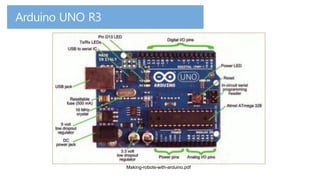
Making-robots-with-arduino.pdf
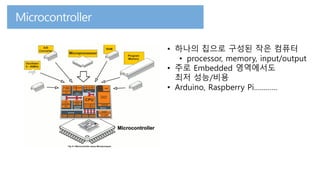
• 하나의 칩으로 구성된 작은 컴퓨터
• processor, memory, input/output
• 주로 Embedded 영역에서도
최저 성능/비용
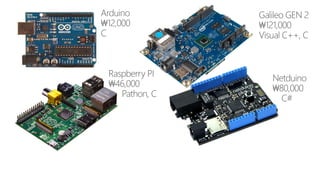
• Arduino, Raspberry Pi…………
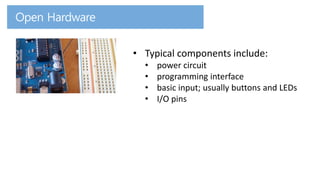
• Typical components include:
• power circuit
• programming interface
• basic input; usually buttons and LEDs
• I/O pins
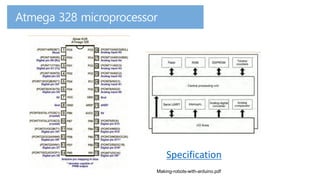
Making-robots-with-arduino.pdf
Specification
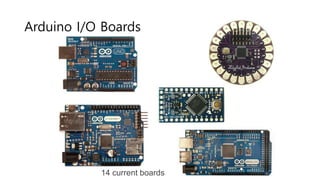
14 current boards
Arduino I/O Boards
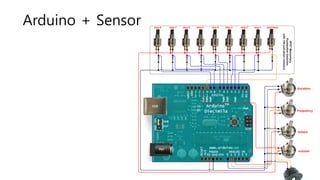
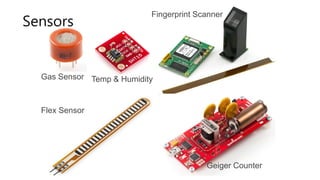
Arduino + Sensor
Gas Sensor Temp & Humidity
Flex Sensor
Fingerprint Scanner
Geiger Counter
Sensors
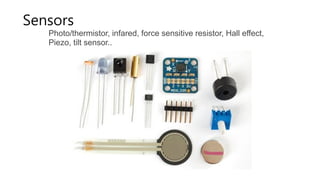
Photo/thermistor, infared, force sensitive resistor, Hall effect,
Piezo, tilt sensor..
Sensors
1. 성능
2. 네트워킹
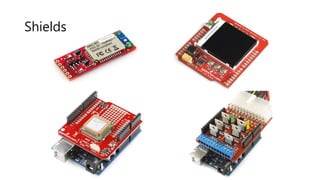
Shields
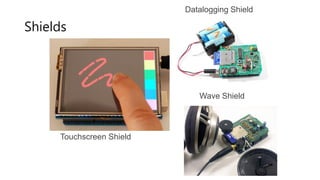
Touchscreen Shield
Wave Shield
Datalogging Shield
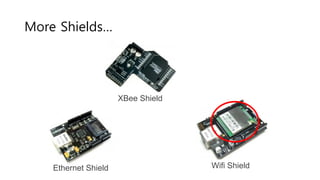
Shields
Ethernet Shield
XBee Shield
Wifi Shield
More Shields…
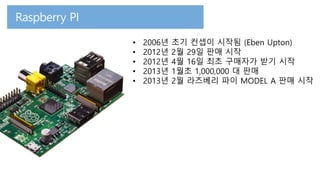
• 2006년 초기 컨셉이 시작됨 (Eben Upton)
• 2012년 2월 29일 판매 시작
• 2012년 4월 16일 최초 구매자가 받기 시작
• 2013년 1월초 1,000,000 대 판매
• 2013년 2월 라즈베리 파이 MODEL A 판매 시작
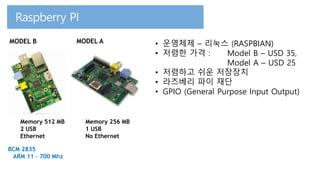
Memory 512 MB
2 USB
Ethernet
Memory 256 MB
1 USB
No Ethernet
BCM 2835
ARM 11 – 700 Mhz
MODEL AMODEL B • 운영체제 – 리눅스 (RASPBIAN)
• 저렴한 가격 : Model B – USD 35,
Model A – USD 25
• 저렴하고 쉬운 저장장치
• 라즈베리 파이 재단
• GPIO (General Purpose Input Output)
1. 개발환경
2. 리눅스 학습
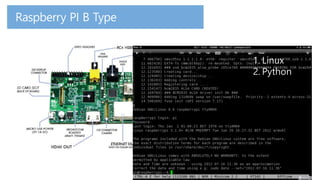
1. Linux
2. Python
1. Linux
2. Python
1. Linux
2. Python
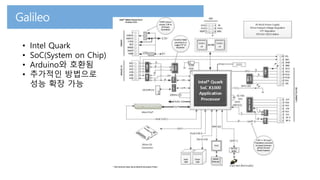
• Intel Quark
• SoC(System on Chip)
• Arduino와 호환됨
• 추가적인 방법으로
성능 확장 가능
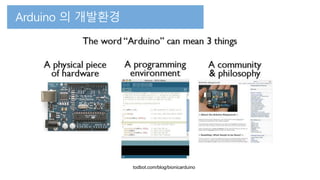
todbot.com/blog/bionicarduino
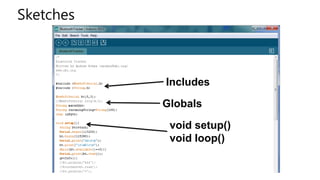
Sketches
Includes
Globals
void setup()
void loop()
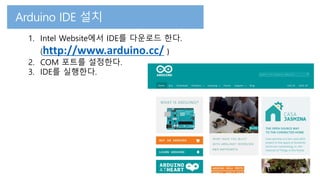
1. Intel Website에서 IDE를 다운로드 한다.
(http://www.arduino.cc/ )
2. COM 포트를 설정한다.
3. IDE를 실행한다.
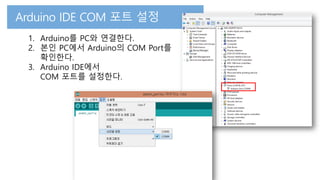
1. Arduino를 PC와 연결한다.
2. 본인 PC에서 Arduino의 COM Port를
확인한다.
3. Arduino IDE에서
COM 포트를 설정한다.
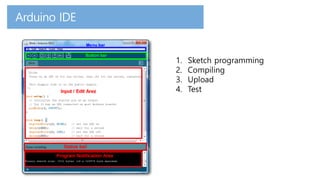
1. Sketch programming
2. Compiling
3. Upload
4. Test
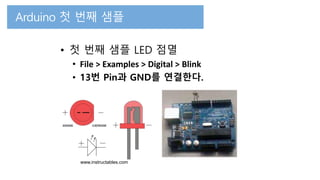
• 첫 번째 샘플 LED 점멸
• File > Examples > Digital > Blink
• 13번 Pin과 GND를 연결한다.
www.instructables.com
Break time

IoT Devices And Arduino