Introduction to JavaScript
 JavaScript is a versatile programming language.
 It runs in the browser and on servers.
 Used for dynamic and interactive web pages.
 Supports object-oriented, functional, and imperative
styles.
 Essential for modern web development.
History of JavaScript
 Created by Brendan Eich in 1995.
 Originally developed for Netscape Navigator.
 Standardized as ECMAScript.
 Evolved through multiple versions.
 Widely adopted across all browsers.
Why Use JavaScript?
 Client-side interactivity.
 Rich user interfaces.
 Fast execution in browsers.
 Large ecosystem and community.
 Integration with HTML and CSS.
JavaScript Syntax Basics
 Statements end with semicolons.
 Case-sensitive language.
 Variables declared with var, let, or const.
 Functions defined using function keyword.
 Supports loops and conditionals.
Variables and Data Types
 Primitive types: string, number, boolean, null,
undefined.
 Complex types: object, array, function.
 Use let and const for block-scoped variables.
 Type coercion is common.
 Dynamic typing allows flexibility.
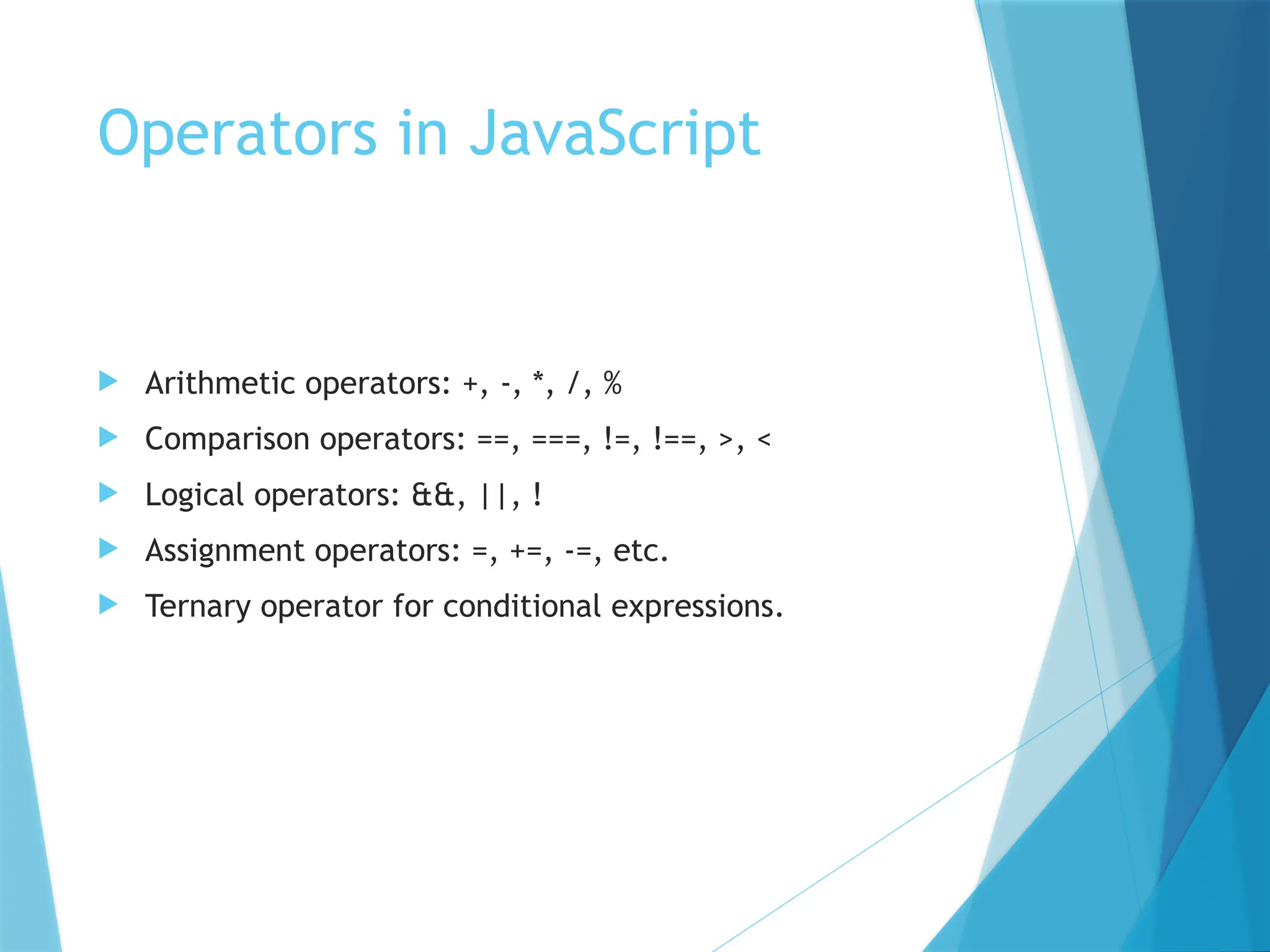
Operators in JavaScript
 Arithmetic operators: +, -, *, /, %
 Comparison operators: ==, ===, !=, !==, >, <
 Logical operators: &&, ||, !
 Assignment operators: =, +=, -=, etc.
 Ternary operator for conditional expressions.
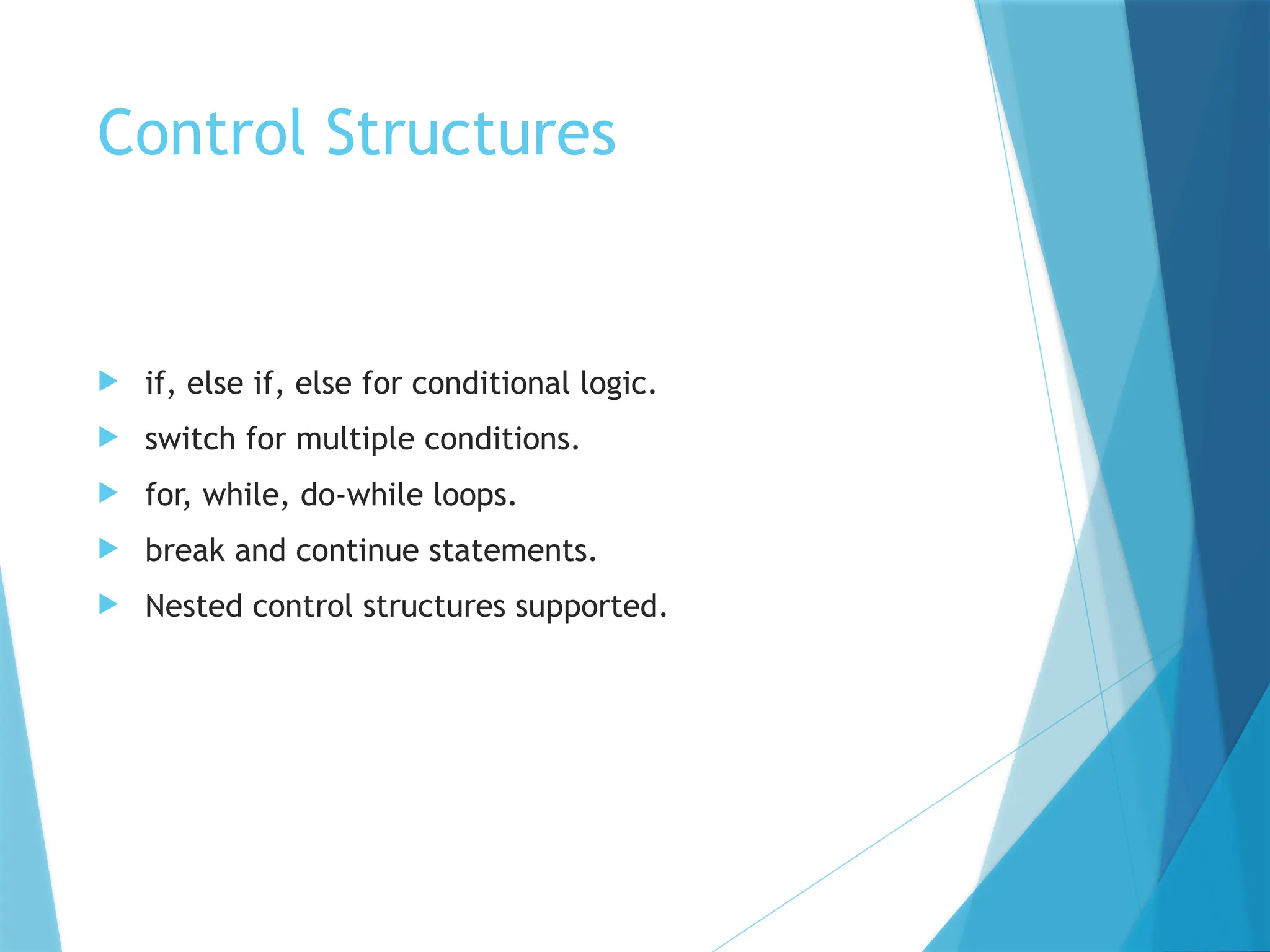
Control Structures
 if, else if, else for conditional logic.
 switch for multiple conditions.
 for, while, do-while loops.
 break and continue statements.
 Nested control structures supported.
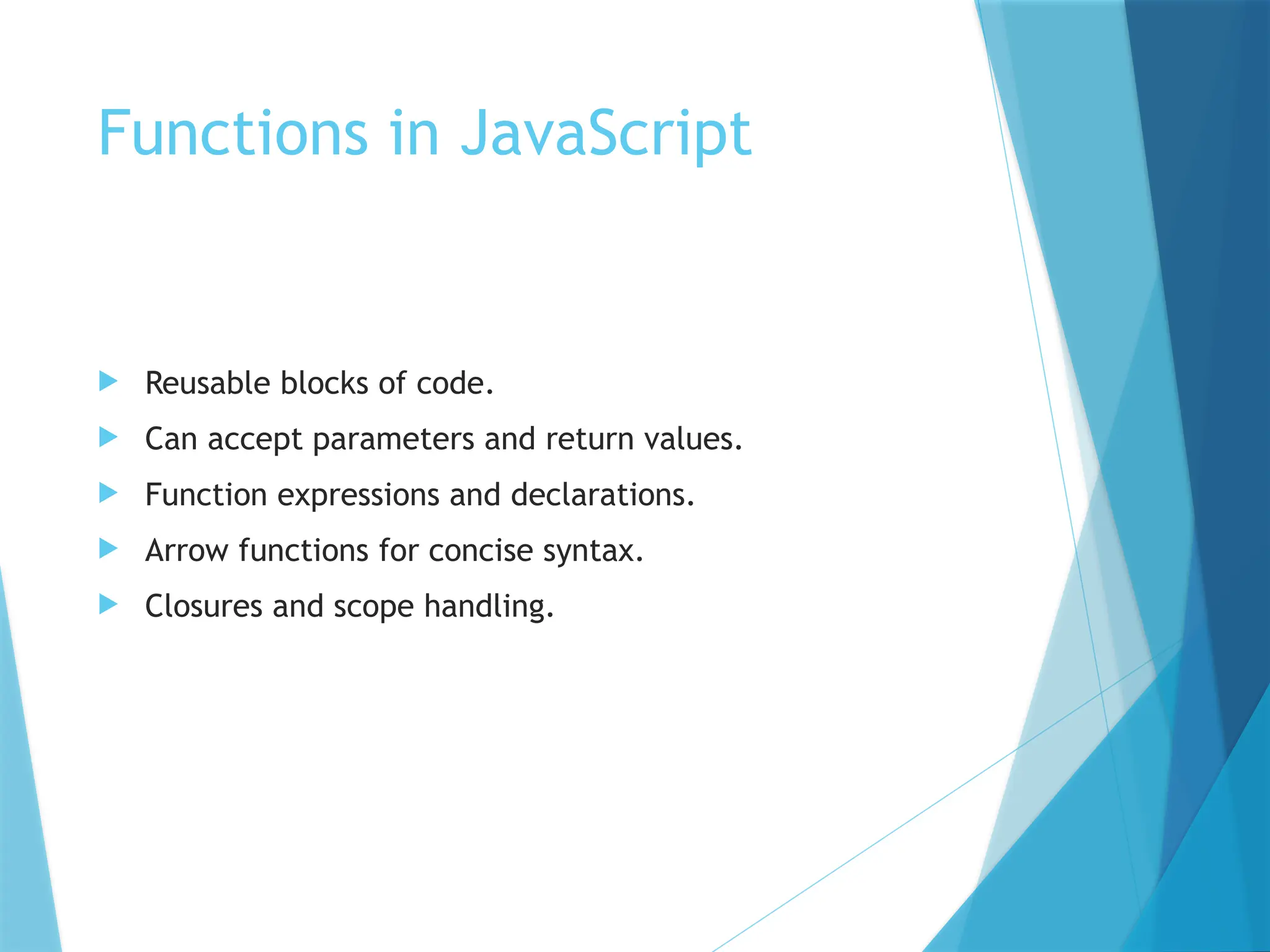
Functions in JavaScript
 Reusable blocks of code.
 Can accept parameters and return values.
 Function expressions and declarations.
 Arrow functions for concise syntax.
 Closures and scope handling.
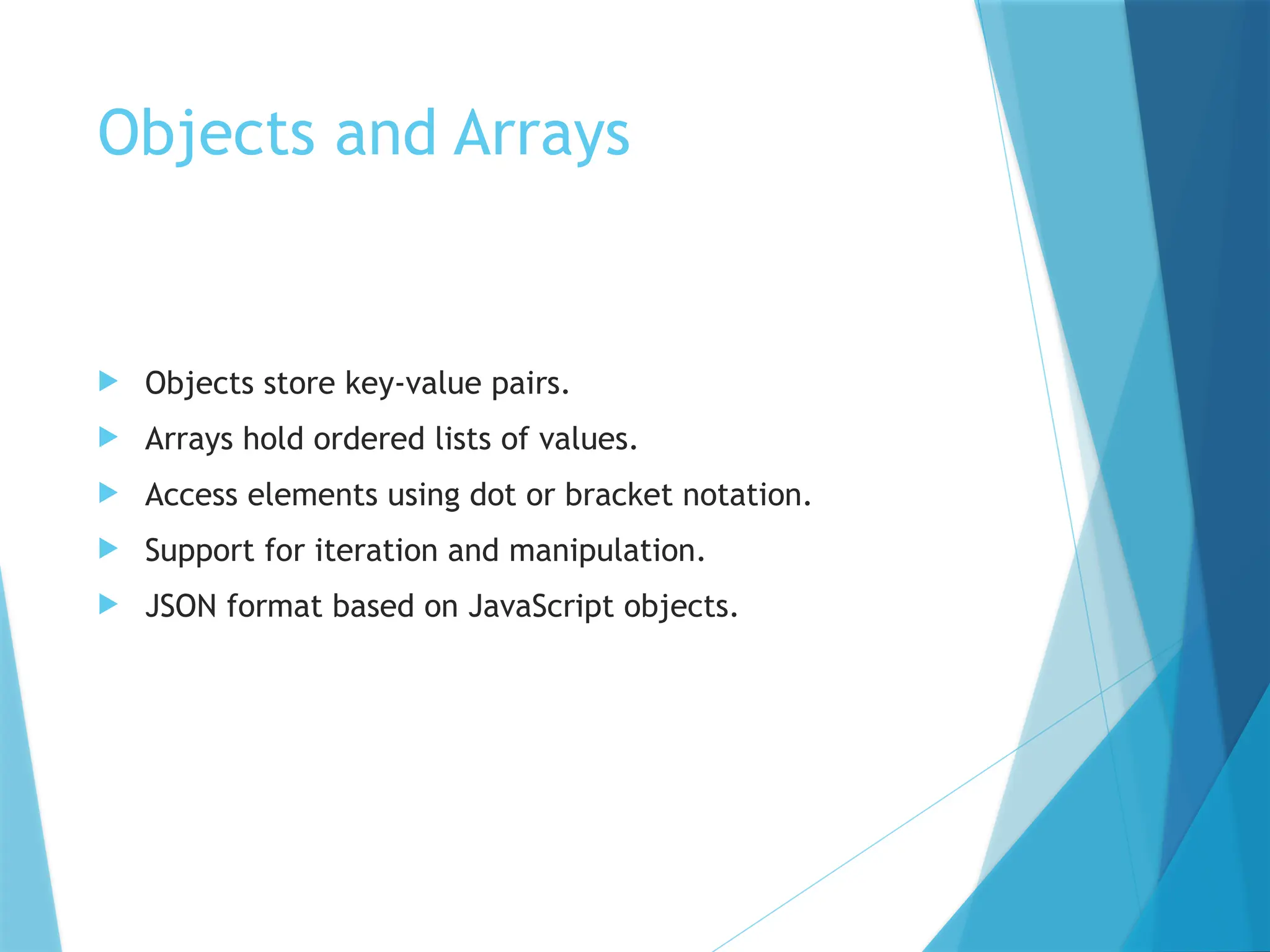
Objects and Arrays
 Objects store key-value pairs.
 Arrays hold ordered lists of values.
 Access elements using dot or bracket notation.
 Support for iteration and manipulation.
 JSON format based on JavaScript objects.
DOM Manipulation
 Document Object Model represents HTML structure.
 Use document.querySelector and getElementById.
 Modify content and styles dynamically.
 Add event listeners for interactivity.
 Create and remove elements programmatically.
Events in JavaScript
 Respond to user actions like clicks and input.
 Use addEventListener to bind events.
 Event object provides context.
 Support for bubbling and capturing.
 Custom events can be created.
Error Handling
 Use try, catch, finally blocks.
 Handle runtime errors gracefully.
 Throw custom errors using throw.
 Debug using console.log and breakpoints.
 Prevent crashes and improve UX.
ES6 and Modern JavaScript
 Introduced let, const, arrow functions.
 Template literals and destructuring.
 Modules and classes for structure.
 Promises and async/await for async code.
 Improved readability and maintainability.
JavaScript in Web
Development
 Works with HTML and CSS.
 Used in frameworks like React, Angular, Vue.
 Enables Single Page Applications (SPAs).
 Communicates with servers via APIs.
 Essential for frontend and backend development.
Conclusion
 JavaScript is powerful and essential.
 Used across all layers of web development.
 Constantly evolving with new features.
 Large community and resources available.
 Start learning by building small projects.
Introduction_to_JavaScript..................pptx

  • 1.
    Introduction to JavaScript JavaScript is a versatile programming language.  It runs in the browser and on servers.  Used for dynamic and interactive web pages.  Supports object-oriented, functional, and imperative styles.  Essential for modern web development.
  • 2.
    History of JavaScript Created by Brendan Eich in 1995.  Originally developed for Netscape Navigator.  Standardized as ECMAScript.  Evolved through multiple versions.  Widely adopted across all browsers.
  • 3.
    Why Use JavaScript? Client-side interactivity.  Rich user interfaces.  Fast execution in browsers.  Large ecosystem and community.  Integration with HTML and CSS.
  • 4.
    JavaScript Syntax Basics Statements end with semicolons.  Case-sensitive language.  Variables declared with var, let, or const.  Functions defined using function keyword.  Supports loops and conditionals.
  • 5.
    Variables and DataTypes  Primitive types: string, number, boolean, null, undefined.  Complex types: object, array, function.  Use let and const for block-scoped variables.  Type coercion is common.  Dynamic typing allows flexibility.
  • 6.
    Operators in JavaScript Arithmetic operators: +, -, *, /, %  Comparison operators: ==, ===, !=, !==, >, <  Logical operators: &&, ||, !  Assignment operators: =, +=, -=, etc.  Ternary operator for conditional expressions.
  • 7.
    Control Structures  if,else if, else for conditional logic.  switch for multiple conditions.  for, while, do-while loops.  break and continue statements.  Nested control structures supported.
  • 8.
    Functions in JavaScript Reusable blocks of code.  Can accept parameters and return values.  Function expressions and declarations.  Arrow functions for concise syntax.  Closures and scope handling.
  • 9.
    Objects and Arrays Objects store key-value pairs.  Arrays hold ordered lists of values.  Access elements using dot or bracket notation.  Support for iteration and manipulation.  JSON format based on JavaScript objects.
  • 10.
    DOM Manipulation  DocumentObject Model represents HTML structure.  Use document.querySelector and getElementById.  Modify content and styles dynamically.  Add event listeners for interactivity.  Create and remove elements programmatically.
  • 11.
    Events in JavaScript Respond to user actions like clicks and input.  Use addEventListener to bind events.  Event object provides context.  Support for bubbling and capturing.  Custom events can be created.
  • 12.
    Error Handling  Usetry, catch, finally blocks.  Handle runtime errors gracefully.  Throw custom errors using throw.  Debug using console.log and breakpoints.  Prevent crashes and improve UX.
  • 13.
    ES6 and ModernJavaScript  Introduced let, const, arrow functions.  Template literals and destructuring.  Modules and classes for structure.  Promises and async/await for async code.  Improved readability and maintainability.
  • 14.
    JavaScript in Web Development Works with HTML and CSS.  Used in frameworks like React, Angular, Vue.  Enables Single Page Applications (SPAs).  Communicates with servers via APIs.  Essential for frontend and backend development.
  • 15.
    Conclusion  JavaScript ispowerful and essential.  Used across all layers of web development.  Constantly evolving with new features.  Large community and resources available.  Start learning by building small projects.