Introduction to Apache Spark
2
3
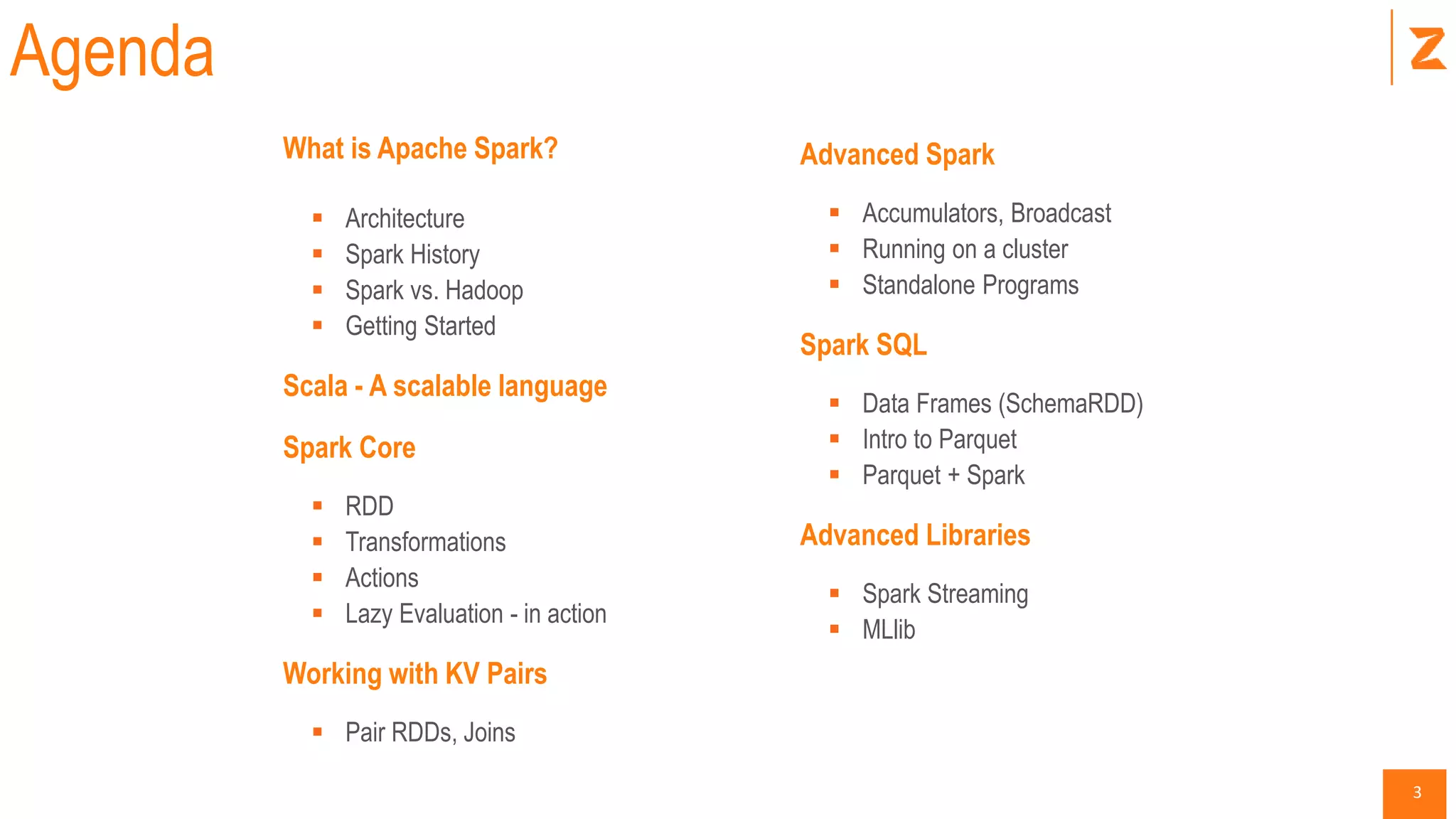
What is Apache Spark?
 Architecture
 Spark History
 Spark vs. Hadoop
 Getting Started
Scala - A scalable language
Spark Core
 RDD
 Transformations
 Actions
 Lazy Evaluation - in action
Working with KV Pairs
 Pair RDDs, Joins
Agenda
Advanced Spark
 Accumulators, Broadcast
 Running on a cluster
 Standalone Programs
Spark SQL
 Data Frames (SchemaRDD)
 Intro to Parquet
 Parquet + Spark
Advanced Libraries
 Spark Streaming
 MLlib
4
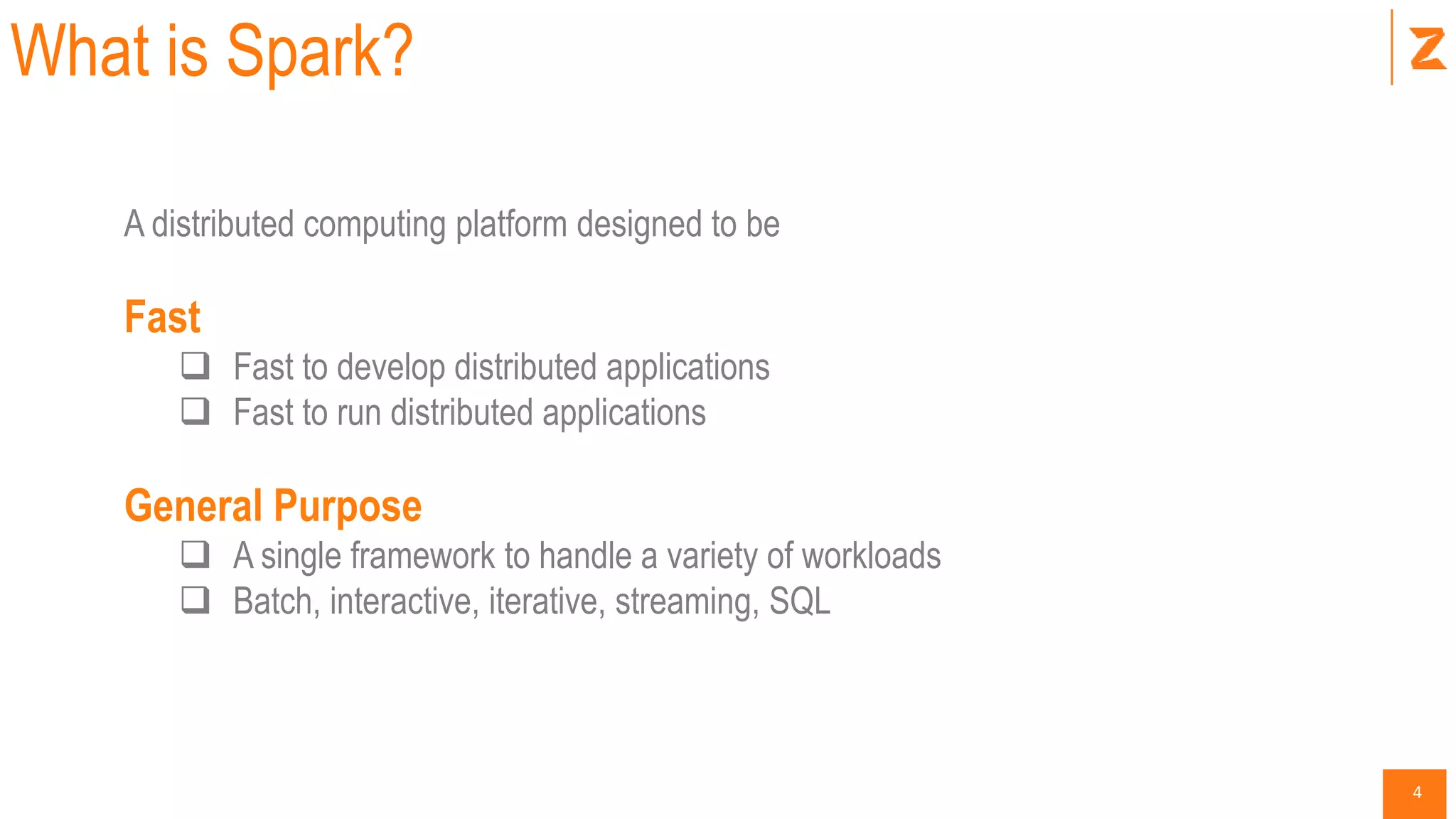
What is Spark?
A distributed computing platform designed to be
Fast
 Fast to develop distributed applications
 Fast to run distributed applications
General Purpose
 A single framework to handle a variety of workloads
 Batch, interactive, iterative, streaming, SQL
5
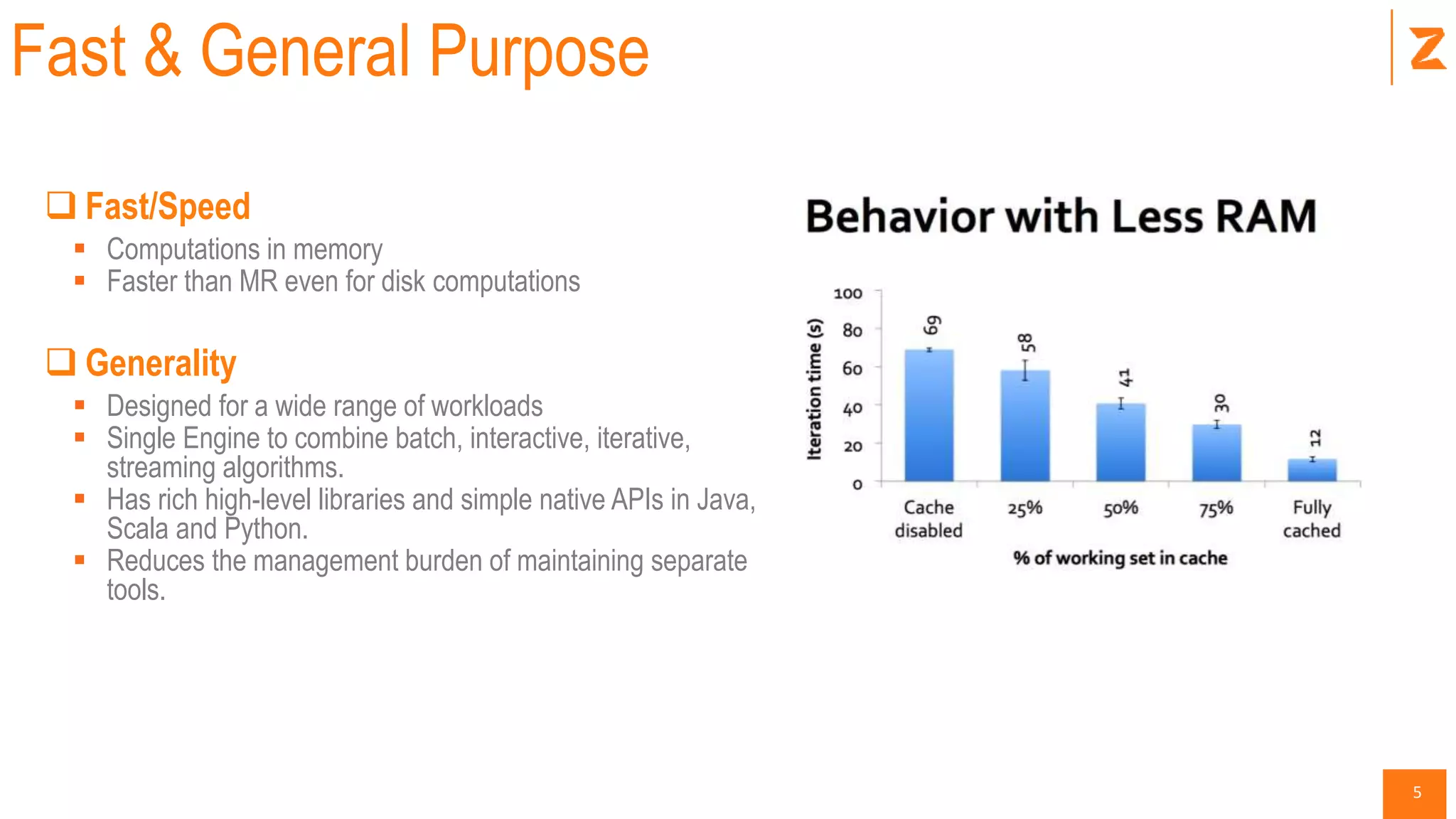
Fast & General Purpose
 Fast/Speed
 Computations in memory
 Faster than MR even for disk computations
 Generality
 Designed for a wide range of workloads
 Single Engine to combine batch, interactive, iterative,
streaming algorithms.
 Has rich high-level libraries and simple native APIs in Java,
Scala and Python.
 Reduces the management burden of maintaining separate
tools.
6
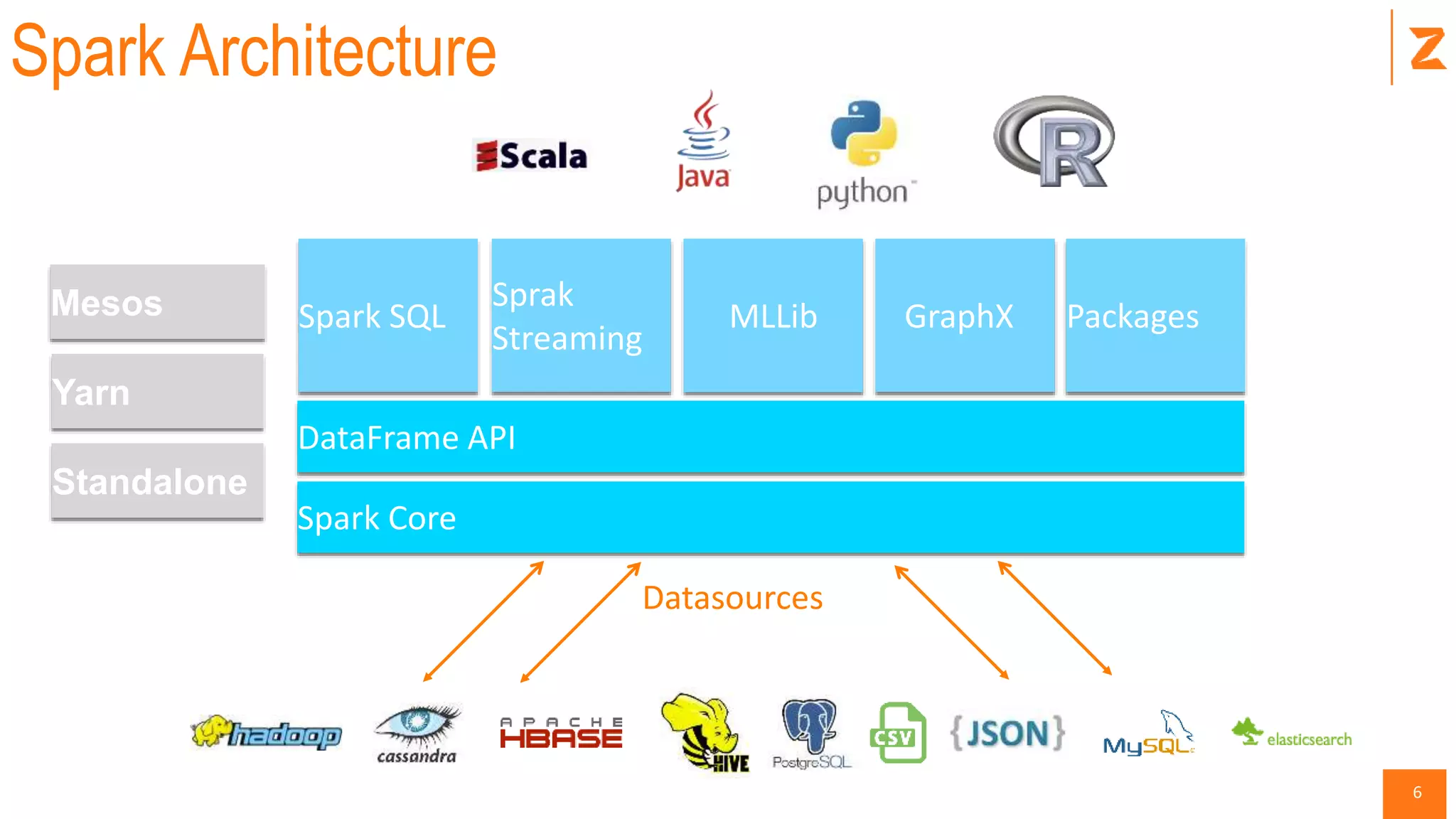
Spark Architecture
DataFrame API
Packages
Sprak
Streaming
Spark Core
Spark SQL MLLib GraphX
Standalone
Yarn
Mesos
Datasources
7
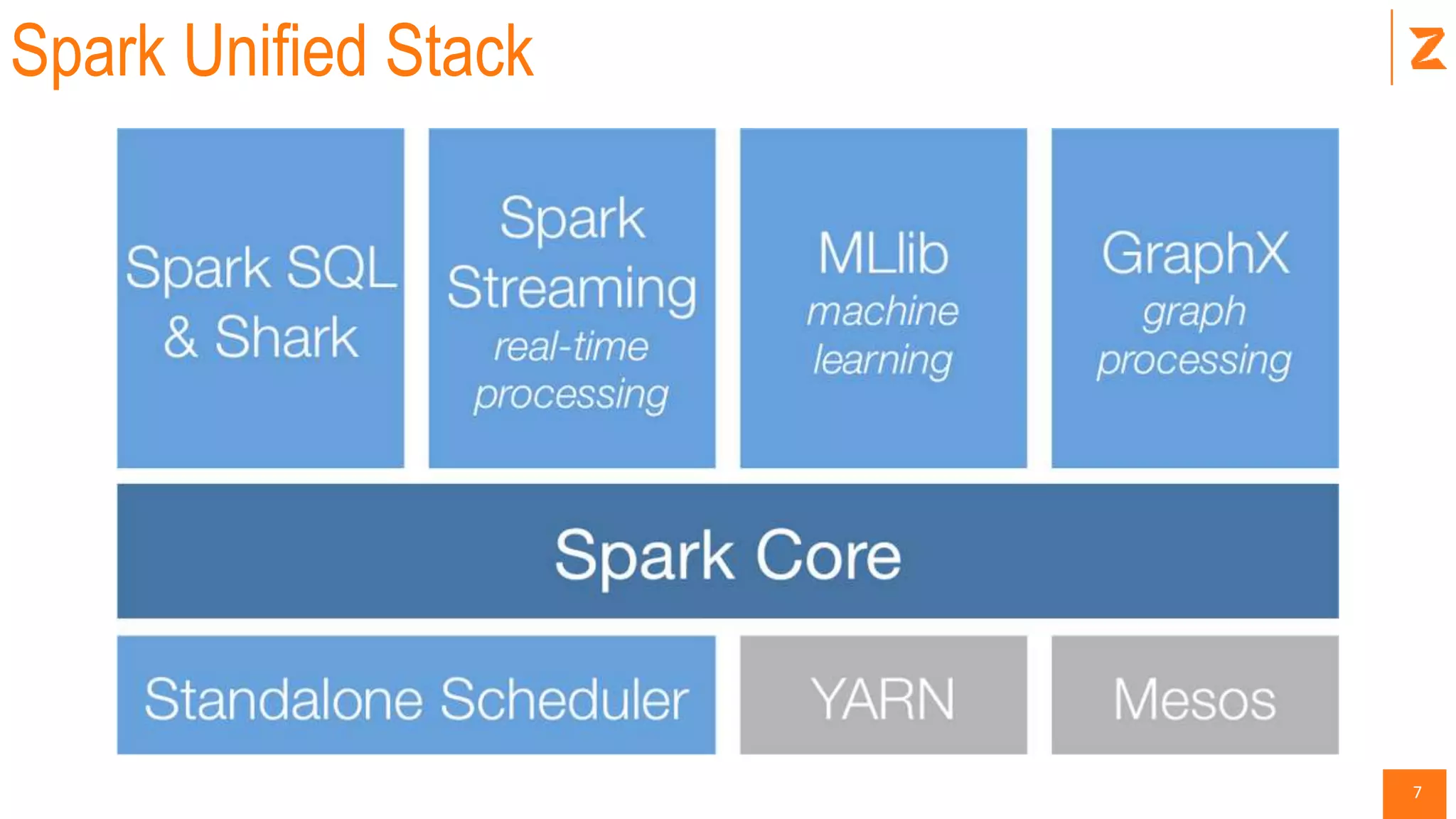
Spark Unified Stack
8
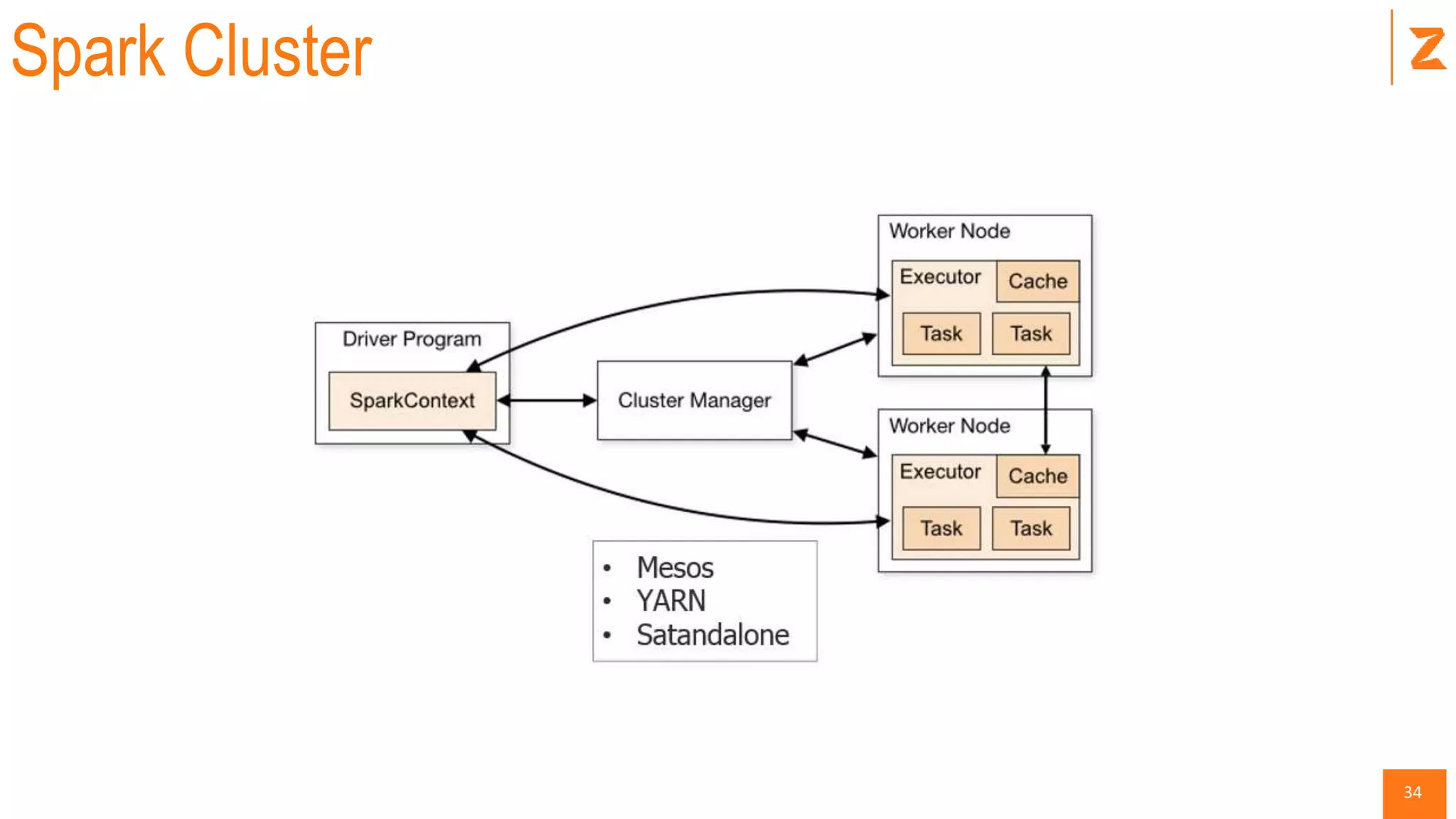
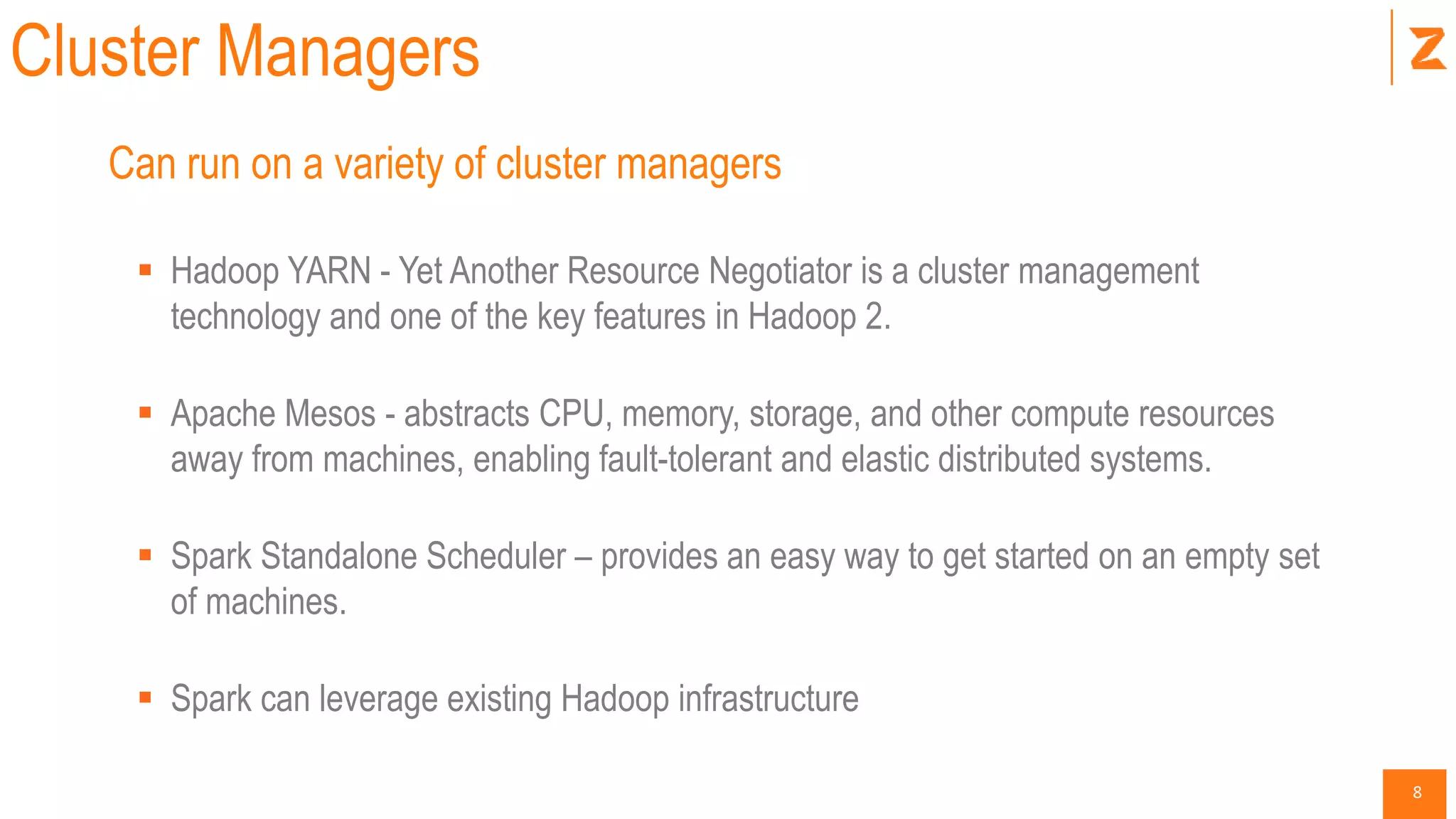
Cluster Managers
Can run on a variety of cluster managers
 Hadoop YARN - Yet Another Resource Negotiator is a cluster management
technology and one of the key features in Hadoop 2.
 Apache Mesos - abstracts CPU, memory, storage, and other compute resources
away from machines, enabling fault-tolerant and elastic distributed systems.
 Spark Standalone Scheduler – provides an easy way to get started on an empty set
of machines.
 Spark can leverage existing Hadoop infrastructure
9
Spark History
 Started in 2009 as a research project in UC Berkeley RAD lab which became AMP Lab.
 Spark researchers found that Hadoop MapReduce was inefficient for iterative and interactive computing.
 Spark was designed from the beginning to be fast for interactive, iterative with support for in-memory
storage and fault-tolerance.
 Apart from UC Berkeley, Databricks, Yahoo! and Intel are major contributors.
 Spark was open sourced in March 2010 and transformed into Apache Foundation project in June 2013.
10
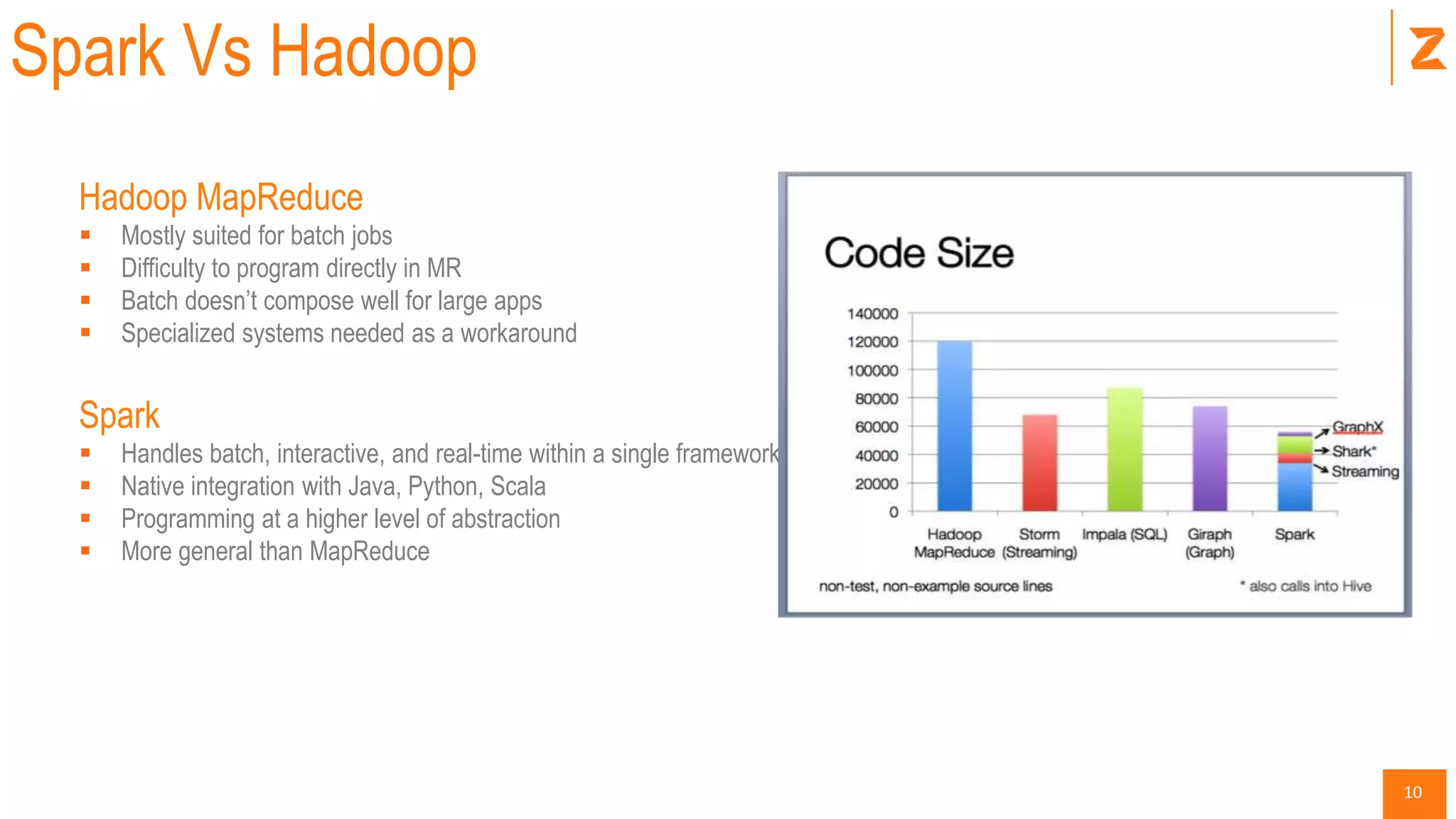
Spark Vs Hadoop
Hadoop MapReduce
 Mostly suited for batch jobs
 Difficulty to program directly in MR
 Batch doesn’t compose well for large apps
 Specialized systems needed as a workaround
Spark
 Handles batch, interactive, and real-time within a single framework
 Native integration with Java, Python, Scala
 Programming at a higher level of abstraction
 More general than MapReduce
11
Getting Started
 Multiple ways of using Spark
 Certified Spark Distributions
 Datastax Enterprise (Cassandra + Spark)
 HortonWorks HDP
 MAPR
 Local/Standalone
 Databricks Cloud
 Amazon AWS EC2
12
Databricks Cloud
 A hosted data platform powered by Apache Spark
 Features
 Exploration and Visualization
 Managed Spark Clusters
 Production Pipelines
 Support for 3rd party apps (Tableau, Pentaho, Qlik View)
 Databricks Cloud Trail
 http://databricks.com/registration
13
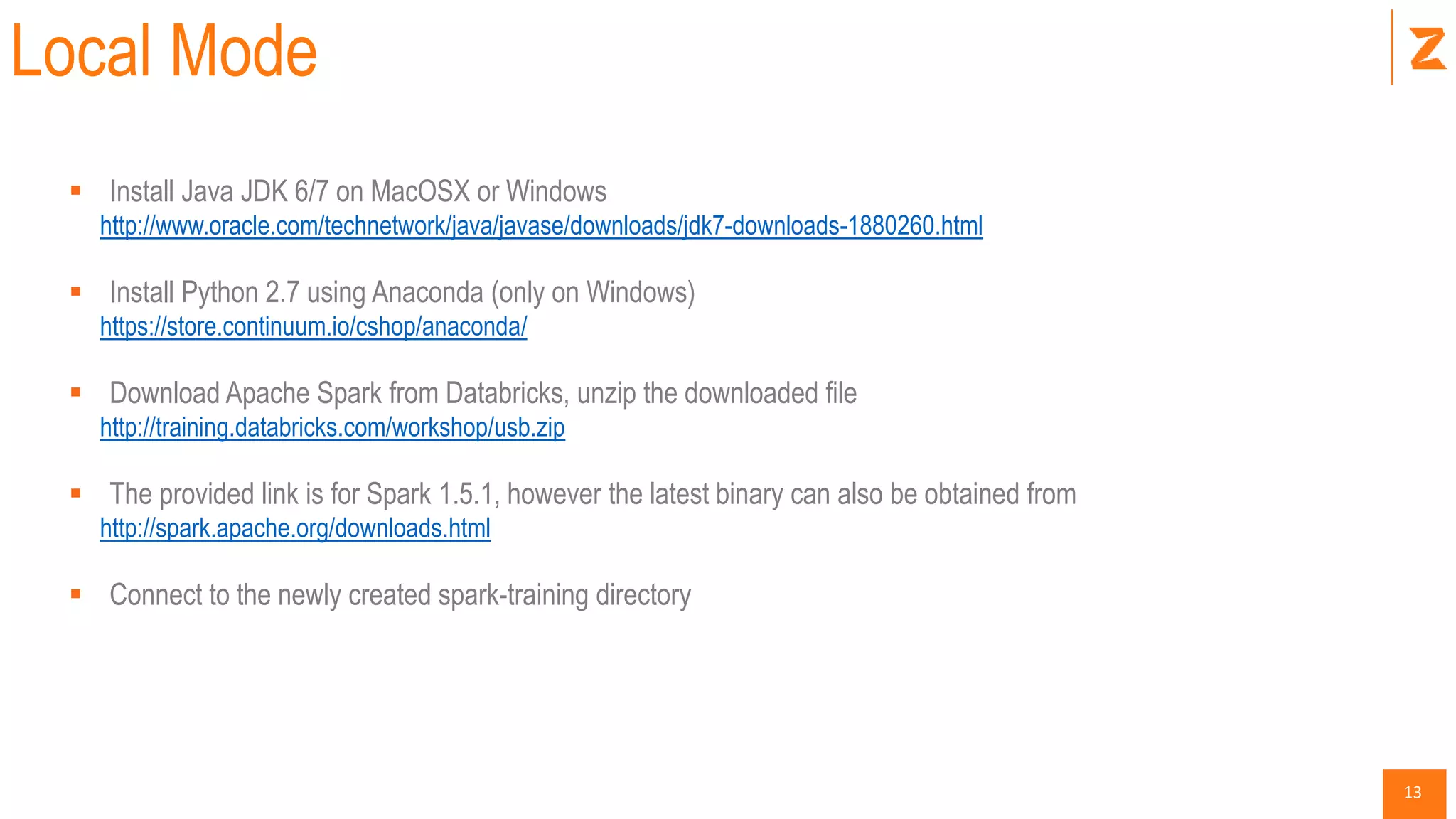
Local Mode
 Install Java JDK 6/7 on MacOSX or Windows
http://www.oracle.com/technetwork/java/javase/downloads/jdk7-downloads-1880260.html
 Install Python 2.7 using Anaconda (only on Windows)
https://store.continuum.io/cshop/anaconda/
 Download Apache Spark from Databricks, unzip the downloaded file
http://training.databricks.com/workshop/usb.zip
 The provided link is for Spark 1.5.1, however the latest binary can also be obtained from
http://spark.apache.org/downloads.html
 Connect to the newly created spark-training directory
14
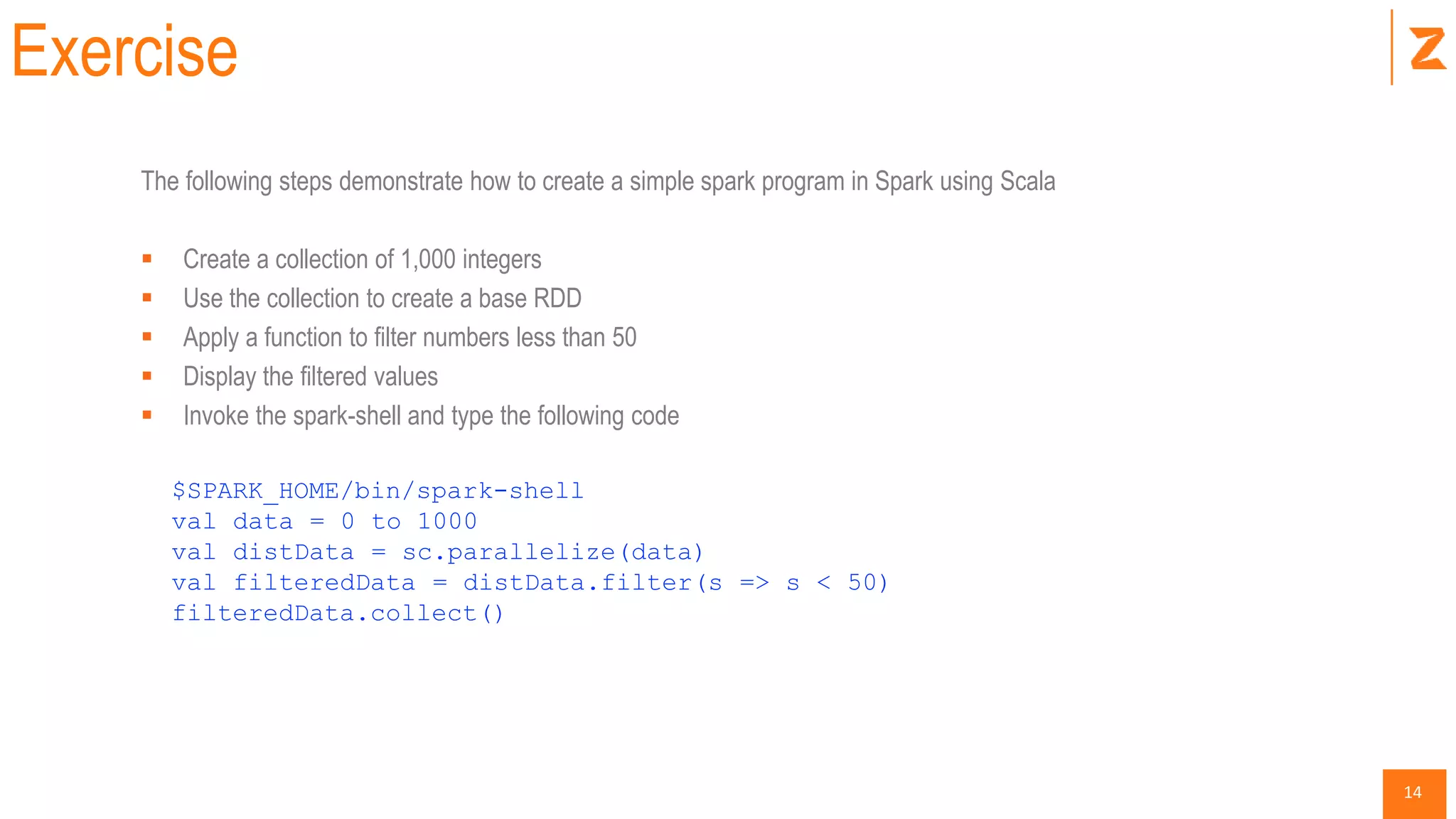
Exercise
The following steps demonstrate how to create a simple spark program in Spark using Scala
 Create a collection of 1,000 integers
 Use the collection to create a base RDD
 Apply a function to filter numbers less than 50
 Display the filtered values
 Invoke the spark-shell and type the following code
$SPARK_HOME/bin/spark-shell
val data = 0 to 1000
val distData = sc.parallelize(data)
val filteredData = distData.filter(s => s < 50)
filteredData.collect()
15
Functional Programming + Scala
16
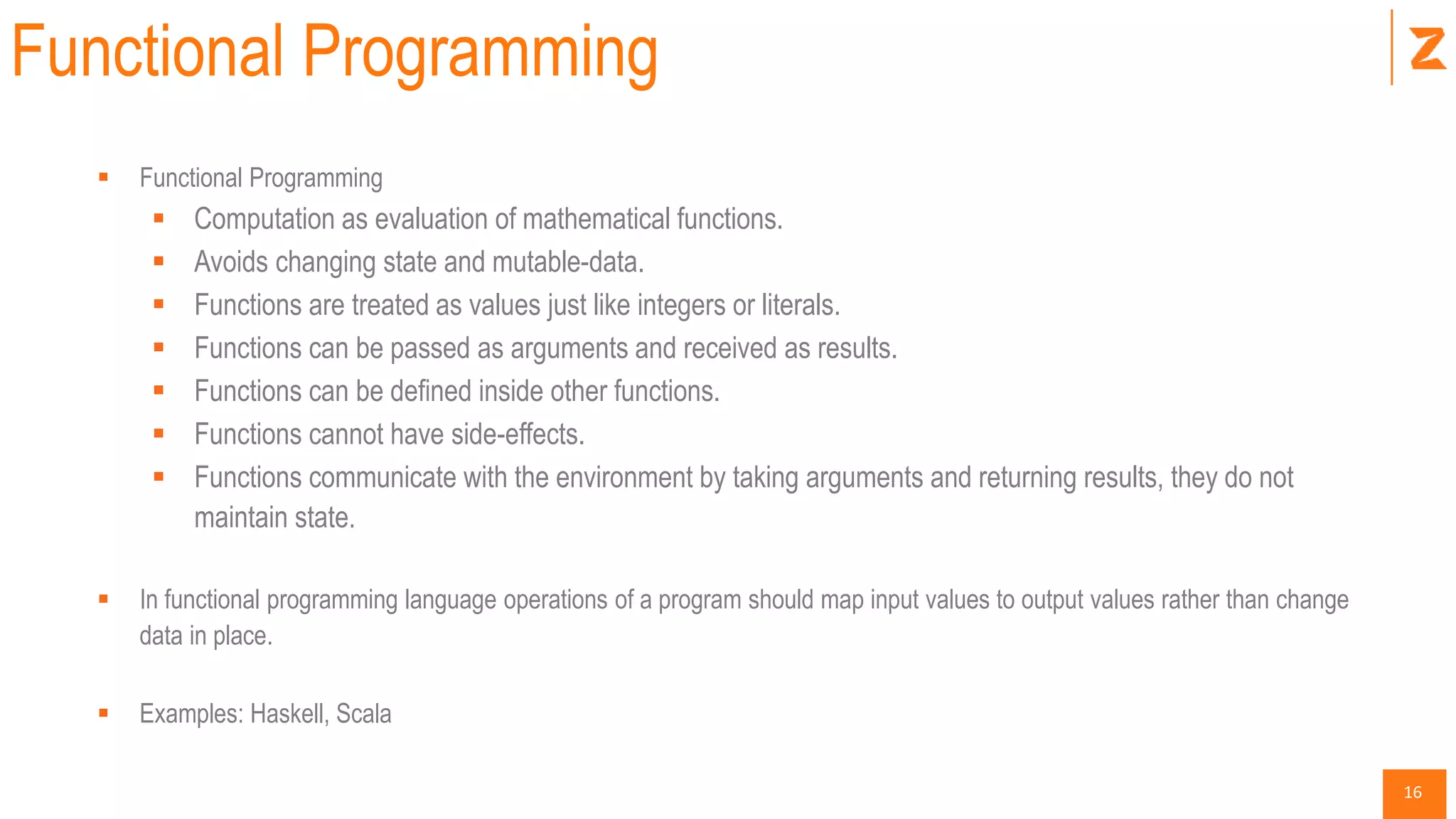
Functional Programming
 Functional Programming
 Computation as evaluation of mathematical functions.
 Avoids changing state and mutable-data.
 Functions are treated as values just like integers or literals.
 Functions can be passed as arguments and received as results.
 Functions can be defined inside other functions.
 Functions cannot have side-effects.
 Functions communicate with the environment by taking arguments and returning results, they do not
maintain state.
 In functional programming language operations of a program should map input values to output values rather than change
data in place.
 Examples: Haskell, Scala
17
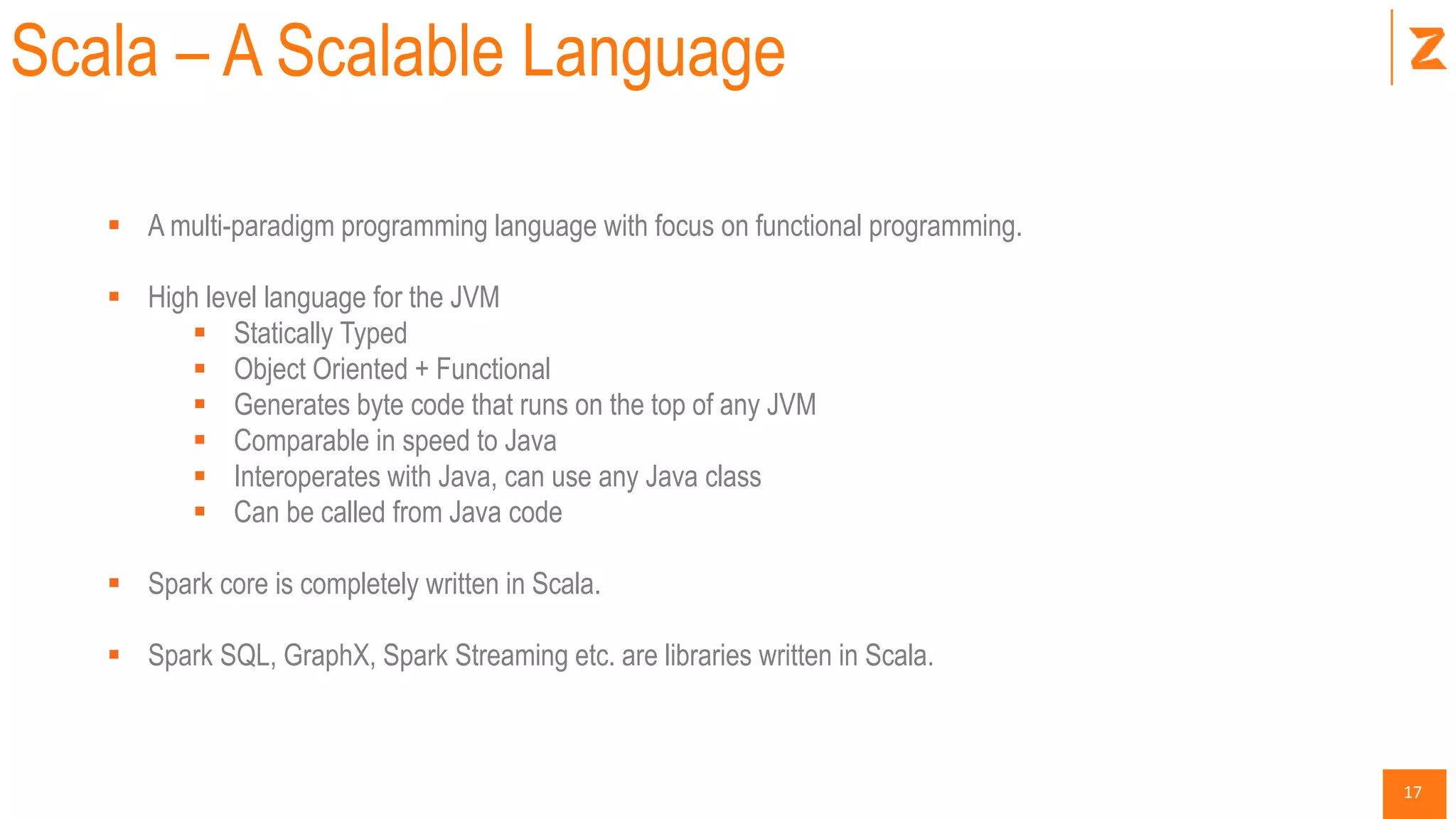
Scala – A Scalable Language
 A multi-paradigm programming language with focus on functional programming.
 High level language for the JVM
 Statically Typed
 Object Oriented + Functional
 Generates byte code that runs on the top of any JVM
 Comparable in speed to Java
 Interoperates with Java, can use any Java class
 Can be called from Java code
 Spark core is completely written in Scala.
 Spark SQL, GraphX, Spark Streaming etc. are libraries written in Scala.
18
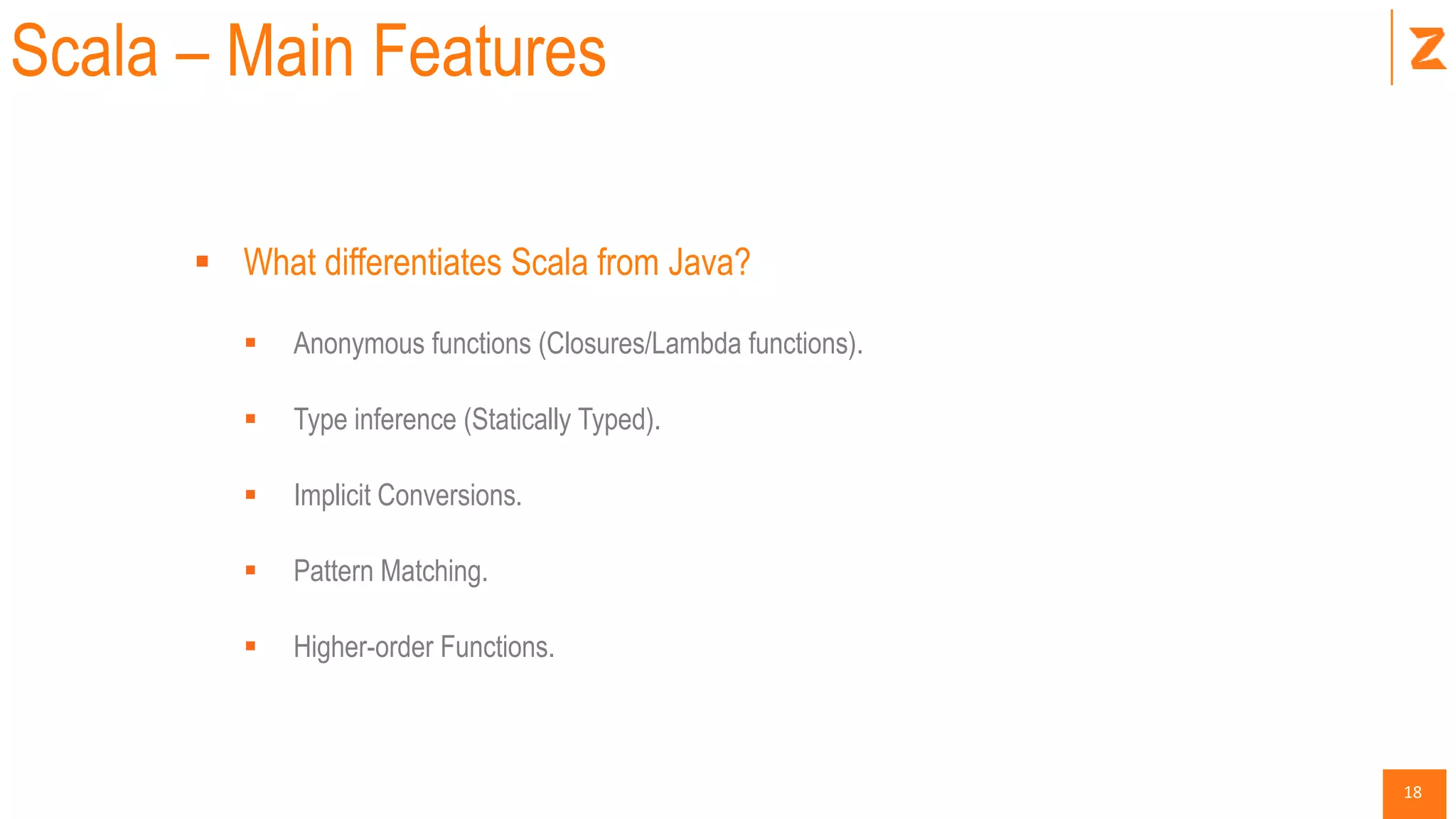
Scala – Main Features
 What differentiates Scala from Java?
 Anonymous functions (Closures/Lambda functions).
 Type inference (Statically Typed).
 Implicit Conversions.
 Pattern Matching.
 Higher-order Functions.
19
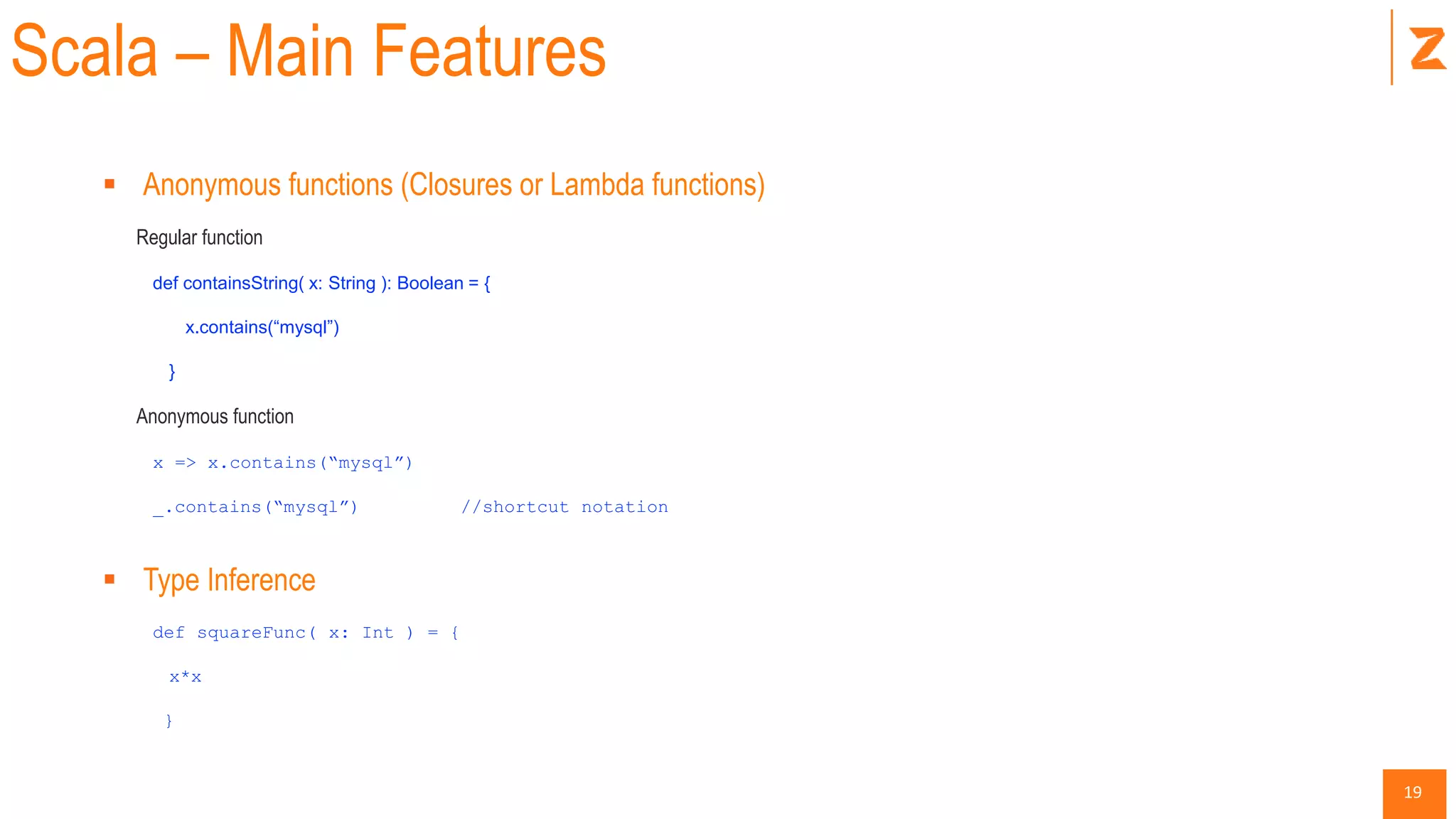
Scala – Main Features
 Anonymous functions (Closures or Lambda functions)
Regular function
def containsString( x: String ): Boolean = {
x.contains(“mysql”)
}
Anonymous function
x => x.contains(“mysql”)
_.contains(“mysql”) //shortcut notation
 Type Inference
def squareFunc( x: Int ) = {
x*x
}
20
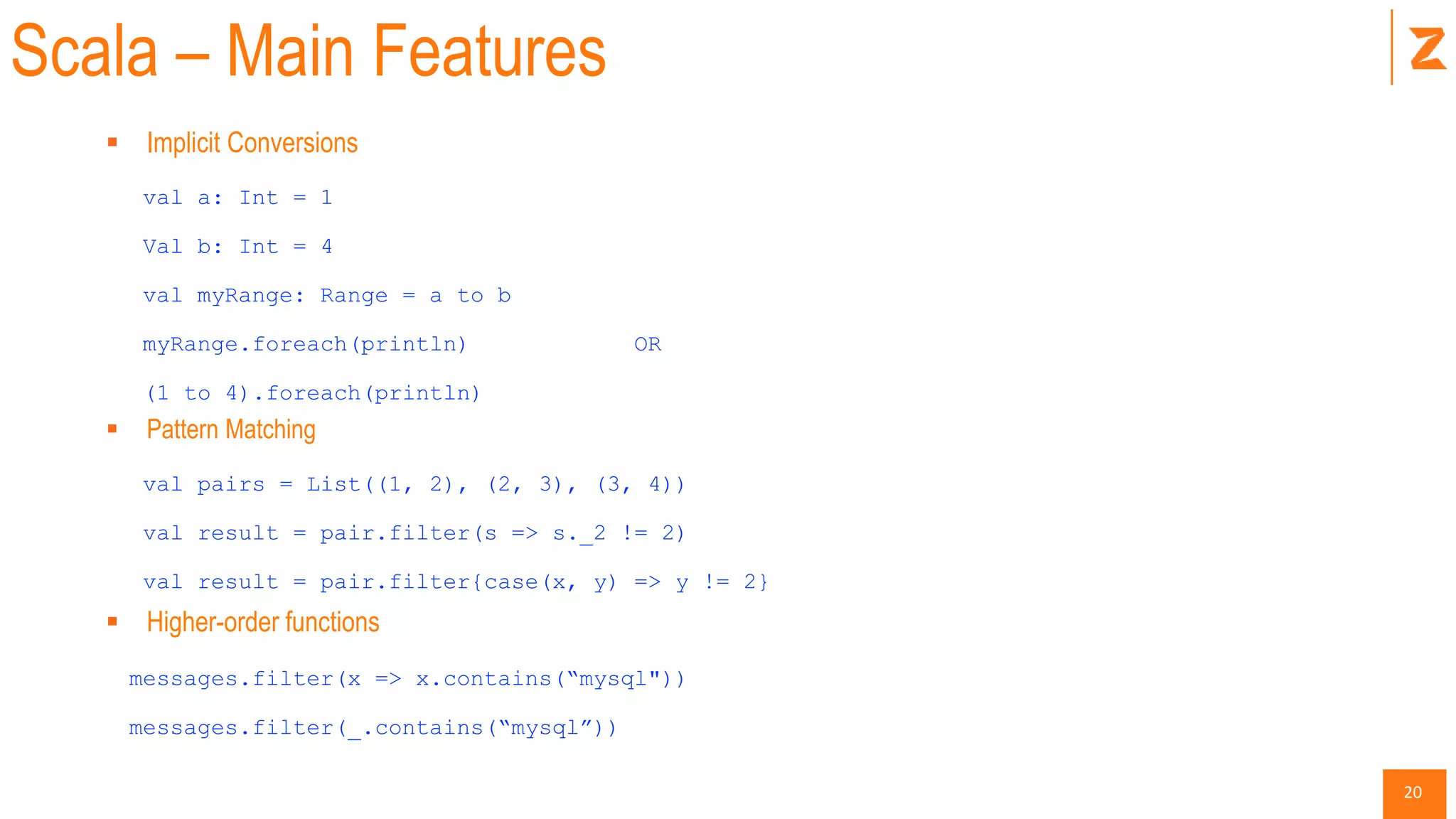
Scala – Main Features
 Implicit Conversions
val a: Int = 1
Val b: Int = 4
val myRange: Range = a to b
myRange.foreach(println) OR
(1 to 4).foreach(println)
 Pattern Matching
val pairs = List((1, 2), (2, 3), (3, 4))
val result = pair.filter(s => s._2 != 2)
val result = pair.filter{case(x, y) => y != 2}
 Higher-order functions
messages.filter(x => x.contains(“mysql"))
messages.filter(_.contains(“mysql”))
21
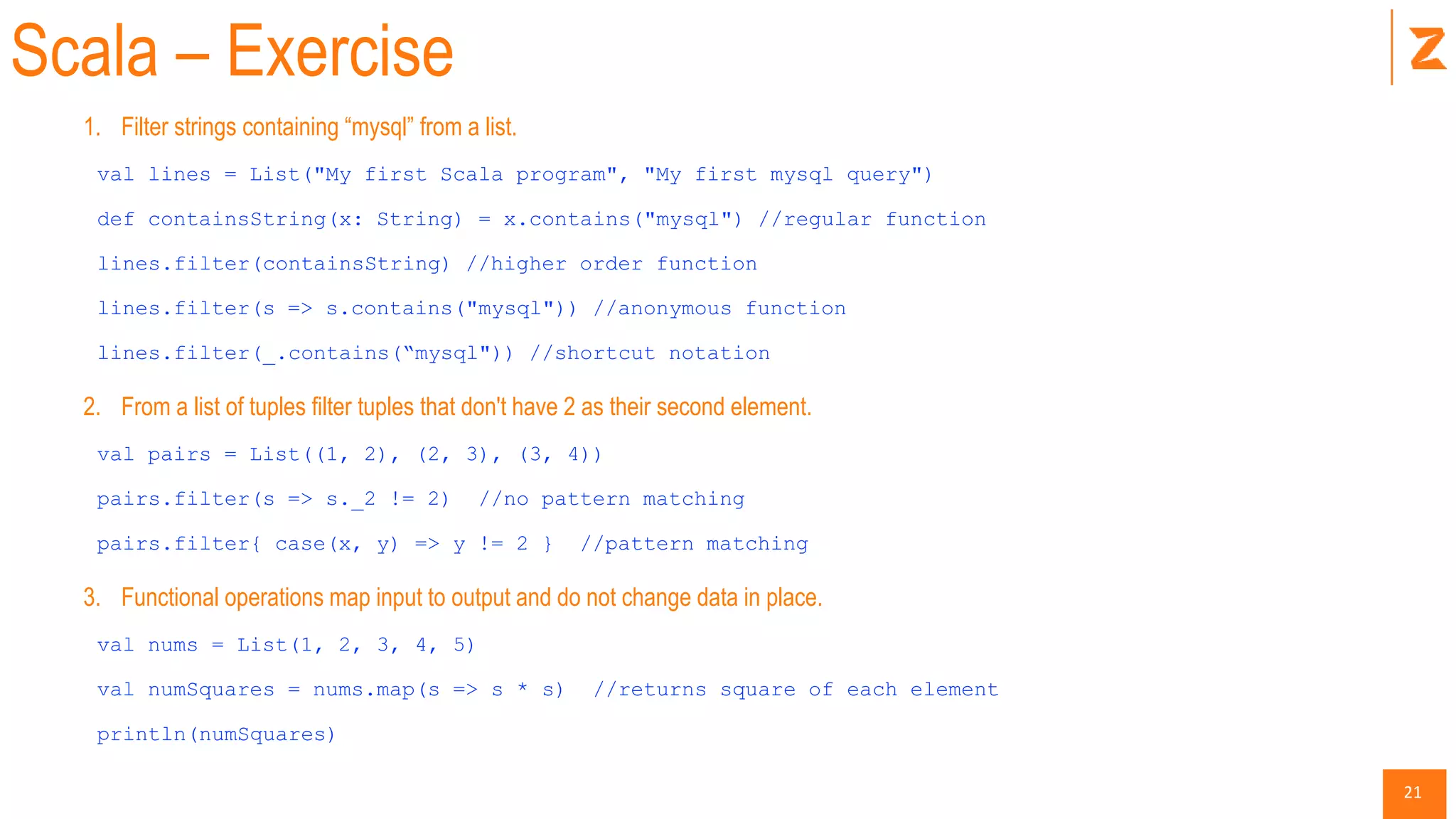
Scala – Exercise
1. Filter strings containing “mysql” from a list.
val lines = List("My first Scala program", "My first mysql query")
def containsString(x: String) = x.contains("mysql") //regular function
lines.filter(containsString) //higher order function
lines.filter(s => s.contains("mysql")) //anonymous function
lines.filter(_.contains(“mysql")) //shortcut notation
2. From a list of tuples filter tuples that don't have 2 as their second element.
val pairs = List((1, 2), (2, 3), (3, 4))
pairs.filter(s => s._2 != 2) //no pattern matching
pairs.filter{ case(x, y) => y != 2 } //pattern matching
3. Functional operations map input to output and do not change data in place.
val nums = List(1, 2, 3, 4, 5)
val numSquares = nums.map(s => s * s) //returns square of each element
println(numSquares)
22
Spark Core
23
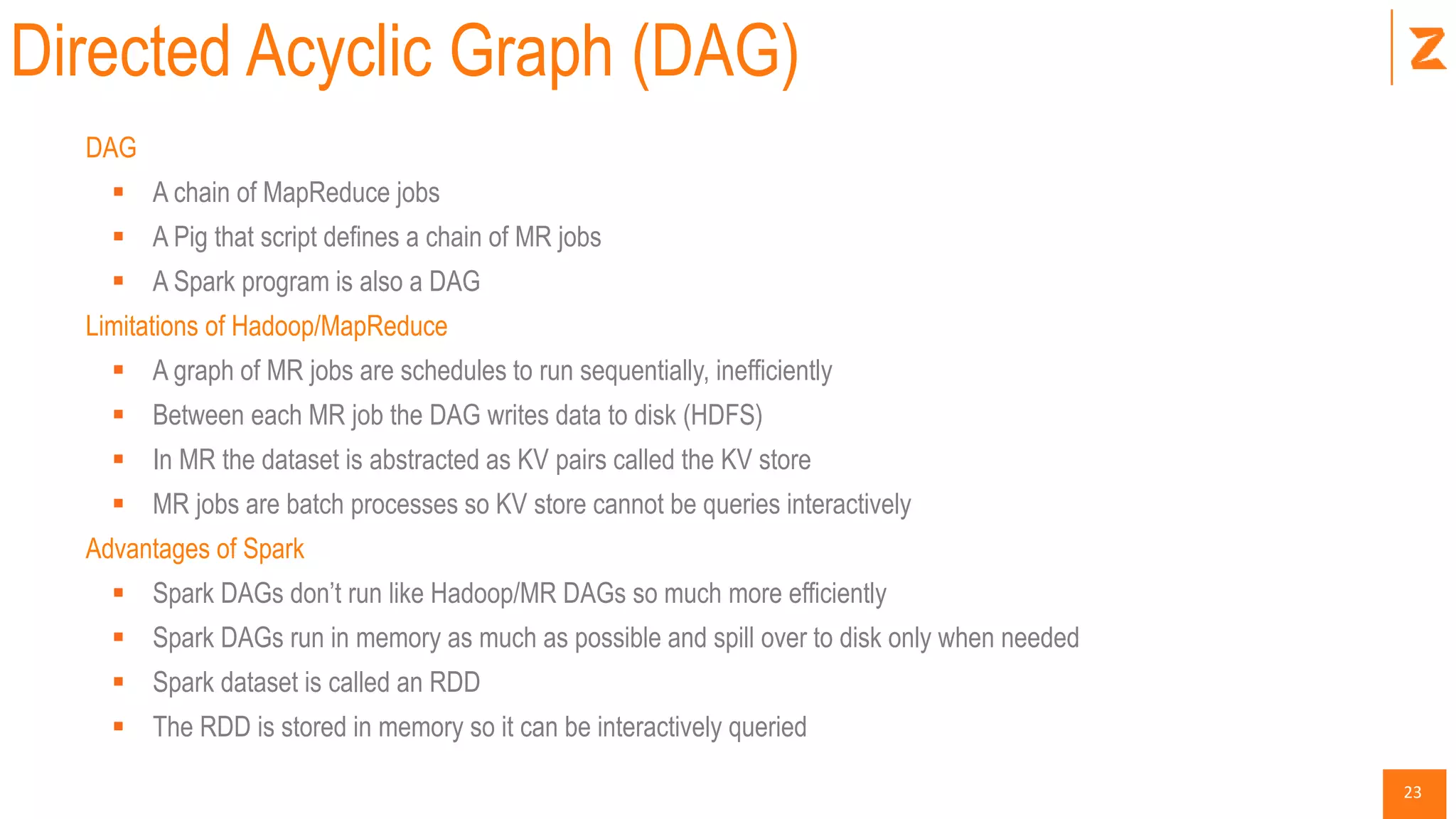
Directed Acyclic Graph (DAG)
DAG
 A chain of MapReduce jobs
 A Pig that script defines a chain of MR jobs
 A Spark program is also a DAG
Limitations of Hadoop/MapReduce
 A graph of MR jobs are schedules to run sequentially, inefficiently
 Between each MR job the DAG writes data to disk (HDFS)
 In MR the dataset is abstracted as KV pairs called the KV store
 MR jobs are batch processes so KV store cannot be queries interactively
Advantages of Spark
 Spark DAGs don’t run like Hadoop/MR DAGs so much more efficiently
 Spark DAGs run in memory as much as possible and spill over to disk only when needed
 Spark dataset is called an RDD
 The RDD is stored in memory so it can be interactively queried
24
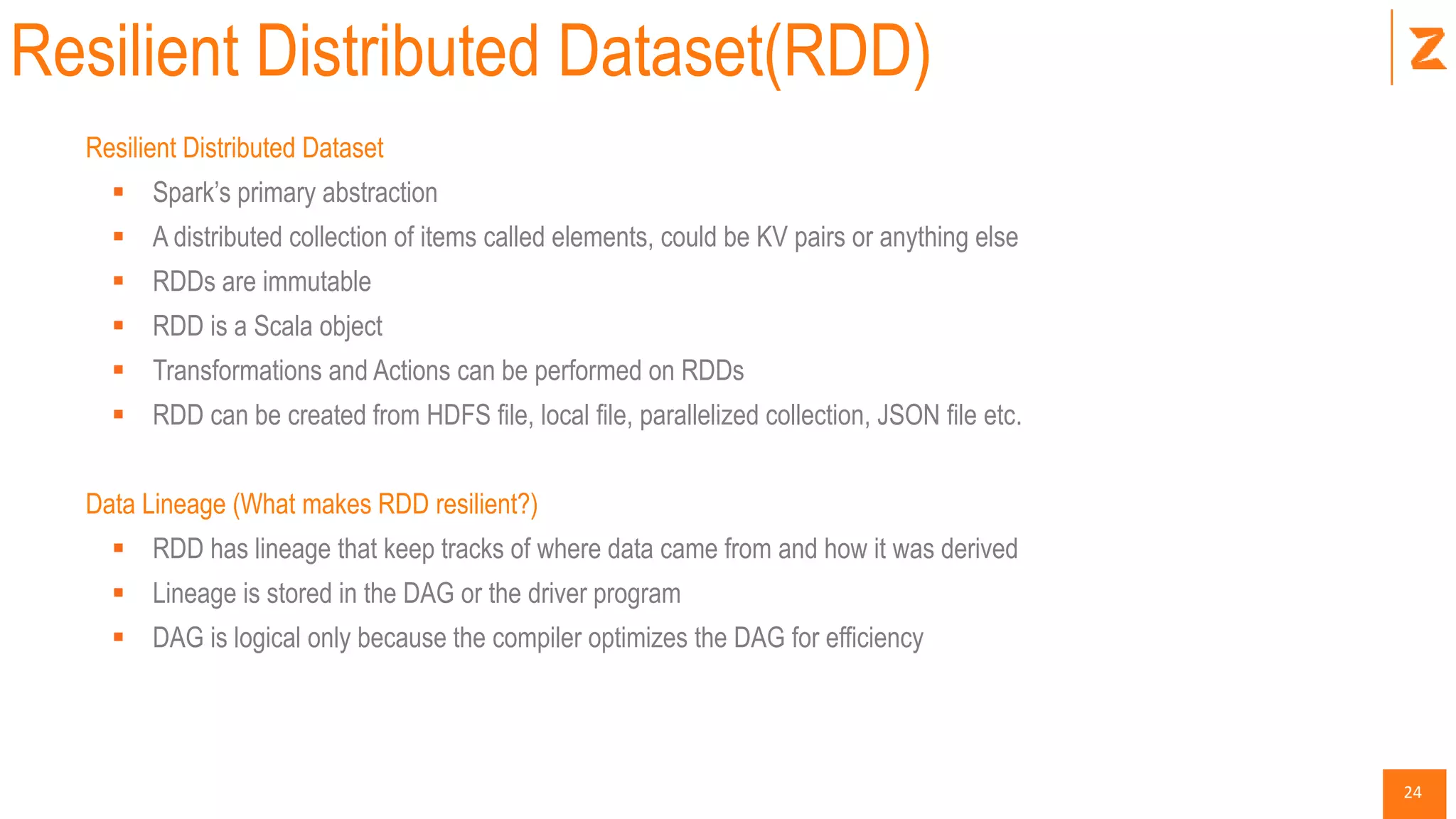
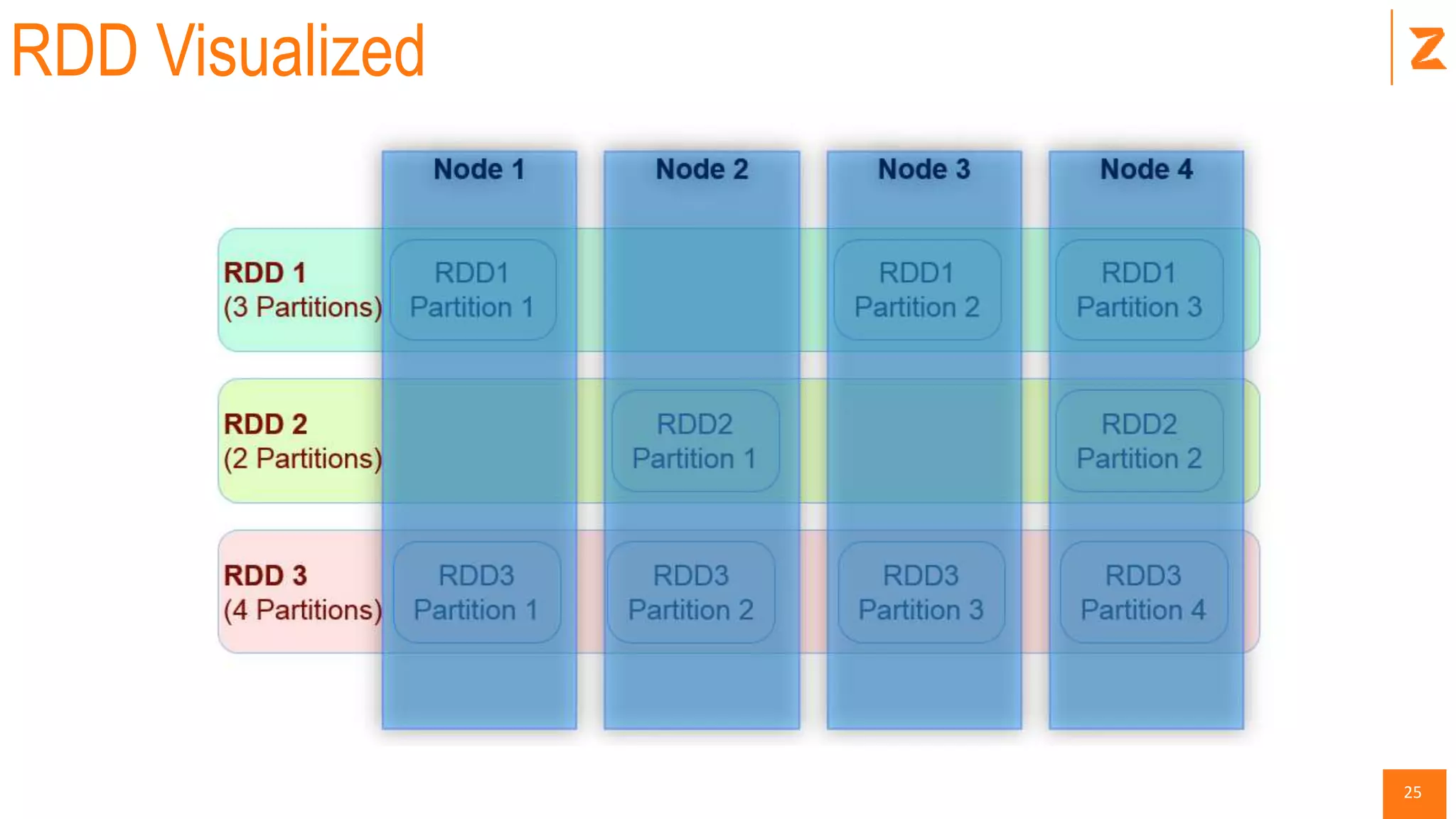
Resilient Distributed Dataset(RDD)
Resilient Distributed Dataset
 Spark’s primary abstraction
 A distributed collection of items called elements, could be KV pairs or anything else
 RDDs are immutable
 RDD is a Scala object
 Transformations and Actions can be performed on RDDs
 RDD can be created from HDFS file, local file, parallelized collection, JSON file etc.
Data Lineage (What makes RDD resilient?)
 RDD has lineage that keep tracks of where data came from and how it was derived
 Lineage is stored in the DAG or the driver program
 DAG is logical only because the compiler optimizes the DAG for efficiency
25
RDD Visualized
26
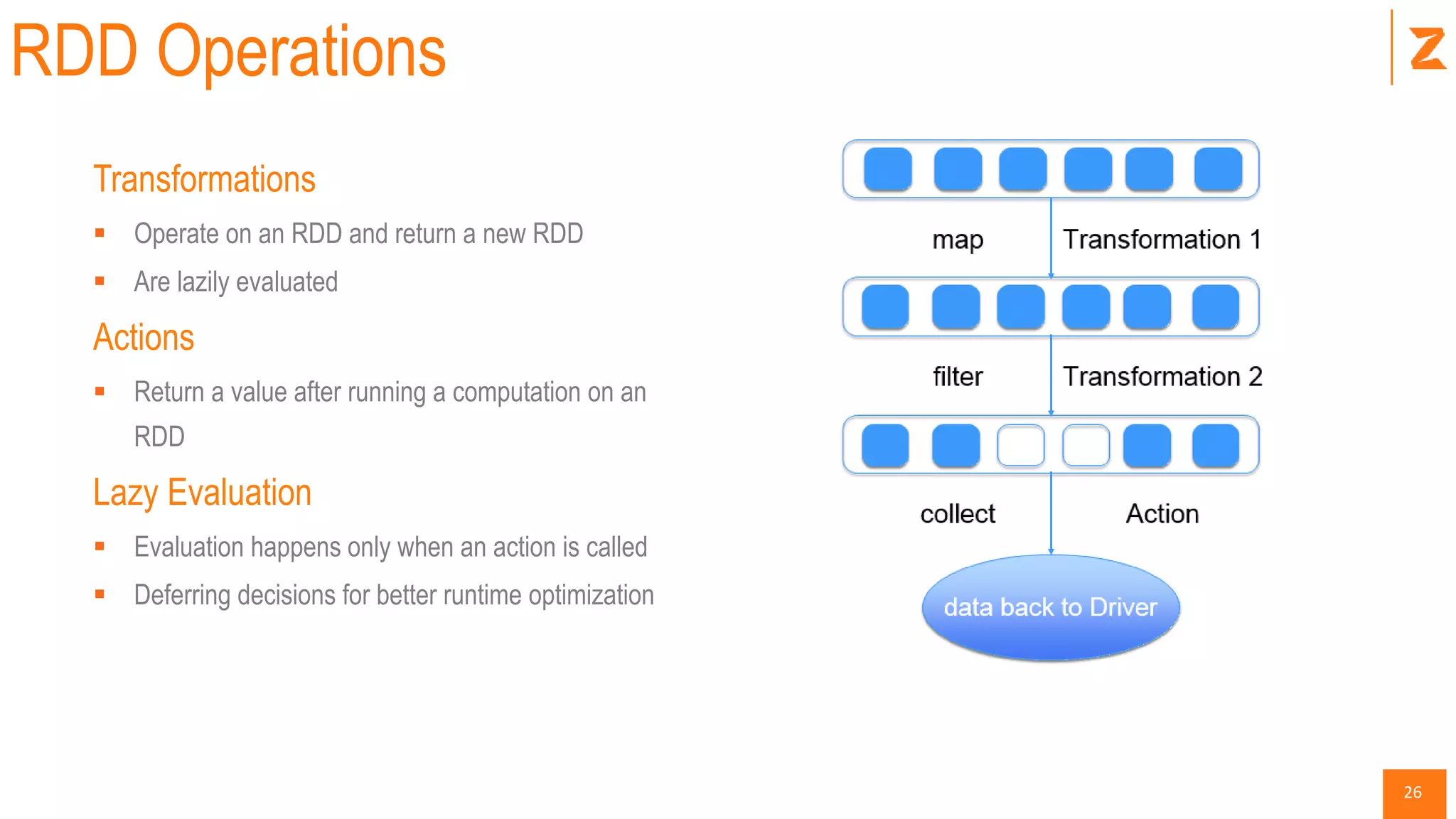
RDD Operations
Transformations
 Operate on an RDD and return a new RDD
 Are lazily evaluated
Actions
 Return a value after running a computation on an
RDD
Lazy Evaluation
 Evaluation happens only when an action is called
 Deferring decisions for better runtime optimization
27
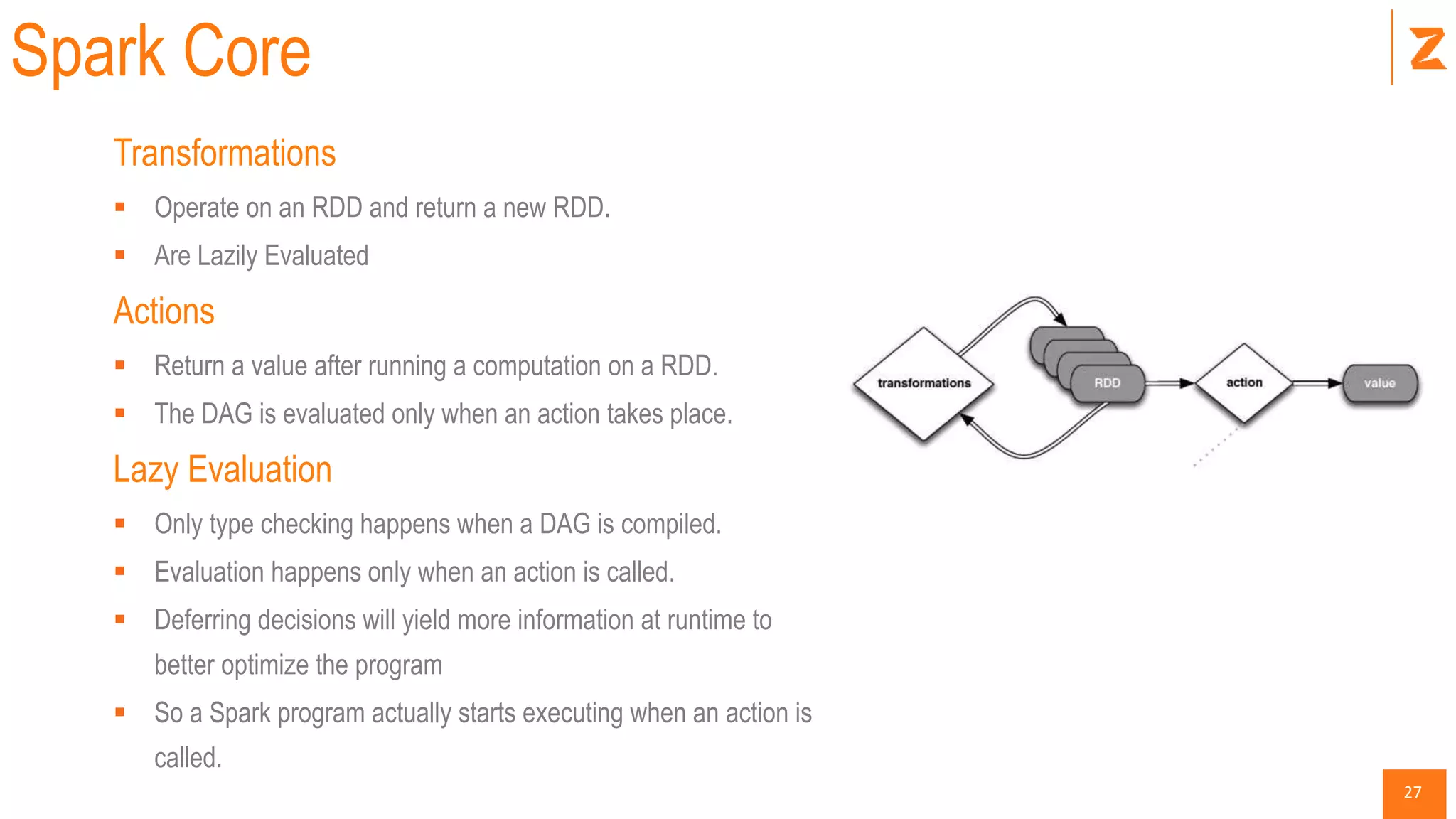
Spark Core
Transformations
 Operate on an RDD and return a new RDD.
 Are Lazily Evaluated
Actions
 Return a value after running a computation on a RDD.
 The DAG is evaluated only when an action takes place.
Lazy Evaluation
 Only type checking happens when a DAG is compiled.
 Evaluation happens only when an action is called.
 Deferring decisions will yield more information at runtime to
better optimize the program
 So a Spark program actually starts executing when an action is
called.
28
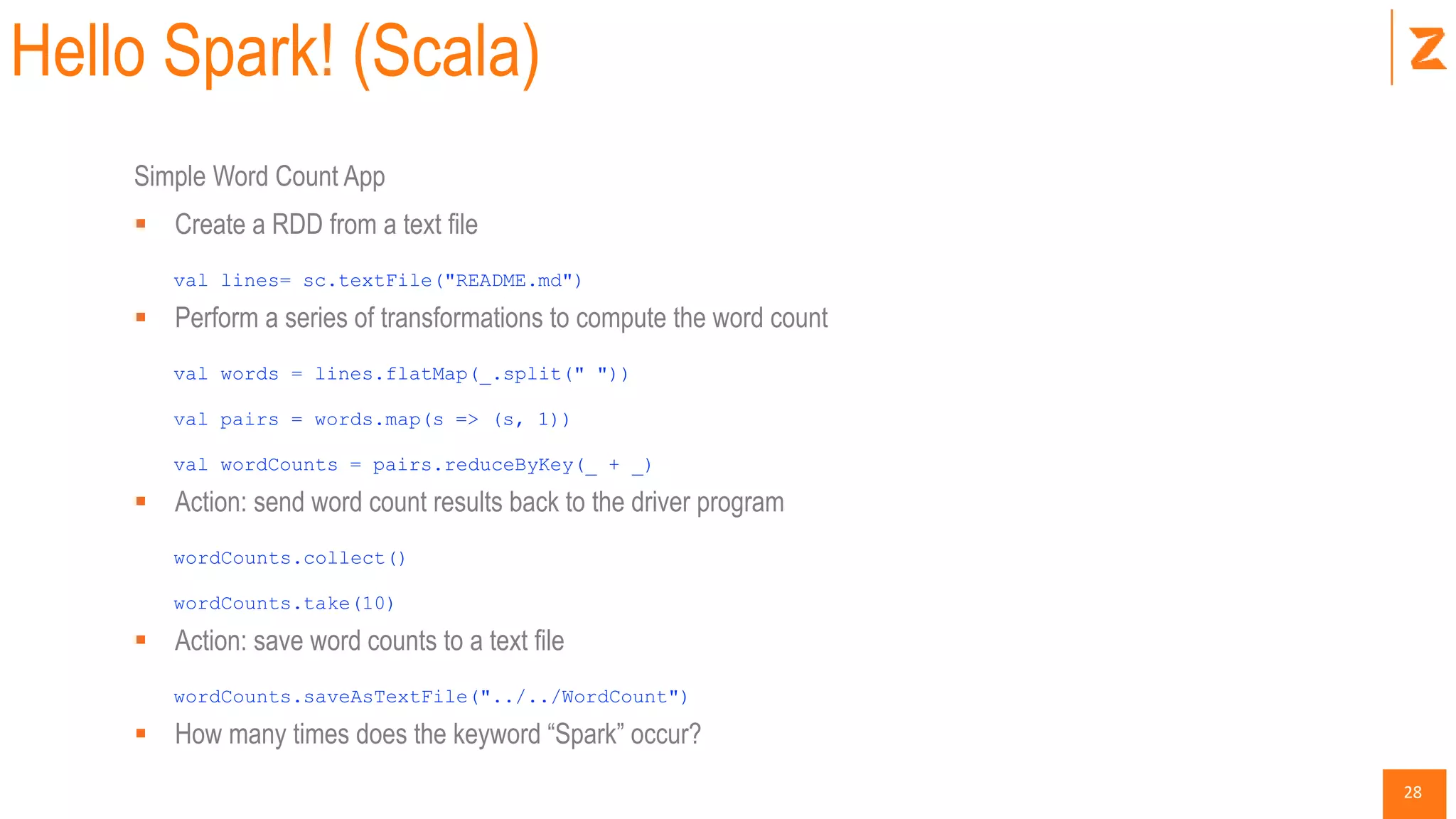
Hello Spark! (Scala)
Simple Word Count App
 Create a RDD from a text file
val lines= sc.textFile("README.md")
 Perform a series of transformations to compute the word count
val words = lines.flatMap(_.split(" "))
val pairs = words.map(s => (s, 1))
val wordCounts = pairs.reduceByKey(_ + _)
 Action: send word count results back to the driver program
wordCounts.collect()
wordCounts.take(10)
 Action: save word counts to a text file
wordCounts.saveAsTextFile("../../WordCount")
 How many times does the keyword “Spark” occur?
29
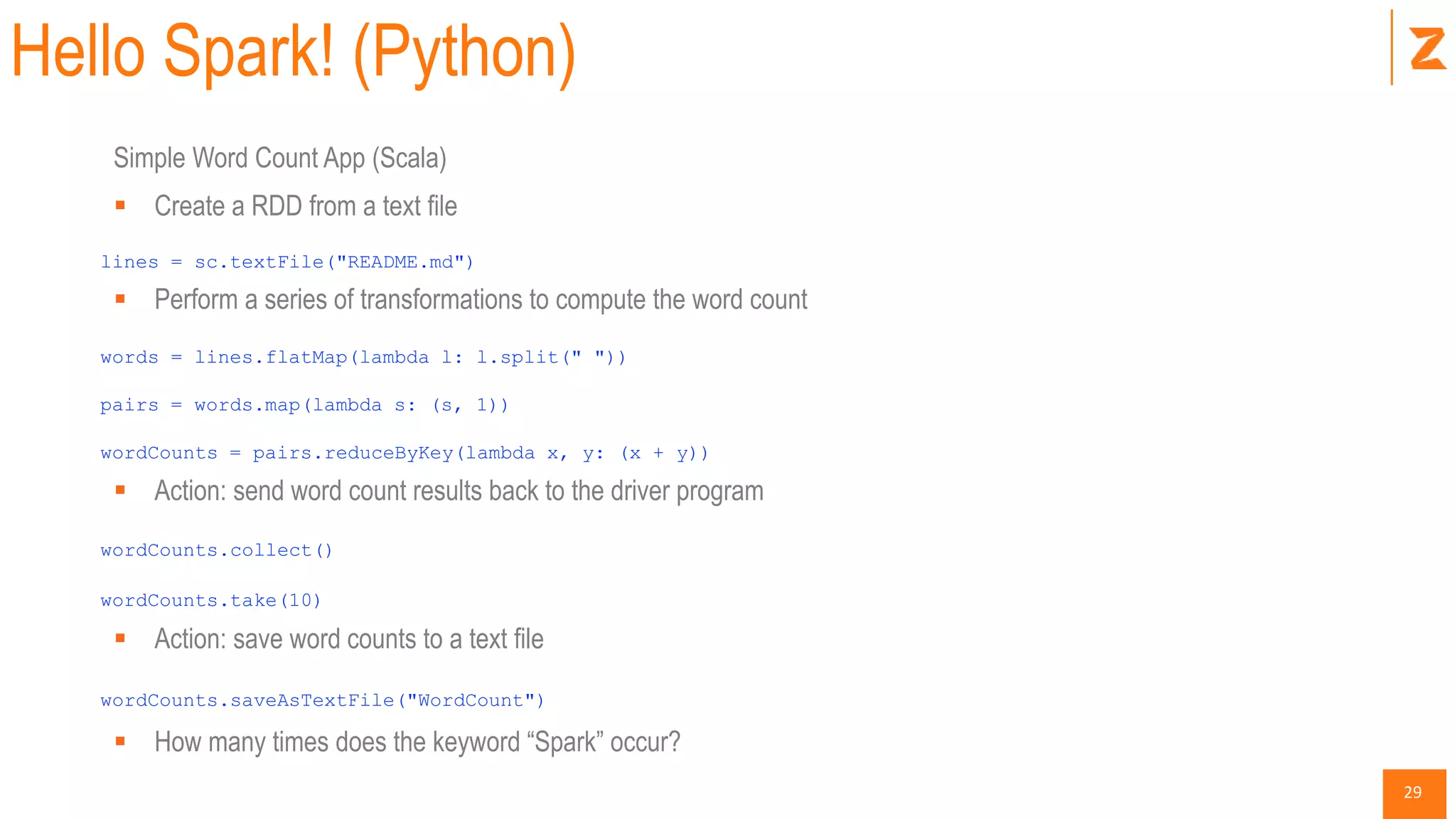
Hello Spark! (Python)
Simple Word Count App (Scala)
 Create a RDD from a text file
lines = sc.textFile("README.md")
 Perform a series of transformations to compute the word count
words = lines.flatMap(lambda l: l.split(" "))
pairs = words.map(lambda s: (s, 1))
wordCounts = pairs.reduceByKey(lambda x, y: (x + y))
 Action: send word count results back to the driver program
wordCounts.collect()
wordCounts.take(10)
 Action: save word counts to a text file
wordCounts.saveAsTextFile("WordCount")
 How many times does the keyword “Spark” occur?
30
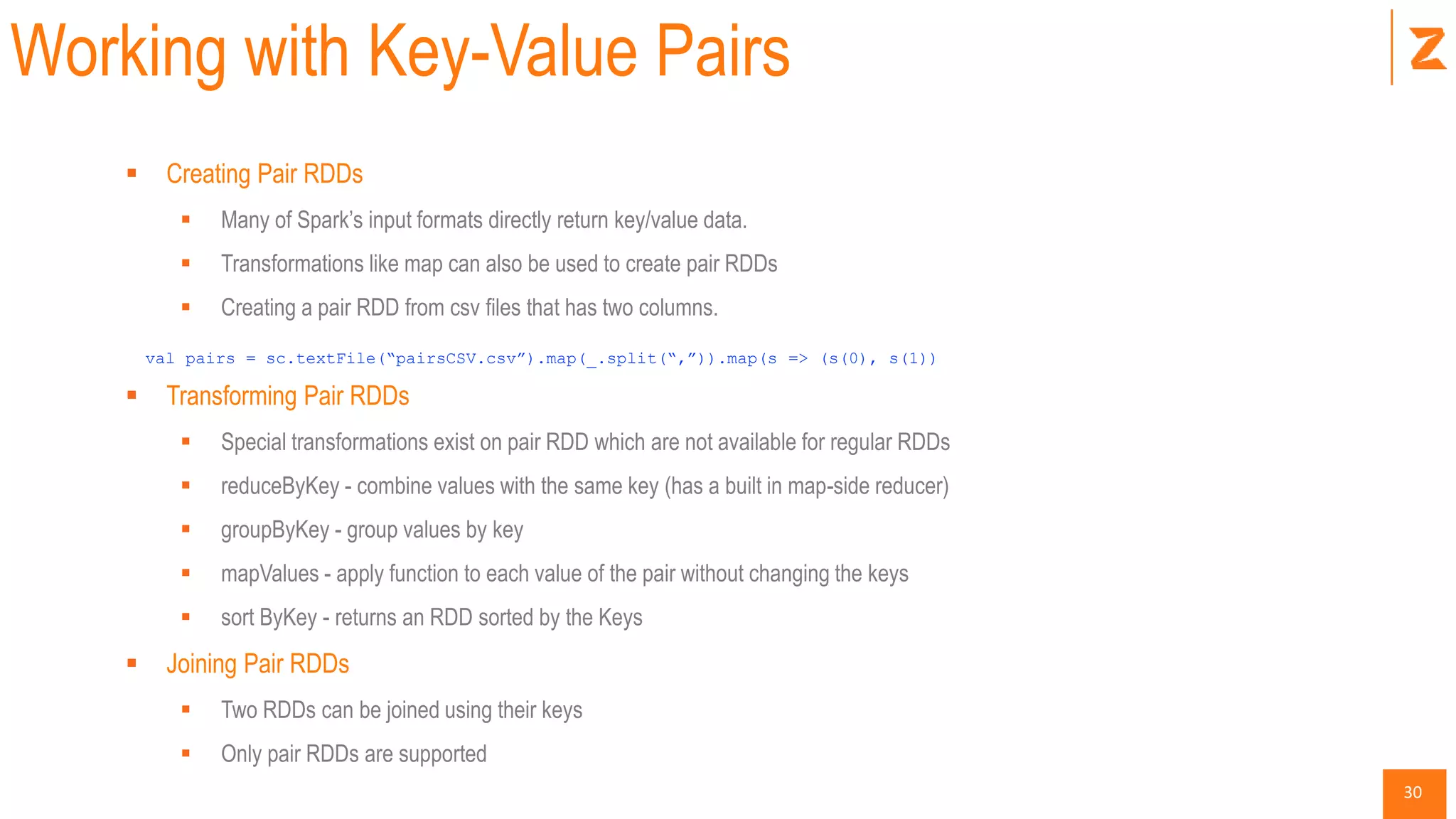
Working with Key-Value Pairs
 Creating Pair RDDs
 Many of Spark’s input formats directly return key/value data.
 Transformations like map can also be used to create pair RDDs
 Creating a pair RDD from csv files that has two columns.
val pairs = sc.textFile(“pairsCSV.csv”).map(_.split(“,”)).map(s => (s(0), s(1))
 Transforming Pair RDDs
 Special transformations exist on pair RDD which are not available for regular RDDs
 reduceByKey - combine values with the same key (has a built in map-side reducer)
 groupByKey - group values by key
 mapValues - apply function to each value of the pair without changing the keys
 sort ByKey - returns an RDD sorted by the Keys
 Joining Pair RDDs
 Two RDDs can be joined using their keys
 Only pair RDDs are supported
31
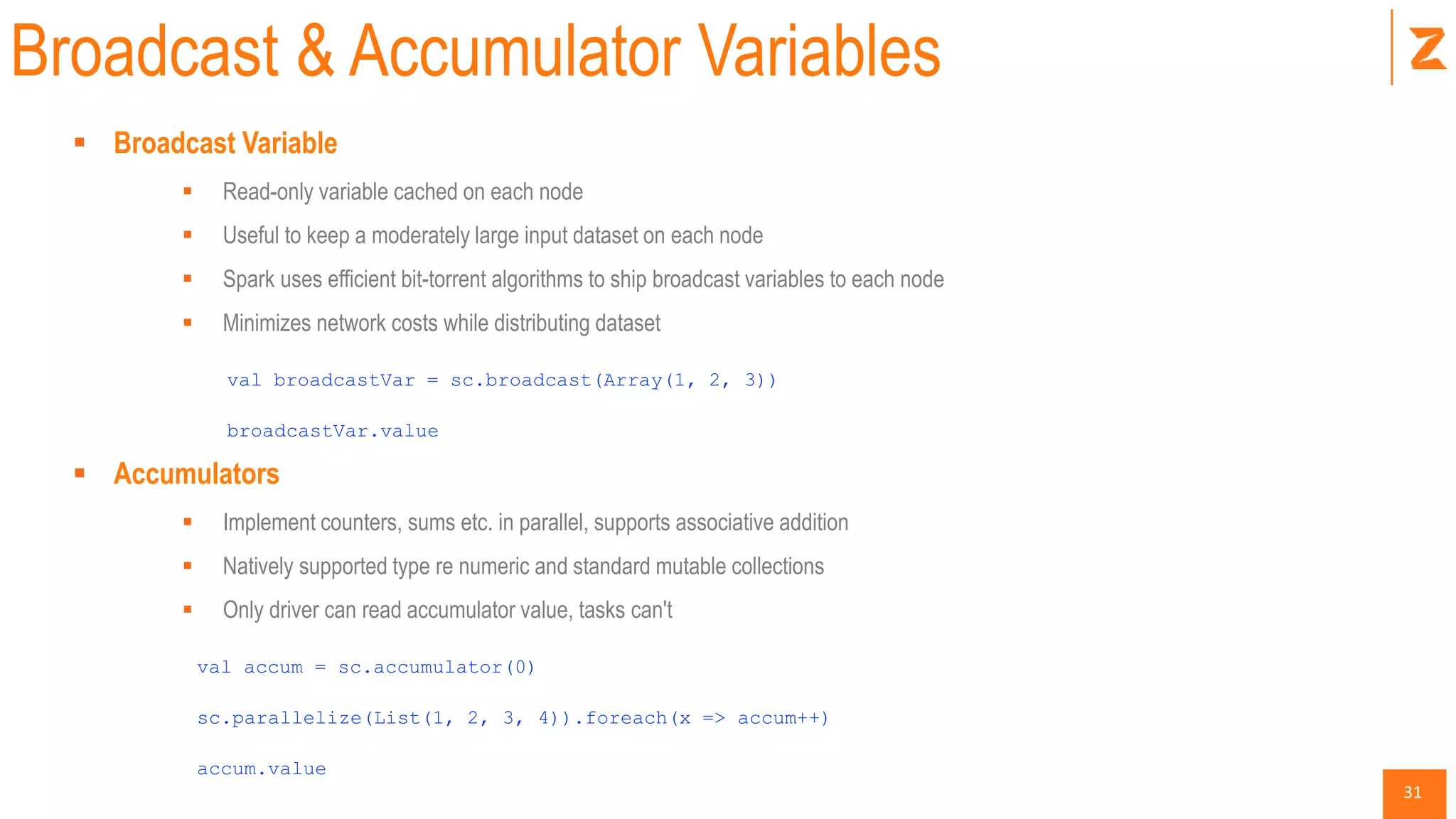
Broadcast & Accumulator Variables
 Broadcast Variable
 Read-only variable cached on each node
 Useful to keep a moderately large input dataset on each node
 Spark uses efficient bit-torrent algorithms to ship broadcast variables to each node
 Minimizes network costs while distributing dataset
val broadcastVar = sc.broadcast(Array(1, 2, 3))
broadcastVar.value
 Accumulators
 Implement counters, sums etc. in parallel, supports associative addition
 Natively supported type re numeric and standard mutable collections
 Only driver can read accumulator value, tasks can't
val accum = sc.accumulator(0)
sc.parallelize(List(1, 2, 3, 4)).foreach(x => accum++)
accum.value
32
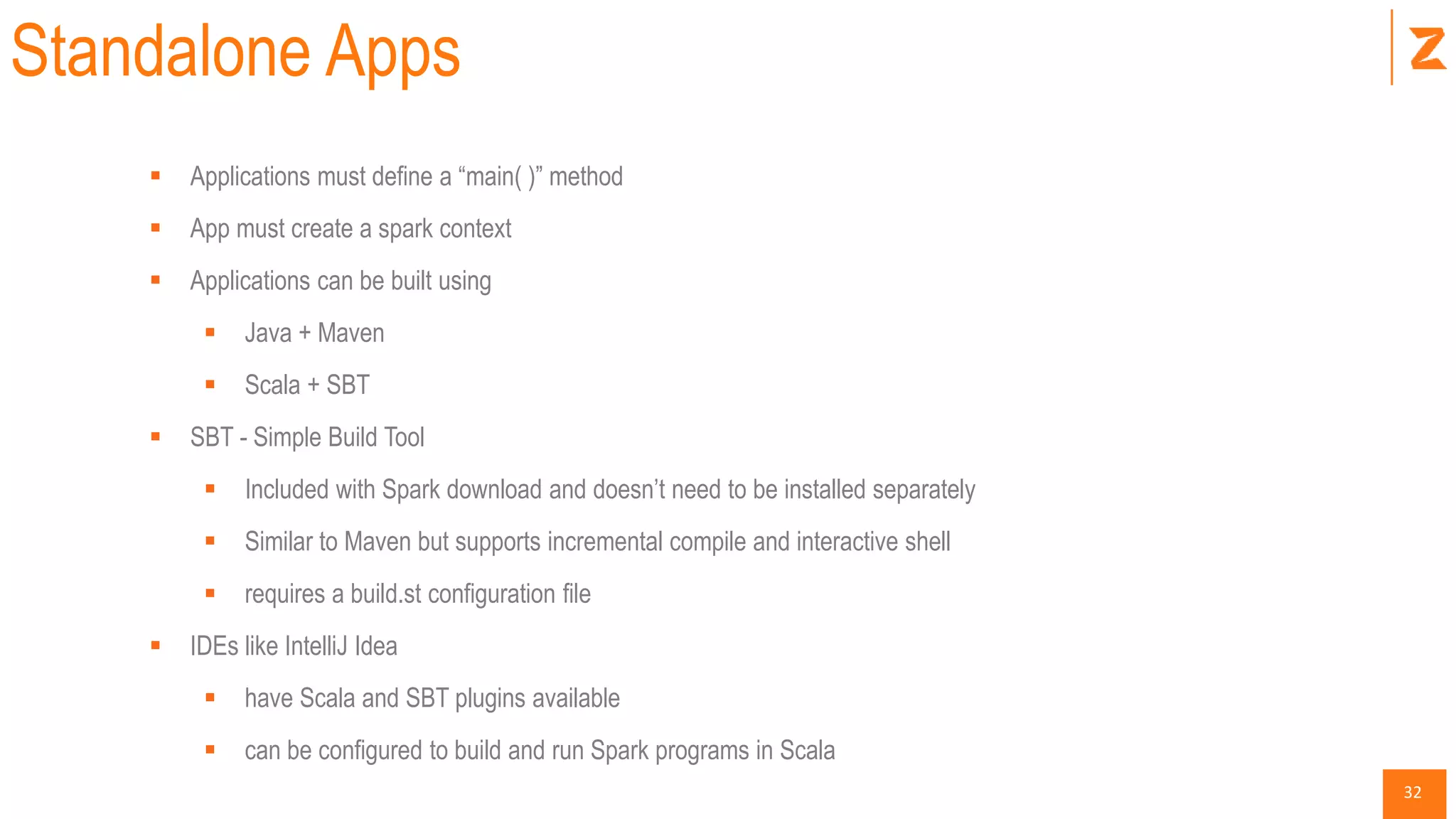
Standalone Apps
 Applications must define a “main( )” method
 App must create a spark context
 Applications can be built using
 Java + Maven
 Scala + SBT
 SBT - Simple Build Tool
 Included with Spark download and doesn’t need to be installed separately
 Similar to Maven but supports incremental compile and interactive shell
 requires a build.st configuration file
 IDEs like IntelliJ Idea
 have Scala and SBT plugins available
 can be configured to build and run Spark programs in Scala
33
Building with SBT
 build.sbt
 Should include Scala version and Spark dependencies
 Directory Structure
./myapp/src/main/scala/MyApp.scala
 Package the jar
 from the ./myapp folder run
sbt package
 a jar file is created in
./myapp/target/scala-2.10/myapp_2.10-1.0.jar
 spark-submit, specific master URL or local
SPARK_HOME/bin/spark-submit 
--class "MyApp" 
--master local[4] 
target/scala-2.10/myapp_2.10-1.0.jar
34
Spark Cluster
35
Spark SQL + Parquet
36
Spark SQL
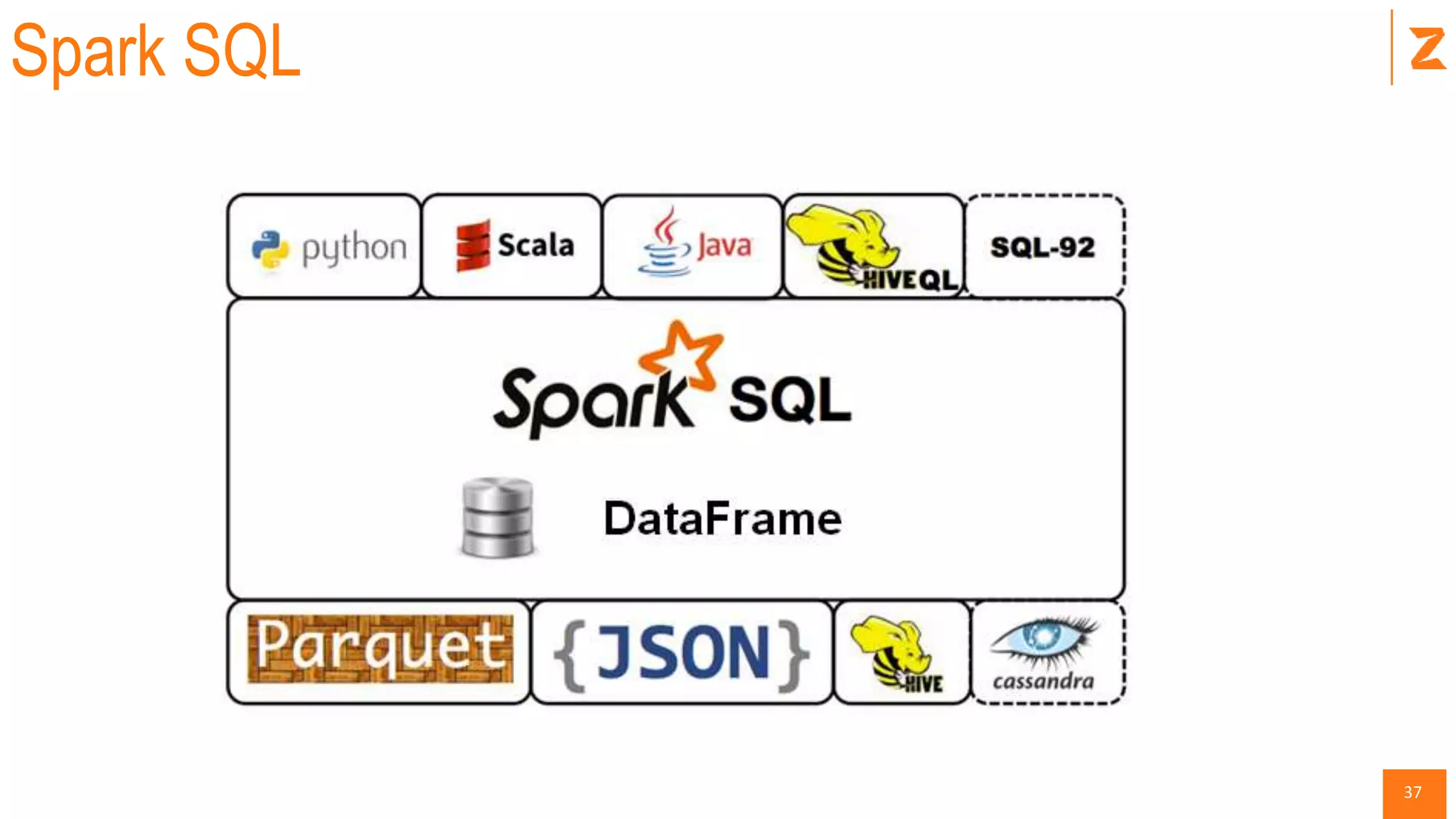
 Spark’s interface for working with structured and semi-structured data.
 Can load data from JSON, Hive, Parquet
 Data can be queried internally using SQL, Scala, Python or from external BI tools.
 Spark SQL provides a special RDD called Schema RDD. (replaced with data frame since Spark
1.3)
 Spark supports UDF
 A Schema RDD is an RDD for Row objects.
 Spark SQL Components
 Catalyst Optimizer
 Spark SQL Core
 Hive Support
37
Spark SQL
38
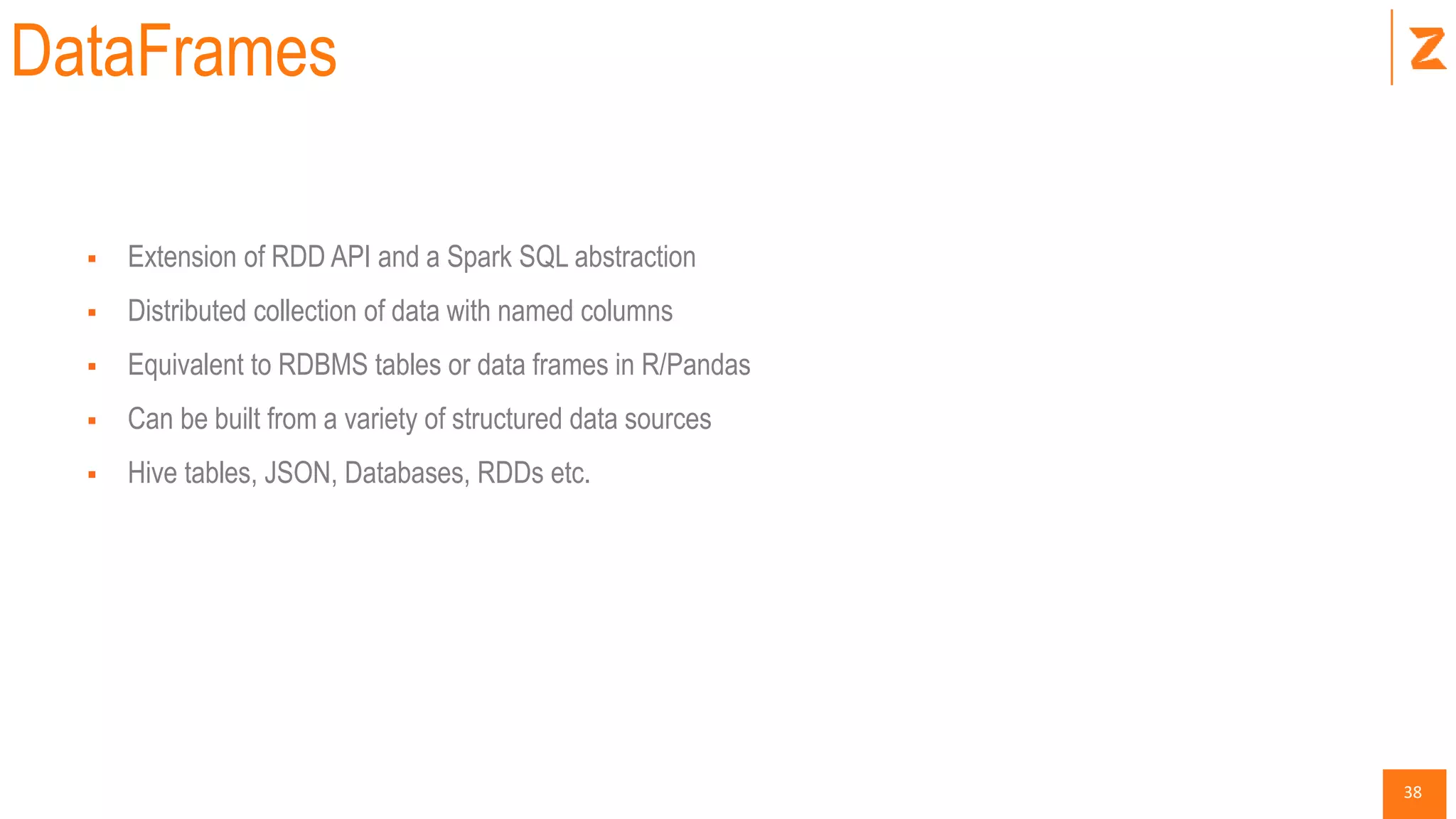
DataFrames
 Extension of RDD API and a Spark SQL abstraction
 Distributed collection of data with named columns
 Equivalent to RDBMS tables or data frames in R/Pandas
 Can be built from a variety of structured data sources
 Hive tables, JSON, Databases, RDDs etc.
39
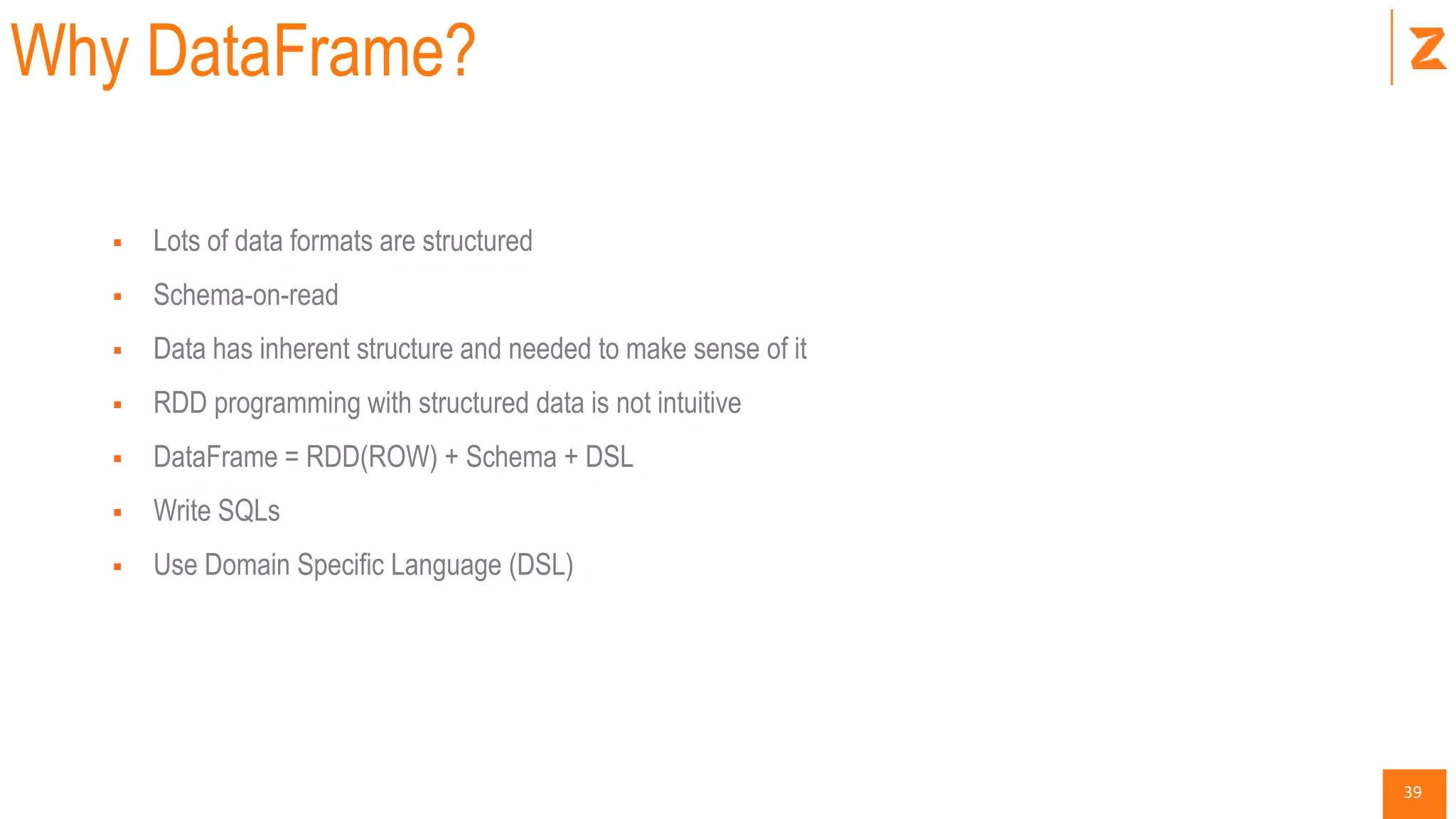
Why DataFrame?
 Lots of data formats are structured
 Schema-on-read
 Data has inherent structure and needed to make sense of it
 RDD programming with structured data is not intuitive
 DataFrame = RDD(ROW) + Schema + DSL
 Write SQLs
 Use Domain Specific Language (DSL)
40
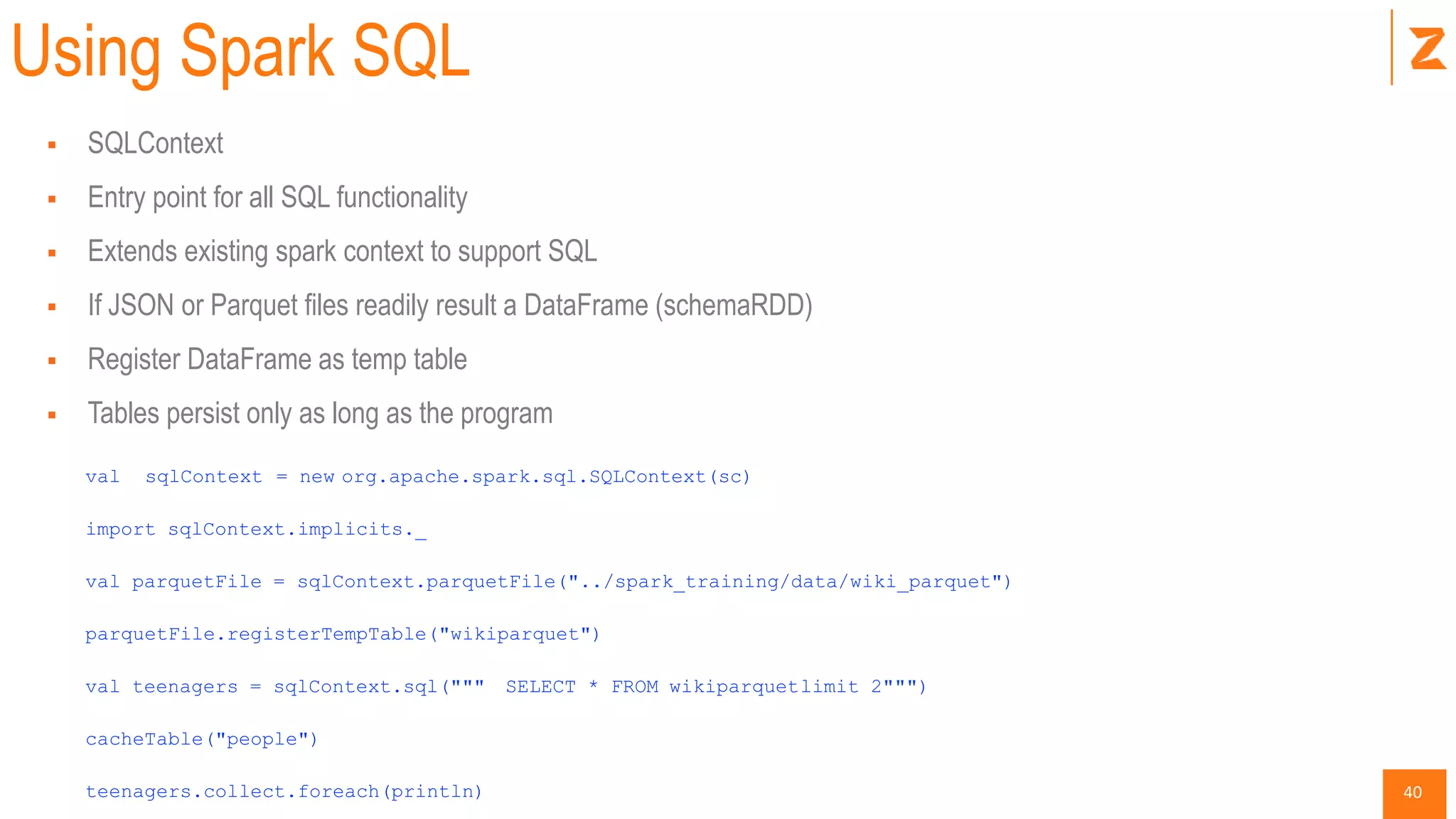
Using Spark SQL
 SQLContext
 Entry point for all SQL functionality
 Extends existing spark context to support SQL
 If JSON or Parquet files readily result a DataFrame (schemaRDD)
 Register DataFrame as temp table
 Tables persist only as long as the program
val sqlContext = new org.apache.spark.sql.SQLContext(sc)
import sqlContext.implicits._
val parquetFile = sqlContext.parquetFile("../spark_training/data/wiki_parquet")
parquetFile.registerTempTable("wikiparquet")
val teenagers = sqlContext.sql(""" SELECT * FROM wikiparquetlimit 2""")
cacheTable("people")
teenagers.collect.foreach(println)
41
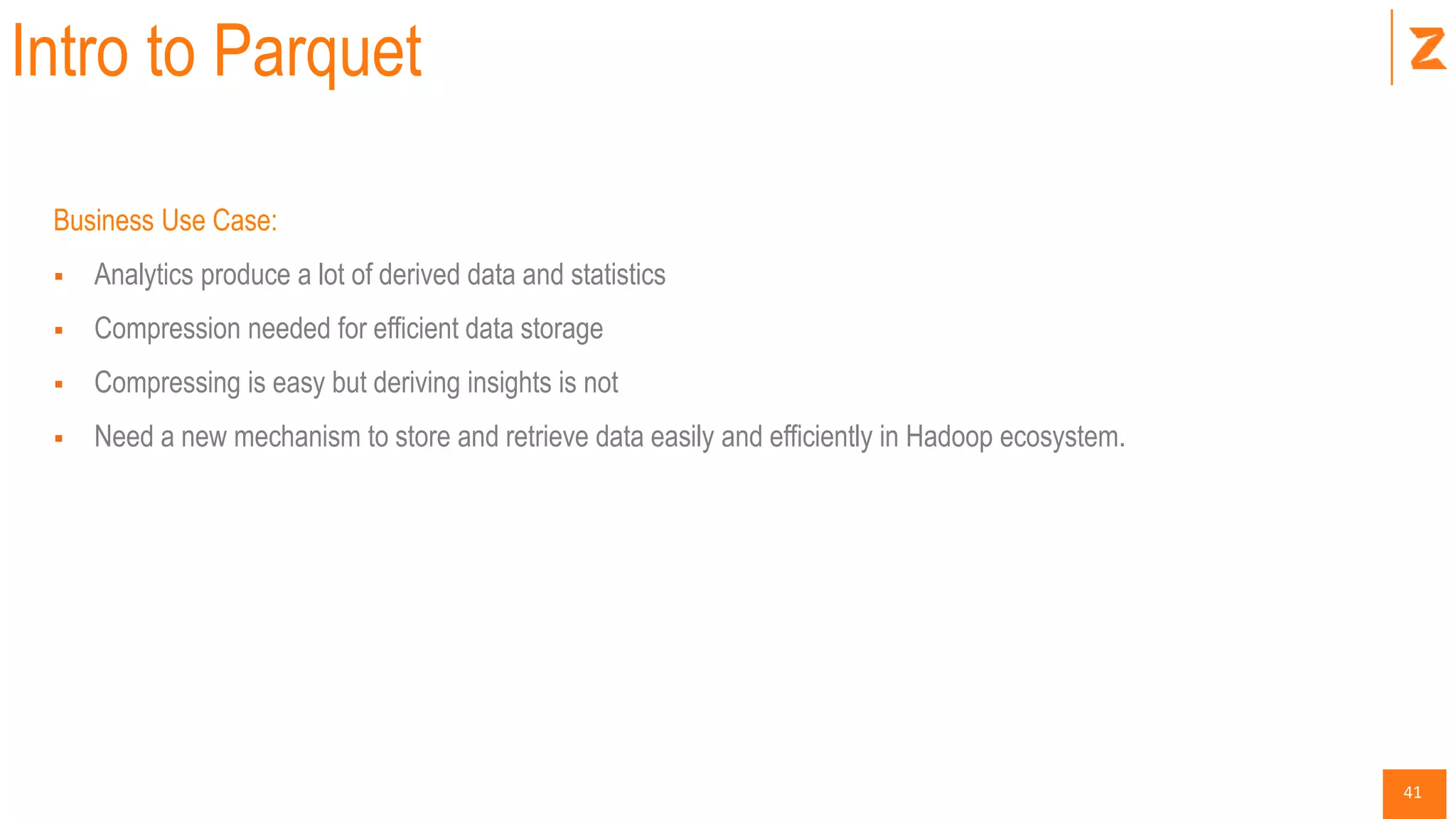
Intro to Parquet
Business Use Case:
 Analytics produce a lot of derived data and statistics
 Compression needed for efficient data storage
 Compressing is easy but deriving insights is not
 Need a new mechanism to store and retrieve data easily and efficiently in Hadoop ecosystem.
42
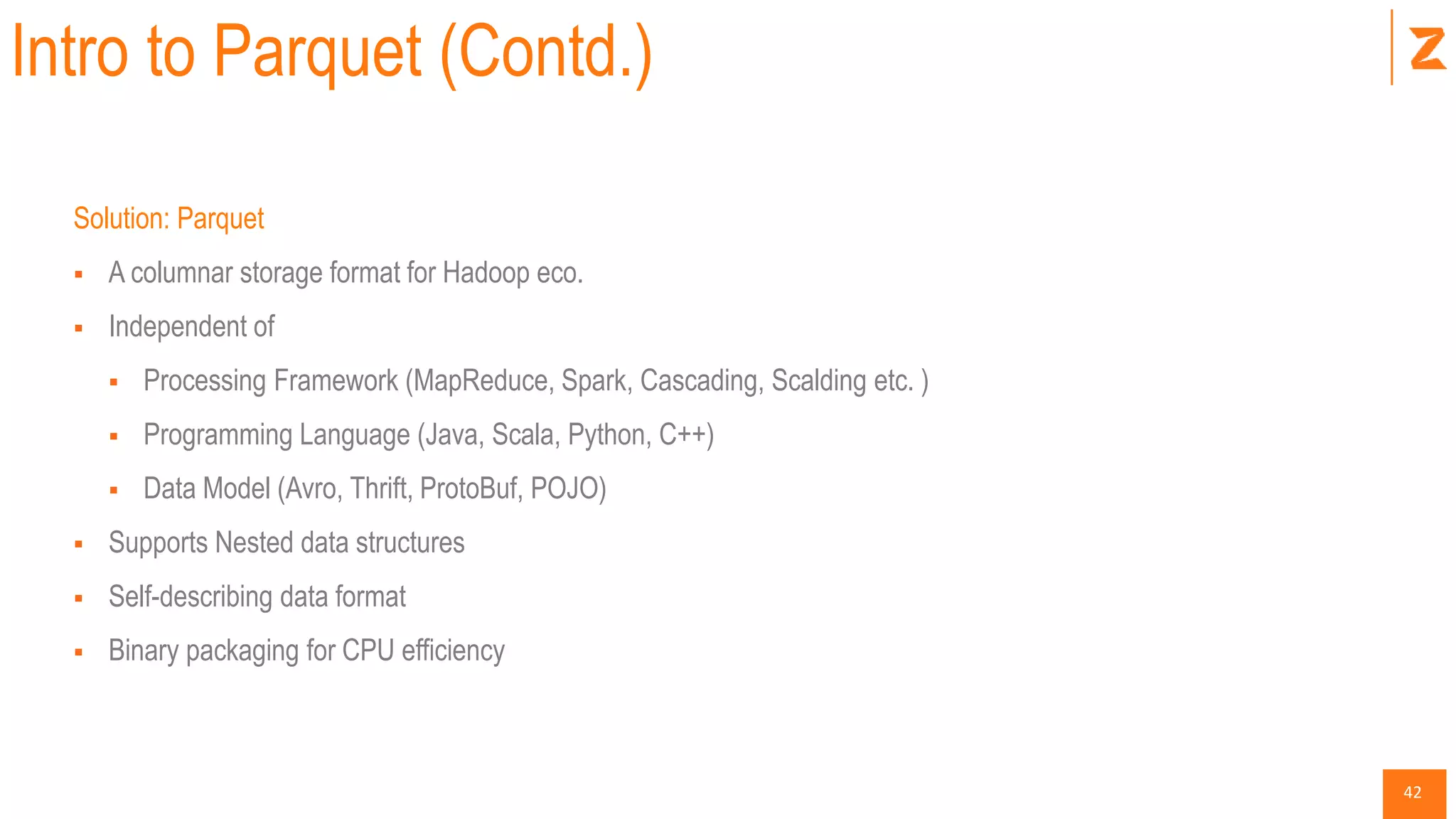
Intro to Parquet (Contd.)
Solution: Parquet
 A columnar storage format for Hadoop eco.
 Independent of
 Processing Framework (MapReduce, Spark, Cascading, Scalding etc. )
 Programming Language (Java, Scala, Python, C++)
 Data Model (Avro, Thrift, ProtoBuf, POJO)
 Supports Nested data structures
 Self-describing data format
 Binary packaging for CPU efficiency
43
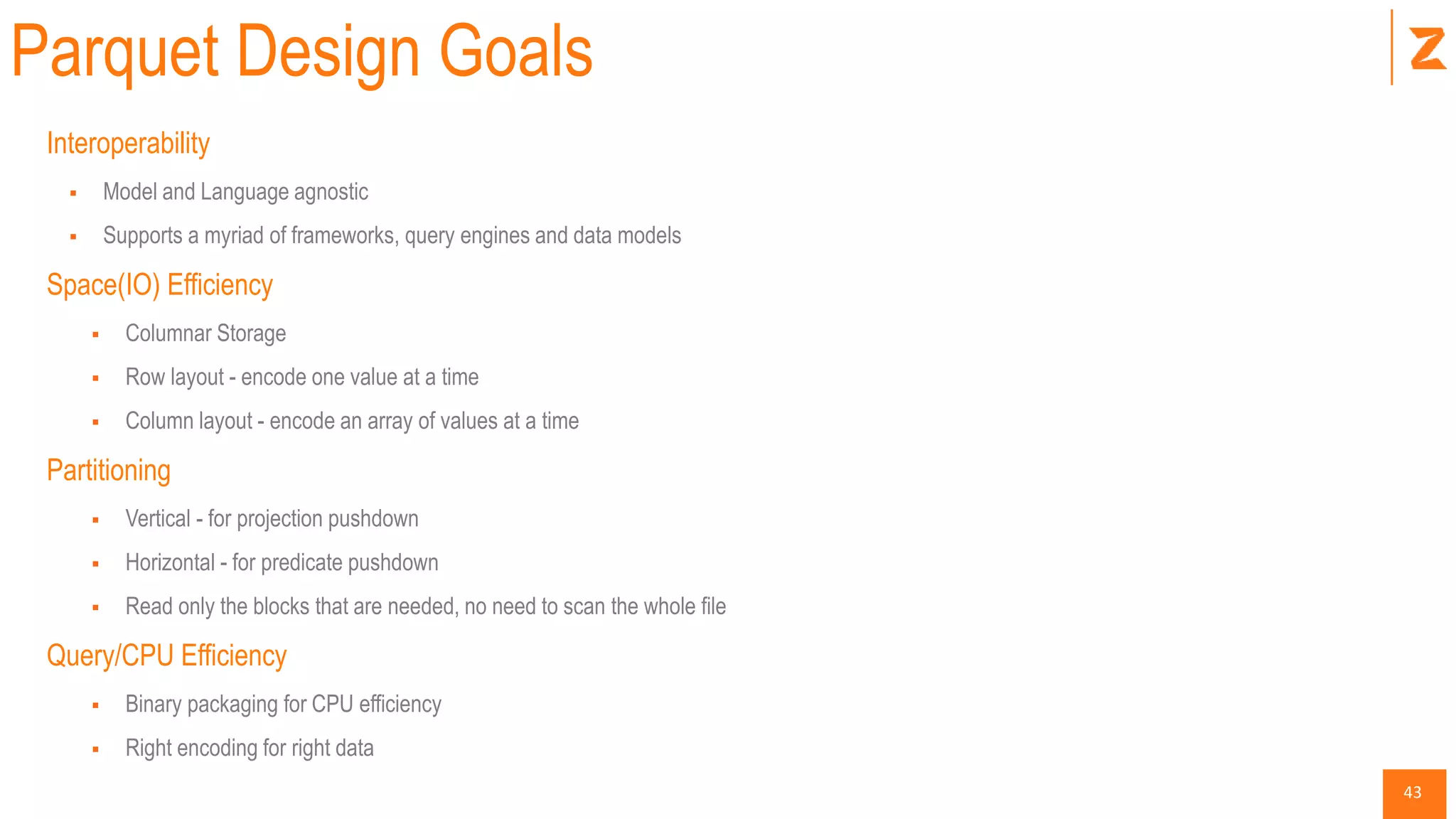
Parquet Design Goals
Interoperability
 Model and Language agnostic
 Supports a myriad of frameworks, query engines and data models
Space(IO) Efficiency
 Columnar Storage
 Row layout - encode one value at a time
 Column layout - encode an array of values at a time
Partitioning
 Vertical - for projection pushdown
 Horizontal - for predicate pushdown
 Read only the blocks that are needed, no need to scan the whole file
Query/CPU Efficiency
 Binary packaging for CPU efficiency
 Right encoding for right data
44
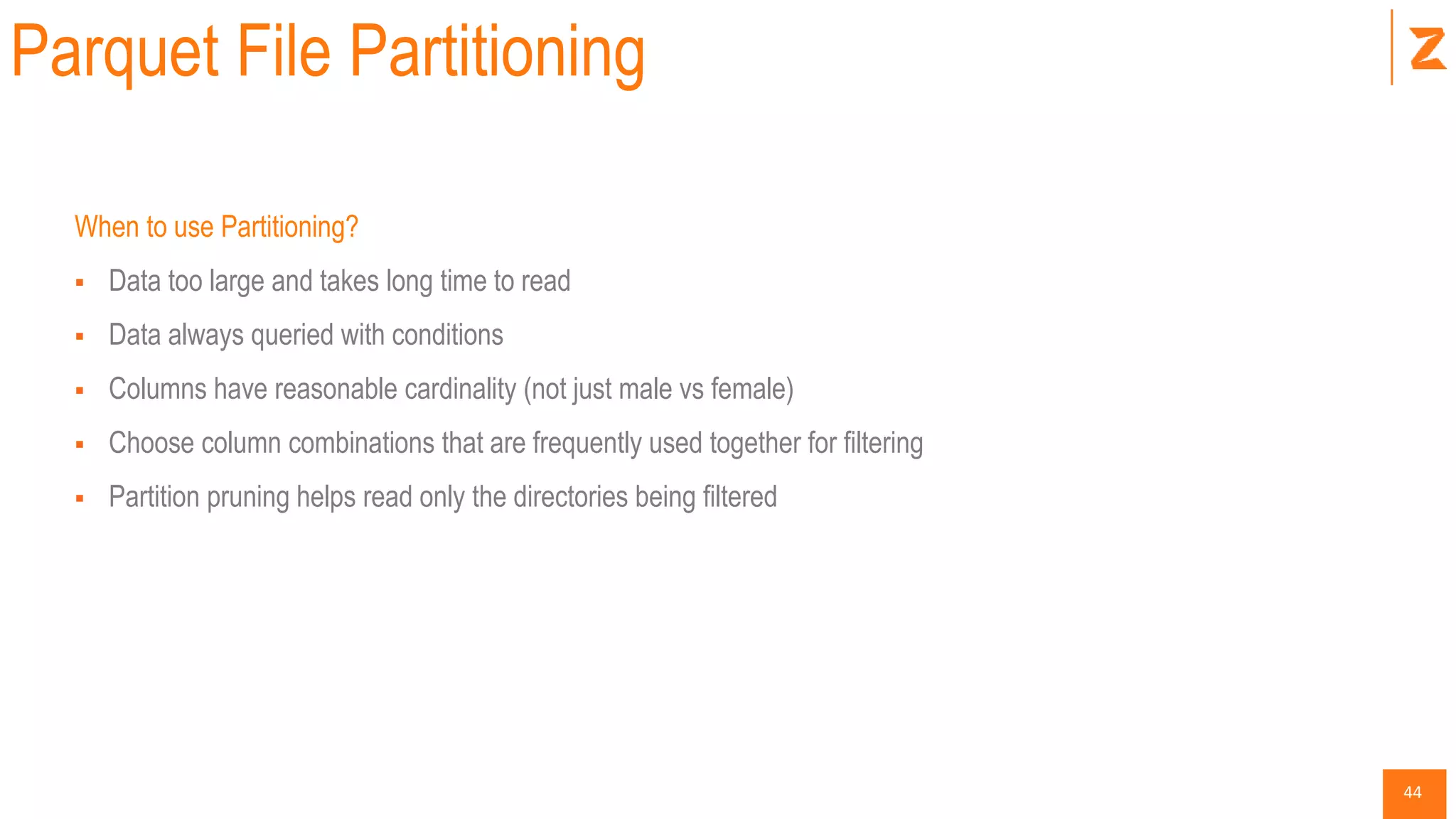
Parquet File Partitioning
When to use Partitioning?
 Data too large and takes long time to read
 Data always queried with conditions
 Columns have reasonable cardinality (not just male vs female)
 Choose column combinations that are frequently used together for filtering
 Partition pruning helps read only the directories being filtered
45
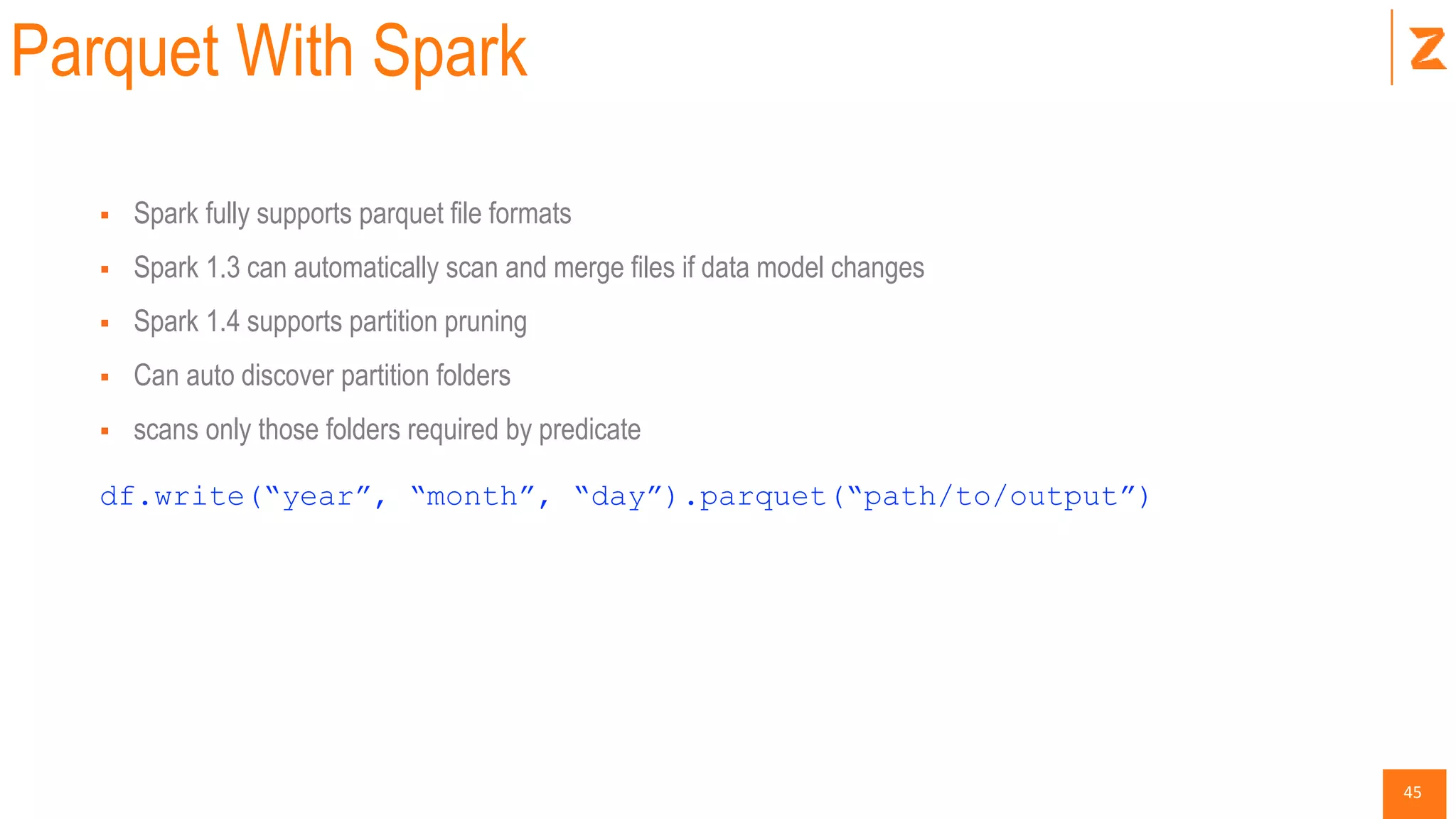
Parquet With Spark
 Spark fully supports parquet file formats
 Spark 1.3 can automatically scan and merge files if data model changes
 Spark 1.4 supports partition pruning
 Can auto discover partition folders
 scans only those folders required by predicate
df.write(“year”, “month”, “day”).parquet(“path/to/output”)
46
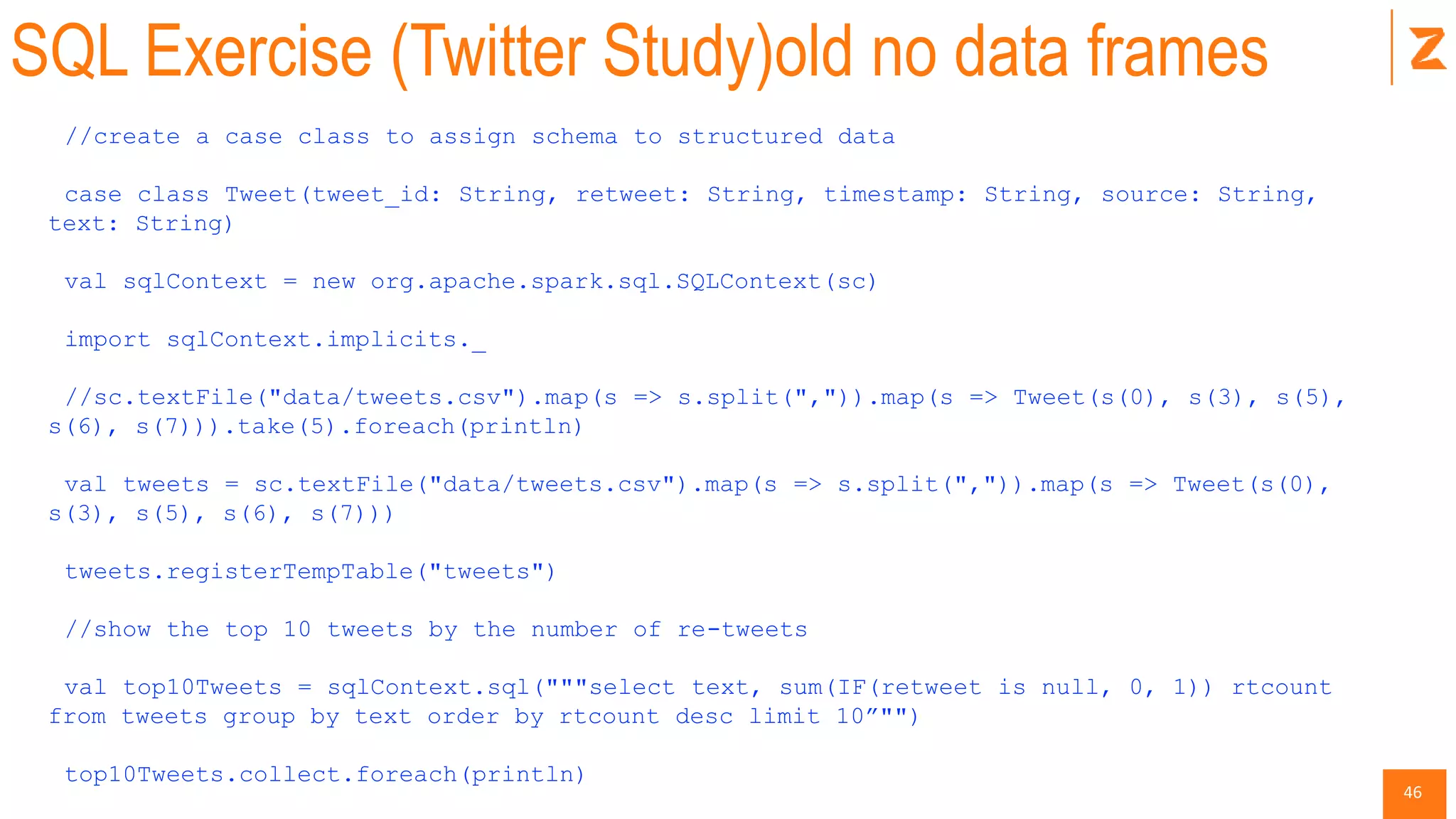
SQL Exercise (Twitter Study)old no data frames
//create a case class to assign schema to structured data
case class Tweet(tweet_id: String, retweet: String, timestamp: String, source: String,
text: String)
val sqlContext = new org.apache.spark.sql.SQLContext(sc)
import sqlContext.implicits._
//sc.textFile("data/tweets.csv").map(s => s.split(",")).map(s => Tweet(s(0), s(3), s(5),
s(6), s(7))).take(5).foreach(println)
val tweets = sc.textFile("data/tweets.csv").map(s => s.split(",")).map(s => Tweet(s(0),
s(3), s(5), s(6), s(7)))
tweets.registerTempTable("tweets")
//show the top 10 tweets by the number of re-tweets
val top10Tweets = sqlContext.sql("""select text, sum(IF(retweet is null, 0, 1)) rtcount
from tweets group by text order by rtcount desc limit 10”"")
top10Tweets.collect.foreach(println)
47
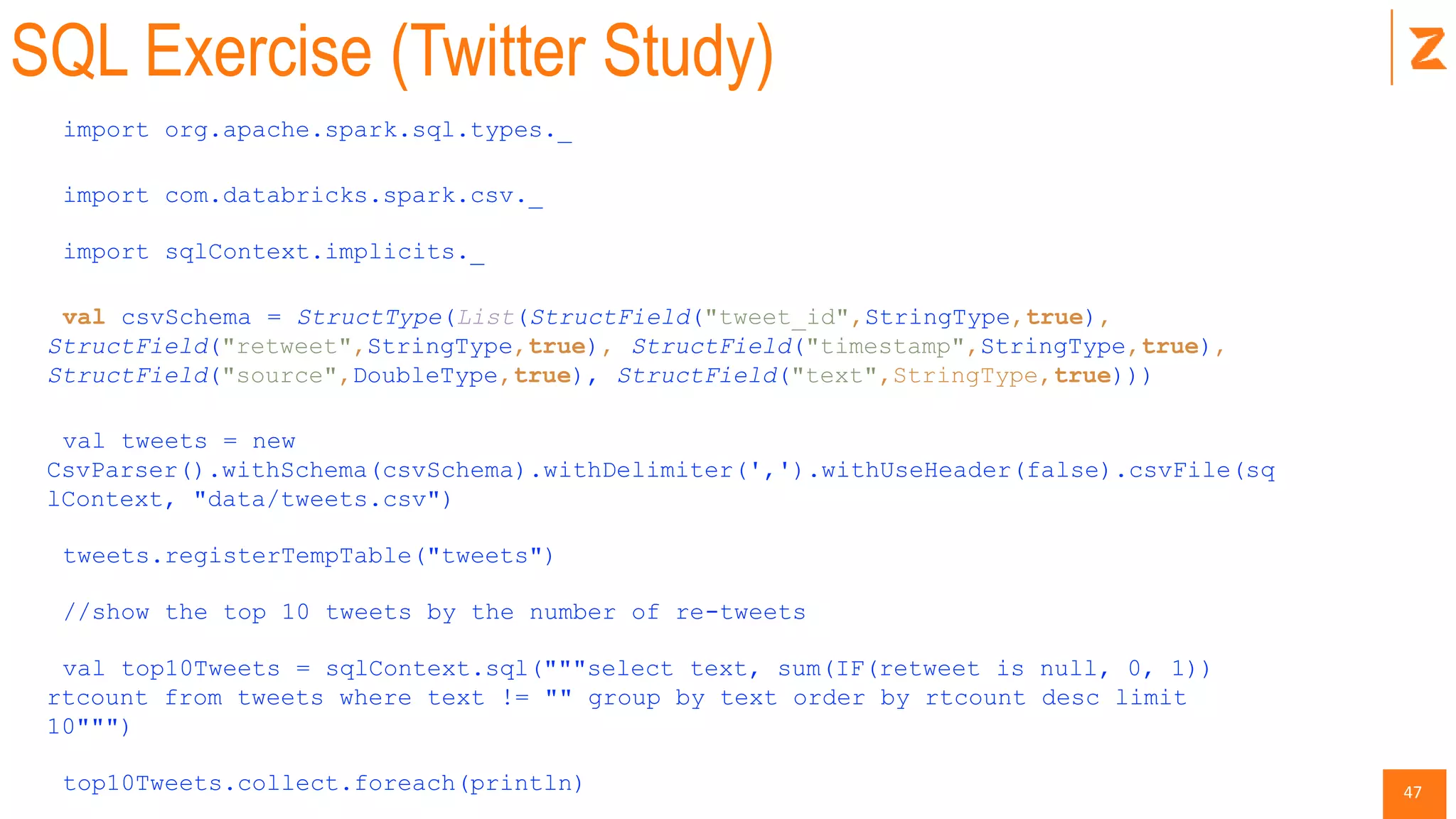
SQL Exercise (Twitter Study)
import org.apache.spark.sql.types._
import com.databricks.spark.csv._
import sqlContext.implicits._
val csvSchema = StructType(List(StructField("tweet_id",StringType,true),
StructField("retweet",StringType,true), StructField("timestamp",StringType,true),
StructField("source",DoubleType,true), StructField("text",StringType,true)))
val tweets = new
CsvParser().withSchema(csvSchema).withDelimiter(',').withUseHeader(false).csvFile(sq
lContext, "data/tweets.csv")
tweets.registerTempTable("tweets")
//show the top 10 tweets by the number of re-tweets
val top10Tweets = sqlContext.sql("""select text, sum(IF(retweet is null, 0, 1))
rtcount from tweets where text != "" group by text order by rtcount desc limit
10""")
top10Tweets.collect.foreach(println)
48
Advanced Libraries
49
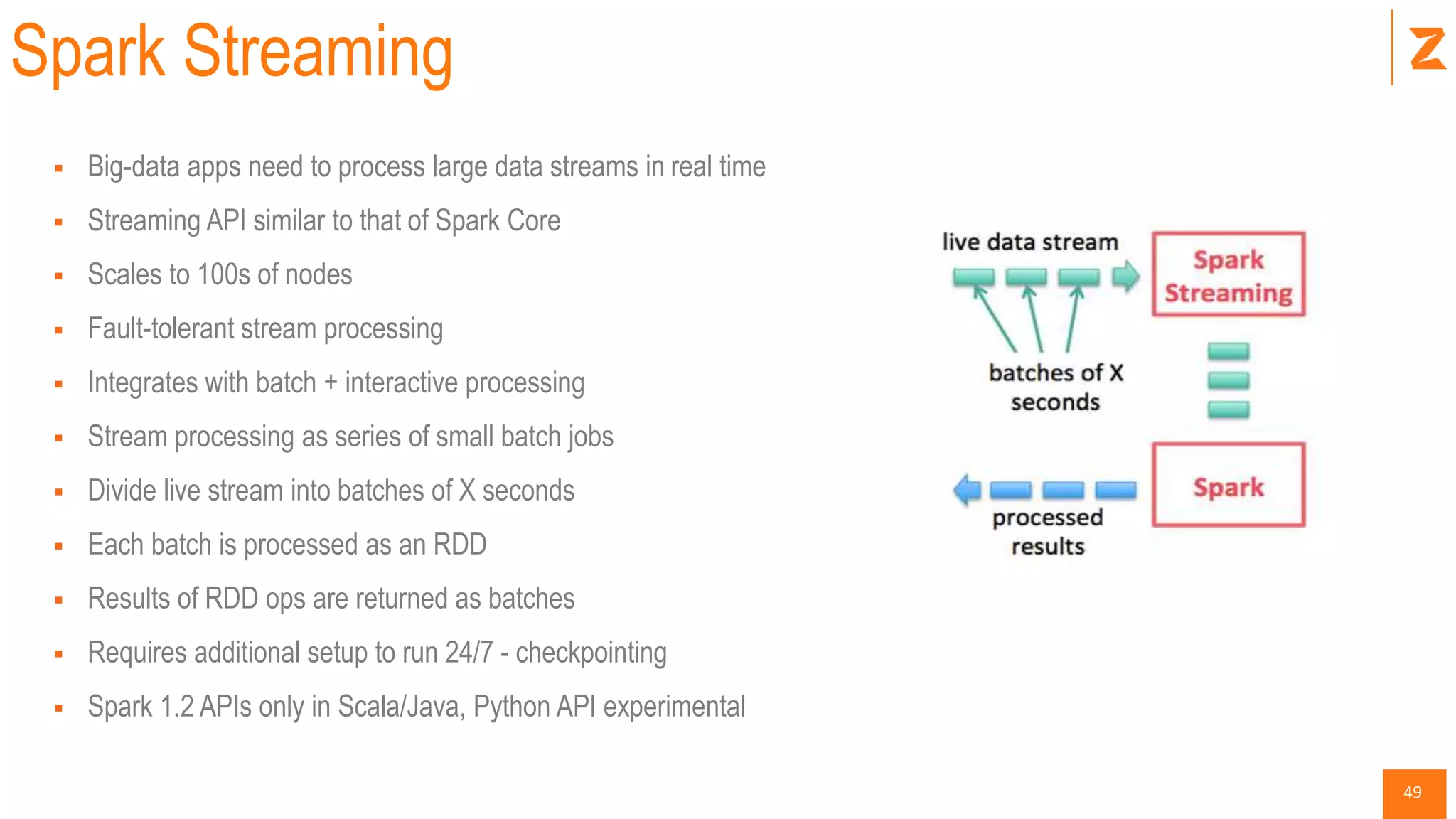
Spark Streaming
 Big-data apps need to process large data streams in real time
 Streaming API similar to that of Spark Core
 Scales to 100s of nodes
 Fault-tolerant stream processing
 Integrates with batch + interactive processing
 Stream processing as series of small batch jobs
 Divide live stream into batches of X seconds
 Each batch is processed as an RDD
 Results of RDD ops are returned as batches
 Requires additional setup to run 24/7 - checkpointing
 Spark 1.2 APIs only in Scala/Java, Python API experimental
50
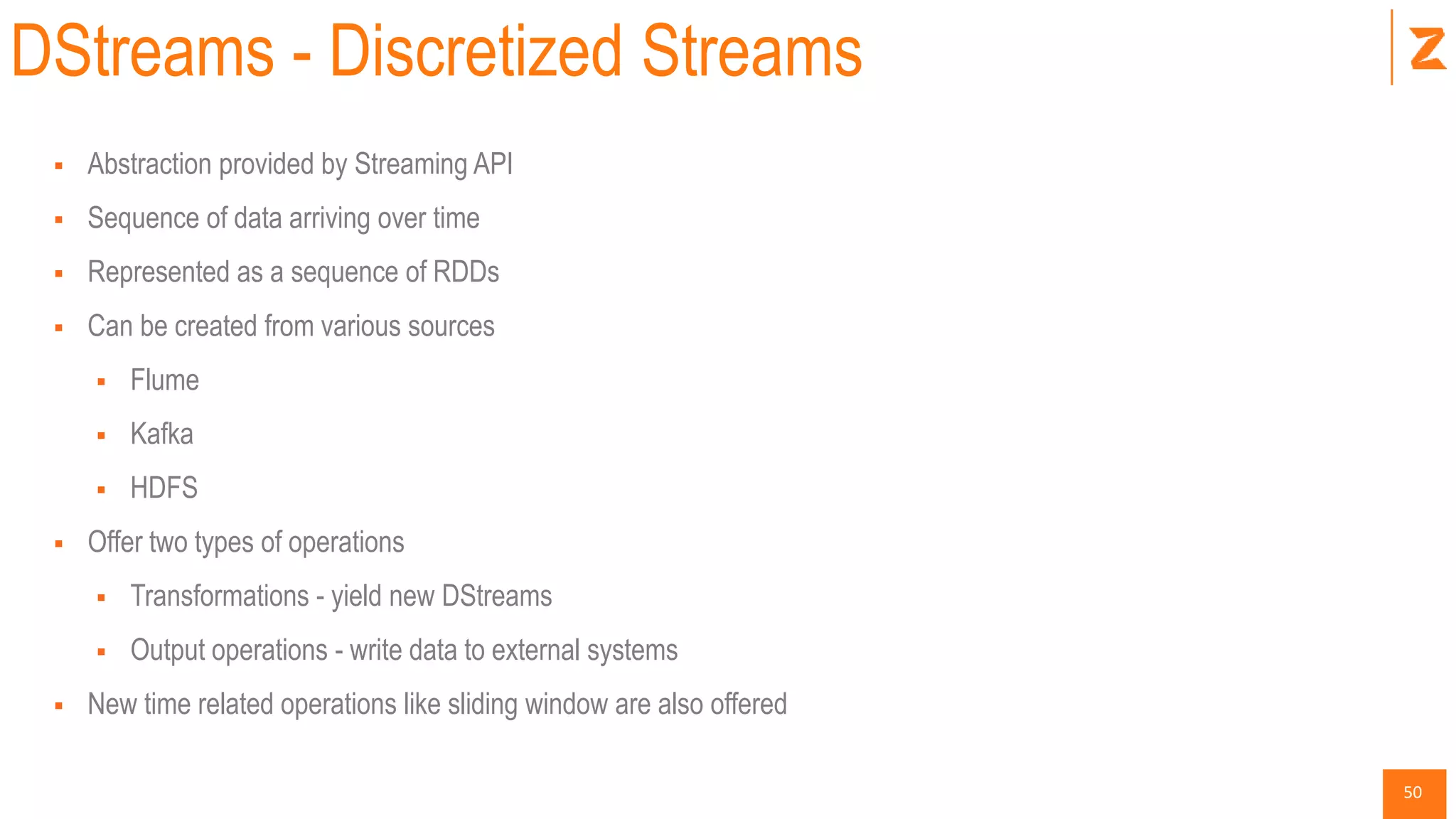
DStreams - Discretized Streams
 Abstraction provided by Streaming API
 Sequence of data arriving over time
 Represented as a sequence of RDDs
 Can be created from various sources
 Flume
 Kafka
 HDFS
 Offer two types of operations
 Transformations - yield new DStreams
 Output operations - write data to external systems
 New time related operations like sliding window are also offered
51
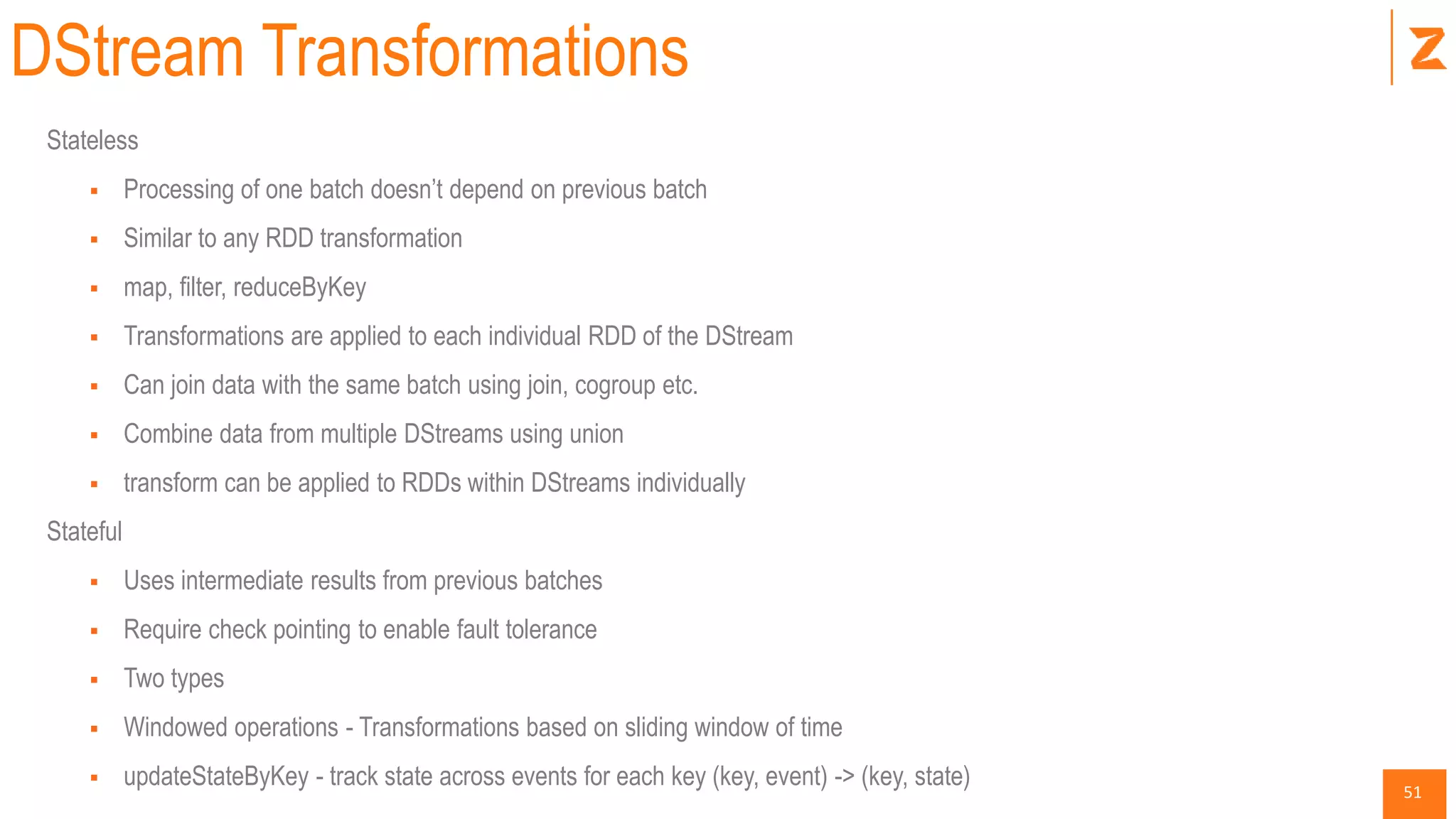
DStream Transformations
Stateless
 Processing of one batch doesn’t depend on previous batch
 Similar to any RDD transformation
 map, filter, reduceByKey
 Transformations are applied to each individual RDD of the DStream
 Can join data with the same batch using join, cogroup etc.
 Combine data from multiple DStreams using union
 transform can be applied to RDDs within DStreams individually
Stateful
 Uses intermediate results from previous batches
 Require check pointing to enable fault tolerance
 Two types
 Windowed operations - Transformations based on sliding window of time
 updateStateByKey - track state across events for each key (key, event) -> (key, state)
52
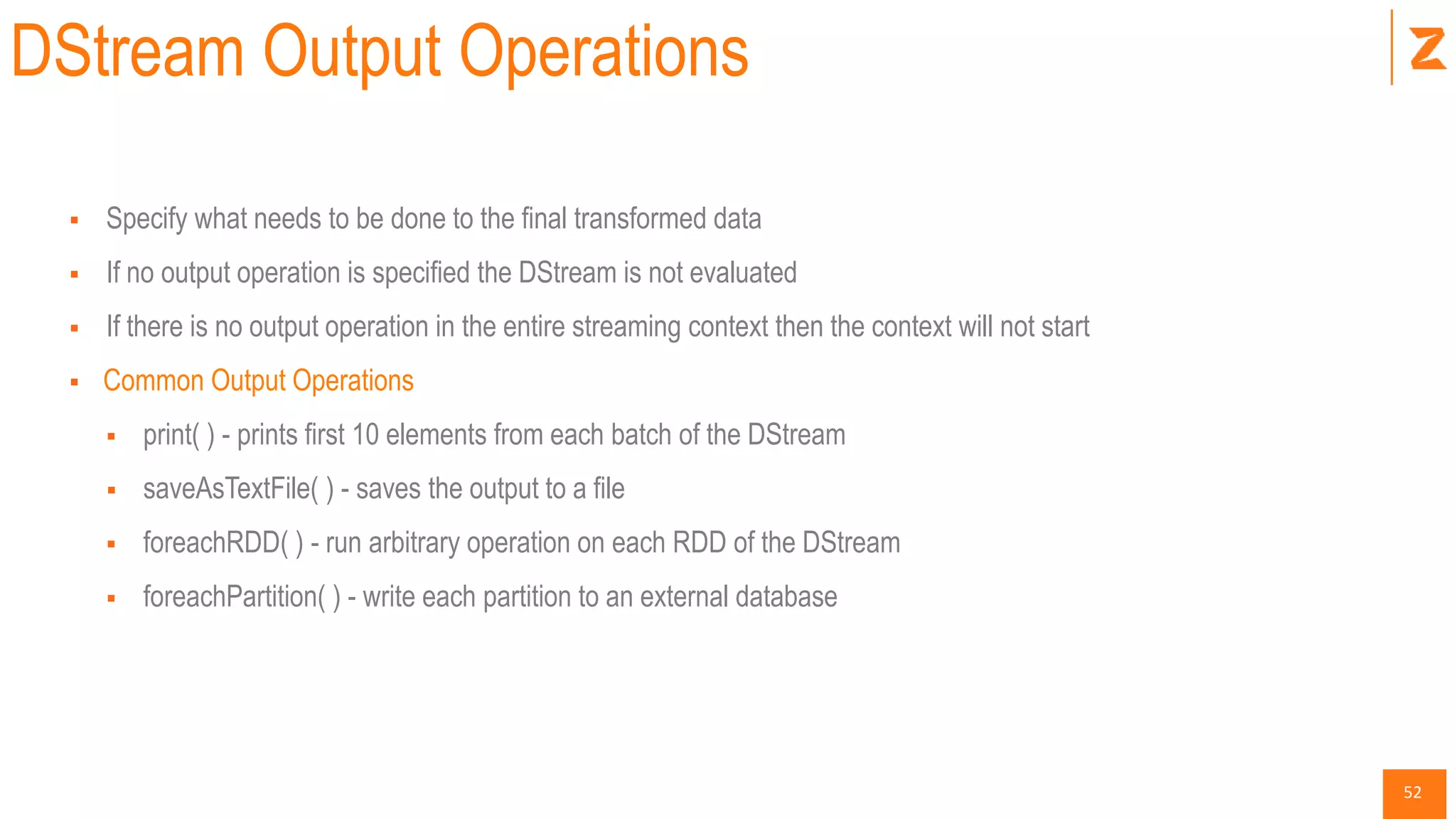
DStream Output Operations
 Specify what needs to be done to the final transformed data
 If no output operation is specified the DStream is not evaluated
 If there is no output operation in the entire streaming context then the context will not start
 Common Output Operations
 print( ) - prints first 10 elements from each batch of the DStream
 saveAsTextFile( ) - saves the output to a file
 foreachRDD( ) - run arbitrary operation on each RDD of the DStream
 foreachPartition( ) - write each partition to an external database
53
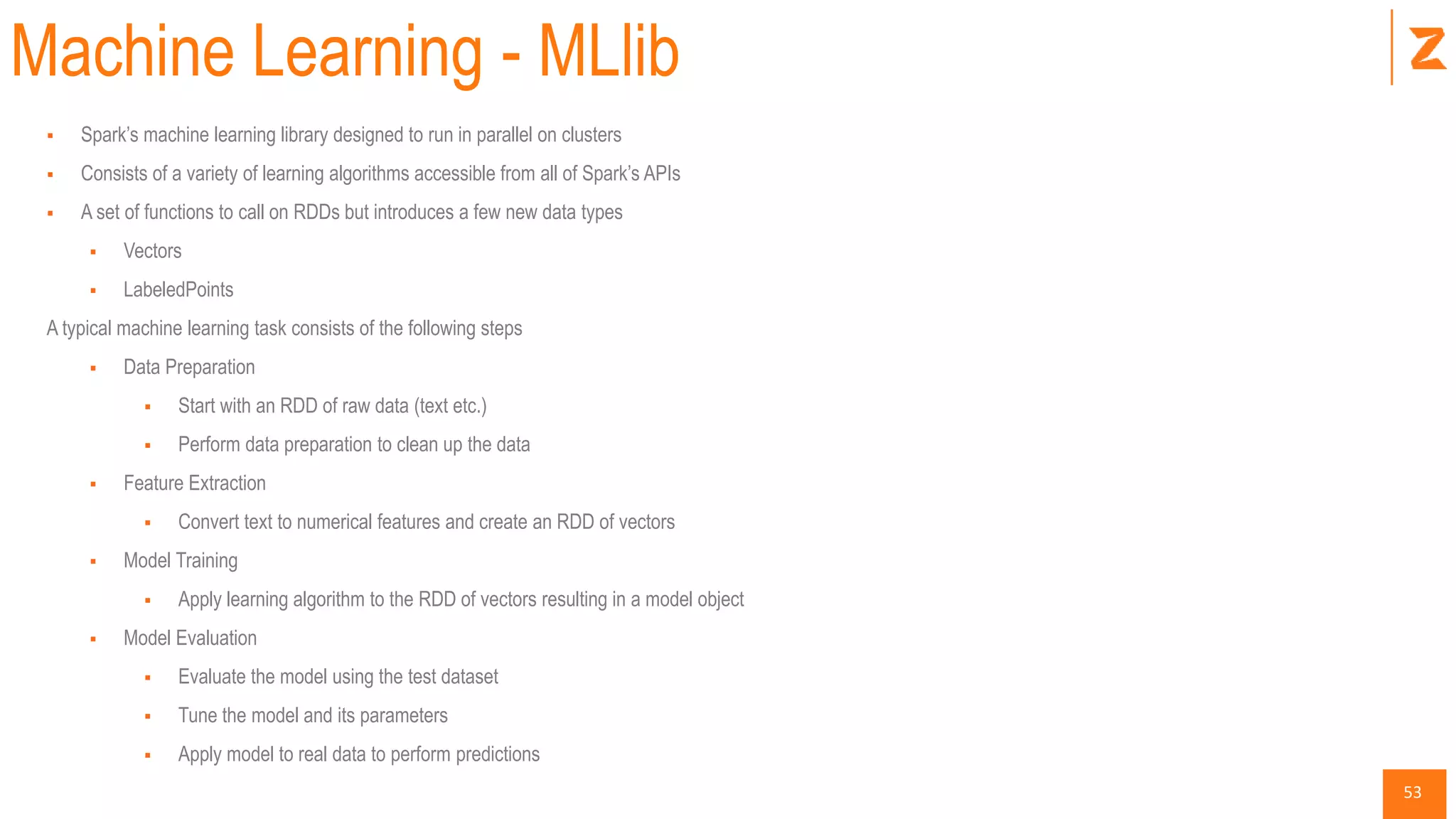
Machine Learning - MLlib
 Spark’s machine learning library designed to run in parallel on clusters
 Consists of a variety of learning algorithms accessible from all of Spark’s APIs
 A set of functions to call on RDDs but introduces a few new data types
 Vectors
 LabeledPoints
A typical machine learning task consists of the following steps
 Data Preparation
 Start with an RDD of raw data (text etc.)
 Perform data preparation to clean up the data
 Feature Extraction
 Convert text to numerical features and create an RDD of vectors
 Model Training
 Apply learning algorithm to the RDD of vectors resulting in a model object
 Model Evaluation
 Evaluate the model using the test dataset
 Tune the model and its parameters
 Apply model to real data to perform predictions
54
Tips & Tricks
55
Performance Tuning
Shuffle in Spark
 Performance issues
Code on Driver vs Workers
 Cause of Errors
Serialization
 Task not serializable error
56
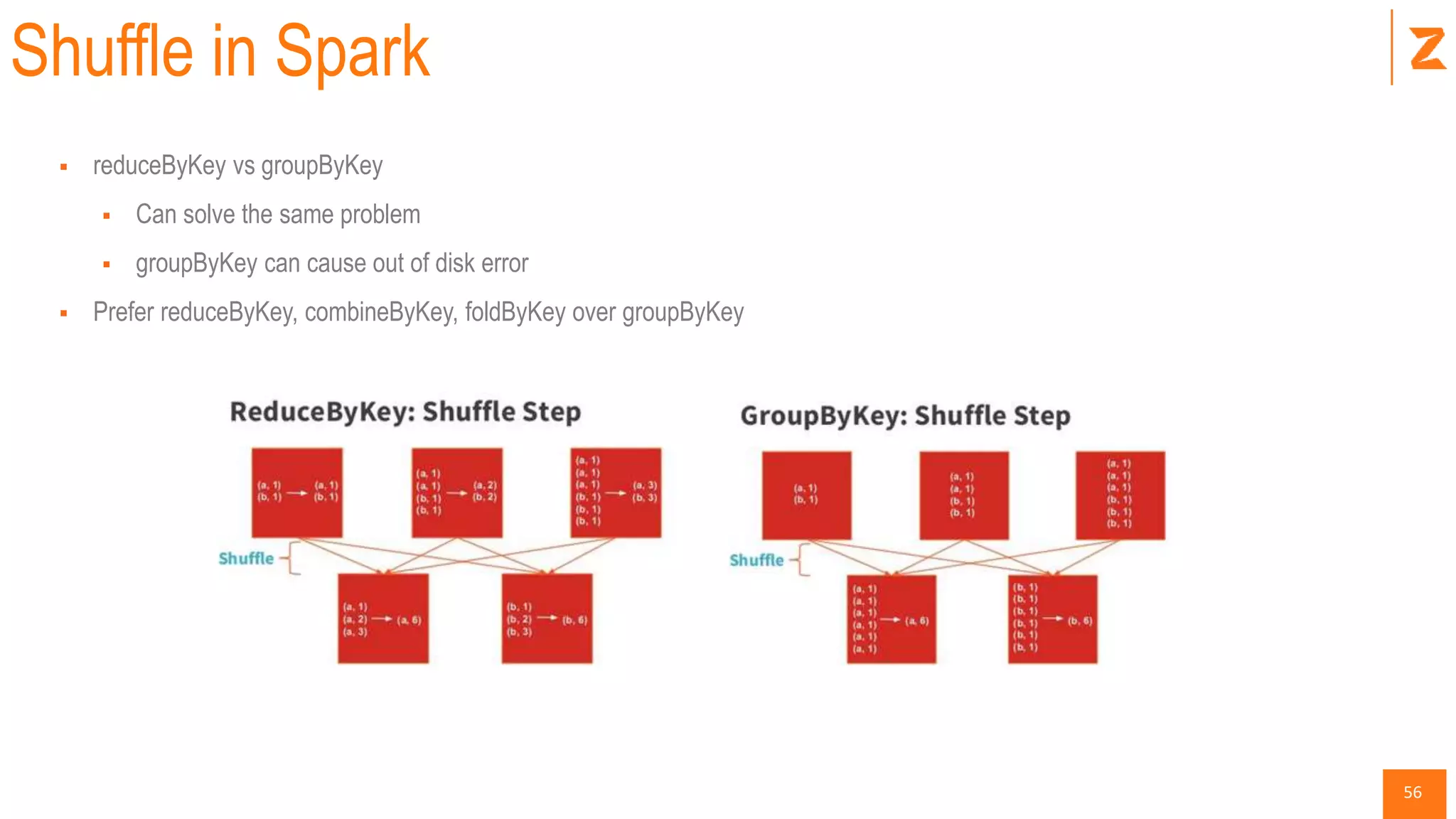
Shuffle in Spark
 reduceByKey vs groupByKey
 Can solve the same problem
 groupByKey can cause out of disk error
 Prefer reduceByKey, combineByKey, foldByKey over groupByKey
57
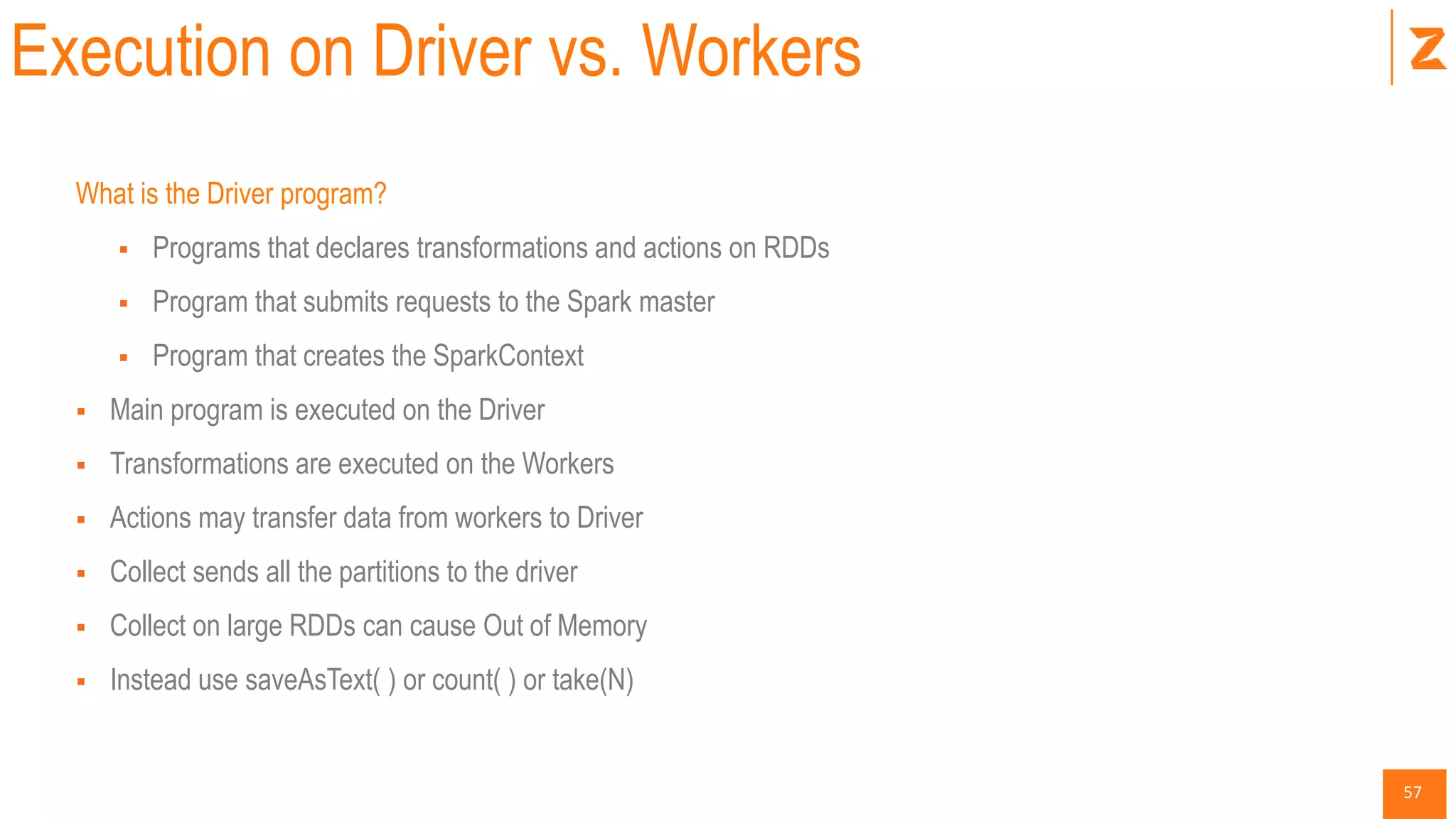
Execution on Driver vs. Workers
What is the Driver program?
 Programs that declares transformations and actions on RDDs
 Program that submits requests to the Spark master
 Program that creates the SparkContext
 Main program is executed on the Driver
 Transformations are executed on the Workers
 Actions may transfer data from workers to Driver
 Collect sends all the partitions to the driver
 Collect on large RDDs can cause Out of Memory
 Instead use saveAsText( ) or count( ) or take(N)
58
Serializations Errors
 Serialization Error
 org.apache.spark.SparkException: Job aborted due to stage failure: Task not serializable:
java.io.NotSerializableExcept
 Happens when…
 Initialize variable on driver/master and use on workers
 Spark will try to serialize the object and send to workers
 Will error out is the object is not serializable
 Try to create DB connection on driver and use on workers
 Some available fixes
 Make the class serializable
 Declare instance with in the lambda function
 Make NotSerializable object as static and create once per worker using rdd.forEachPartition
 Create db connection on each worker
59
Where do I go from here?
60
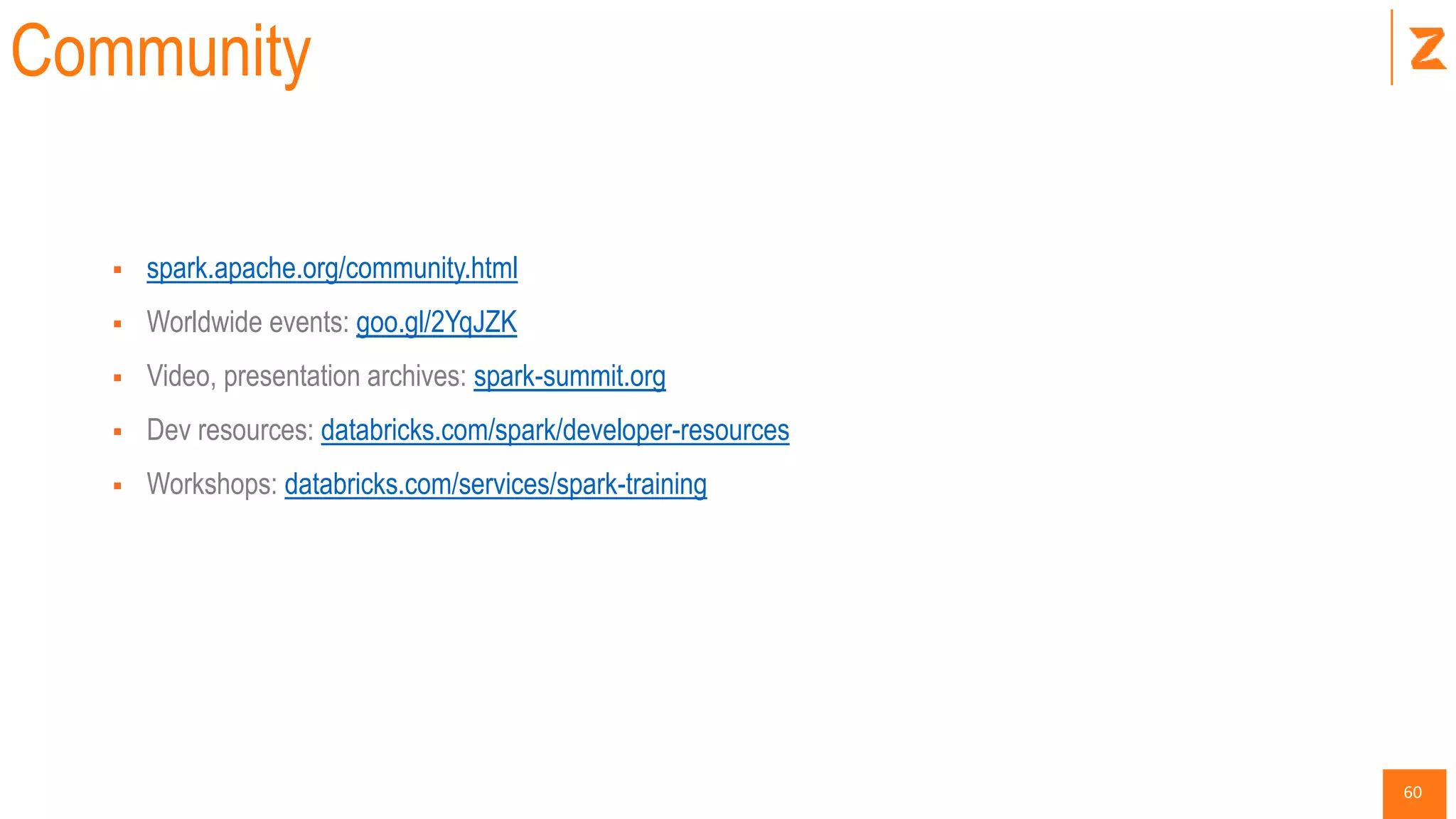
Community
 spark.apache.org/community.html
 Worldwide events: goo.gl/2YqJZK
 Video, presentation archives: spark-summit.org
 Dev resources: databricks.com/spark/developer-resources
 Workshops: databricks.com/services/spark-training
61
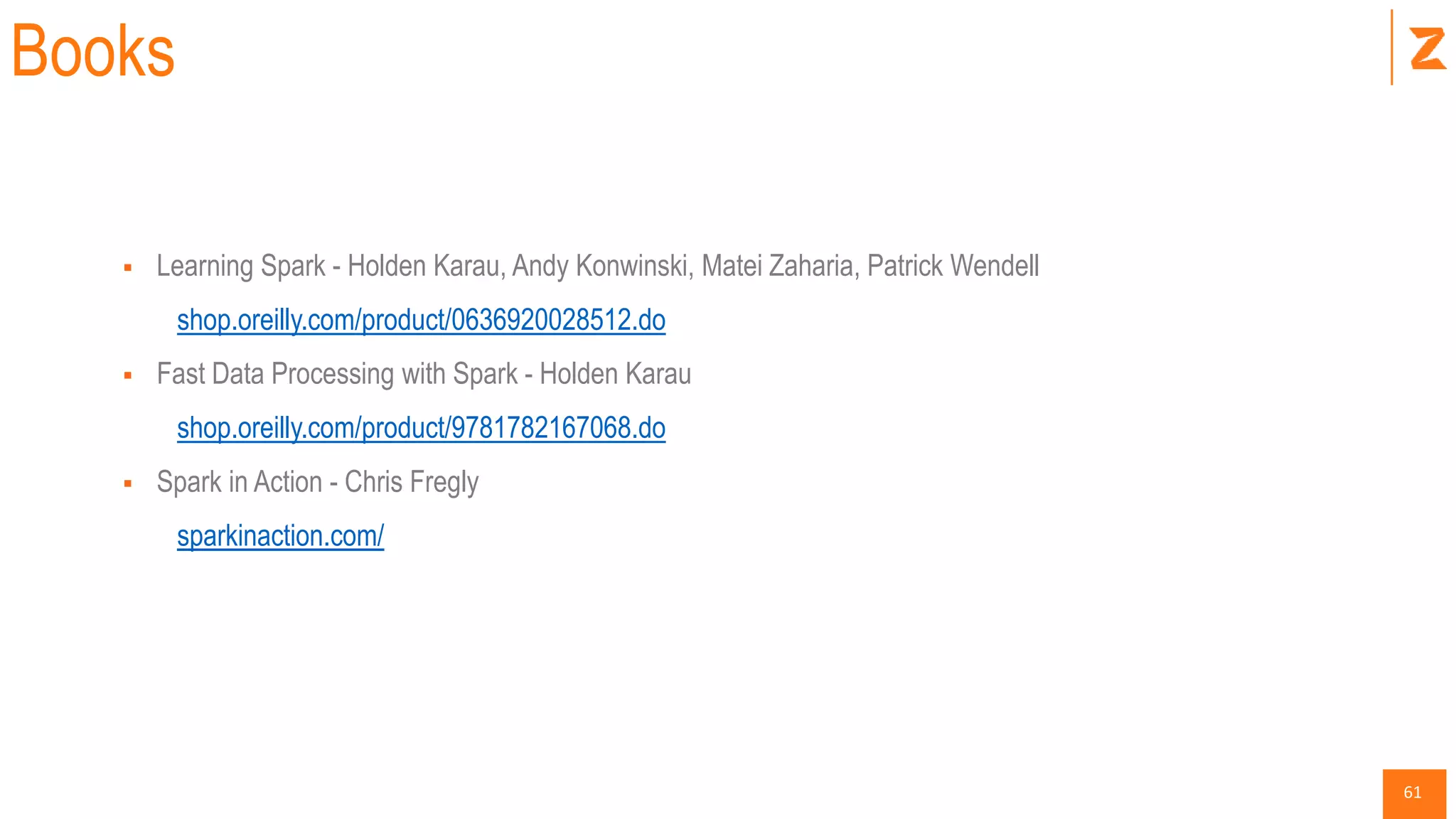
Books
 Learning Spark - Holden Karau, Andy Konwinski, Matei Zaharia, Patrick Wendell
shop.oreilly.com/product/0636920028512.do
 Fast Data Processing with Spark - Holden Karau
shop.oreilly.com/product/9781782167068.do
 Spark in Action - Chris Fregly
sparkinaction.com/
62
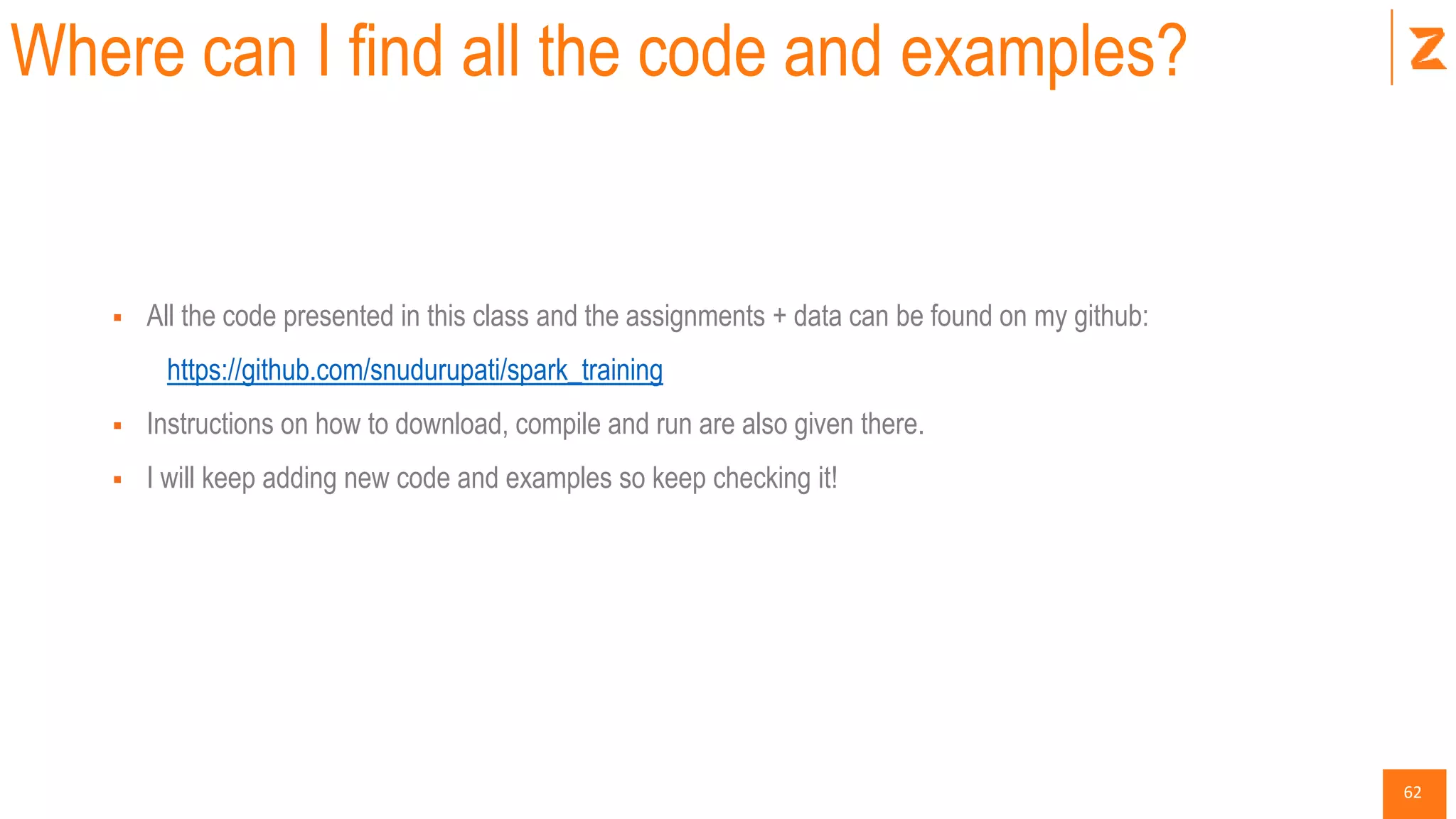
Where can I find all the code and examples?
 All the code presented in this class and the assignments + data can be found on my github:
https://github.com/snudurupati/spark_training
 Instructions on how to download, compile and run are also given there.
 I will keep adding new code and examples so keep checking it!
63

Introduction to Spark - DataFactZ

  • 2.
  • 3.
    3 What is ApacheSpark?  Architecture  Spark History  Spark vs. Hadoop  Getting Started Scala - A scalable language Spark Core  RDD  Transformations  Actions  Lazy Evaluation - in action Working with KV Pairs  Pair RDDs, Joins Agenda Advanced Spark  Accumulators, Broadcast  Running on a cluster  Standalone Programs Spark SQL  Data Frames (SchemaRDD)  Intro to Parquet  Parquet + Spark Advanced Libraries  Spark Streaming  MLlib
  • 4.
    4 What is Spark? Adistributed computing platform designed to be Fast  Fast to develop distributed applications  Fast to run distributed applications General Purpose  A single framework to handle a variety of workloads  Batch, interactive, iterative, streaming, SQL
  • 5.
    5 Fast & GeneralPurpose  Fast/Speed  Computations in memory  Faster than MR even for disk computations  Generality  Designed for a wide range of workloads  Single Engine to combine batch, interactive, iterative, streaming algorithms.  Has rich high-level libraries and simple native APIs in Java, Scala and Python.  Reduces the management burden of maintaining separate tools.
  • 6.
    6 Spark Architecture DataFrame API Packages Sprak Streaming SparkCore Spark SQL MLLib GraphX Standalone Yarn Mesos Datasources
  • 7.
  • 8.
    8 Cluster Managers Can runon a variety of cluster managers  Hadoop YARN - Yet Another Resource Negotiator is a cluster management technology and one of the key features in Hadoop 2.  Apache Mesos - abstracts CPU, memory, storage, and other compute resources away from machines, enabling fault-tolerant and elastic distributed systems.  Spark Standalone Scheduler – provides an easy way to get started on an empty set of machines.  Spark can leverage existing Hadoop infrastructure
  • 9.
    9 Spark History  Startedin 2009 as a research project in UC Berkeley RAD lab which became AMP Lab.  Spark researchers found that Hadoop MapReduce was inefficient for iterative and interactive computing.  Spark was designed from the beginning to be fast for interactive, iterative with support for in-memory storage and fault-tolerance.  Apart from UC Berkeley, Databricks, Yahoo! and Intel are major contributors.  Spark was open sourced in March 2010 and transformed into Apache Foundation project in June 2013.
  • 10.
    10 Spark Vs Hadoop HadoopMapReduce  Mostly suited for batch jobs  Difficulty to program directly in MR  Batch doesn’t compose well for large apps  Specialized systems needed as a workaround Spark  Handles batch, interactive, and real-time within a single framework  Native integration with Java, Python, Scala  Programming at a higher level of abstraction  More general than MapReduce
  • 11.
    11 Getting Started  Multipleways of using Spark  Certified Spark Distributions  Datastax Enterprise (Cassandra + Spark)  HortonWorks HDP  MAPR  Local/Standalone  Databricks Cloud  Amazon AWS EC2
  • 12.
    12 Databricks Cloud  Ahosted data platform powered by Apache Spark  Features  Exploration and Visualization  Managed Spark Clusters  Production Pipelines  Support for 3rd party apps (Tableau, Pentaho, Qlik View)  Databricks Cloud Trail  http://databricks.com/registration
  • 13.
    13 Local Mode  InstallJava JDK 6/7 on MacOSX or Windows http://www.oracle.com/technetwork/java/javase/downloads/jdk7-downloads-1880260.html  Install Python 2.7 using Anaconda (only on Windows) https://store.continuum.io/cshop/anaconda/  Download Apache Spark from Databricks, unzip the downloaded file http://training.databricks.com/workshop/usb.zip  The provided link is for Spark 1.5.1, however the latest binary can also be obtained from http://spark.apache.org/downloads.html  Connect to the newly created spark-training directory
  • 14.
    14 Exercise The following stepsdemonstrate how to create a simple spark program in Spark using Scala  Create a collection of 1,000 integers  Use the collection to create a base RDD  Apply a function to filter numbers less than 50  Display the filtered values  Invoke the spark-shell and type the following code $SPARK_HOME/bin/spark-shell val data = 0 to 1000 val distData = sc.parallelize(data) val filteredData = distData.filter(s => s < 50) filteredData.collect()
  • 15.
  • 16.
    16 Functional Programming  FunctionalProgramming  Computation as evaluation of mathematical functions.  Avoids changing state and mutable-data.  Functions are treated as values just like integers or literals.  Functions can be passed as arguments and received as results.  Functions can be defined inside other functions.  Functions cannot have side-effects.  Functions communicate with the environment by taking arguments and returning results, they do not maintain state.  In functional programming language operations of a program should map input values to output values rather than change data in place.  Examples: Haskell, Scala
  • 17.
    17 Scala – AScalable Language  A multi-paradigm programming language with focus on functional programming.  High level language for the JVM  Statically Typed  Object Oriented + Functional  Generates byte code that runs on the top of any JVM  Comparable in speed to Java  Interoperates with Java, can use any Java class  Can be called from Java code  Spark core is completely written in Scala.  Spark SQL, GraphX, Spark Streaming etc. are libraries written in Scala.
  • 18.
    18 Scala – MainFeatures  What differentiates Scala from Java?  Anonymous functions (Closures/Lambda functions).  Type inference (Statically Typed).  Implicit Conversions.  Pattern Matching.  Higher-order Functions.
  • 19.
    19 Scala – MainFeatures  Anonymous functions (Closures or Lambda functions) Regular function def containsString( x: String ): Boolean = { x.contains(“mysql”) } Anonymous function x => x.contains(“mysql”) _.contains(“mysql”) //shortcut notation  Type Inference def squareFunc( x: Int ) = { x*x }
  • 20.
    20 Scala – MainFeatures  Implicit Conversions val a: Int = 1 Val b: Int = 4 val myRange: Range = a to b myRange.foreach(println) OR (1 to 4).foreach(println)  Pattern Matching val pairs = List((1, 2), (2, 3), (3, 4)) val result = pair.filter(s => s._2 != 2) val result = pair.filter{case(x, y) => y != 2}  Higher-order functions messages.filter(x => x.contains(“mysql")) messages.filter(_.contains(“mysql”))
  • 21.
    21 Scala – Exercise 1.Filter strings containing “mysql” from a list. val lines = List("My first Scala program", "My first mysql query") def containsString(x: String) = x.contains("mysql") //regular function lines.filter(containsString) //higher order function lines.filter(s => s.contains("mysql")) //anonymous function lines.filter(_.contains(“mysql")) //shortcut notation 2. From a list of tuples filter tuples that don't have 2 as their second element. val pairs = List((1, 2), (2, 3), (3, 4)) pairs.filter(s => s._2 != 2) //no pattern matching pairs.filter{ case(x, y) => y != 2 } //pattern matching 3. Functional operations map input to output and do not change data in place. val nums = List(1, 2, 3, 4, 5) val numSquares = nums.map(s => s * s) //returns square of each element println(numSquares)
  • 22.
  • 23.
    23 Directed Acyclic Graph(DAG) DAG  A chain of MapReduce jobs  A Pig that script defines a chain of MR jobs  A Spark program is also a DAG Limitations of Hadoop/MapReduce  A graph of MR jobs are schedules to run sequentially, inefficiently  Between each MR job the DAG writes data to disk (HDFS)  In MR the dataset is abstracted as KV pairs called the KV store  MR jobs are batch processes so KV store cannot be queries interactively Advantages of Spark  Spark DAGs don’t run like Hadoop/MR DAGs so much more efficiently  Spark DAGs run in memory as much as possible and spill over to disk only when needed  Spark dataset is called an RDD  The RDD is stored in memory so it can be interactively queried
  • 24.
    24 Resilient Distributed Dataset(RDD) ResilientDistributed Dataset  Spark’s primary abstraction  A distributed collection of items called elements, could be KV pairs or anything else  RDDs are immutable  RDD is a Scala object  Transformations and Actions can be performed on RDDs  RDD can be created from HDFS file, local file, parallelized collection, JSON file etc. Data Lineage (What makes RDD resilient?)  RDD has lineage that keep tracks of where data came from and how it was derived  Lineage is stored in the DAG or the driver program  DAG is logical only because the compiler optimizes the DAG for efficiency
  • 25.
  • 26.
    26 RDD Operations Transformations  Operateon an RDD and return a new RDD  Are lazily evaluated Actions  Return a value after running a computation on an RDD Lazy Evaluation  Evaluation happens only when an action is called  Deferring decisions for better runtime optimization
  • 27.
    27 Spark Core Transformations  Operateon an RDD and return a new RDD.  Are Lazily Evaluated Actions  Return a value after running a computation on a RDD.  The DAG is evaluated only when an action takes place. Lazy Evaluation  Only type checking happens when a DAG is compiled.  Evaluation happens only when an action is called.  Deferring decisions will yield more information at runtime to better optimize the program  So a Spark program actually starts executing when an action is called.
  • 28.
    28 Hello Spark! (Scala) SimpleWord Count App  Create a RDD from a text file val lines= sc.textFile("README.md")  Perform a series of transformations to compute the word count val words = lines.flatMap(_.split(" ")) val pairs = words.map(s => (s, 1)) val wordCounts = pairs.reduceByKey(_ + _)  Action: send word count results back to the driver program wordCounts.collect() wordCounts.take(10)  Action: save word counts to a text file wordCounts.saveAsTextFile("../../WordCount")  How many times does the keyword “Spark” occur?
  • 29.
    29 Hello Spark! (Python) SimpleWord Count App (Scala)  Create a RDD from a text file lines = sc.textFile("README.md")  Perform a series of transformations to compute the word count words = lines.flatMap(lambda l: l.split(" ")) pairs = words.map(lambda s: (s, 1)) wordCounts = pairs.reduceByKey(lambda x, y: (x + y))  Action: send word count results back to the driver program wordCounts.collect() wordCounts.take(10)  Action: save word counts to a text file wordCounts.saveAsTextFile("WordCount")  How many times does the keyword “Spark” occur?
  • 30.
    30 Working with Key-ValuePairs  Creating Pair RDDs  Many of Spark’s input formats directly return key/value data.  Transformations like map can also be used to create pair RDDs  Creating a pair RDD from csv files that has two columns. val pairs = sc.textFile(“pairsCSV.csv”).map(_.split(“,”)).map(s => (s(0), s(1))  Transforming Pair RDDs  Special transformations exist on pair RDD which are not available for regular RDDs  reduceByKey - combine values with the same key (has a built in map-side reducer)  groupByKey - group values by key  mapValues - apply function to each value of the pair without changing the keys  sort ByKey - returns an RDD sorted by the Keys  Joining Pair RDDs  Two RDDs can be joined using their keys  Only pair RDDs are supported
  • 31.
    31 Broadcast & AccumulatorVariables  Broadcast Variable  Read-only variable cached on each node  Useful to keep a moderately large input dataset on each node  Spark uses efficient bit-torrent algorithms to ship broadcast variables to each node  Minimizes network costs while distributing dataset val broadcastVar = sc.broadcast(Array(1, 2, 3)) broadcastVar.value  Accumulators  Implement counters, sums etc. in parallel, supports associative addition  Natively supported type re numeric and standard mutable collections  Only driver can read accumulator value, tasks can't val accum = sc.accumulator(0) sc.parallelize(List(1, 2, 3, 4)).foreach(x => accum++) accum.value
  • 32.
    32 Standalone Apps  Applicationsmust define a “main( )” method  App must create a spark context  Applications can be built using  Java + Maven  Scala + SBT  SBT - Simple Build Tool  Included with Spark download and doesn’t need to be installed separately  Similar to Maven but supports incremental compile and interactive shell  requires a build.st configuration file  IDEs like IntelliJ Idea  have Scala and SBT plugins available  can be configured to build and run Spark programs in Scala
  • 33.
    33 Building with SBT build.sbt  Should include Scala version and Spark dependencies  Directory Structure ./myapp/src/main/scala/MyApp.scala  Package the jar  from the ./myapp folder run sbt package  a jar file is created in ./myapp/target/scala-2.10/myapp_2.10-1.0.jar  spark-submit, specific master URL or local SPARK_HOME/bin/spark-submit --class "MyApp" --master local[4] target/scala-2.10/myapp_2.10-1.0.jar
  • 34.
  • 35.
  • 36.
    36 Spark SQL  Spark’sinterface for working with structured and semi-structured data.  Can load data from JSON, Hive, Parquet  Data can be queried internally using SQL, Scala, Python or from external BI tools.  Spark SQL provides a special RDD called Schema RDD. (replaced with data frame since Spark 1.3)  Spark supports UDF  A Schema RDD is an RDD for Row objects.  Spark SQL Components  Catalyst Optimizer  Spark SQL Core  Hive Support
  • 37.
  • 38.
    38 DataFrames  Extension ofRDD API and a Spark SQL abstraction  Distributed collection of data with named columns  Equivalent to RDBMS tables or data frames in R/Pandas  Can be built from a variety of structured data sources  Hive tables, JSON, Databases, RDDs etc.
  • 39.
    39 Why DataFrame?  Lotsof data formats are structured  Schema-on-read  Data has inherent structure and needed to make sense of it  RDD programming with structured data is not intuitive  DataFrame = RDD(ROW) + Schema + DSL  Write SQLs  Use Domain Specific Language (DSL)
  • 40.
    40 Using Spark SQL SQLContext  Entry point for all SQL functionality  Extends existing spark context to support SQL  If JSON or Parquet files readily result a DataFrame (schemaRDD)  Register DataFrame as temp table  Tables persist only as long as the program val sqlContext = new org.apache.spark.sql.SQLContext(sc) import sqlContext.implicits._ val parquetFile = sqlContext.parquetFile("../spark_training/data/wiki_parquet") parquetFile.registerTempTable("wikiparquet") val teenagers = sqlContext.sql(""" SELECT * FROM wikiparquetlimit 2""") cacheTable("people") teenagers.collect.foreach(println)
  • 41.
    41 Intro to Parquet BusinessUse Case:  Analytics produce a lot of derived data and statistics  Compression needed for efficient data storage  Compressing is easy but deriving insights is not  Need a new mechanism to store and retrieve data easily and efficiently in Hadoop ecosystem.
  • 42.
    42 Intro to Parquet(Contd.) Solution: Parquet  A columnar storage format for Hadoop eco.  Independent of  Processing Framework (MapReduce, Spark, Cascading, Scalding etc. )  Programming Language (Java, Scala, Python, C++)  Data Model (Avro, Thrift, ProtoBuf, POJO)  Supports Nested data structures  Self-describing data format  Binary packaging for CPU efficiency
  • 43.
    43 Parquet Design Goals Interoperability Model and Language agnostic  Supports a myriad of frameworks, query engines and data models Space(IO) Efficiency  Columnar Storage  Row layout - encode one value at a time  Column layout - encode an array of values at a time Partitioning  Vertical - for projection pushdown  Horizontal - for predicate pushdown  Read only the blocks that are needed, no need to scan the whole file Query/CPU Efficiency  Binary packaging for CPU efficiency  Right encoding for right data
  • 44.
    44 Parquet File Partitioning Whento use Partitioning?  Data too large and takes long time to read  Data always queried with conditions  Columns have reasonable cardinality (not just male vs female)  Choose column combinations that are frequently used together for filtering  Partition pruning helps read only the directories being filtered
  • 45.
    45 Parquet With Spark Spark fully supports parquet file formats  Spark 1.3 can automatically scan and merge files if data model changes  Spark 1.4 supports partition pruning  Can auto discover partition folders  scans only those folders required by predicate df.write(“year”, “month”, “day”).parquet(“path/to/output”)
  • 46.
    46 SQL Exercise (TwitterStudy)old no data frames //create a case class to assign schema to structured data case class Tweet(tweet_id: String, retweet: String, timestamp: String, source: String, text: String) val sqlContext = new org.apache.spark.sql.SQLContext(sc) import sqlContext.implicits._ //sc.textFile("data/tweets.csv").map(s => s.split(",")).map(s => Tweet(s(0), s(3), s(5), s(6), s(7))).take(5).foreach(println) val tweets = sc.textFile("data/tweets.csv").map(s => s.split(",")).map(s => Tweet(s(0), s(3), s(5), s(6), s(7))) tweets.registerTempTable("tweets") //show the top 10 tweets by the number of re-tweets val top10Tweets = sqlContext.sql("""select text, sum(IF(retweet is null, 0, 1)) rtcount from tweets group by text order by rtcount desc limit 10”"") top10Tweets.collect.foreach(println)
  • 47.
    47 SQL Exercise (TwitterStudy) import org.apache.spark.sql.types._ import com.databricks.spark.csv._ import sqlContext.implicits._ val csvSchema = StructType(List(StructField("tweet_id",StringType,true), StructField("retweet",StringType,true), StructField("timestamp",StringType,true), StructField("source",DoubleType,true), StructField("text",StringType,true))) val tweets = new CsvParser().withSchema(csvSchema).withDelimiter(',').withUseHeader(false).csvFile(sq lContext, "data/tweets.csv") tweets.registerTempTable("tweets") //show the top 10 tweets by the number of re-tweets val top10Tweets = sqlContext.sql("""select text, sum(IF(retweet is null, 0, 1)) rtcount from tweets where text != "" group by text order by rtcount desc limit 10""") top10Tweets.collect.foreach(println)
  • 48.
  • 49.
    49 Spark Streaming  Big-dataapps need to process large data streams in real time  Streaming API similar to that of Spark Core  Scales to 100s of nodes  Fault-tolerant stream processing  Integrates with batch + interactive processing  Stream processing as series of small batch jobs  Divide live stream into batches of X seconds  Each batch is processed as an RDD  Results of RDD ops are returned as batches  Requires additional setup to run 24/7 - checkpointing  Spark 1.2 APIs only in Scala/Java, Python API experimental
  • 50.
    50 DStreams - DiscretizedStreams  Abstraction provided by Streaming API  Sequence of data arriving over time  Represented as a sequence of RDDs  Can be created from various sources  Flume  Kafka  HDFS  Offer two types of operations  Transformations - yield new DStreams  Output operations - write data to external systems  New time related operations like sliding window are also offered
  • 51.
    51 DStream Transformations Stateless  Processingof one batch doesn’t depend on previous batch  Similar to any RDD transformation  map, filter, reduceByKey  Transformations are applied to each individual RDD of the DStream  Can join data with the same batch using join, cogroup etc.  Combine data from multiple DStreams using union  transform can be applied to RDDs within DStreams individually Stateful  Uses intermediate results from previous batches  Require check pointing to enable fault tolerance  Two types  Windowed operations - Transformations based on sliding window of time  updateStateByKey - track state across events for each key (key, event) -> (key, state)
  • 52.
    52 DStream Output Operations Specify what needs to be done to the final transformed data  If no output operation is specified the DStream is not evaluated  If there is no output operation in the entire streaming context then the context will not start  Common Output Operations  print( ) - prints first 10 elements from each batch of the DStream  saveAsTextFile( ) - saves the output to a file  foreachRDD( ) - run arbitrary operation on each RDD of the DStream  foreachPartition( ) - write each partition to an external database
  • 53.
    53 Machine Learning -MLlib  Spark’s machine learning library designed to run in parallel on clusters  Consists of a variety of learning algorithms accessible from all of Spark’s APIs  A set of functions to call on RDDs but introduces a few new data types  Vectors  LabeledPoints A typical machine learning task consists of the following steps  Data Preparation  Start with an RDD of raw data (text etc.)  Perform data preparation to clean up the data  Feature Extraction  Convert text to numerical features and create an RDD of vectors  Model Training  Apply learning algorithm to the RDD of vectors resulting in a model object  Model Evaluation  Evaluate the model using the test dataset  Tune the model and its parameters  Apply model to real data to perform predictions
  • 54.
  • 55.
    55 Performance Tuning Shuffle inSpark  Performance issues Code on Driver vs Workers  Cause of Errors Serialization  Task not serializable error
  • 56.
    56 Shuffle in Spark reduceByKey vs groupByKey  Can solve the same problem  groupByKey can cause out of disk error  Prefer reduceByKey, combineByKey, foldByKey over groupByKey
  • 57.
    57 Execution on Drivervs. Workers What is the Driver program?  Programs that declares transformations and actions on RDDs  Program that submits requests to the Spark master  Program that creates the SparkContext  Main program is executed on the Driver  Transformations are executed on the Workers  Actions may transfer data from workers to Driver  Collect sends all the partitions to the driver  Collect on large RDDs can cause Out of Memory  Instead use saveAsText( ) or count( ) or take(N)
  • 58.
    58 Serializations Errors  SerializationError  org.apache.spark.SparkException: Job aborted due to stage failure: Task not serializable: java.io.NotSerializableExcept  Happens when…  Initialize variable on driver/master and use on workers  Spark will try to serialize the object and send to workers  Will error out is the object is not serializable  Try to create DB connection on driver and use on workers  Some available fixes  Make the class serializable  Declare instance with in the lambda function  Make NotSerializable object as static and create once per worker using rdd.forEachPartition  Create db connection on each worker
  • 59.
    59 Where do Igo from here?
  • 60.
    60 Community  spark.apache.org/community.html  Worldwideevents: goo.gl/2YqJZK  Video, presentation archives: spark-summit.org  Dev resources: databricks.com/spark/developer-resources  Workshops: databricks.com/services/spark-training
  • 61.
    61 Books  Learning Spark- Holden Karau, Andy Konwinski, Matei Zaharia, Patrick Wendell shop.oreilly.com/product/0636920028512.do  Fast Data Processing with Spark - Holden Karau shop.oreilly.com/product/9781782167068.do  Spark in Action - Chris Fregly sparkinaction.com/
  • 62.
    62 Where can Ifind all the code and examples?  All the code presented in this class and the assignments + data can be found on my github: https://github.com/snudurupati/spark_training  Instructions on how to download, compile and run are also given there.  I will keep adding new code and examples so keep checking it!
  • 63.