Introduction
to Email Virus
digitdefence.com
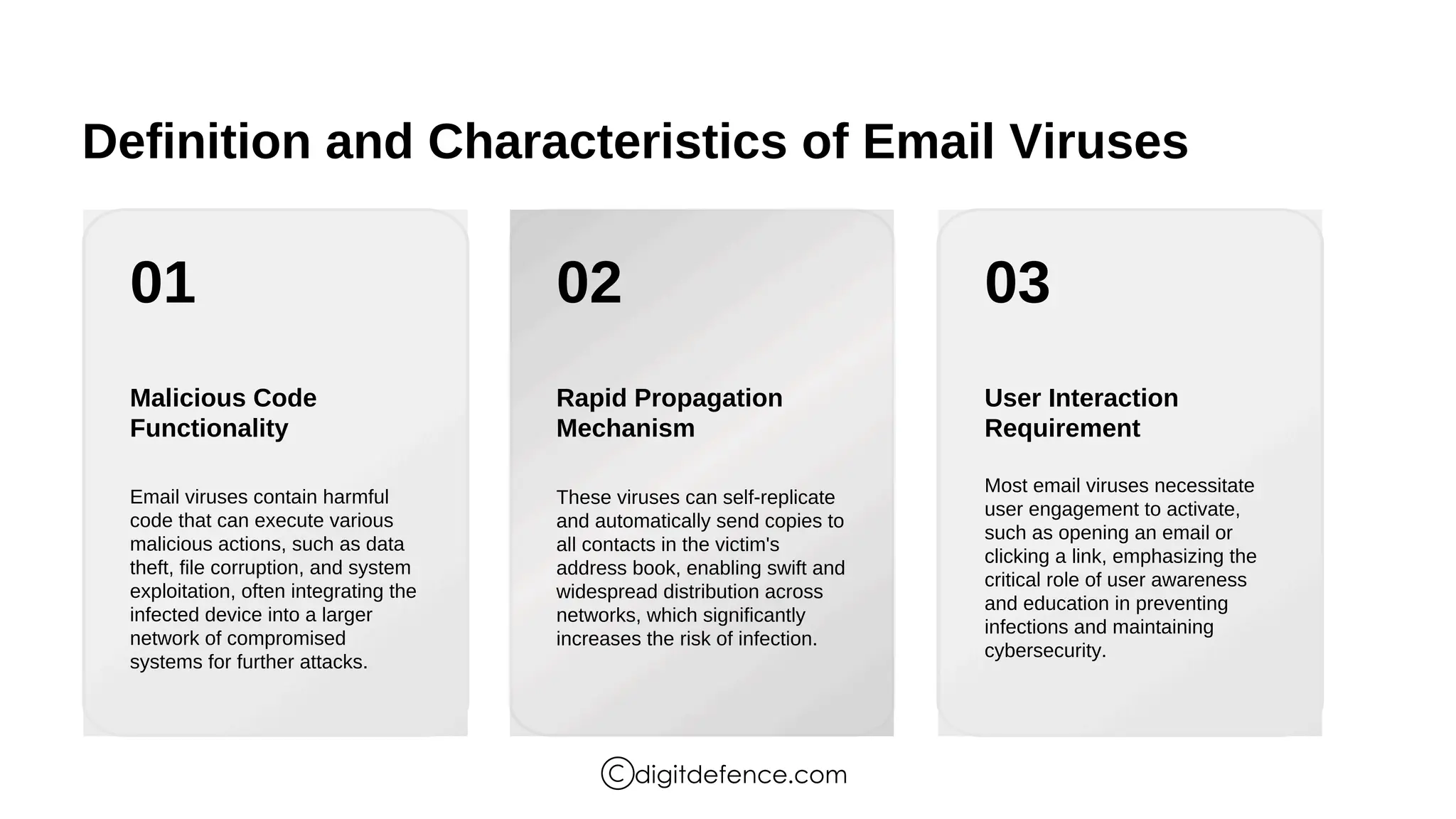
Definition and Characteristics of Email Viruses
01 02 03
Malicious Code
Functionality
Rapid Propagation
Mechanism
User Interaction
Requirement
Email viruses contain harmful
code that can execute various
malicious actions, such as data
theft, file corruption, and system
exploitation, often integrating the
infected device into a larger
network of compromised
systems for further attacks.
These viruses can self-replicate
and automatically send copies to
all contacts in the victim's
address book, enabling swift and
widespread distribution across
networks, which significantly
increases the risk of infection.
Most email viruses necessitate
user engagement to activate,
such as opening an email or
clicking a link, emphasizing the
critical role of user awareness
and education in preventing
infections and maintaining
cybersecurity.
digitdefence.com
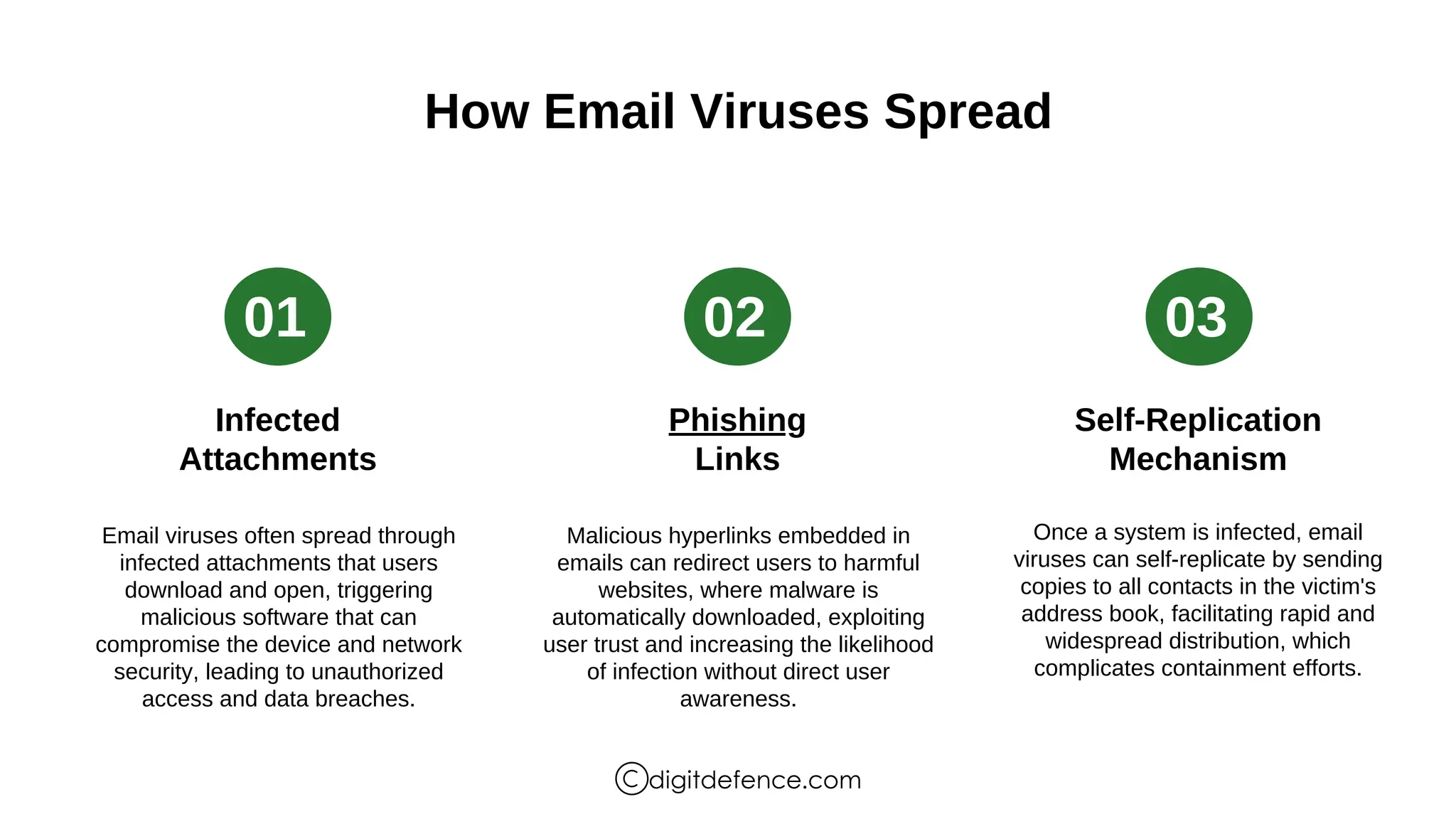
How Email Viruses Spread
01 02 03
Infected
Attachments
Phishing
Links
Self-Replication
Mechanism
Email viruses often spread through
infected attachments that users
download and open, triggering
malicious software that can
compromise the device and network
security, leading to unauthorized
access and data breaches.
Malicious hyperlinks embedded in
emails can redirect users to harmful
websites, where malware is
automatically downloaded, exploiting
user trust and increasing the likelihood
of infection without direct user
awareness.
Once a system is infected, email
viruses can self-replicate by sending
copies to all contacts in the victim's
address book, facilitating rapid and
widespread distribution, which
complicates containment efforts.
digitdefence.com
Common Types of Email Viruses
Diverse Malware Categories
Email viruses encompass various types,
including macro viruses, worms, ransomware,
Trojans, adware, spyware, phishing scams, and
bots, each employing distinct methods of
infiltration and propagation, necessitating
comprehensive awareness and tailored security
measures to mitigate their impact on users and
organizations.
digitdefence.com
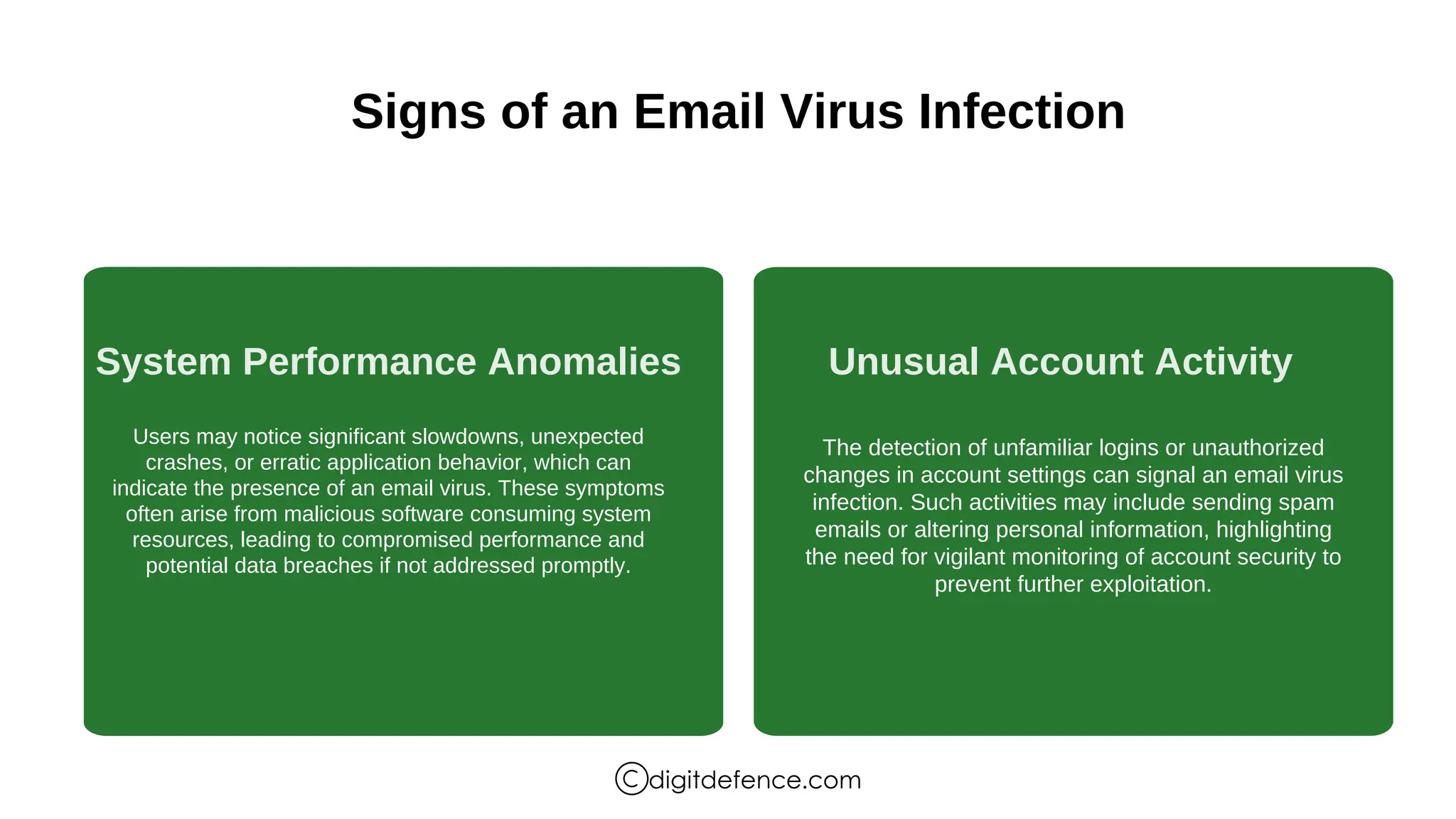
Signs of an Email Virus Infection
System Performance Anomalies Unusual Account Activity
Users may notice significant slowdowns, unexpected
crashes, or erratic application behavior, which can
indicate the presence of an email virus. These symptoms
often arise from malicious software consuming system
resources, leading to compromised performance and
potential data breaches if not addressed promptly.
The detection of unfamiliar logins or unauthorized
changes in account settings can signal an email virus
infection. Such activities may include sending spam
emails or altering personal information, highlighting
the need for vigilant monitoring of account security to
prevent further exploitation.
digitdefence.com
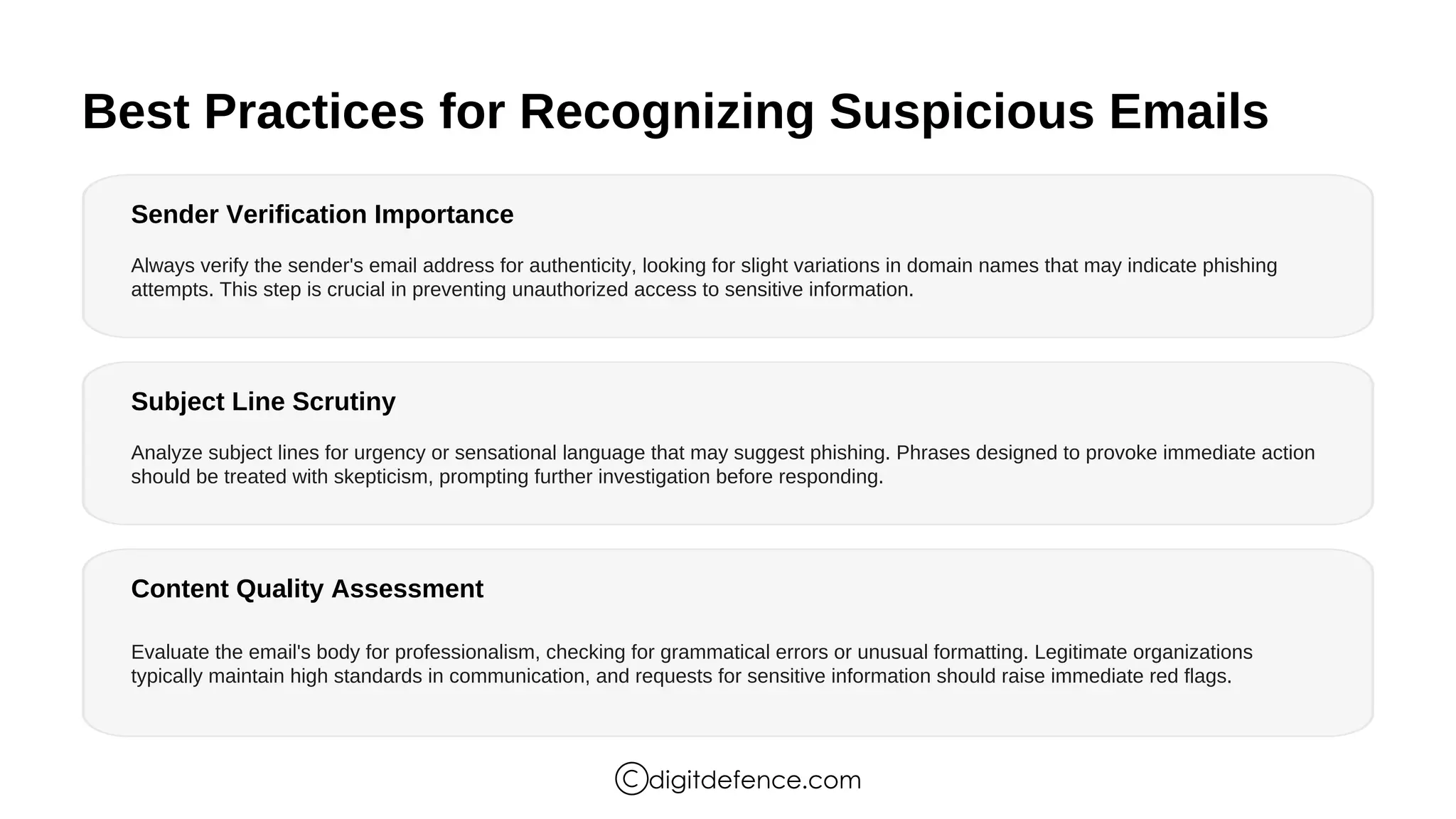
Best Practices for Recognizing Suspicious Emails
Sender Verification Importance
Subject Line Scrutiny
Content Quality Assessment
Always verify the sender's email address for authenticity, looking for slight variations in domain names that may indicate phishing
attempts. This step is crucial in preventing unauthorized access to sensitive information.
Analyze subject lines for urgency or sensational language that may suggest phishing. Phrases designed to provoke immediate action
should be treated with skepticism, prompting further investigation before responding.
Evaluate the email's body for professionalism, checking for grammatical errors or unusual formatting. Legitimate organizations
typically maintain high standards in communication, and requests for sensitive information should raise immediate red flags.
digitdefence.com
Thank You
digitdefence.com

Introduction to Email Virus | Digitdefence

  • 1.
  • 2.
    Definition and Characteristicsof Email Viruses 01 02 03 Malicious Code Functionality Rapid Propagation Mechanism User Interaction Requirement Email viruses contain harmful code that can execute various malicious actions, such as data theft, file corruption, and system exploitation, often integrating the infected device into a larger network of compromised systems for further attacks. These viruses can self-replicate and automatically send copies to all contacts in the victim's address book, enabling swift and widespread distribution across networks, which significantly increases the risk of infection. Most email viruses necessitate user engagement to activate, such as opening an email or clicking a link, emphasizing the critical role of user awareness and education in preventing infections and maintaining cybersecurity. digitdefence.com
  • 3.
    How Email VirusesSpread 01 02 03 Infected Attachments Phishing Links Self-Replication Mechanism Email viruses often spread through infected attachments that users download and open, triggering malicious software that can compromise the device and network security, leading to unauthorized access and data breaches. Malicious hyperlinks embedded in emails can redirect users to harmful websites, where malware is automatically downloaded, exploiting user trust and increasing the likelihood of infection without direct user awareness. Once a system is infected, email viruses can self-replicate by sending copies to all contacts in the victim's address book, facilitating rapid and widespread distribution, which complicates containment efforts. digitdefence.com
  • 4.
    Common Types ofEmail Viruses Diverse Malware Categories Email viruses encompass various types, including macro viruses, worms, ransomware, Trojans, adware, spyware, phishing scams, and bots, each employing distinct methods of infiltration and propagation, necessitating comprehensive awareness and tailored security measures to mitigate their impact on users and organizations. digitdefence.com
  • 5.
    Signs of anEmail Virus Infection System Performance Anomalies Unusual Account Activity Users may notice significant slowdowns, unexpected crashes, or erratic application behavior, which can indicate the presence of an email virus. These symptoms often arise from malicious software consuming system resources, leading to compromised performance and potential data breaches if not addressed promptly. The detection of unfamiliar logins or unauthorized changes in account settings can signal an email virus infection. Such activities may include sending spam emails or altering personal information, highlighting the need for vigilant monitoring of account security to prevent further exploitation. digitdefence.com
  • 6.
    Best Practices forRecognizing Suspicious Emails Sender Verification Importance Subject Line Scrutiny Content Quality Assessment Always verify the sender's email address for authenticity, looking for slight variations in domain names that may indicate phishing attempts. This step is crucial in preventing unauthorized access to sensitive information. Analyze subject lines for urgency or sensational language that may suggest phishing. Phrases designed to provoke immediate action should be treated with skepticism, prompting further investigation before responding. Evaluate the email's body for professionalism, checking for grammatical errors or unusual formatting. Legitimate organizations typically maintain high standards in communication, and requests for sensitive information should raise immediate red flags. digitdefence.com
  • 7.