















INTRODUCTION TO
CORDOVA
MAKING NATIVE-ONLY DEVS JEALOUS SINCE 2009
WHO AM I?
Developer Advocate for IBM
Focused on MobileFirst and Bluemix
Web Standards, HTML5, JavaScript,
Mobile, ColdFusion
www.raymondcamden.com
@raymondcamden
GENESIS (OF PHONEGAP)
Built at an iPhoneDevCamp in 2009
Started by Nitobi
Adobe bought Nitobi (2011)
Currently at 5.1.1
$$$?
PhoneGap is free
No, really, free
Open Source
APACHE CORDOVA
cordova.apache.org
PhoneGap is Adobe's implementation
PhoneGap == Cordova
LET'S GET TECHY
Creates "Hybrid" applications
Native wrapper around a web view
HTML (CSS,JS) handles layout
Cordova "bridges the gap" to native capabilities
ABOUT THAT GAP...
Cordova tries to follow standards
When it doesn't need to do anything, it doesn't
In the perfect world, Cordova won't exist
SUPPORTED PLATFORMS
iOS
Android
Windows Phone 8
BlackBerry 10
(docs.cordova.io)Super Long URL
OTHER PLATFORMS
Firefox OS
Amazon Fire OS
Ubuntu
Tizen
Windows 8
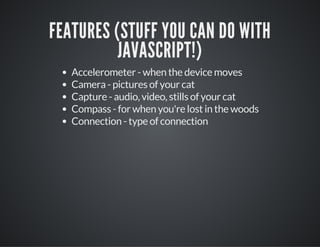
FEATURES (STUFF YOU CAN DO WITH
JAVASCRIPT!)
Accelerometer - when the device moves
Camera - pictures of your cat
Capture - audio, video, stills of your cat
Compass - for when you're lost in the woods
Connection - type of connection
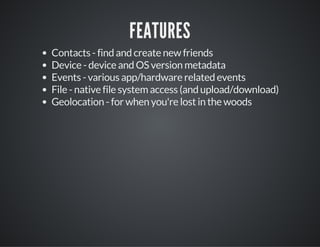
FEATURES
Contacts - find and create new friends
Device - device and OS version metadata
Events - various app/hardware related events
File - native file system access (and upload/download)
Geolocation - for when you're lost in the woods
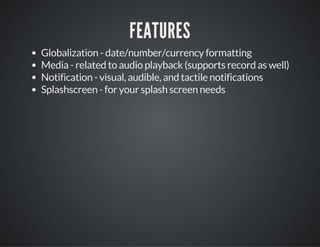
FEATURES
Globalization - date/number/currency formatting
Media - related to audio playback (supports record as well)
Notification - visual, audible, and tactile notifications
Splashscreen - for your splash screen needs
FEATURES
Plugin API for anything you can imagine...
UNOFFICIAL FEATURES
Use any of the 10 million JavaScript libraries
Use any of the 10 million APIs
Deploy to app store
NON-FEATURES
UI
UX
Native Killer
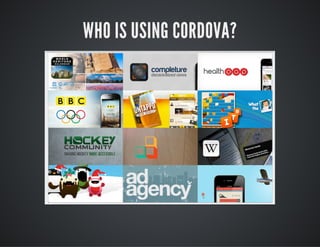
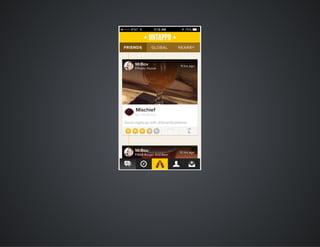
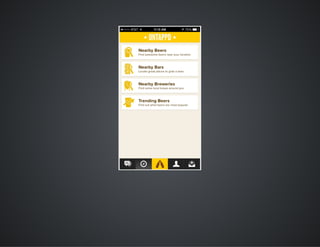
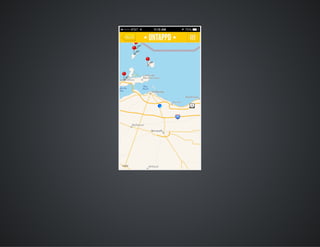
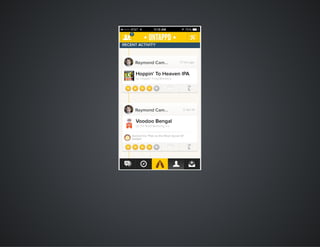
WHO IS USING CORDOVA?
REAL WORLD DEMO
Ray, click to the right if the demo worked.
HOW IS IT DONE?
Going from HTML to Binary
Making use of the "special" stuff
Thinking Differently
HOW IS IT DONE?
Install Node
Install cordova via npm: sudo npm install -g cordova (Windows
folks open your command prompt as an Admin)
Get SDK(s) (technically optional)
HOW IS IT DONE?
Command line init to create the project
Switch to your editor
Edit HTML, simulate, build (via CLI)
DEMO
I'll show creating a project and explain what the folders
represent.
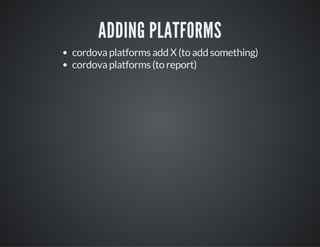
ADDING PLATFORMS
cordova platforms add X (to add something)
cordova platforms (to report)
DEMO
I'm going to show adding iOS and Android as well as checking
what is there/installed.
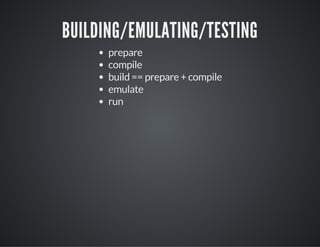
BUILDING/EMULATING/TESTING
prepare
compile
build == prepare + compile
emulate
run
MY CYCLE
edit stuff
cordova emulate
DEMO
HOW DO WE DO THE AWESOME?
Include cordova.js (this will NOT exist in www)
Wait for "deviceready" event
plugins for each feature (so to do X, you add the plugin X)
config.xml (handles settings)
DEMO
I'm going to demo the camera API and totally screw it up.
PLUGINS
All core features use plugins
Additional features use plugins
Everything driven from CLI (list, add, and remove)
DEMO
Let's fix the camera demo.
DEMO
Let's show a few more: demos/contactpickerui,
demos/camera_vintagagejs, demos/mp3
REAL WORLD BUILDING
Desktop Browser
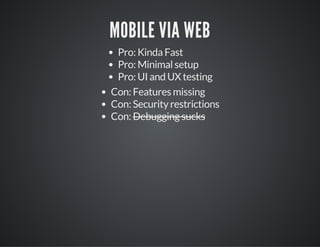
Mobile via Web
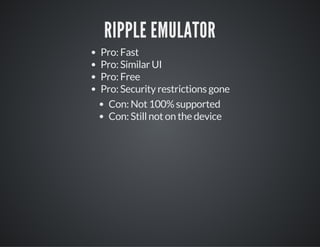
Ripple Emulator
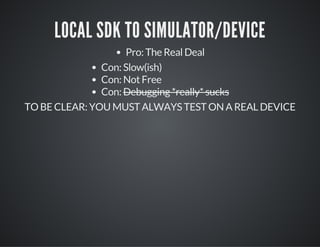
Local SDK to Simulator/Device
DESKTOP BROWSER
Pro: Super Fast
Pro: No setup
Pro: Debugging Rocks
Con: UI isn't right
Con: UX isn't right
Con: Features missing
Con: Security restrictions
MOBILE VIA WEB
Pro: Kinda Fast
Pro: Minimal setup
Pro: UI and UX testing
Con: Features missing
Con: Security restrictions
Con: Debugging sucks
RIPPLE EMULATOR
Pro: Fast
Pro: Similar UI
Pro: Free
Pro: Security restrictions gone
Con: Not 100% supported
Con: Still not on the device
LOCAL SDK TO SIMULATOR/DEVICE
Pro: The Real Deal
Con: Slow(ish)
Con: Not Free
Con: Debugging *really* sucks
TO BE CLEAR: YOU MUST ALWAYS TEST ON A REAL DEVICE
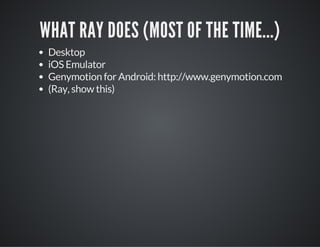
WHAT RAY DOES (MOST OF THE TIME...)
Desktop
iOS Emulator
Genymotion for Android: http://www.genymotion.com
(Ray, show this)
TESTING
TESTING
On Desktop, just continue to use dev tools.
TESTING
On Mobile, just continue to use dev tools.
REMOTE DEBUG
Safari for iOS, Chrome for Android
"Full" dev tools for mobile web or Cordova
DEMO
GAPDEBUG
https://www.genuitec.com/products/gapdebug/
DEMO
SO WHAT ABOUT THAT WHOLE "THINK
DIFFERENT" THING?
USER INTERFACE
SUGGESTIONS
Libraries (like Bootstrap)
Responsive design and testing in general
USER EXPERIENCE
SUGGESTIONS
Libraries (again)
Testing on devices
Handling offline with client-side storage
ARCHITECTURE
SUGGESTIONS
Single Page Architecture
AngularJS, jQuery Mobile, etc
ALL IN ONE SOLUTION
IONICFRAMEWORK.COM
PHONEGAP BUILD
THE 411
Web based platform to do builds
Supports iOS, Android, Windows Phone, Blackberry, webOS,
Symbian
Has an API too
NO SDKS NO COMPILING NO MESS!
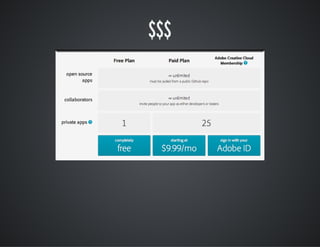
$$$
DEMO
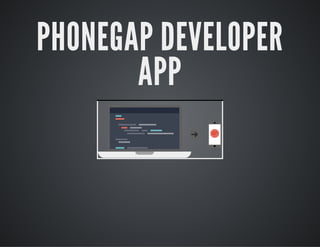
PHONEGAP DEVELOPER
APP
Connects your desktop to your physical device (ios, android,
windows phone)
DEMO
WHAT TO GO NEXT?
Help - Google Group for PhoneGap
Developers - people.phonegap.com
cordova.apache.org
plugins.cordova.io
"APACHE CORDOVA IN ACTION"
manning.com/camden
THANK YOU!

Introduction to Cordova