a tour of new features

introducing

POWERPOINT 2011
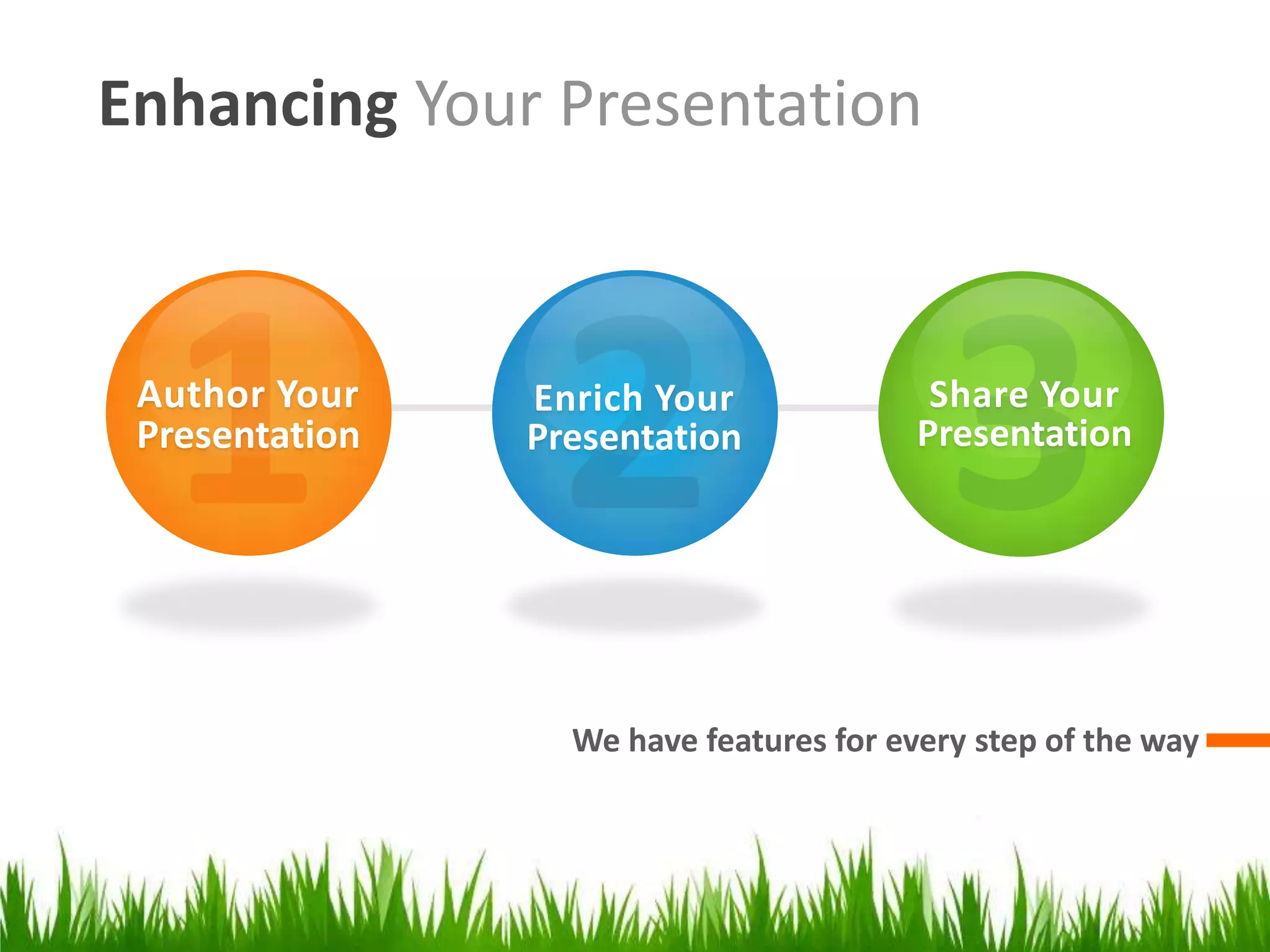
Enhancing Your Presentation

Author Your
Presentation

Enrich Your
Presentation

Share Your
Presentation

We have features for every step of the way
Author Your Presentation

Design and organize
Getting Started with Templates
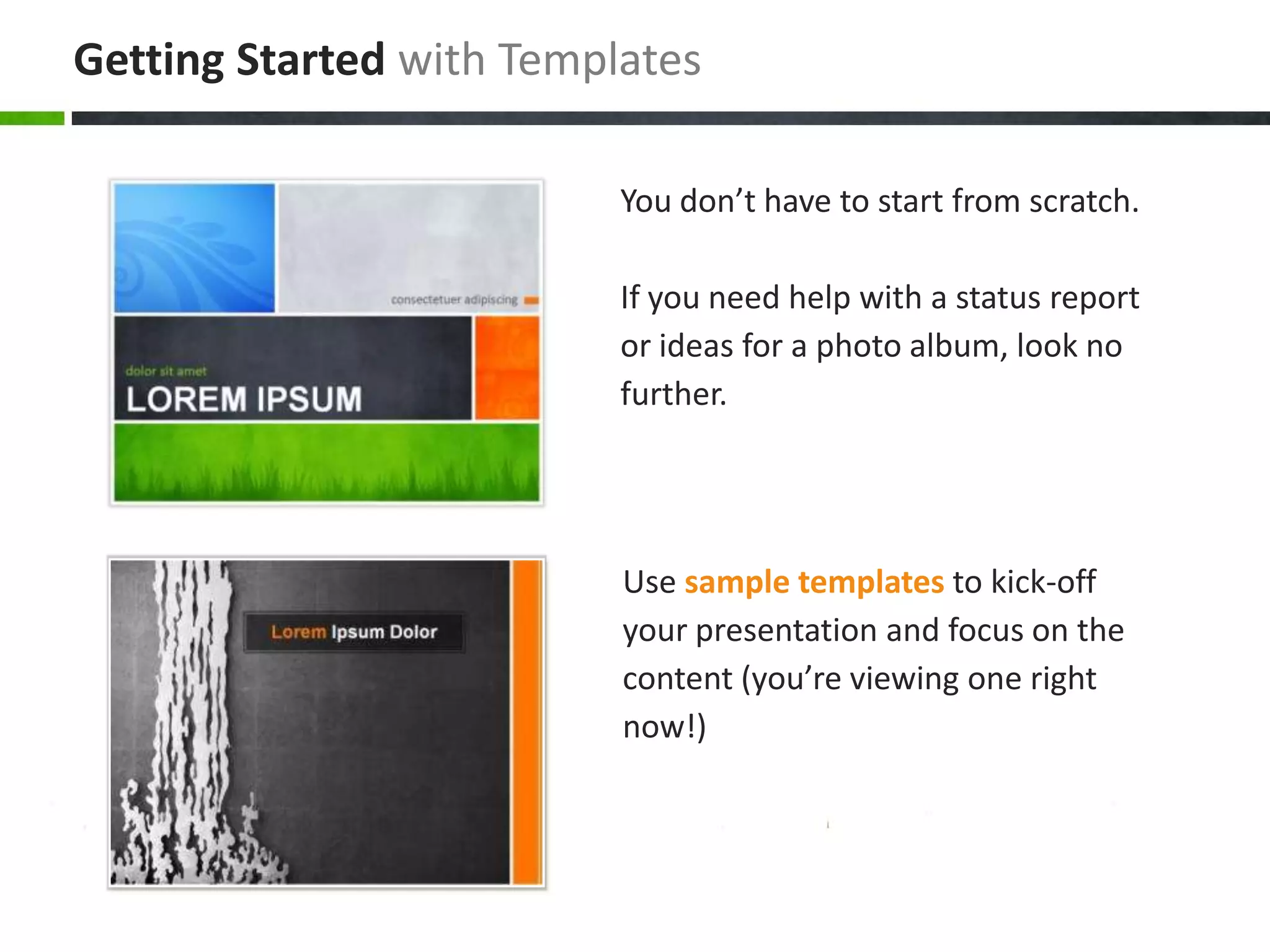
You don’t have to start from scratch.
If you need help with a status report
or ideas for a photo album, look no
further.

Use sample templates to kick-off
your presentation and focus on the
content (you’re viewing one right
now!)
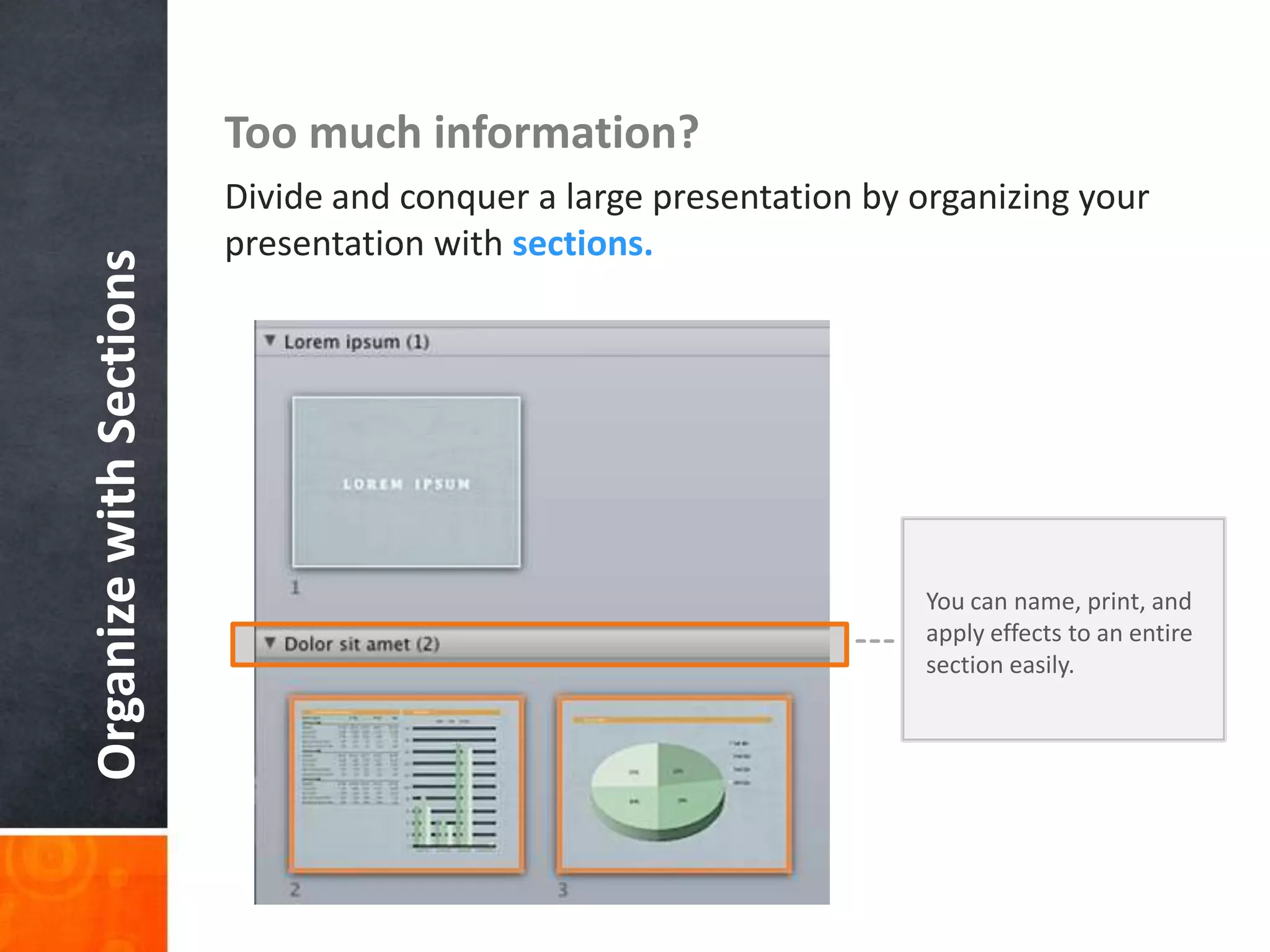
Organize with Sections

Too much information?
Divide and conquer a large presentation by organizing your
presentation with sections.

You can name, print, and
apply effects to an entire
section easily.
Enrich Your Presentation

Stylize, edit, and animate your media
It’s not just about the visuals, but strengthening

YOUR MESSAGE.
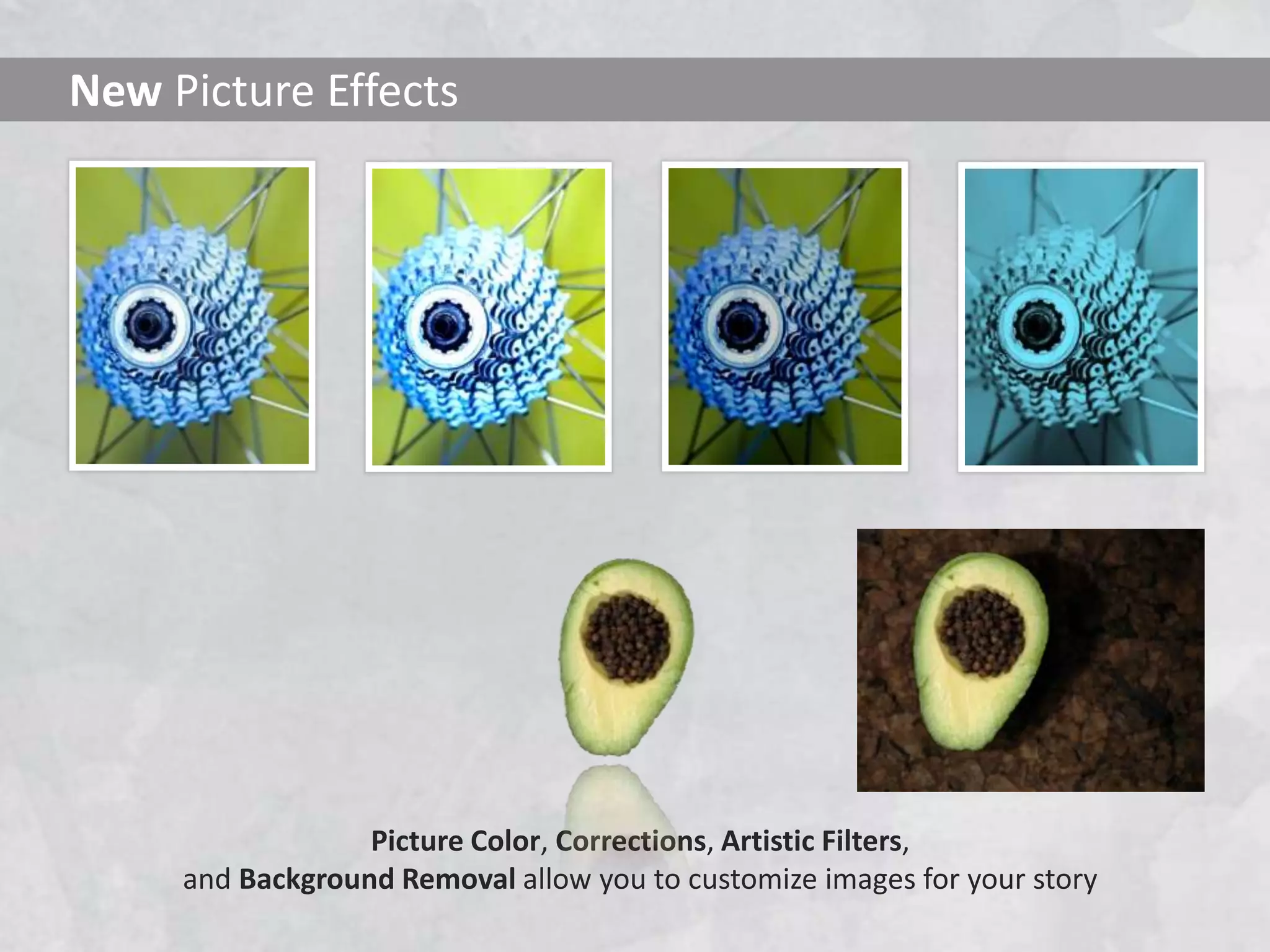
New Picture Effects

Picture Color, Corrections, Artistic Filters,
and Background Removal allow you to customize images for your story
Movie Perfect
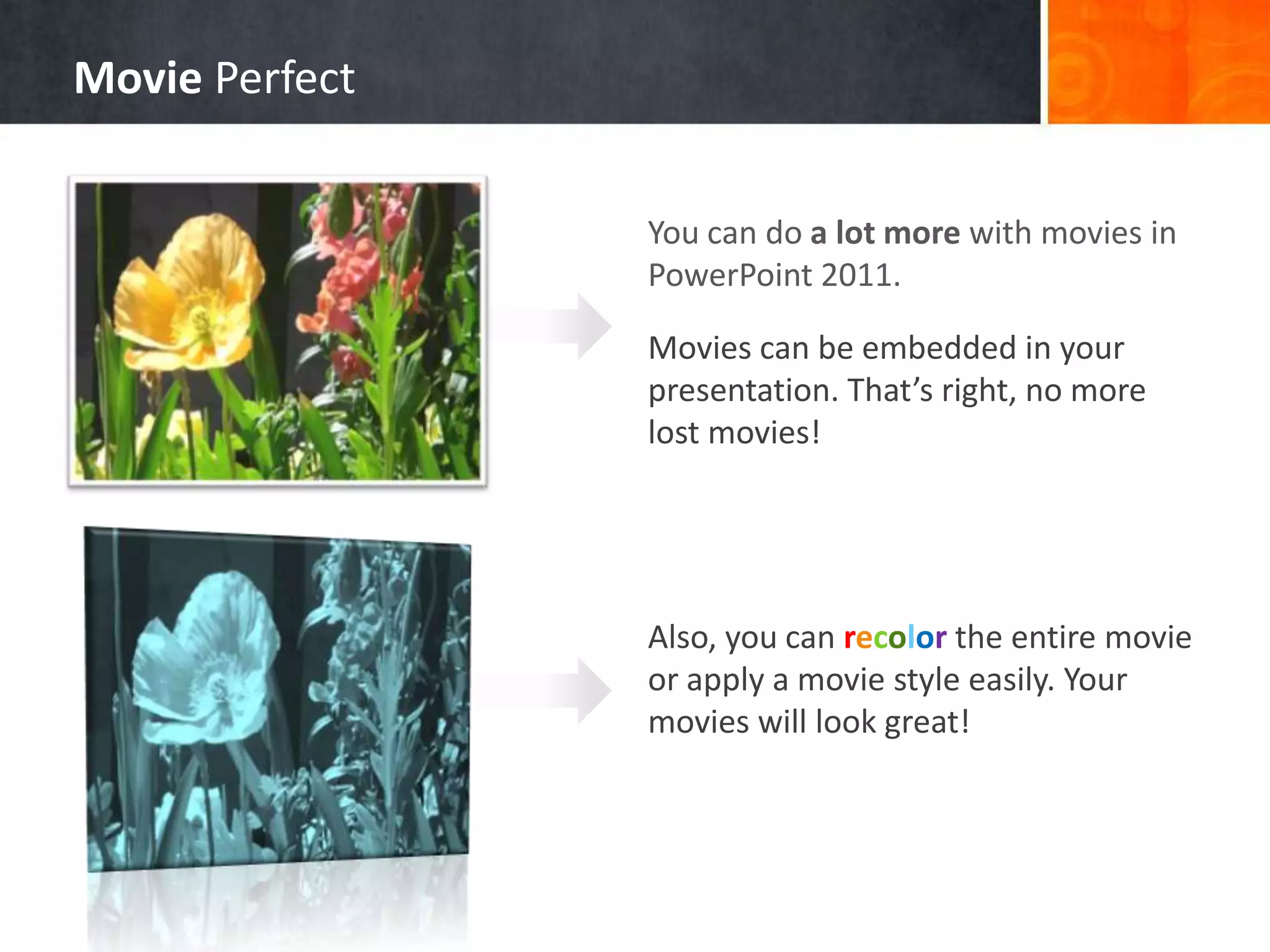
You can do a lot more with movies in
PowerPoint 2011.
Movies can be embedded in your
presentation. That’s right, no more
lost movies!

Also, you can recolor the entire movie
or apply a movie style easily. Your
movies will look great!
Exciting new transitions

beautiful transitions

What about the
you’ve been seeing?

They are new too.
Share Your Presentation

View your slides from anywhere!
Collaboration
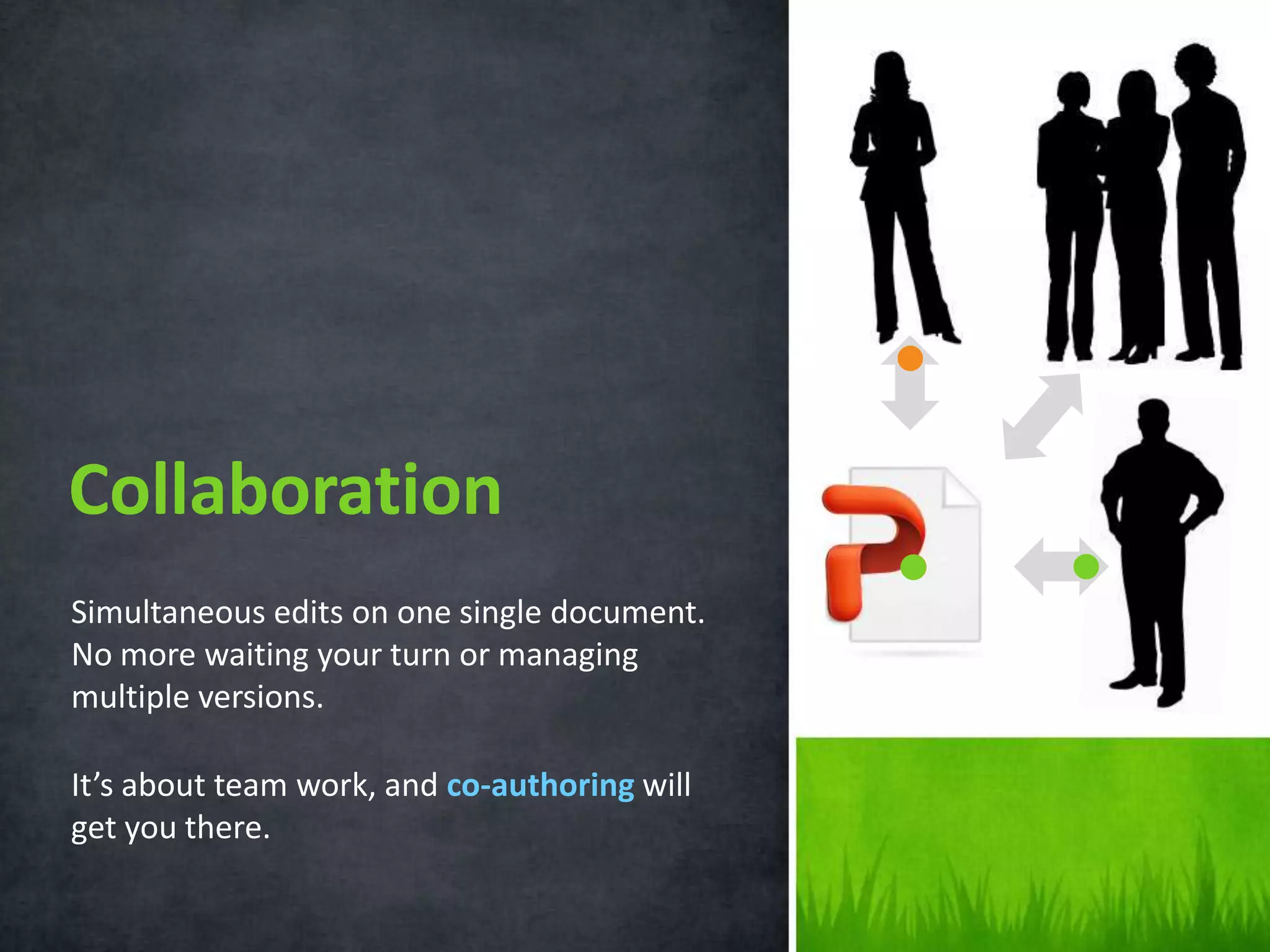
Simultaneous edits on one single document.
No more waiting your turn or managing
multiple versions.
It’s about team work, and co-authoring will
get you there.
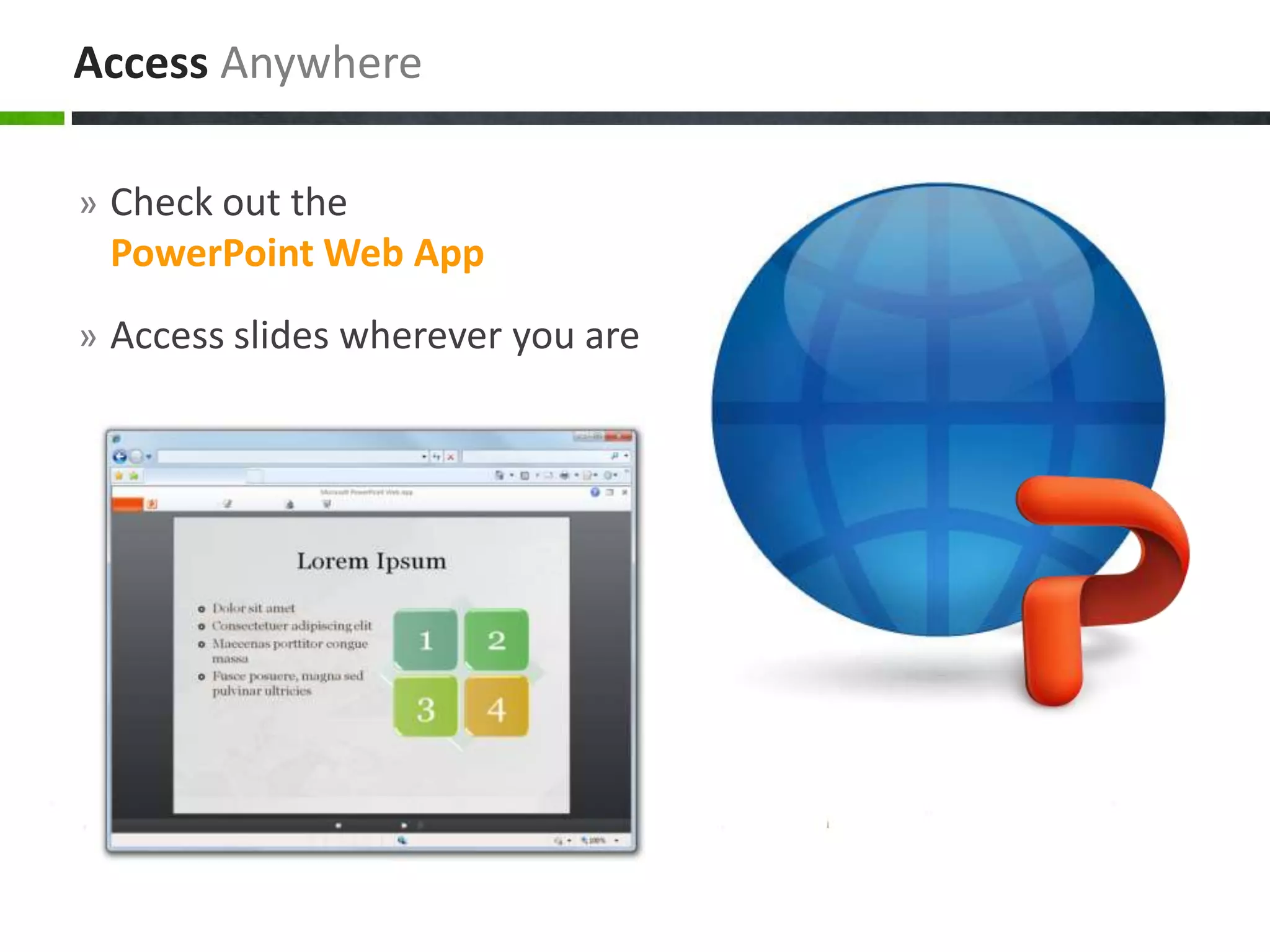
Access Anywhere
» Check out the

PowerPoint Web App
» Access slides wherever you are
What’s Your Message?
POWERPOINT 2011

Introducing power point 2011

Editor's Notes

  • #2 This presentation demonstrates the new capabilities of PowerPoint and it is best viewed in Slide Show. These slides are designed to give you great ideas for the presentations you’ll create in PowerPoint 2011!For more sample templates, click the File menu, and then click New From Template. Under Templates, click Presentations.