Introducing and Operating
FME Flow for Kubernetes
in a Large Enterprise:
Experiences, Challenges,
and Opportunities
con terra GmbH
The Peak of Data
and AI 2025
2025
The
Peak
of
Data
and
AI
Seven years ago, we launched a project at Deutsche Telekom with the aim of
developing end-to-end automation to support planning processes for the
expansion of fiber optics (Fiber To The Home) throughout Germany. The
requirements were tempting: cloud-based, microservices, scalability and OSS
preferred. Thanks to Safe Software's innovation, we were able to deploy FME
Flow for K8s (FME Server 2017 Beta) right from the start. The FME platform has
thus become a central component of Telekom's GDI. In addition to more
traditional data integration tasks, FME fulfills the role of an interface for the
systems involved. In this presentation, we want to report on our experiences with
the use of FME Flow for K8s/OpenShift, provide technical insight into the
deployment via Gitlab Pipelines and report on future challenges for automated
scaling, IT security and the tension between the maximum flexibility of FME and
the requirements for robust IT operations. The audience can take away valuable
tips and experiences for the use of multiple FME Flow instances in large
companies from this presentation.
2025
The
Peak
of
Data
and
AI
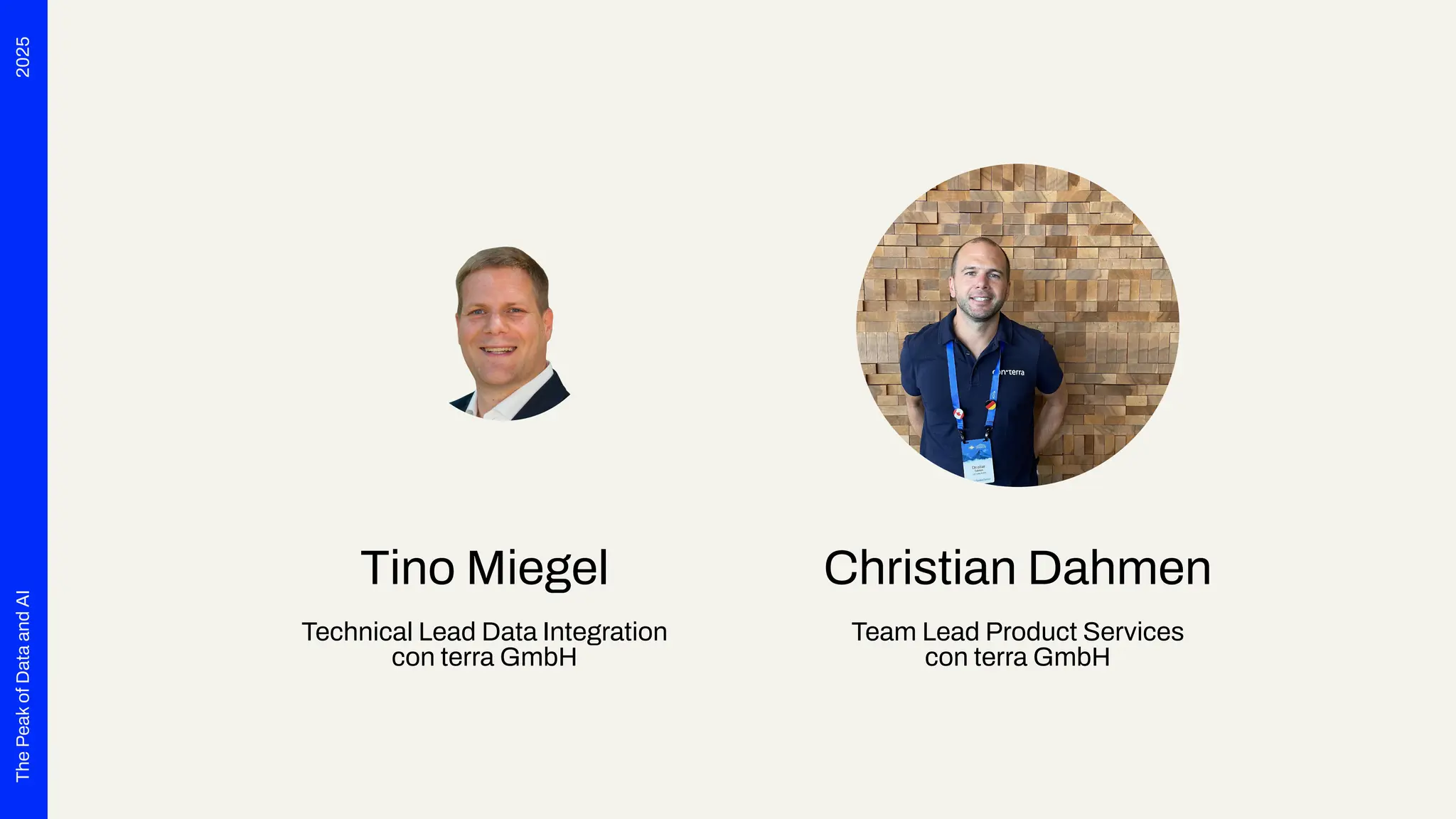
Tino Miegel
Technical Lead Data Integration
con terra GmbH
Christian Dahmen
Team Lead Product Services
con terra GmbH
1. Introduction
2. DevOps FME Flow on K8S
3. Challenges
4. Conclusion
Agenda
Introduction
Section 1
2025
The
Peak
of
Data
and
AI
Introduction
What this presentation is about.
● FME Flow Deployment (no FME workspaces☺)
● DevOps, CI/CD Pipeline
● Challenges & Learnings
2025
The
Peak
of
Data
and
AI
Customer & Project
● Deutsche Telekom
● Fiber To The Home
● End-to-End automation to support planning processes
● FME Flow for both Data Integration AND System Integration
2025
The
Peak
of
Data
and
AI
Project Scope and Parameters
● Cloud-based Infrastructure (Open Telekom Cloud)
● Microservices
● Scalability
● OSS preferred
● Standardized Interfaces only, like OGC Standards
● DevOps & CI/CD
● Agile Project; Scaled Agile Framework = SAFe☺
2025
The
Peak
of
Data
and
AI
Numbers
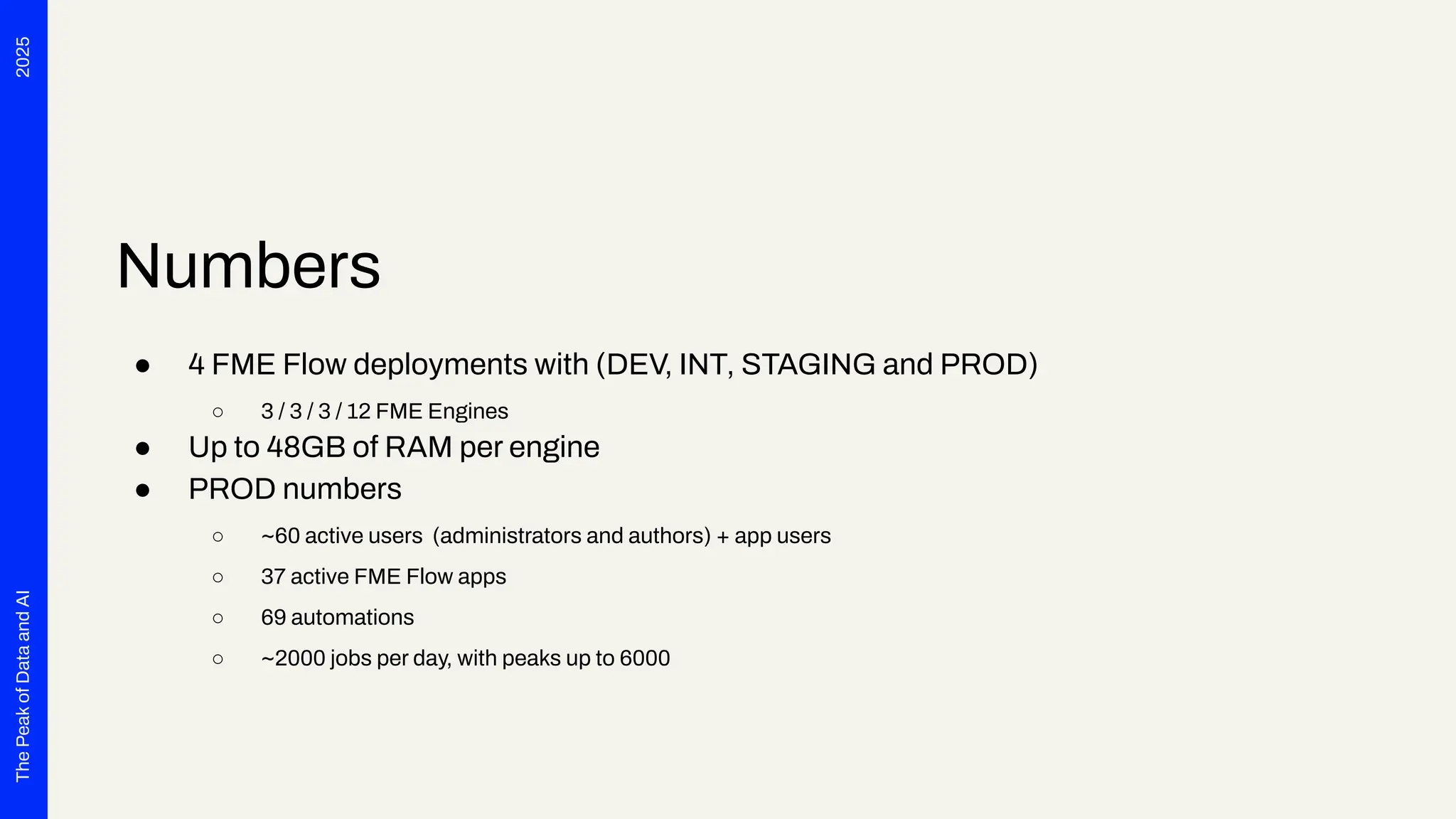
● 4 FME Flow deployments with (DEV, INT, STAGING and PROD)
○ 3 / 3 / 3 / 12 FME Engines
● Up to 48GB of RAM per engine
● PROD numbers
○ ~60 active users (administrators and authors) + app users
○ 37 active FME Flow apps
○ 69 automations
○ ~2000 jobs per day, with peaks up to 6000
DevOps FME
Flow on
OpenShift
(K8s)
Section 2
2025
The
Peak
of
Data
and
AI
Git Repositories for everything
1. FME Flow Helmcharts
1. A clone of the official Safe Helm charts, but without PostgreSQL container and some minor tweaks
regarding ingresses and OpenShift
2. Each commit triggers a pipeline that builds the helm chart and publishes it to the internal helm
registry,
3. Automatic MR for DEV with head SHA / version tag => MR for INT
2. Import Images
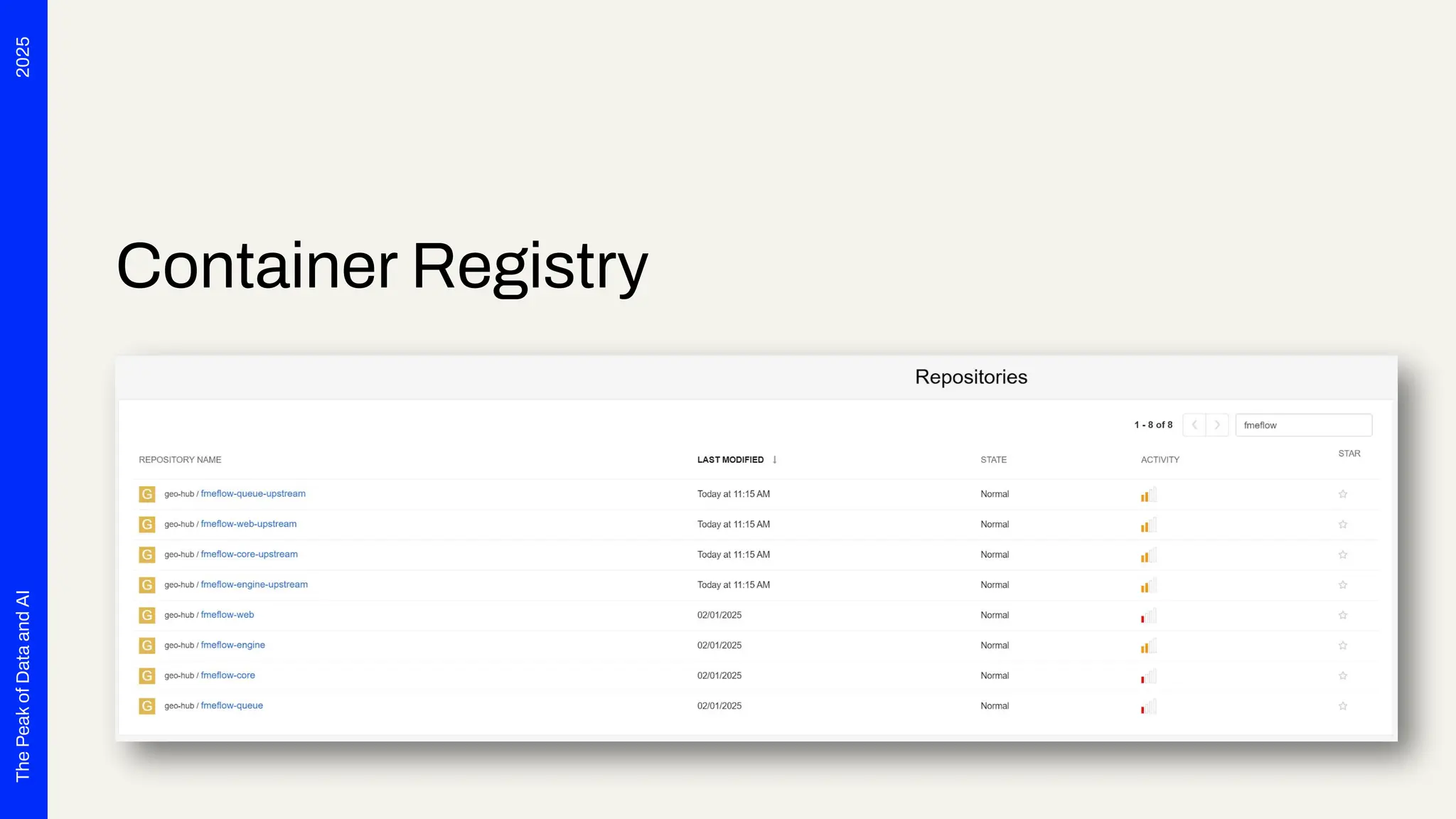
1. Scripts and pipelines to import the offical images from Docker Hub into the Magenta Telekom
Registry
2. Some tweaking of file ownerships for OpenShift and adding Oracle client libraries to engine images
2025
The
Peak
of
Data
and
AI
Container Registry
2025
The
Peak
of
Data
and
AI
Git Repositories for everything
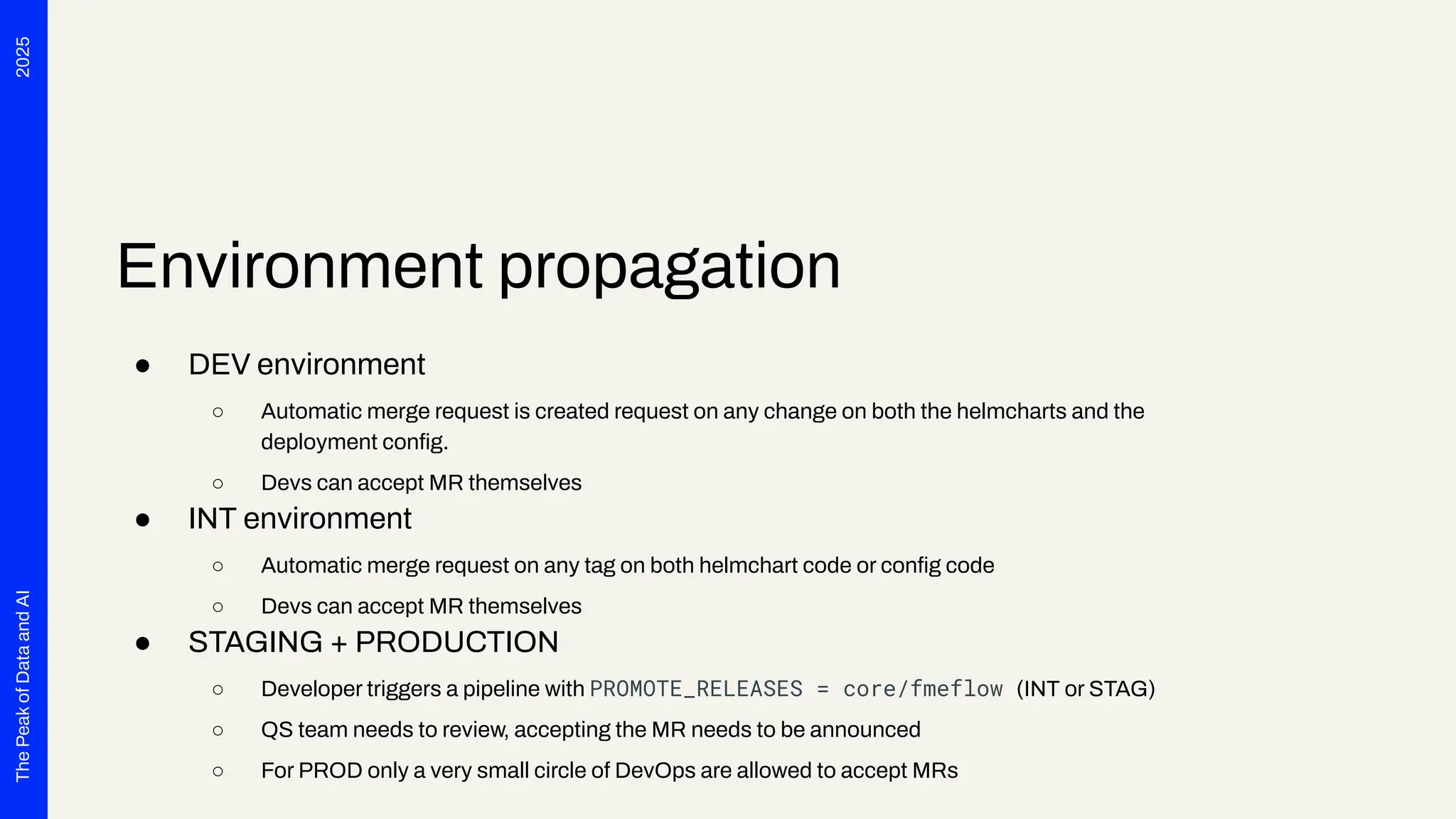
3. Release Management
1. 4 repositories for each environment DEV, INT, STAGING and PROD
2. Hierarchical value file structure
3. FME Flow is only one application in one project of many in each environment
4. Config is stored in three files per application, e.g. releases/core/fmeflow:
1. helmchart.yml (Chart version, common config for each env for all apps)
2. values.yml (Config specific to app, e.g. FME Flow version)
3. env-values.yml (Env app specifics, e.g. FME Flow hostname)
2025
The
Peak
of
Data
and
AI
Environment propagation
● DEV environment
○ Automatic merge request is created request on any change on both the helmcharts and the
deployment config.
○ Devs can accept MR themselves
● INT environment
○ Automatic merge request on any tag on both helmchart code or config code
○ Devs can accept MR themselves
● STAGING + PRODUCTION
○ Developer triggers a pipeline with PROMOTE_RELEASES = core/fmeflow (INT or STAG)
○ QS team needs to review, accepting the MR needs to be announced
○ For PROD only a very small circle of DevOps are allowed to accept MRs
2025
The
Peak
of
Data
and
AI
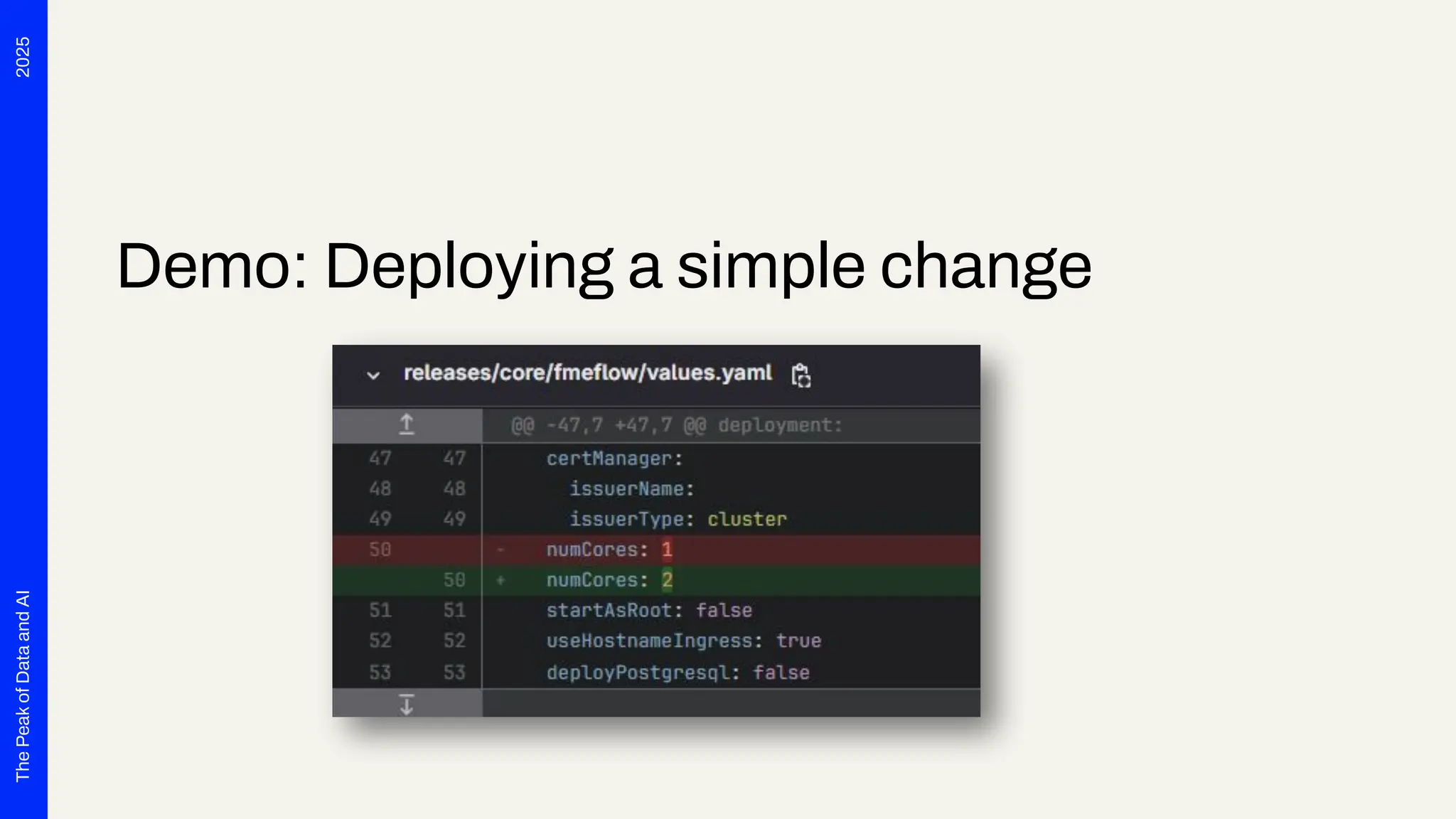
Demo: Deploying a simple change
2025
The
Peak
of
Data
and
AI
Demo: Deploying a simple change
2025
The
Peak
of
Data
and
AI
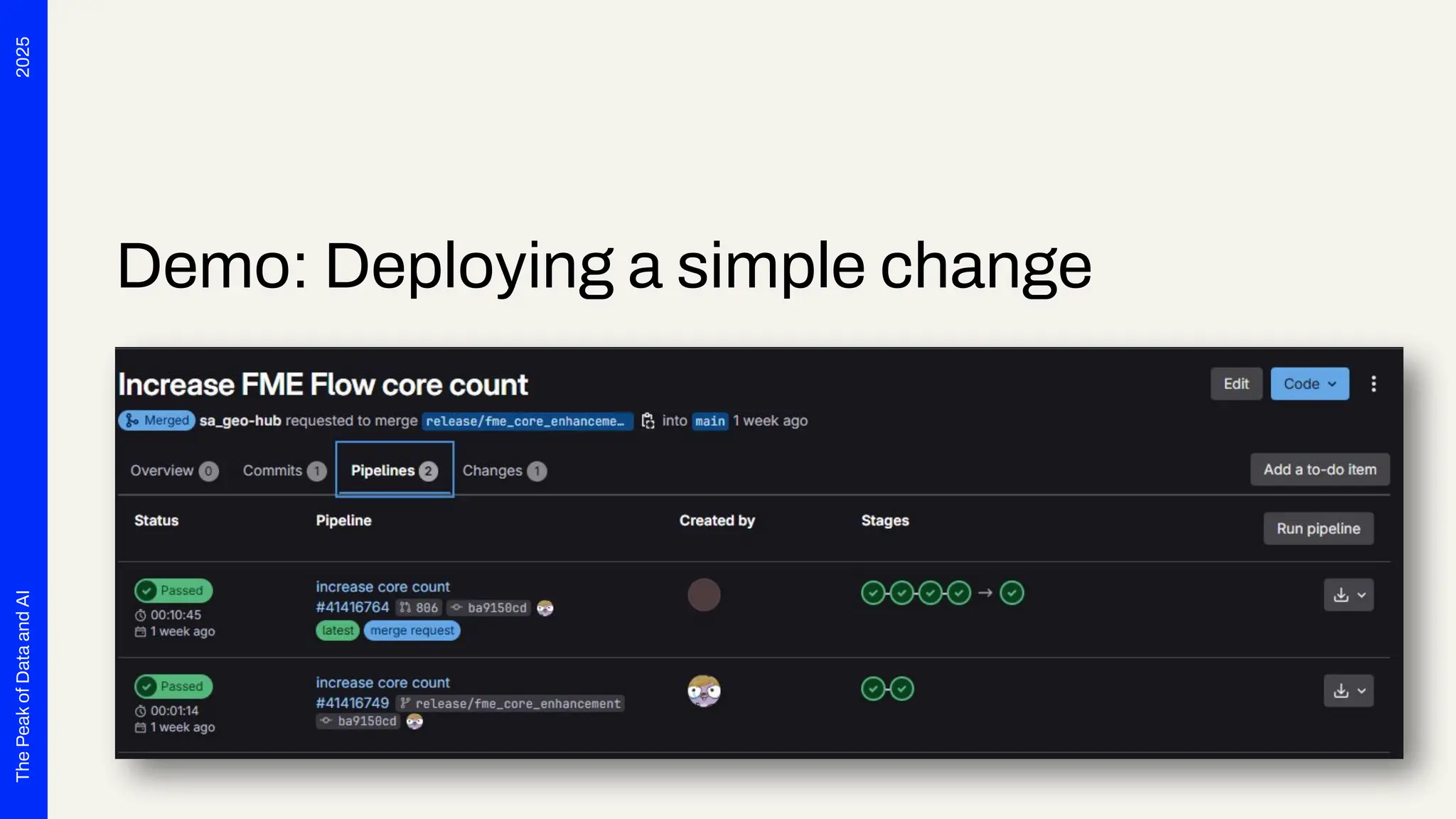
Demo: Deploying a simple change
2025
The
Peak
of
Data
and
AI
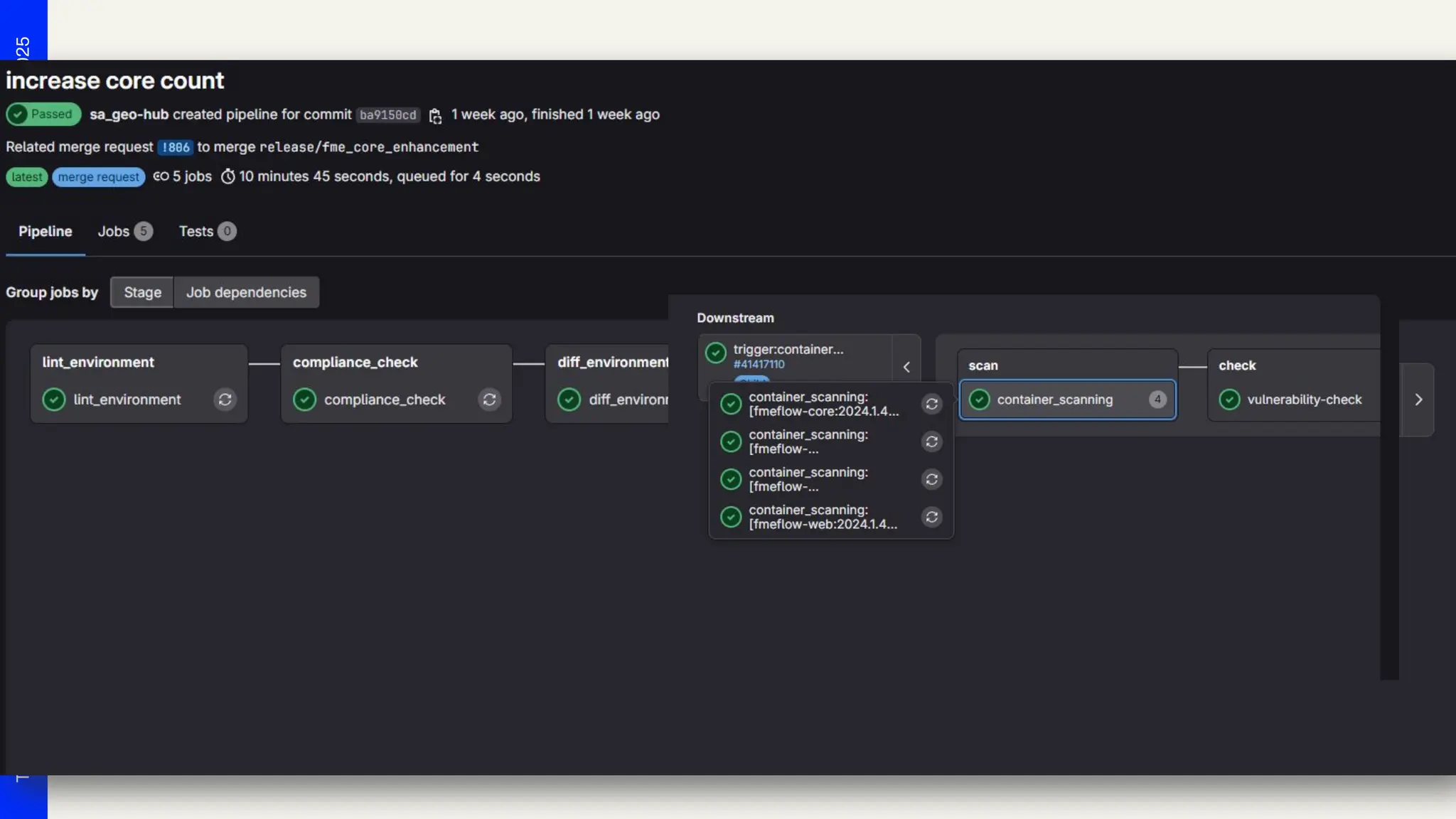
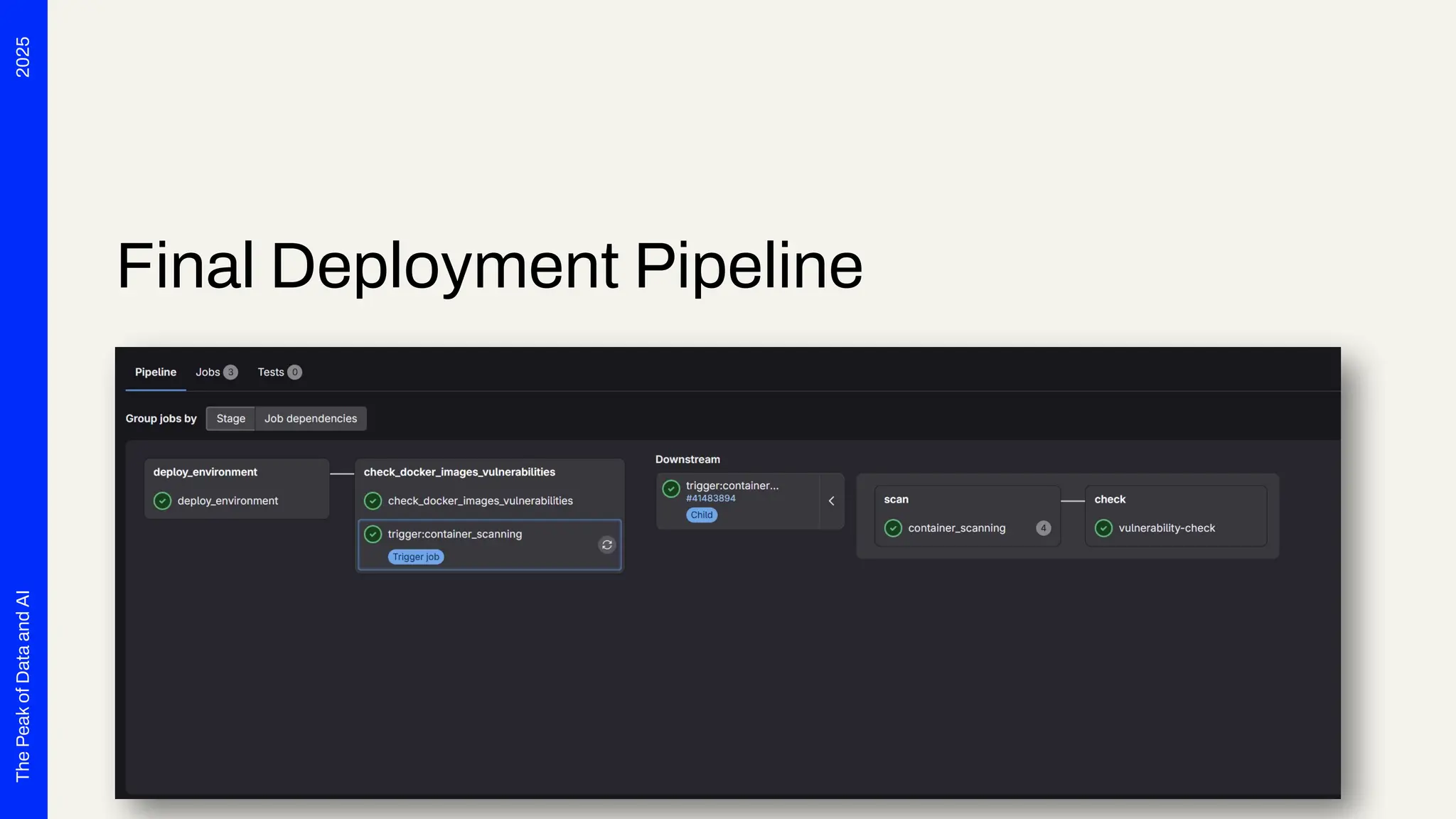
Final Deployment Pipeline
Challenges
Section 3
2025
The
Peak
of
Data
and
AI
Challenges
Unlock the full potential of your data by:
● Organizational Challenges (Responsibility, Flexibility vs. Pipelines)
● Technical Challenges (Scaling, Memory, Grafana, …)
● Technical Use Case Challenges (e.g. Providing Stable Interfaces)
2025
The
Peak
of
Data
and
AI
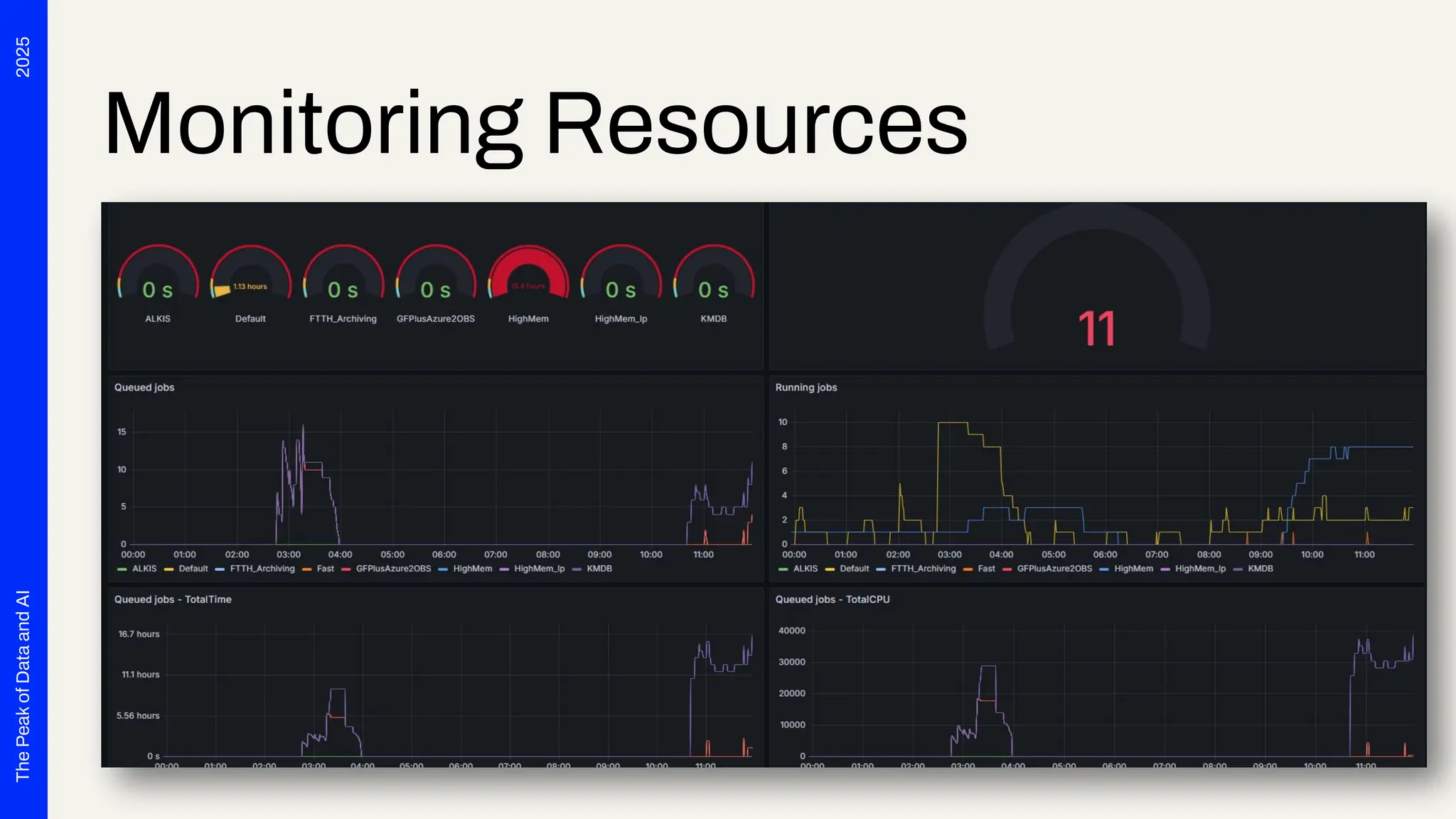
Monitoring Resources
2025
The
Peak
of
Data
and
AI
Persistant file storage
● FMEDatashare is stored on a persistant data storage
● FME Flow Minor/Patch Updates (2024.2.3 -> 2024.2.4)
○ Just spin up the new image versions
● Major Upgrades
1. Trigger Backup
2. Undeploy the app
3. Delete all files on share via SFTP
4. Deploy the new version
5. Initial setup pw change, Proxy settings
6. Restore Backup
2025
The
Peak
of
Data
and
AI
Security Scans
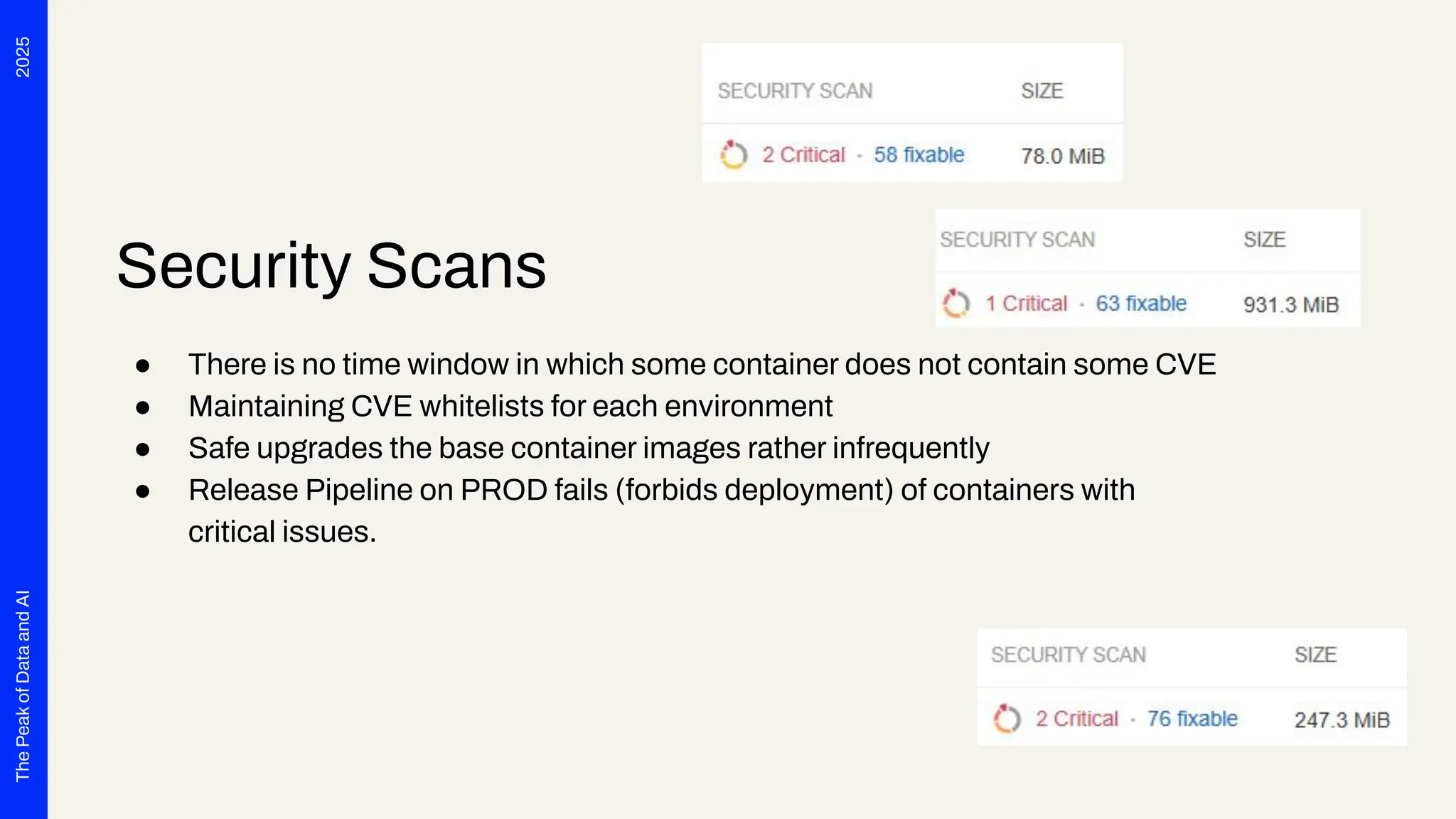
● There is no time window in which some container does not contain some CVE
● Maintaining CVE whitelists for each environment
● Safe upgrades the base container images rather infrequently
● Release Pipeline on PROD fails (forbids deployment) of containers with
critical issues.
2025
The
Peak
of
Data
and
AI
Challenges, but solved
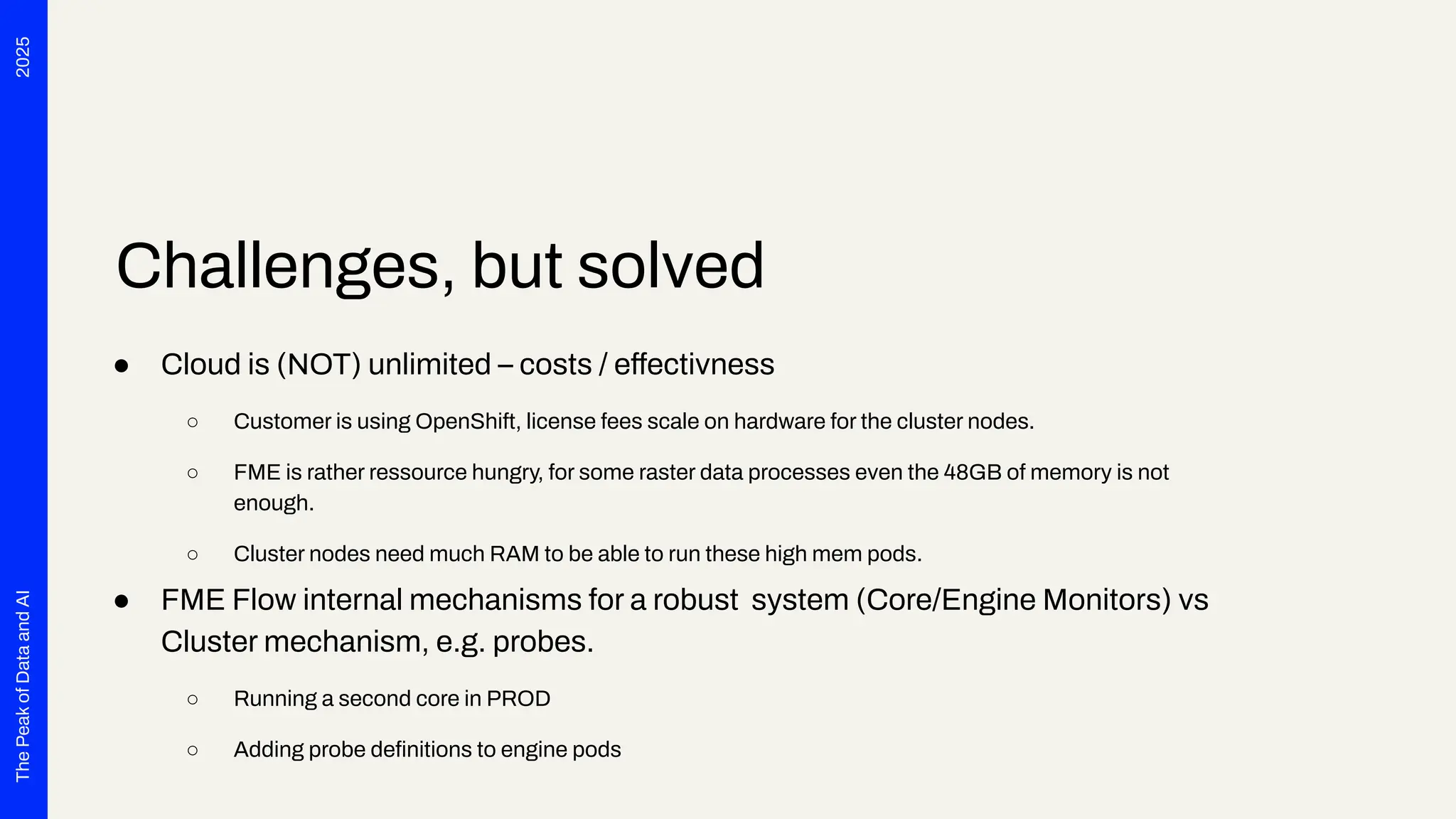
● Cloud is (NOT) unlimited – costs / effectivness
○ Customer is using OpenShift, license fees scale on hardware for the cluster nodes.
○ FME is rather ressource hungry, for some raster data processes even the 48GB of memory is not
enough.
○ Cluster nodes need much RAM to be able to run these high mem pods.
● FME Flow internal mechanisms for a robust system (Core/Engine Monitors) vs
Cluster mechanism, e.g. probes.
○ Running a second core in PROD
○ Adding probe definitions to engine pods
2025
The
Peak
of
Data
and
AI
Challenges, but solved
● FME as a runtime for „arbitrary“ user workflows:
○ We do not know in advance, what workflow users do design and then what data amounts get
processed on the cluster.
○ If users use the wrong Job queue or hit the hard memory limit, the cluster kills the pods
■ Beeing able to configure re-run-count via UI was a great improvement
■ In 2024 there was a bug with FME 2024 and Docker engine, that FME always ignored memory
limits and tried to use all memory of a node => Always killed engine pods
2025
The
Peak
of
Data
and
AI
Challenges, but solved
● FME Flow engine „shortage“
○ Customer and users always complained about blocked queues and who is able to run jobs on e.g.
„highmem“ engines.
⇒ FME Flow Enterprise Subscription in place since March 2025
Now the hardware is the limit ;)
Conclusion
Section 4
2025
The
Peak
of
Data
and
AI
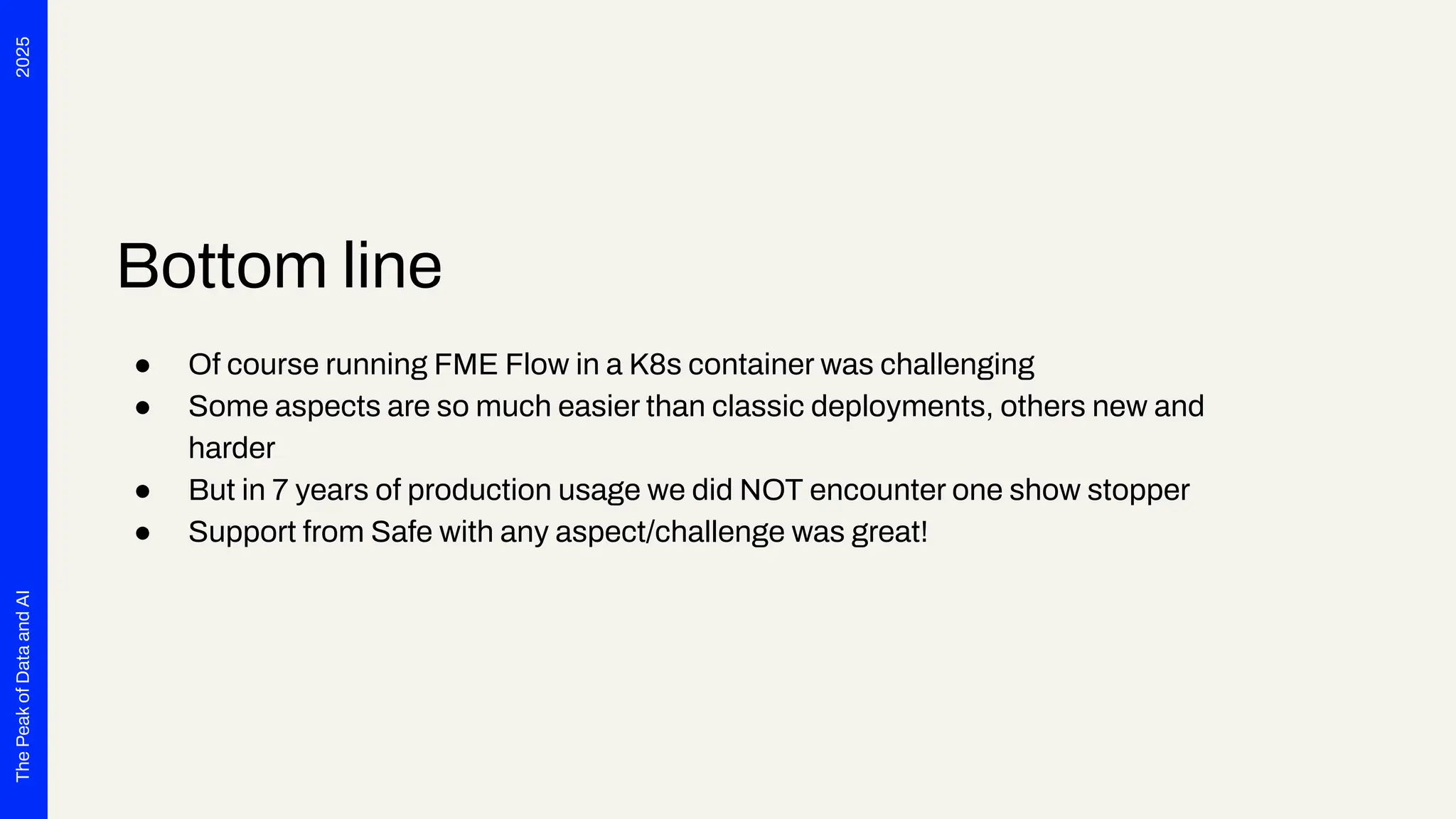
Bottom line
● Of course running FME Flow in a K8s container was challenging
● Some aspects are so much easier than classic deployments, others new and
harder
● But in 7 years of production usage we did NOT encounter one show stopper
● Support from Safe with any aspect/challenge was great!
2025
The
Peak
of
Data
and
AI
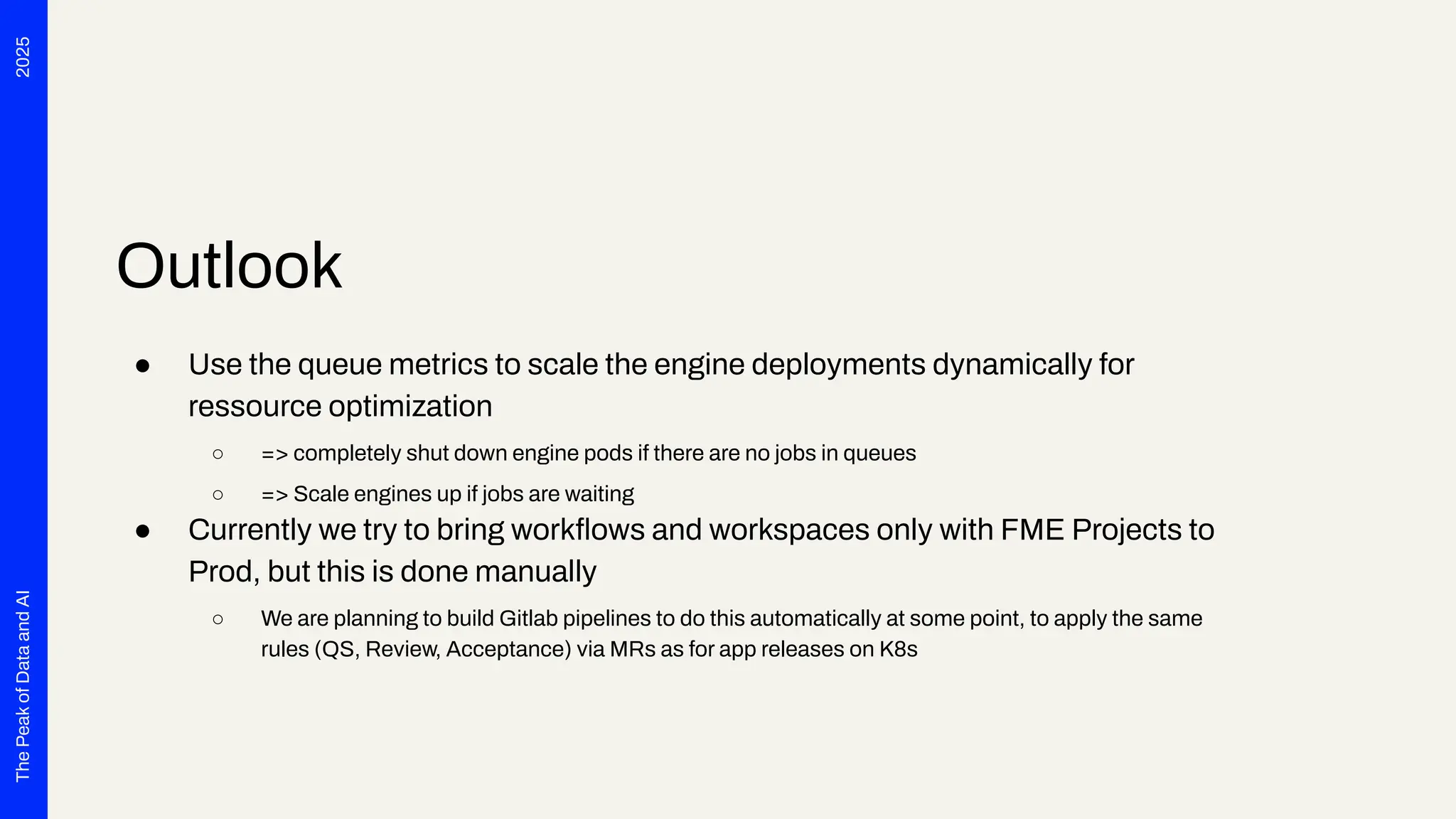
Outlook
● Use the queue metrics to scale the engine deployments dynamically for
ressource optimization
○ => completely shut down engine pods if there are no jobs in queues
○ => Scale engines up if jobs are waiting
● Currently we try to bring workflows and workspaces only with FME Projects to
Prod, but this is done manually
○ We are planning to build Gitlab pipelines to do this automatically at some point, to apply the same
rules (QS, Review, Acceptance) via MRs as for app releases on K8s
2025
The
Peak
of
Data
and
AI
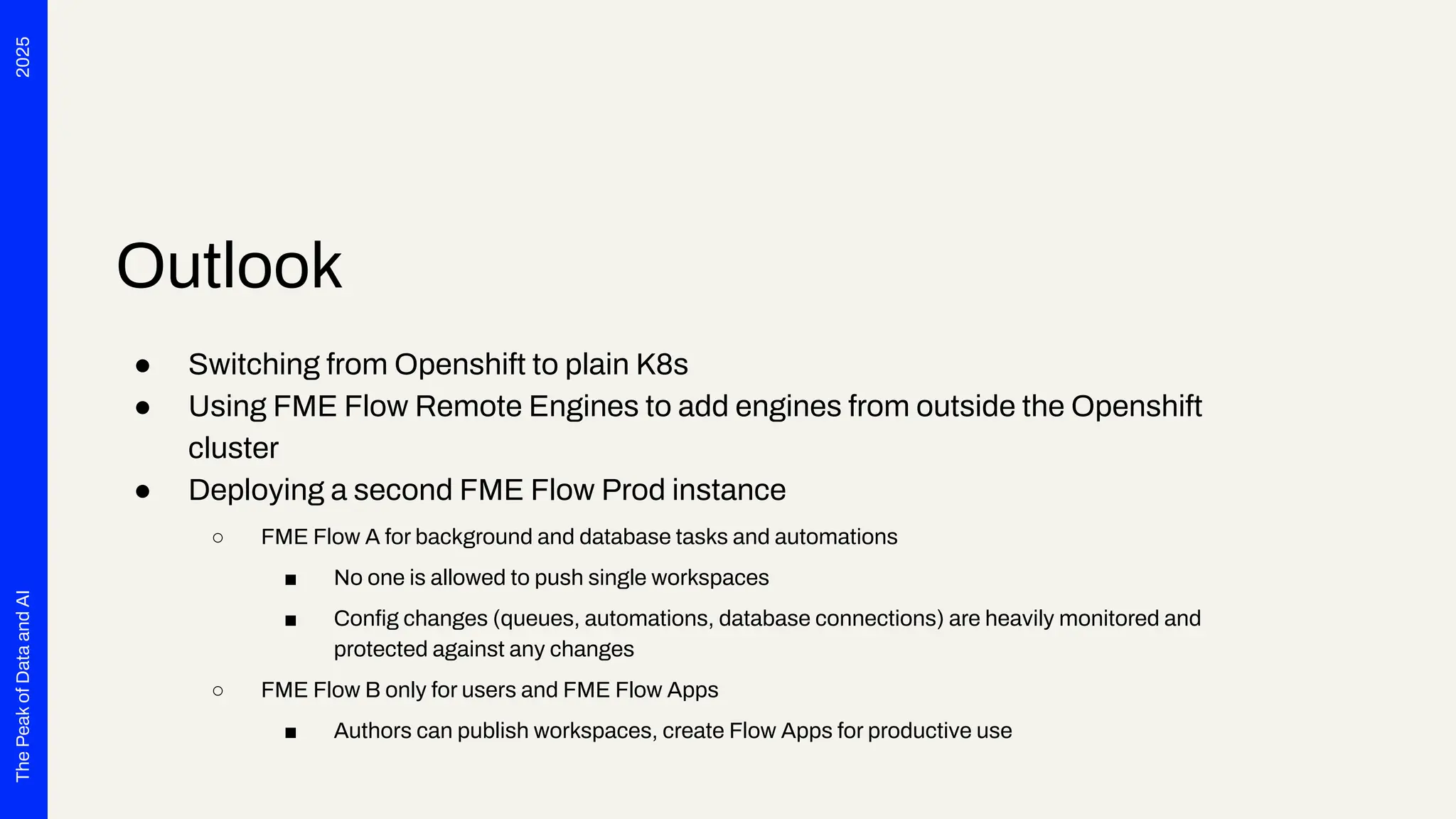
Outlook
● Switching from Openshift to plain K8s
● Using FME Flow Remote Engines to add engines from outside the Openshift
cluster
● Deploying a second FME Flow Prod instance
○ FME Flow A for background and database tasks and automations
■ No one is allowed to push single workspaces
■ Config changes (queues, automations, database connections) are heavily monitored and
protected against any changes
○ FME Flow B only for users and FME Flow Apps
■ Authors can publish workspaces, create Flow Apps for productive use
2025
The
Peak
of
Data
and
AI
ThankYou
Your Name
Company
Email

Introducing and Operating FME Flow for Kubernetes in a Large Enterprise: Experiences, Challenges, and Opportunities

  • 1.
    Introducing and Operating FMEFlow for Kubernetes in a Large Enterprise: Experiences, Challenges, and Opportunities con terra GmbH The Peak of Data and AI 2025
  • 2.
    2025 The Peak of Data and AI Seven years ago,we launched a project at Deutsche Telekom with the aim of developing end-to-end automation to support planning processes for the expansion of fiber optics (Fiber To The Home) throughout Germany. The requirements were tempting: cloud-based, microservices, scalability and OSS preferred. Thanks to Safe Software's innovation, we were able to deploy FME Flow for K8s (FME Server 2017 Beta) right from the start. The FME platform has thus become a central component of Telekom's GDI. In addition to more traditional data integration tasks, FME fulfills the role of an interface for the systems involved. In this presentation, we want to report on our experiences with the use of FME Flow for K8s/OpenShift, provide technical insight into the deployment via Gitlab Pipelines and report on future challenges for automated scaling, IT security and the tension between the maximum flexibility of FME and the requirements for robust IT operations. The audience can take away valuable tips and experiences for the use of multiple FME Flow instances in large companies from this presentation.
  • 3.
    2025 The Peak of Data and AI Tino Miegel Technical LeadData Integration con terra GmbH Christian Dahmen Team Lead Product Services con terra GmbH
  • 4.
    1. Introduction 2. DevOpsFME Flow on K8S 3. Challenges 4. Conclusion Agenda
  • 5.
  • 6.
    2025 The Peak of Data and AI Introduction What this presentationis about. ● FME Flow Deployment (no FME workspaces☺) ● DevOps, CI/CD Pipeline ● Challenges & Learnings
  • 7.
    2025 The Peak of Data and AI Customer & Project ●Deutsche Telekom ● Fiber To The Home ● End-to-End automation to support planning processes ● FME Flow for both Data Integration AND System Integration
  • 8.
    2025 The Peak of Data and AI Project Scope andParameters ● Cloud-based Infrastructure (Open Telekom Cloud) ● Microservices ● Scalability ● OSS preferred ● Standardized Interfaces only, like OGC Standards ● DevOps & CI/CD ● Agile Project; Scaled Agile Framework = SAFe☺
  • 9.
    2025 The Peak of Data and AI Numbers ● 4 FMEFlow deployments with (DEV, INT, STAGING and PROD) ○ 3 / 3 / 3 / 12 FME Engines ● Up to 48GB of RAM per engine ● PROD numbers ○ ~60 active users (administrators and authors) + app users ○ 37 active FME Flow apps ○ 69 automations ○ ~2000 jobs per day, with peaks up to 6000
  • 10.
  • 11.
    2025 The Peak of Data and AI Git Repositories foreverything 1. FME Flow Helmcharts 1. A clone of the official Safe Helm charts, but without PostgreSQL container and some minor tweaks regarding ingresses and OpenShift 2. Each commit triggers a pipeline that builds the helm chart and publishes it to the internal helm registry, 3. Automatic MR for DEV with head SHA / version tag => MR for INT 2. Import Images 1. Scripts and pipelines to import the offical images from Docker Hub into the Magenta Telekom Registry 2. Some tweaking of file ownerships for OpenShift and adding Oracle client libraries to engine images
  • 12.
  • 13.
    2025 The Peak of Data and AI Git Repositories foreverything 3. Release Management 1. 4 repositories for each environment DEV, INT, STAGING and PROD 2. Hierarchical value file structure 3. FME Flow is only one application in one project of many in each environment 4. Config is stored in three files per application, e.g. releases/core/fmeflow: 1. helmchart.yml (Chart version, common config for each env for all apps) 2. values.yml (Config specific to app, e.g. FME Flow version) 3. env-values.yml (Env app specifics, e.g. FME Flow hostname)
  • 14.
    2025 The Peak of Data and AI Environment propagation ● DEVenvironment ○ Automatic merge request is created request on any change on both the helmcharts and the deployment config. ○ Devs can accept MR themselves ● INT environment ○ Automatic merge request on any tag on both helmchart code or config code ○ Devs can accept MR themselves ● STAGING + PRODUCTION ○ Developer triggers a pipeline with PROMOTE_RELEASES = core/fmeflow (INT or STAG) ○ QS team needs to review, accepting the MR needs to be announced ○ For PROD only a very small circle of DevOps are allowed to accept MRs
  • 15.
  • 16.
  • 17.
  • 18.
  • 19.
  • 20.
    2025 The Peak of Data and AI Challenges Unlock the fullpotential of your data by: ● Organizational Challenges (Responsibility, Flexibility vs. Pipelines) ● Technical Challenges (Scaling, Memory, Grafana, …) ● Technical Use Case Challenges (e.g. Providing Stable Interfaces)
  • 21.
  • 22.
    2025 The Peak of Data and AI Persistant file storage ●FMEDatashare is stored on a persistant data storage ● FME Flow Minor/Patch Updates (2024.2.3 -> 2024.2.4) ○ Just spin up the new image versions ● Major Upgrades 1. Trigger Backup 2. Undeploy the app 3. Delete all files on share via SFTP 4. Deploy the new version 5. Initial setup pw change, Proxy settings 6. Restore Backup
  • 23.
    2025 The Peak of Data and AI Security Scans ● Thereis no time window in which some container does not contain some CVE ● Maintaining CVE whitelists for each environment ● Safe upgrades the base container images rather infrequently ● Release Pipeline on PROD fails (forbids deployment) of containers with critical issues.
  • 24.
    2025 The Peak of Data and AI Challenges, but solved ●Cloud is (NOT) unlimited – costs / effectivness ○ Customer is using OpenShift, license fees scale on hardware for the cluster nodes. ○ FME is rather ressource hungry, for some raster data processes even the 48GB of memory is not enough. ○ Cluster nodes need much RAM to be able to run these high mem pods. ● FME Flow internal mechanisms for a robust system (Core/Engine Monitors) vs Cluster mechanism, e.g. probes. ○ Running a second core in PROD ○ Adding probe definitions to engine pods
  • 25.
    2025 The Peak of Data and AI Challenges, but solved ●FME as a runtime for „arbitrary“ user workflows: ○ We do not know in advance, what workflow users do design and then what data amounts get processed on the cluster. ○ If users use the wrong Job queue or hit the hard memory limit, the cluster kills the pods ■ Beeing able to configure re-run-count via UI was a great improvement ■ In 2024 there was a bug with FME 2024 and Docker engine, that FME always ignored memory limits and tried to use all memory of a node => Always killed engine pods
  • 26.
    2025 The Peak of Data and AI Challenges, but solved ●FME Flow engine „shortage“ ○ Customer and users always complained about blocked queues and who is able to run jobs on e.g. „highmem“ engines. ⇒ FME Flow Enterprise Subscription in place since March 2025 Now the hardware is the limit ;)
  • 27.
  • 28.
    2025 The Peak of Data and AI Bottom line ● Ofcourse running FME Flow in a K8s container was challenging ● Some aspects are so much easier than classic deployments, others new and harder ● But in 7 years of production usage we did NOT encounter one show stopper ● Support from Safe with any aspect/challenge was great!
  • 29.
    2025 The Peak of Data and AI Outlook ● Use thequeue metrics to scale the engine deployments dynamically for ressource optimization ○ => completely shut down engine pods if there are no jobs in queues ○ => Scale engines up if jobs are waiting ● Currently we try to bring workflows and workspaces only with FME Projects to Prod, but this is done manually ○ We are planning to build Gitlab pipelines to do this automatically at some point, to apply the same rules (QS, Review, Acceptance) via MRs as for app releases on K8s
  • 30.
    2025 The Peak of Data and AI Outlook ● Switching fromOpenshift to plain K8s ● Using FME Flow Remote Engines to add engines from outside the Openshift cluster ● Deploying a second FME Flow Prod instance ○ FME Flow A for background and database tasks and automations ■ No one is allowed to push single workspaces ■ Config changes (queues, automations, database connections) are heavily monitored and protected against any changes ○ FME Flow B only for users and FME Flow Apps ■ Authors can publish workspaces, create Flow Apps for productive use
  • 31.