Introduction to Django
www.thoughtworks.com
Who Are We?
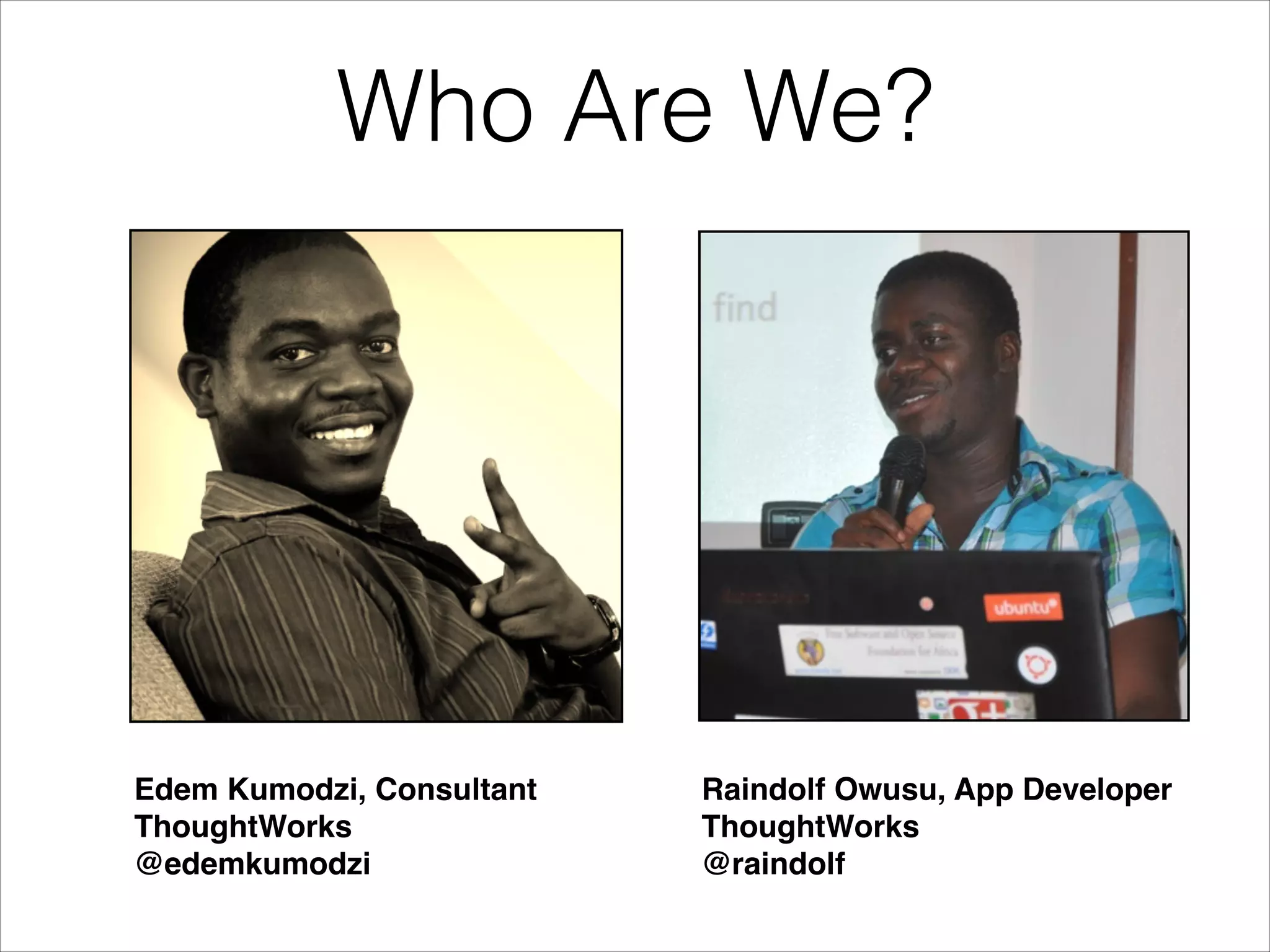
Edem Kumodzi, Consultant!
ThoughtWorks!
@edemkumodzi
Raindolf Owusu, App Developer!
ThoughtWorks!
@raindolf
What is Django?
• A high-level open source Web development
framework
• Written in Python, for Python Developers
• Eases the pain of building dynamic websites
• Abstracts common problems of Web development
• Provides shortcuts for frequent programming tasks
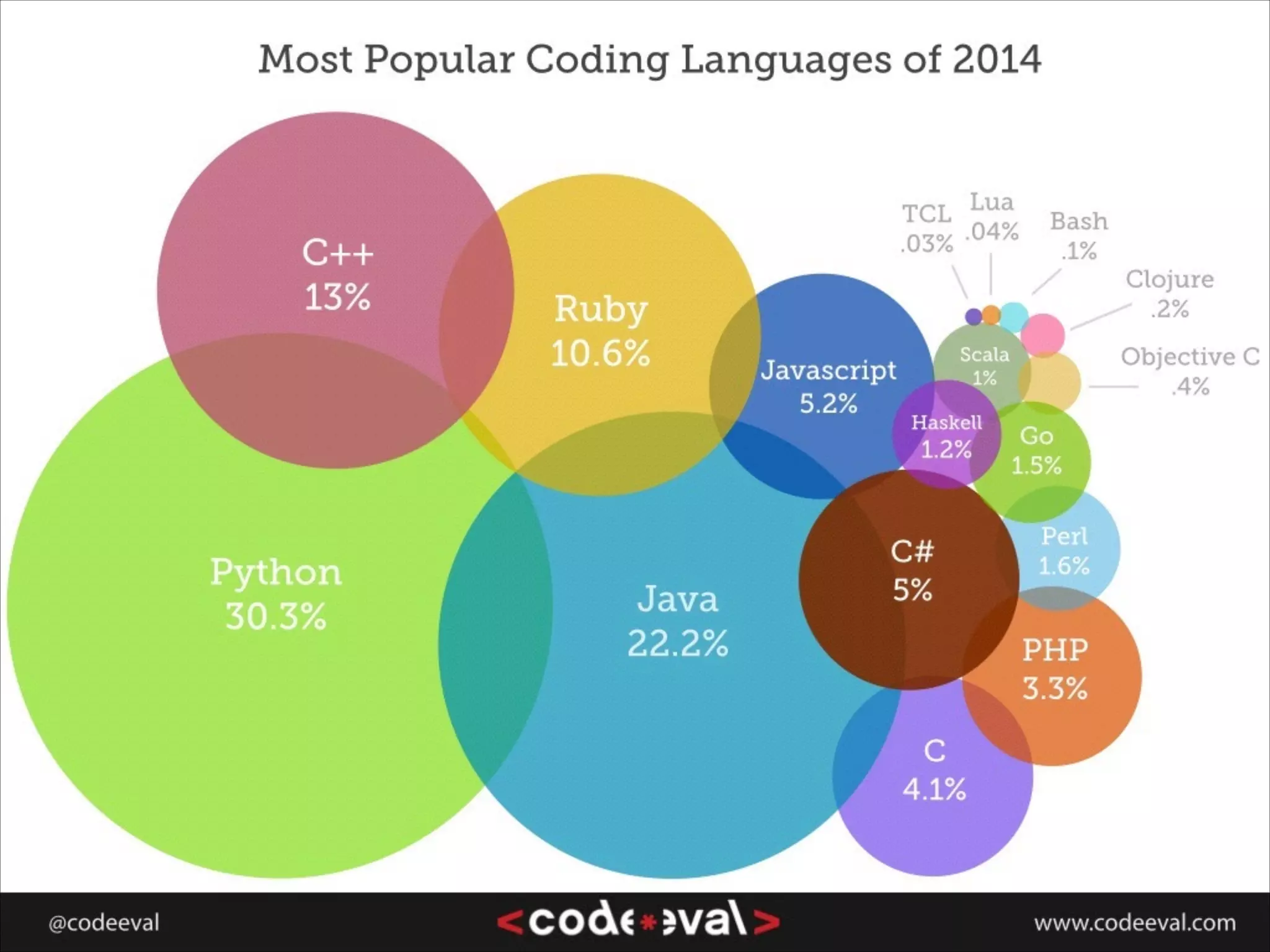
Why should I learn
Django?
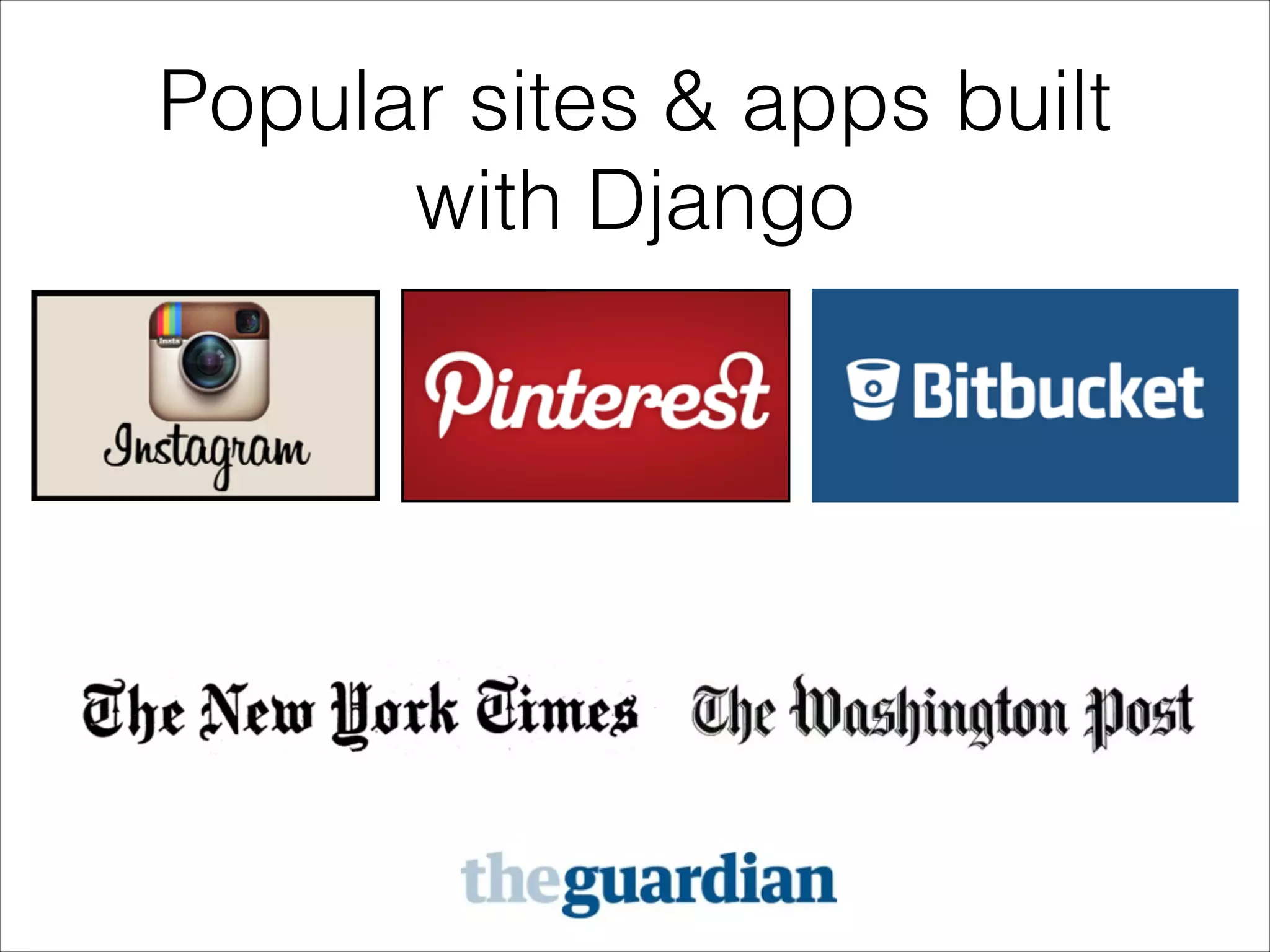
Popular sites & apps built
with Django
Features
• Built-in ORM (Object Relational Mapper)
• Simple but powerful URL system
• Built-in Template System
• l10n (Internationalisation)
• Cache System
• Built-in Authentication System
• Built-in Web Server (For Development)
• Automatic Admin Interface
DEMO!
www.raindolf.com
Practical Session
Pre-requisites
• Python
• Django
• Sublime Text
• Terminal
• A Laptop :-)
• Windows: Download Python at http://
www.python.org/download/releases/3.3.4/
• Linux & Mac (Python is preinstalled)
Install PIP
• Linux & Mac: Type this in your terminal “easy_install
pip”
• Windows: Get a standalone version of pip at http://
www.pip-installer.org/en/latest/installing.html#using-
the-installer
• Install Django: pip install Django
• Check installation: python => import django =>
django.VERSION
Creating your first project
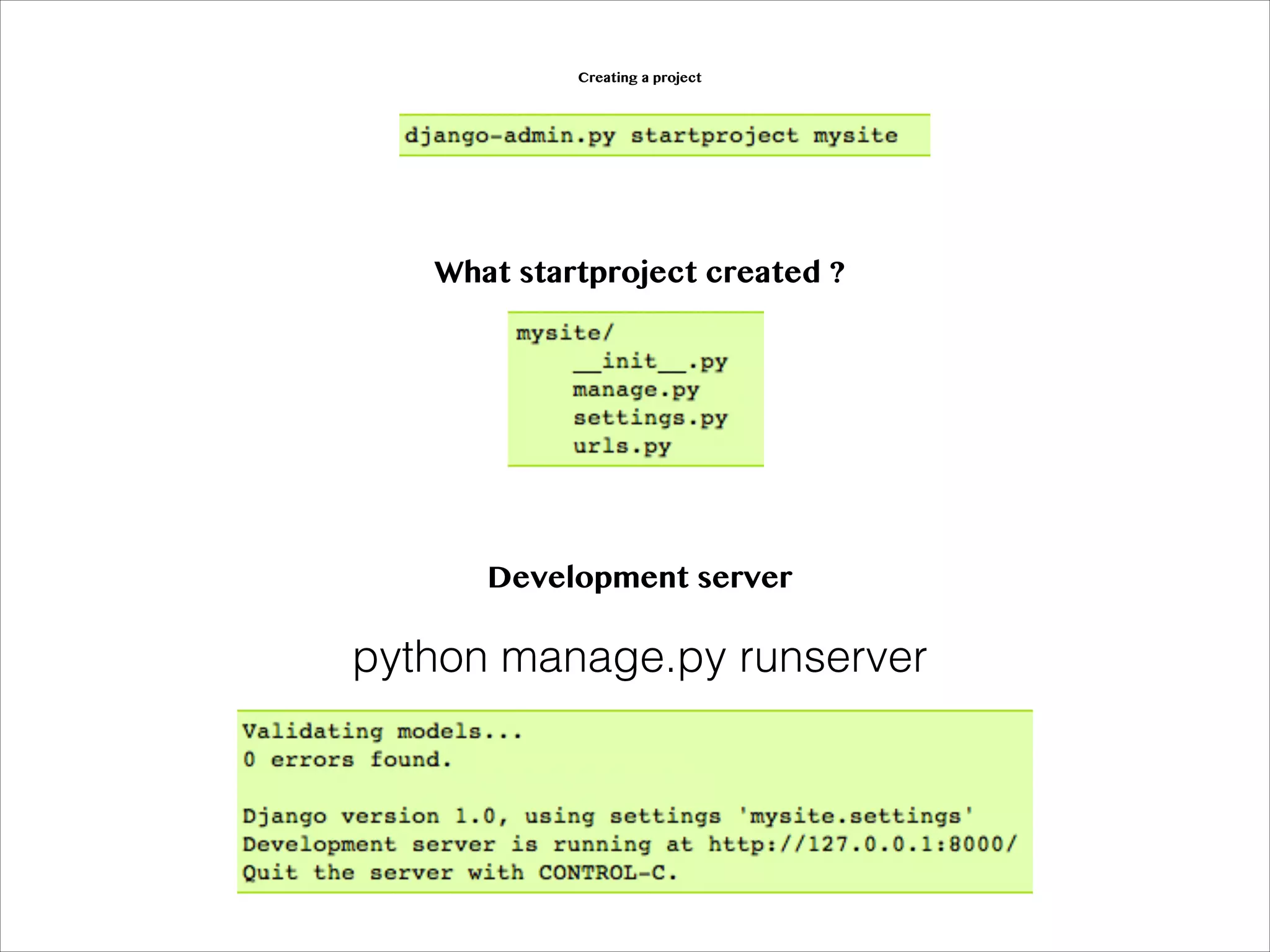
Creating a project
What startproject created ?
Development server
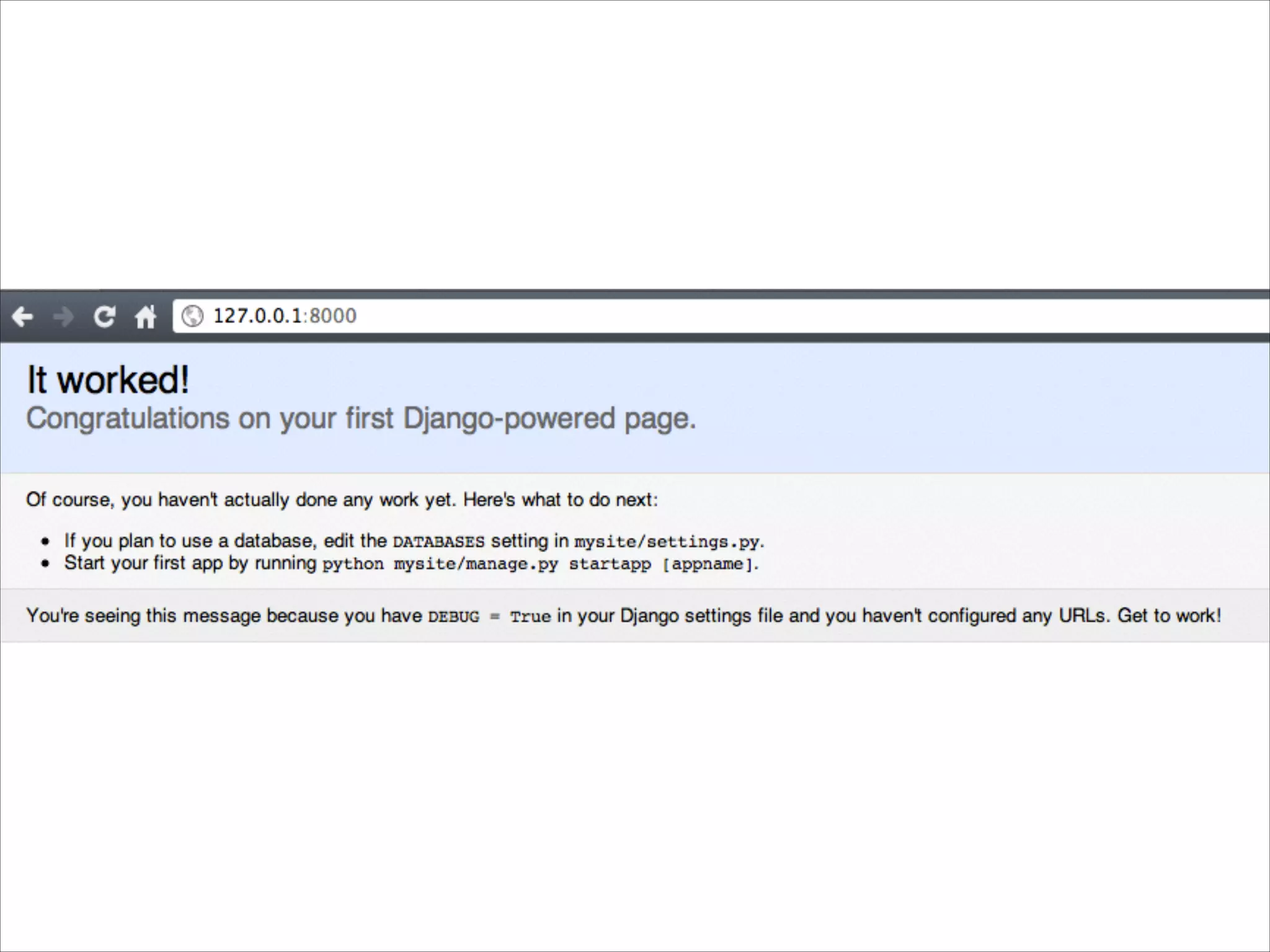
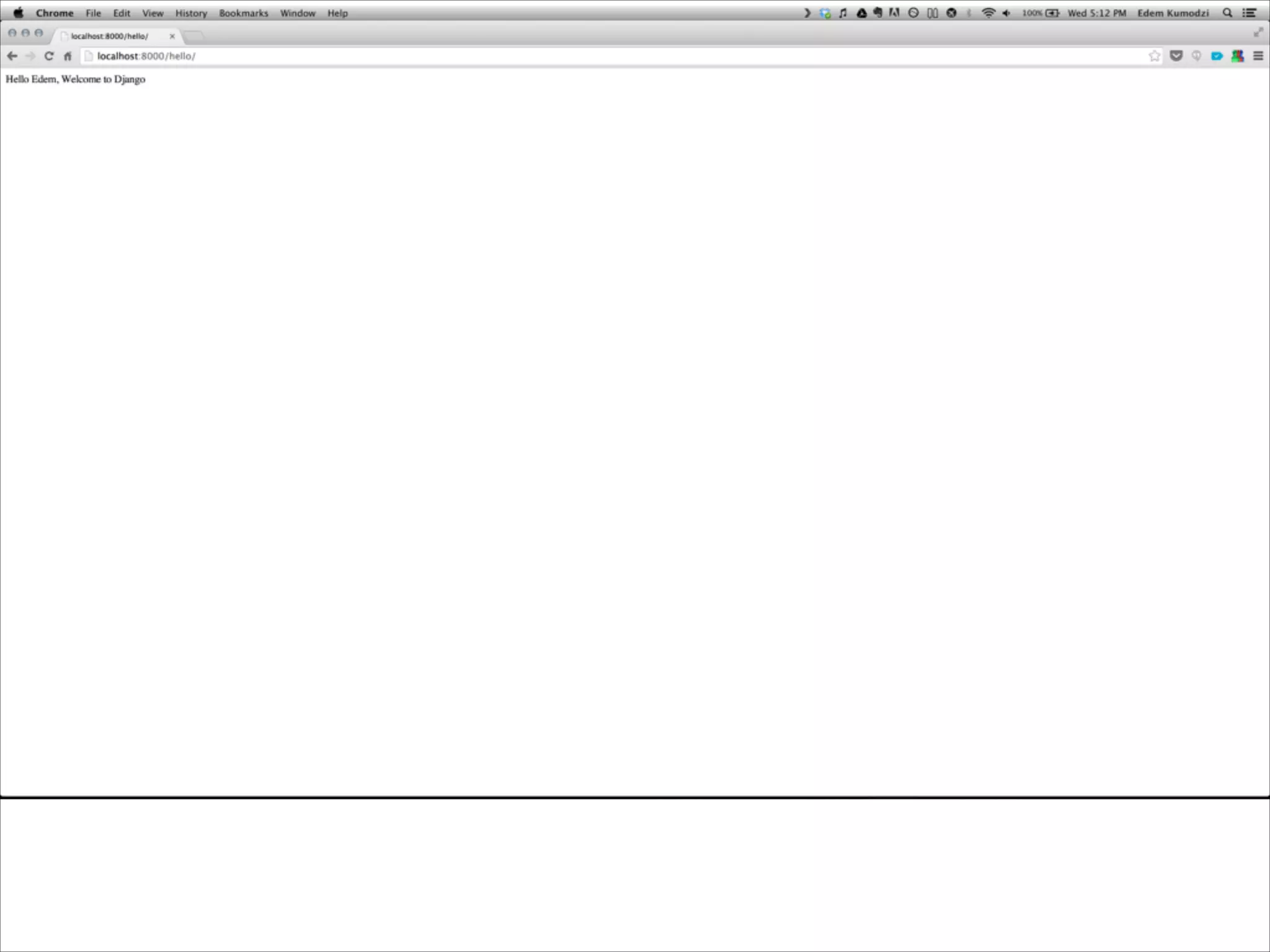
python manage.py runserver
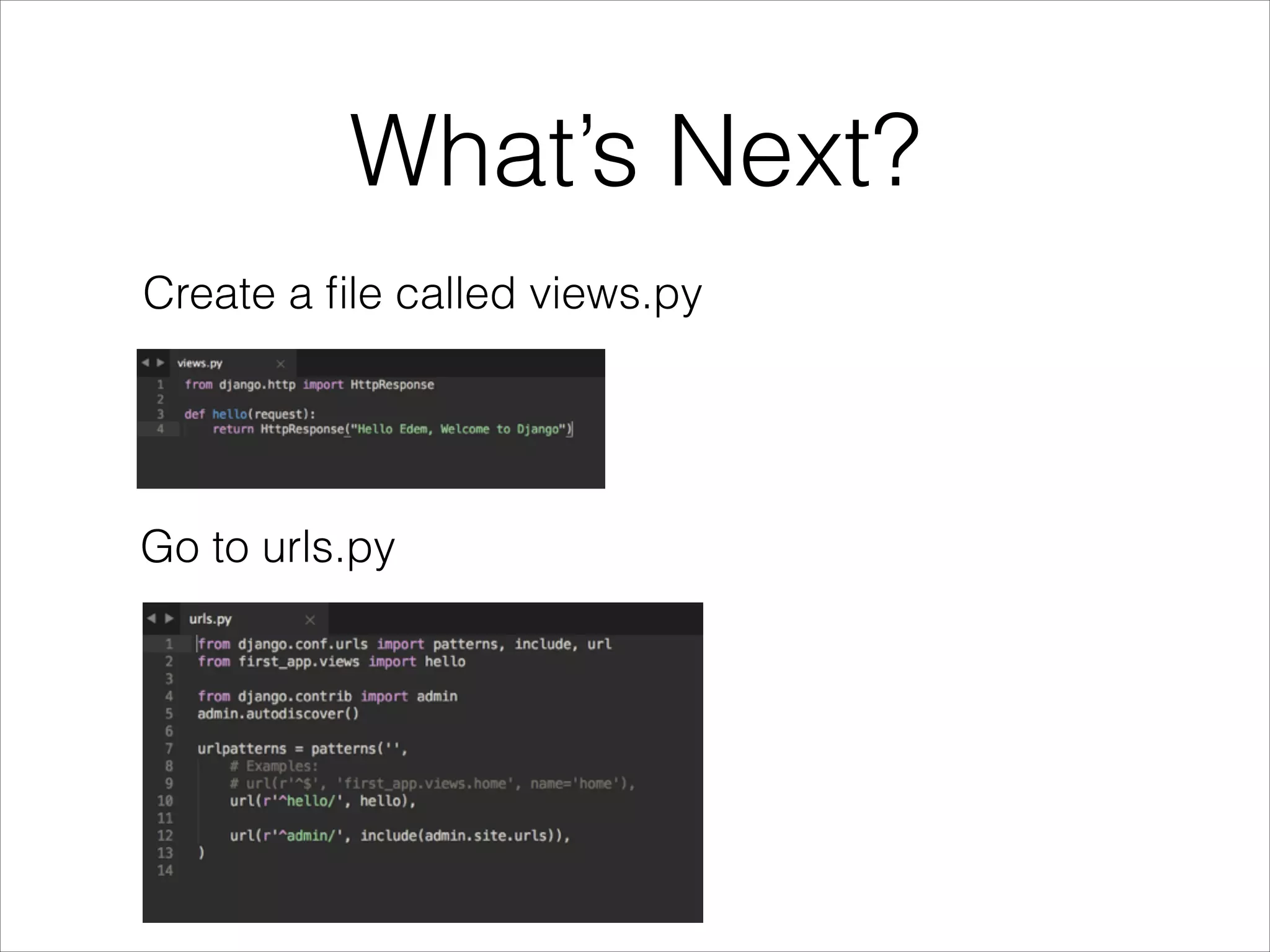
What’s Next?
Go to urls.py
Create a file called views.py
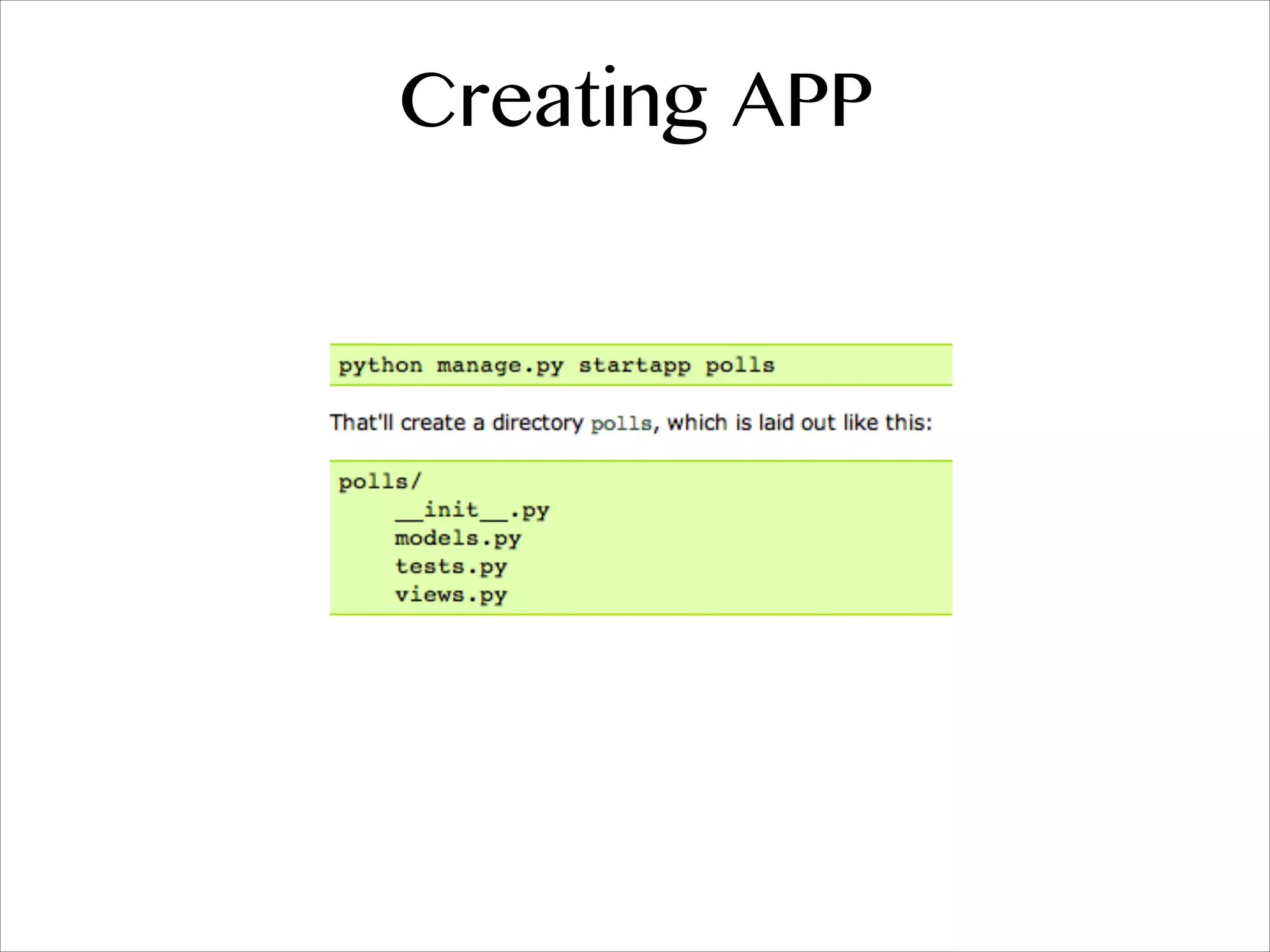
Creating APP
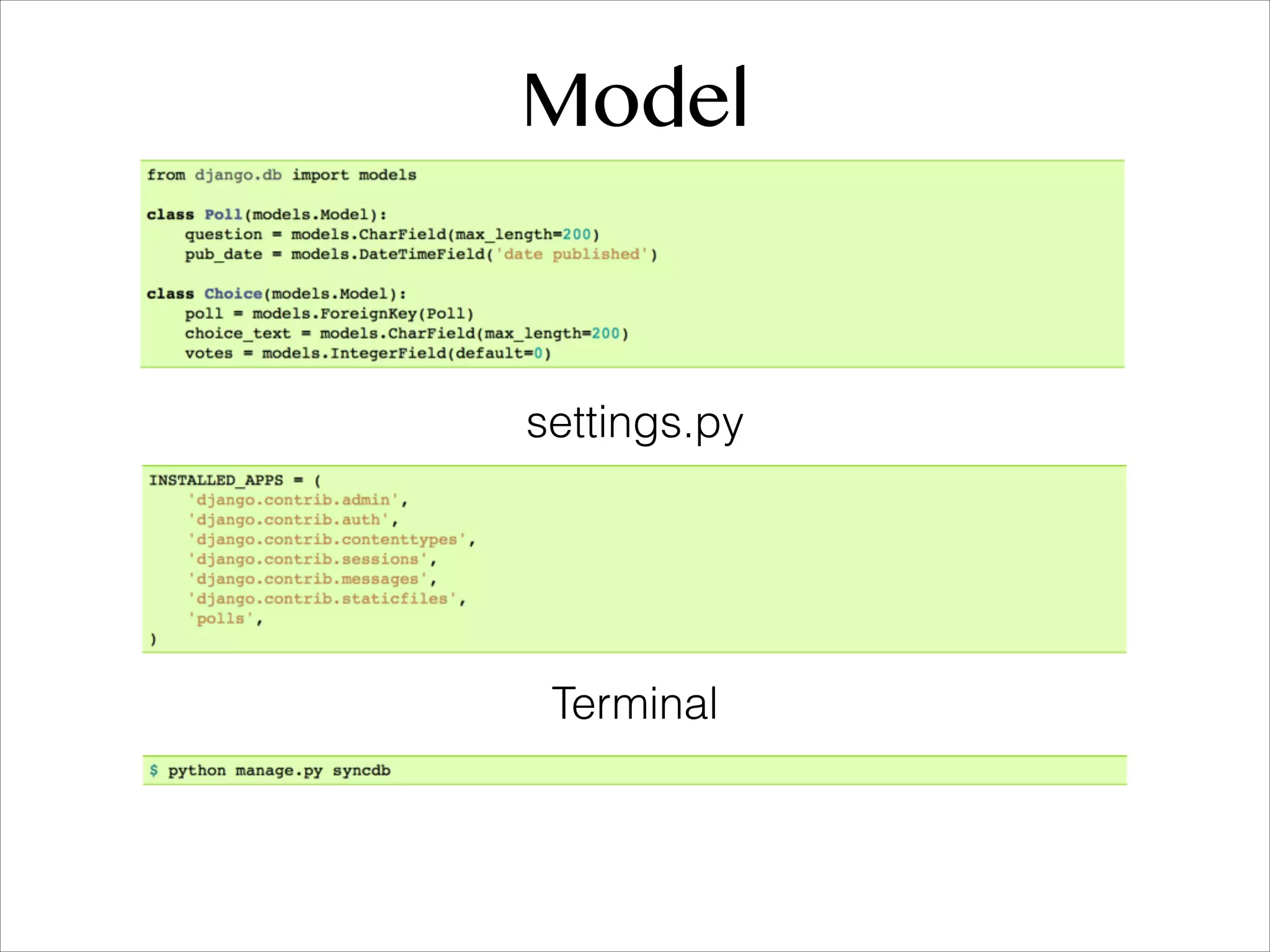
Model
settings.py
Terminal
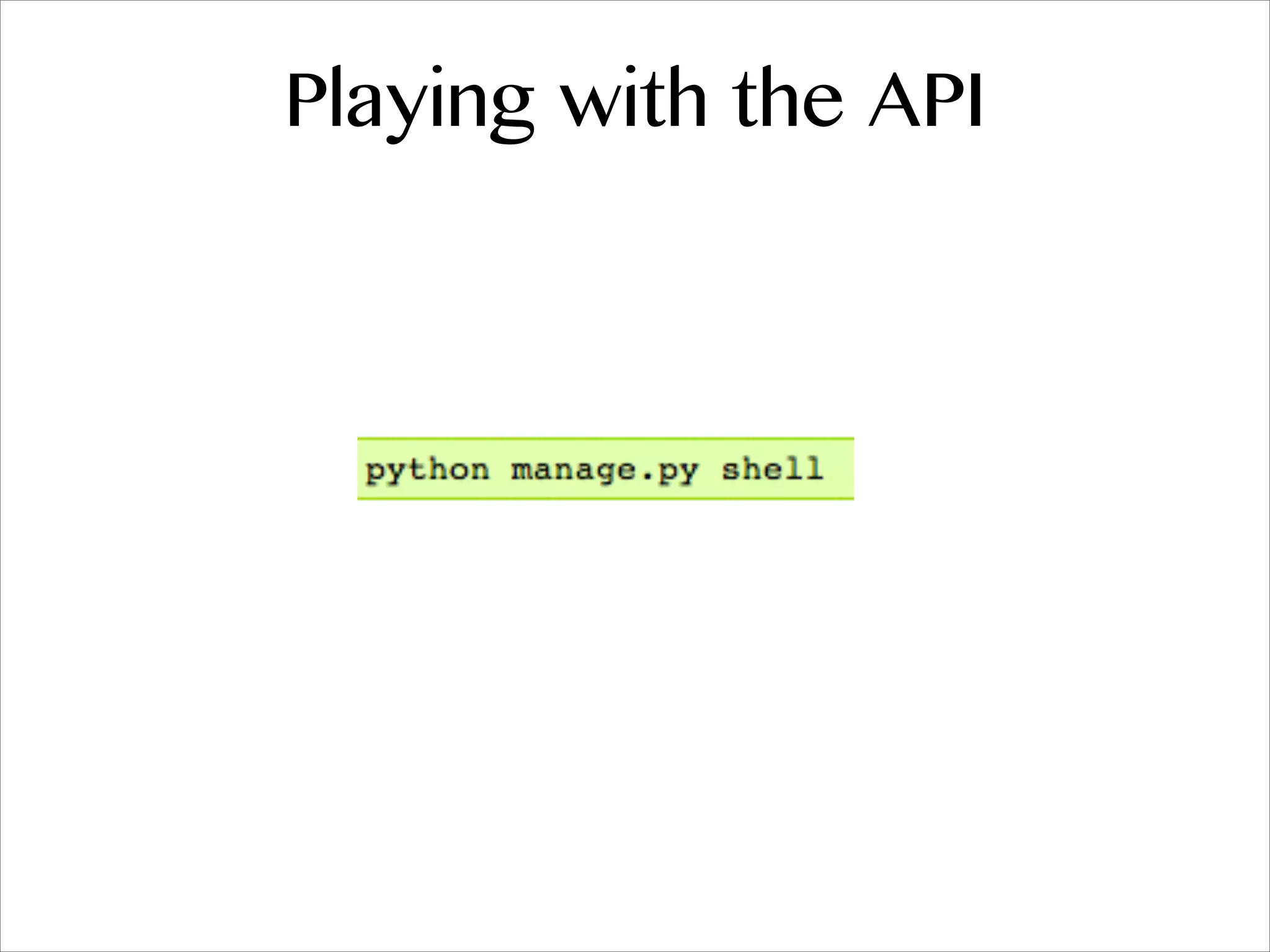
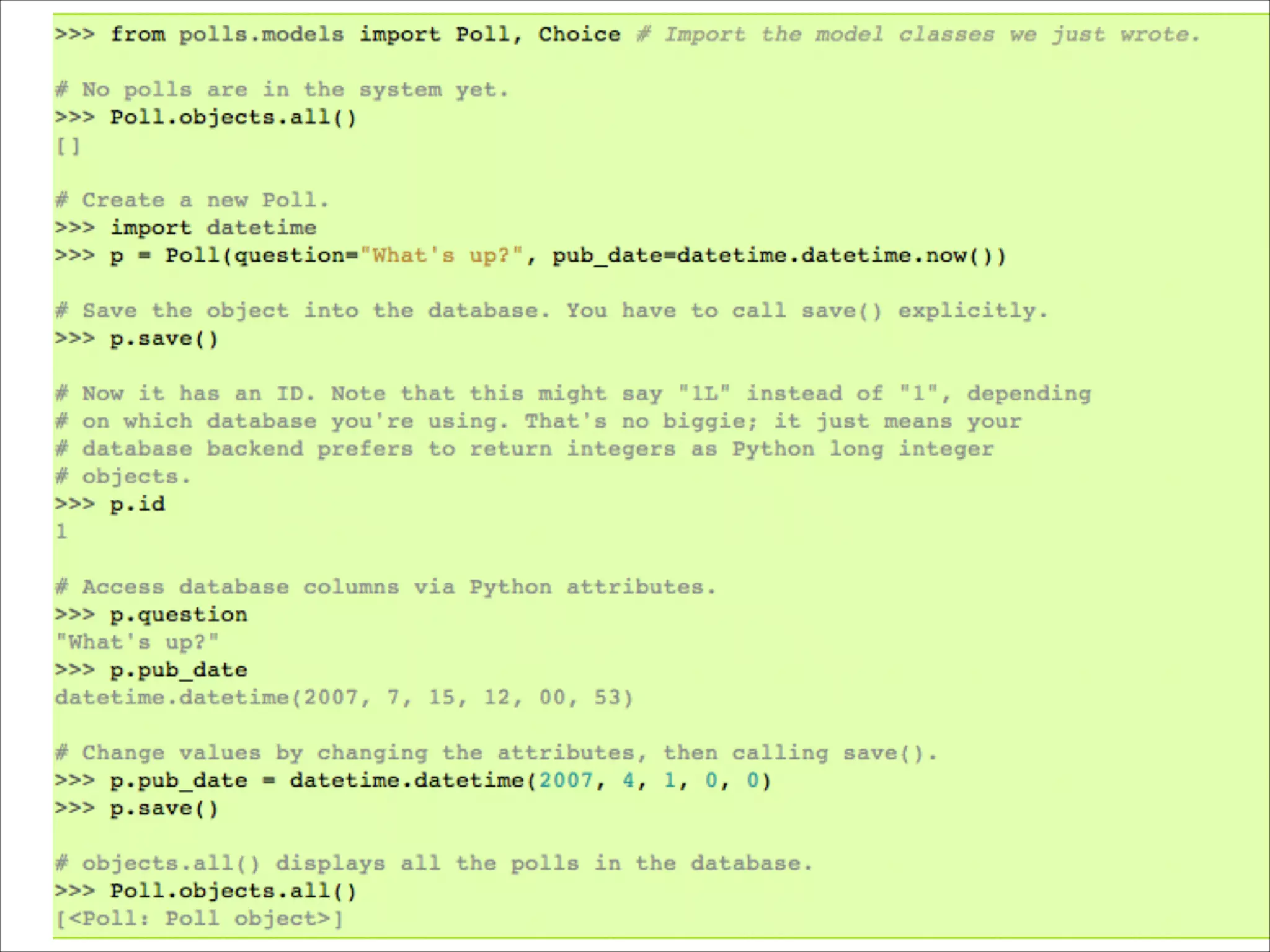
Playing with the API
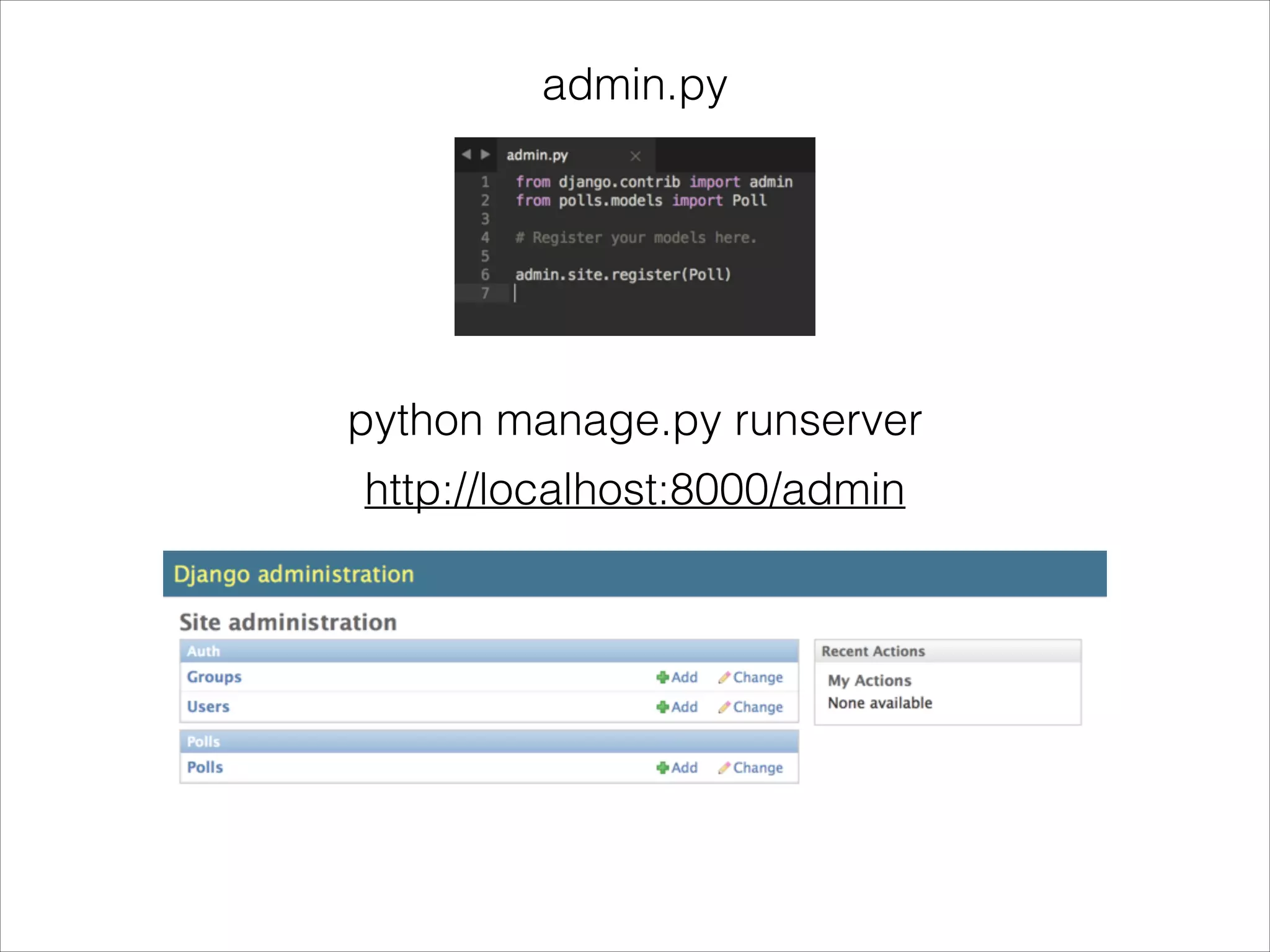
admin.py
python manage.py runserver
http://localhost:8000/admin
!
!
• https://www.djangoproject.com/
• https://www.udacity.com/course/viewer#!/c-­‐
cs101/l-­‐48299949
References
Thank You!
!
Questions?
www.thoughtworks.com

Introduction to Django (GDays 2014)