Interaction
Design
Nuno Barreiro
Lecture 5
PC3001, PC4001, PC5001, CS2847
Designing for
maximum
usability
Principles to support usability
general understandingof the system
Standards and guidelines
directions for the system design
Design patterns
capture and reuse design knowledge
Design rules
Principles
to support
usability
Learnability
How easy is it to interact with the system?
Flexibility
Are there multiple ways of interaction?
Robustness
Is the internal state of the systemperceivable
from its representation?
3
Learnability
The ease with which new users can begin
effective interaction and achieve maximal
performance
• Predictability
• Synthesizability
• Familiarity
• Generalizability
• Consistency
Principles of learnability
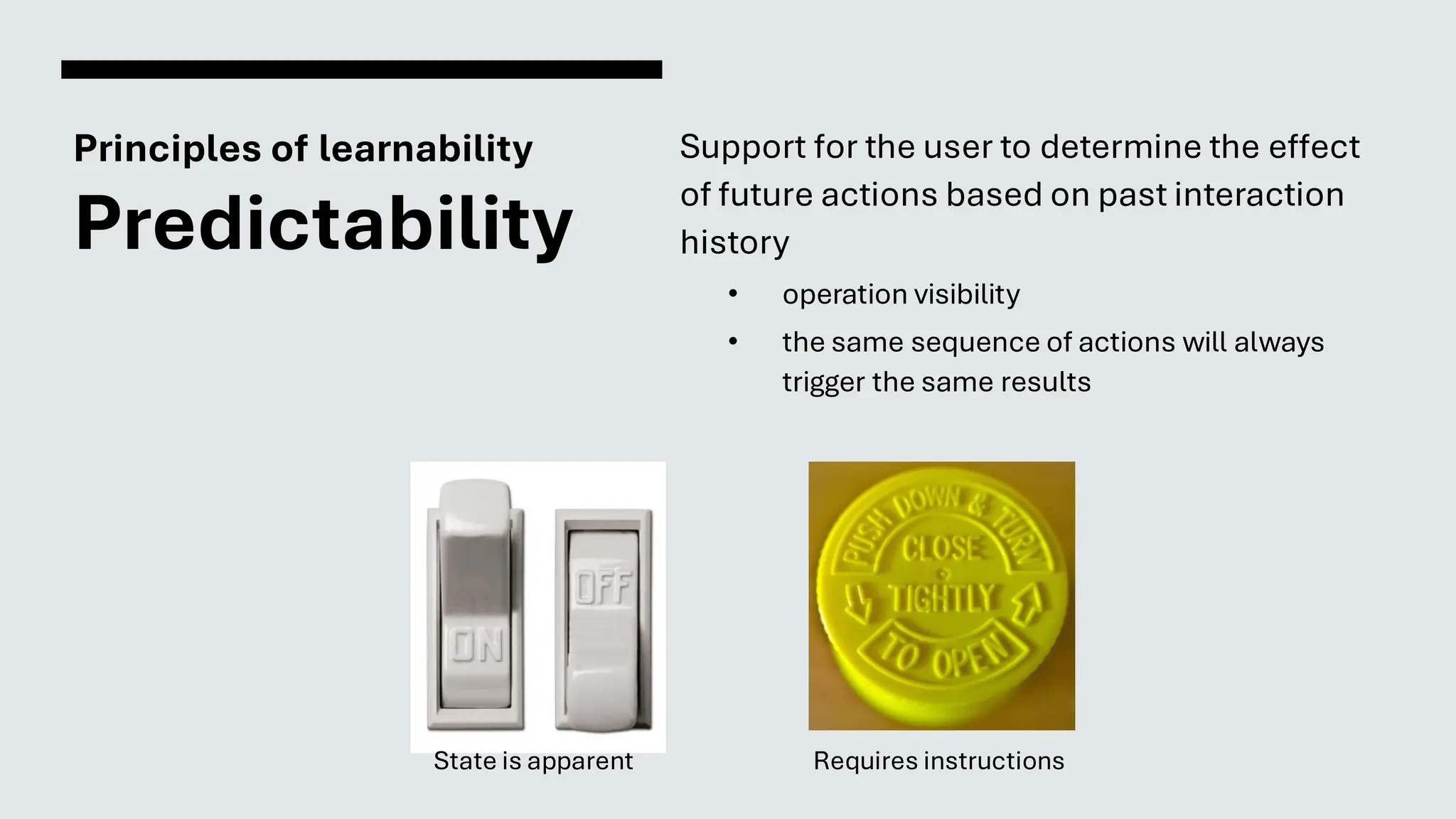
Predictability
Support for the user to determine the effect
of future actions based on past interaction
history
• operation visibility
• the same sequence of actions will always
trigger the same results
Requires instructions
State is apparent
Principles of learnability
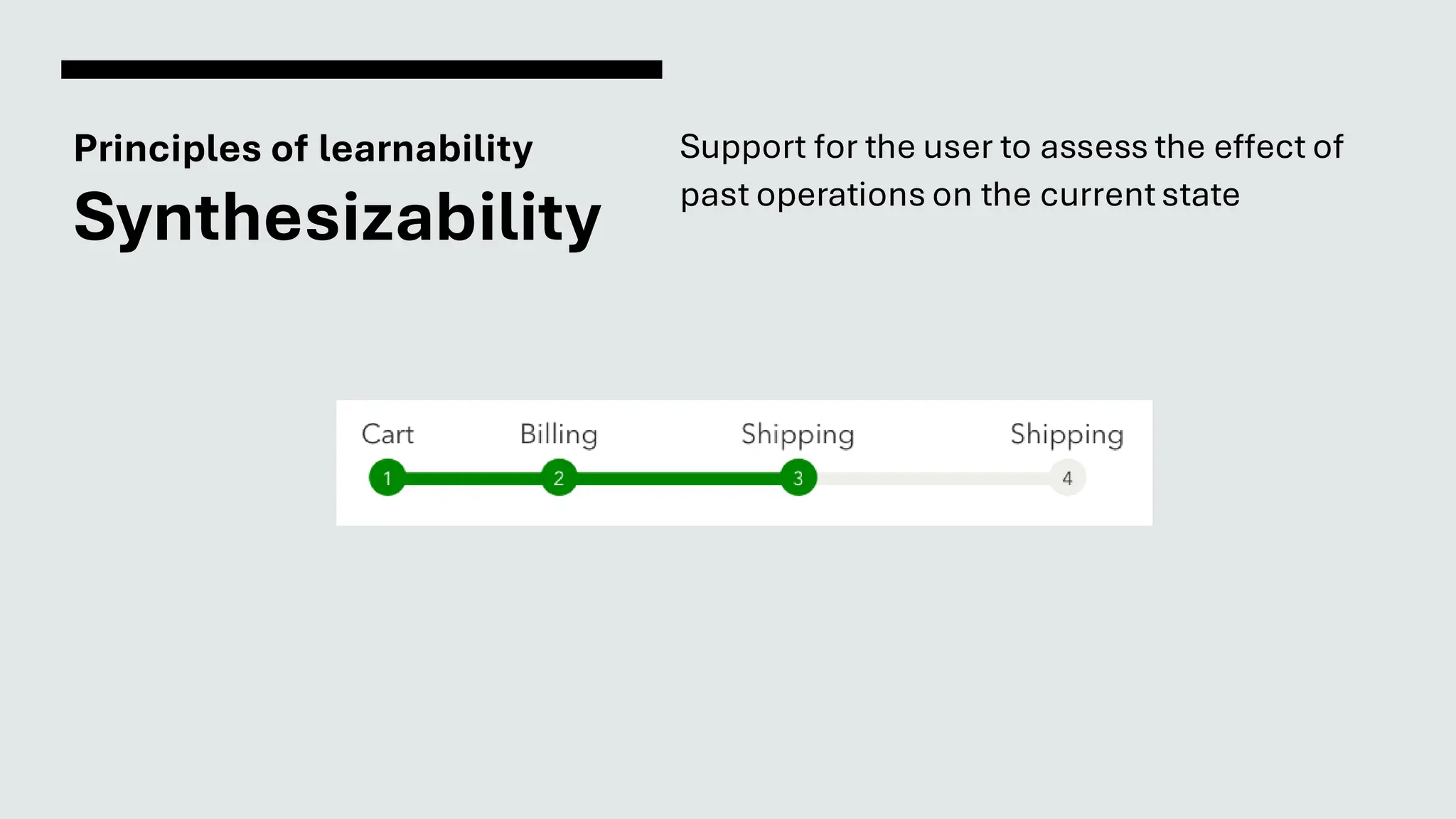
Synthesizability
Support for the user to assess the effect of
past operations on the currentstate
Principles of learnability
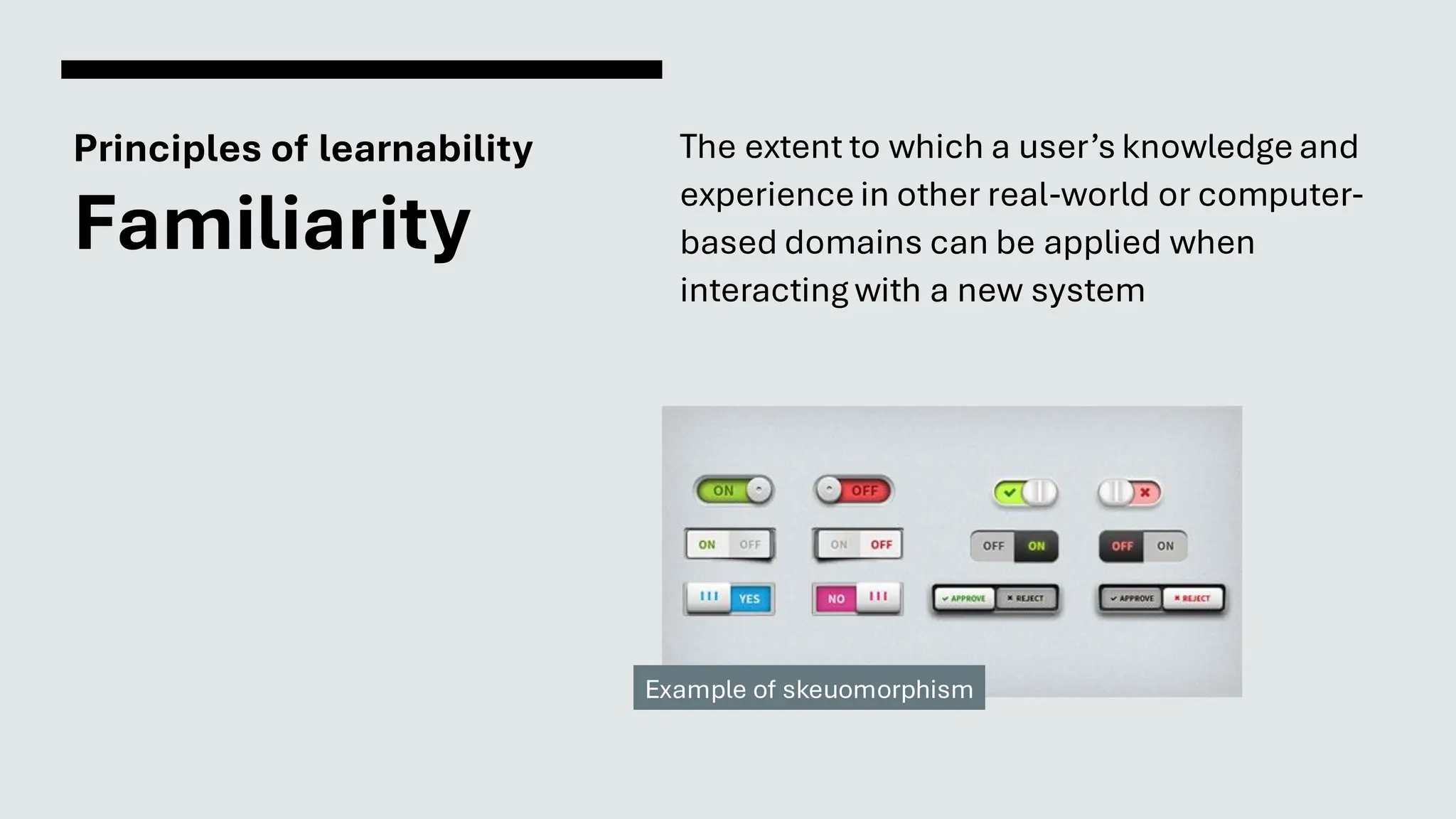
Familiarity
The extent to which a user’s knowledge and
experience in other real-world or computer-
based domains can be applied when
interacting with a new system
Example of skeuomorphism
Principles of learnability
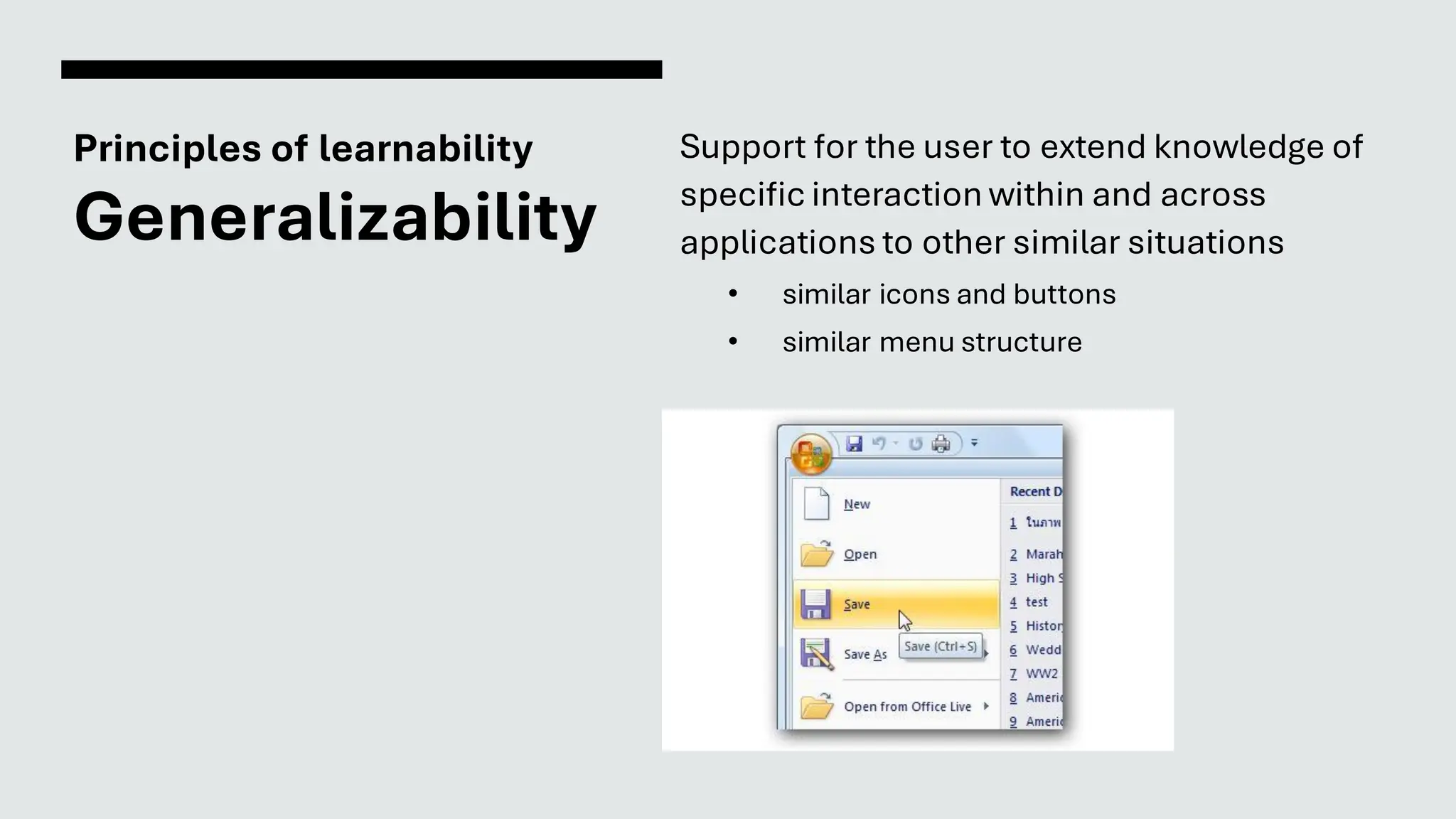
Generalizability
Support for the user to extend knowledge of
specific interaction within and across
applications to other similar situations
• similar icons and buttons
• similar menu structure
Principles of learnability
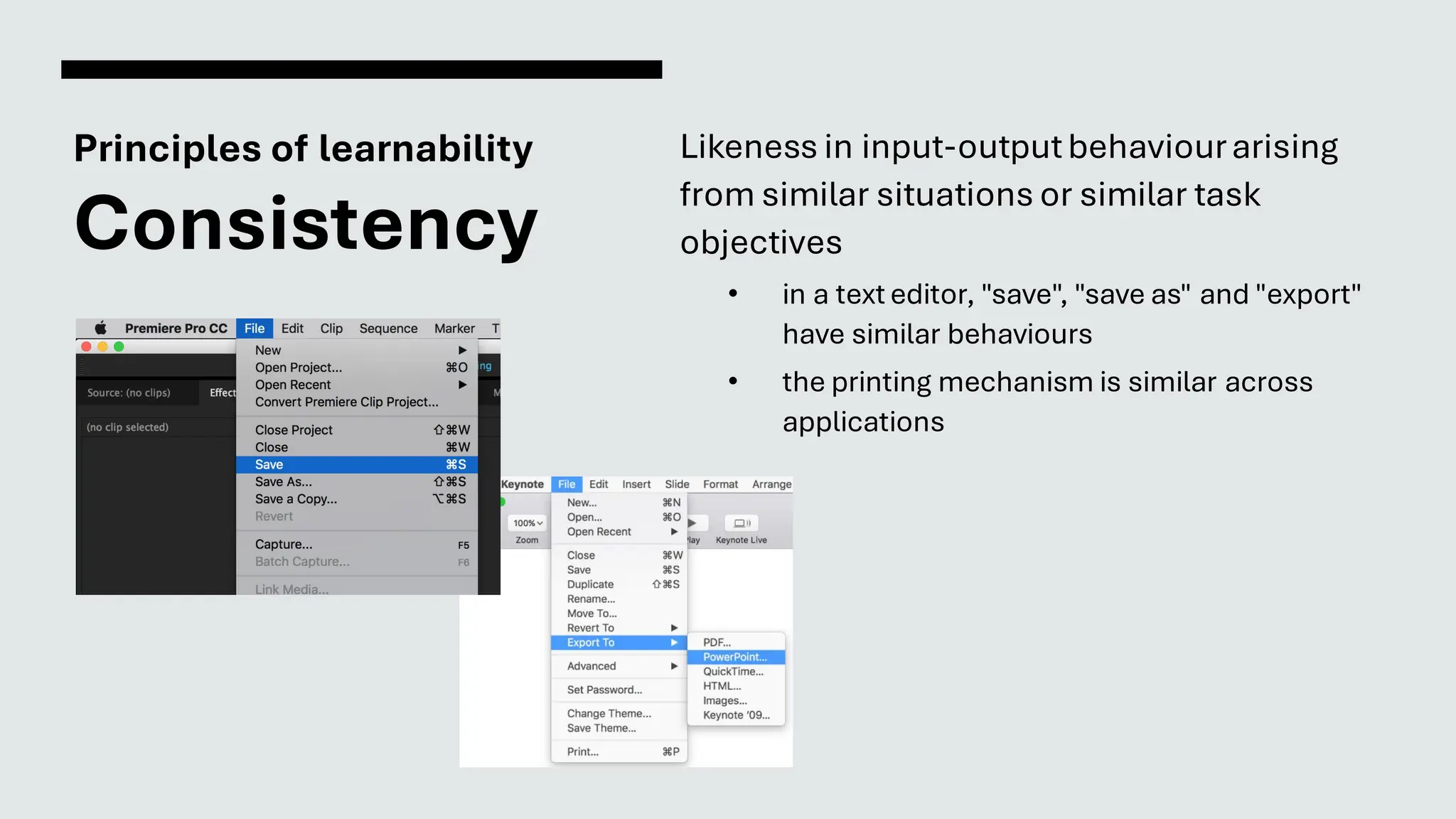
Consistency
Likeness in input-outputbehaviourarising
from similar situations or similar task
objectives
• in a text editor, "save", "save as" and "export"
have similar behaviours
• the printing mechanism is similar across
applications
Flexibility
The multiplicity of ways the user and system
exchange information
• Dialogue initiative
• Task migratability
• Substitutivity
• Multithreading
• Customisability
Principles of flexibility
Dialogue
initiative
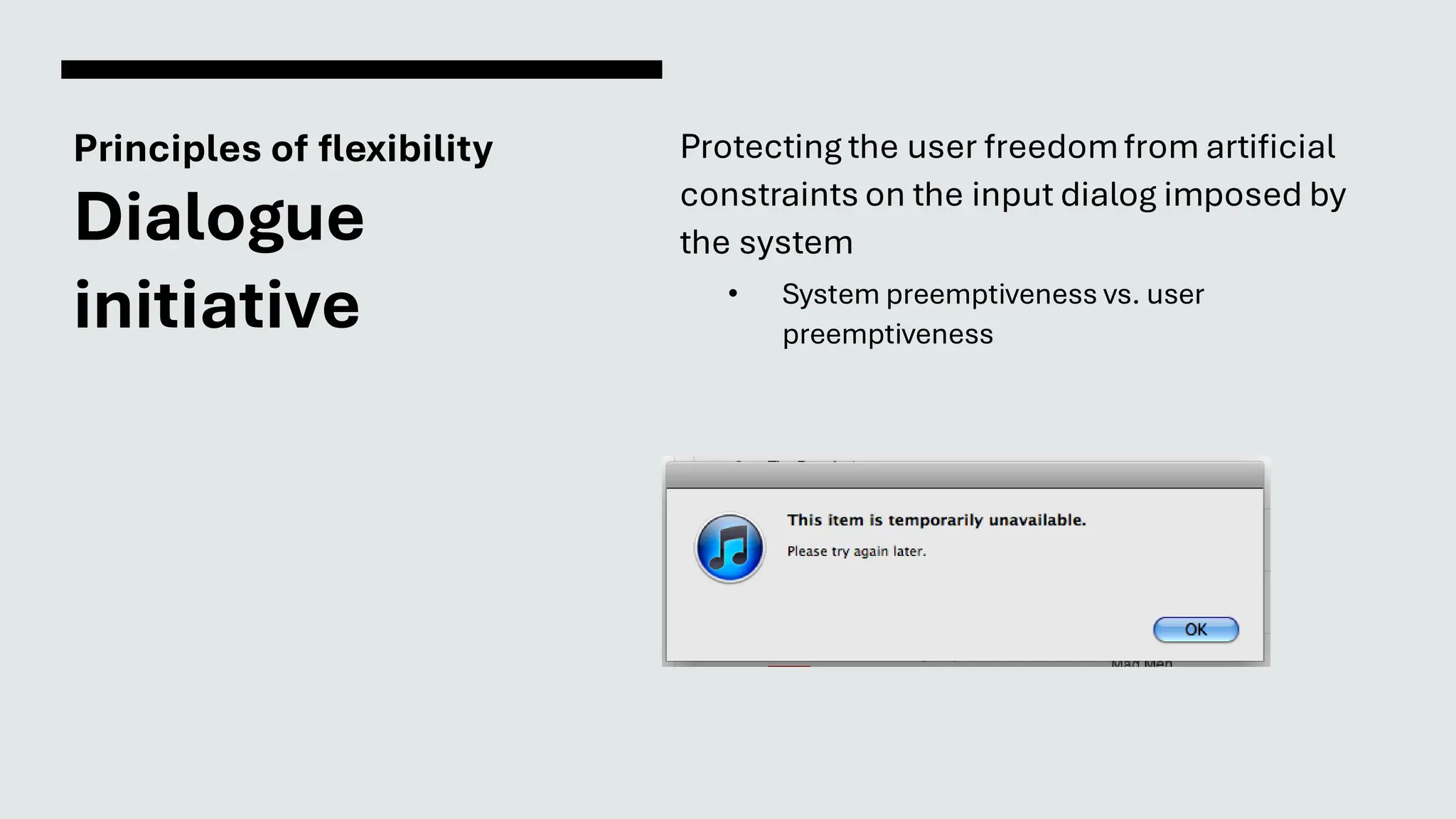
Protecting the user freedomfrom artificial
constraints on the input dialog imposed by
the system
• System preemptiveness vs. user
preemptiveness
Principles of flexibility
Task
migratability
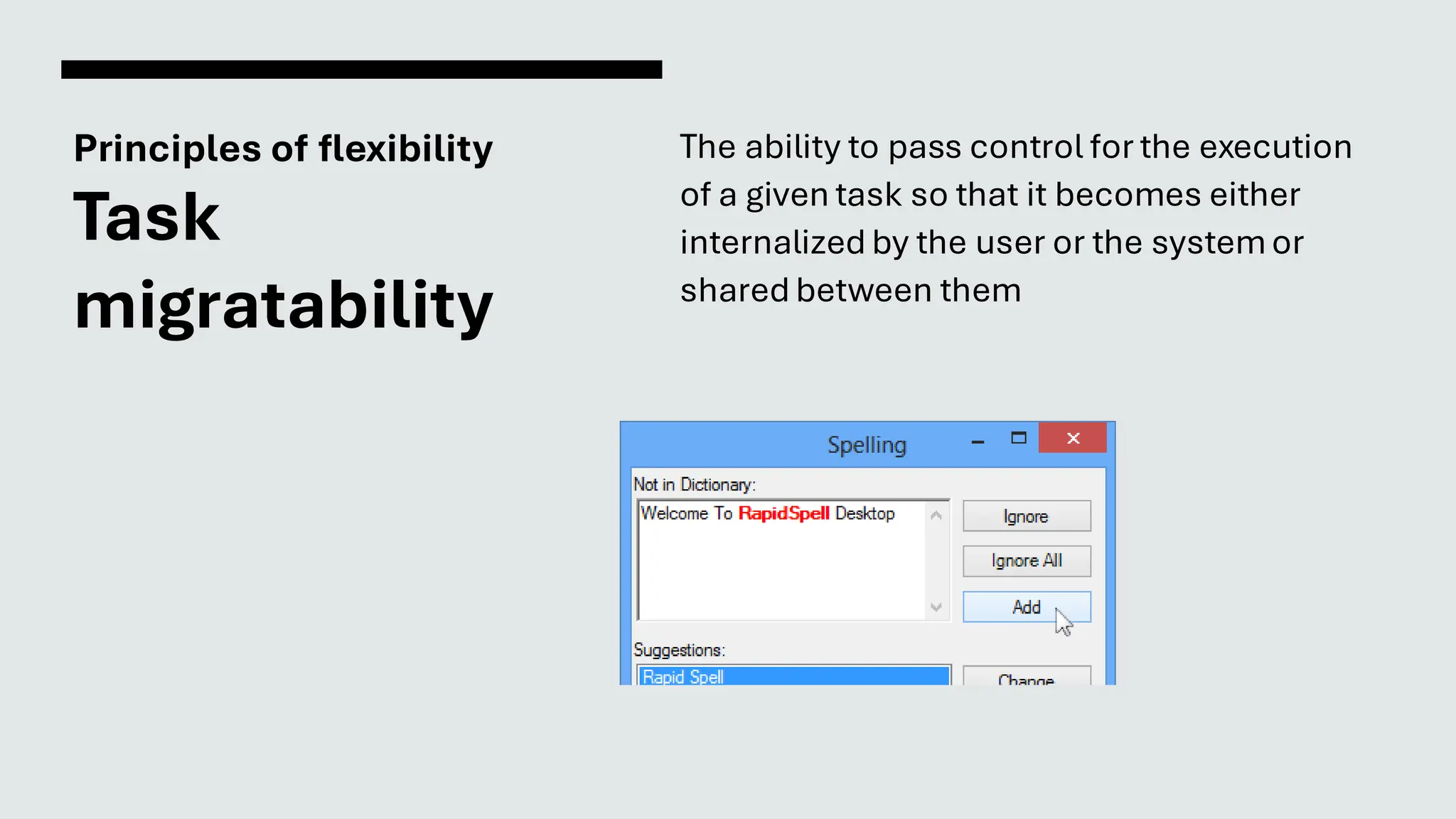
The ability to pass control for the execution
of a given task so that it becomes either
internalized by the user or the systemor
shared between them
Principles of flexibility
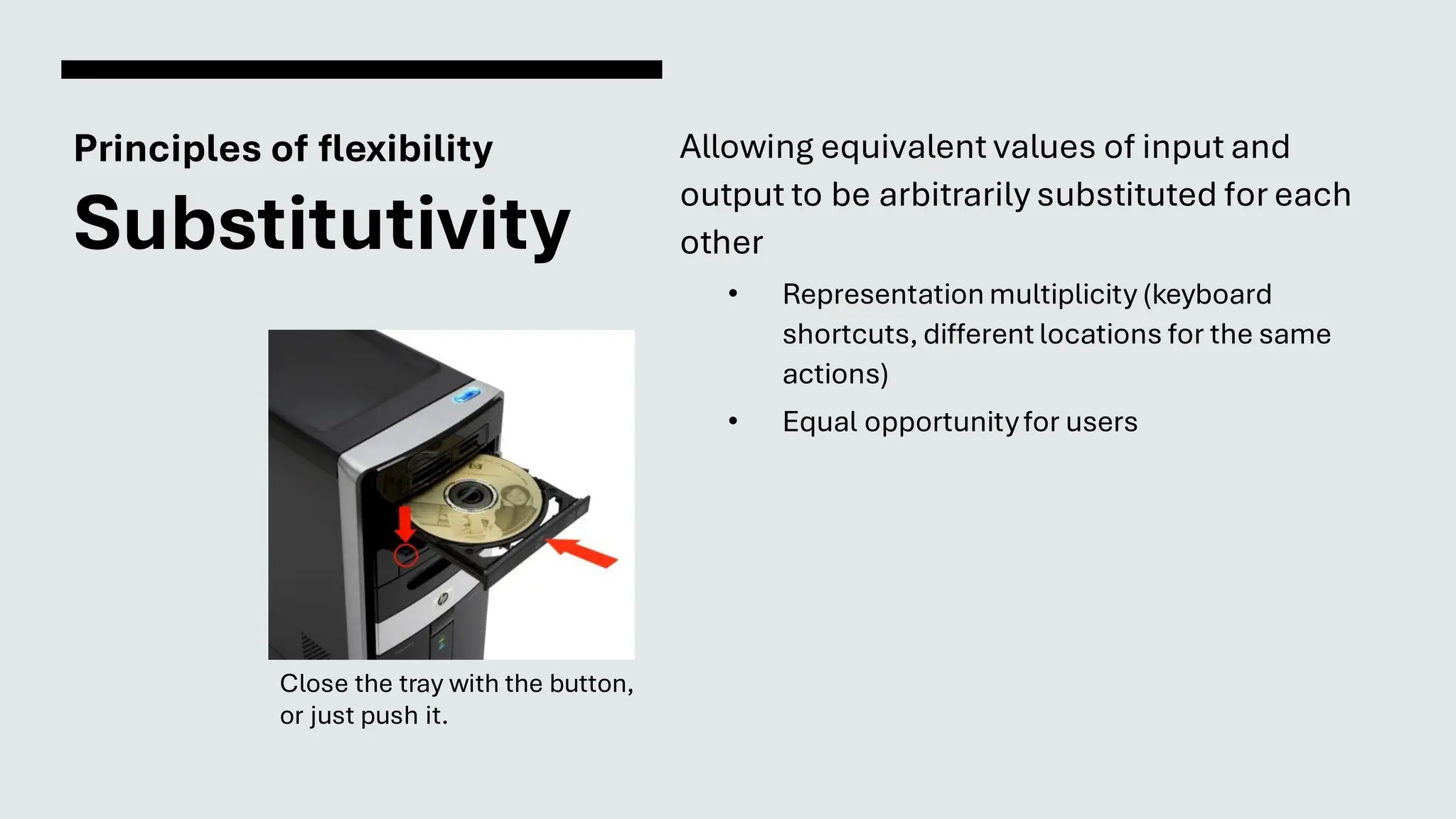
Substitutivity
Allowing equivalent values of input and
output to be arbitrarily substituted for each
other
• Representation multiplicity (keyboard
shortcuts, different locations for the same
actions)
• Equal opportunityfor users
Close the tray with the button,
or just push it.
Principles of flexibility
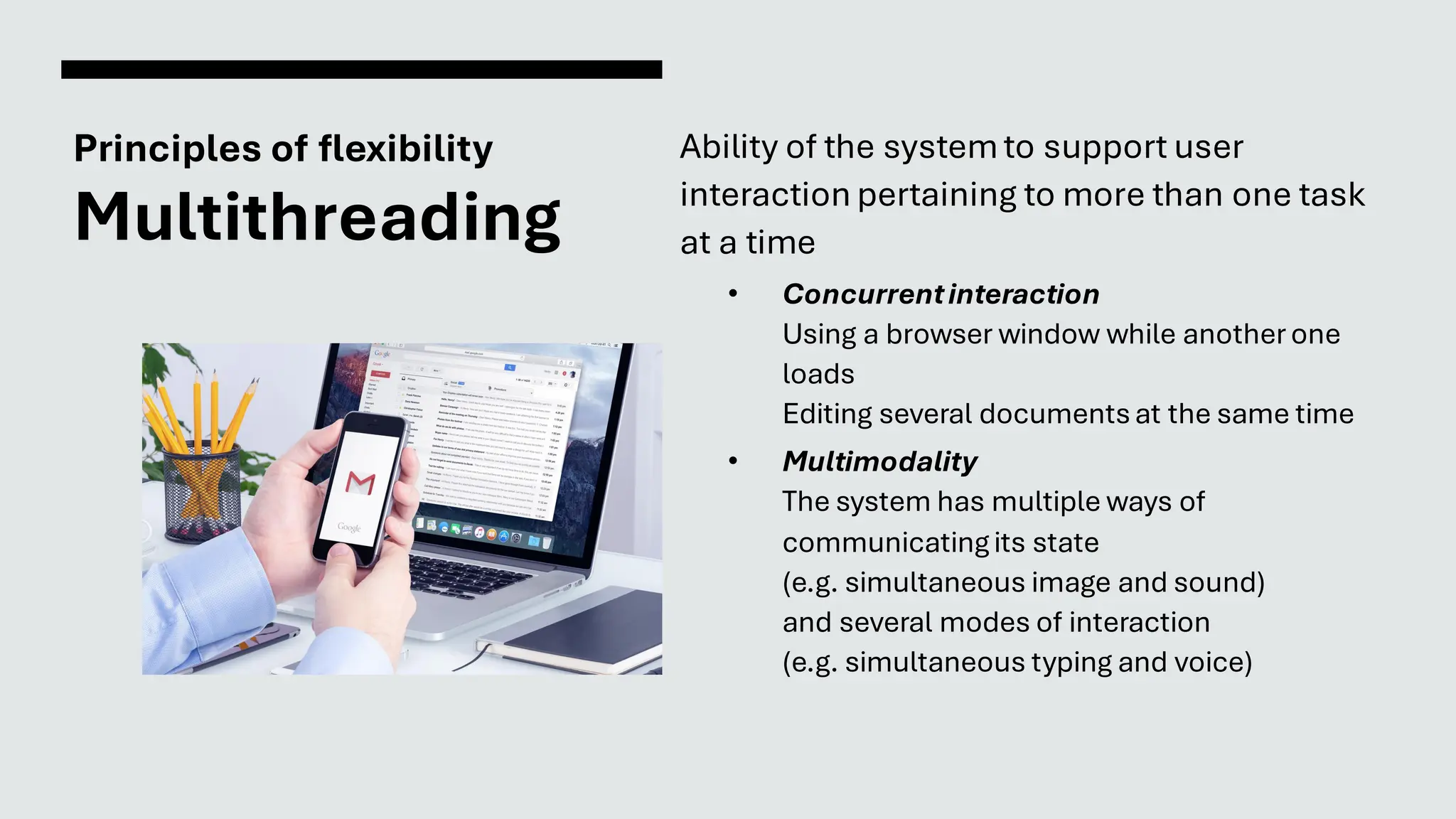
Multithreading
Ability of the systemto support user
interaction pertaining to more than one task
at a time
• Concurrentinteraction
Using a browser window while anotherone
loads
Editing several documentsat the same time
• Multimodality
The system has multiple ways of
communicatingits state
(e.g. simultaneous image and sound)
and several modes of interaction
(e.g. simultaneous typing and voice)
Principles of flexibility
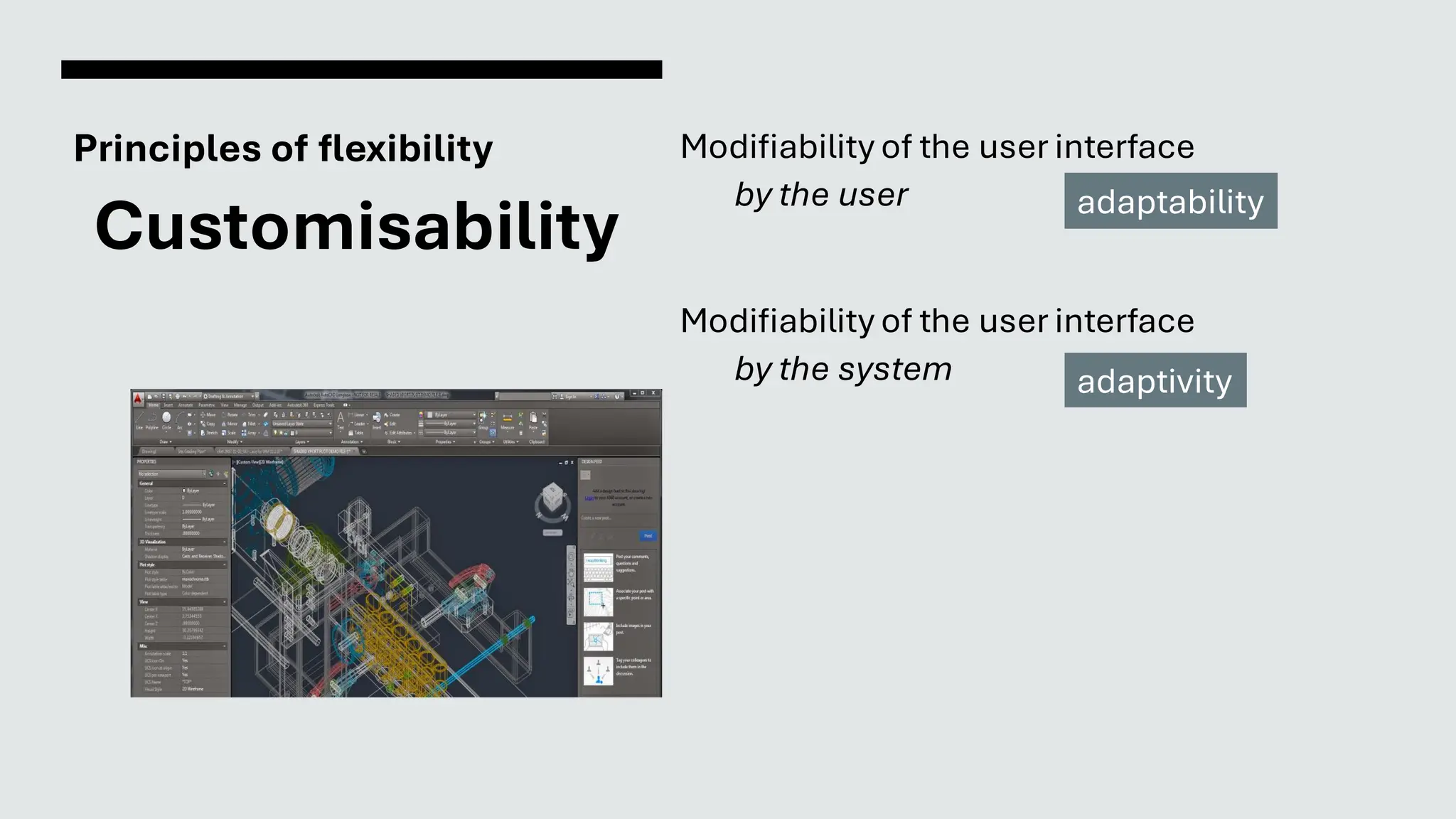
Customisability
Modifiability of the user interface
by the user
Modifiability of the user interface
by the system
adaptability
adaptivity
Robustness
The level of support provided to the user in
determining successfulachievementand
assessment of goal-directedbehaviour
• Observability
• Recoverability
• Interaction responsiveness
• Task conformance
Principles of robustness
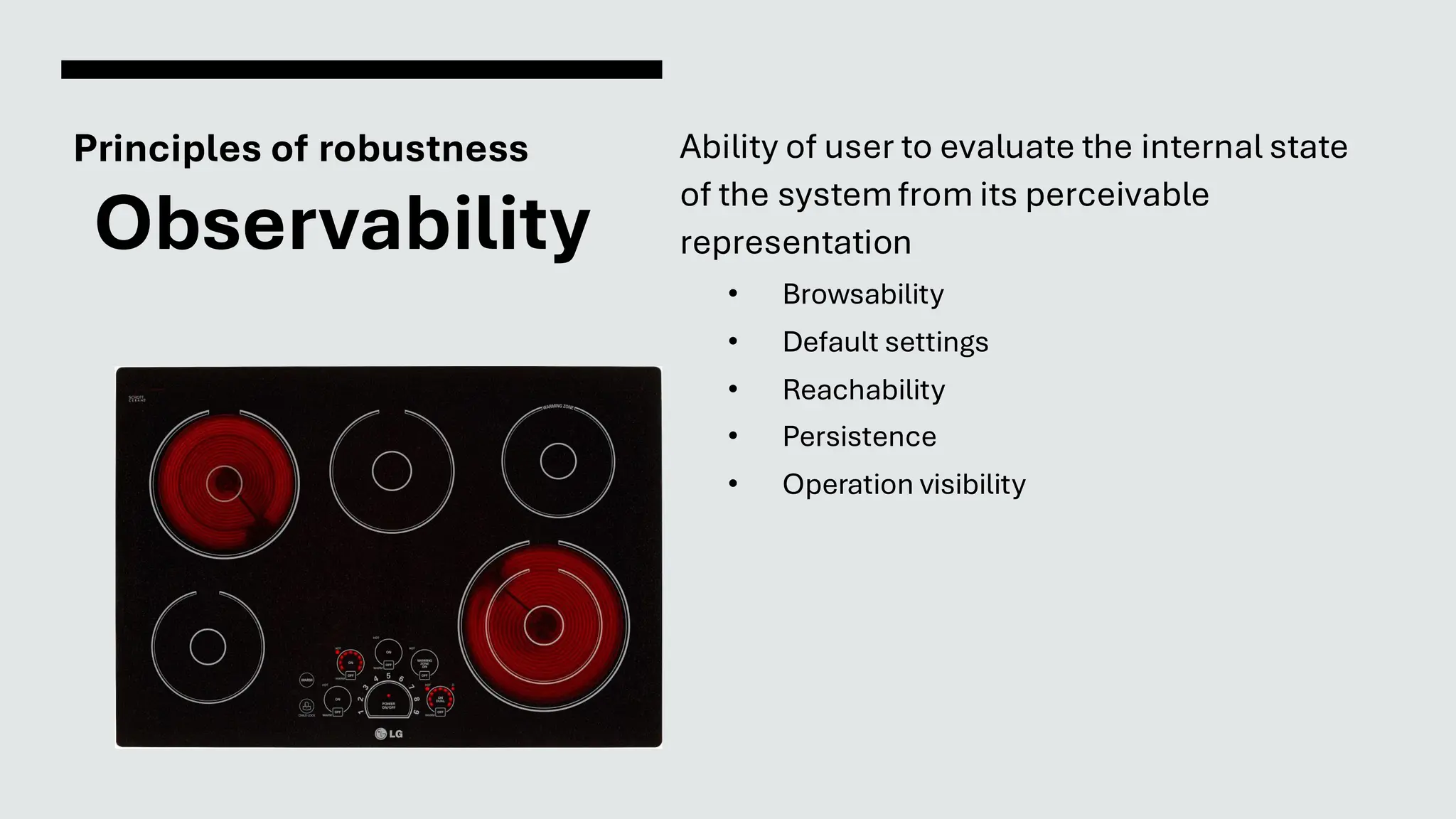
Observability
Ability of user to evaluate the internal state
of the systemfrom its perceivable
representation
• Browsability
• Default settings
• Reachability
• Persistence
• Operation visibility
Principles of robustness
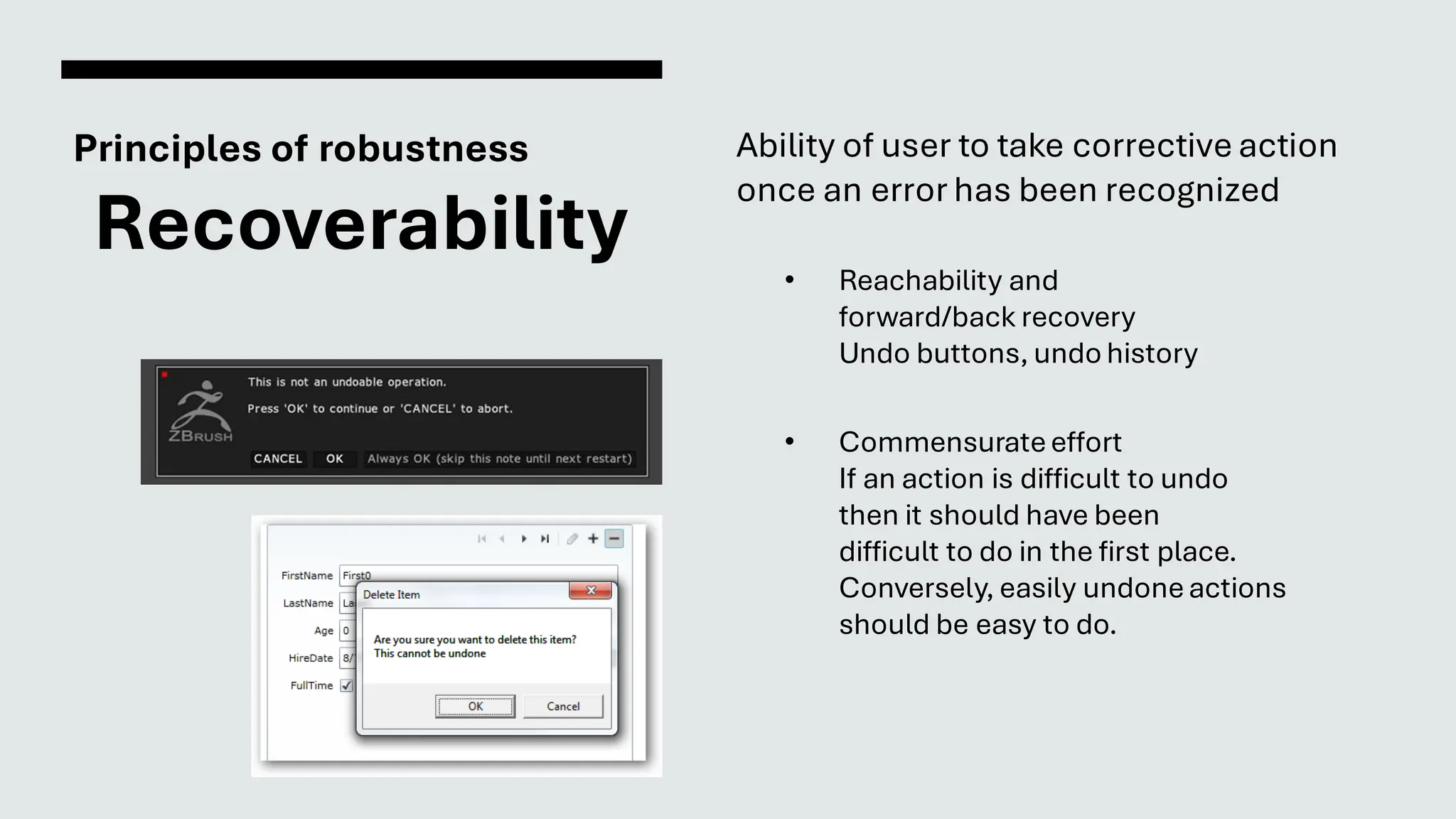
Recoverability
Ability of user to take corrective action
once an error has been recognized
• Reachability and
forward/back recovery
Undo buttons, undo history
• Commensurateeffort
If an action is difficult to undo
then it should have been
difficult to do in the first place.
Conversely, easily undoneactions
should be easy to do.
Principles of robustness
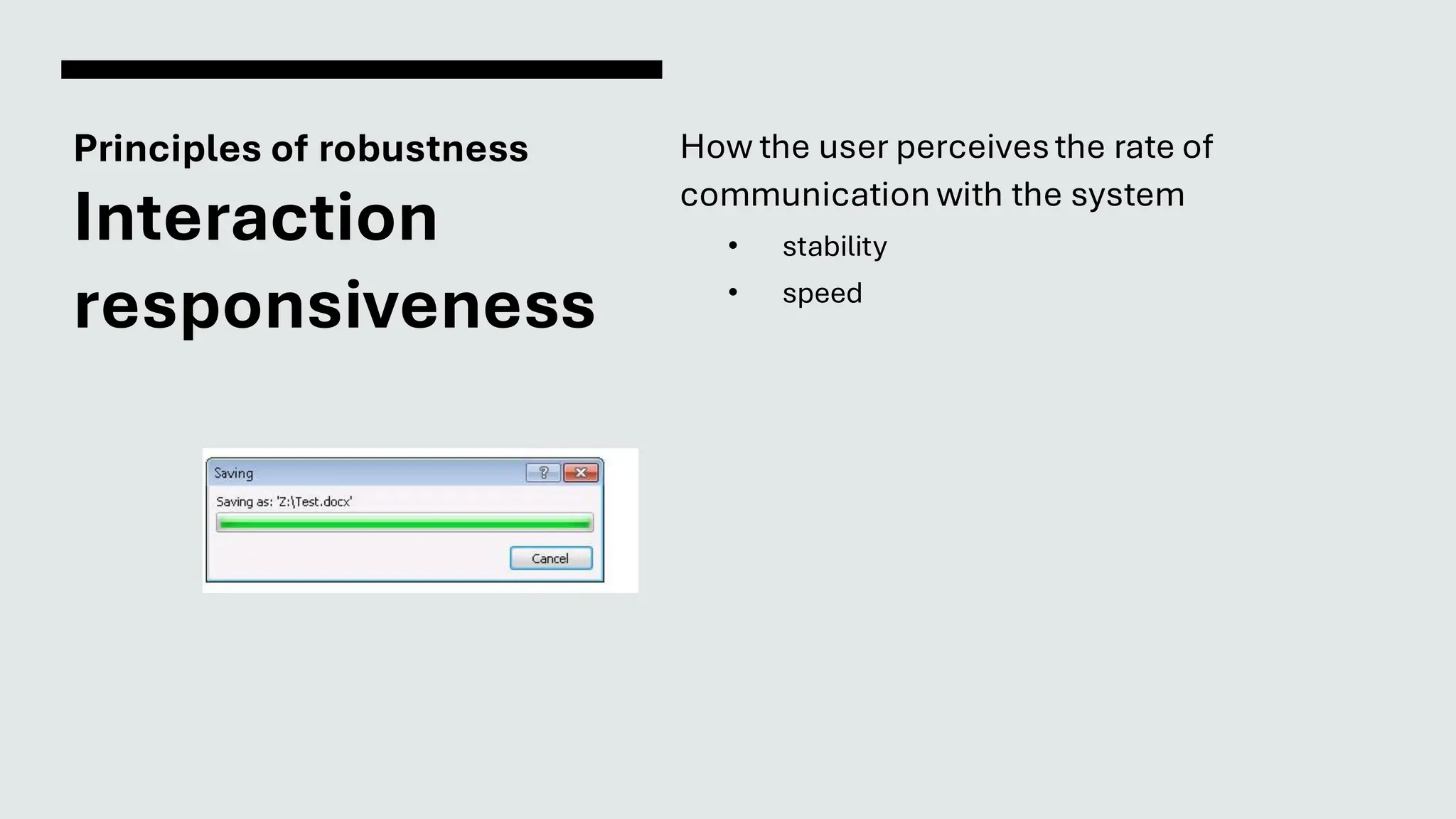
Interaction
responsiveness
How the user perceivesthe rate of
communication with the system
• stability
• speed
Principles of robustness
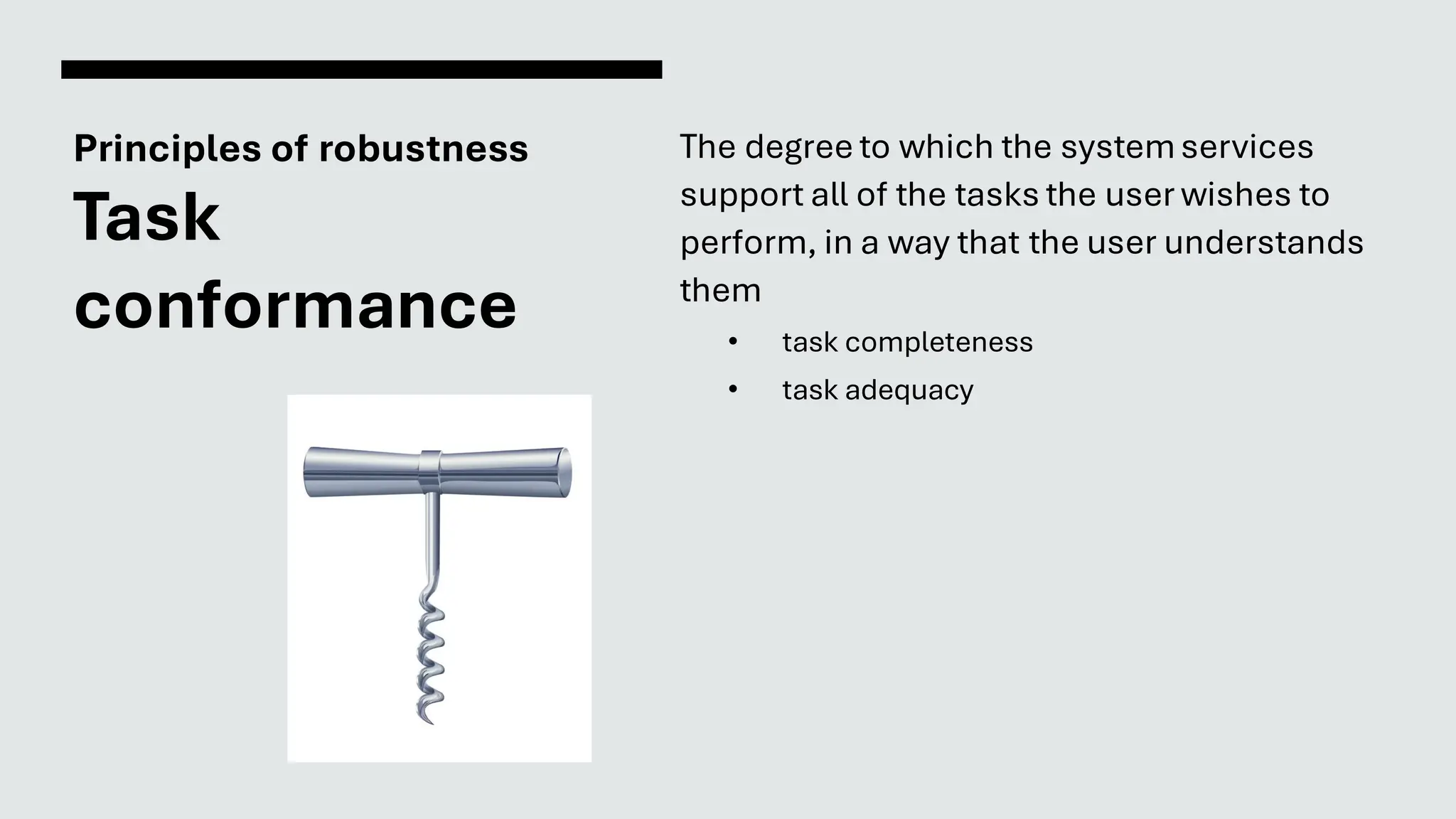
Task
conformance
The degree to which the systemservices
support all of the tasks the user wishes to
perform, in a way that the user understands
them
• task completeness
• task adequacy
Principles,
Standards
and
Guidelines
21
Principles are abstract rules
• Principles to support usability
• Psychology
• Computer Science
Guidelines recommendbest practices
• Fonts and colour schemesin commercialsoftware
• Accessibilityin personal blog
• Sizeof buttons in web app
Standards are policies
• Fonts and colour schemesin aviation software
• Accessibilityin governmental websites
• Sizeof emergencybutton on medical devices
Authority vs
Generality
Authority of a rule
Indication of whether the rule should be
followed, or if it is only a suggestion
Generality of a rule
Indication of whether the rule can be applied
to many design situations, or if it is specific
to an application
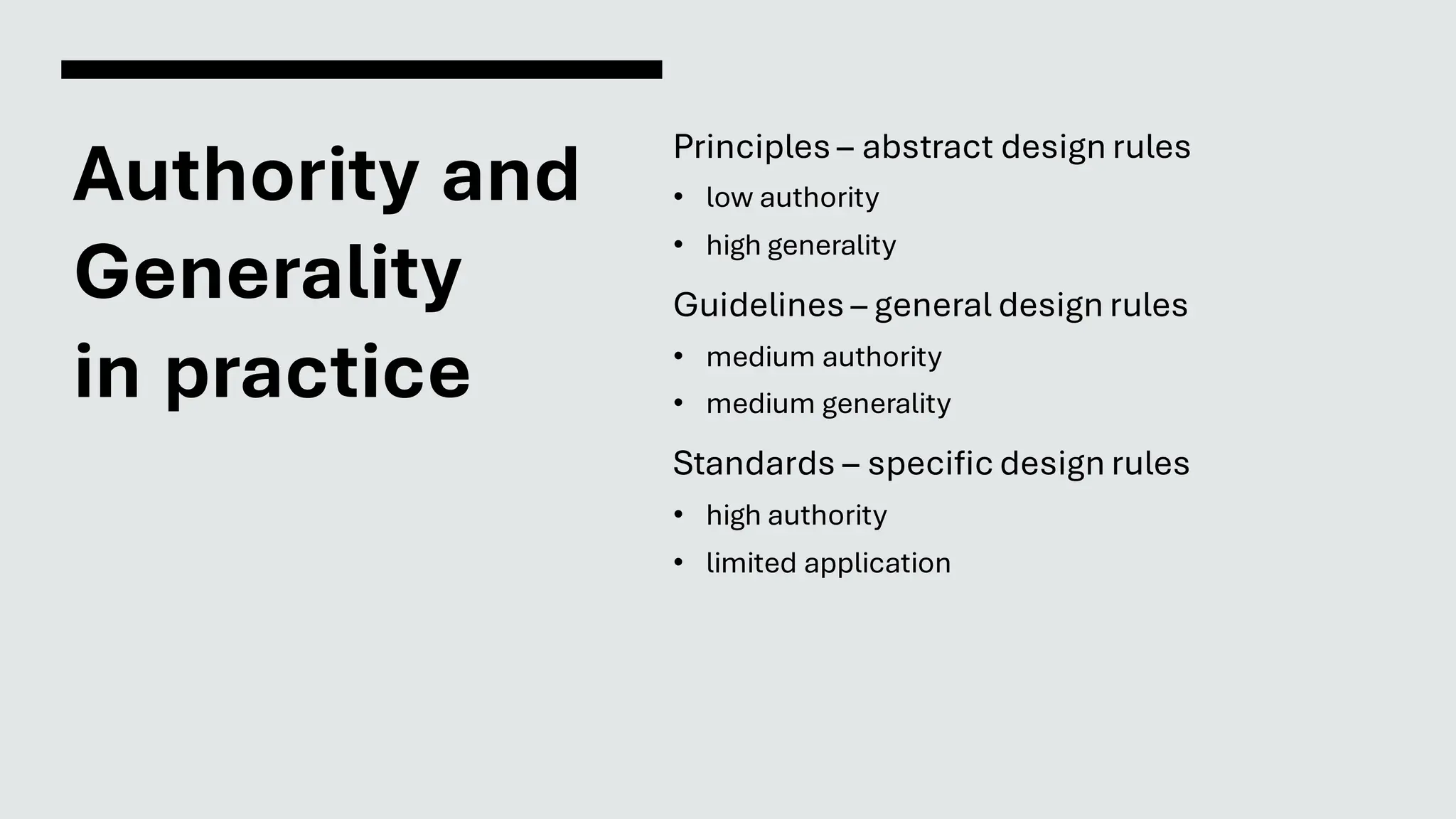
Authority and
Generality
in practice
Principles – abstract design rules
• low authority
• high generality
Guidelines – general design rules
• medium authority
• medium generality
Standards – specific design rules
• high authority
• limited application
Principles
Set by broad disciplinesrelated to interaction
Based on researchand experience
Applicable principles
Firstprinciples
Guidelines
More suggestiveand general
Many textbooks and reports full of guidelines
General guidelines (principles) applicable
during early life cycle activities
Detailed guidelines (style guides) applicable
during later life cycle activities
Understandingjustificationfor guidelines
aids in resolvingconflicts
Standards
Set by national or international bodies to ensure
compliance by a large community of designers
Require sound underlying theory and slowly
changing technology
Regulations can reinforce mandatory compliance
Hardware standards more common than
software ones (usually have high authority and
low level of detail)
ISO 9241 defines usability as effectiveness,
efficiency and satisfaction with which users
accomplish tasks
What have we
seen today?
Types of design rules
Principles to support usability
learnability, flexibility and robustness
Standards and guidelines
27

Interaction Design

  • 1.
  • 2.
    Designing for maximum usability Principles tosupport usability general understandingof the system Standards and guidelines directions for the system design Design patterns capture and reuse design knowledge Design rules
  • 3.
    Principles to support usability Learnability How easyis it to interact with the system? Flexibility Are there multiple ways of interaction? Robustness Is the internal state of the systemperceivable from its representation? 3
  • 4.
    Learnability The ease withwhich new users can begin effective interaction and achieve maximal performance • Predictability • Synthesizability • Familiarity • Generalizability • Consistency
  • 5.
    Principles of learnability Predictability Supportfor the user to determine the effect of future actions based on past interaction history • operation visibility • the same sequence of actions will always trigger the same results Requires instructions State is apparent
  • 6.
    Principles of learnability Synthesizability Supportfor the user to assess the effect of past operations on the currentstate
  • 7.
    Principles of learnability Familiarity Theextent to which a user’s knowledge and experience in other real-world or computer- based domains can be applied when interacting with a new system Example of skeuomorphism
  • 8.
    Principles of learnability Generalizability Supportfor the user to extend knowledge of specific interaction within and across applications to other similar situations • similar icons and buttons • similar menu structure
  • 9.
    Principles of learnability Consistency Likenessin input-outputbehaviourarising from similar situations or similar task objectives • in a text editor, "save", "save as" and "export" have similar behaviours • the printing mechanism is similar across applications
  • 10.
    Flexibility The multiplicity ofways the user and system exchange information • Dialogue initiative • Task migratability • Substitutivity • Multithreading • Customisability
  • 11.
    Principles of flexibility Dialogue initiative Protectingthe user freedomfrom artificial constraints on the input dialog imposed by the system • System preemptiveness vs. user preemptiveness
  • 12.
    Principles of flexibility Task migratability Theability to pass control for the execution of a given task so that it becomes either internalized by the user or the systemor shared between them
  • 13.
    Principles of flexibility Substitutivity Allowingequivalent values of input and output to be arbitrarily substituted for each other • Representation multiplicity (keyboard shortcuts, different locations for the same actions) • Equal opportunityfor users Close the tray with the button, or just push it.
  • 14.
    Principles of flexibility Multithreading Abilityof the systemto support user interaction pertaining to more than one task at a time • Concurrentinteraction Using a browser window while anotherone loads Editing several documentsat the same time • Multimodality The system has multiple ways of communicatingits state (e.g. simultaneous image and sound) and several modes of interaction (e.g. simultaneous typing and voice)
  • 15.
    Principles of flexibility Customisability Modifiabilityof the user interface by the user Modifiability of the user interface by the system adaptability adaptivity
  • 16.
    Robustness The level ofsupport provided to the user in determining successfulachievementand assessment of goal-directedbehaviour • Observability • Recoverability • Interaction responsiveness • Task conformance
  • 17.
    Principles of robustness Observability Abilityof user to evaluate the internal state of the systemfrom its perceivable representation • Browsability • Default settings • Reachability • Persistence • Operation visibility
  • 18.
    Principles of robustness Recoverability Abilityof user to take corrective action once an error has been recognized • Reachability and forward/back recovery Undo buttons, undo history • Commensurateeffort If an action is difficult to undo then it should have been difficult to do in the first place. Conversely, easily undoneactions should be easy to do.
  • 19.
    Principles of robustness Interaction responsiveness Howthe user perceivesthe rate of communication with the system • stability • speed
  • 20.
    Principles of robustness Task conformance Thedegree to which the systemservices support all of the tasks the user wishes to perform, in a way that the user understands them • task completeness • task adequacy
  • 21.
    Principles, Standards and Guidelines 21 Principles are abstractrules • Principles to support usability • Psychology • Computer Science Guidelines recommendbest practices • Fonts and colour schemesin commercialsoftware • Accessibilityin personal blog • Sizeof buttons in web app Standards are policies • Fonts and colour schemesin aviation software • Accessibilityin governmental websites • Sizeof emergencybutton on medical devices
  • 22.
    Authority vs Generality Authority ofa rule Indication of whether the rule should be followed, or if it is only a suggestion Generality of a rule Indication of whether the rule can be applied to many design situations, or if it is specific to an application
  • 23.
    Authority and Generality in practice Principles– abstract design rules • low authority • high generality Guidelines – general design rules • medium authority • medium generality Standards – specific design rules • high authority • limited application
  • 24.
    Principles Set by broaddisciplinesrelated to interaction Based on researchand experience Applicable principles Firstprinciples
  • 25.
    Guidelines More suggestiveand general Manytextbooks and reports full of guidelines General guidelines (principles) applicable during early life cycle activities Detailed guidelines (style guides) applicable during later life cycle activities Understandingjustificationfor guidelines aids in resolvingconflicts
  • 26.
    Standards Set by nationalor international bodies to ensure compliance by a large community of designers Require sound underlying theory and slowly changing technology Regulations can reinforce mandatory compliance Hardware standards more common than software ones (usually have high authority and low level of detail) ISO 9241 defines usability as effectiveness, efficiency and satisfaction with which users accomplish tasks
  • 27.
    What have we seentoday? Types of design rules Principles to support usability learnability, flexibility and robustness Standards and guidelines 27