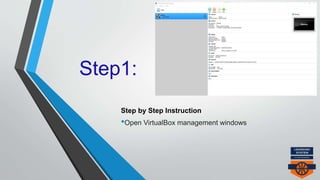
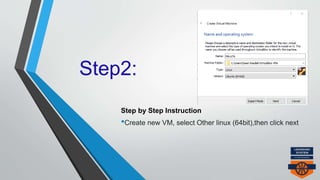
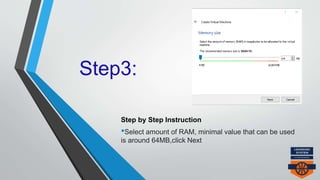
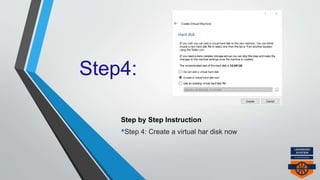
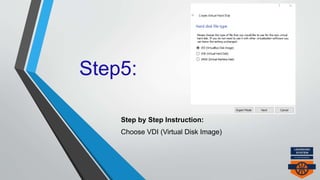
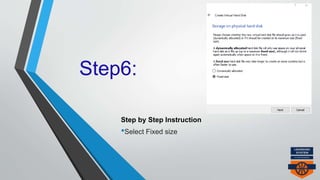
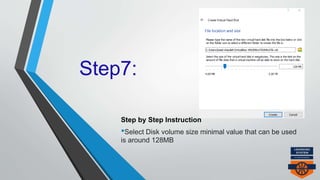
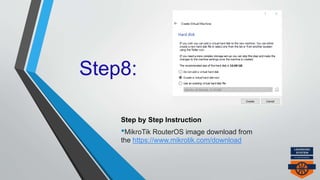
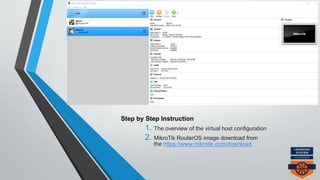
This document provides 8 steps to install MikroTik RouterOS in a virtual machine on Oracle VM VirtualBox. It outlines downloading the MikroTik RouterOS file, creating a new 64MB RAM virtual machine with a 128MB fixed hard disk, and downloading the MikroTik RouterOS image file to begin the installation process.





![Mikrotik Network Simulator (MUM Presentation Material 2013) [COPY]](https://cdn.slidesharecdn.com/ss_thumbnails/mumpresentationmaterial2013rofiqfauzi-131201081201-phpapp01-140420191637-phpapp01-thumbnail.jpg?width=640&height=640&fit=bounds)


