


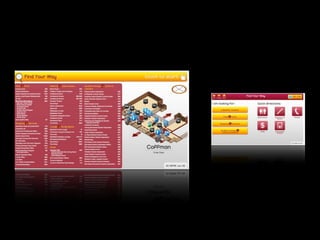
Improve User Experience
with Informal User Testing
            Zachary Johnson
with Kamran Ayub, Ken Loomis, and Ethan Poole

             MinneWebCon - April 12, 2010
Case Study

Tips, tricks, key insights

User testing will make your web
projects better

Do user testing yourself, save time
and money
HTML

CSS (taking major advantage of CSS3)

JavaScript and jQuery

No Flash

Fullscreen Webkit (Konqueror, Chrome, Safari)

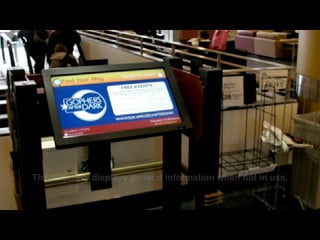
Mac mini

Touch screen monitor (works like USB mouse)
Who’s on First?
Zach: Overview of iterative process,
our project, and early testing

Kamran: Semi-formal user testing

Ethan: Process insights, user
experience improvements

Ken: More insights and improvments,
project future
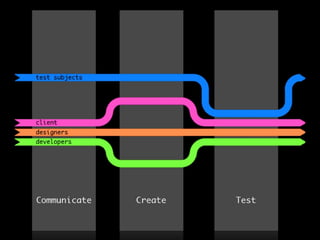
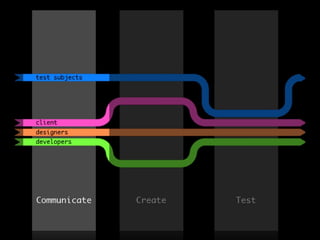
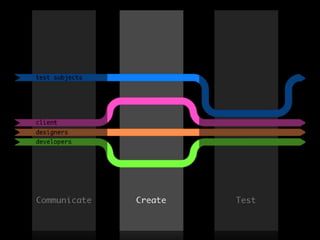
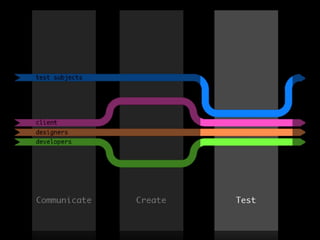
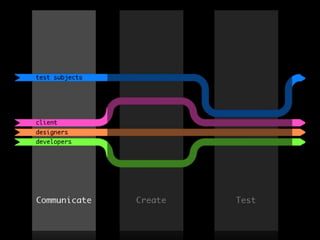
Iterative Design


Design

Test

Repeat
Version control tools (SVN, CVS, Git)

Individual developer test
environments

Morning status meetings

Basecamp
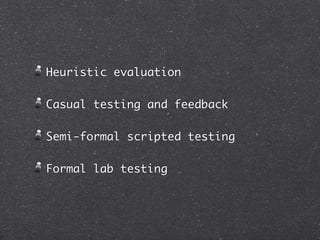
Heuristic evaluation

Casual testing and feedback

Semi-formal scripted testing

Formal lab testing
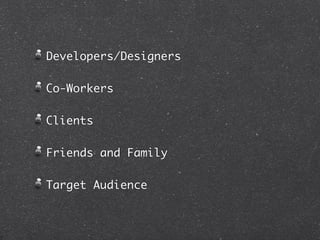
Developers/Designers

Co-Workers

Clients

Friends and Family

Target Audience
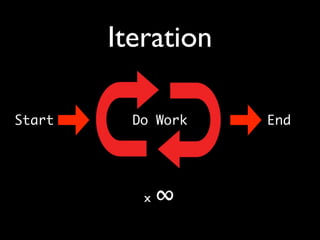
Iteration

Start     Do Work   End


           x   ∞
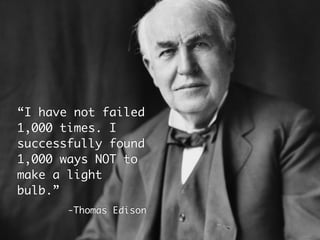
“I have not failed
1,000 times. I
successfully found
1,000 ways NOT to
make a light
bulb.”
       -Thomas Edison
“You can’t do version
two until you’ve done
version one.”
           -Zach Johnson
Time to Code


Your prototype is your product.
Kamran Ayub
My Roles
Initial mockup and design
  Photoshop based off wireframes
  HTML skeleton with sample data
UI and JavaScript
Creating the Tests
No excuse to not do any testing—you can
do it for free!
Create a common introduction sequence for
all participants
Emulate “real world” scenarios—try to
walk through it yourself, not just empty
thinking
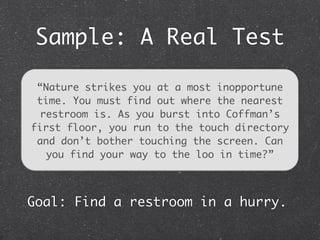
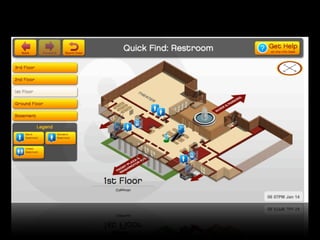
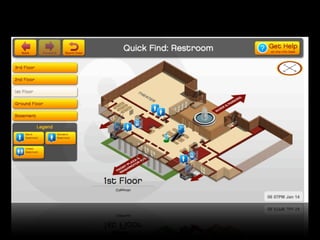
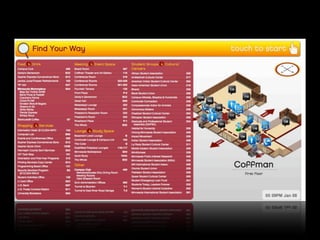
Sample: A Real Test

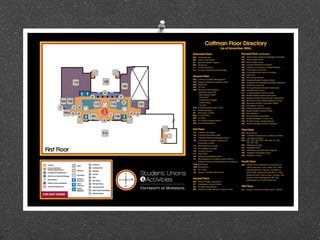
 “Nature strikes you at a most inopportune
 time. You must find out where the nearest
  restroom is. As you burst into Coffman’s
first floor, you run to the touch directory
 and don’t bother touching the screen. Can
   you find your way to the loo in time?”


Goal: Find a restroom in a hurry.
Running the Tests
How do you find people?
Keep a list of common observations, those
are probably the most important
Record the session, if possible
Observe how you interact with the system,
not just others—you may be surprised!
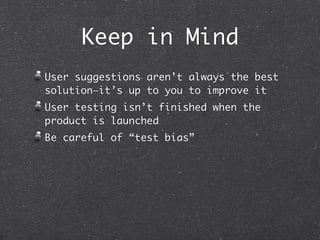
Keep in Mind
User suggestions aren’t always the best
solution—it’s up to you to improve it
User testing isn’t finished when the
product is launched
Be careful of “test bias”
Ethan Poole
Iterative
      Development

User scenarios should challenge your
solutions to potential pitfalls.

Re-development and re-testing are
nonnegotiable.
Ken Loomis
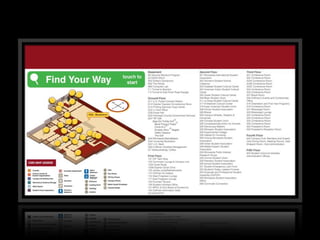
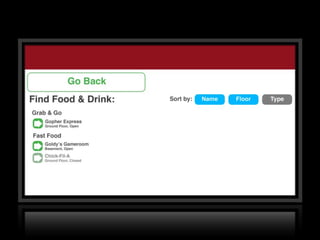
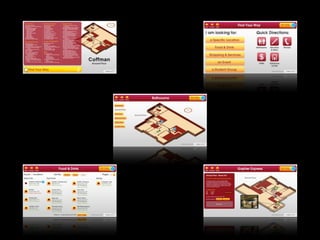
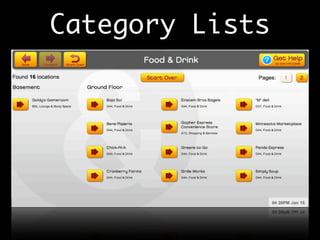
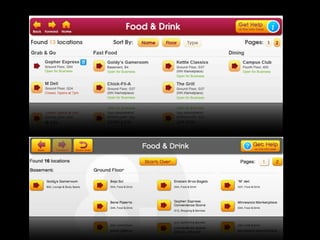
Category Lists
Considerations
Possible changes to list contents
over time

List sorting options

Placement of page number links

Navigation button behavior

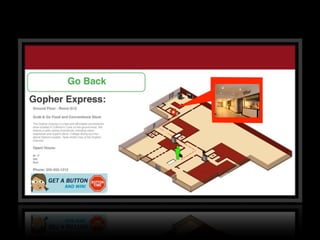
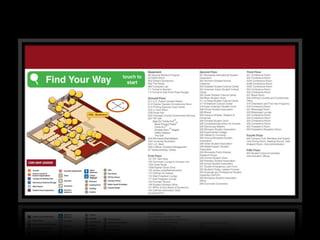
Category lists and room detail pages
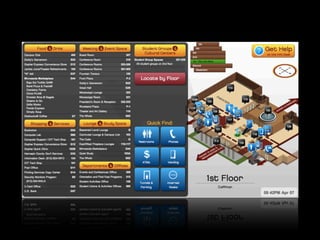
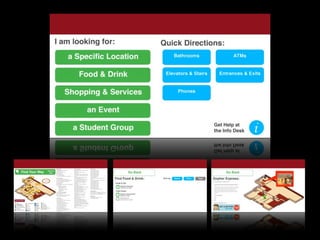
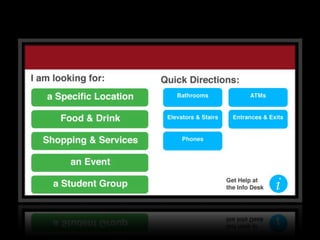
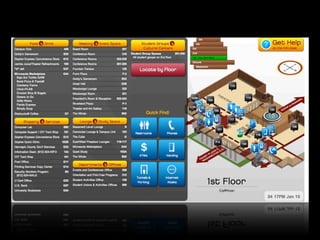
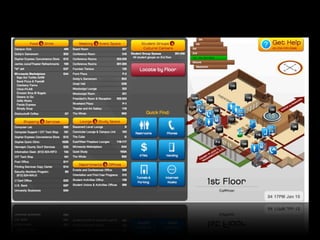
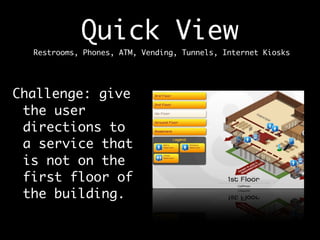
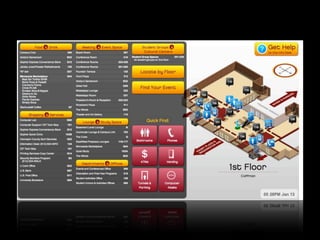
Quick View
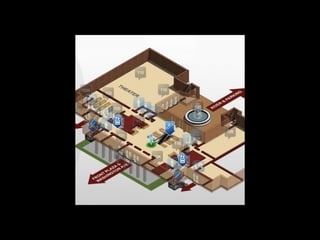
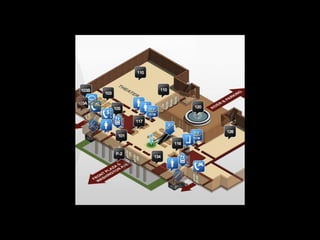
  Restrooms, Phones, ATM, Vending, Tunnels, Internet Kiosks


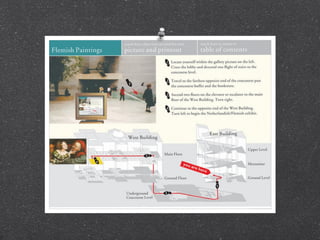
Challenge: give
 the user
 directions to
 a service that
 is not on the
 first floor of
 the building.
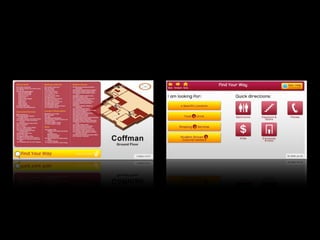
Adventure of the
   Home Screen
  And Universal Design
“If I’d asked my customers
what they wanted, they’d
have said a faster horse.”
                 -Henry Ford
Future Plans
Events calendar integration: provide
details for concerts, films, lectures,
meetings and other events at the Student
Unions

Service hours

Additional features

More user testing!

Fall 2010: St. Paul Student Center
Thanks!
What are your questions?

     @zacharyjohnson


     @kamranayub


     @ethanp


     @kmloomis

Improve User Experience with Informal User Testing (Case Study)

  • 1.
    Improve User Experience withInformal User Testing Zachary Johnson with Kamran Ayub, Ken Loomis, and Ethan Poole MinneWebCon - April 12, 2010
  • 2.
    Case Study Tips, tricks,key insights User testing will make your web projects better Do user testing yourself, save time and money
  • 6.
    HTML CSS (taking majoradvantage of CSS3) JavaScript and jQuery No Flash Fullscreen Webkit (Konqueror, Chrome, Safari) Mac mini Touch screen monitor (works like USB mouse)
  • 8.
    Who’s on First? Zach:Overview of iterative process, our project, and early testing Kamran: Semi-formal user testing Ethan: Process insights, user experience improvements Ken: More insights and improvments, project future
  • 9.
  • 13.
    Version control tools(SVN, CVS, Git) Individual developer test environments Morning status meetings Basecamp
  • 15.
    Heuristic evaluation Casual testingand feedback Semi-formal scripted testing Formal lab testing
  • 16.
  • 18.
    Iteration Start Do Work End x ∞
  • 19.
    “I have notfailed 1,000 times. I successfully found 1,000 ways NOT to make a light bulb.” -Thomas Edison
  • 20.
    “You can’t doversion two until you’ve done version one.” -Zach Johnson
  • 33.
    Time to Code Yourprototype is your product.
  • 34.
  • 35.
    My Roles Initial mockupand design Photoshop based off wireframes HTML skeleton with sample data UI and JavaScript
  • 36.
    Creating the Tests Noexcuse to not do any testing—you can do it for free! Create a common introduction sequence for all participants Emulate “real world” scenarios—try to walk through it yourself, not just empty thinking
  • 37.
    Sample: A RealTest “Nature strikes you at a most inopportune time. You must find out where the nearest restroom is. As you burst into Coffman’s first floor, you run to the touch directory and don’t bother touching the screen. Can you find your way to the loo in time?” Goal: Find a restroom in a hurry.
  • 38.
    Running the Tests Howdo you find people? Keep a list of common observations, those are probably the most important Record the session, if possible Observe how you interact with the system, not just others—you may be surprised!
  • 39.
    Keep in Mind Usersuggestions aren’t always the best solution—it’s up to you to improve it User testing isn’t finished when the product is launched Be careful of “test bias”
  • 40.
  • 41.
    Iterative Development User scenarios should challenge your solutions to potential pitfalls. Re-development and re-testing are nonnegotiable.
  • 49.
  • 50.
  • 51.
    Considerations Possible changes tolist contents over time List sorting options Placement of page number links Navigation button behavior Category lists and room detail pages
  • 53.
    Quick View Restrooms, Phones, ATM, Vending, Tunnels, Internet Kiosks Challenge: give the user directions to a service that is not on the first floor of the building.
  • 54.
    Adventure of the Home Screen And Universal Design
  • 58.
    “If I’d askedmy customers what they wanted, they’d have said a faster horse.” -Henry Ford
  • 60.
    Future Plans Events calendarintegration: provide details for concerts, films, lectures, meetings and other events at the Student Unions Service hours Additional features More user testing! Fall 2010: St. Paul Student Center
  • 61.
    Thanks! What are yourquestions? @zacharyjohnson @kamranayub @ethanp @kmloomis