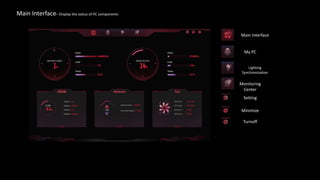
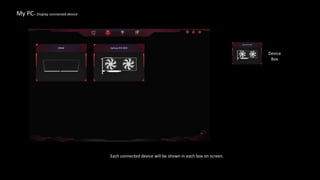
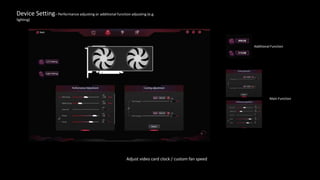
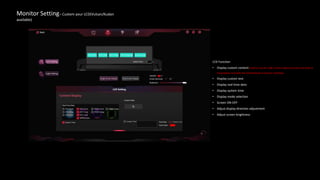
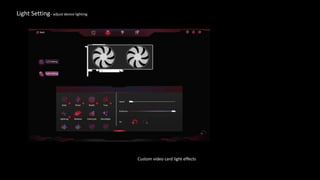
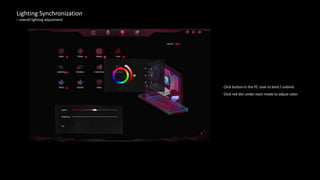
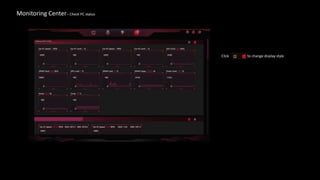
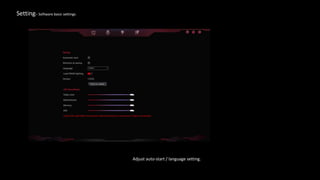
The iGame Center instruction document provides an overview of the main interface and its various sections for monitoring and customizing a gaming PC. The main interface displays the status of components and connected devices. The device setting section allows adjusting performance and additional functions like lighting. The monitor setting customizes the LCD display by showing custom content, text, data, time and allowing brightness and direction adjustments. The lighting section sets custom video card lighting effects. The lighting synchronization binds lighting to an overall adjustment and the monitoring center checks PC status. Settings controls software settings like auto-start and language.