If Statements
By Toni Norman
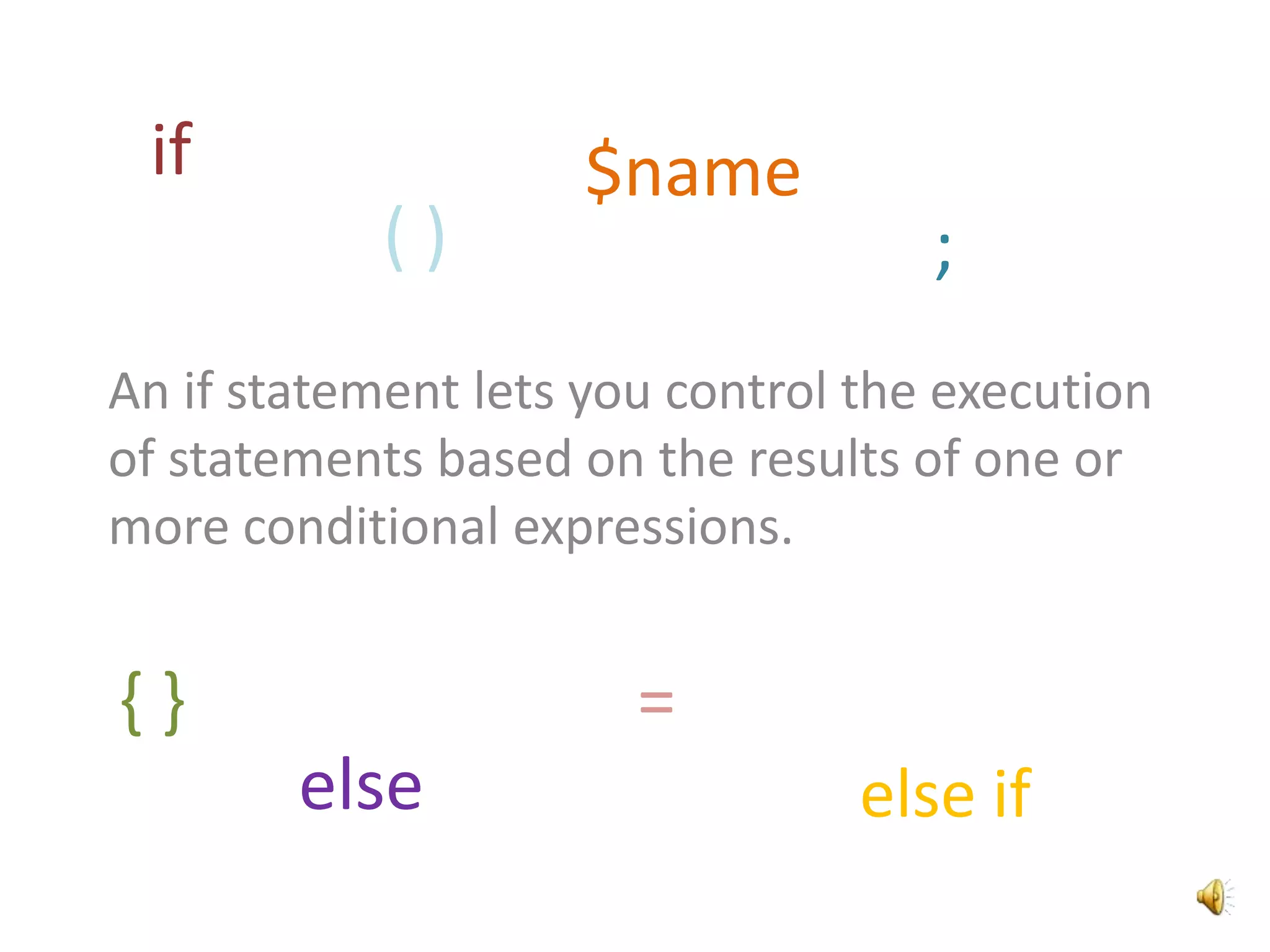
An if statement lets you control the execution
of statements based on the results of one or
more conditional expressions.
else if
if
else
;( )
$name
{ } =
Parts of an If Statement
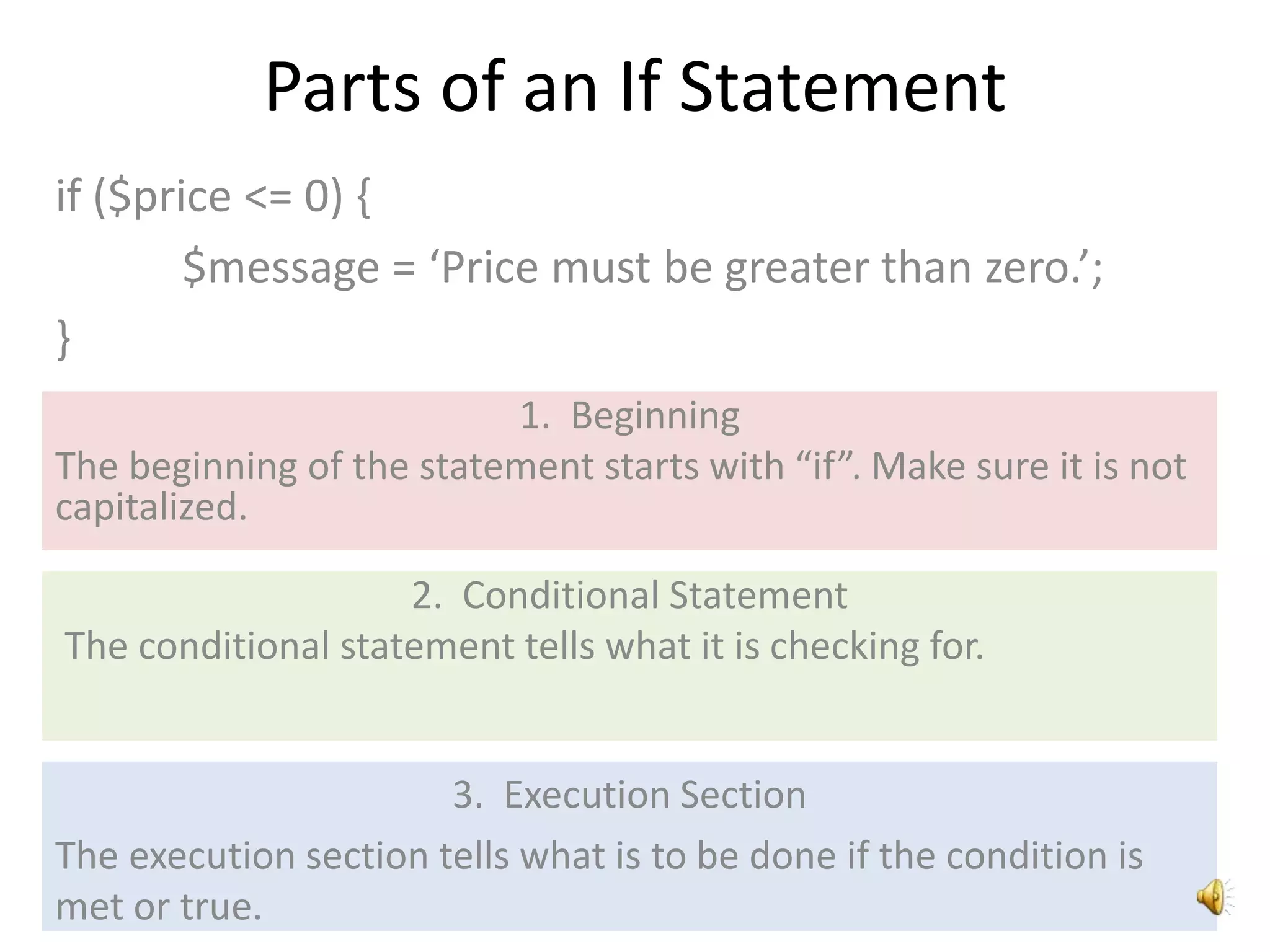
if ($price <= 0) {
$message = ‘Price must be greater than zero.’;
}
1. Beginning
The beginning of the statement starts with “if”. Make sure it is not
capitalized.
2. Conditional Statement
The conditional statement tells what it is checking for.
3. Execution Section
The execution section tells what is to be done if the condition is
met or true.
Beginning
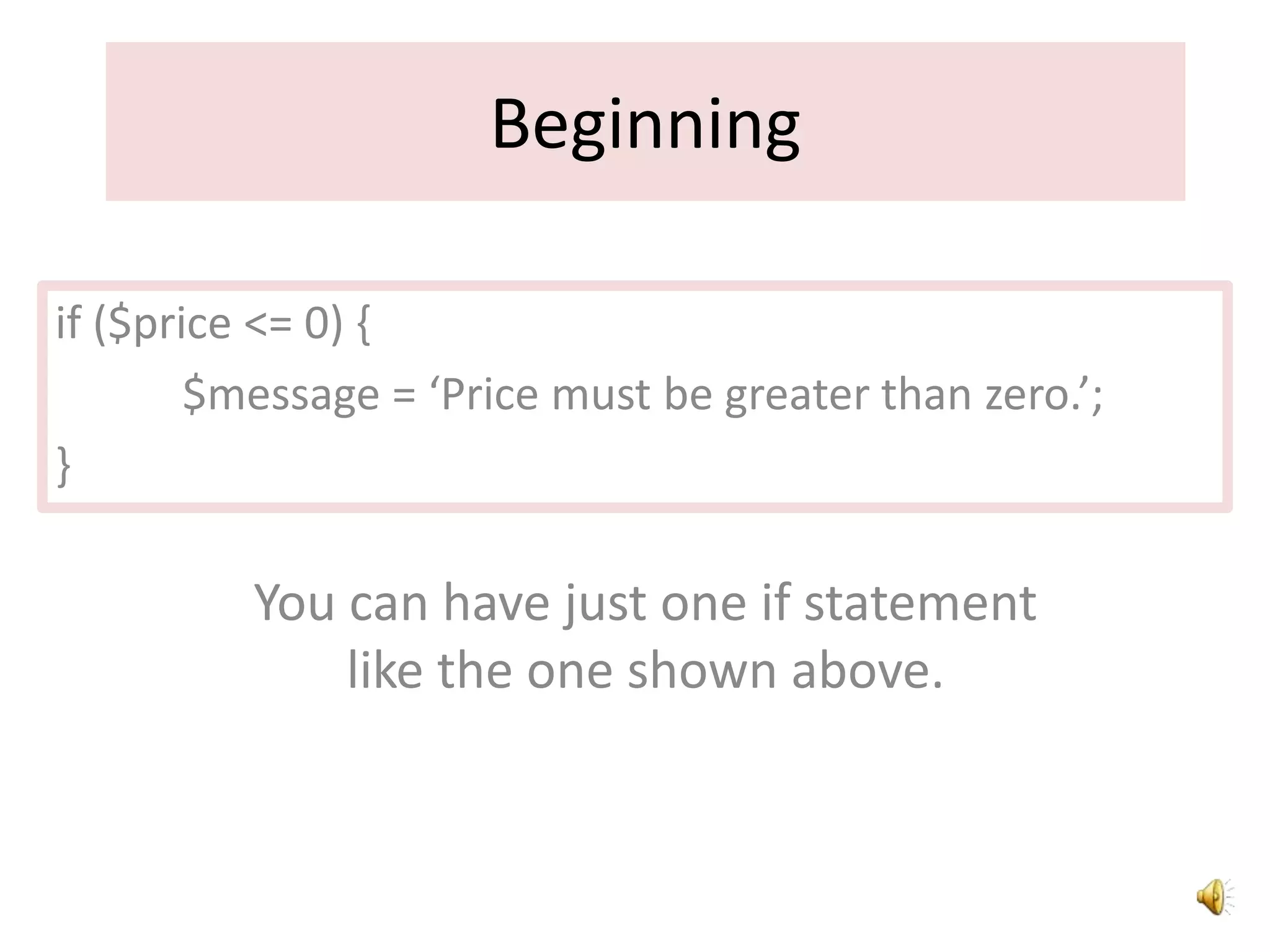
You can have just one if statement
like the one shown above.
if ($price <= 0) {
$message = ‘Price must be greater than zero.’;
}
Beginning
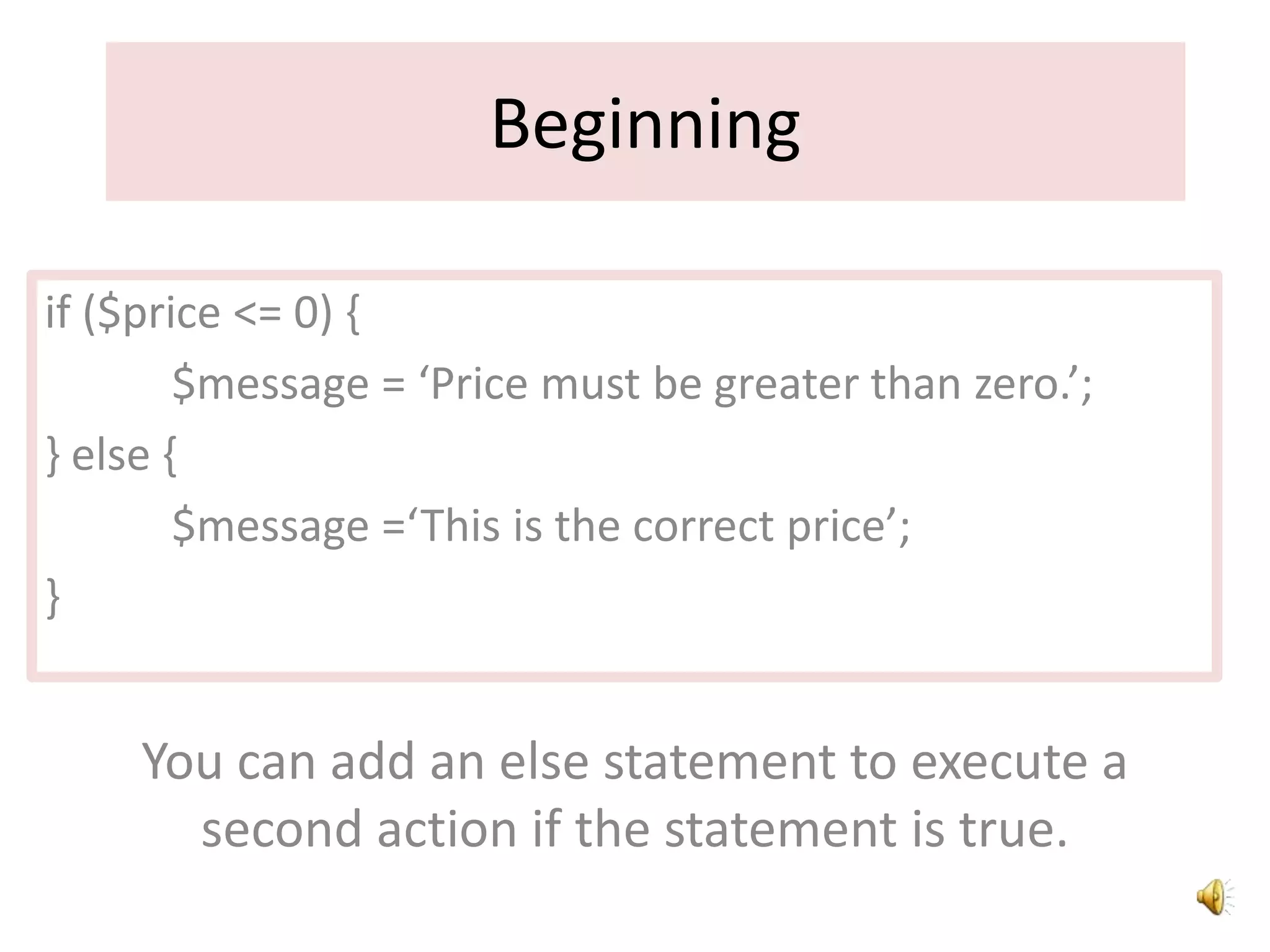
if ($price <= 0) {
$message = ‘Price must be greater than zero.’;
} else {
$message =‘This is the correct price’;
}
You can add an else statement to execute a
second action if the statement is true.
Beginning
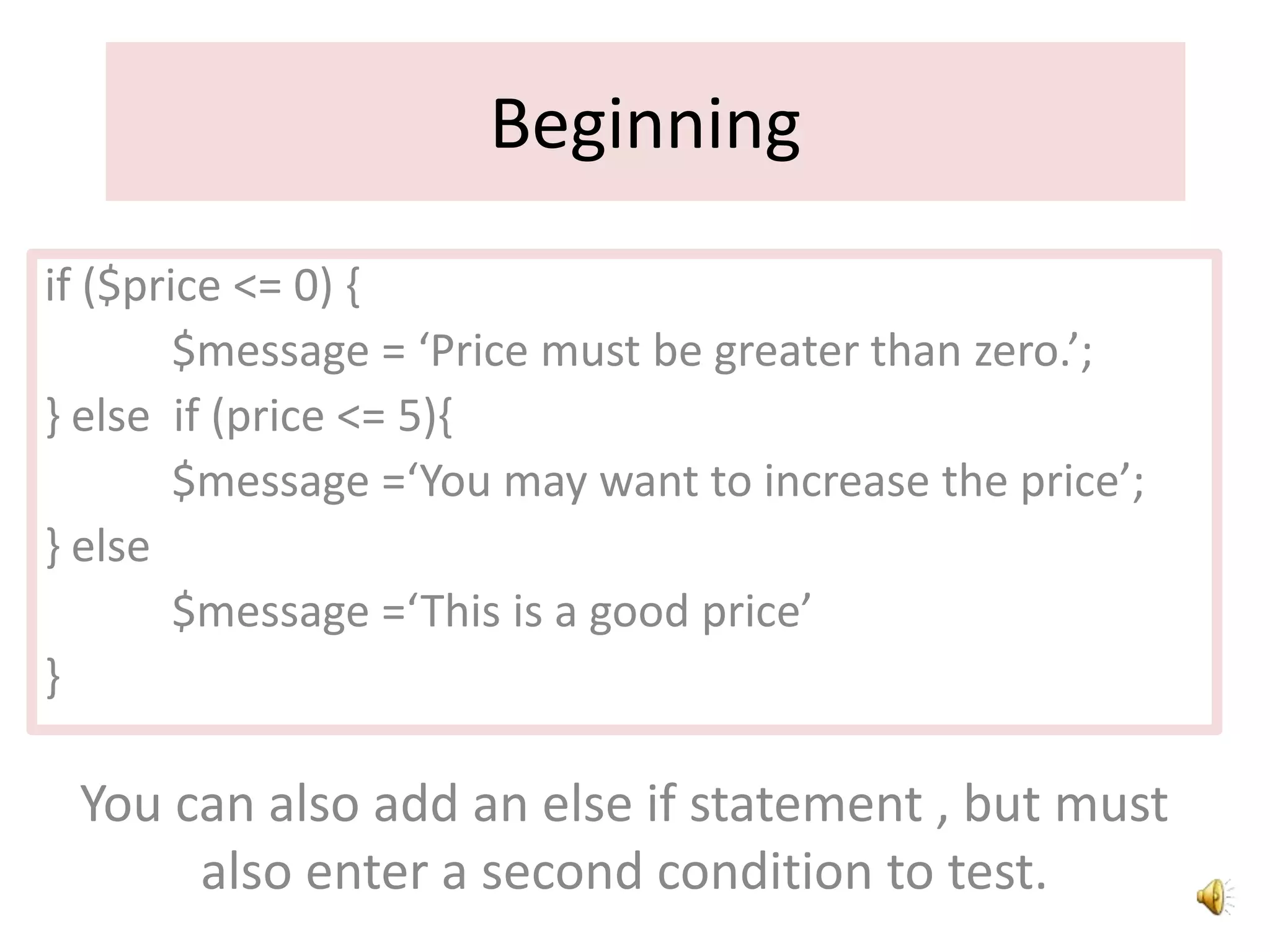
if ($price <= 0) {
$message = ‘Price must be greater than zero.’;
} else if (price <= 5){
$message =‘You may want to increase the price’;
} else
$message =‘This is a good price’
}
You can also add an else if statement , but must
also enter a second condition to test.
Conditional Statement
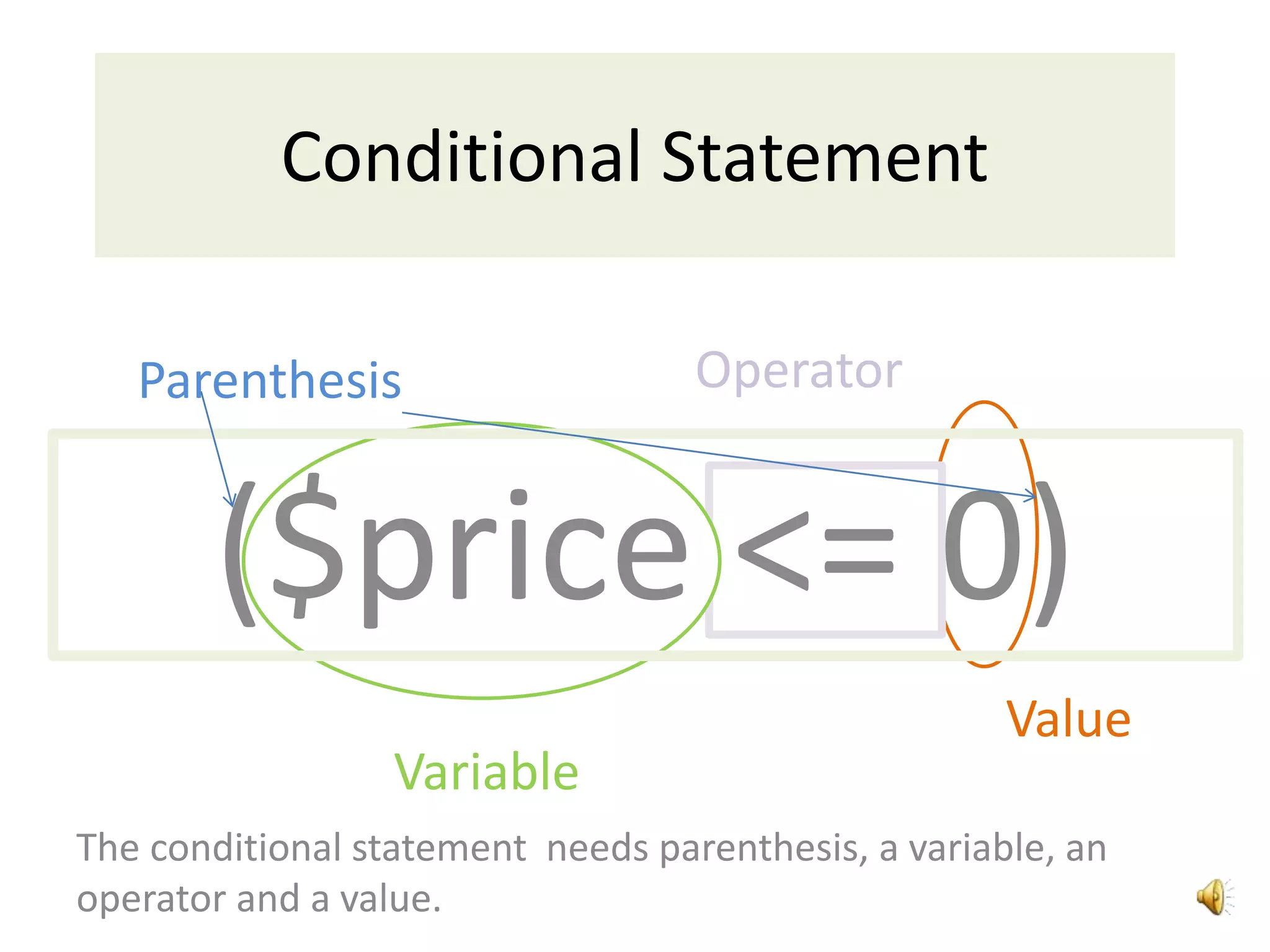
Parenthesis
($price <= 0)
Variable
Value
Operator
The conditional statement needs parenthesis, a variable, an
operator and a value.
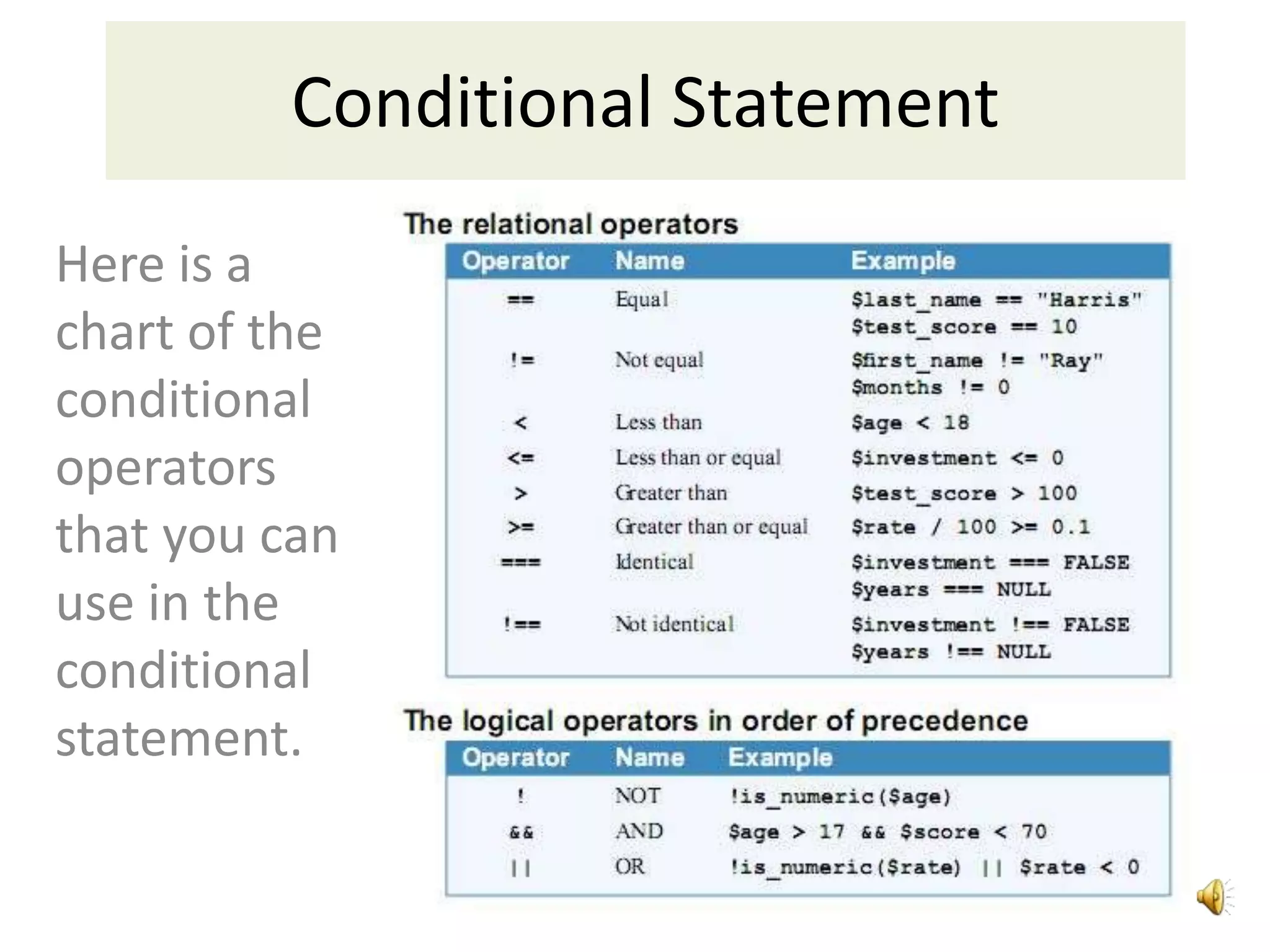
Here is a
chart of the
conditional
operators
that you can
use in the
conditional
statement.
Conditional Statement
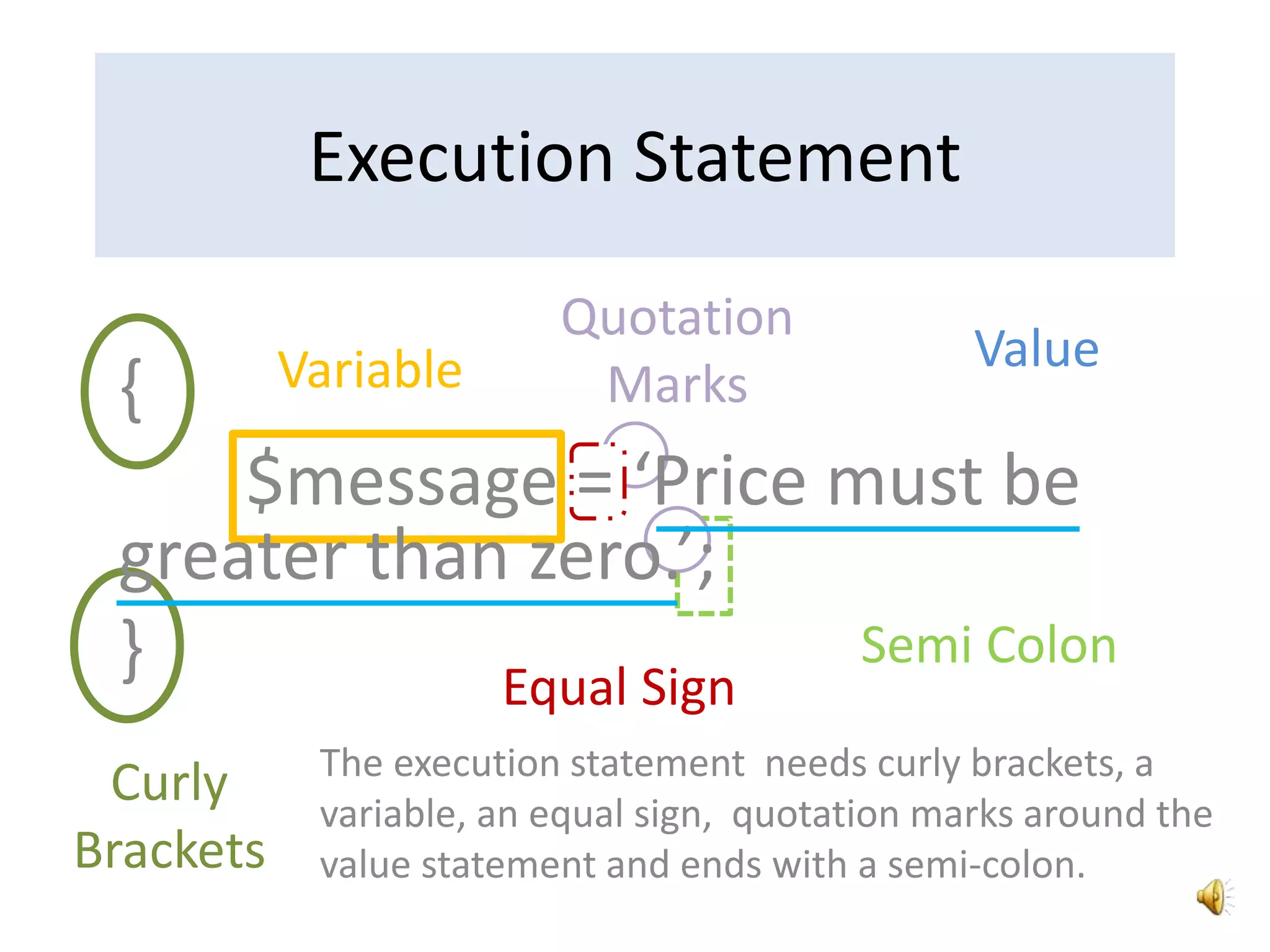
{
$message = ‘Price must be
greater than zero.’;
}
Execution Statement
Curly
Brackets
Variable
Equal Sign
Value
Semi Colon
Quotation
Marks
The execution statement needs curly brackets, a
variable, an equal sign, quotation marks around the
value statement and ends with a semi-colon.
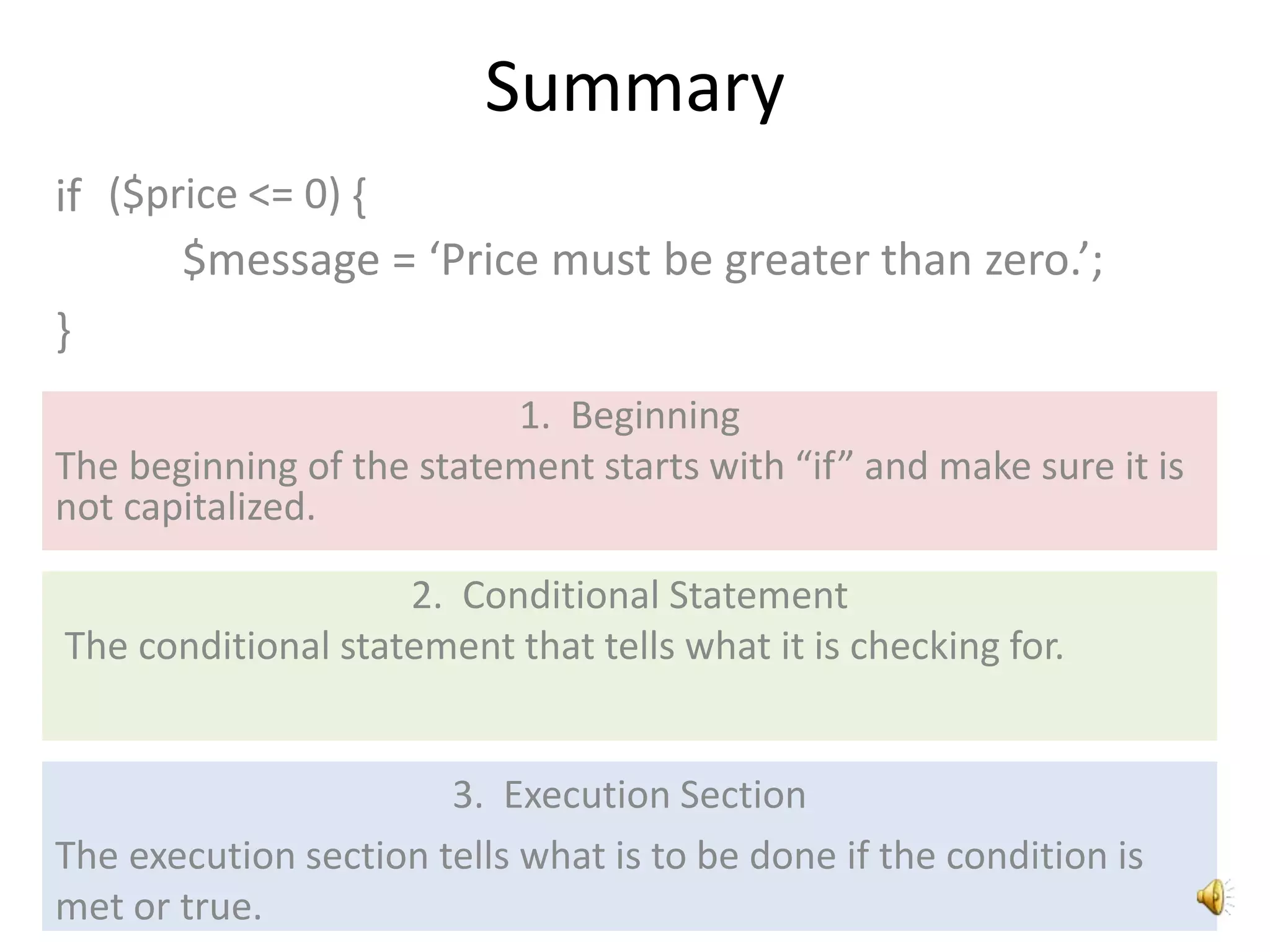
Summary
if
1. Beginning
The beginning of the statement starts with “if” and make sure it is
not capitalized.
2. Conditional Statement
The conditional statement that tells what it is checking for.
3. Execution Section
The execution section tells what is to be done if the condition is
met or true.
$message = ‘Price must be greater than zero.’;
}
($price <= 0) {

If Statements for PHP

  • 1.
  • 2.
    An if statementlets you control the execution of statements based on the results of one or more conditional expressions. else if if else ;( ) $name { } =
  • 3.
    Parts of anIf Statement if ($price <= 0) { $message = ‘Price must be greater than zero.’; } 1. Beginning The beginning of the statement starts with “if”. Make sure it is not capitalized. 2. Conditional Statement The conditional statement tells what it is checking for. 3. Execution Section The execution section tells what is to be done if the condition is met or true.
  • 4.
    Beginning You can havejust one if statement like the one shown above. if ($price <= 0) { $message = ‘Price must be greater than zero.’; }
  • 5.
    Beginning if ($price <=0) { $message = ‘Price must be greater than zero.’; } else { $message =‘This is the correct price’; } You can add an else statement to execute a second action if the statement is true.
  • 6.
    Beginning if ($price <=0) { $message = ‘Price must be greater than zero.’; } else if (price <= 5){ $message =‘You may want to increase the price’; } else $message =‘This is a good price’ } You can also add an else if statement , but must also enter a second condition to test.
  • 7.
    Conditional Statement Parenthesis ($price <=0) Variable Value Operator The conditional statement needs parenthesis, a variable, an operator and a value.
  • 8.
    Here is a chartof the conditional operators that you can use in the conditional statement. Conditional Statement
  • 9.
    { $message = ‘Pricemust be greater than zero.’; } Execution Statement Curly Brackets Variable Equal Sign Value Semi Colon Quotation Marks The execution statement needs curly brackets, a variable, an equal sign, quotation marks around the value statement and ends with a semi-colon.
  • 10.
    Summary if 1. Beginning The beginningof the statement starts with “if” and make sure it is not capitalized. 2. Conditional Statement The conditional statement that tells what it is checking for. 3. Execution Section The execution section tells what is to be done if the condition is met or true. $message = ‘Price must be greater than zero.’; } ($price <= 0) {