ICS3211 - Intelligent
Interfaces II
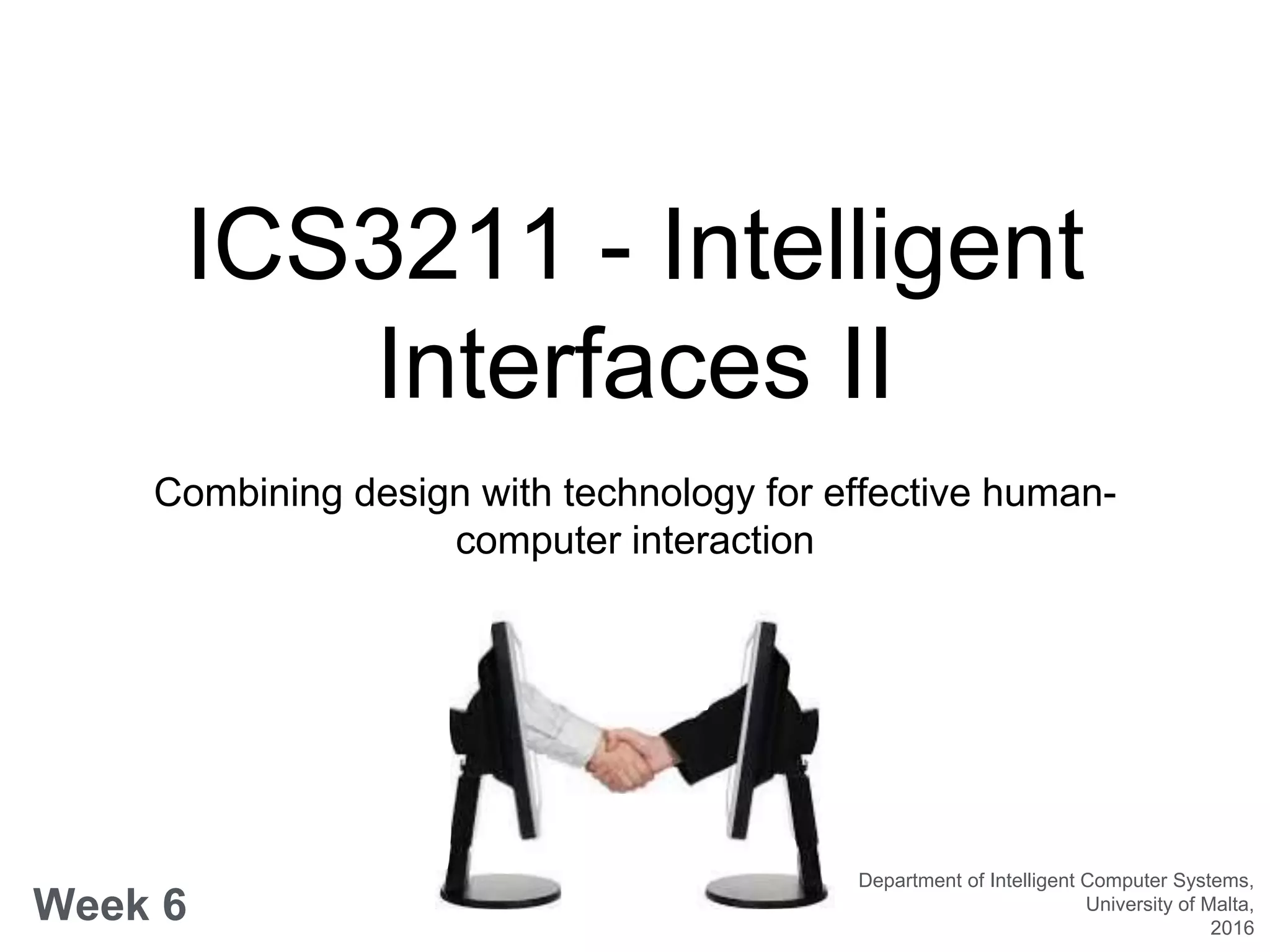
Combining design with technology for effective human-
computer interaction
Week 6
Department of Intelligent Computer Systems,
University of Malta,
2016
Visual Design for User
Interfaces
Week 6 overview:
• Recap class Activity - review literature & critique
• UX vs. UI design
• Best Practices in UI design
• Evolutionary characteristics of design
• Designing for inclusive practices
Learning Outcomes
At the end of this session you should be able to:
• Describe a number of case studies in the design of intelligent
user interfaces;
• Draw inferences about the design of interfaces that take into
account metaphors, mental models, navigation and interaction;
• Describe the differences between UX & UI design;
• List UI design basics and make inferences about evolutionary
design principles;
• Review and make use of different user models for inclusive UIs;
Recap - Case studies:
illustrated
• Work in groups
• Choose and review two case studies from the
various literature presented
• Present their methodologies and the use of
intelligence in the design of user interfaces
• Take into account the metaphors, mental models,
navigation and interactions involved in the design of
these case studies
UX vs. UI design
• UX design - improving usability, ease of use in the
interaction;
• UI design - complements UX through look & feel,
presentation and interactivity;
• UX designers - concerned with the overall feel of the
product,
• UI designers - concerned about how the product is
laid out;
UI Design Basics
Interface Elements:
• Input Controls
• Navigational Components
• Informational Components
• Containers
Best Practices
• Keep the interface simple
• Create consistency and use common UI elements
• Be purposeful in page layout
• Strategically use colour and texture
• Use typography to create hierarchy and clarity
• Make sure the system communicates what is happening
• Think about the defaults
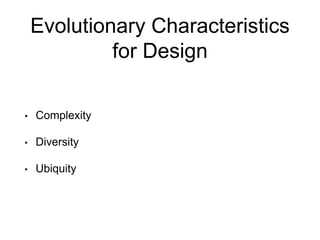
Evolutionary Characteristics
for Design
• Complexity
• Diversity
• Ubiquity
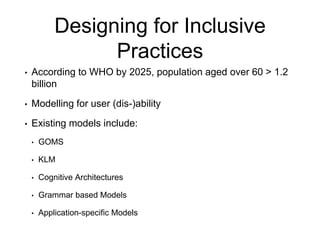
Designing for Inclusive
Practices
• According to WHO by 2025, population aged over 60 > 1.2
billion
• Modelling for user (dis-)ability
• Existing models include:
• GOMS
• KLM
• Cognitive Architectures
• Grammar based Models
• Application-specific Models
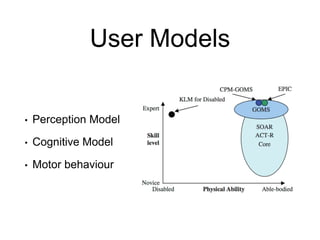
User Models
• Perception Model
• Cognitive Model
• Motor behaviour
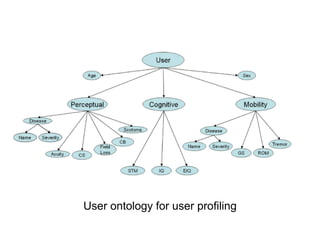
User ontology for user profiling
–Rick Rashid
“These devices will eventually replace paper
print media. We are reaching a point in the
future where any surface can be an interactive
surface.”

ICS3211 lecture 06

  • 1.
    ICS3211 - Intelligent InterfacesII Combining design with technology for effective human- computer interaction Week 6 Department of Intelligent Computer Systems, University of Malta, 2016
  • 2.
    Visual Design forUser Interfaces Week 6 overview: • Recap class Activity - review literature & critique • UX vs. UI design • Best Practices in UI design • Evolutionary characteristics of design • Designing for inclusive practices
  • 3.
    Learning Outcomes At theend of this session you should be able to: • Describe a number of case studies in the design of intelligent user interfaces; • Draw inferences about the design of interfaces that take into account metaphors, mental models, navigation and interaction; • Describe the differences between UX & UI design; • List UI design basics and make inferences about evolutionary design principles; • Review and make use of different user models for inclusive UIs;
  • 4.
    Recap - Casestudies: illustrated • Work in groups • Choose and review two case studies from the various literature presented • Present their methodologies and the use of intelligence in the design of user interfaces • Take into account the metaphors, mental models, navigation and interactions involved in the design of these case studies
  • 5.
    UX vs. UIdesign • UX design - improving usability, ease of use in the interaction; • UI design - complements UX through look & feel, presentation and interactivity; • UX designers - concerned with the overall feel of the product, • UI designers - concerned about how the product is laid out;
  • 6.
    UI Design Basics InterfaceElements: • Input Controls • Navigational Components • Informational Components • Containers
  • 7.
    Best Practices • Keepthe interface simple • Create consistency and use common UI elements • Be purposeful in page layout • Strategically use colour and texture • Use typography to create hierarchy and clarity • Make sure the system communicates what is happening • Think about the defaults
  • 8.
    Evolutionary Characteristics for Design •Complexity • Diversity • Ubiquity
  • 9.
    Designing for Inclusive Practices •According to WHO by 2025, population aged over 60 > 1.2 billion • Modelling for user (dis-)ability • Existing models include: • GOMS • KLM • Cognitive Architectures • Grammar based Models • Application-specific Models
  • 10.
    User Models • PerceptionModel • Cognitive Model • Motor behaviour
  • 11.
    User ontology foruser profiling
  • 12.
    –Rick Rashid “These deviceswill eventually replace paper print media. We are reaching a point in the future where any surface can be an interactive surface.”