HTML5
Colored HELLO WORLD
By : Solieman ElSaber
Agenda
1- HTML5 new elements
2- CSS3
3- Animation
4- Touch events
5- Javascript
6- Smartphone !!!
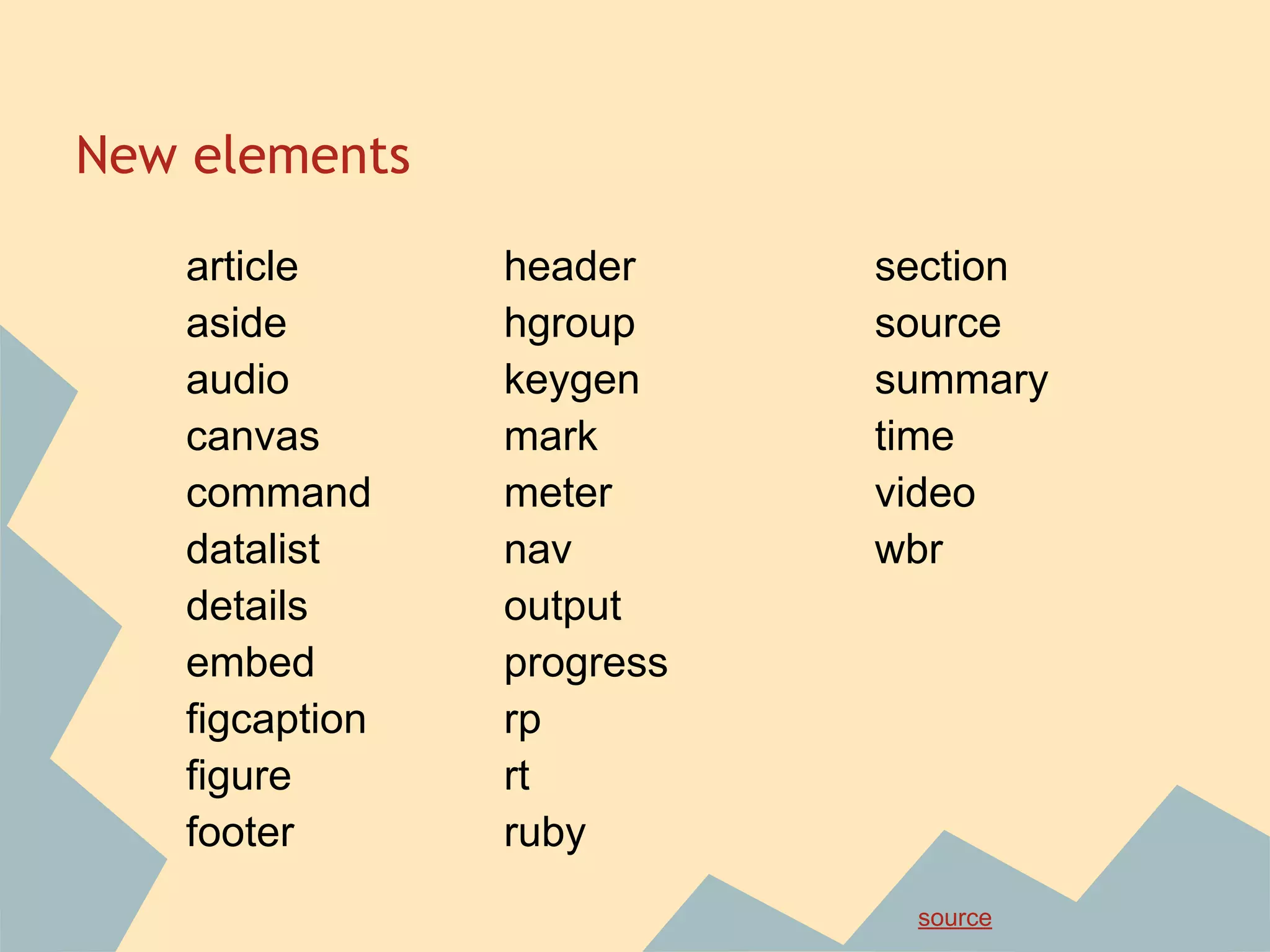
New elements
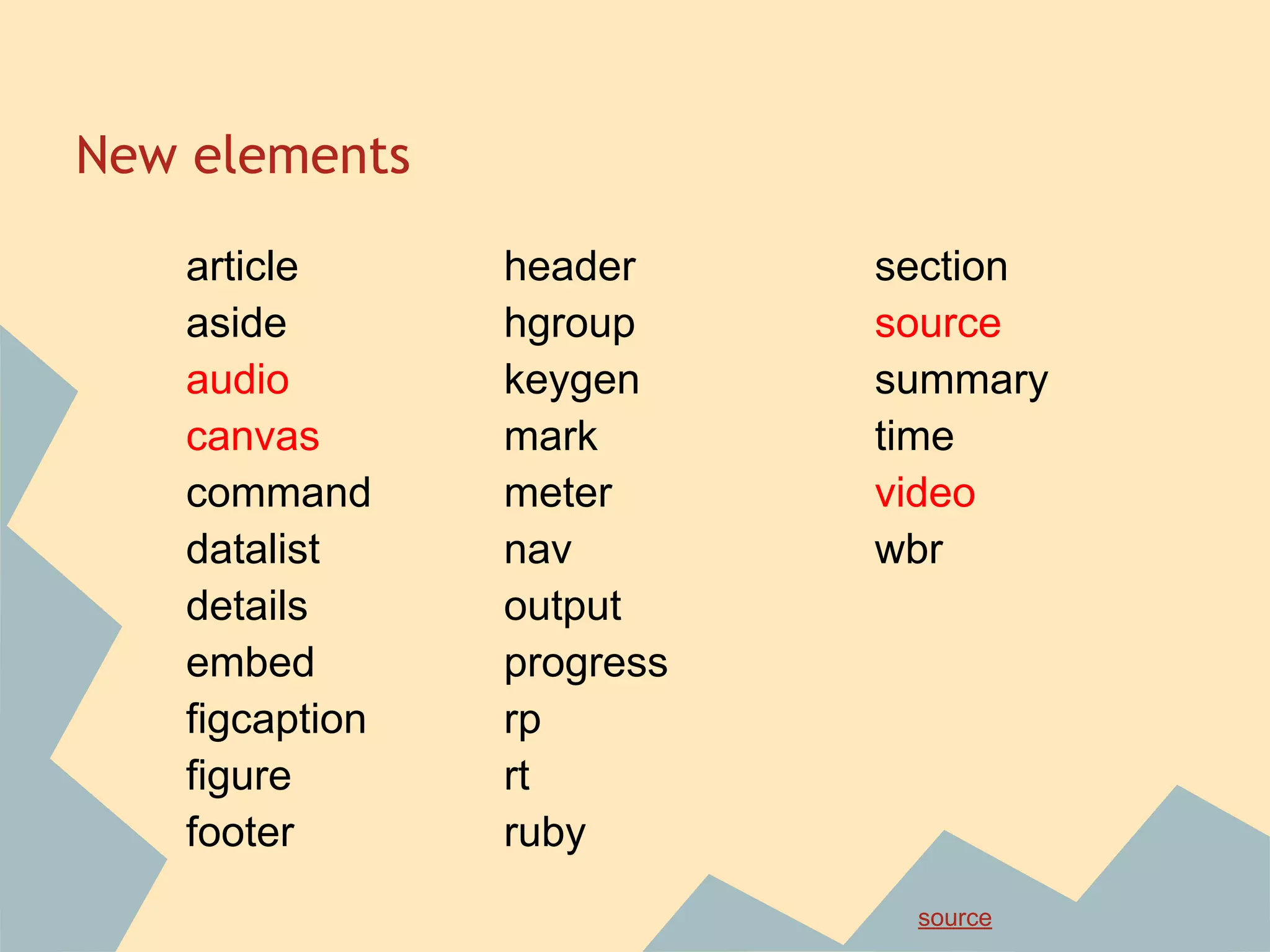
article
aside
audio
canvas
command
datalist
details
embed
figcaption
figure
footer
header
hgroup
keygen
mark
meter
nav
output
progress
rp
rt
ruby
section
source
summary
time
video
wbr
source
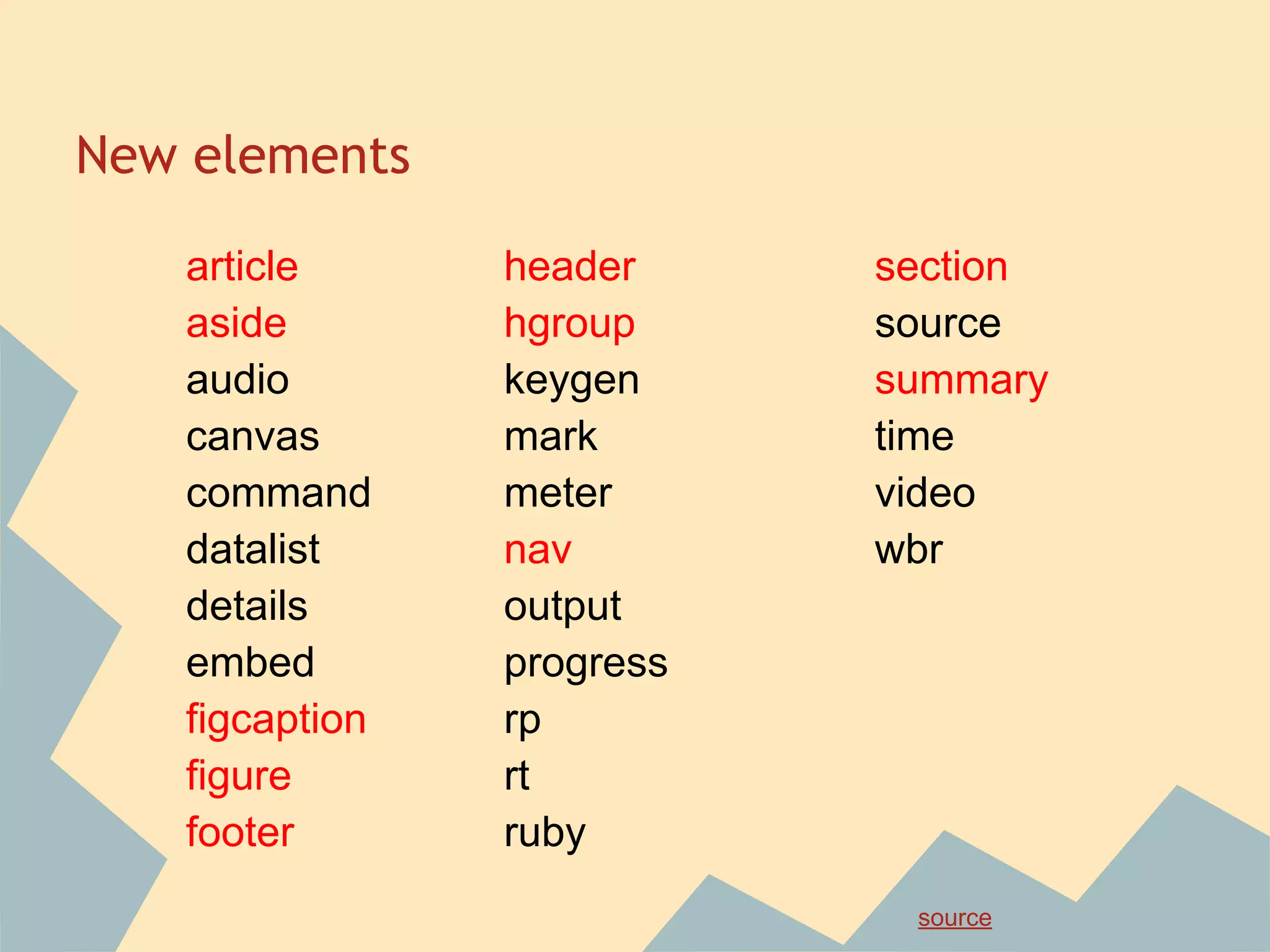
New elements
article
aside
audio
canvas
command
datalist
details
embed
figcaption
figure
footer
header
hgroup
keygen
mark
meter
nav
output
progress
rp
rt
ruby
section
source
summary
time
video
wbr
source
New elements
article
aside
audio
canvas
command
datalist
details
embed
figcaption
figure
footer
header
hgroup
keygen
mark
meter
nav
output
progress
rp
rt
ruby
section
source
summary
time
video
wbr
source
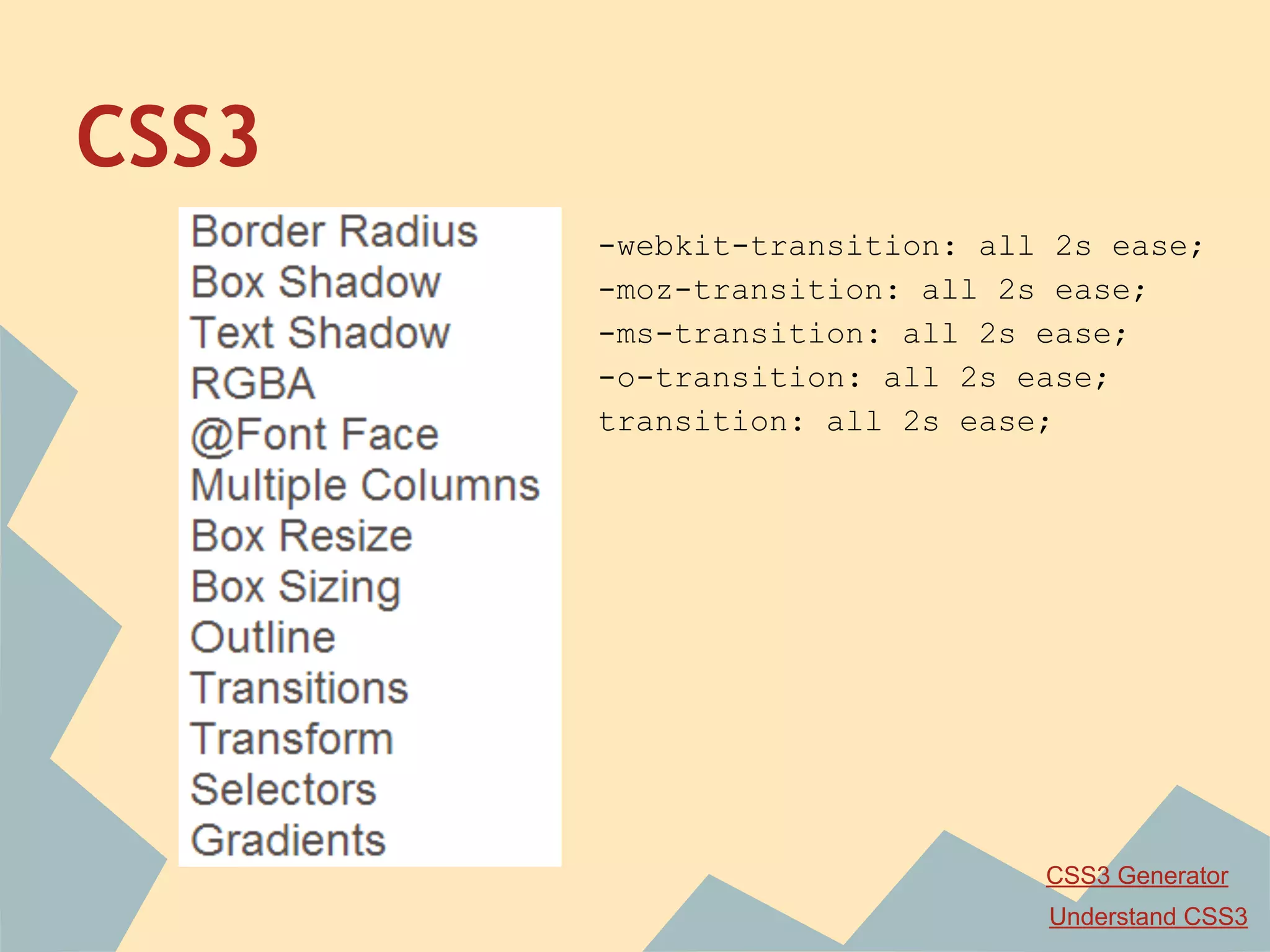
CSS3
-webkit-transition: all 2s ease;
-moz-transition: all 2s ease;
-ms-transition: all 2s ease;
-o-transition: all 2s ease;
transition: all 2s ease;
CSS3 Generator
Understand CSS3
Font
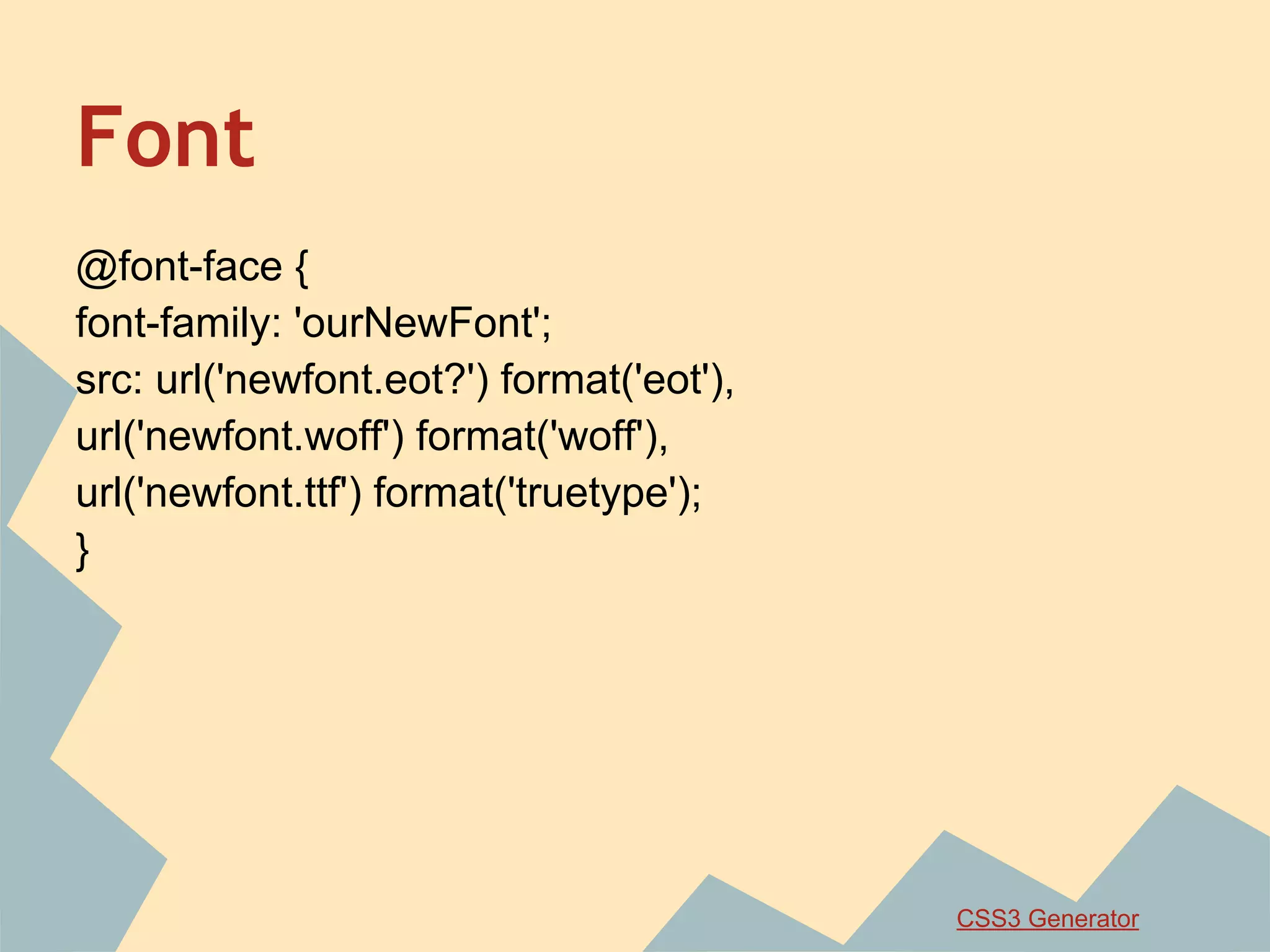
@font-face {
font-family: 'ourNewFont';
src: url('newfont.eot?') format('eot'),
url('newfont.woff') format('woff'),
url('newfont.ttf') format('truetype');
}
CSS3 Generator
CSS3 Animation
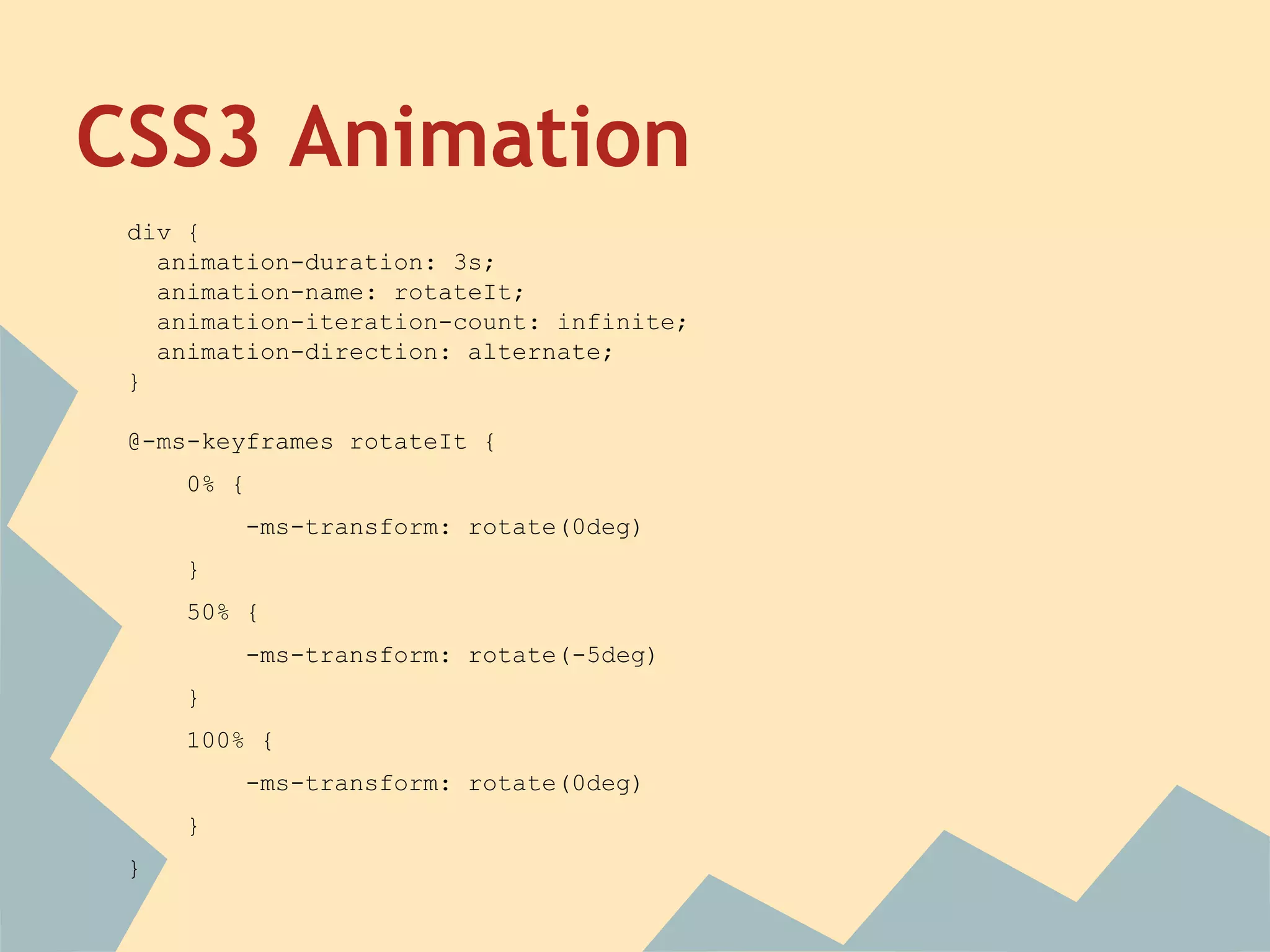
div {
animation-duration: 3s;
animation-name: rotateIt;
animation-iteration-count: infinite;
animation-direction: alternate;
}
@-ms-keyframes rotateIt {
0% {
-ms-transform: rotate(0deg)
}
50% {
-ms-transform: rotate(-5deg)
}
100% {
-ms-transform: rotate(0deg)
}
}
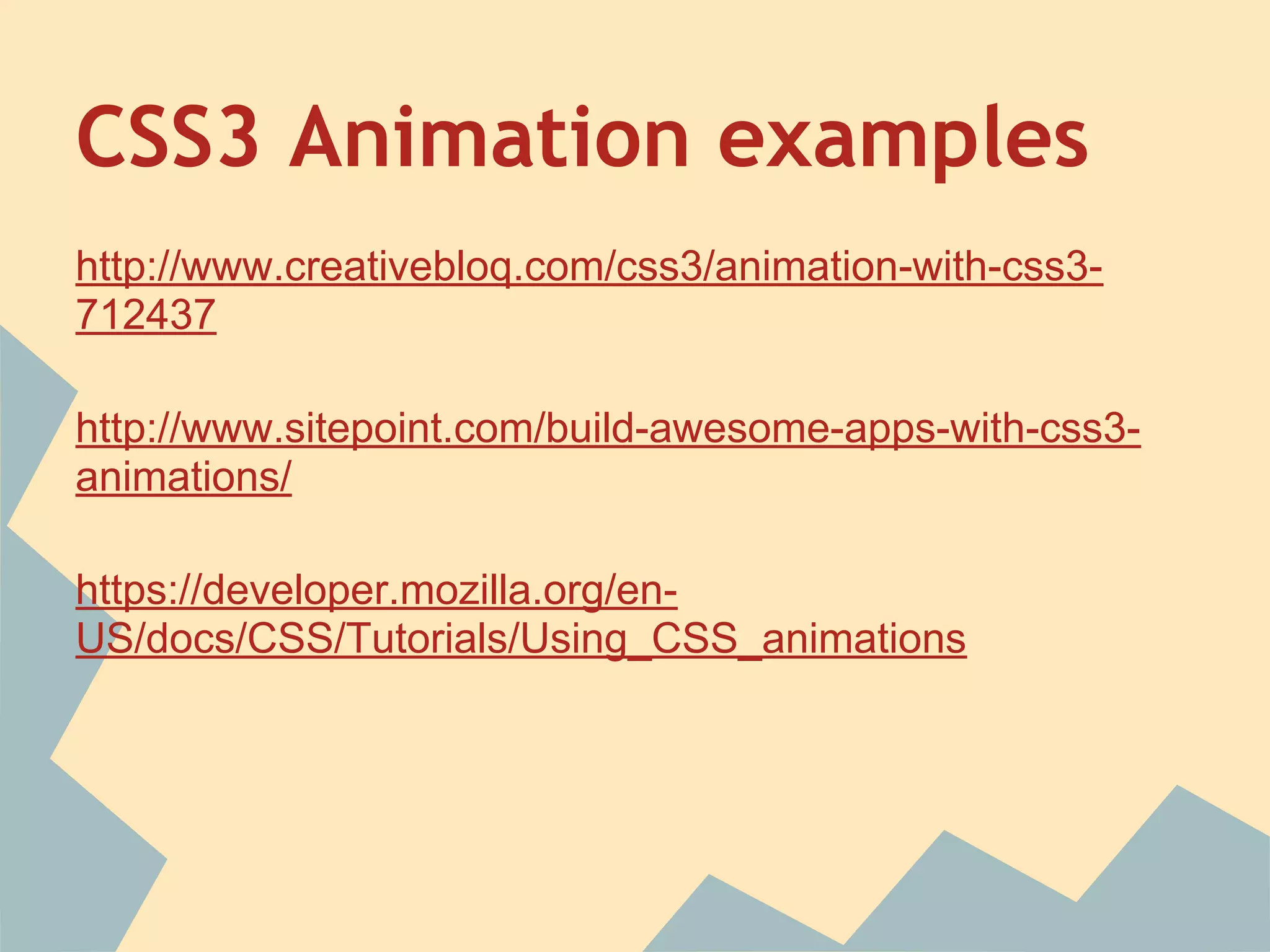
CSS3 Animation examples
http://www.creativebloq.com/css3/animation-with-css3-
712437
http://www.sitepoint.com/build-awesome-apps-with-css3-
animations/
https://developer.mozilla.org/en-
US/docs/CSS/Tutorials/Using_CSS_animations
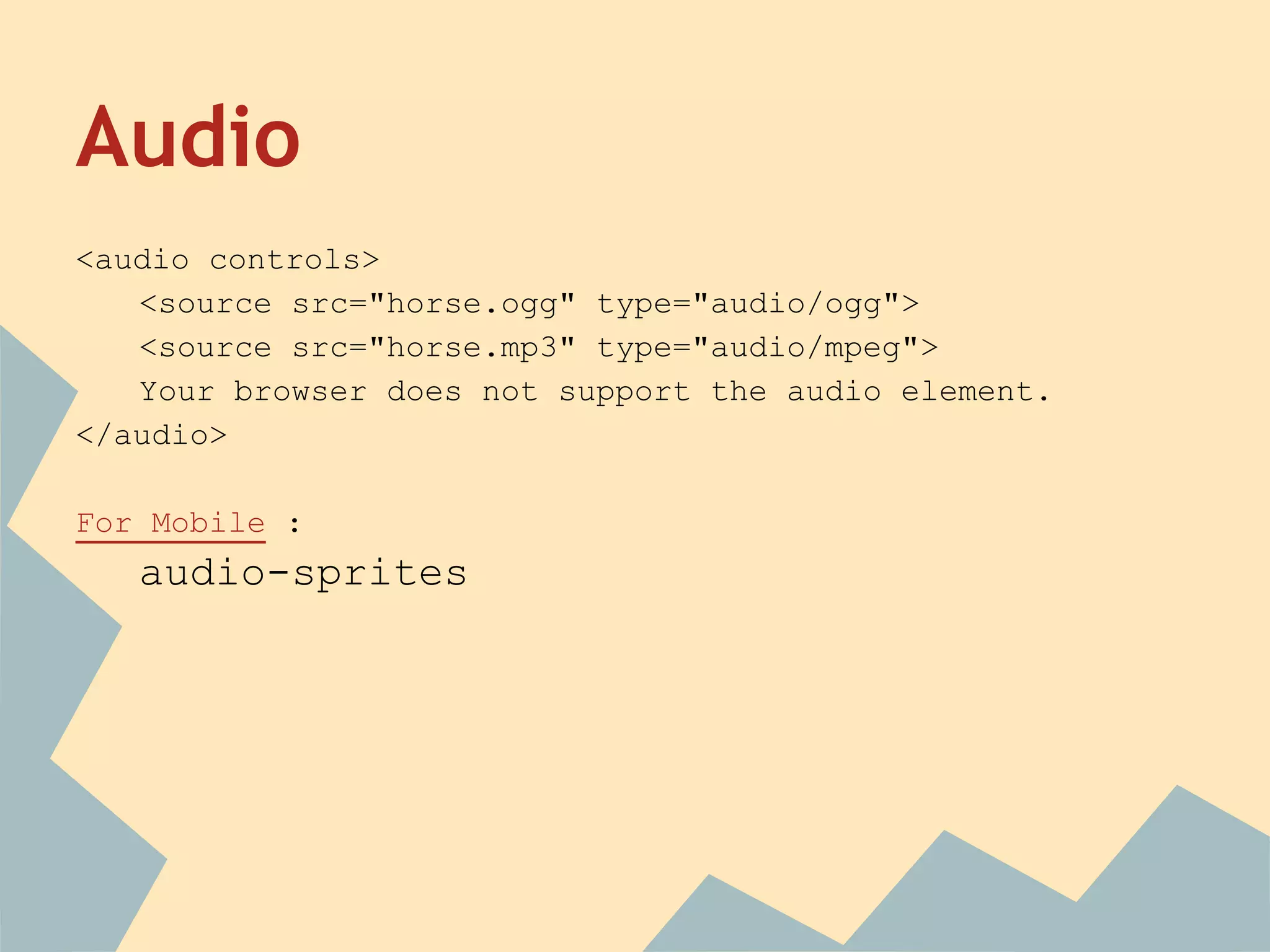
Audio
<audio controls>
<source src="horse.ogg" type="audio/ogg">
<source src="horse.mp3" type="audio/mpeg">
Your browser does not support the audio element.
</audio>
For Mobile :
audio-sprites
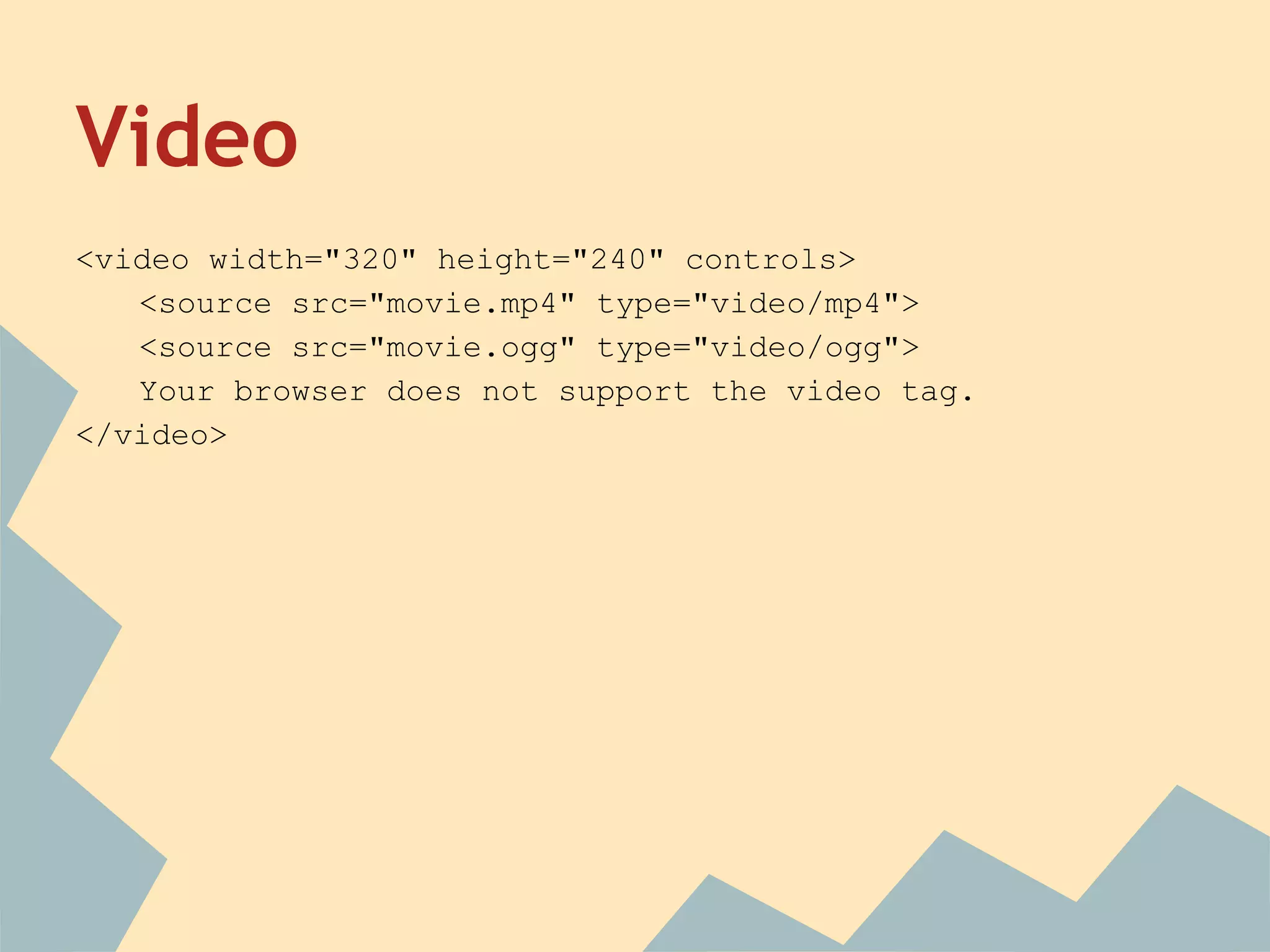
Video
<video width="320" height="240" controls>
<source src="movie.mp4" type="video/mp4">
<source src="movie.ogg" type="video/ogg">
Your browser does not support the video tag.
</video>
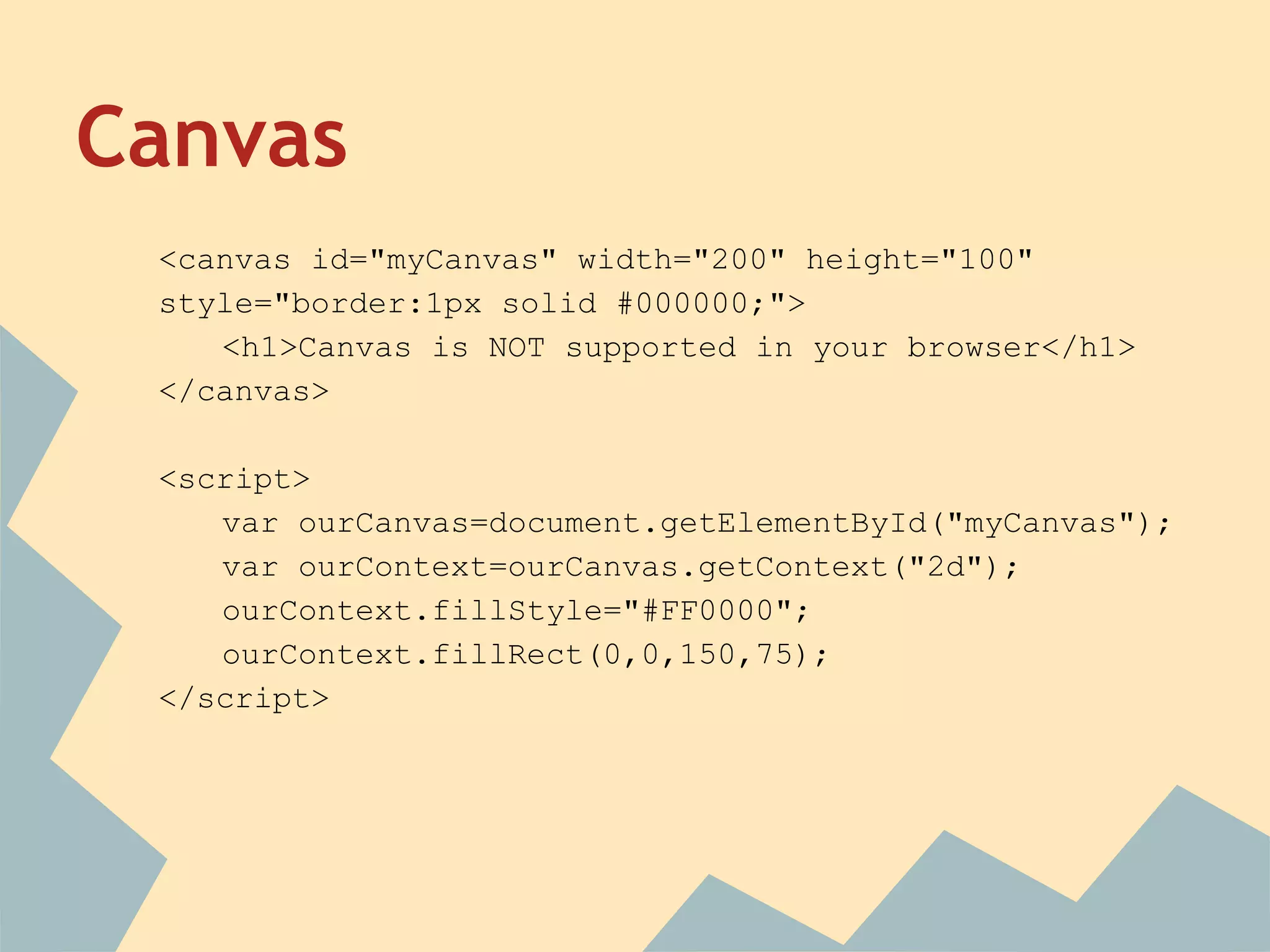
Canvas
<canvas id="myCanvas" width="200" height="100"
style="border:1px solid #000000;">
<h1>Canvas is NOT supported in your browser</h1>
</canvas>
<script>
var ourCanvas=document.getElementById("myCanvas");
var ourContext=ourCanvas.getContext("2d");
ourContext.fillStyle="#FF0000";
ourContext.fillRect(0,0,150,75);
</script>
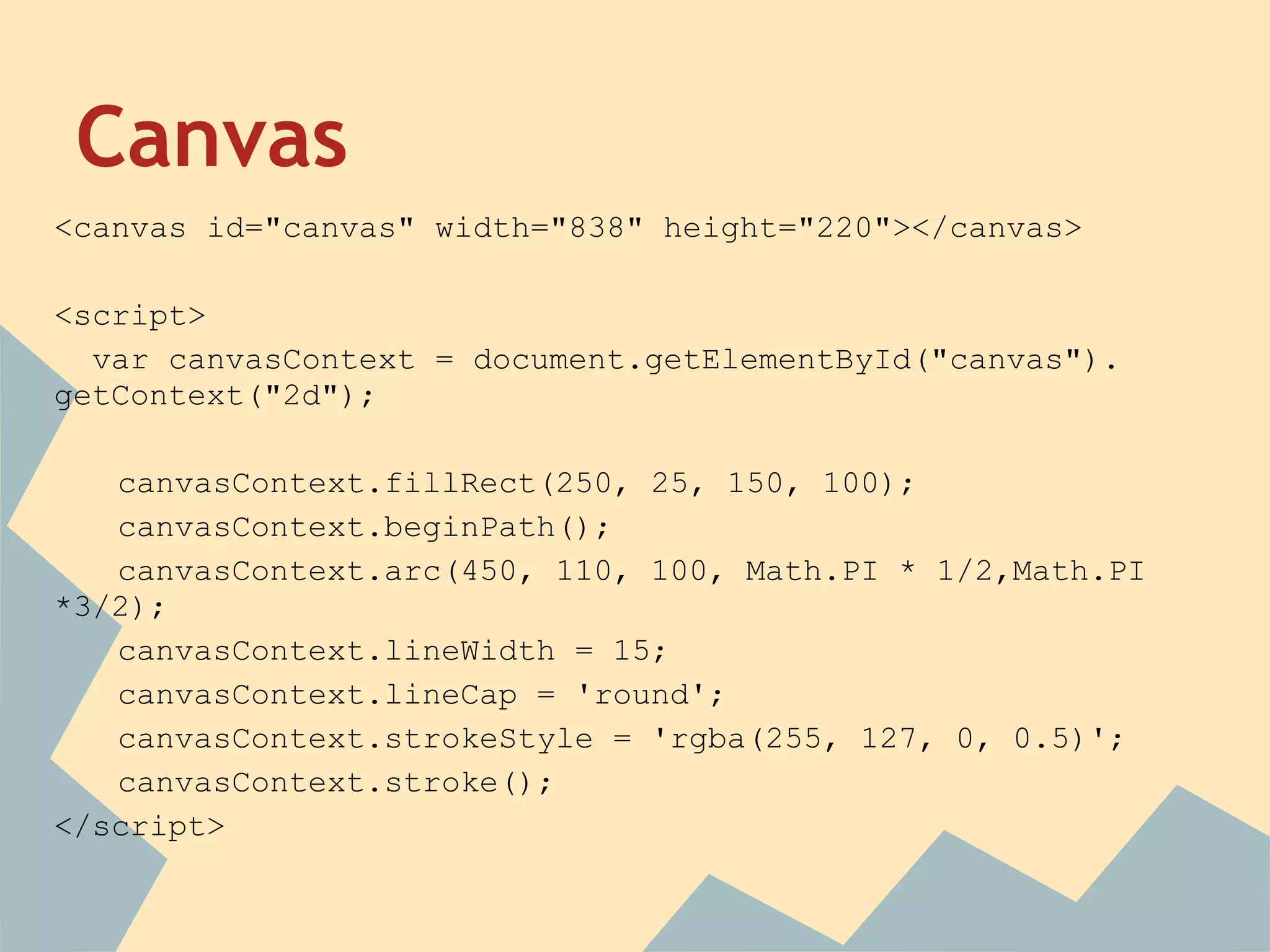
Canvas
<canvas id="canvas" width="838" height="220"></canvas>
<script>
var canvasContext = document.getElementById("canvas").
getContext("2d");
canvasContext.fillRect(250, 25, 150, 100);
canvasContext.beginPath();
canvasContext.arc(450, 110, 100, Math.PI * 1/2,Math.PI
*3/2);
canvasContext.lineWidth = 15;
canvasContext.lineCap = 'round';
canvasContext.strokeStyle = 'rgba(255, 127, 0, 0.5)';
canvasContext.stroke();
</script>
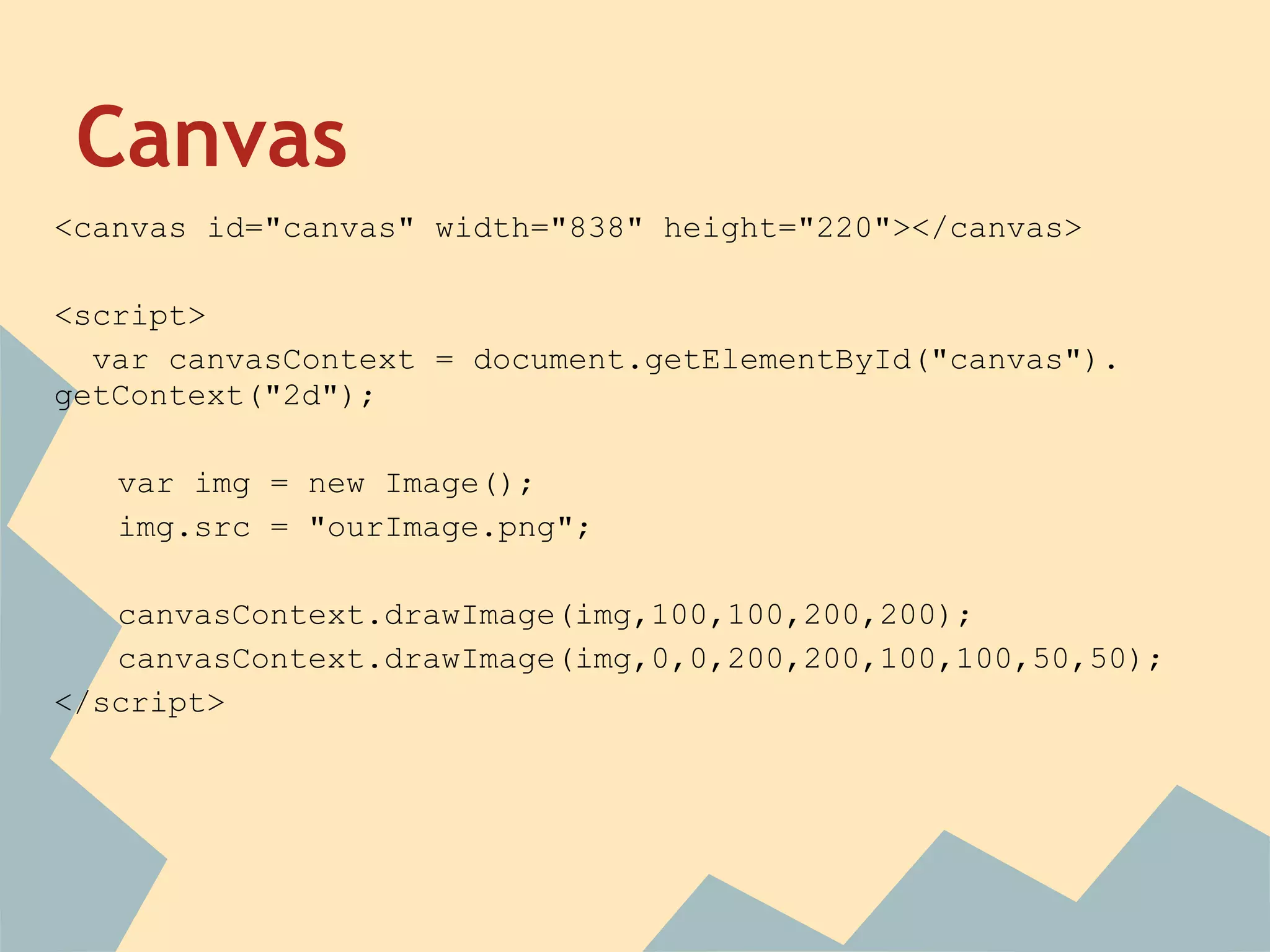
Canvas
<canvas id="canvas" width="838" height="220"></canvas>
<script>
var canvasContext = document.getElementById("canvas").
getContext("2d");
var img = new Image();
img.src = "ourImage.png";
canvasContext.drawImage(img,100,100,200,200);
canvasContext.drawImage(img,0,0,200,200,100,100,50,50);
</script>
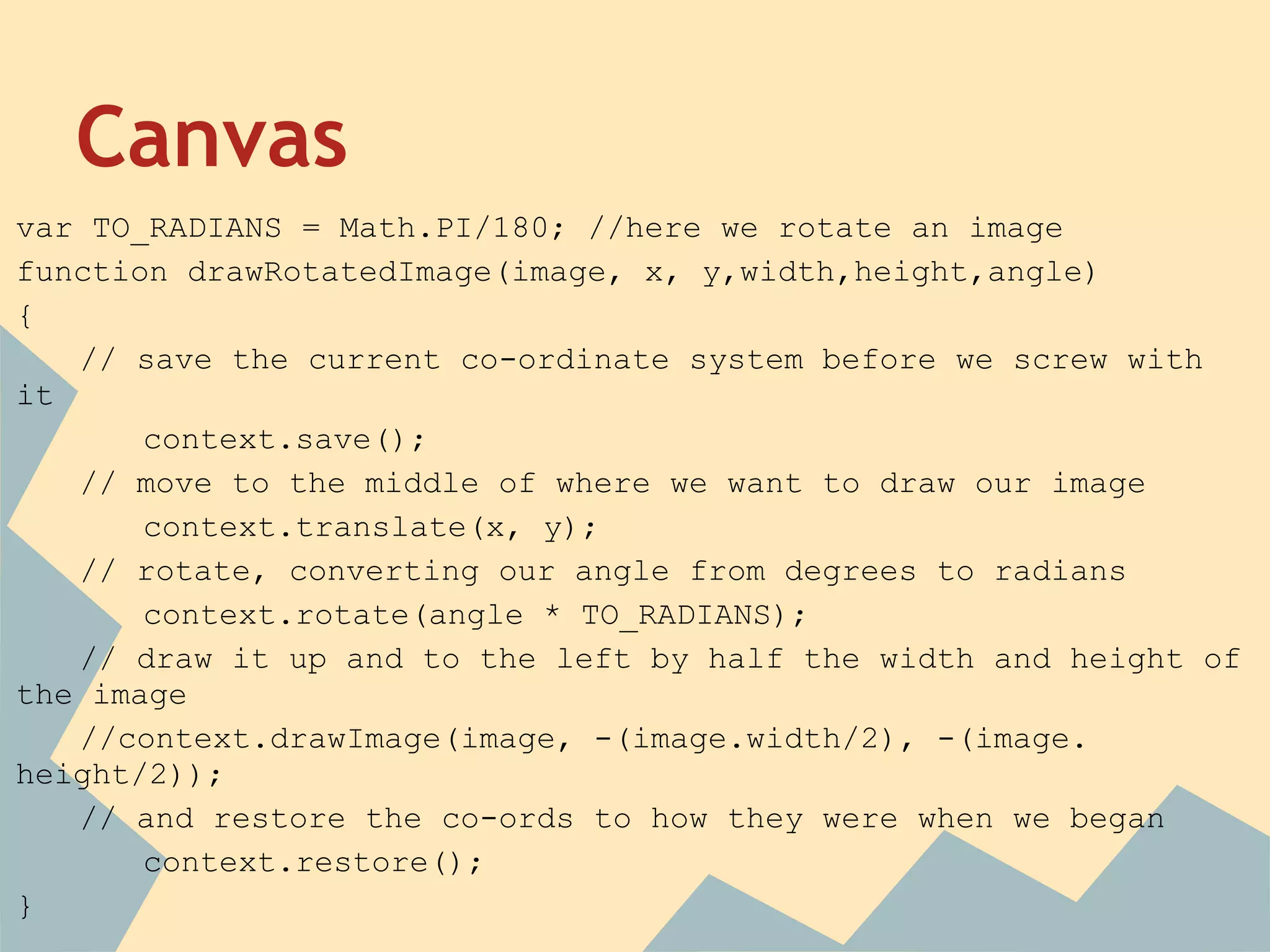
Canvas
var TO_RADIANS = Math.PI/180; //here we rotate an image
function drawRotatedImage(image, x, y,width,height,angle)
{
// save the current co-ordinate system before we screw with
it
context.save();
// move to the middle of where we want to draw our image
context.translate(x, y);
// rotate, converting our angle from degrees to radians
context.rotate(angle * TO_RADIANS);
// draw it up and to the left by half the width and height of
the image
//context.drawImage(image, -(image.width/2), -(image.
height/2));
// and restore the co-ords to how they were when we began
context.restore();
}
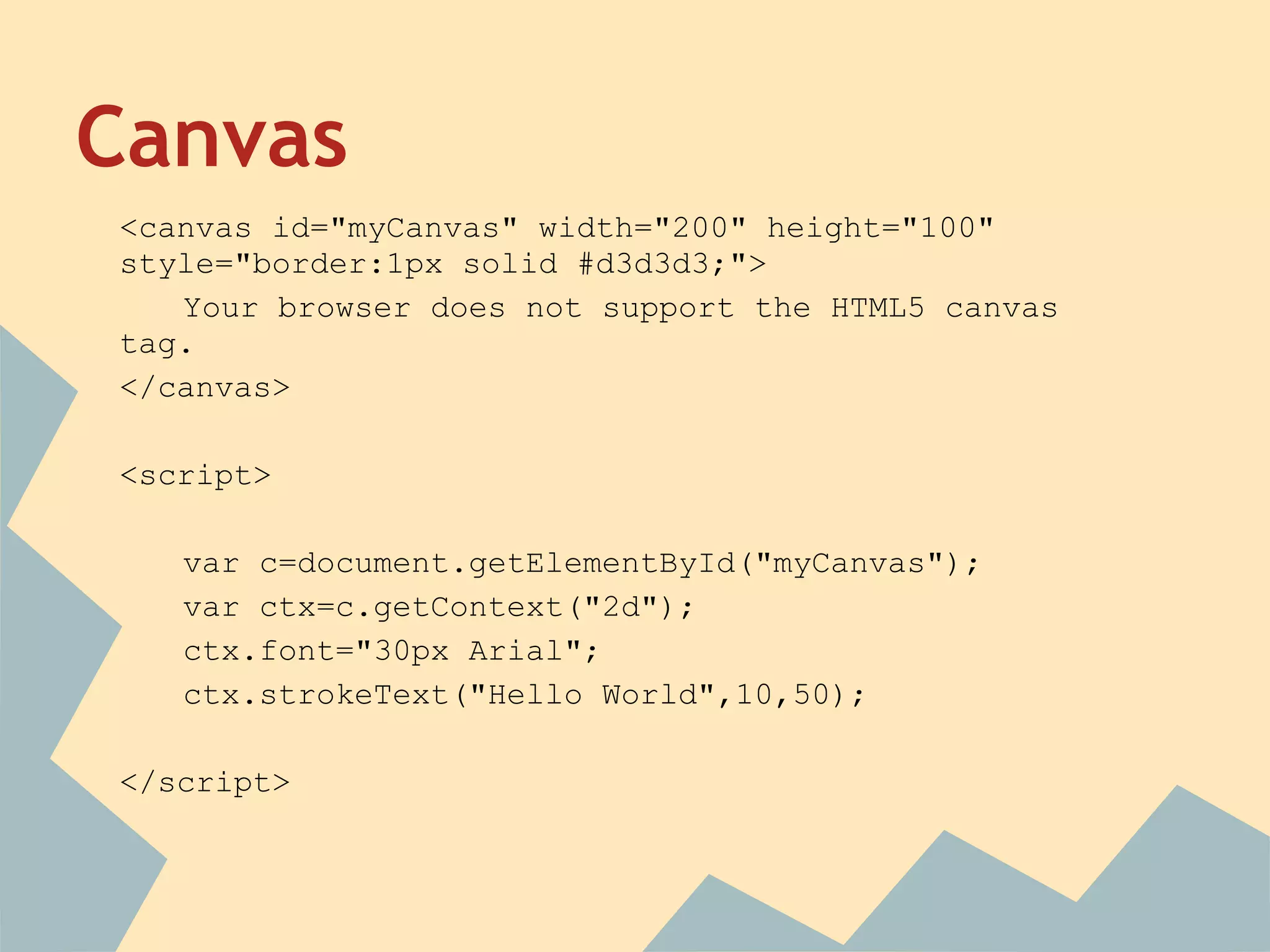
Canvas
<canvas id="myCanvas" width="200" height="100"
style="border:1px solid #d3d3d3;">
Your browser does not support the HTML5 canvas
tag.
</canvas>
<script>
var c=document.getElementById("myCanvas");
var ctx=c.getContext("2d");
ctx.font="30px Arial";
ctx.strokeText("Hello World",10,50);
</script>
Canvas
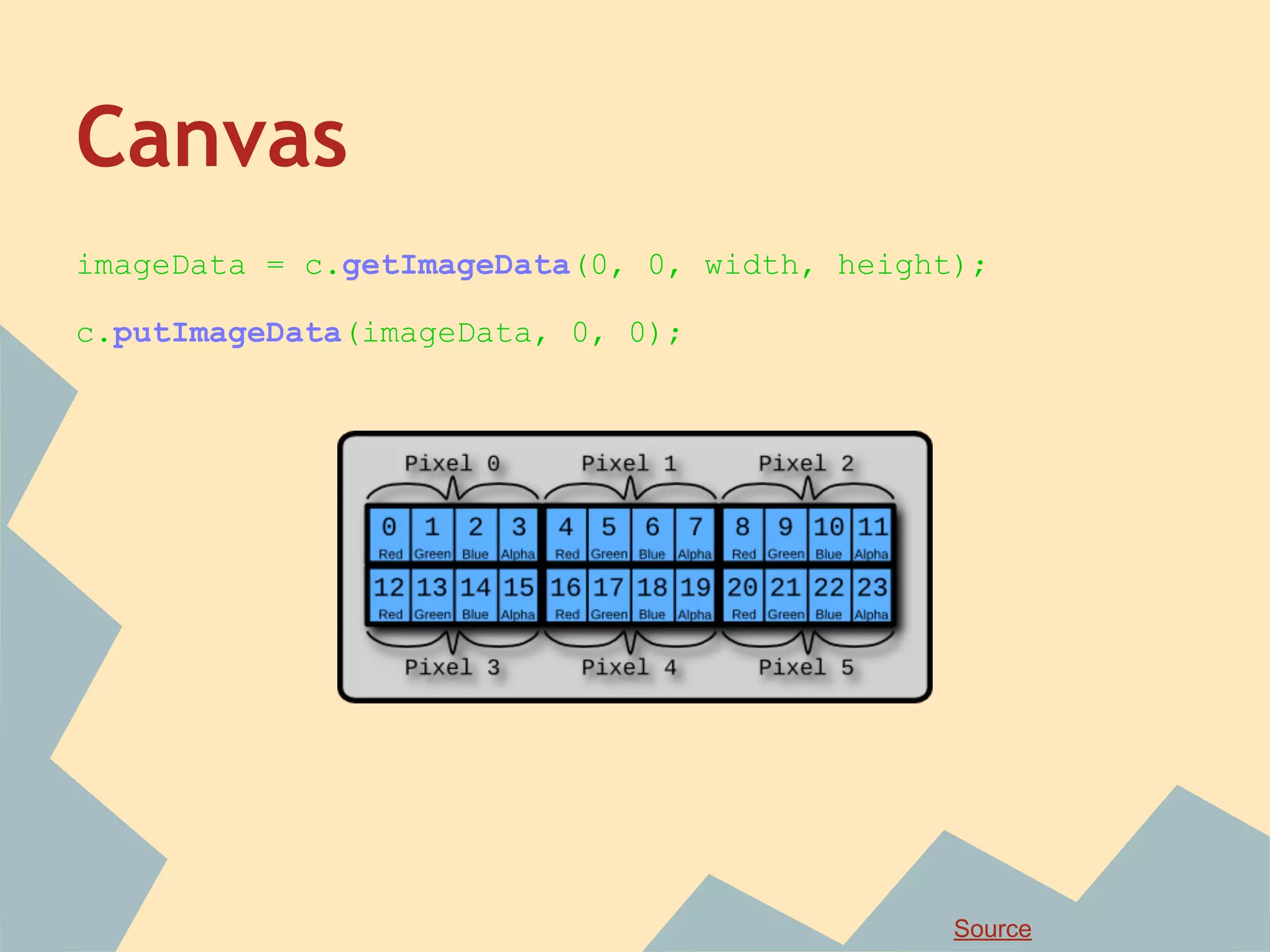
imageData = c.getImageData(0, 0, width, height);
c.putImageData(imageData, 0, 0);
Source
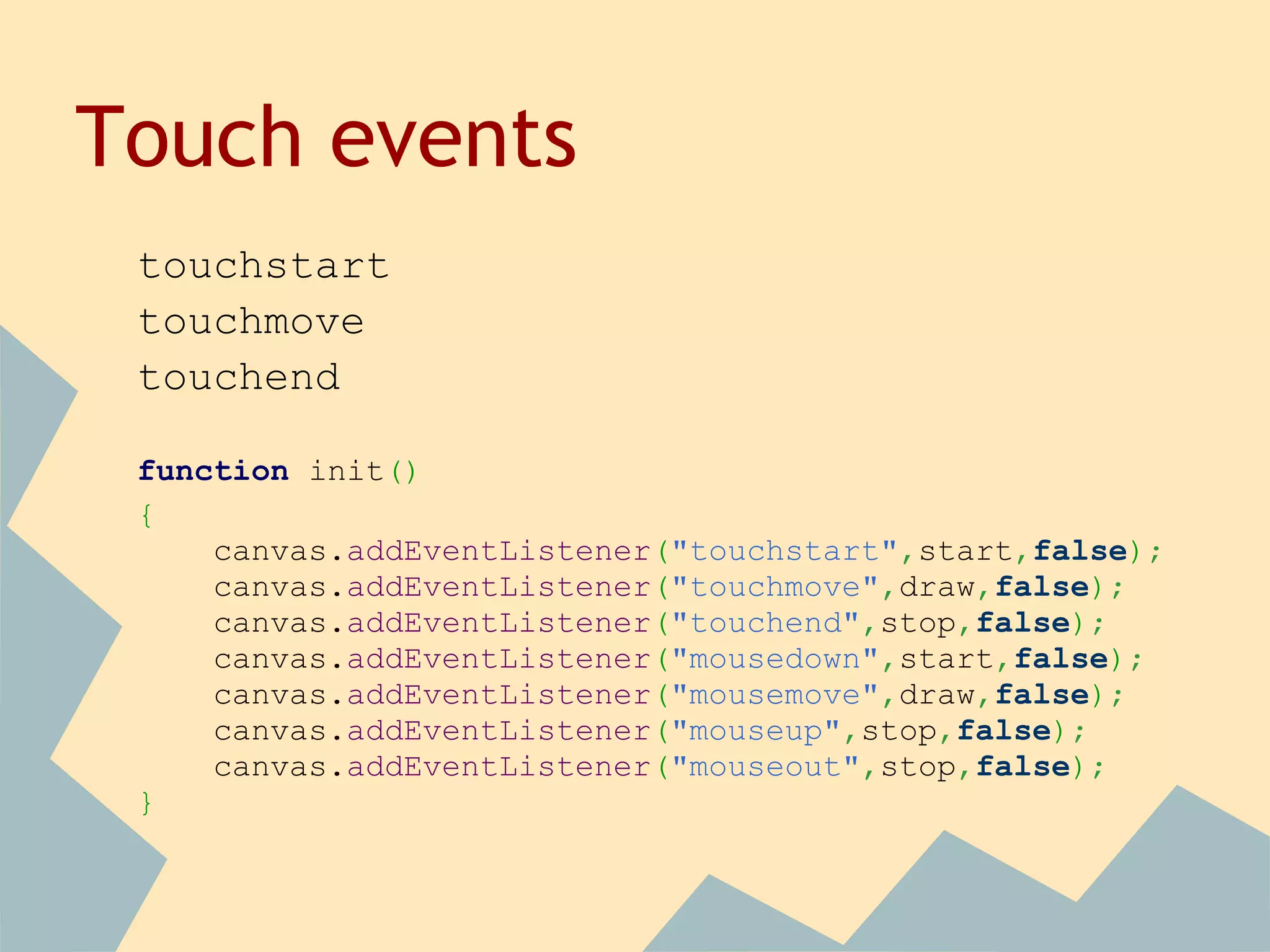
Touch events
touchstart
touchmove
touchend
function init()
{
canvas.addEventListener("touchstart",start,false);
canvas.addEventListener("touchmove",draw,false);
canvas.addEventListener("touchend",stop,false);
canvas.addEventListener("mousedown",start,false);
canvas.addEventListener("mousemove",draw,false);
canvas.addEventListener("mouseup",stop,false);
canvas.addEventListener("mouseout",stop,false);
}
Touch events
canvas.addEventListener("touchstart",handleStart,
false);
function handleStart(evt)
{
evt.preventDefault();
var touches = evt.changedTouches;
pointerX = touches[0].clientX;
pointerY = touches[0].clientY;
}
Touch events
canvas.addEventListener("touchend",handleEnd,false);
function handleEnd(evt)
{
evt.preventDefault();
var touches = evt.changedTouches;
pointerX = touches[0].clientX;
pointerY = touches[0].clientY;
}
Touch events
canvas.addEventListener("touchmove",handleMove,false);
function handleMove(evt)
{
evt.preventDefault();
var touches = evt.changedTouches;
pointerX = touches[0].clientX;
pointerY = touches[0].clientY;
}
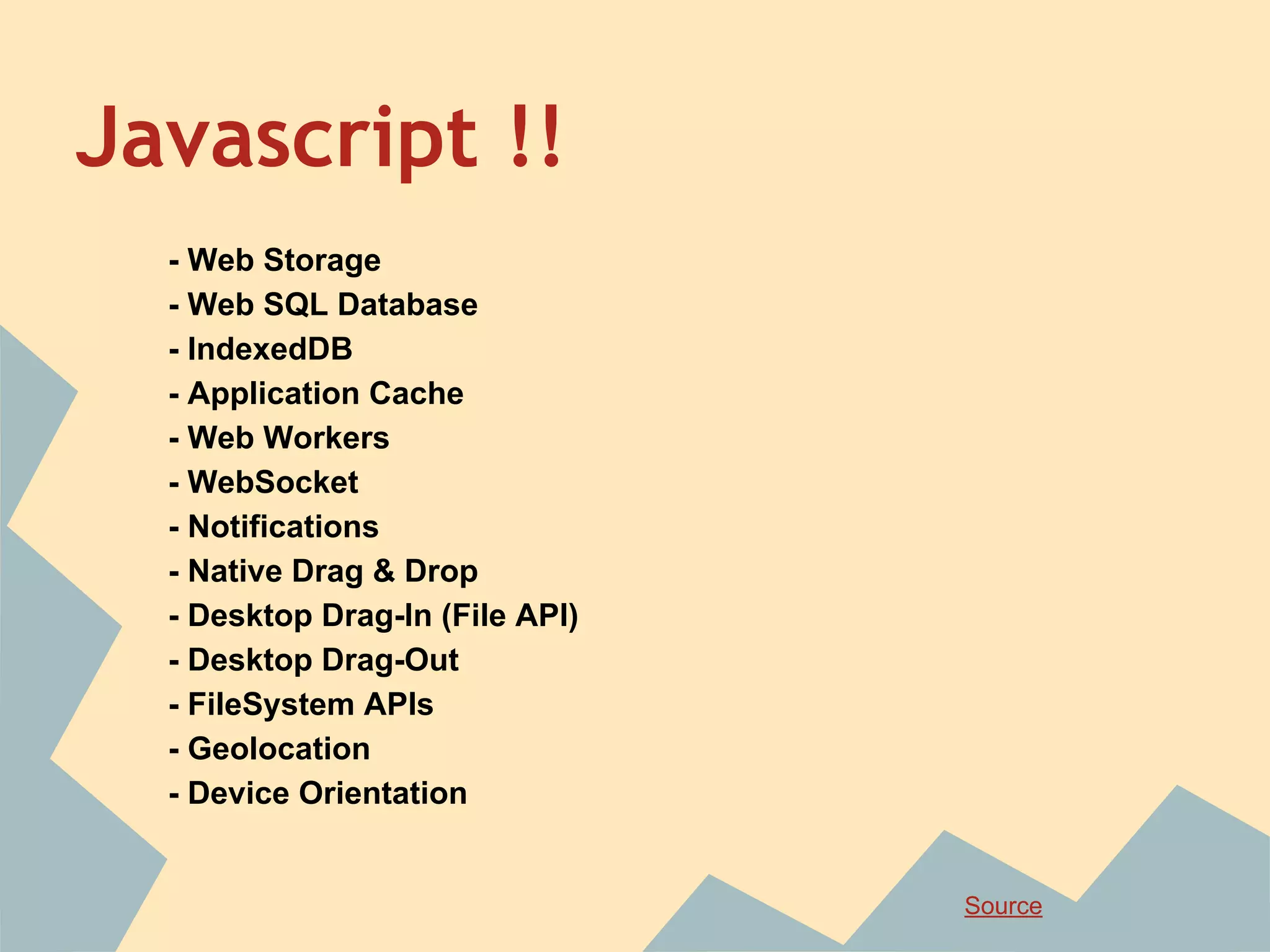
Javascript !!
- Web Storage
- Web SQL Database
- IndexedDB
- Application Cache
- Web Workers
- WebSocket
- Notifications
- Native Drag & Drop
- Desktop Drag-In (File API)
- Desktop Drag-Out
- FileSystem APIs
- Geolocation
- Device Orientation
Source
Smartphone
- Performance
- Limitations
- rAF
- Resources
Questions ?
contact me if you want :)
@selsaber

Html5