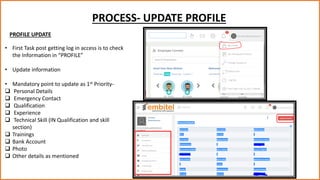
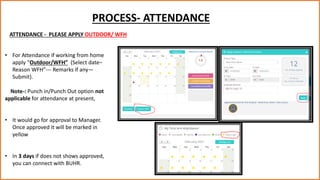
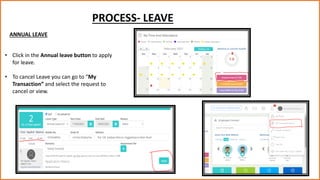
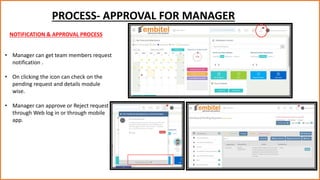
This document provides guidance on using the ZING HR-HRMS tool for updating profiles, applying for attendance as working from home, requesting leave, and the approval process for managers. Key steps include updating personal, contact, qualification, experience, and other mandatory details in the profile section. For attendance while working remotely, users select the "Outdoor/WFH" option and provide the date, reason, and any remarks before submitting for manager approval. The leave section allows applying for annual leave. Managers receive notifications of pending requests from their team members and can approve or reject requests through the web or mobile app.