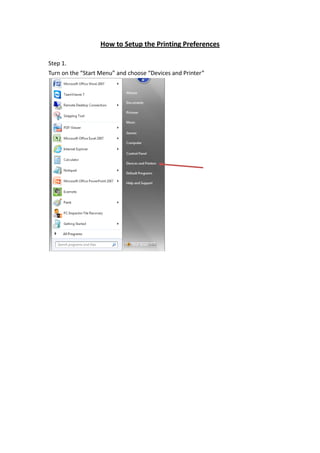
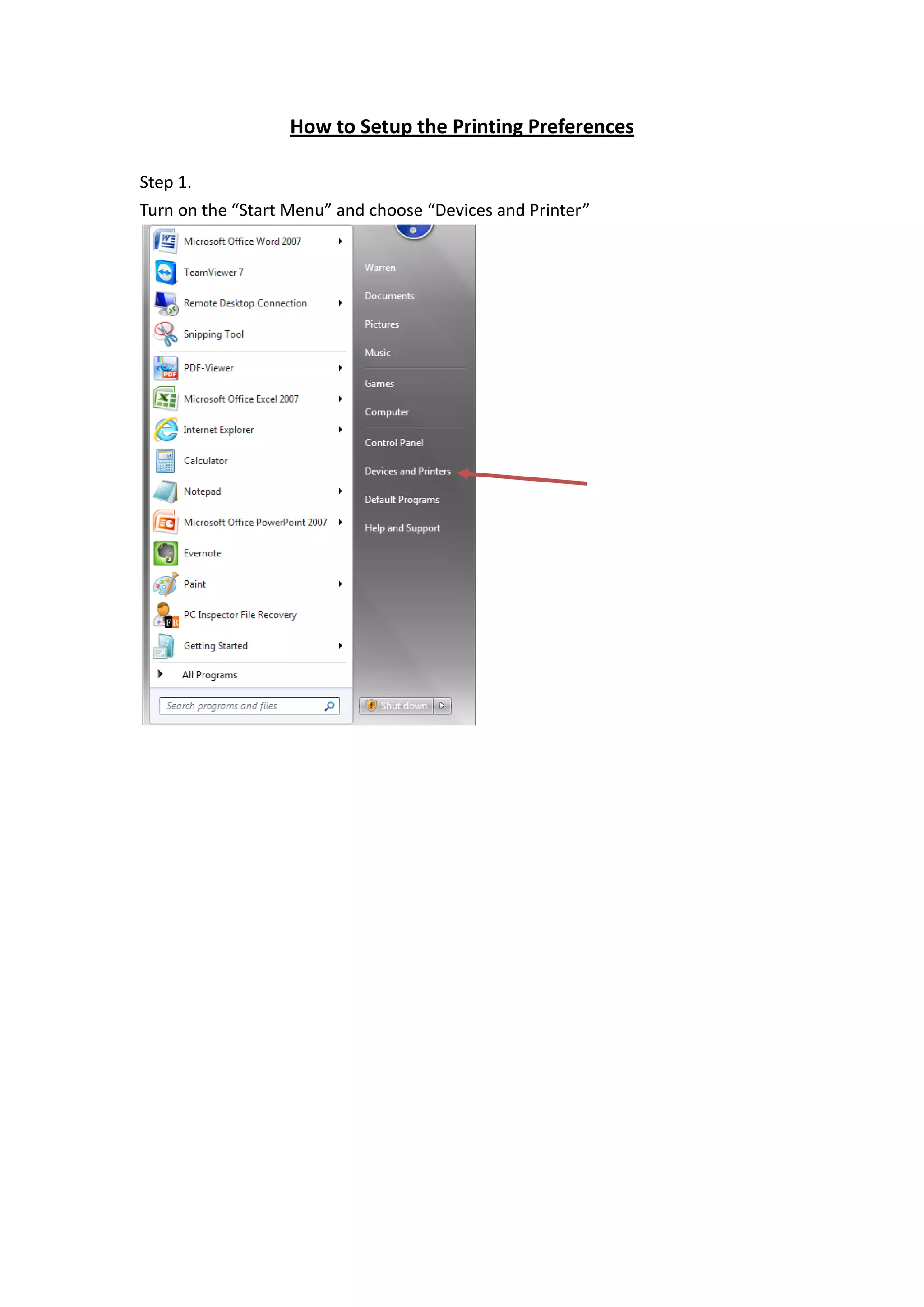
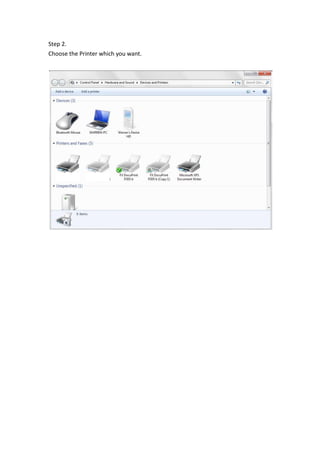
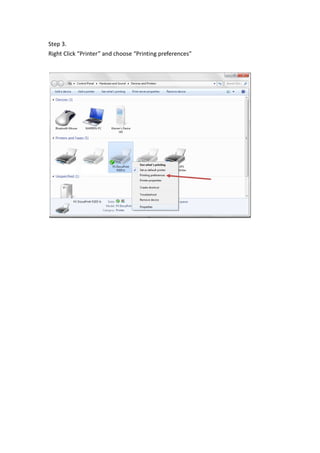
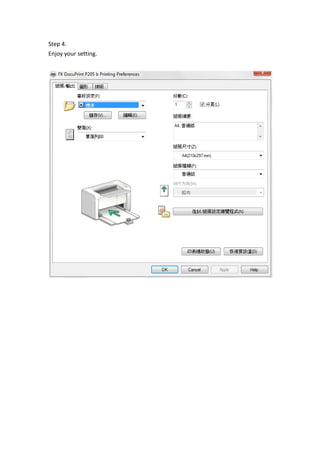
To set up printing preferences, open the Start Menu and Devices and Printers, select the desired printer, right click it and choose Printing Preferences to configure settings, then you can enjoy using the printer with your customized preferences.