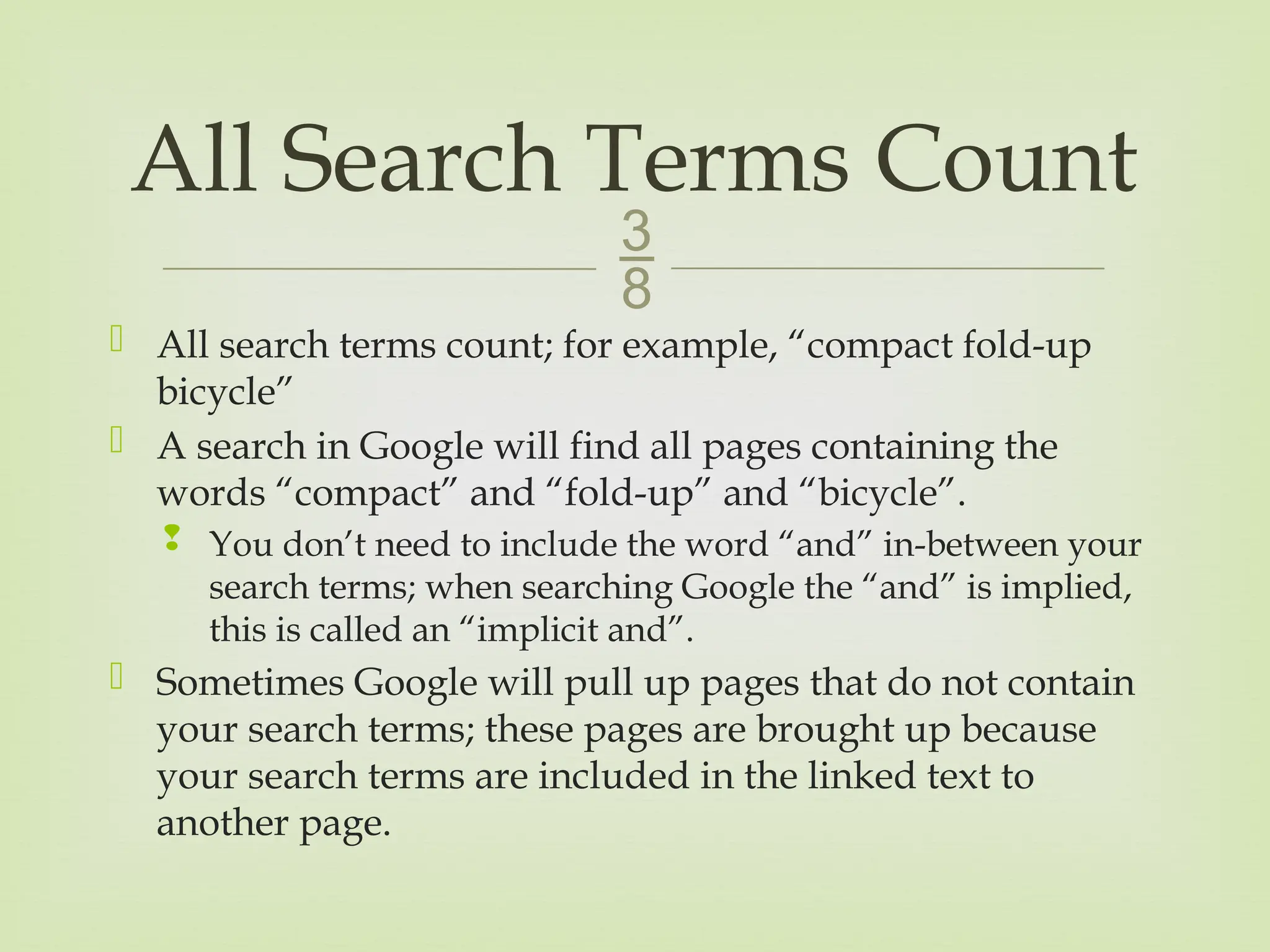
All searchterms count; for example, “compact fold-up
bicycle”
A search in Google will find all pages containing the
words “compact” and “fold-up” and “bicycle”.
You don’t need to include the word “and” in-between your
search terms; when searching Google the “and” is implied,
this is called an “implicit and”.
Sometimes Google will pull up pages that do not contain
your search terms; these pages are brought up because
your search terms are included in the linked text to
another page.
All Search Terms Count
3.
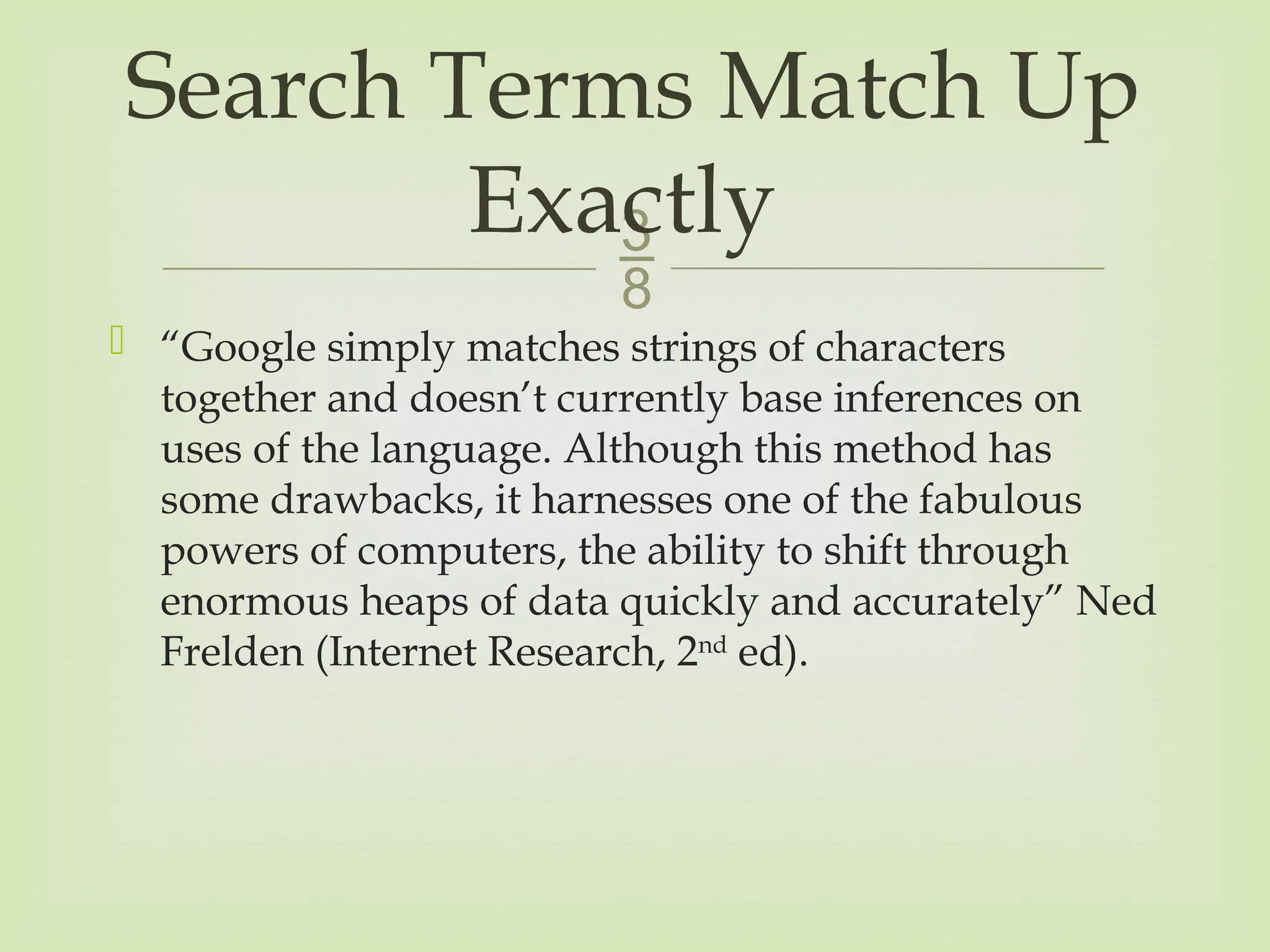
“Google simplymatches strings of characters
together and doesn’t currently base inferences on
uses of the language. Although this method has
some drawbacks, it harnesses one of the fabulous
powers of computers, the ability to shift through
enormous heaps of data quickly and accurately” Ned
Frelden (Internet Research, 2nd
ed).
Search Terms Match Up
Exactly
4.
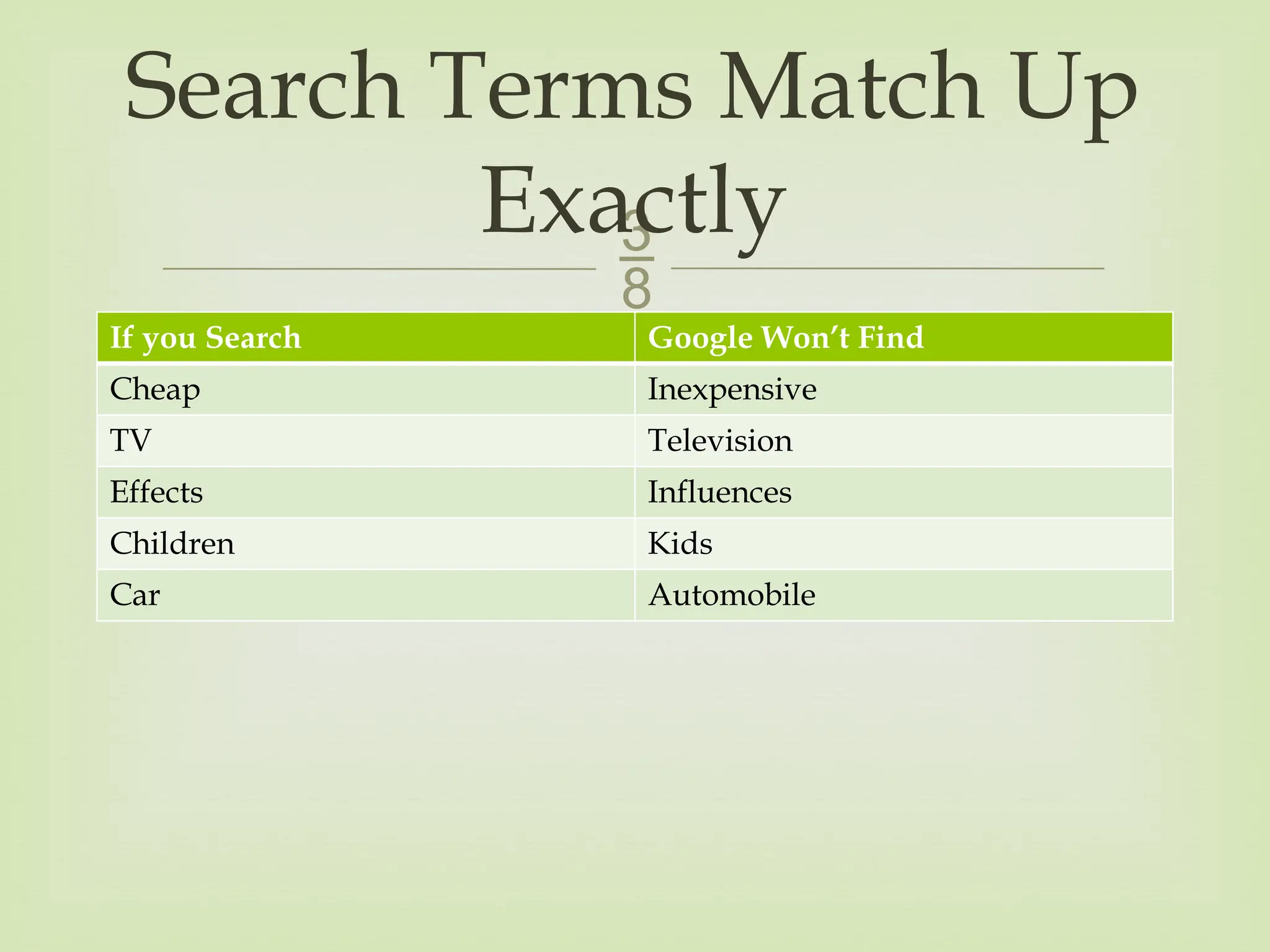
If you SearchGoogle Won’t Find
Cheap Inexpensive
TV Television
Effects Influences
Children Kids
Car Automobile
Search Terms Match Up
Exactly
5.
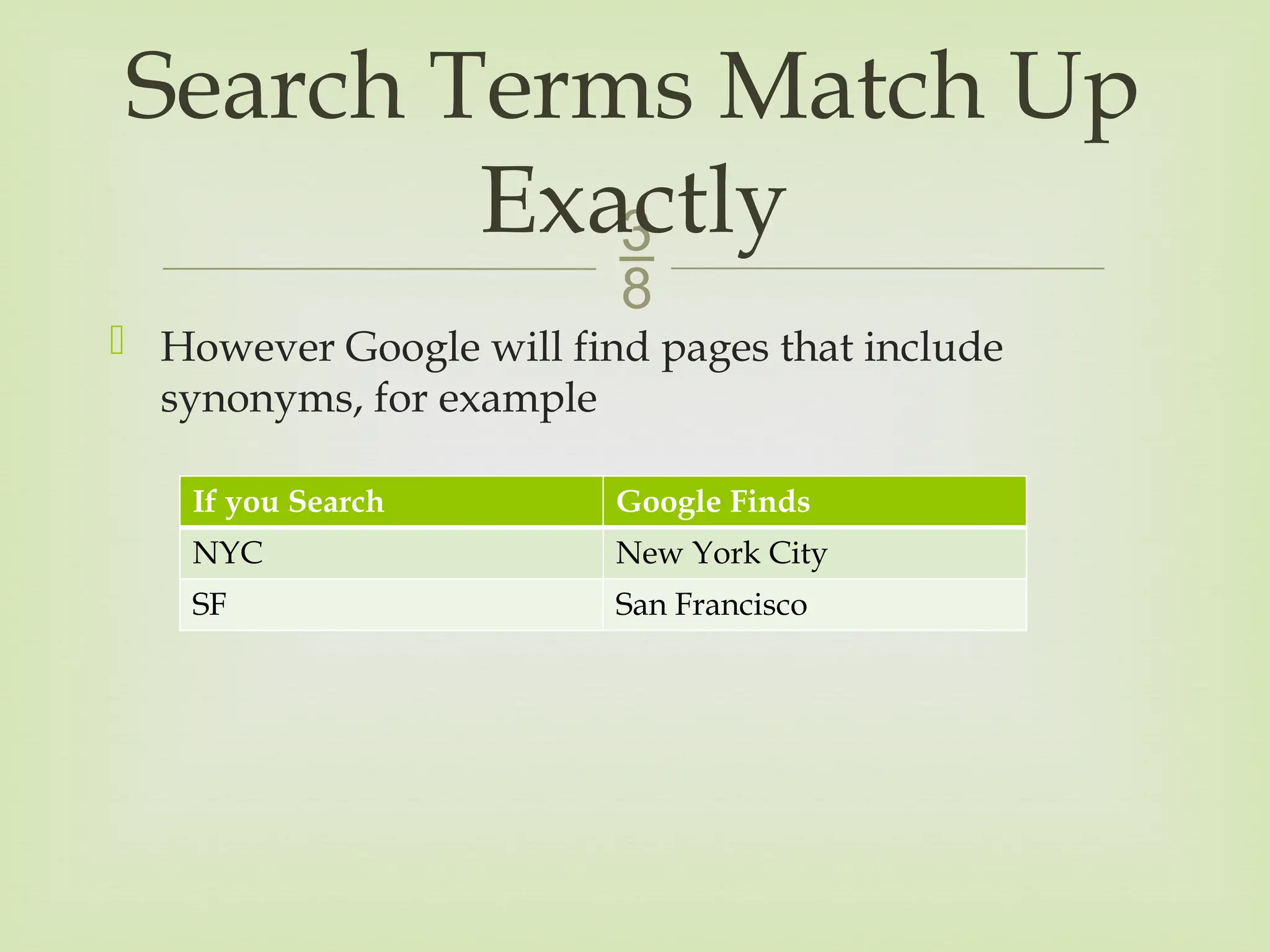
However Googlewill find pages that include
synonyms, for example
Search Terms Match Up
Exactly
If you Search Google Finds
NYC New York City
SF San Francisco
6.
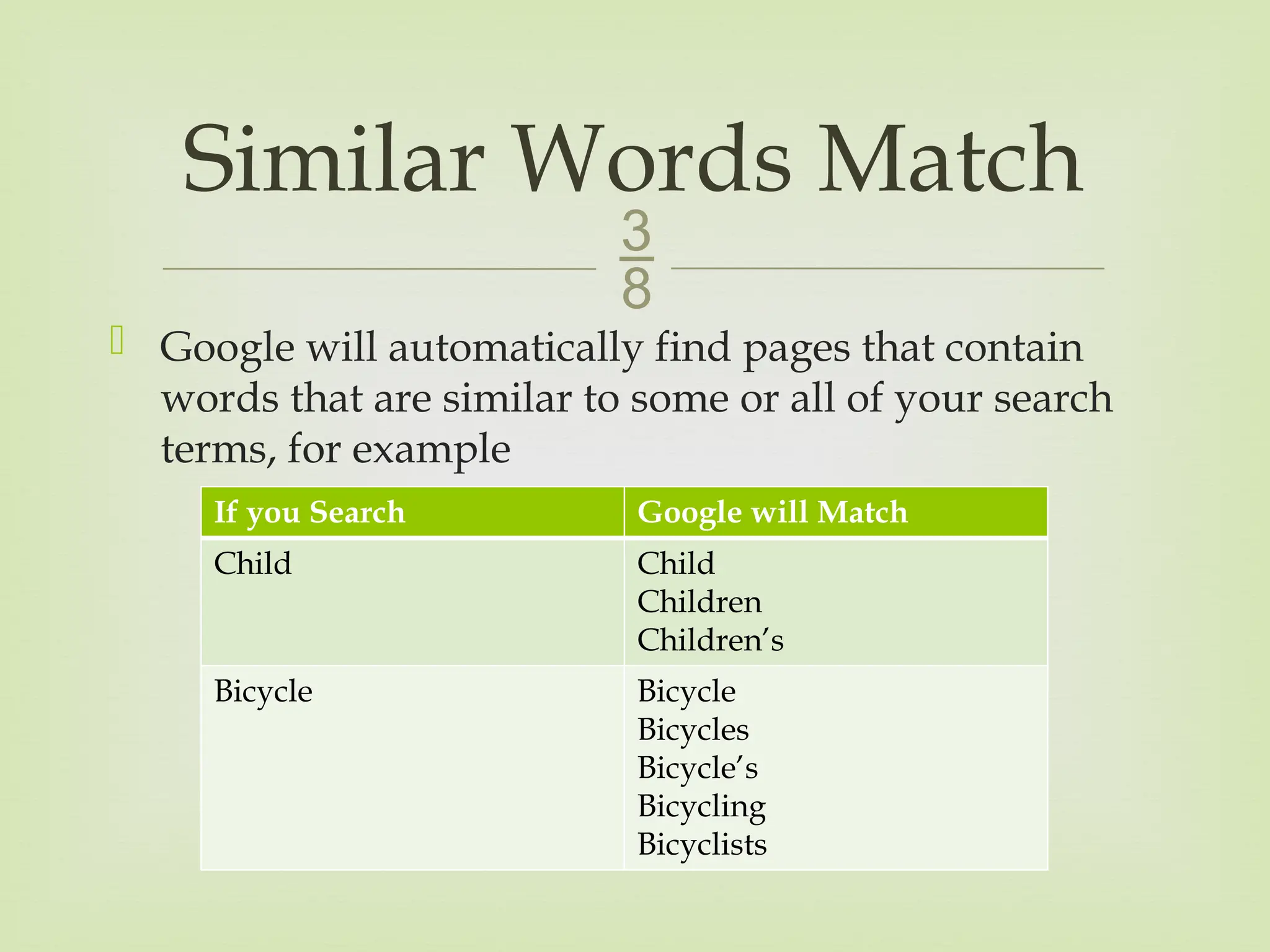
Google willautomatically find pages that contain
words that are similar to some or all of your search
terms, for example
Similar Words Match
If you Search Google will Match
Child Child
Children
Children’s
Bicycle Bicycle
Bicycles
Bicycle’s
Bicycling
Bicyclists
7.
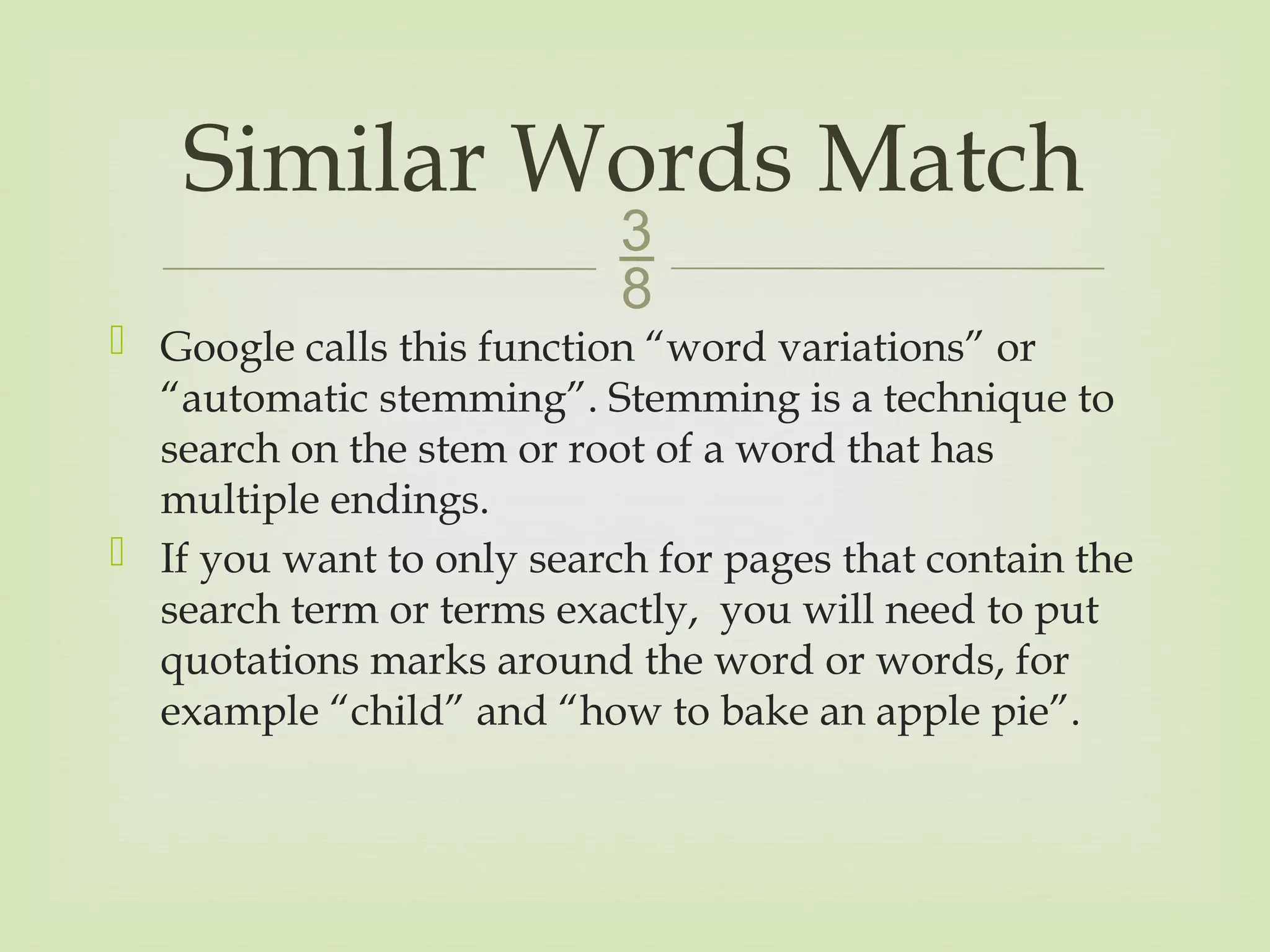
Google callsthis function “word variations” or
“automatic stemming”. Stemming is a technique to
search on the stem or root of a word that has
multiple endings.
If you want to only search for pages that contain the
search term or terms exactly, you will need to put
quotations marks around the word or words, for
example “child” and “how to bake an apple pie”.
Similar Words Match
8.
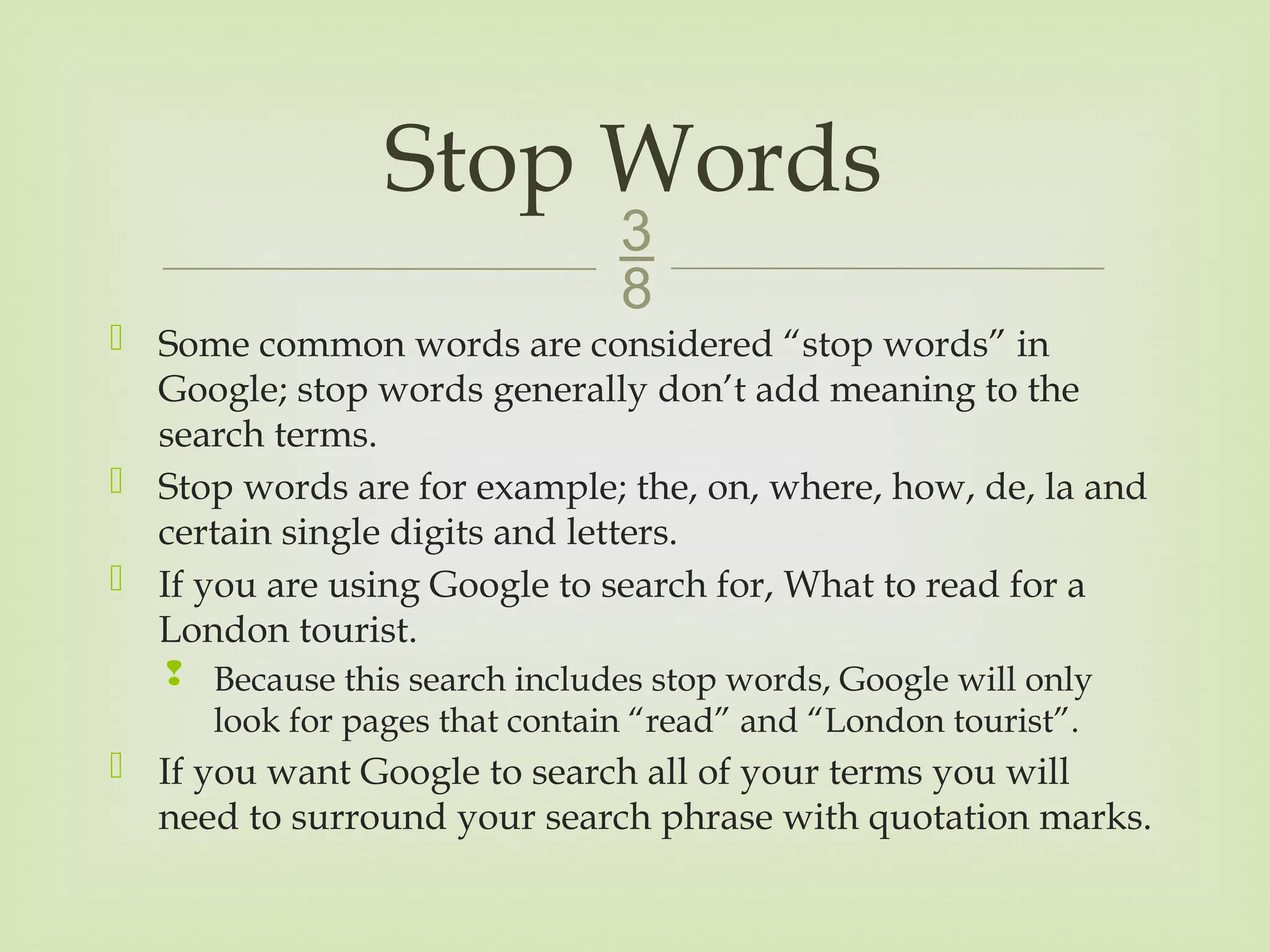
Some commonwords are considered “stop words” in
Google; stop words generally don’t add meaning to the
search terms.
Stop words are for example; the, on, where, how, de, la and
certain single digits and letters.
If you are using Google to search for, What to read for a
London tourist.
Because this search includes stop words, Google will only
look for pages that contain “read” and “London tourist”.
If you want Google to search all of your terms you will
need to surround your search phrase with quotation marks.
Stop Words
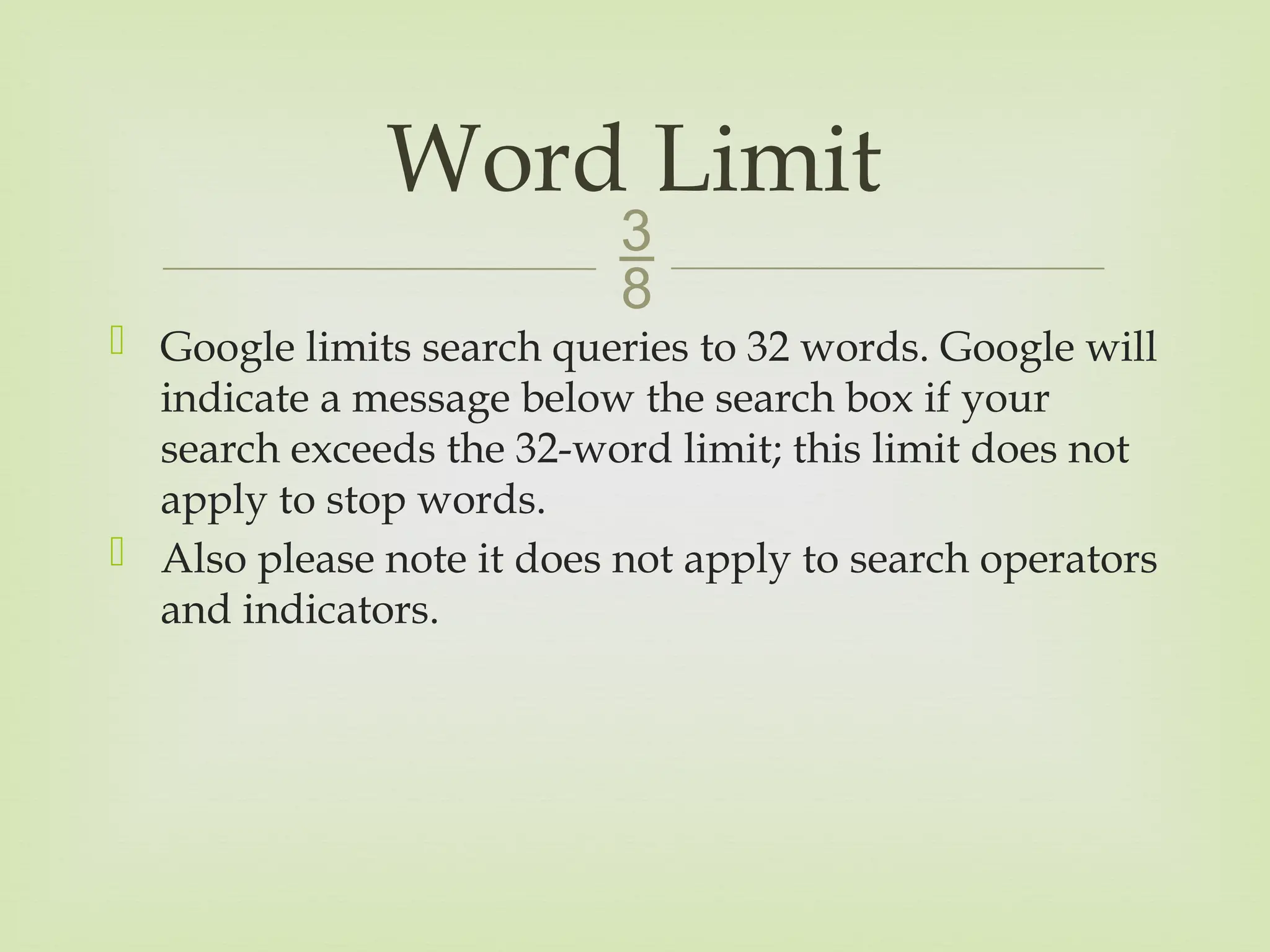
9.
Google limitssearch queries to 32 words. Google will
indicate a message below the search box if your
search exceeds the 32-word limit; this limit does not
apply to stop words.
Also please note it does not apply to search operators
and indicators.
Word Limit
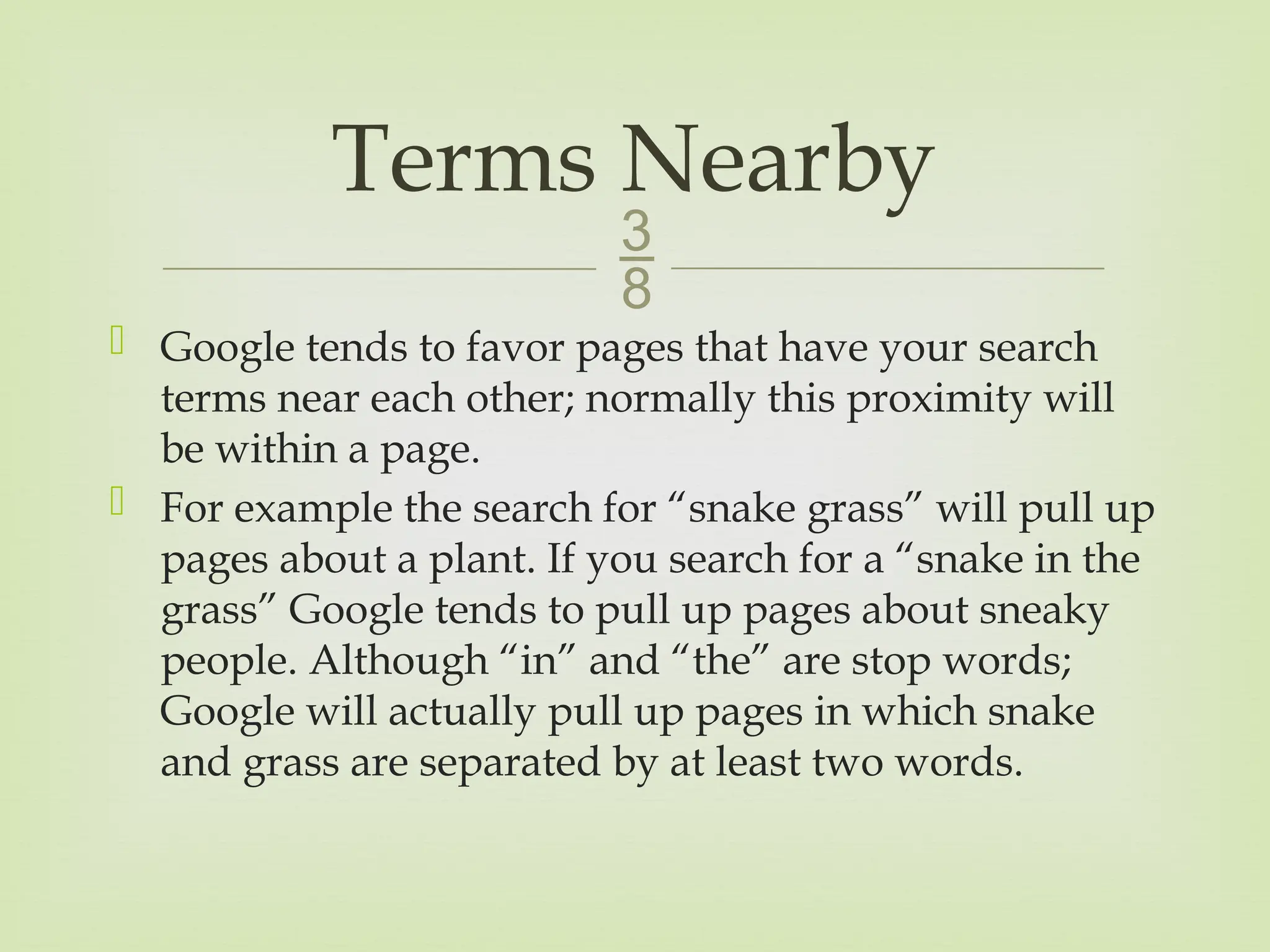
10.
Google tendsto favor pages that have your search
terms near each other; normally this proximity will
be within a page.
For example the search for “snake grass” will pull up
pages about a plant. If you search for a “snake in the
grass” Google tends to pull up pages about sneaky
people. Although “in” and “the” are stop words;
Google will actually pull up pages in which snake
and grass are separated by at least two words.
Terms Nearby
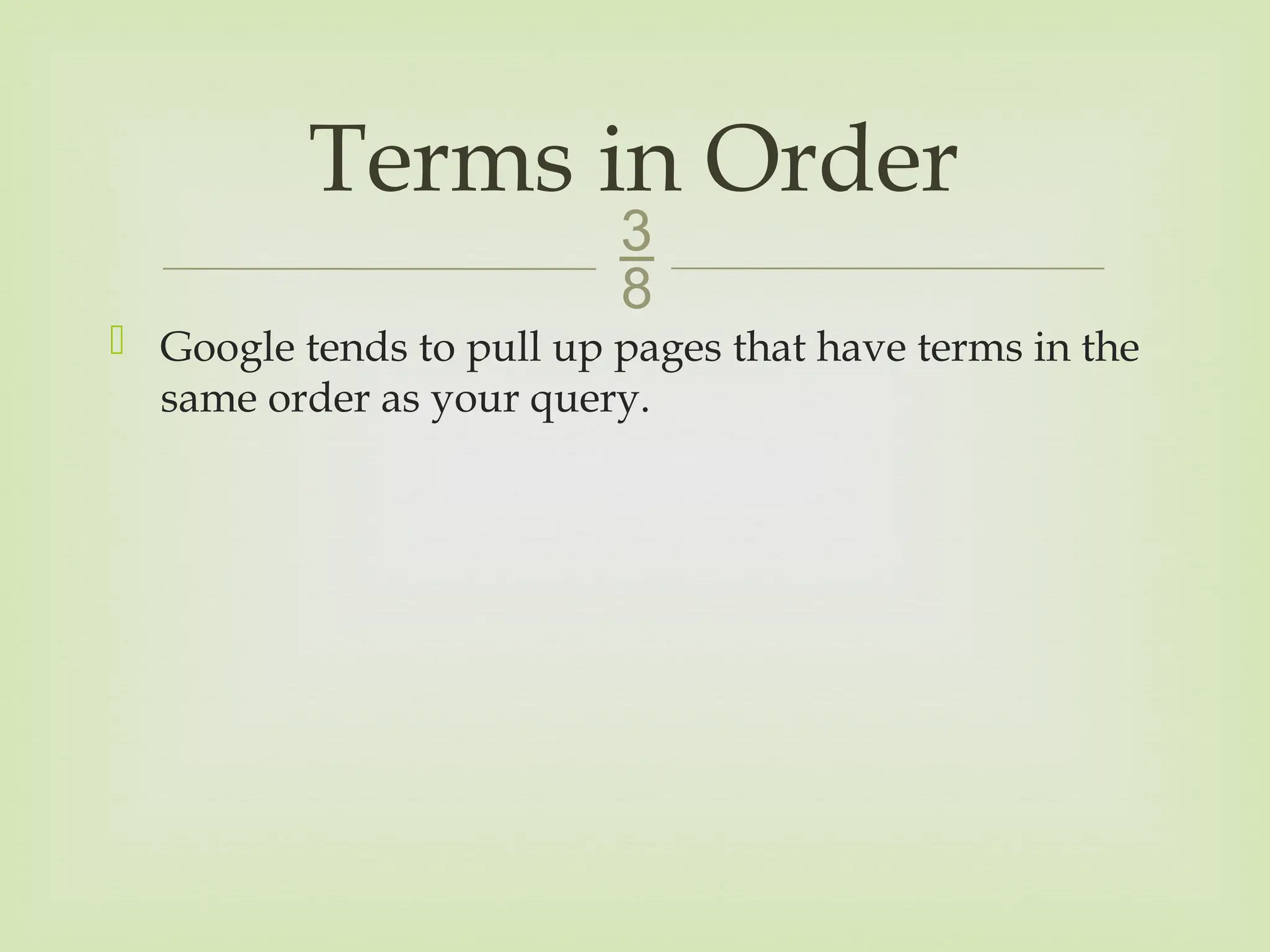
11.
Google tendsto pull up pages that have terms in the
same order as your query.
Terms in Order
12.
Google isnot case-sensitive, it will pull up results
which are both upper and lower case.
The only words that need to be upper case are your
search operators OR and AND.
Not Case-Sensitive
13.
Google ignoressome punctuation and special
characters; for example
Punctuation is not as important as your search terms,
however there exceptions such as C++.
Characters Ignored
! ]
? @
, /
. $
; <
[ >
14.
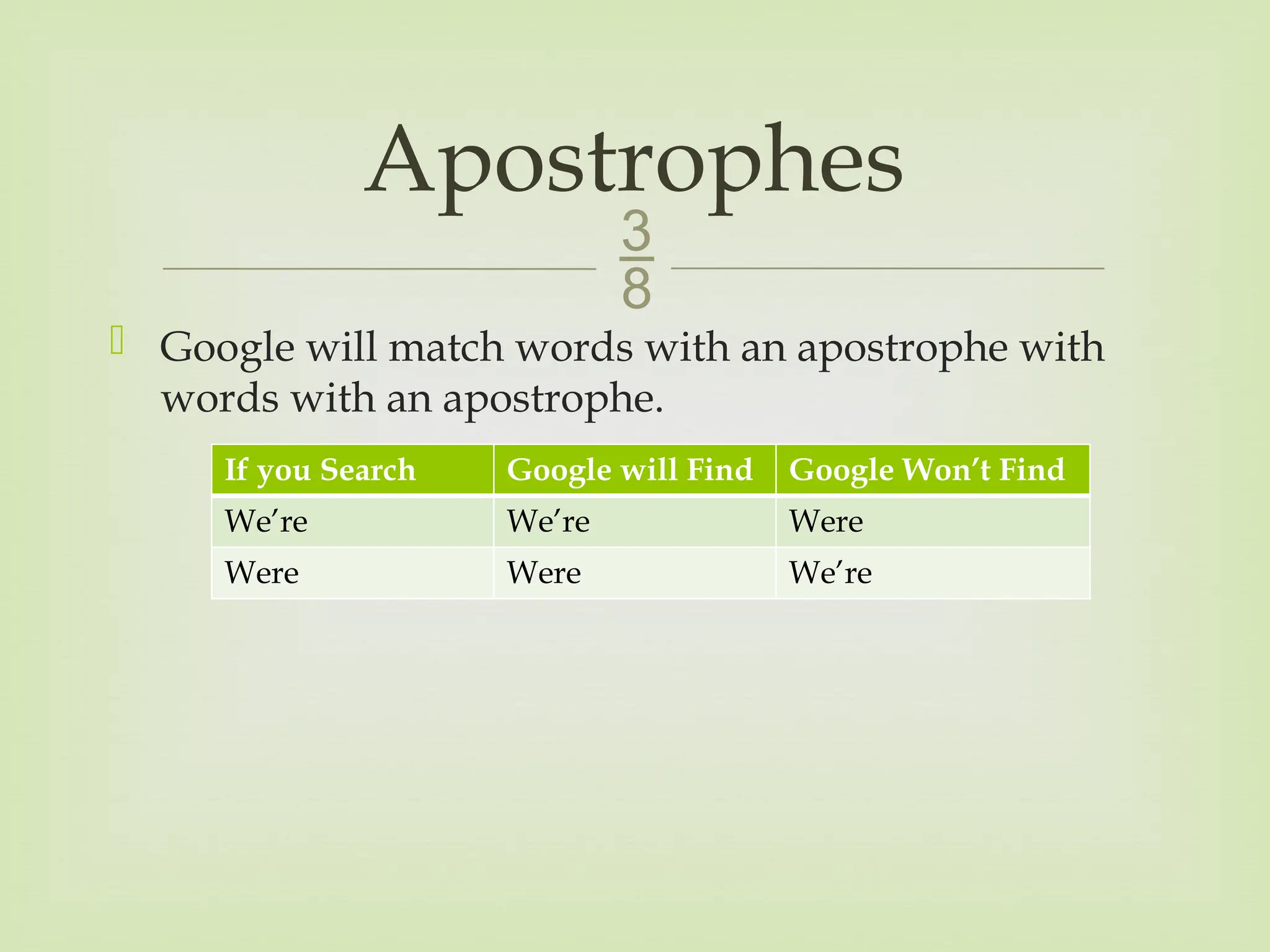
Google willmatch words with an apostrophe with
words with an apostrophe.
Apostrophes
If you Search Google will Find Google Won’t Find
We’re We’re Were
Were Were We’re
15.
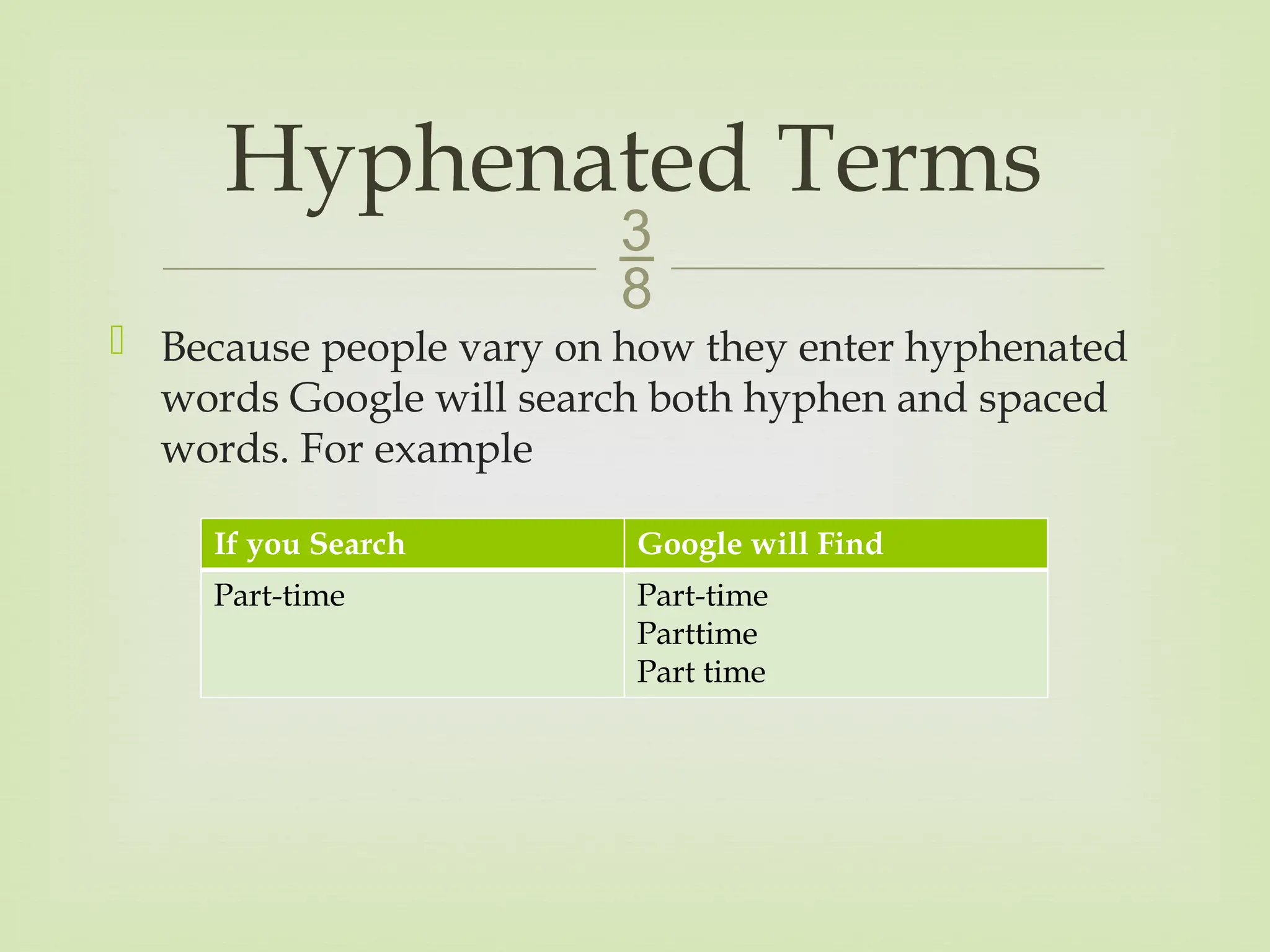
Because peoplevary on how they enter hyphenated
words Google will search both hyphen and spaced
words. For example
Hyphenated Terms
If you Search Google will Find
Part-time Part-time
Parttime
Part time
16.
Quoted Phrases
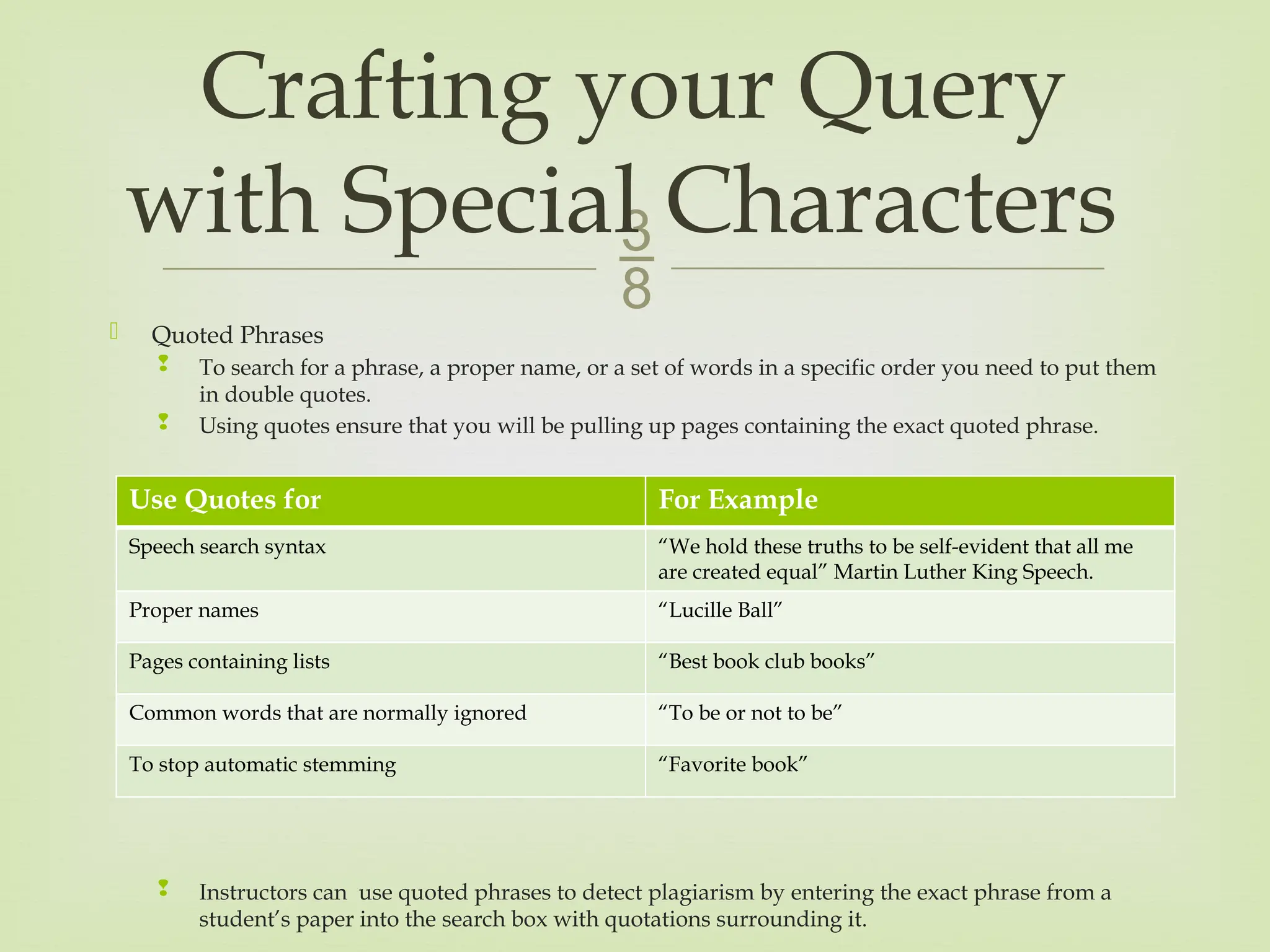
To search for a phrase, a proper name, or a set of words in a specific order you need to put them
in double quotes.
Using quotes ensure that you will be pulling up pages containing the exact quoted phrase.
Instructors can use quoted phrases to detect plagiarism by entering the exact phrase from a
student’s paper into the search box with quotations surrounding it.
Crafting your Query
with Special Characters
Use Quotes for For Example
Speech search syntax “We hold these truths to be self-evident that all me
are created equal” Martin Luther King Speech.
Proper names “Lucille Ball”
Pages containing lists “Best book club books”
Common words that are normally ignored “To be or not to be”
To stop automatic stemming “Favorite book”
17.
The –Operator
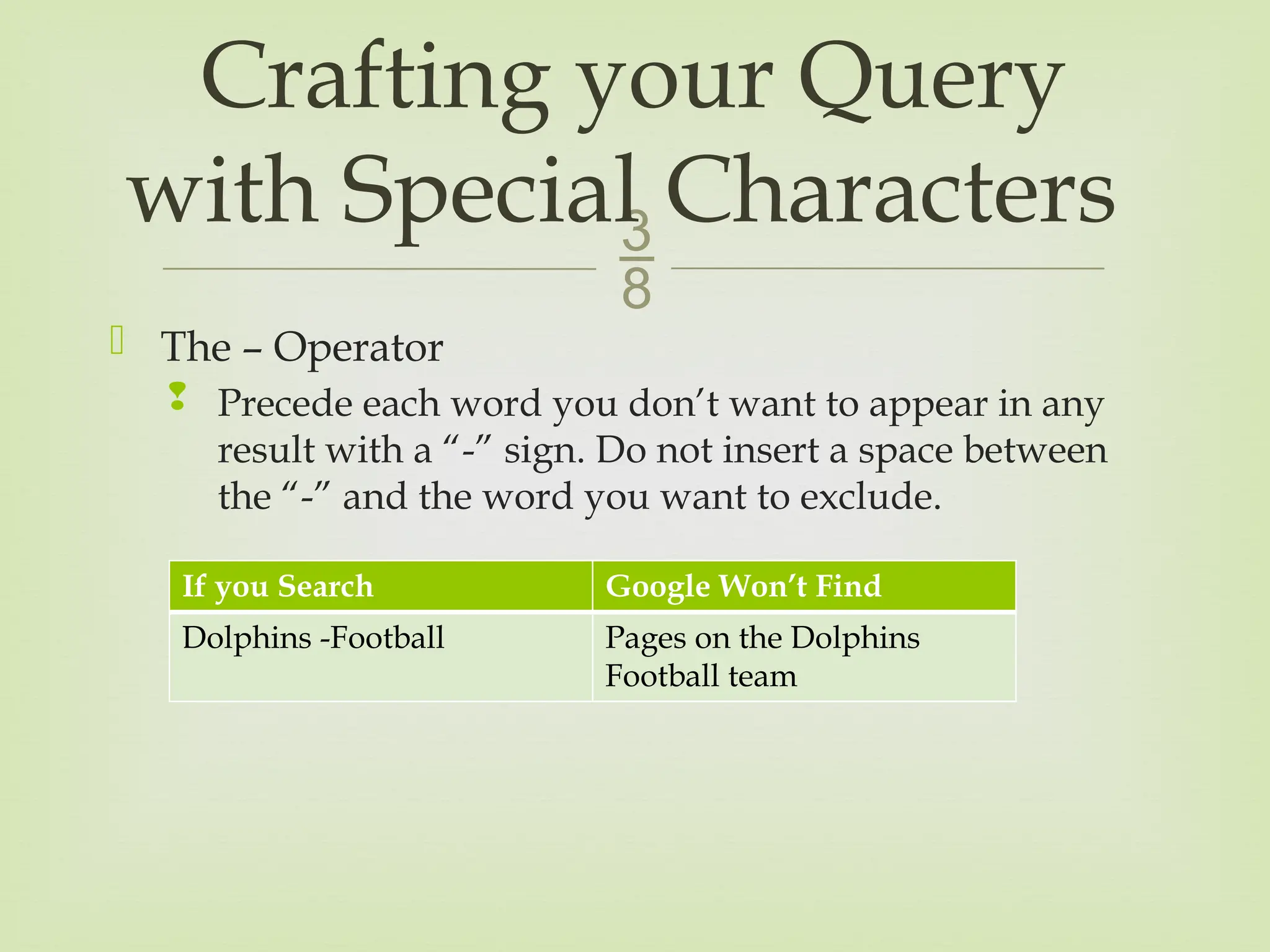
Precede each word you don’t want to appear in any
result with a “-” sign. Do not insert a space between
the “-” and the word you want to exclude.
Crafting your Query
with Special Characters
If you Search Google Won’t Find
Dolphins -Football Pages on the Dolphins
Football team
18.
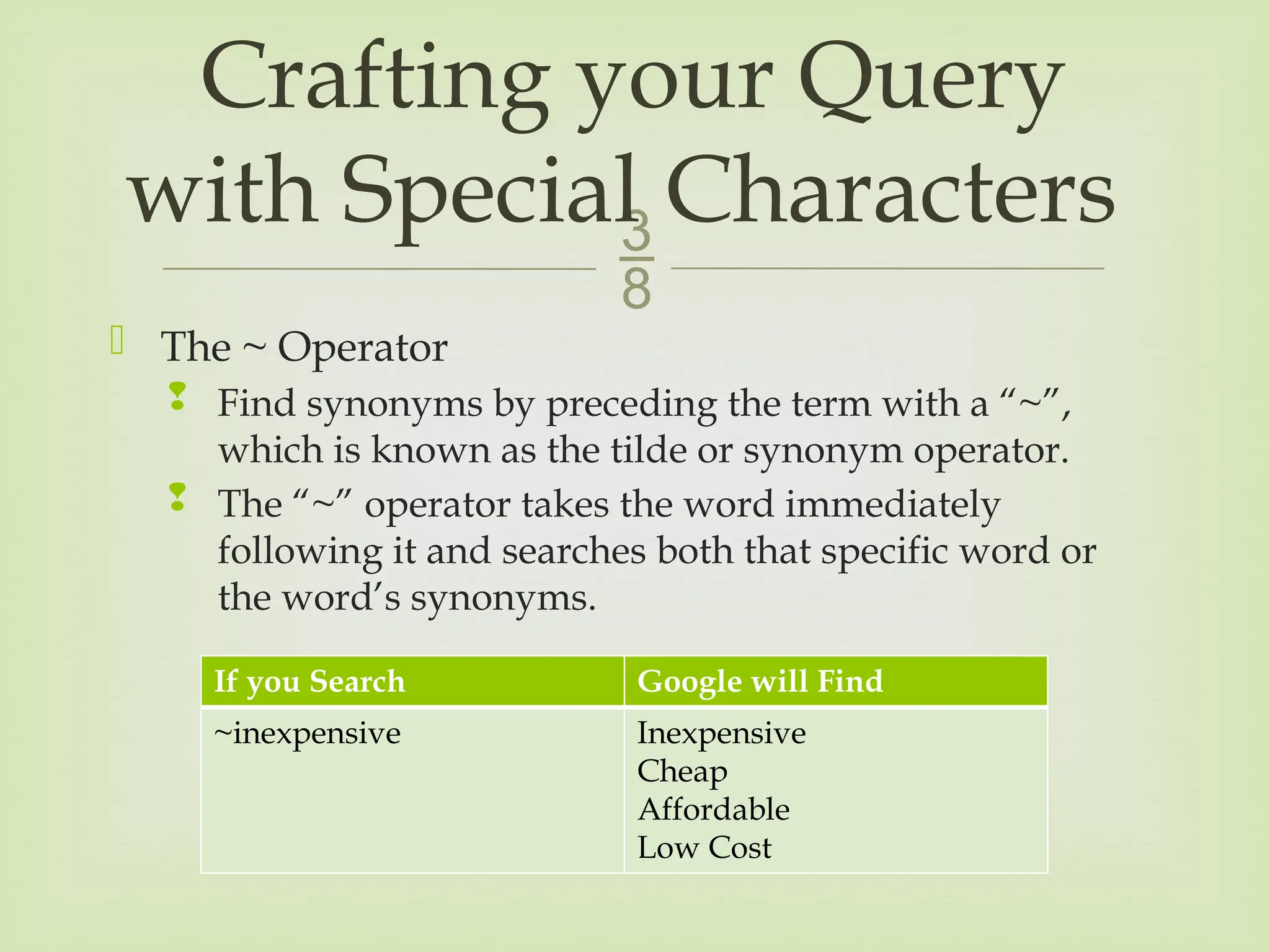
The ~Operator
Find synonyms by preceding the term with a “~”,
which is known as the tilde or synonym operator.
The “~” operator takes the word immediately
following it and searches both that specific word or
the word’s synonyms.
Crafting your Query
with Special Characters
If you Search Google will Find
~inexpensive Inexpensive
Cheap
Affordable
Low Cost
19.
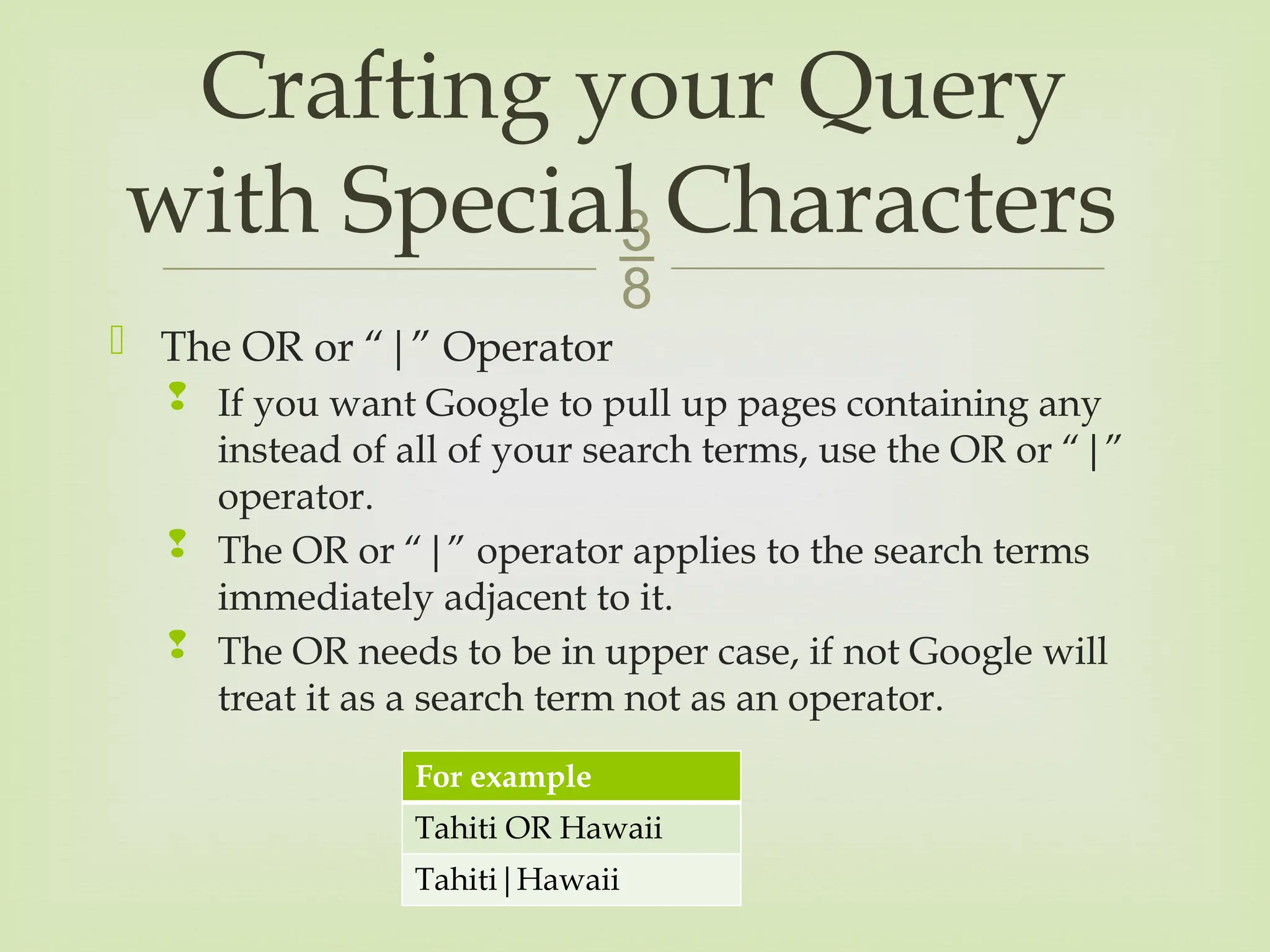
The ORor “|” Operator
If you want Google to pull up pages containing any
instead of all of your search terms, use the OR or “|”
operator.
The OR or “|” operator applies to the search terms
immediately adjacent to it.
The OR needs to be in upper case, if not Google will
treat it as a search term not as an operator.
Crafting your Query
with Special Characters
For example
Tahiti OR Hawaii
Tahiti|Hawaii
20.
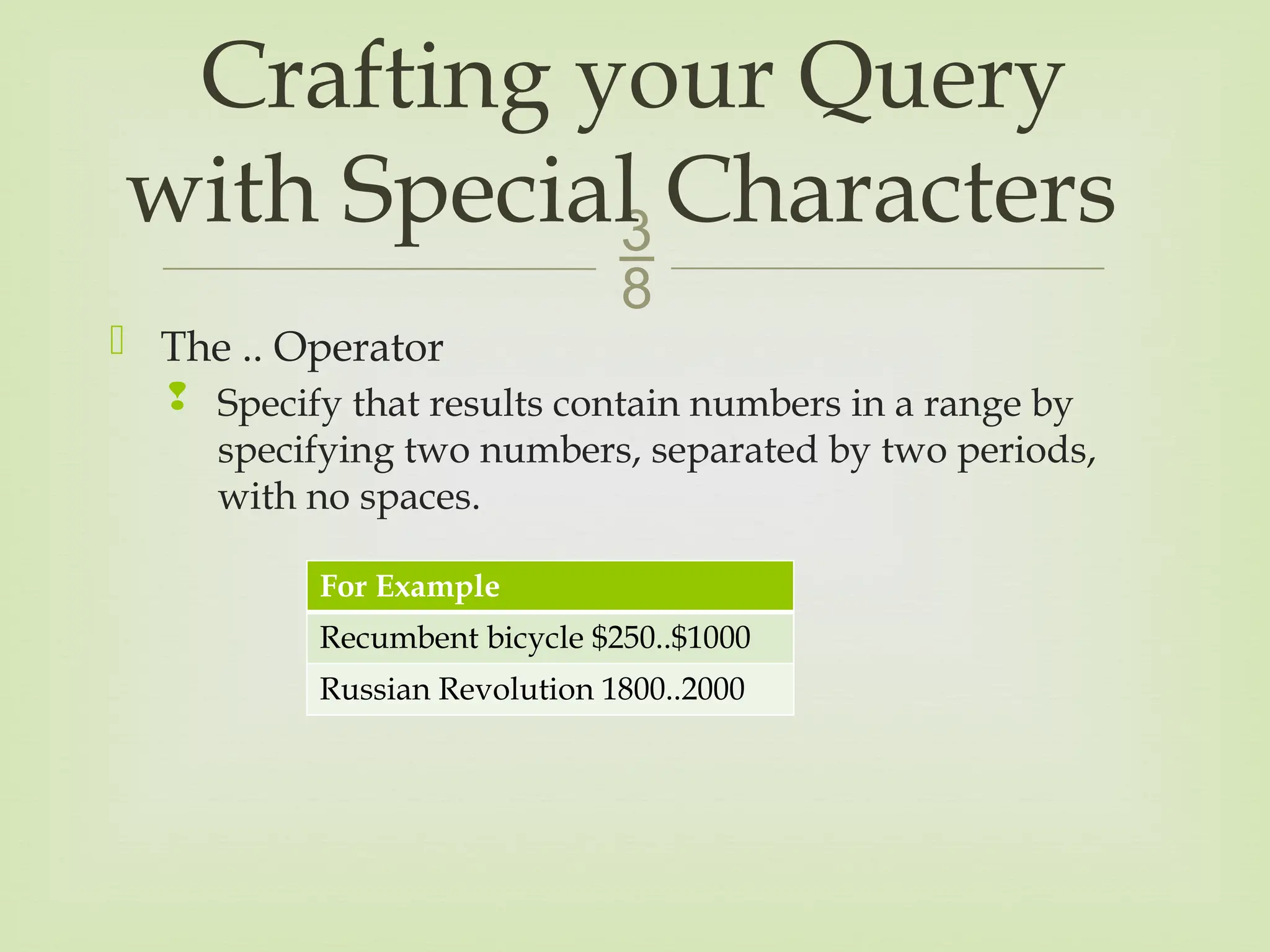
The ..Operator
Specify that results contain numbers in a range by
specifying two numbers, separated by two periods,
with no spaces.
Crafting your Query
with Special Characters
For Example
Recumbent bicycle $250..$1000
Russian Revolution 1800..2000
21.
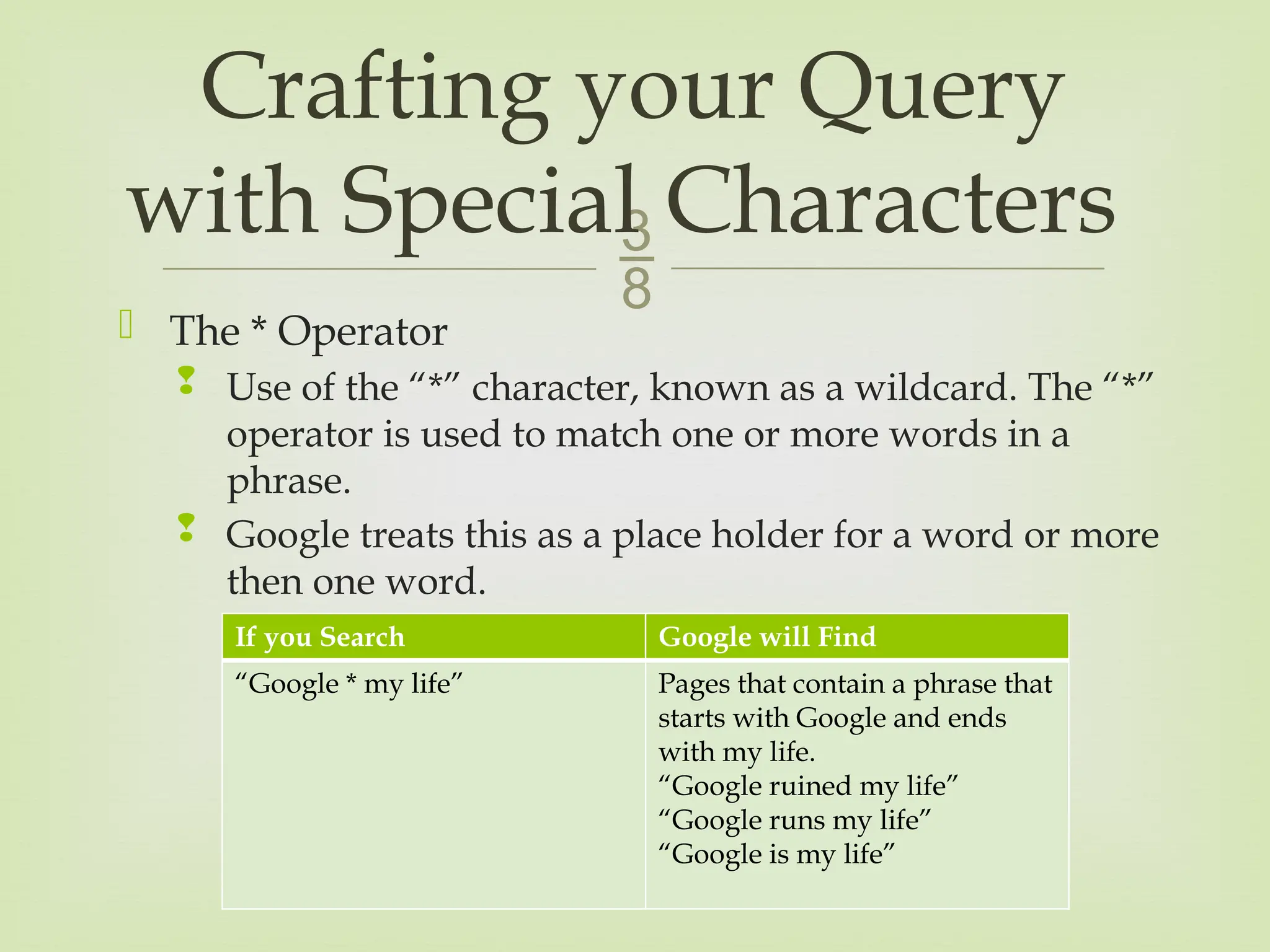
The *Operator
Use of the “*” character, known as a wildcard. The “*”
operator is used to match one or more words in a
phrase.
Google treats this as a place holder for a word or more
then one word.
Crafting your Query
with Special Characters
If you Search Google will Find
“Google * my life” Pages that contain a phrase that
starts with Google and ends
with my life.
“Google ruined my life”
“Google runs my life”
“Google is my life”
22.
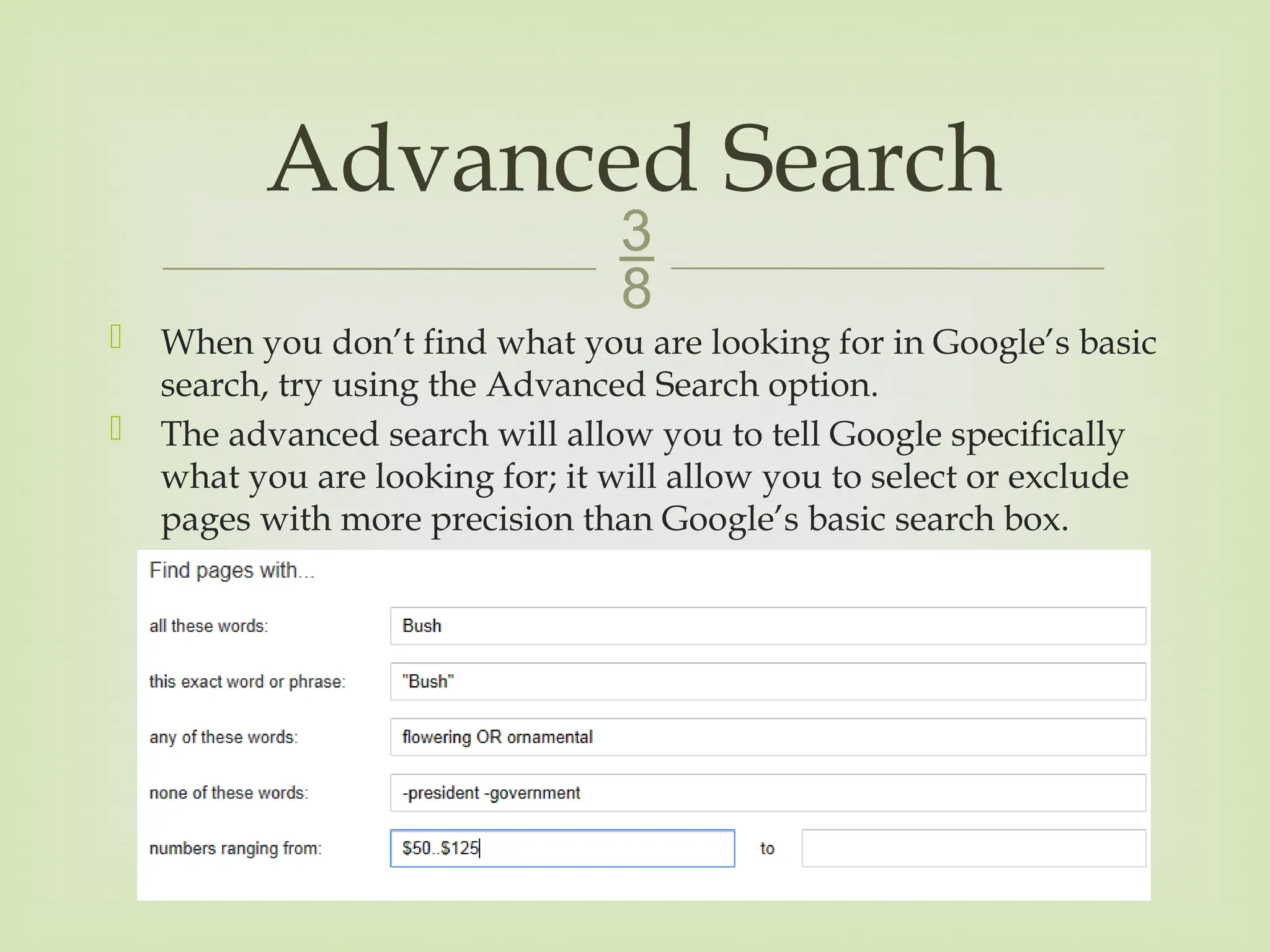
When youdon’t find what you are looking for in Google’s basic
search, try using the Advanced Search option.
The advanced search will allow you to tell Google specifically
what you are looking for; it will allow you to select or exclude
pages with more precision than Google’s basic search box.
Advanced Search
![
Google ignores some punctuation and special
characters; for example
Punctuation is not as important as your search terms,
however there exceptions such as C++.
Characters Ignored
! ]
? @
, /
. $
; <
[ >](https://image.slidesharecdn.com/21756510howtosearchgoogle-250627200831-5d755ba1/75/How-to-SearchGoogle-For-Overall-Efficiency-13-2048.jpg)