How to Optimize Website Performance in 2025 Tips and Tools
Dive into the presentation to learn the most effective tips to optimize website performance in 2025, so you can keep visitors engaged and conversions soaring.
You’ve made astunning website with a sleek design, high-
quality images, interactive elements, and engaging content.
But there’s a problem. Your website’s loading speed is
extremely low and bounce rate is extremely high. In today’s
digital age, speed is everything. A slow-loading website isn’t
just frustrating; it’s a business killer.
But here’s the good news- optimizing your website’s
performance doesn’t have to be rocket science. With the right
strategies and tools, you can enhance speed, improve user
experience, and boost search engine rankings. In this
presentation, we’ll walk you through the most effective tips to
optimize website performance in 2025, so you can keep visitors
engaged and conversions soaring.
Introduction
3.
Ever landed ona website where the images took forever to
load? Annoying, right? High-resolution looks great, but they can
drastically slow down your site. These formats provide the
same quality as PNGs or JPEGs but at a fraction of the file size.
Here are some page load speed tips to optimize your website’s
performance.
• Use advanced tools to compress images without losing
quality.
• Make use of Content Delivery Network (CDN) to serve
images faster across different locations.
Tips for Optimizing Website Performance
1. Compress and Optimize Images
4.
Caching can workgreat when you have repeated visitors to
your website. It saves the visitors to load everything from the
scratch. It stores website resources (like images, CSS, and
JavaScript files) so returning visitors experience faster load
times.
Similarly, CDNs distribute your website’s content across
multiple servers worldwide, ensuring visitors from different
locations get quick access.
• Enable browser caching through your CMS or with plugins
like WP Rocket (for WordPress).
• Use a CDN to deliver content faster.
2. Leverage Content Delivery Networks
(CDNs)
5.
There are manyfactors to run the website seamlessly. If your
site has too many CSS or JavaScript files, it slows everything
down. By combining CSS, JavaScript, and HTML and removing
unnecessary characters, spaces, and comments from your
code, you can make it more efficient.
• Combine multiple CSS or JavaScript files into one to reduce
HTTP requests.
• Enable asynchronous loading so scripts load only when
needed, preventing unnecessary delays.
3. Combine CSS, JavaScript, and HTML
6.
A weak hostingprovider can affect your website in the long
run. Cheap, shared hosting might save you a few bucks, but it
can’t handle high traffic, leading to slow loading speeds and
downtime. Try:
• Cloud-based solutions like AWS, Google Cloud for scalability.
• Managed WordPress hosting for optimized performance.
4. Choose a Fast and Reliable Hosting
Provider
7.
How often doyou browse websites on your phone compared to
a desktop? Probably a lot more! A huge percentage of website
visitors uses websites on mobile devices, meaning your site
must be mobile-friendly. Here are some mobile website
optimization tips you can follow!
• Use Google’s Mobile-Friendly Test to check your site’s
performance.
• Implement AMP (Accelerated Mobile Pages) for faster
mobile loading.
• Ensure your site design is responsive to different screen
sizes.
5. Optimize for Mobile Users
8.
Each element onyour webpage including images, scripts, fonts,
and stylesheets-sends an HTTP request to the server. Here’s
what you can do to reduce it and boost website’s performance:
• Limit external scripts like chatbots, social media widgets,
and unnecessary tracking codes.
• Use Google Tag Manager to handle multiple tracking scripts
efficiently.
• Load third-party scripts asynchronously so they don’t block
page rendering.
6. Reduce HTTP Requests
9.
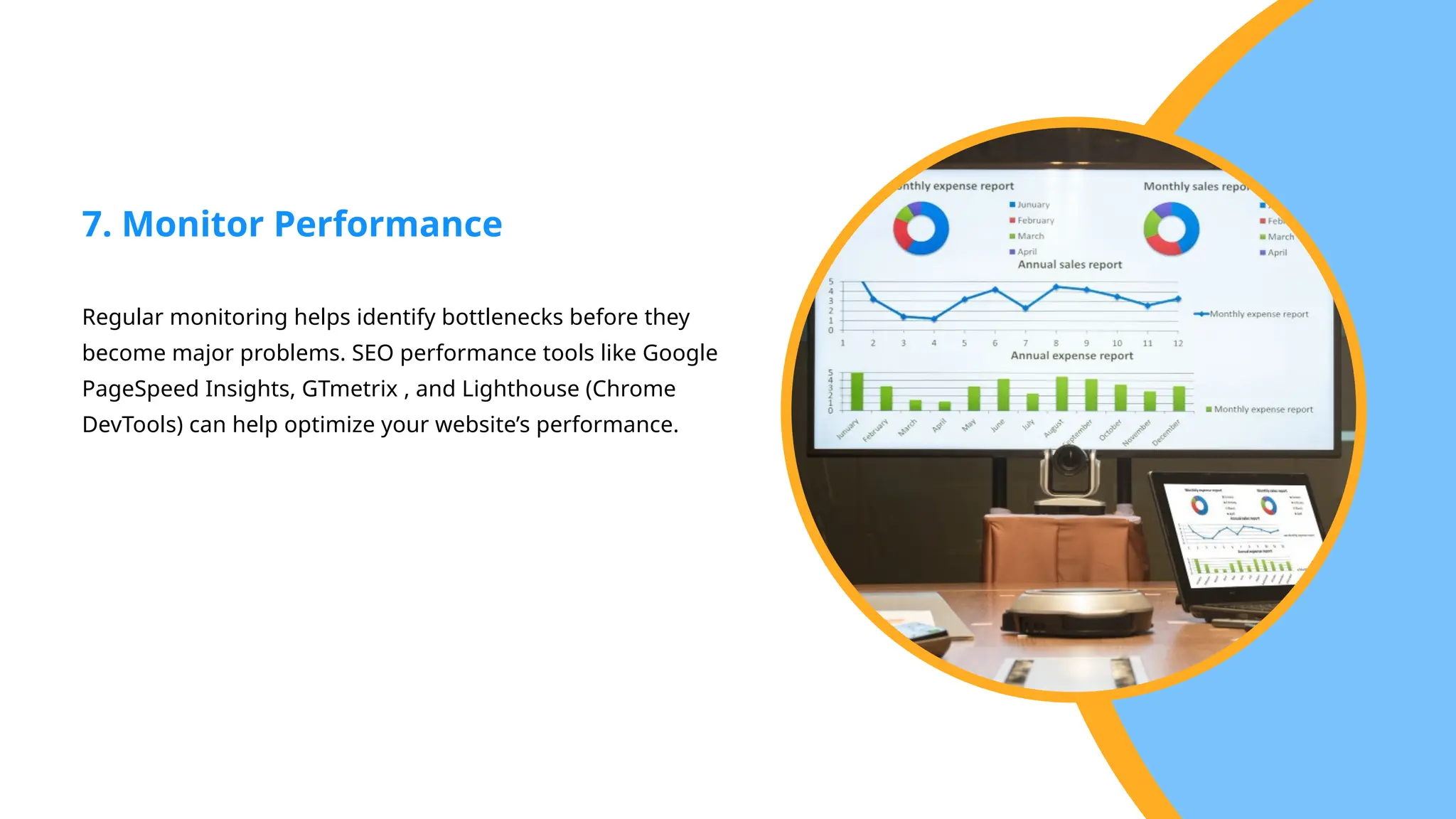
Regular monitoring helpsidentify bottlenecks before they
become major problems. SEO performance tools like Google
PageSpeed Insights, GTmetrix , and Lighthouse (Chrome
DevTools) can help optimize your website’s performance.
7. Monitor Performance
10.
Conclusion
In 2025, websitespeed and performance are a mandatory factor. A well-
optimized site ensures better user experience, higher search rankings, and
increased conversions.
If you’re looking for the best SEO Company in Canberra, look no further than
Future Way. Our team specializes in creating visually stunning, user-friendly
websites tailored to your brand’s unique identity. We ensure that your website
not only looks great but also provides a seamless user experience, driving
engagement and conversions. Get in touch to know more about our services.
11.
Get in
Touch Contactus to get more
info
info@futureway.com.au
+61 466055448
www.futureway.com.au