Download to read offline

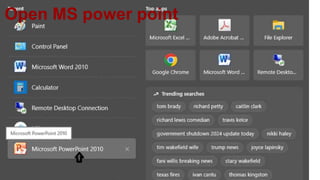
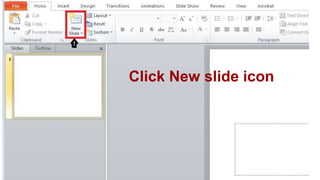
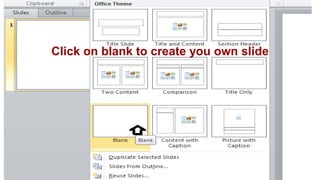
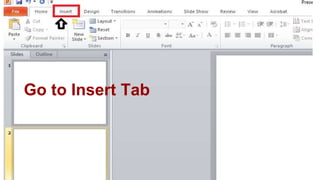
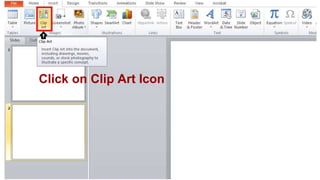
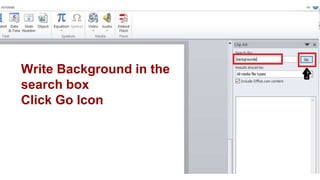


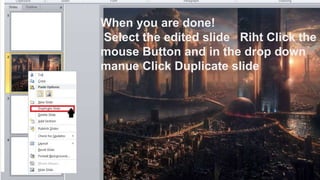

This document provides a step-by-step guide on how to create a duplicate slide in Microsoft PowerPoint. It describes the process of creating a new slide, adding a background using clip art, and duplicating the edited slide. Following these instructions will allow users to easily create slides with the same background.


