What
1. What isWordPress?
2. WordPress.org
3. Hosting & Domain
4. Installing WordPress
5. Features of
WordPress
• It is a content management system (CMS) used to
create blogsand websites.
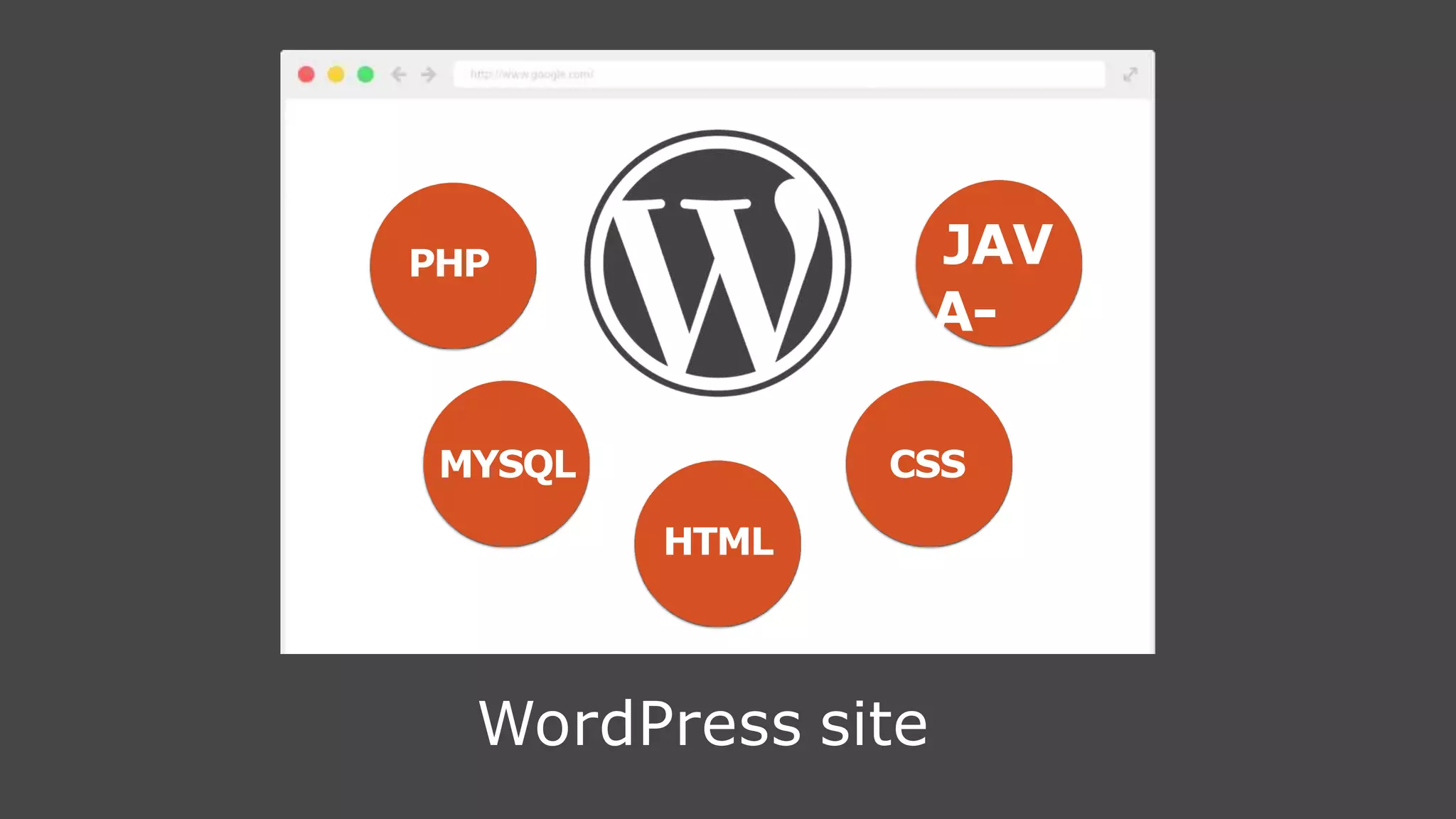
• Created primarily in PHP, MYSQL and JAVASCRIPT
• The software is free and open-source.
• Powers 26%of theinternet.
What isWordPress?
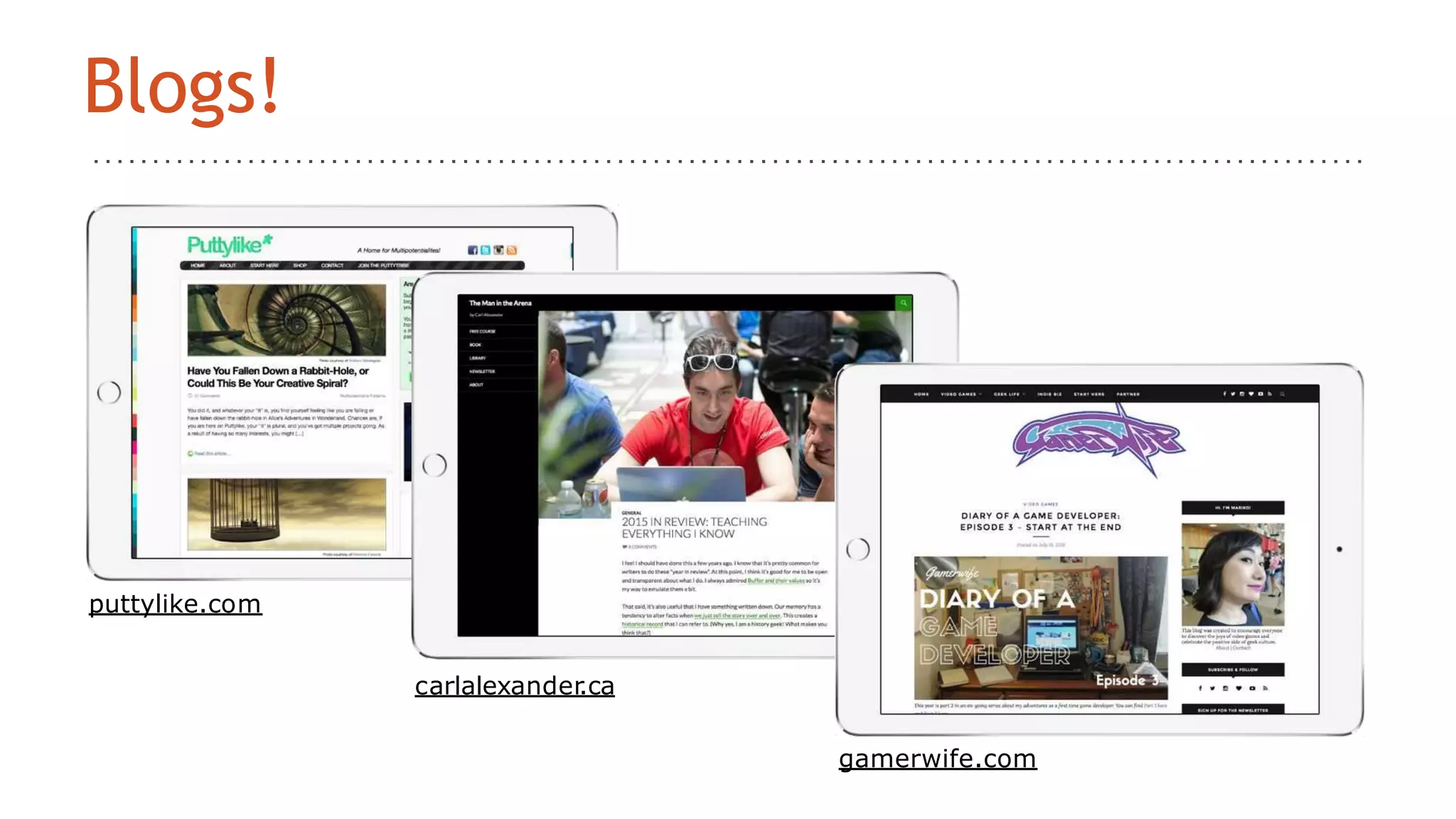
puttylike.com
carlalexander.ca
Blogs!
gamerwife.com
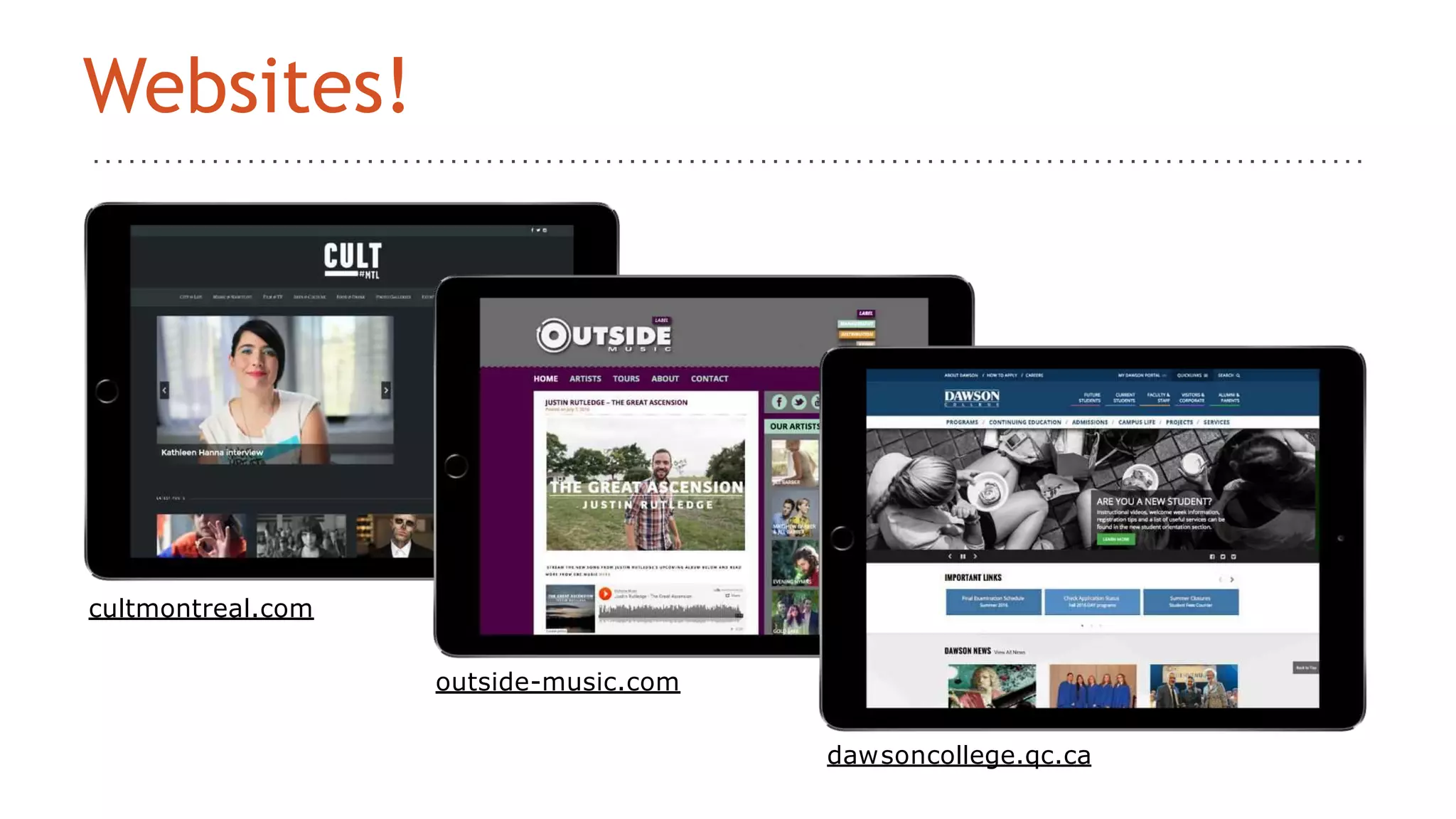
cultmontreal.com
outside-music.com
dawsoncollege.qc.ca
Websites!
JAV
A-
SCRI
PT
PHP
MYSQL
HTML
CSS
WordPress site
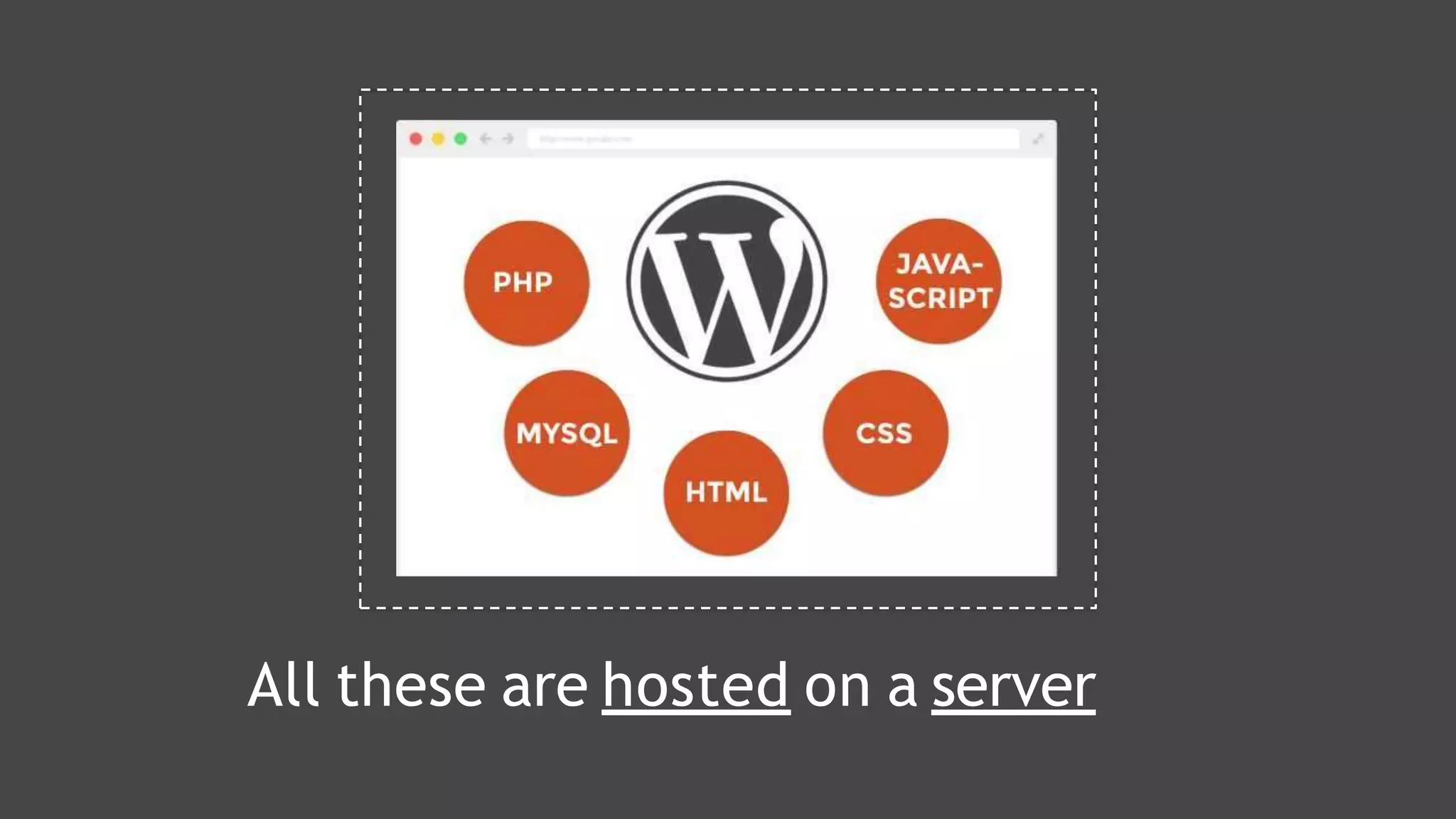
All these are hosted on a server
• dreamhost.com
• bluehost.com
• siteground.com
• getflywheel.com
• Cost: anywhere from $5 to $20,000
• more infoat wordpress.org/hosting
Web HostingCompanies
Your WWW address
• namecheap.com
• hover.com
• Web hosting companies will offer
it too
• Cost: starting at~$15/year
Domain HostingCompanies
Today, we’ll be
exploring….
WORDPRESS.ORG
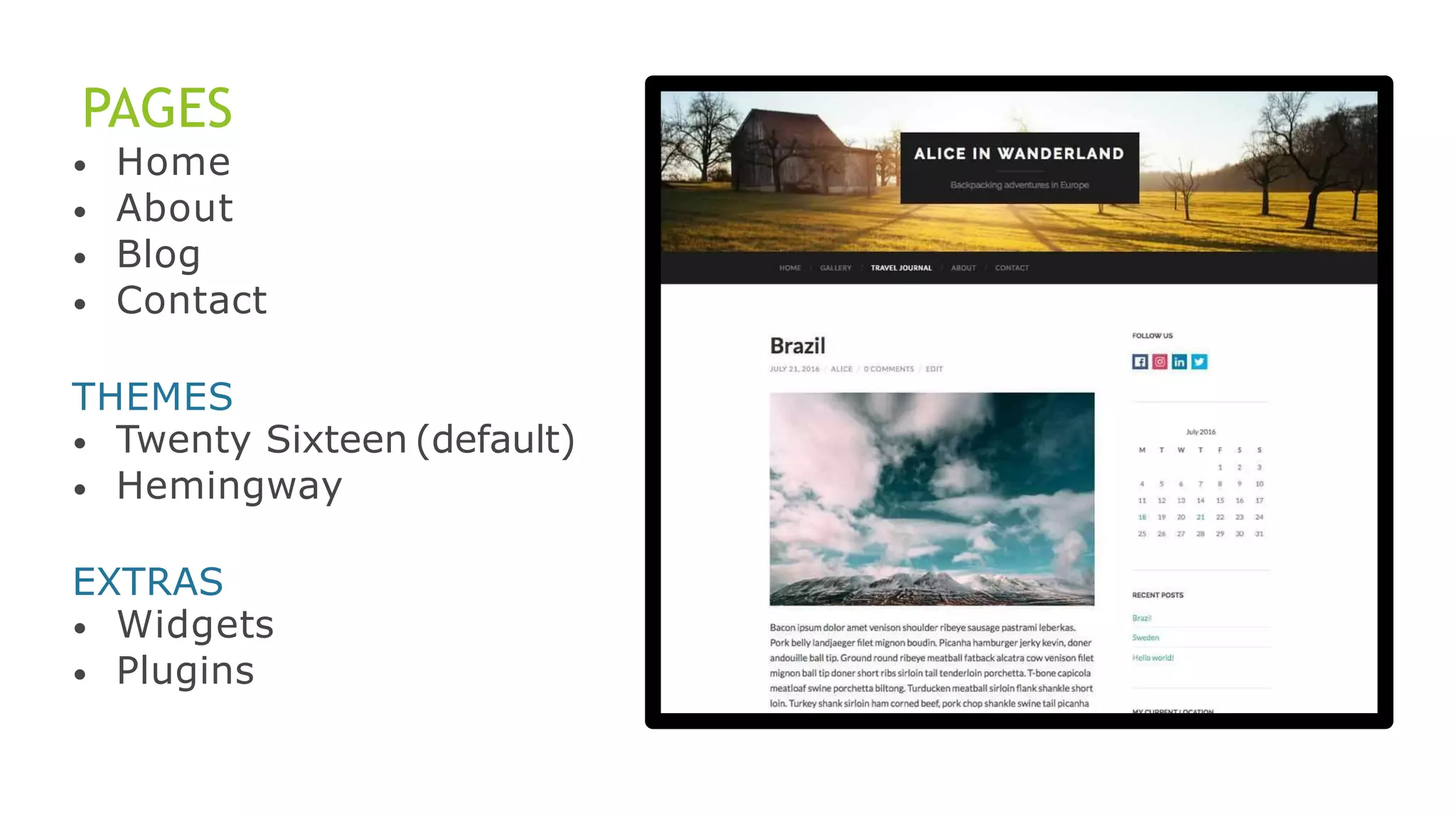
PAGES
•
•
•
•
Home
About
Blog
Contact
THEMES
•
•
Twenty Sixteen (default)
Hemingway
EXTRAS
•
•
Widgets
Plugins
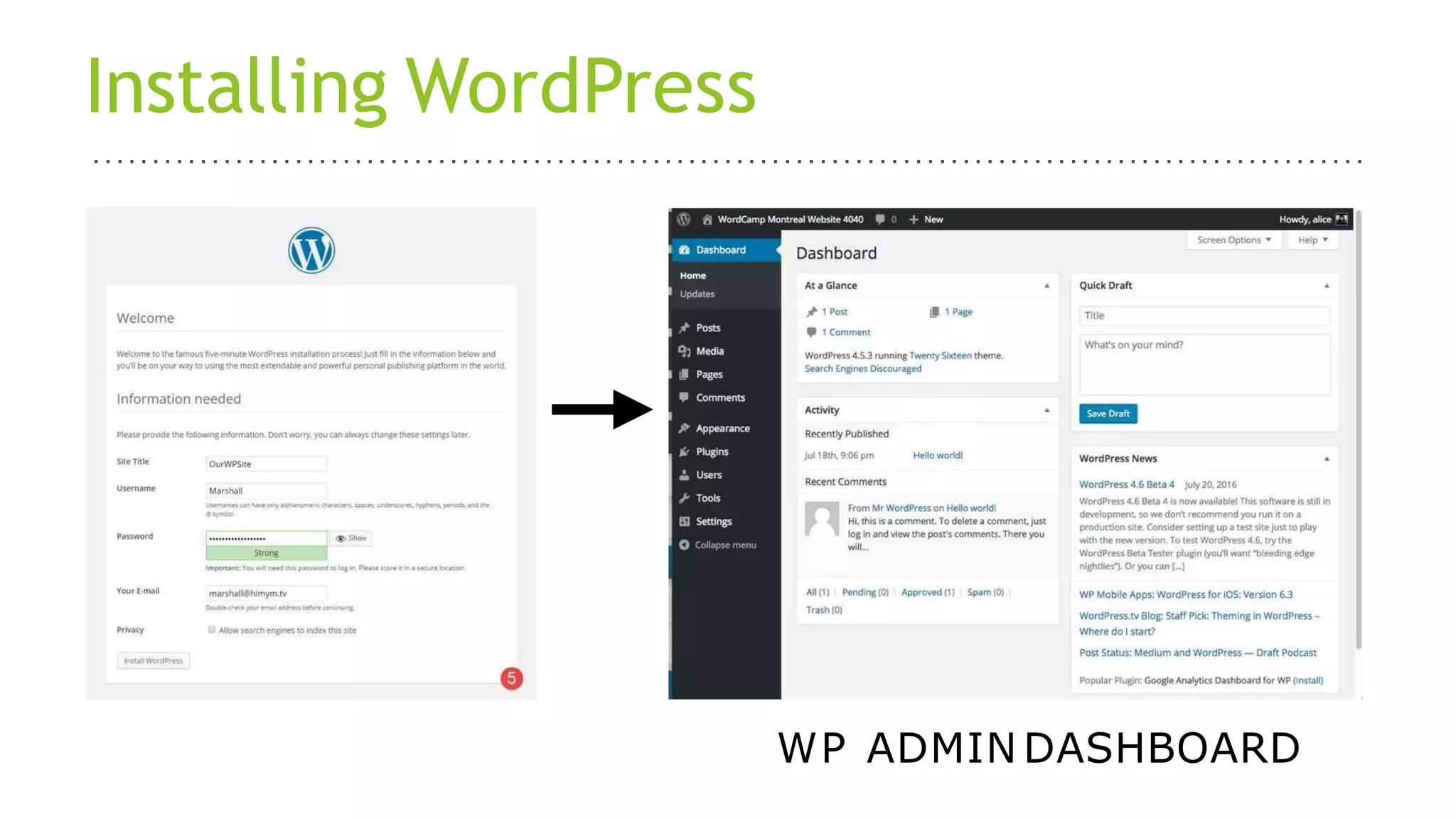
Installing WordPress
WP ADMIN DASHBOARD
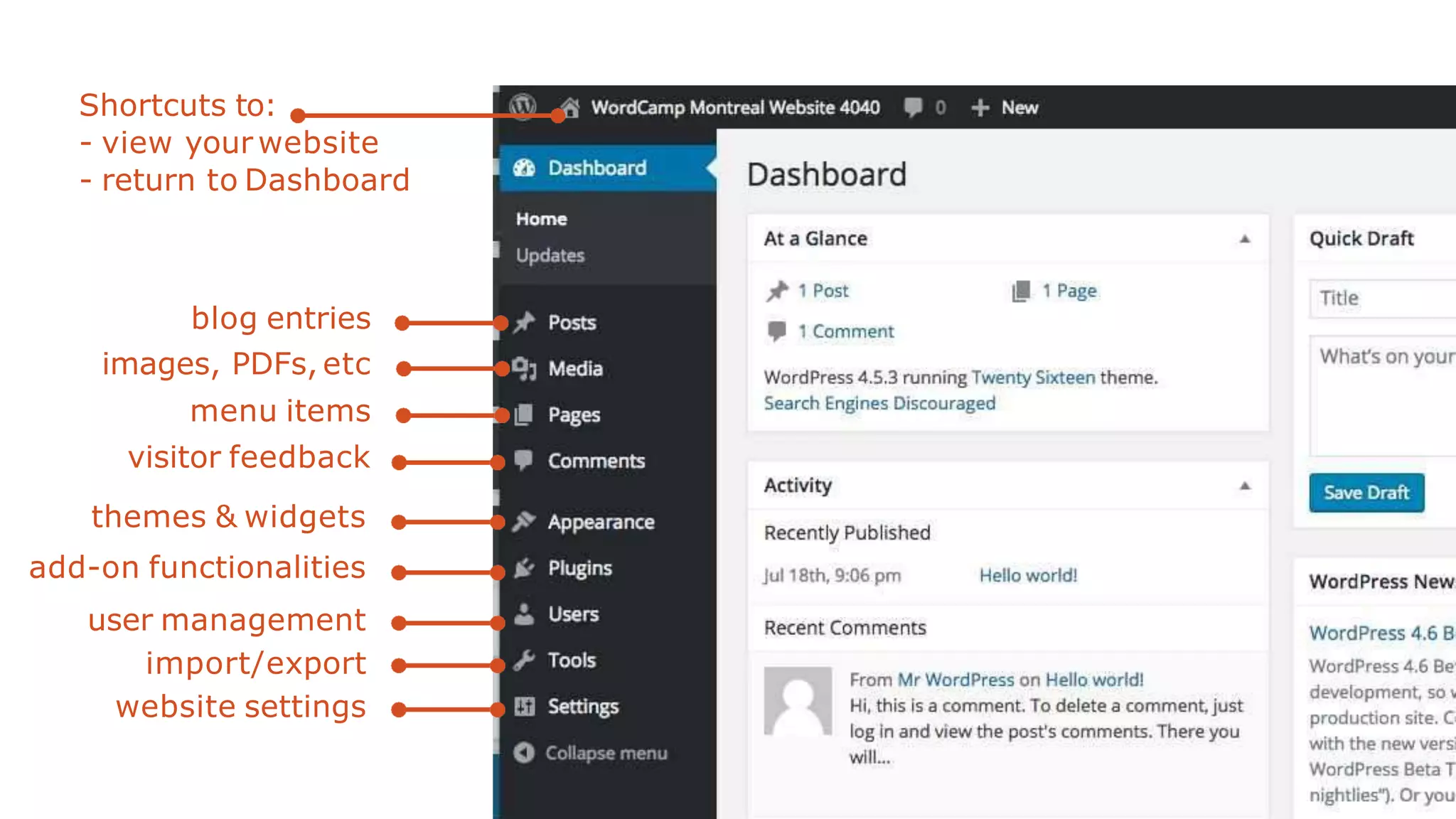
Shortcuts to:
- view your website
- return to Dashboard
blog entries
images, PDFs, etc
menu items
visitor feedback
themes & widgets
add-on functionalities
user management
import/export
website settings
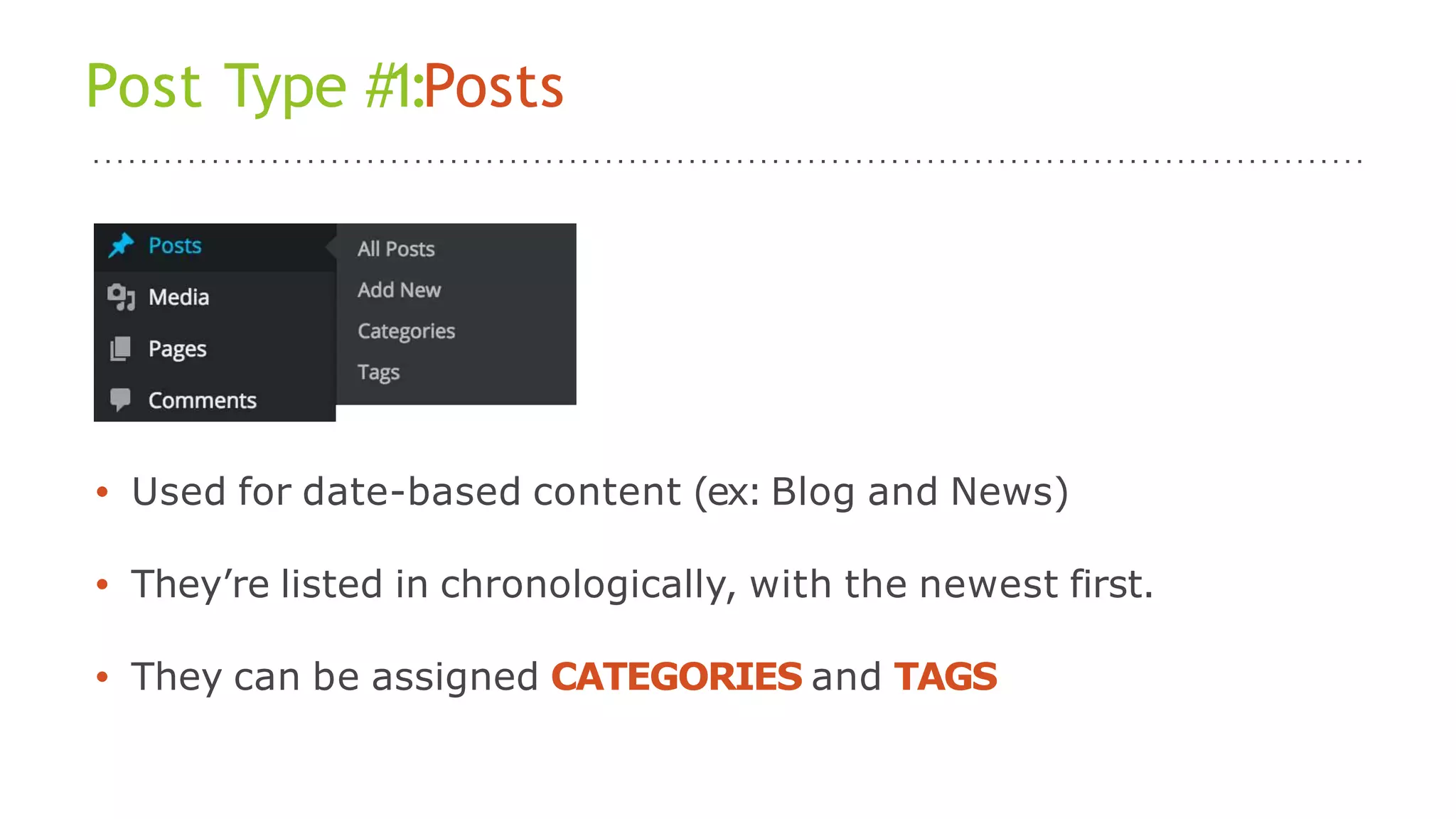
Post Type #1:Posts
• Used for date-based content (ex: Blog and News)
• They’re listed in chronologically, with the newest first.
• They can be assigned CATEGORIES and TAGS
Post Type #2:Pages
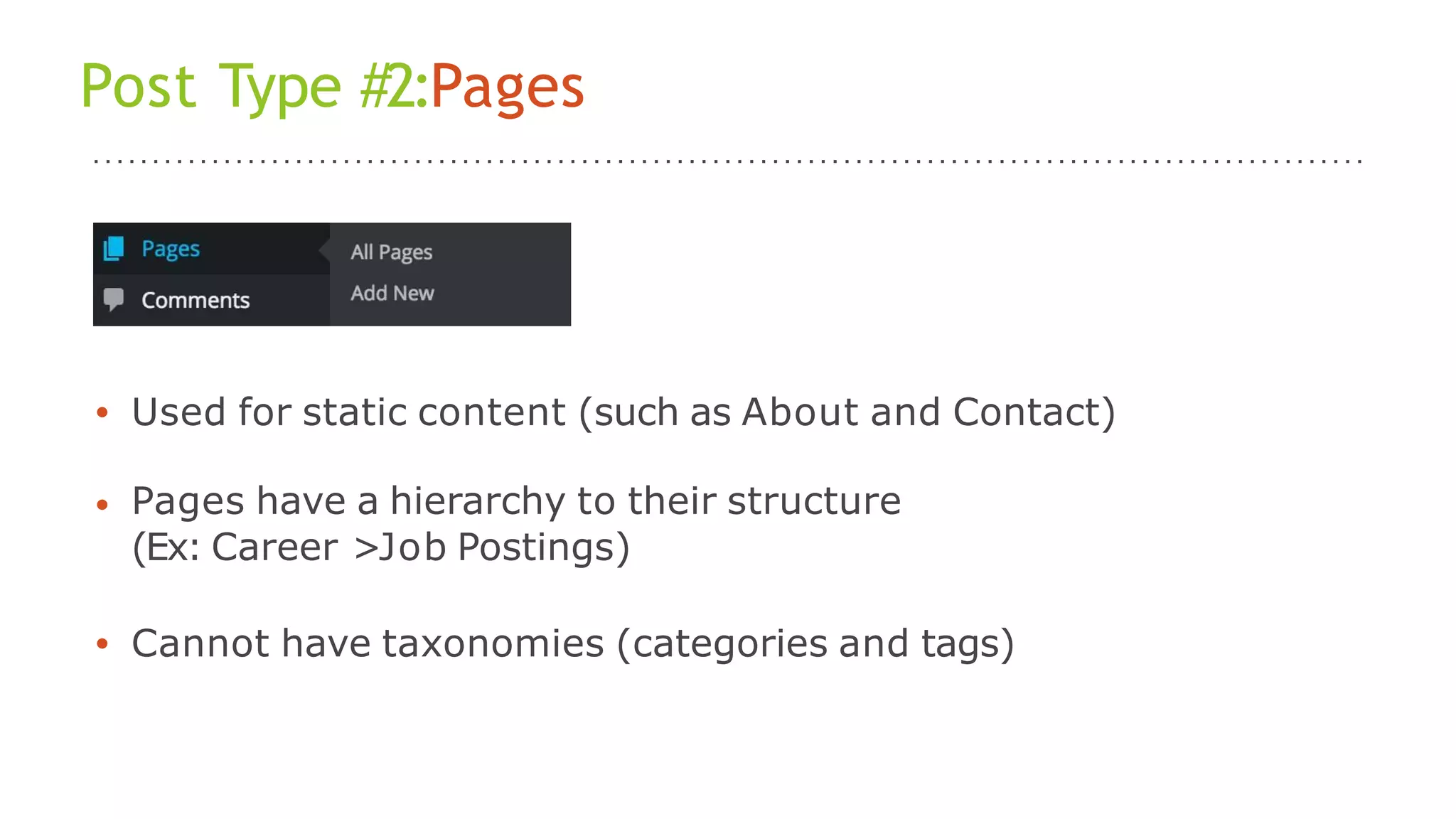
• Used for static content (such as About and Contact)
• Pages have a hierarchy to their structure
(Ex: Career >Job Postings)
• Cannot have taxonomies (categories and tags)
Themes
• Templates that are responsible for the styling (visual) of your
website
• Option 1:FreeThemes
• Option 2:Premium Themes
• Option 3: Child Themes (a modified version of a Parent Theme)
• Option 4: Custom Themes, using a starter theme such as
Underscores.
Widgets
• An easy way to add content and features to your
sidebars or footers
• Use cases: Categories, Archives, Search bar
• Create spaces for some plugin display such as Twitter
feed, social mediaicons
• Quick and easy. No code experience required.
Plugins
• Ways to extend and add to the functionality of your WordPress
site without you creating them from scratch.
• Many were created by third-party companies and developers.
• It can save you time and make your life easier.
• A few examples:
Jetpack - improve efficiency and security of your site
WPML - to help you run a multilingual website
BackupBuddy - best backup plugin ever
Instagram Feed WD - display your latest Instagram pics
https://en-ca.wordpress.org/plugins/
Plugins
• Free and Premiums
• Occasionally requires somemaintenance.
• Too many plugins can slow down your site and affect other
areas of your website’s performance.
• Choose your pluginswisely:
- Check out the reviews
- Look at the stats (# of downloads, installations, last update)
- Check documentation (description, tutorials, screenshots)
https://en-ca.wordpress.org/plugins/
THANK YOU
ALAMDAR HUSSAIN, MUHAMMAD USAID AND KASHIF MAHMOOD

How to create a WordPress Site