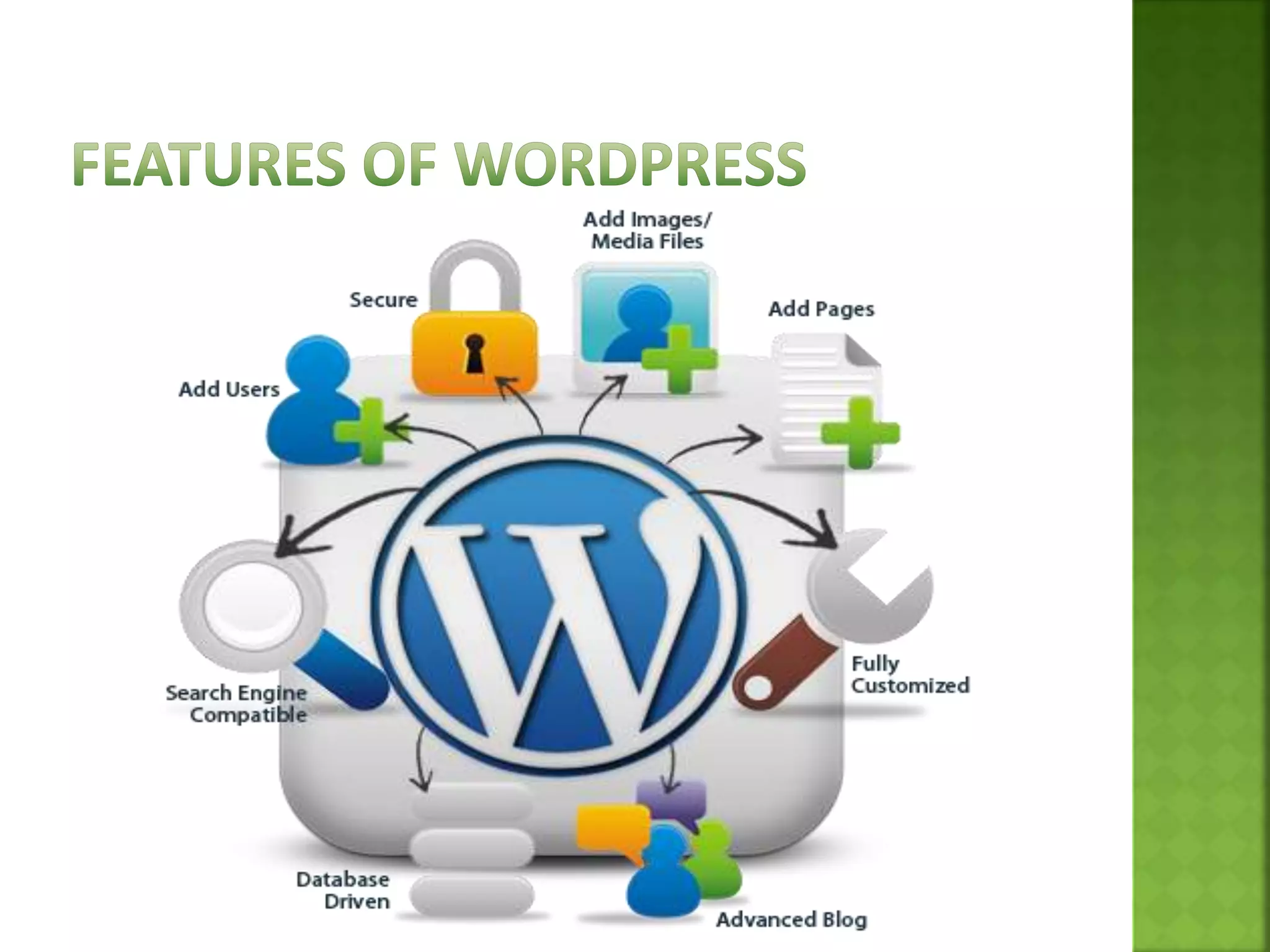
 Wordpress is powerful CMS for making dynamic
and interactive Websites quickly.
 Wordpress allows users to build dynamic websites
and blogs that may be updated customized and
managed from its back-end.
⦿
⦿
⦿
⦿
 Wordpress started in 2003 with a single bit of
code
 Since then it has grown to be the largest self-
hosted blogging tool in the world, used on millions
of sites and seen by ten millions of people every
day
 Matt Mullenweg and mike little co-founded
wordpress
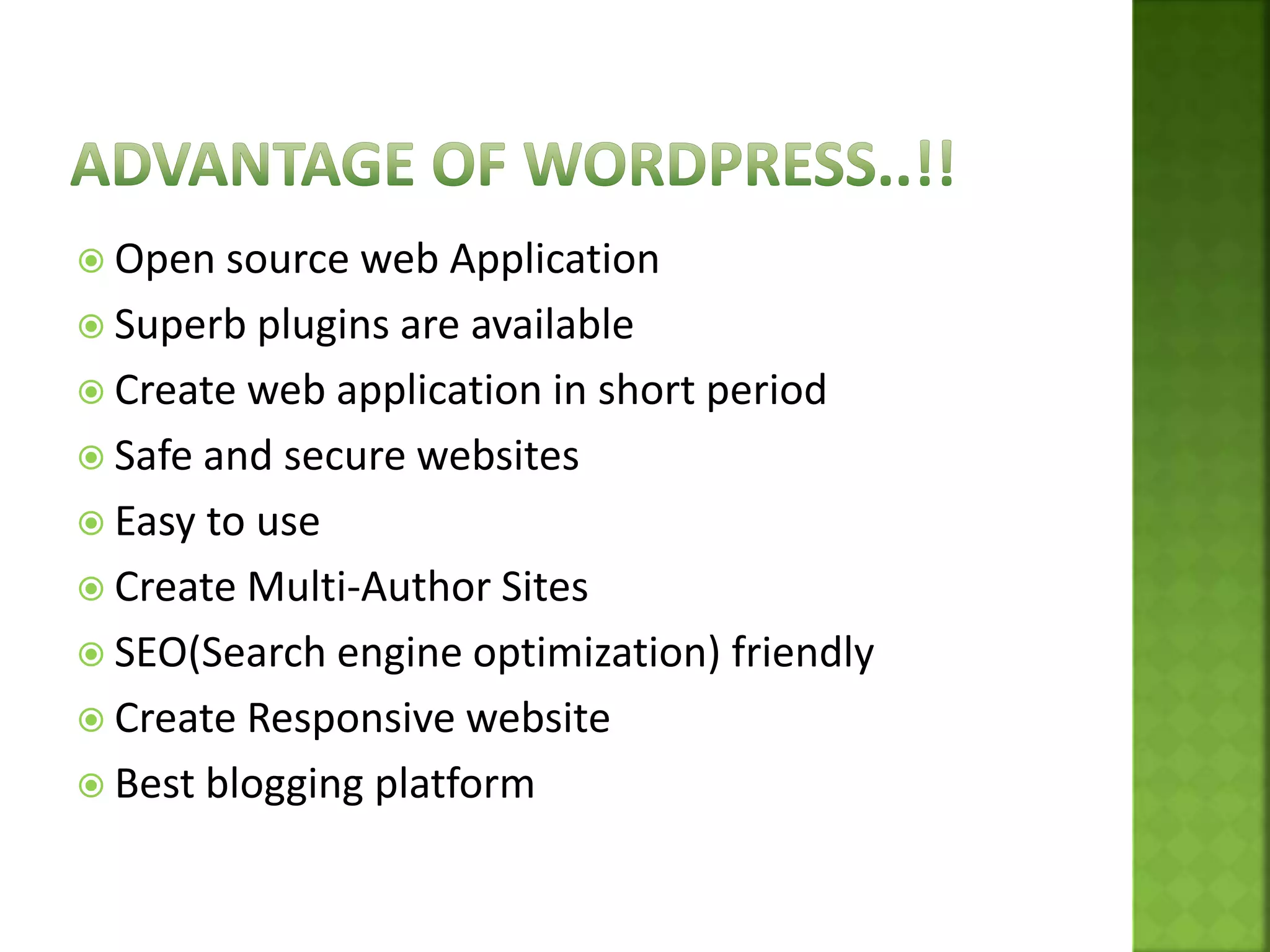
 Open source web Application
 Superb plugins are available
 Create web application in short period
 Safe and secure websites
 Easy to use
 Create Multi-Author Sites
 SEO(Search engine optimization) friendly
 Create Responsive website
 Best blogging platform
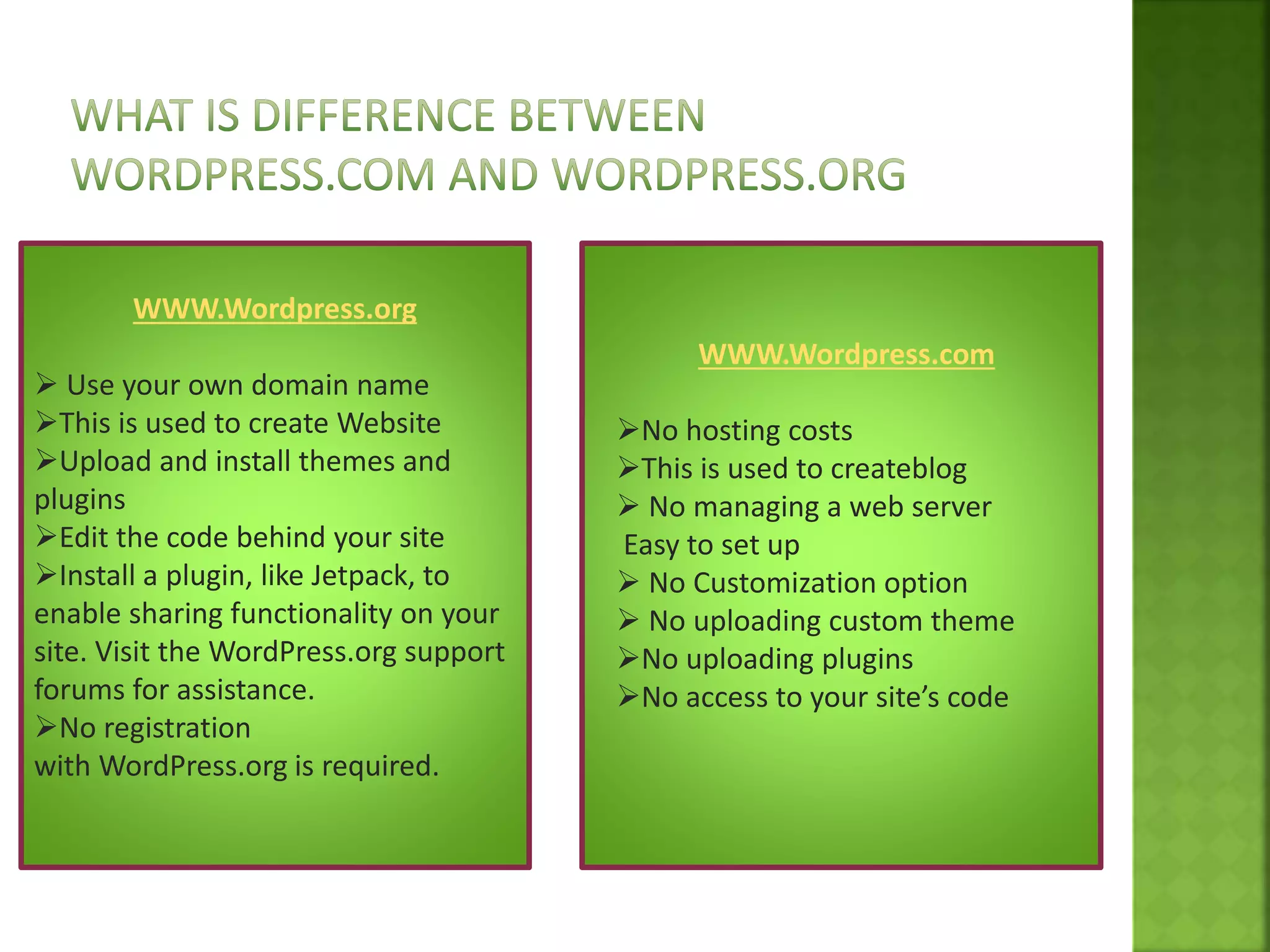
WWW.Wordpress.org
 Use your own domain name
This is used to create Website
Upload and install themes and
plugins
Edit the code behind your site
Install a plugin, like Jetpack, to
enable sharing functionality on your
site. Visit the WordPress.org support
forums for assistance.
No registration
with WordPress.org is required.
WWW.Wordpress.com
No hosting costs
This is used to createblog
 No managing a web server
Easy to set up
 No Customization option
 No uploading custom theme
No uploading plugins
No access to your site’s code
 Wamp Server/Xampp Server
 Wordpress Package
 Any smart editor(Dreamweaver and notepad++)
Step 1:Already Install wamp server
Step 2: Start Server
Step 3:copy WordPress package in directory(www)
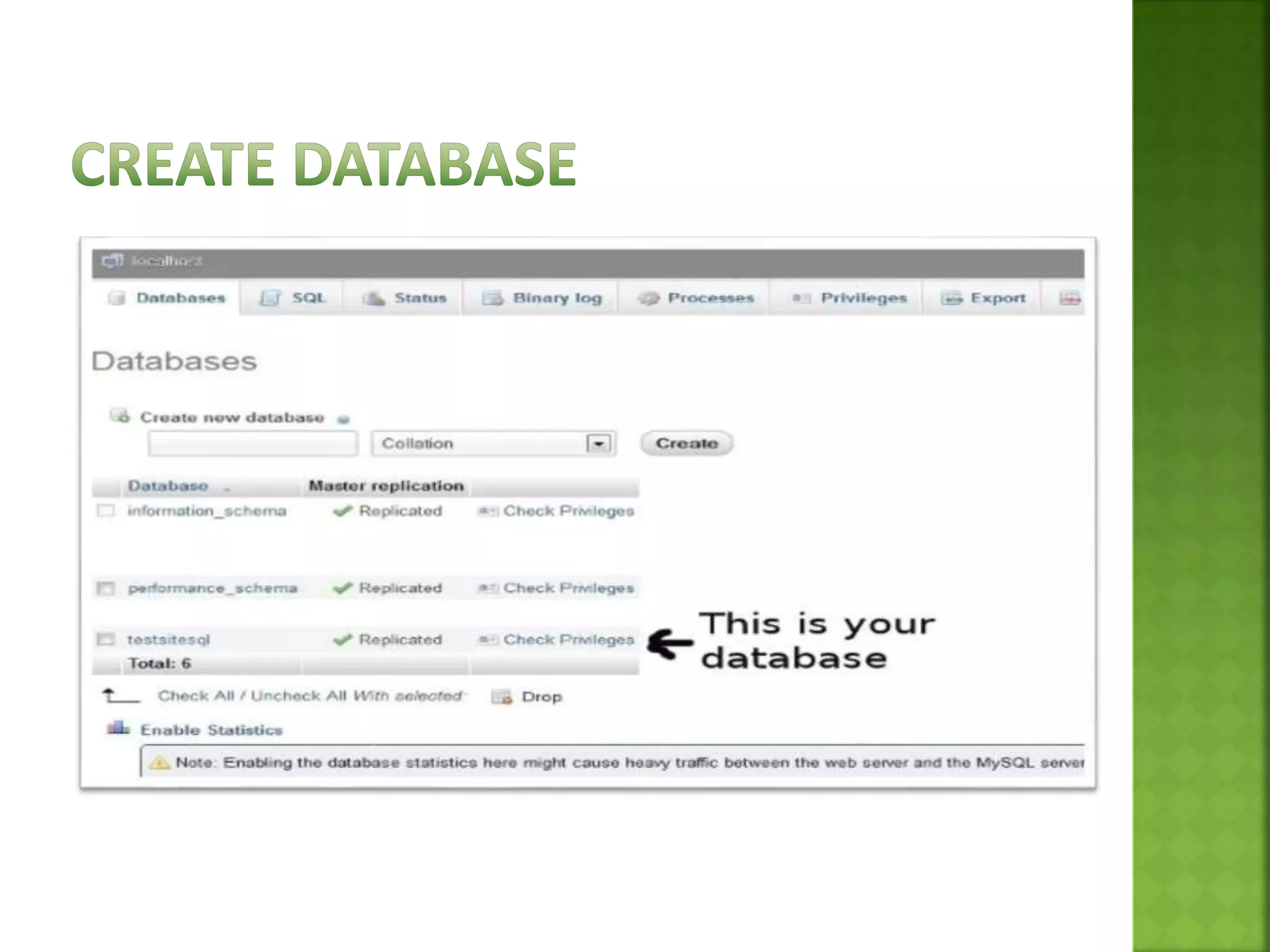
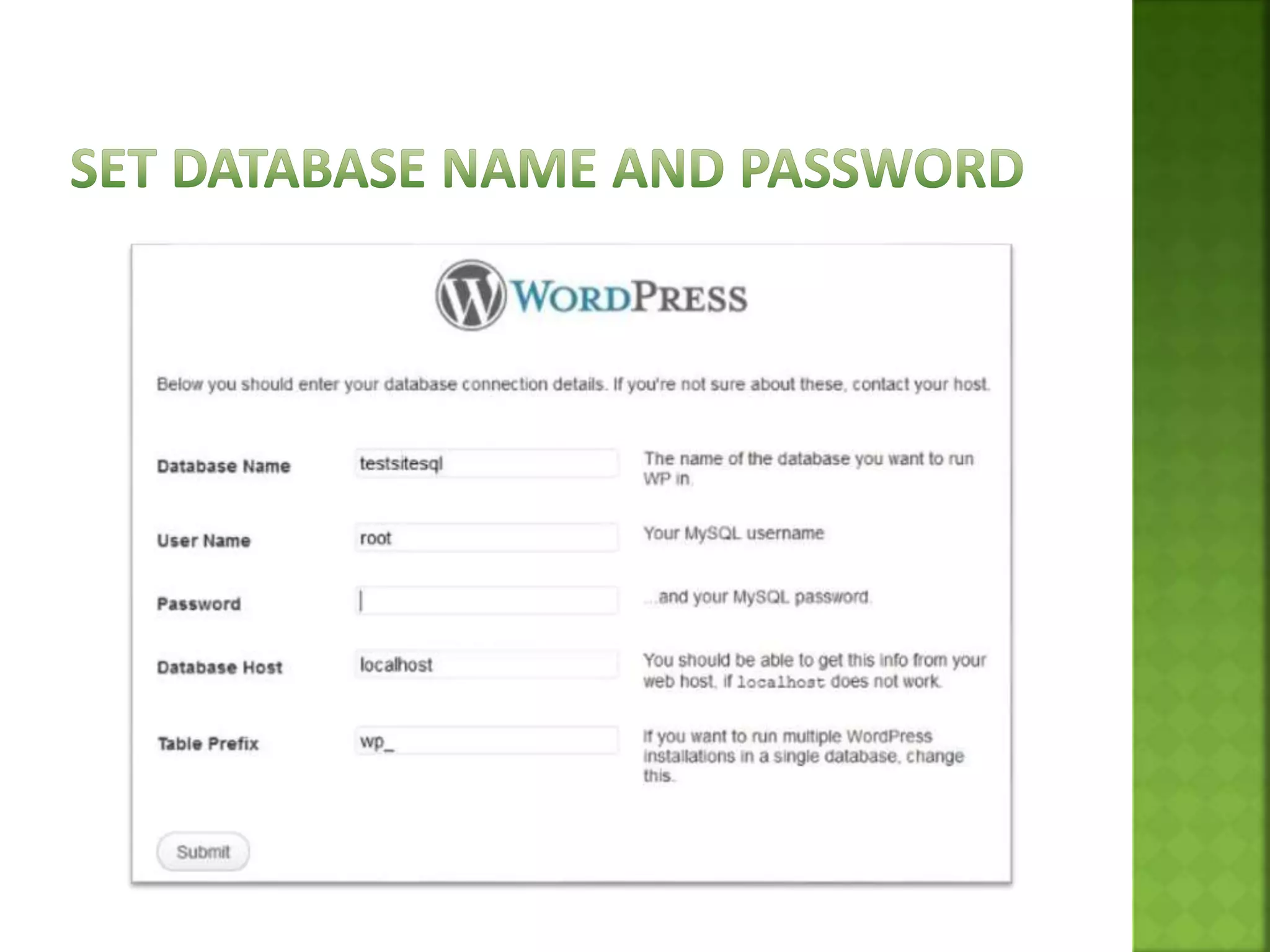
Step 4:Goto PHPmyadmin and Create Database
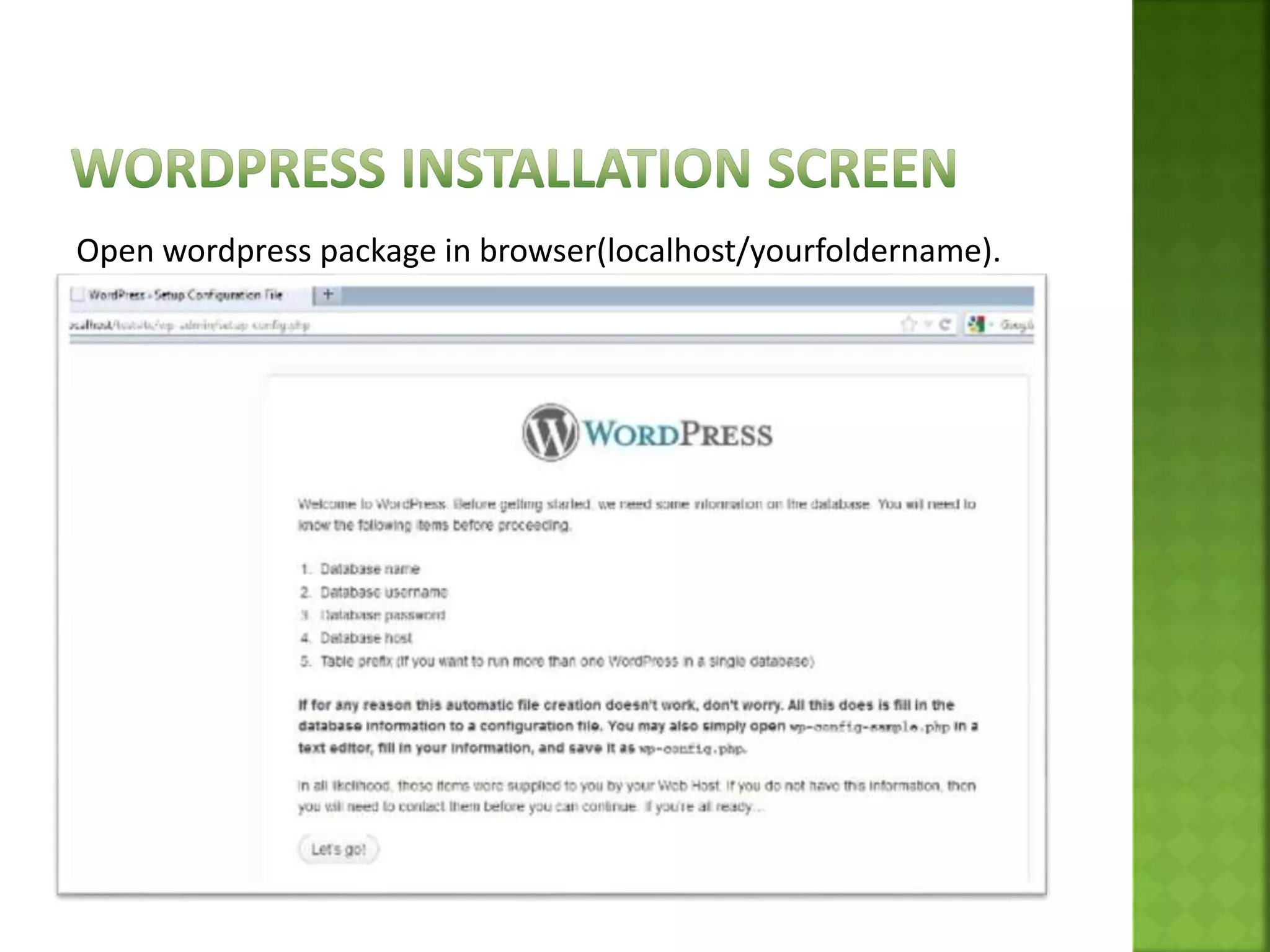
Open wordpress package in browser(localhost/yourfoldername).
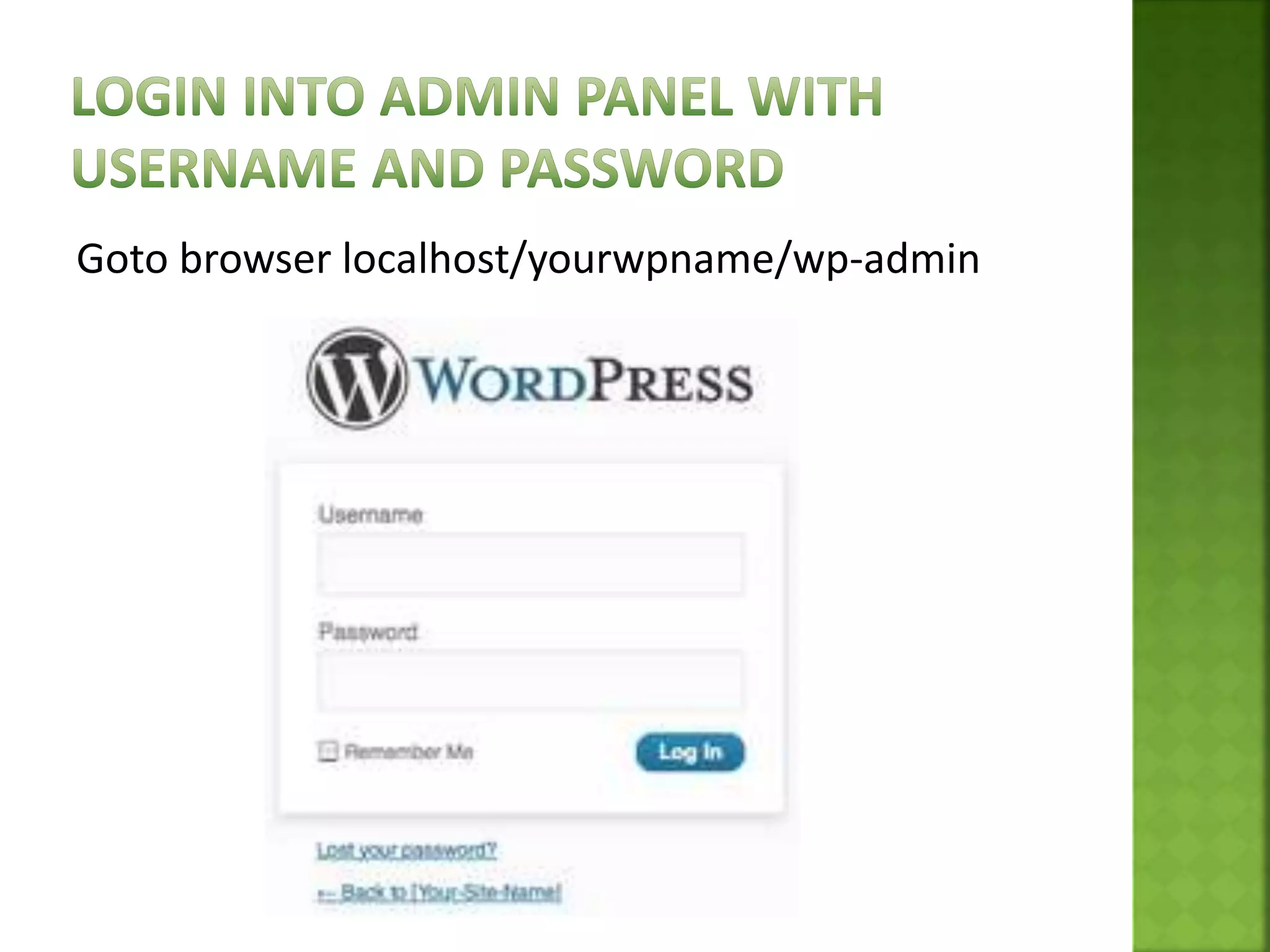
Goto browser localhost/yourwpname/wp-admin
Plugin is a Collection of code files that adds one or
more features to your website.
Wordpress has 26000 plugim
 A wordpress theme is a set of files that determine
the look and feel of your wordpress powered
website.
 Themes include information about the general
layout of the site and other content such as
header, footer, sidebar and logo.
Thank You!
Created By:- Dipika Wadhvani
Email:- dwadhvani171@gmail.com
Web Blog:- dwadhvani171.wordpress.com

Basic WordPress for Beginner ppt

  • 2.
     Wordpress ispowerful CMS for making dynamic and interactive Websites quickly.  Wordpress allows users to build dynamic websites and blogs that may be updated customized and managed from its back-end. ⦿ ⦿ ⦿ ⦿
  • 3.
     Wordpress startedin 2003 with a single bit of code  Since then it has grown to be the largest self- hosted blogging tool in the world, used on millions of sites and seen by ten millions of people every day  Matt Mullenweg and mike little co-founded wordpress
  • 7.
     Open sourceweb Application  Superb plugins are available  Create web application in short period  Safe and secure websites  Easy to use  Create Multi-Author Sites  SEO(Search engine optimization) friendly  Create Responsive website  Best blogging platform
  • 9.
    WWW.Wordpress.org  Use yourown domain name This is used to create Website Upload and install themes and plugins Edit the code behind your site Install a plugin, like Jetpack, to enable sharing functionality on your site. Visit the WordPress.org support forums for assistance. No registration with WordPress.org is required. WWW.Wordpress.com No hosting costs This is used to createblog  No managing a web server Easy to set up  No Customization option  No uploading custom theme No uploading plugins No access to your site’s code
  • 10.
     Wamp Server/XamppServer  Wordpress Package  Any smart editor(Dreamweaver and notepad++)
  • 12.
    Step 1:Already Installwamp server Step 2: Start Server Step 3:copy WordPress package in directory(www) Step 4:Goto PHPmyadmin and Create Database
  • 14.
    Open wordpress packagein browser(localhost/yourfoldername).
  • 19.
  • 22.
    Plugin is aCollection of code files that adds one or more features to your website. Wordpress has 26000 plugim
  • 23.
     A wordpresstheme is a set of files that determine the look and feel of your wordpress powered website.  Themes include information about the general layout of the site and other content such as header, footer, sidebar and logo.
  • 24.
    Thank You! Created By:-Dipika Wadhvani Email:- dwadhvani171@gmail.com Web Blog:- dwadhvani171.wordpress.com

Editor's Notes

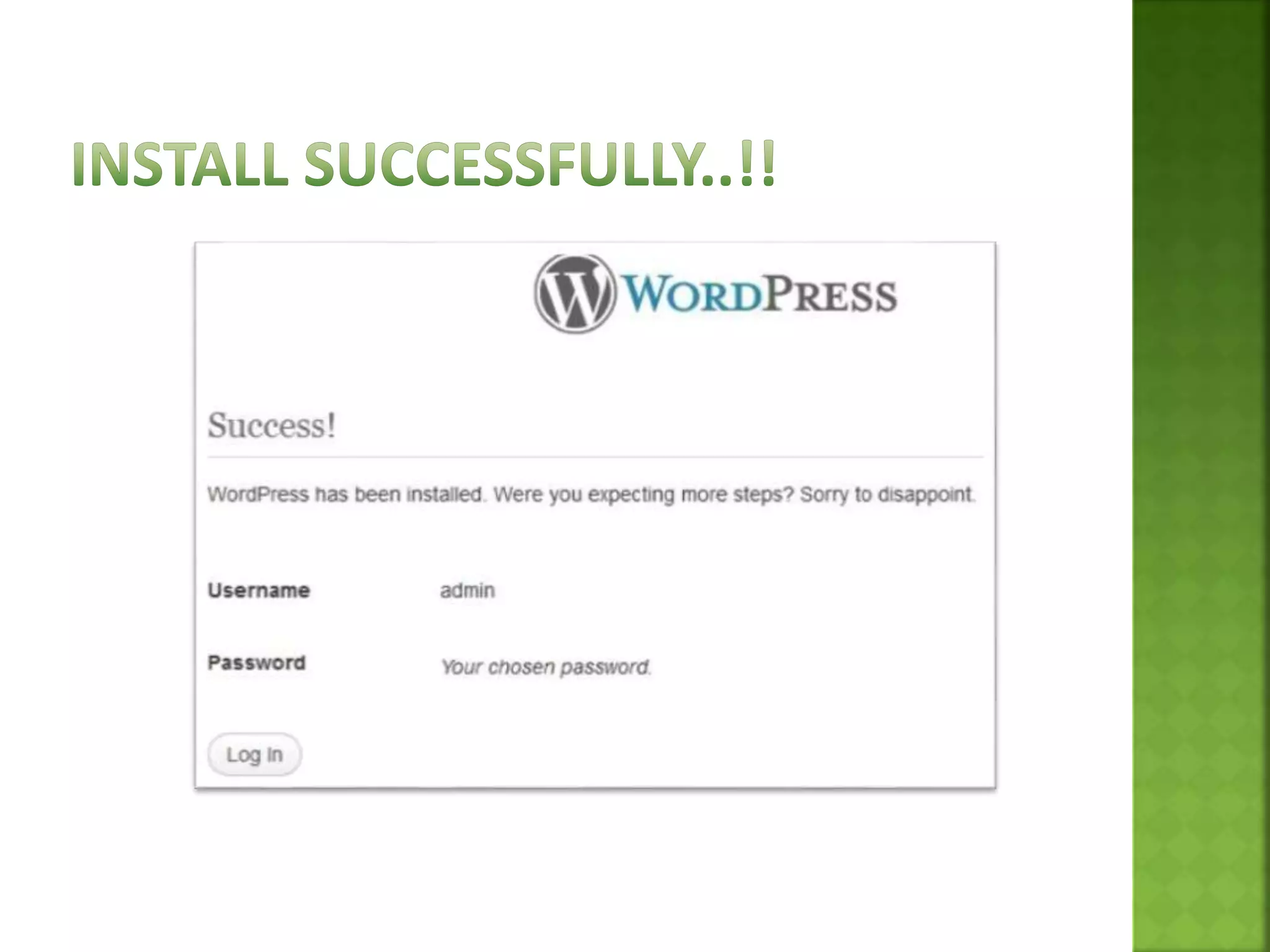
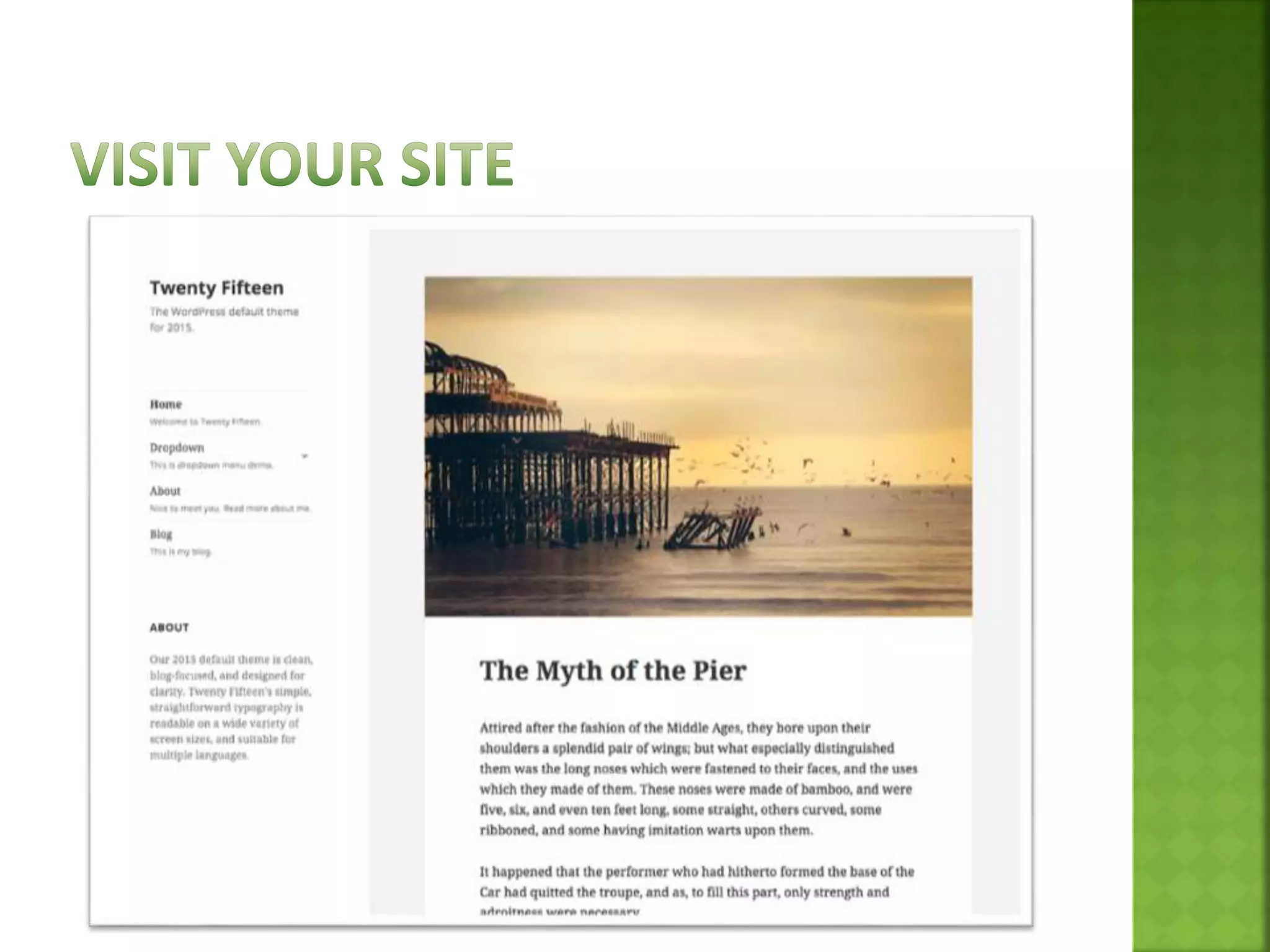
  • #12 Step 1:Install local server(Wamp or Xampp) Step 2:Start Server Step 3:Wordpress package copy rom source and past in www directory Step 4:Open PHPmyadmin and create database Step 5:Open wordpress package in browser(localhost/yourfoldername). Step 6:Run and install Step 7:Login in admin panel Step 8:Visit front site and enjoy with wordpress