WordPress: Beyond A Blog WordCamp Toronto Saturday October 4 th , 2008 Jamie Oastler [email_address] www.idealienstudios.com
Post Wordcamp Notes: You can watch the actual presentation here: http://www.vimeo.com/1888342 Bulk of slides are identical to what I used for Wordcamp. Small adjustments made so they print better as handouts. Please feel free to e-mail me any comments / questions / links where you blog about the presentation – jamie@idealienstudios.com
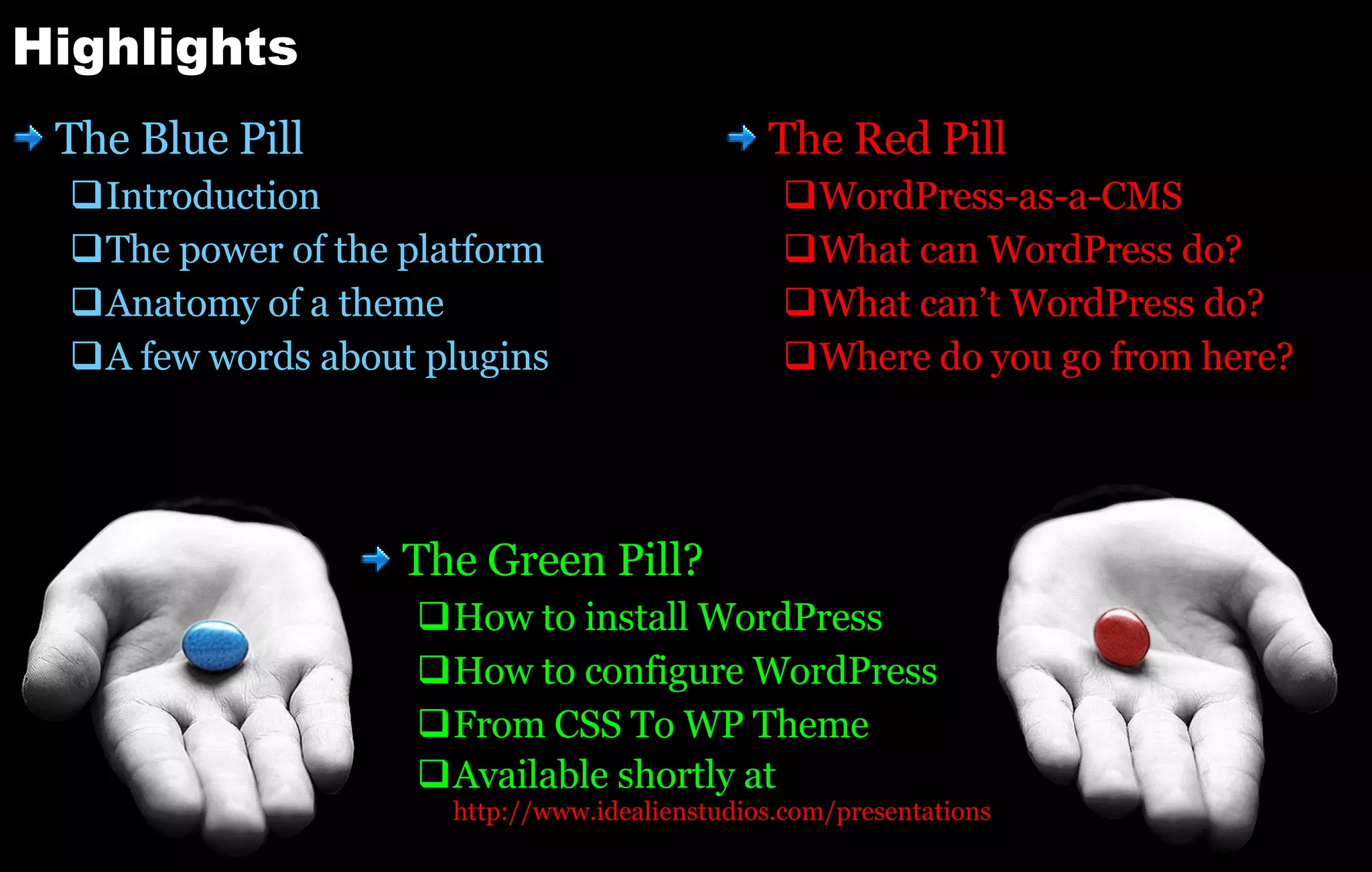
Highlights The Blue Pill Introduction The power of the platform Anatomy of a theme A few words about plugins The Red Pill WordPress-as-a-CMS What can WordPress do? What can’t WordPress do? Where do you go from here? The Green Pill? How to install WordPress How to configure WordPress From CSS To WP Theme Available shortly at http:// www.idealienstudios.com /presentations
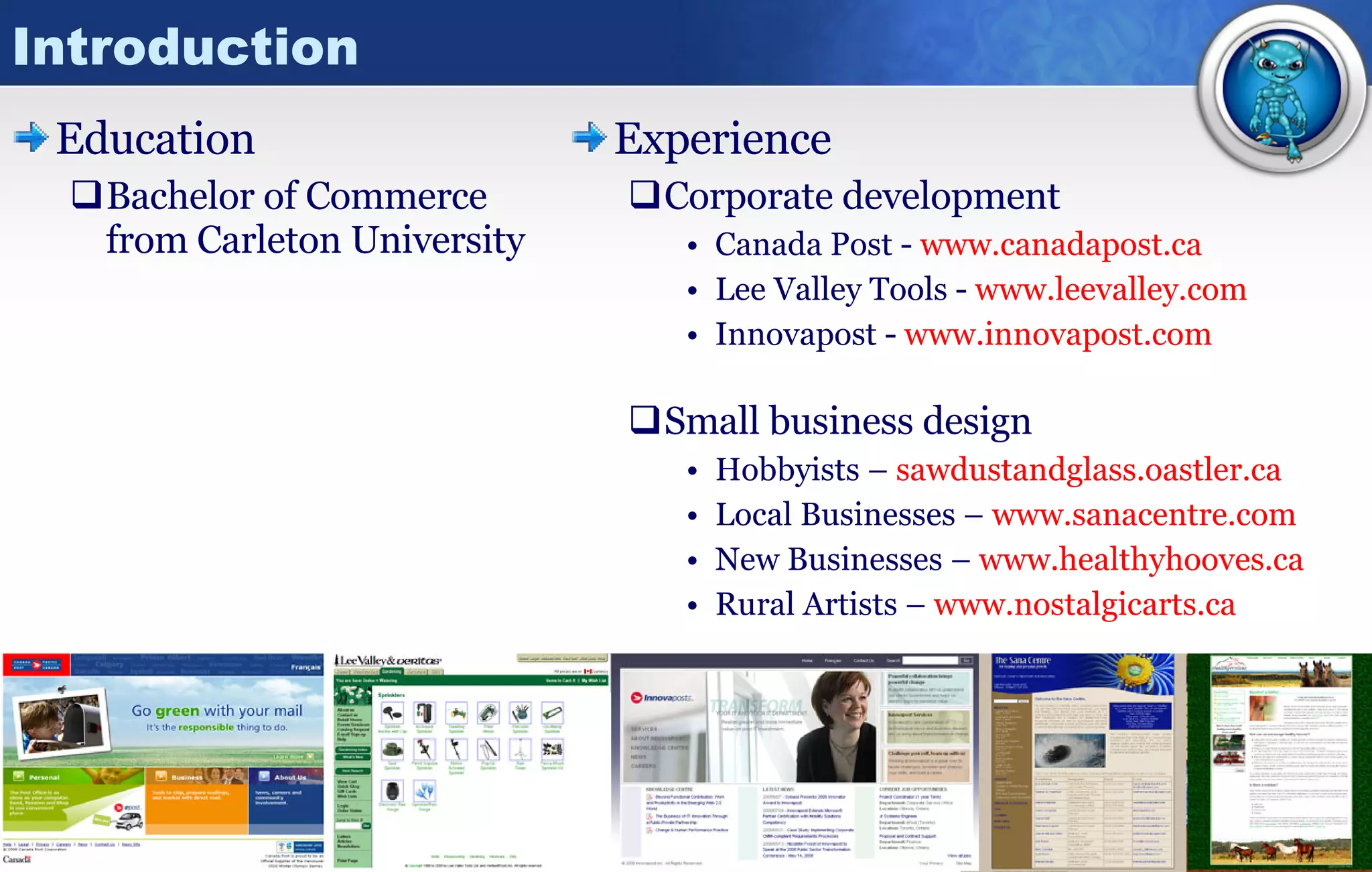
Introduction Education Bachelor of Commerce from Carleton University Experience Corporate development Canada Post -  www.canadapost.ca Lee Valley Tools -  www.leevalley.com Innovapost -  www.innovapost.com Small business design Hobbyists –  sawdustandglass.oastler.ca Local Businesses –  www.sanacentre.com New Businesses –  www.healthyhooves.ca Rural Artists –  www.nostalgicarts.ca
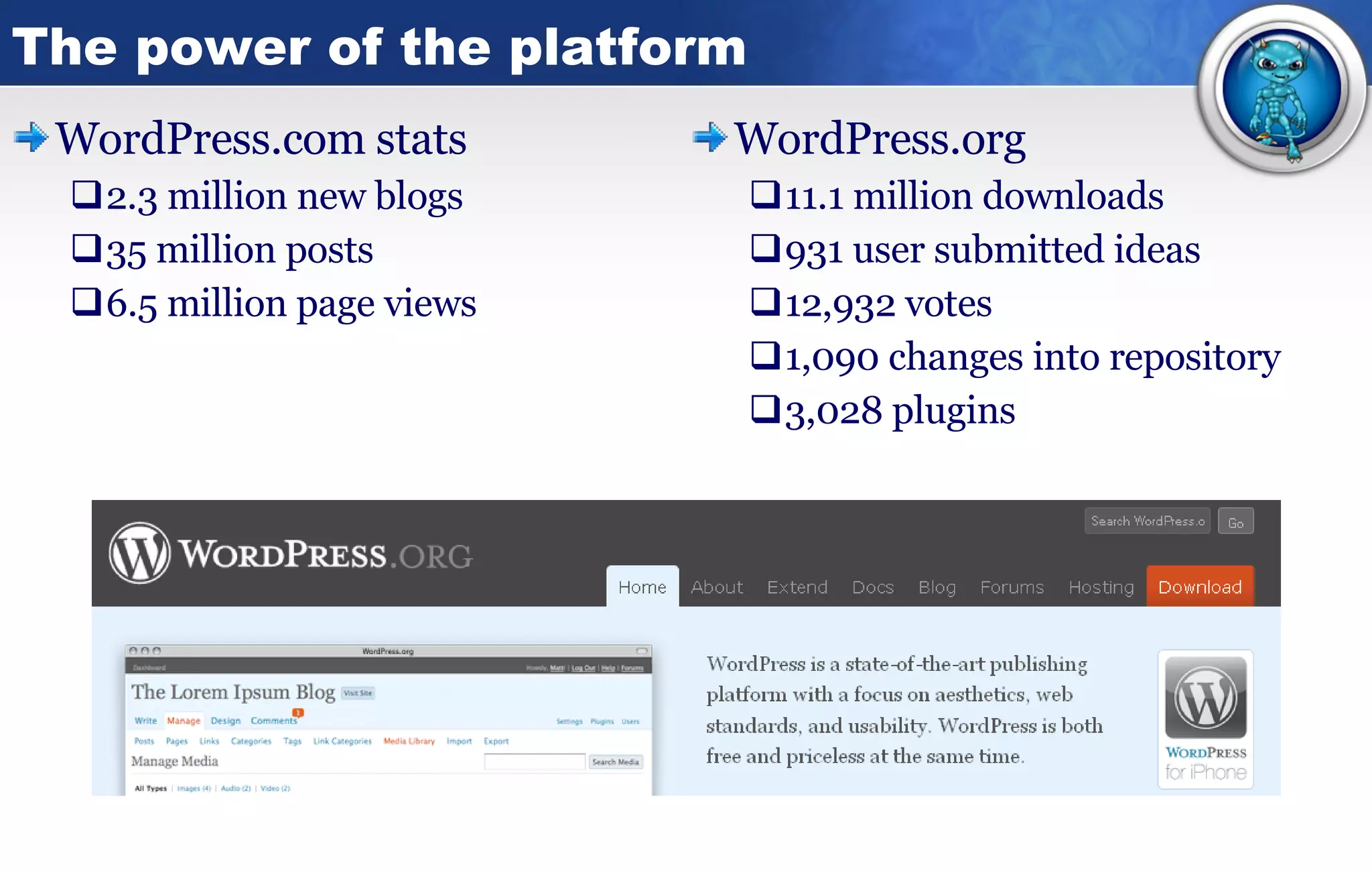
The power of the platform WordPress.com stats 2.3 million new blogs 35 million posts 6.5 million page views WordPress.org 11.1 million downloads 931 user submitted ideas 12,932 votes 1,090 changes into repository 3,028 plugins
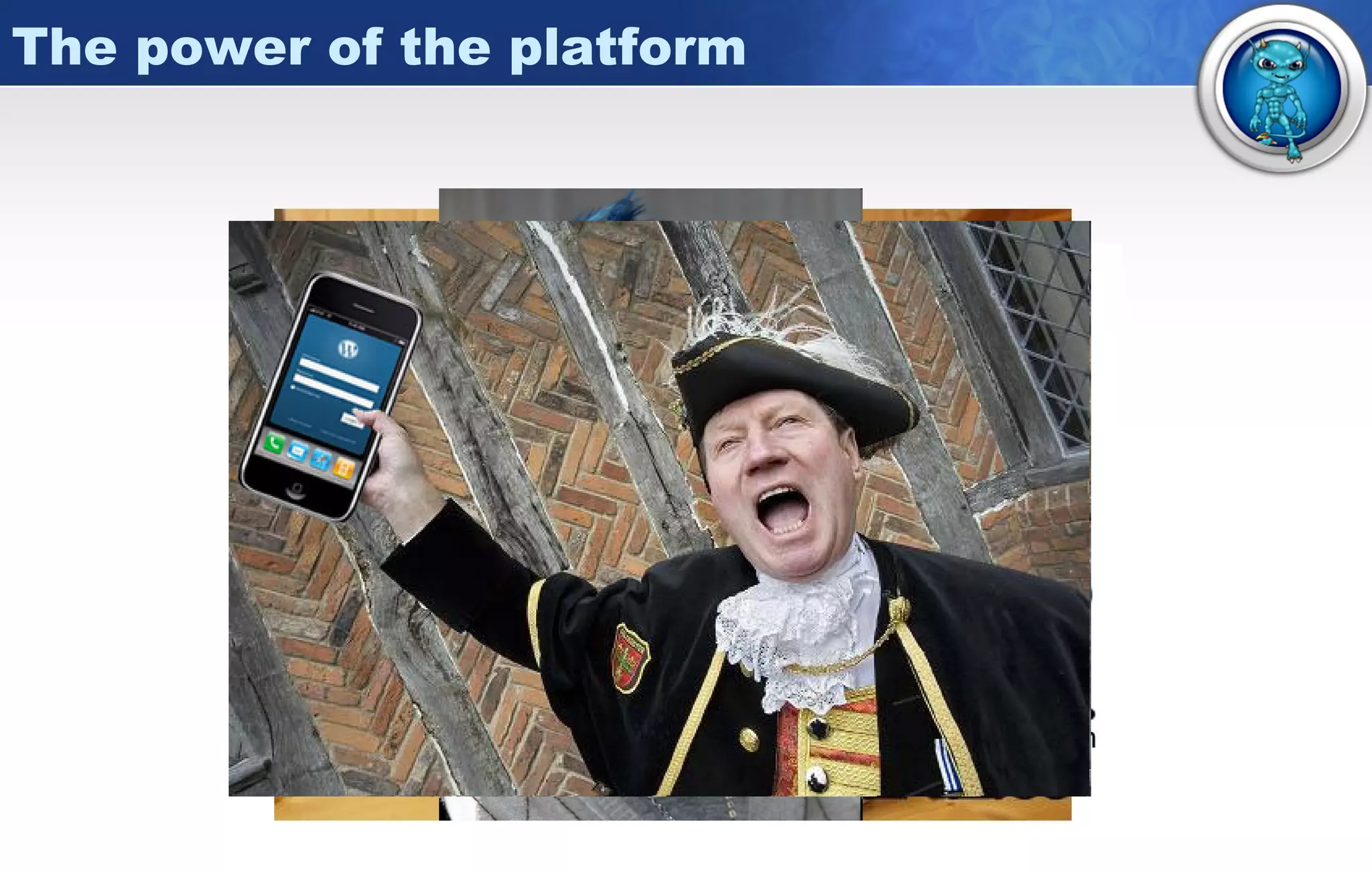
The power of the platform
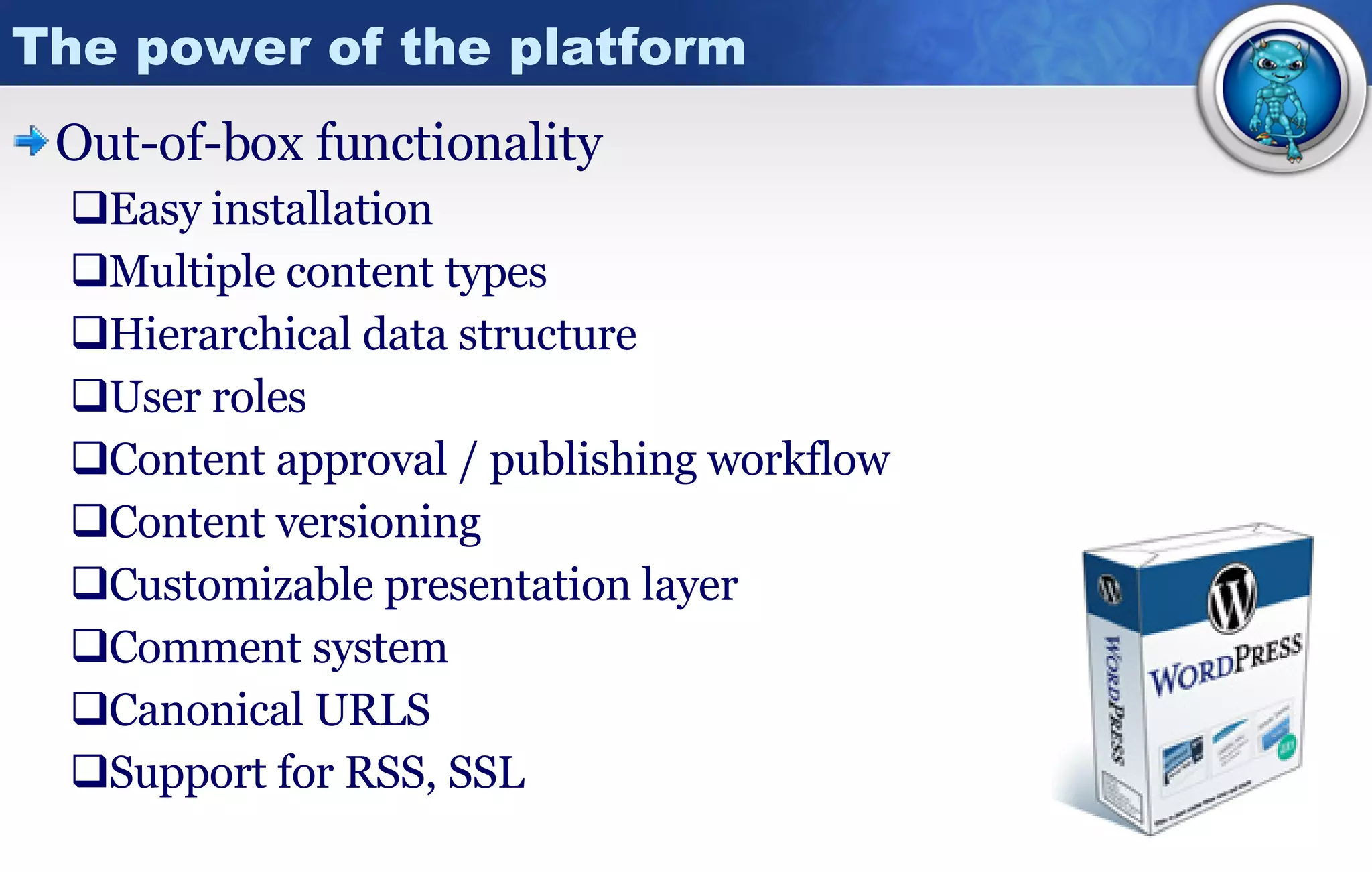
The power of the platform Out-of-box functionality Easy installation Multiple content types Hierarchical data structure User roles Content approval / publishing workflow Content versioning Customizable presentation layer Comment system Canonical URLS Support for RSS, SSL
The power of the platform Open   source!! Community of contributors Evolve with best practices Bend and extend for yourself Shared knowledge  Business potential - free! Smart architecture PHP All major operating systems – Linux, Windows, Mac Runs on all major web server platforms (including IIS) mySQL Popular open source database Consistent fast performance,  high reliability and ease of use  Set it and forget it  –  Add connection strings to  WP-config.php and you can instruct WordPress to handle all changes via the admin menu
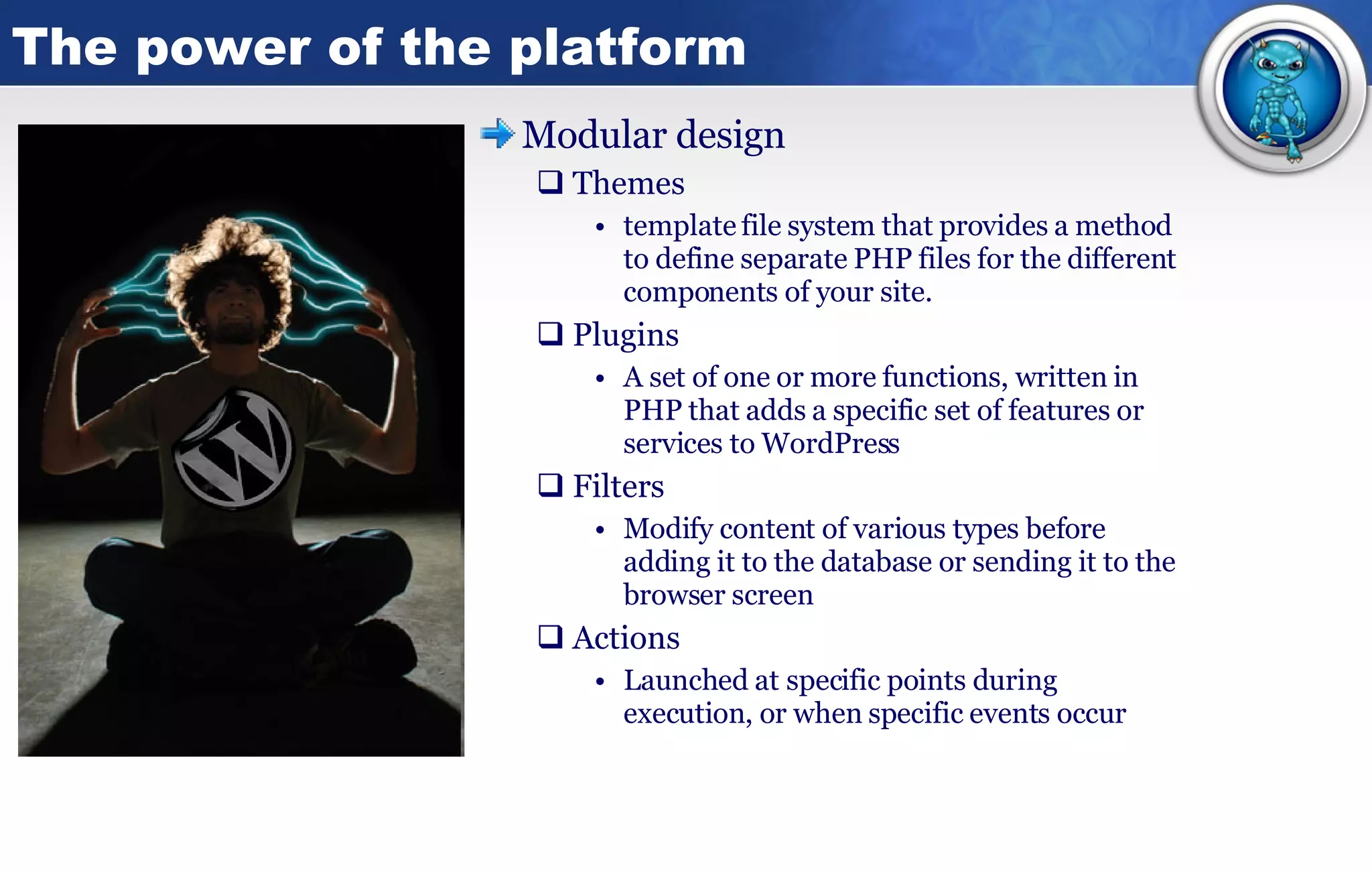
The power of the platform Modular design Themes template file system that provides a method to define separate PHP files for the different components of your site. Plugins A set of one or more functions, written in PHP that adds a specific set of features or services to WordPress  Filters Modify content of various types before adding it to the database or sending it to the browser screen  Actions Launched at specific points during execution, or when specific events occur
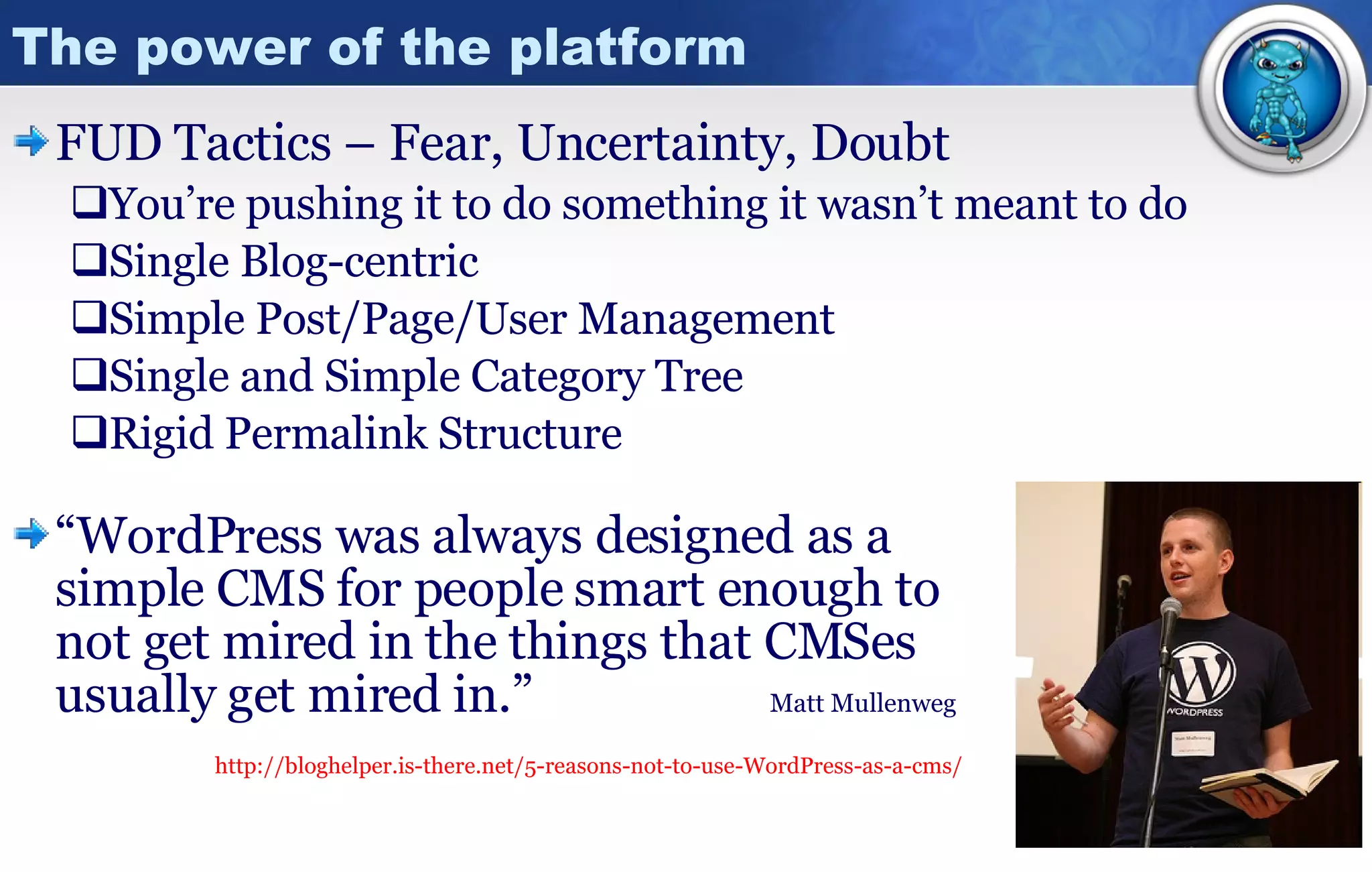
The power of the platform FUD Tactics – Fear, Uncertainty, Doubt You’re pushing it to do something it wasn’t meant to do Single Blog-centric Simple Post/Page/User Management  Single and Simple Category Tree Rigid Permalink Structure “ WordPress was always designed as a  simple CMS for people smart enough to not get mired in the things that CMSes  usually get mired in.”    Matt Mullenweg http://bloghelper.is-there.net/5-reasons-not-to-use-WordPress-as-a-cms/
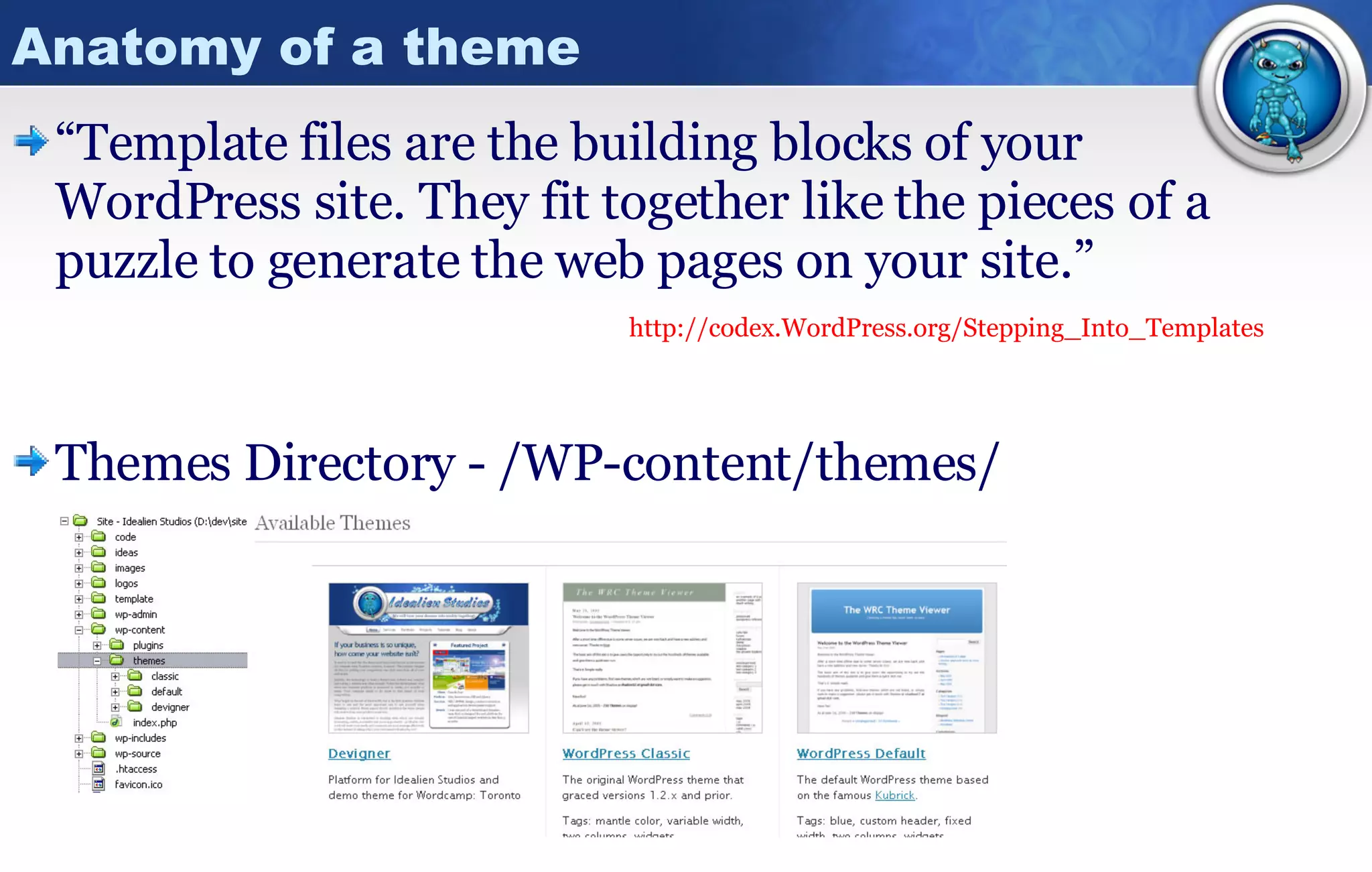
Anatomy of a theme “ Template files are the building blocks of your WordPress site. They fit together like the pieces of a puzzle to generate the web pages on your site.”     http:// codex.WordPress.org/Stepping_Into_Templates Themes Directory - /WP-content/themes/
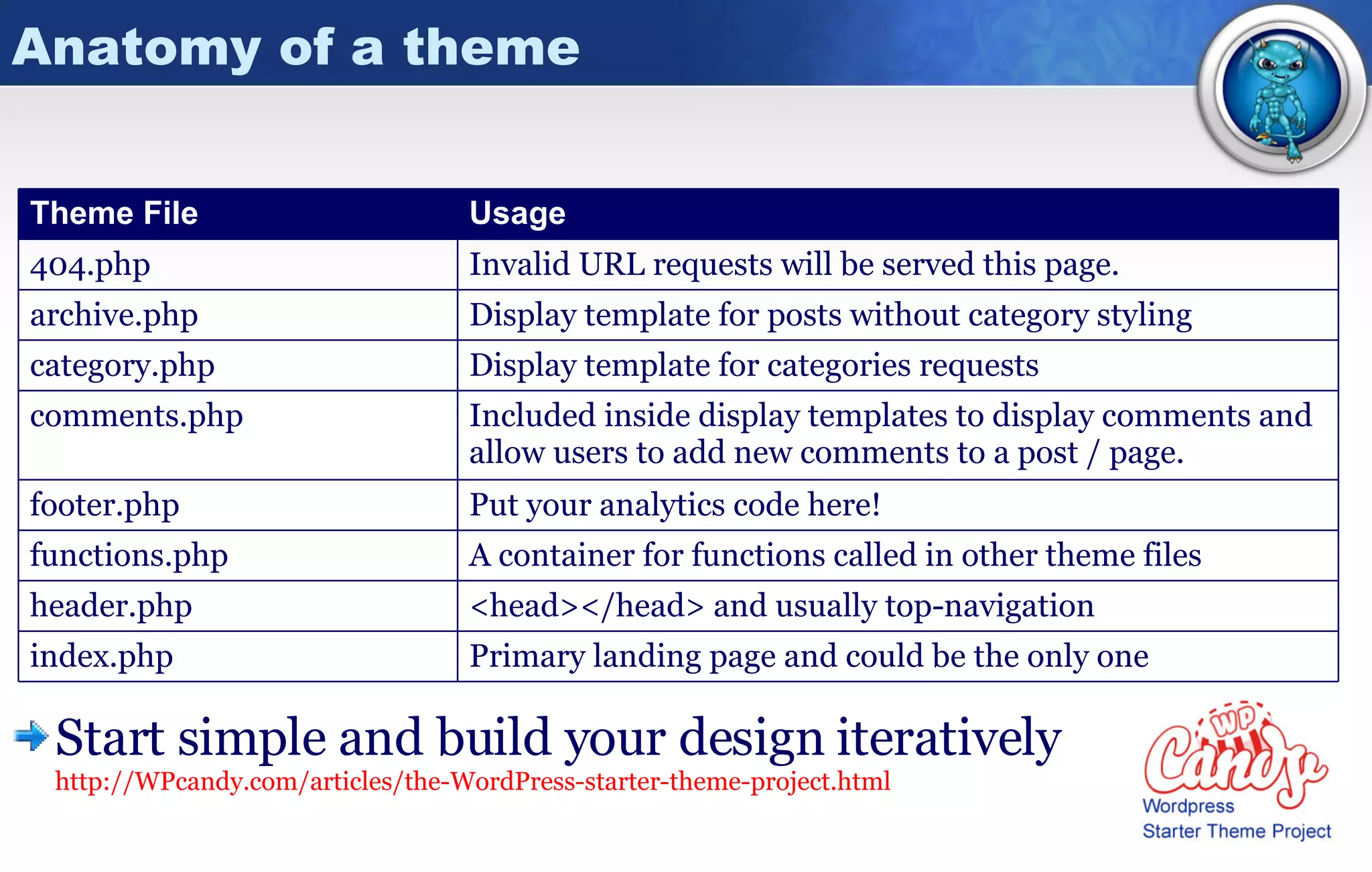
Anatomy of a theme Start simple and build your design iteratively http://WPcandy.com/articles/the-WordPress-starter-theme-project.html Display template for posts without category styling archive.php Primary landing page and could be the only one index.php <head></head> and usually top-navigation header.php A container for functions called in other theme files functions.php Put your analytics code here! footer.php Included inside display templates to display comments and allow users to add new comments to a post / page. comments.php Display template for categories requests category.php Invalid URL requests will be served this page. 404.php Usage Theme File
Anatomy of a theme The volume and types of files in any theme will be based on the complexity / variety of designs and the skill of the author to implement those styles. Sub-folder [Javascript] Display template for pages (non-blog) page.php Sub-folder [Images] Primary css stylesheet style.css Display template for individual blog posts single.php Navigation or code included in other display templates. Can be managed through admin via widgets -  http:// automattic.com /code/widgets/themes/  sidebar.php <?php include(TEMPLATEPATH . '/searchform.php'); ?> searchform.php Usage Theme File
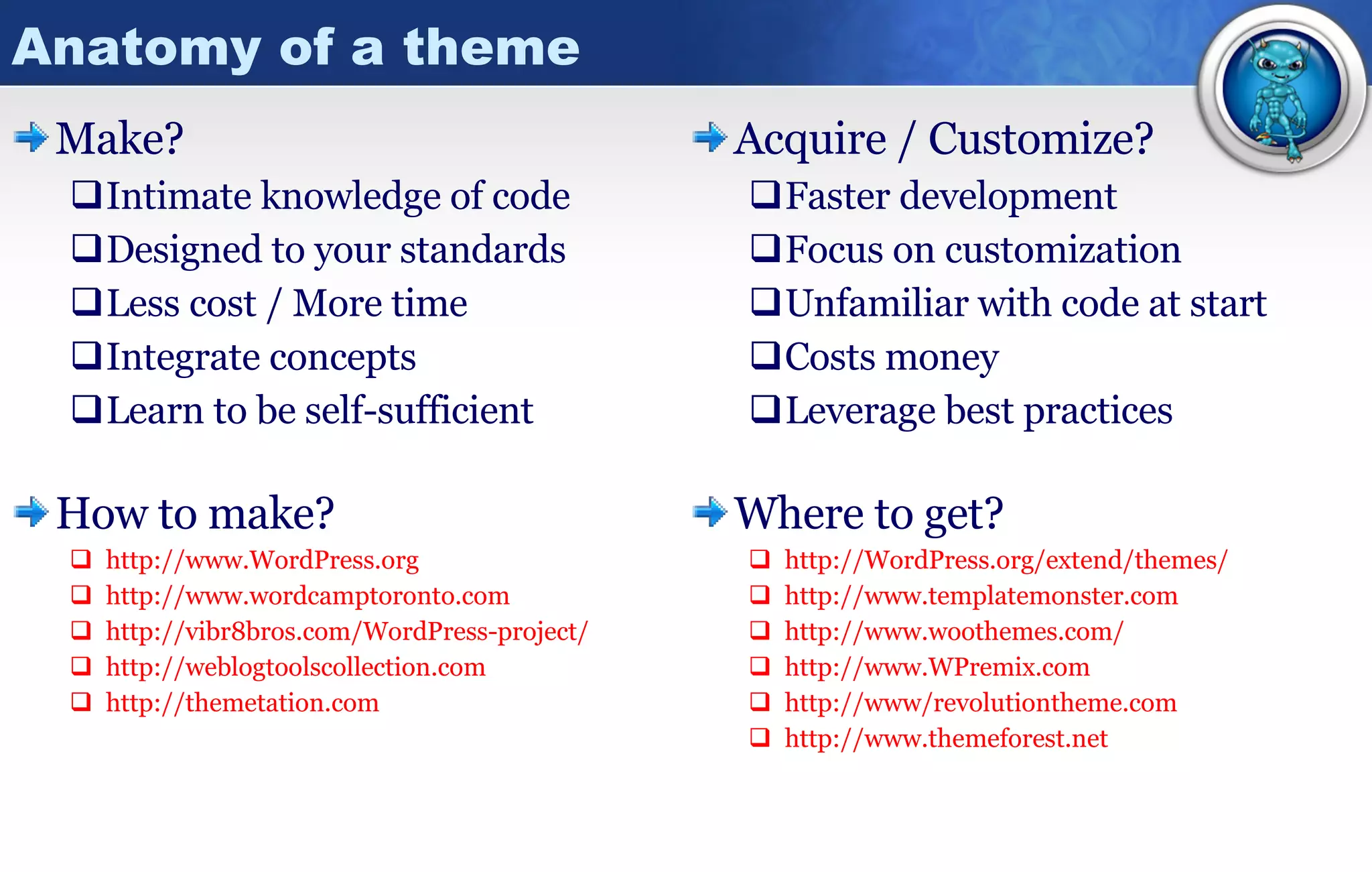
Anatomy of a theme Make? Intimate knowledge of code Designed to your standards Less cost / More time Integrate concepts Learn to be self-sufficient How to make? http:// www.WordPress.org http:// www.wordcamptoronto.com http://vibr8bros.com/WordPress-project/ http:// weblogtoolscollection.com http:// themetation.com Acquire / Customize? Faster development Focus on customization Unfamiliar with code at start Costs money Leverage best practices Where to get? http:// WordPress.org /extend/themes/ http:// www.templatemonster.com http:// www.woothemes.com / http:// www.WPremix.com http://www/ revolutiontheme.com http:// www.themeforest.net
A few words about plugins Why are plugins like women They vary in quality They can cost you time / money Find a good one and you’ll be very happy! What should you do with a plugin? Read comments / reviews -  http:// WordPress.org/extend/plugins / Backup, backup, BACKUP! Experiment on a development server first Share your knowledge about implementation experiences Support plugin developers! a spouse?
A few words about plugins Manual process D – Download U – Unzip F – FTP A – Activate I – Integrate T – Test Why? More control over the process Better understanding of changes More secure  Automatic process An option as of WP 2.5 Store FTP password in db Install via plugin panel Plugins from WP.org Consider the impact each additional plugin may have on your environment Compatible with others? New tables / entries in db? Cross-browser implications? Is there a simpler way?
A few words about plugins Standard  plugins to consider for any site Akismet - Spam Control http:// akismet.com / Ozh Admin Drop Down Menu http:// WordPress.org/extend/plugins/ozh -admin-drop-down-menu/ Maintenance Mode http:// WordPress.org/extend/plugins/maintenance -mode/ WP-cache – Improve page load performance http:// WordPress.org/extend/plugins/WP -super-cache/ WP-db-backup –  Save you from yourself / hackers http:// WordPress.org/extend/plugins/WP -db-backup/ google-sitemap-generator http:// WordPress.org/extend/plugins/google -sitemap-generator/
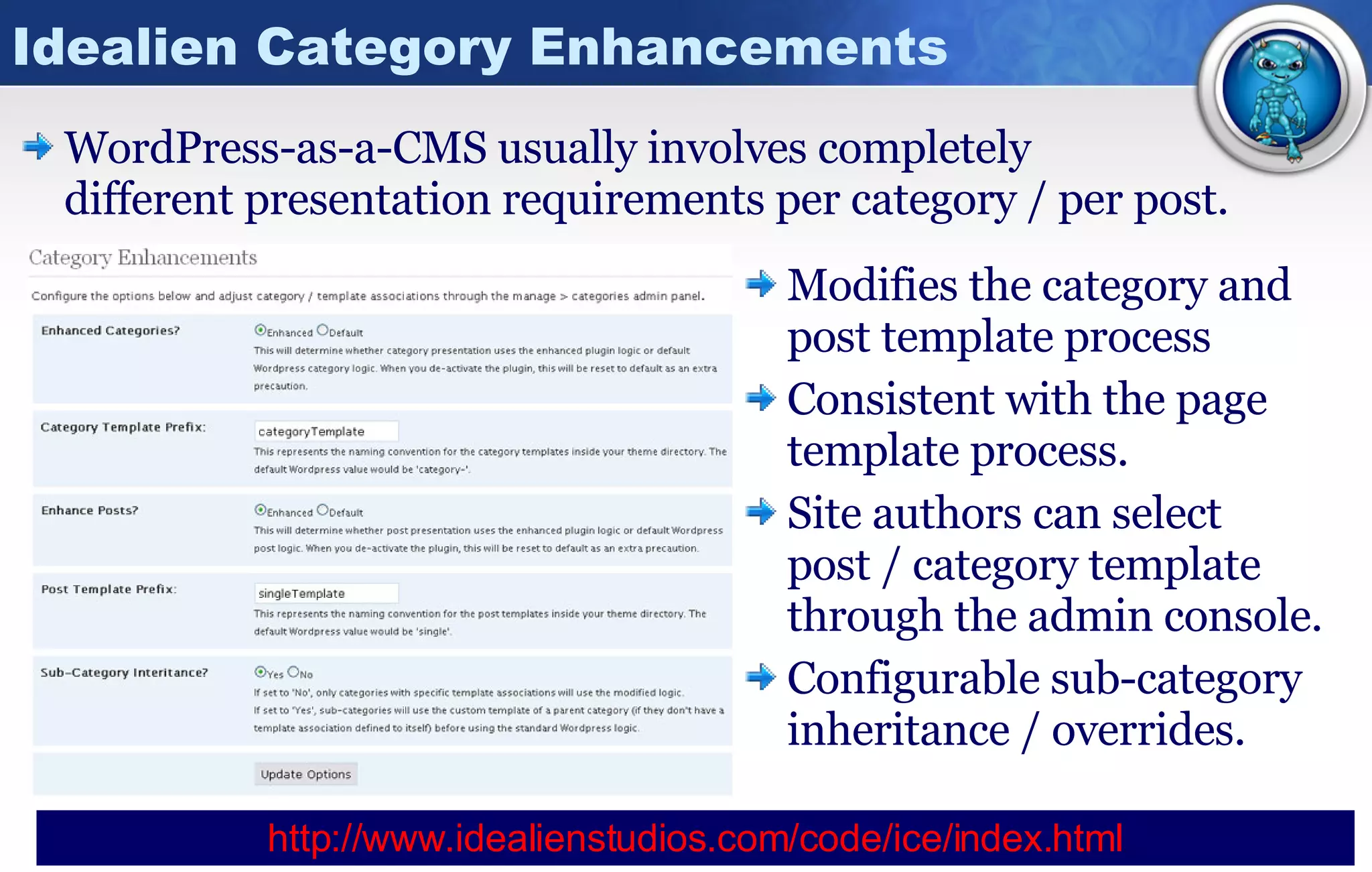
Idealien Category Enhancements WordPress-as-a-CMS usually involves completely  different presentation requirements per category / per post. Modifies the category and post template process Consistent with the page template process. Site authors can select  post / category template through the admin console. Configurable sub-category inheritance / overrides. http:// www.idealienstudios.com/code/ice/index.html
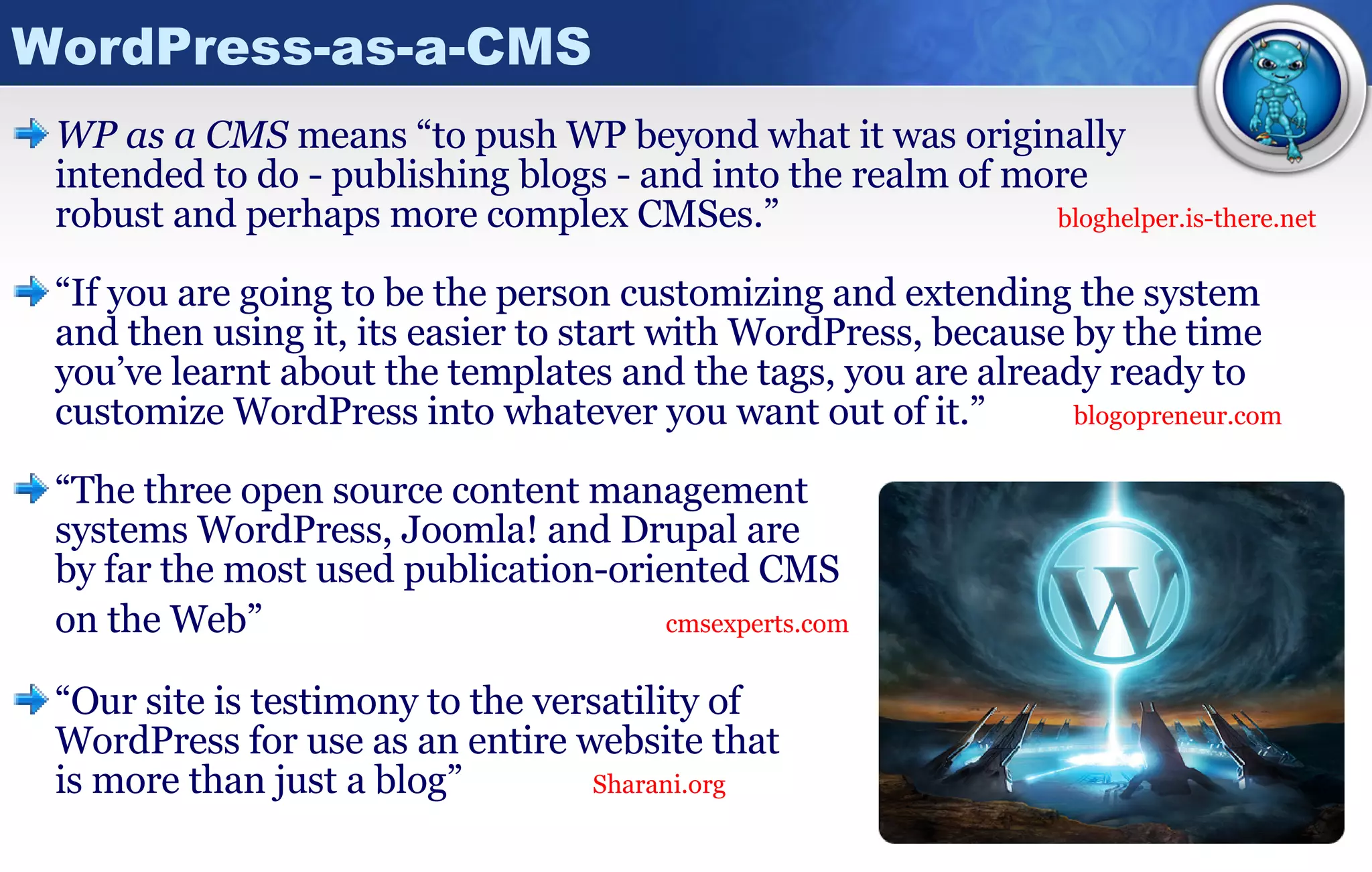
WordPress-as-a-CMS WP as a CMS  means “to push WP beyond what it was originally  intended to do - publishing blogs - and into the realm of more  robust and perhaps more complex CMSes.” bloghelper.is-there.net “ If you are going to be the person customizing and extending the system and then using it, its easier to start with WordPress, because by the time you’ve learnt about the templates and the tags, you are already ready to customize WordPress into whatever you want out of it.”   blogopreneur.com “ The three open source content management  systems WordPress, Joomla! and Drupal are  by far the most used publication-oriented CMS on the Web”     cmsexperts.com “ Our site is testimony to the versatility of  WordPress for use as an entire website that  is more than just a blog”  Sharani.org
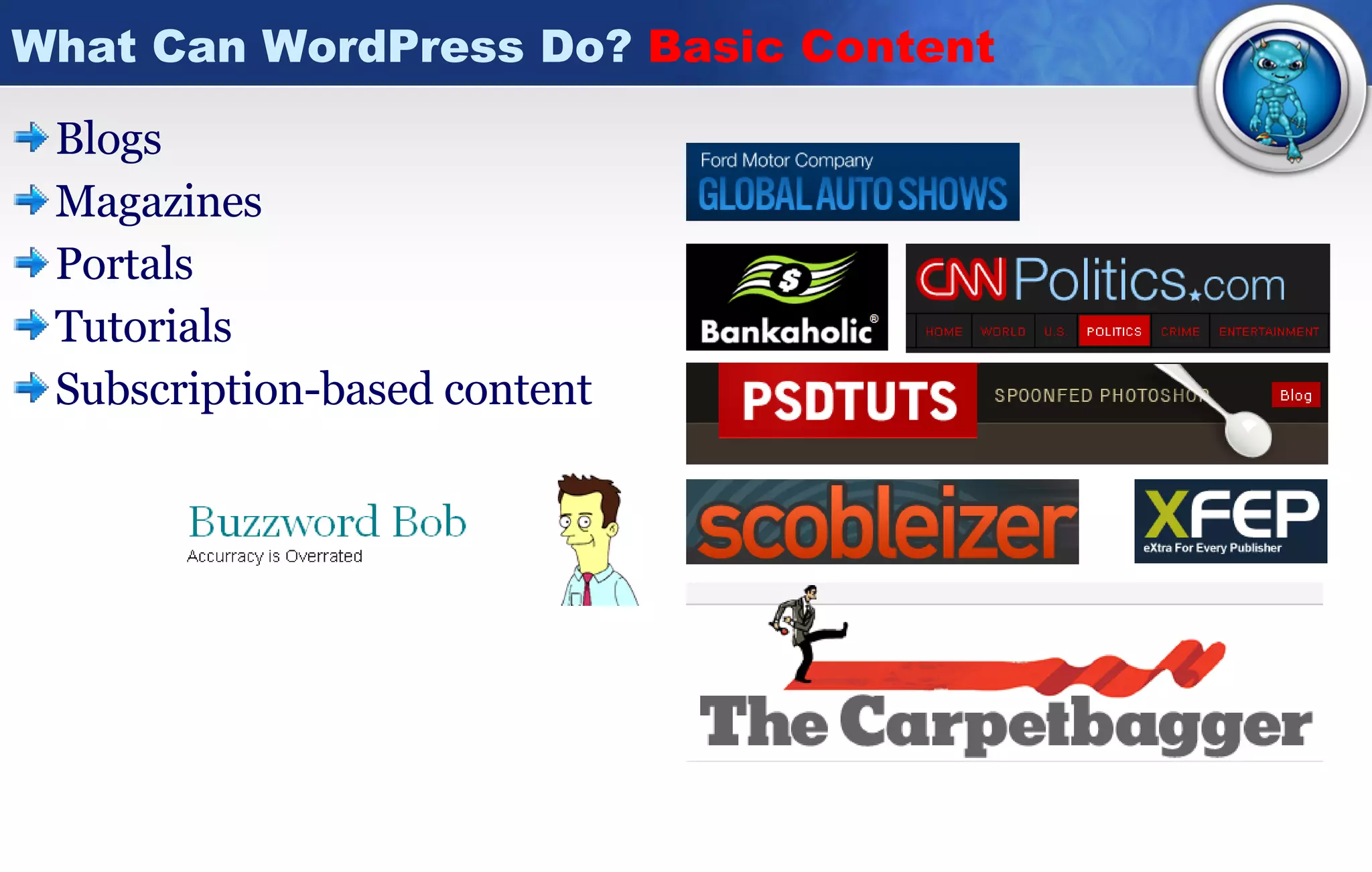
What Can WordPress Do?  Basic Content Blogs Magazines Portals Tutorials Subscription-based content
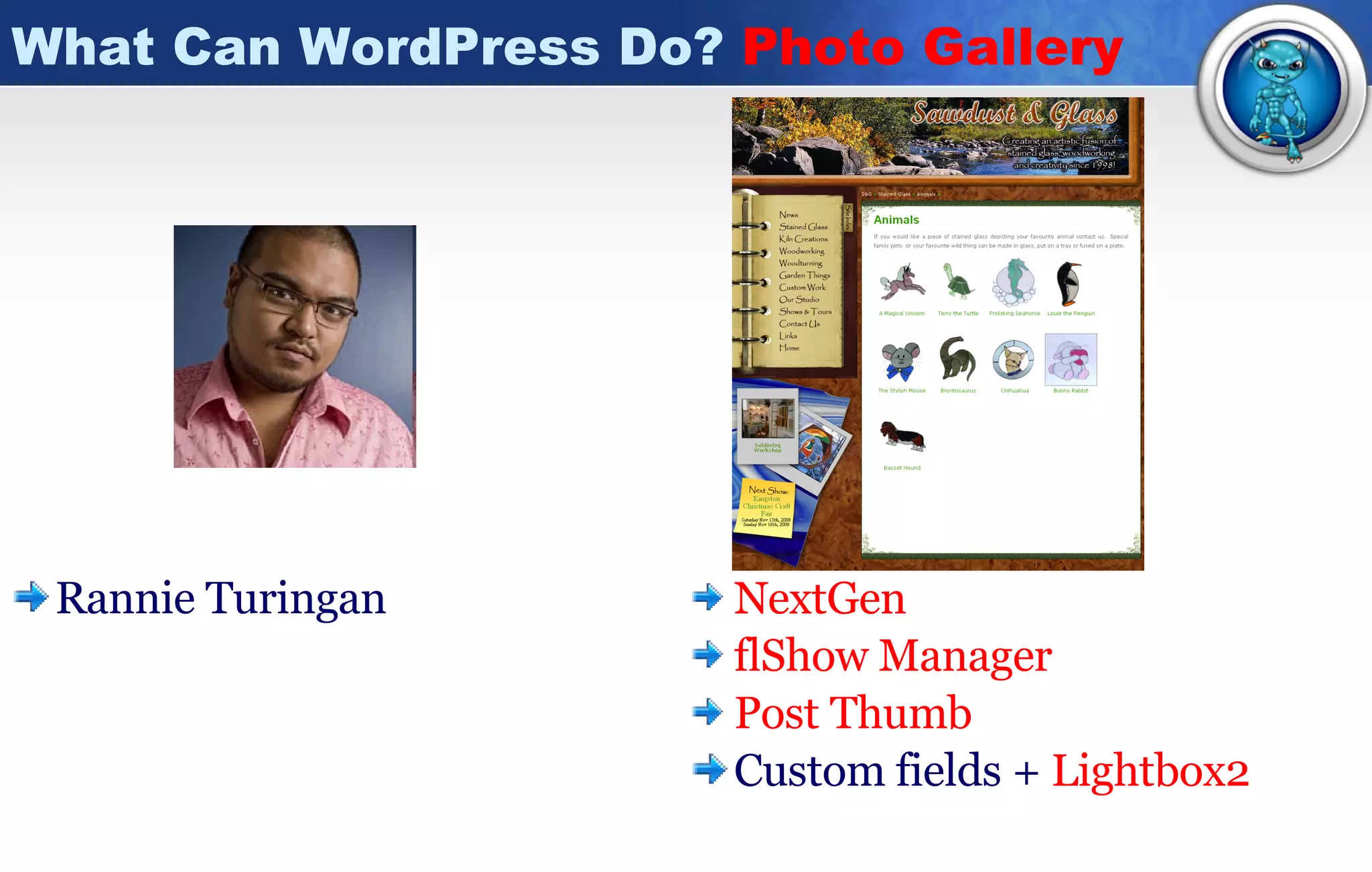
What Can WordPress Do?  Photo Gallery Rannie Turingan NextGen flShow  Manager Post Thumb Custom fields +  Lightbox2
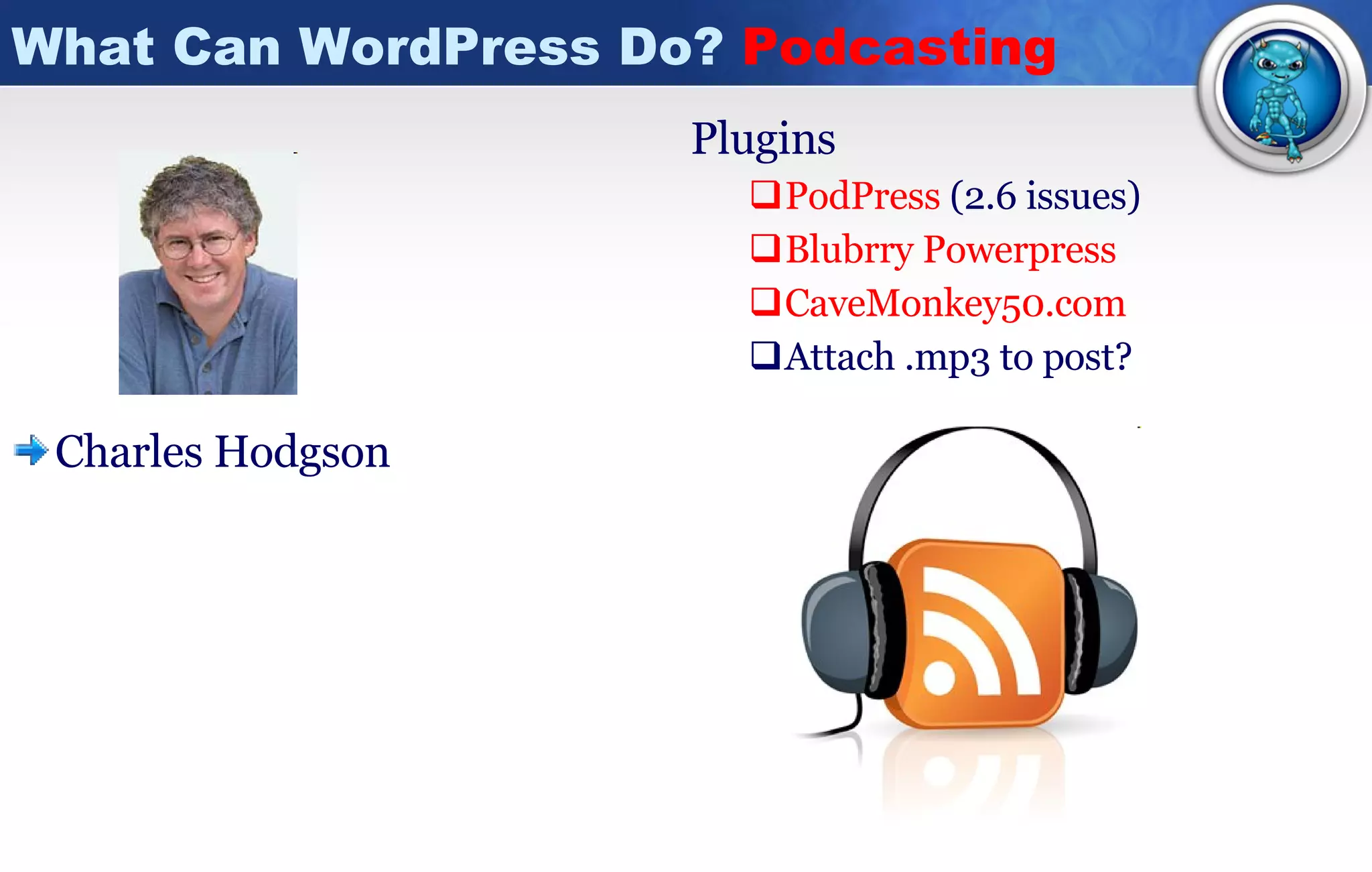
What Can WordPress Do?  Podcasting Charles Hodgson  Plugins PodPress   (2.6 issues) Blubrry   Powerpress CaveMonkey50.com Attach .mp3 to post?
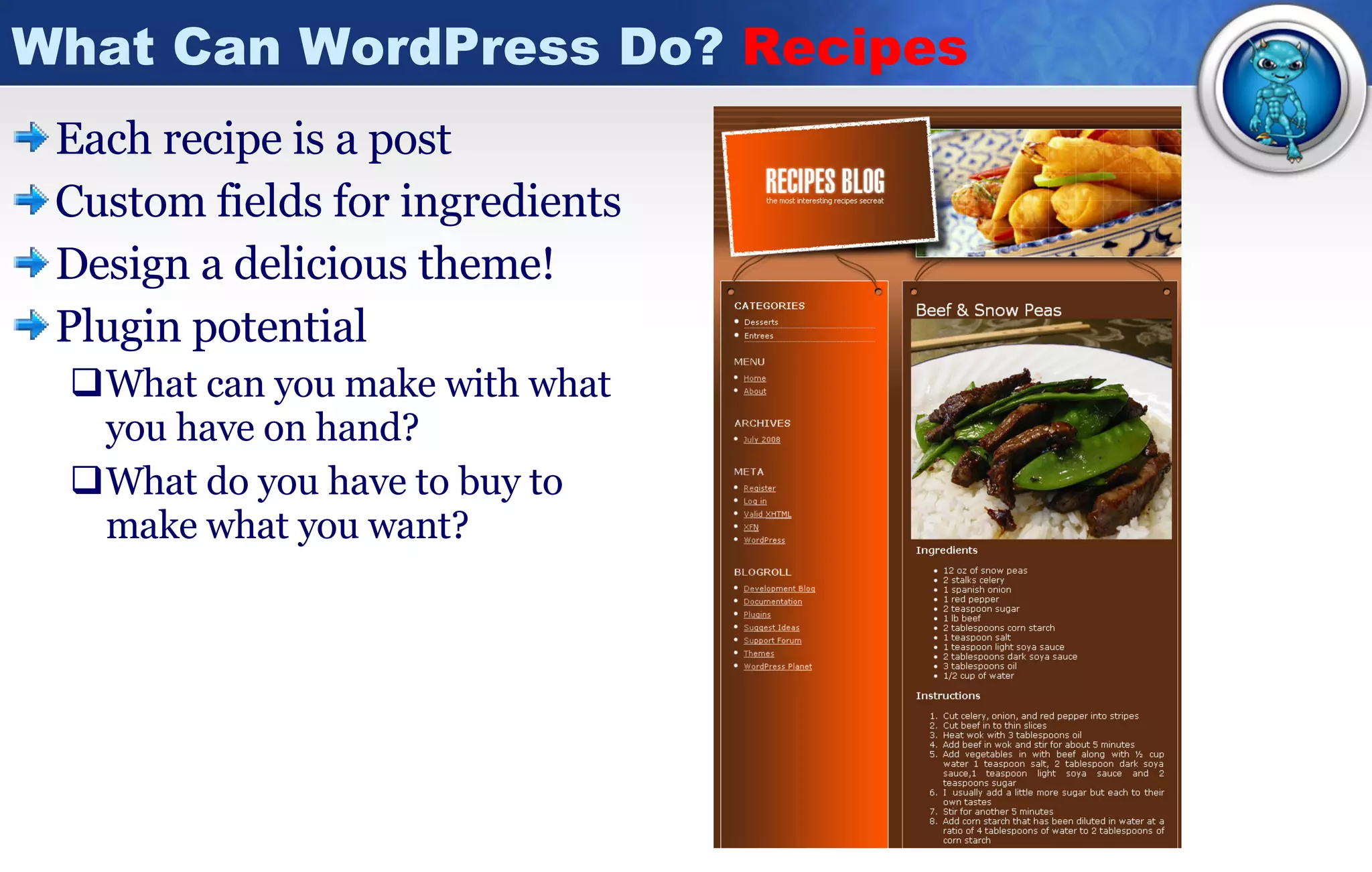
What Can WordPress Do?  Recipes  Each recipe is a post Custom fields for ingredients Design a delicious theme! Plugin potential What can you make with what you have on hand? What do you have to buy to make what you want?
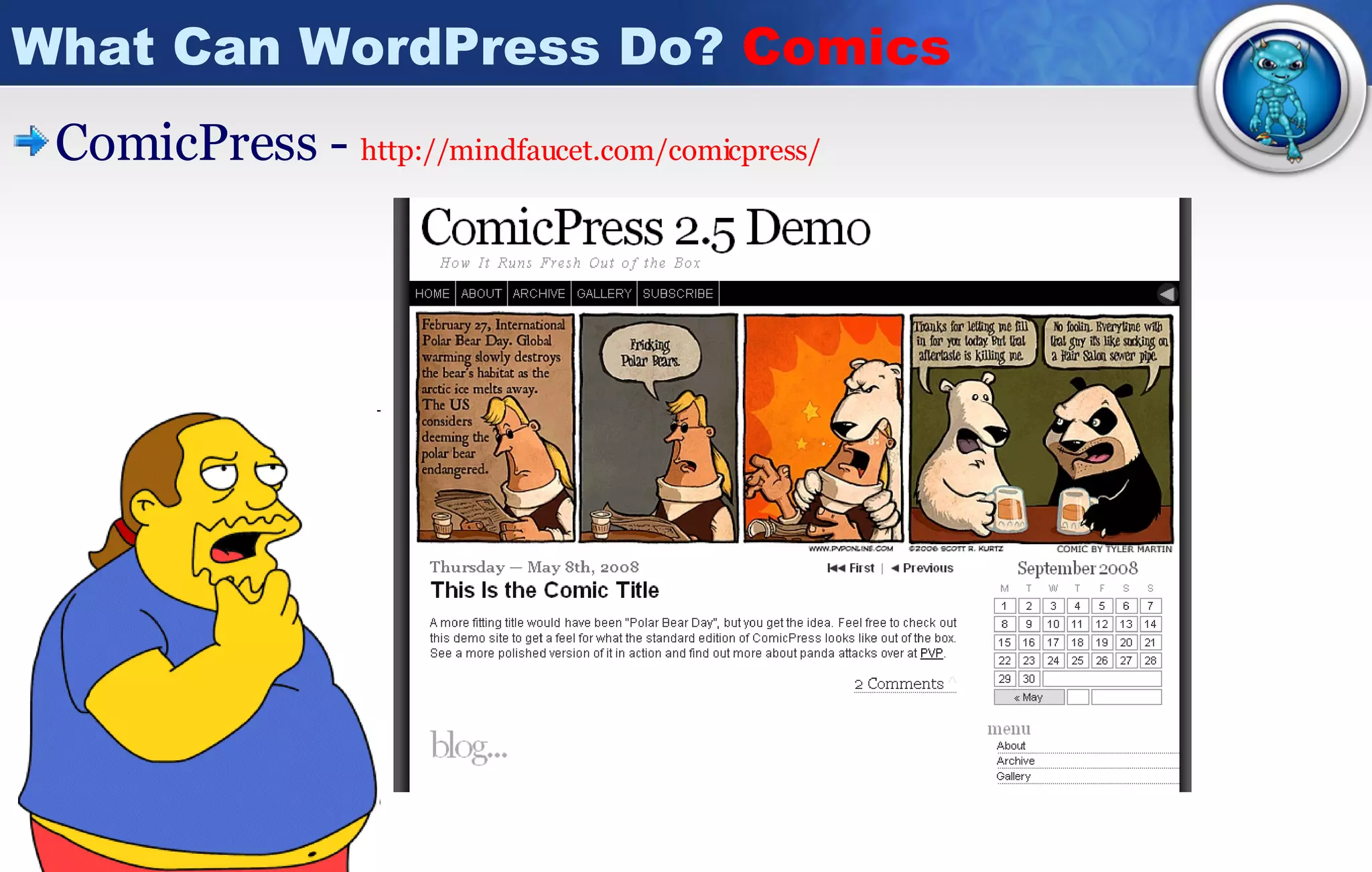
What Can WordPress Do?  Comics ComicPress -  http:// mindfaucet.com/comicpress /
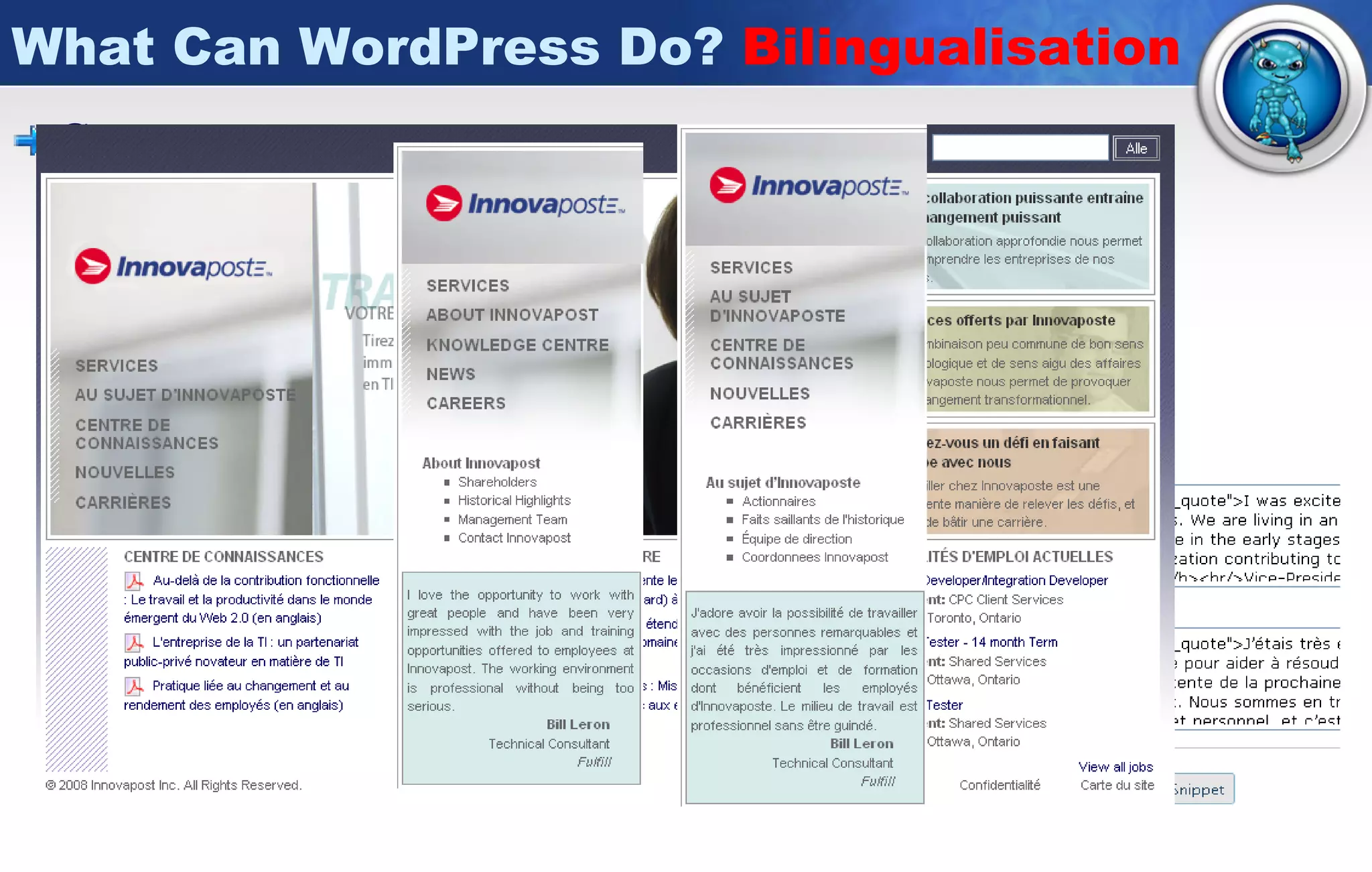
What Can WordPress Do?  Bilingualisation Gengo -  http:// WordPress.org/extend/plugins/gengo / The unofficial language of the internet is English Sites still have need of multiple languages Easily translate posts / pages New functionality – snippets
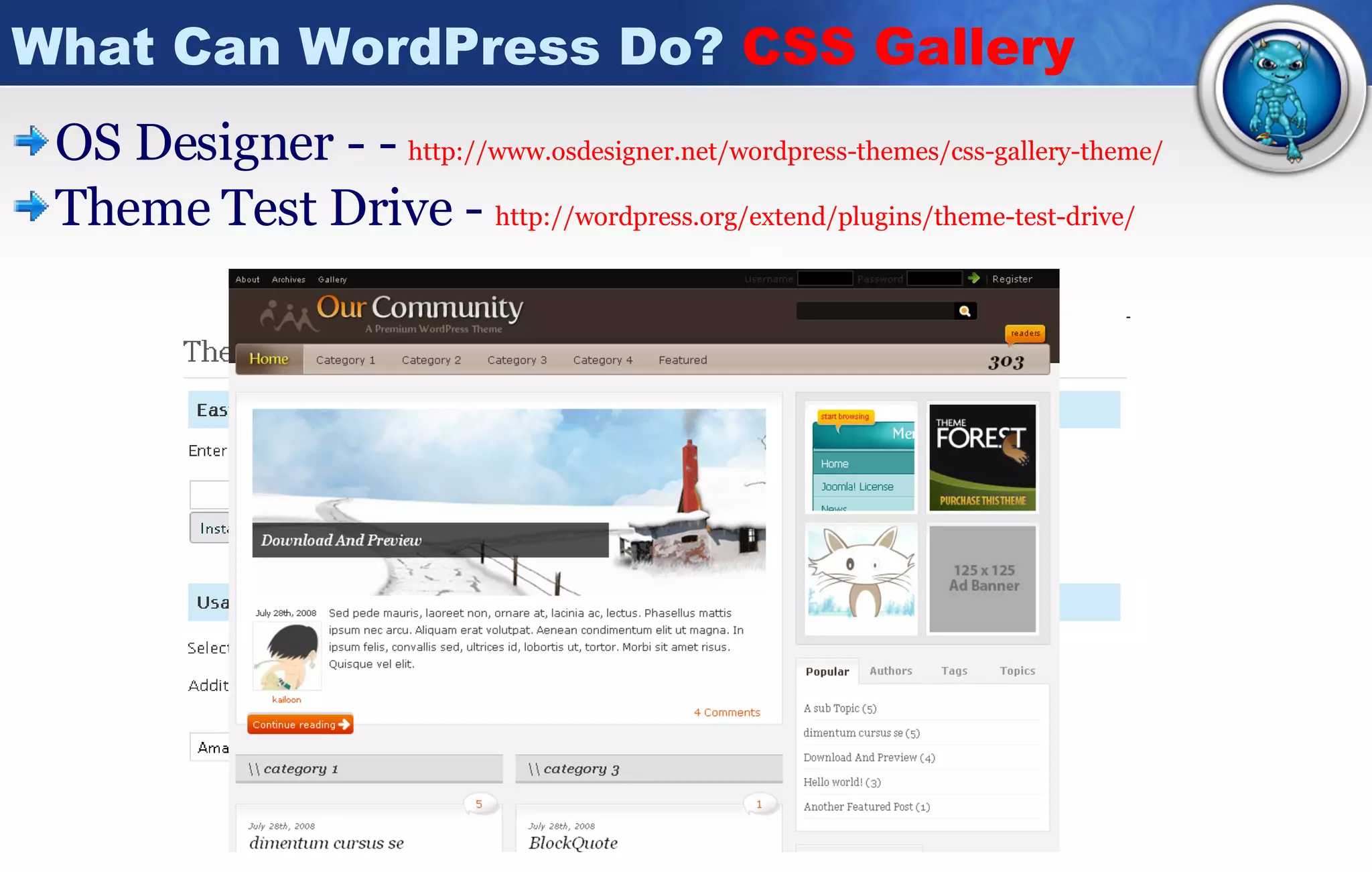
What Can WordPress Do?  CSS Gallery OS Designer - -  http://www.osdesigner.net/wordpress-themes/css-gallery-theme/ Theme Test Drive -  http://wordpress.org/extend/plugins/theme-test-drive/
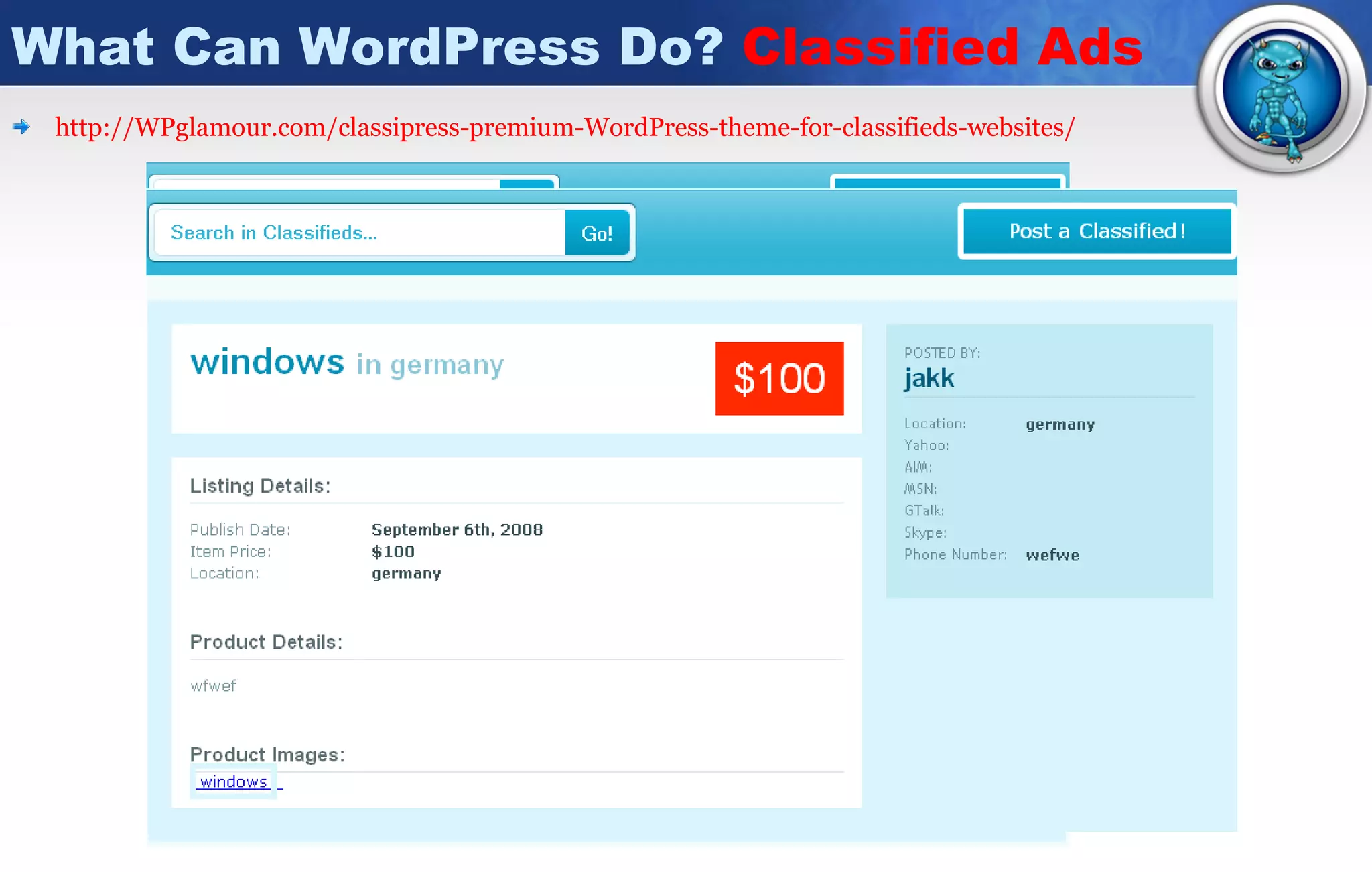
What Can WordPress Do?  Classified Ads http://WPglamour.com/classipress-premium-WordPress-theme-for-classifieds-websites/
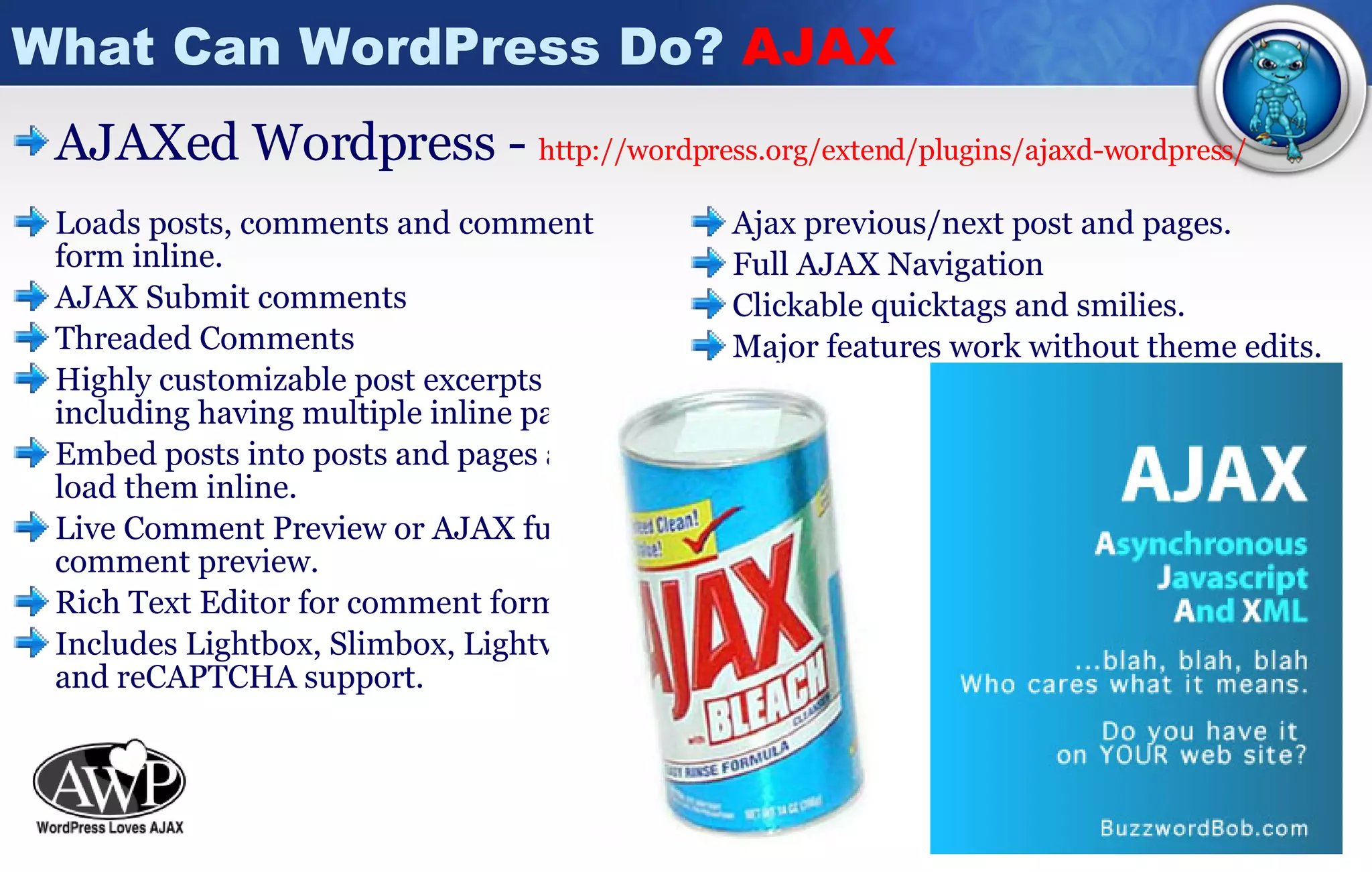
What Can WordPress Do?  AJAX Loads posts, comments and comment form inline.  AJAX Submit comments  Threaded Comments  Highly customizable post excerpts including having multiple inline pages.  Embed posts into posts and pages and load them inline.  Live Comment Preview or AJAX full comment preview.  Rich Text Editor for comment form. Includes Lightbox, Slimbox, Lightview, and reCAPTCHA support.  Ajax previous/next post and pages.  Full AJAX Navigation  Clickable quicktags and smilies.  Major features work without theme edits.  Easily customized templates.  Supports multiple themes.  Options can be customized on a post-by-post basis. Powerful Admin Panel.  Works with  WP AJAX Edit Comments  to allow inline comment editing. Excellent support and active development.  AJAXed Wordpress -  http://wordpress.org/extend/plugins/ajaxd-wordpress /
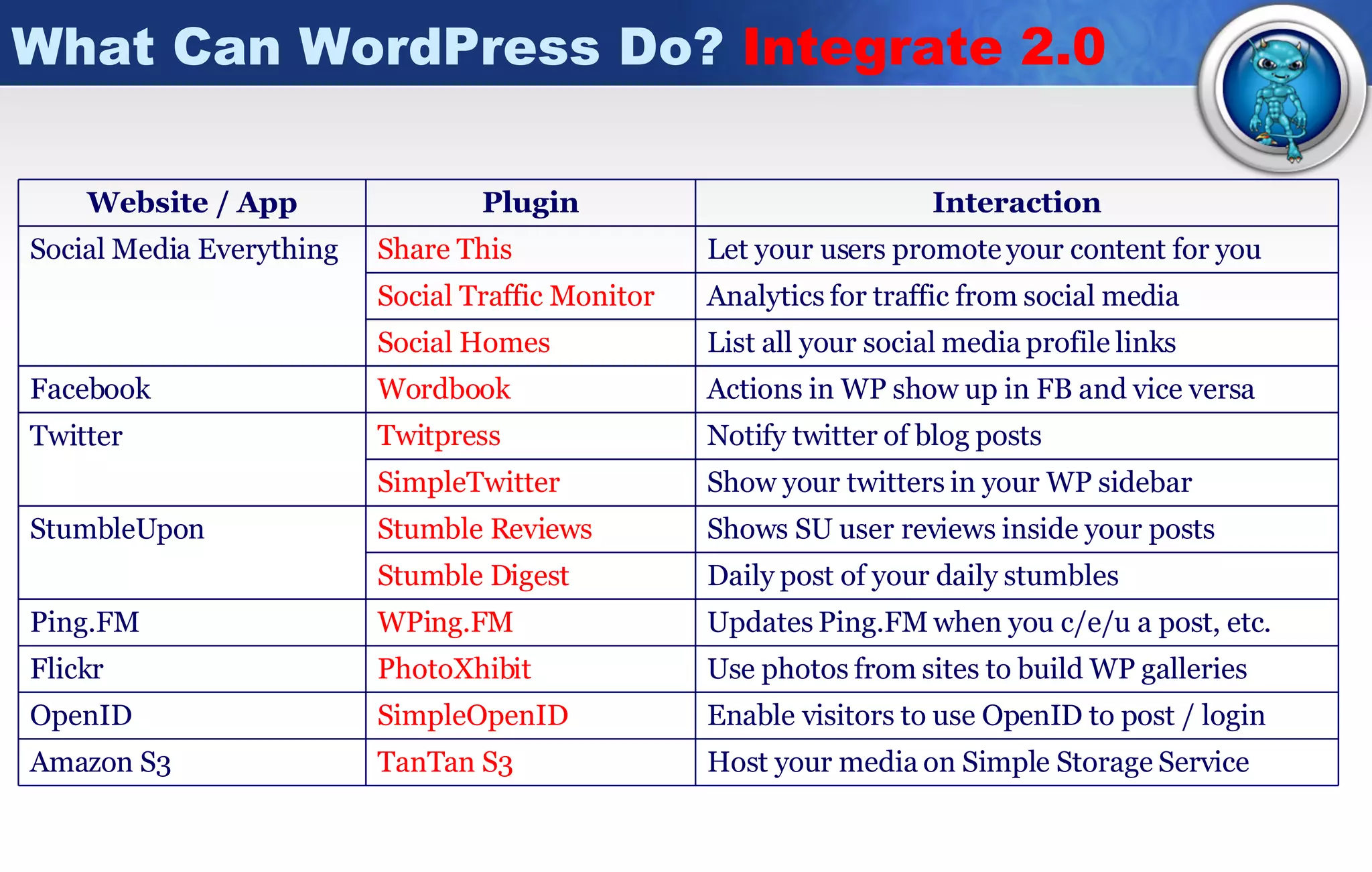
What Can WordPress Do?  Integrate 2.0 Host your media on Simple Storage Service TanTan  S3 Amazon S3 Updates Ping.FM when you c/e/u a post, etc. WPing.FM Ping.FM Use photos from sites to build WP galleries PhotoXhibit Flickr Enable visitors to use OpenID to post / login SimpleOpenID OpenID Analytics for traffic from social media Social Traffic Monitor List all your social media profile links Social Homes Daily post of your daily stumbles Stumble Digest Shows SU user reviews inside your posts Stumble Reviews StumbleUpon Show your twitters in your WP sidebar SimpleTwitter Notify twitter of blog posts Twitpress Twitter Actions in WP show up in FB and vice versa Wordbook Facebook Let your users promote your content for you Share This Social Media Everything Interaction Plugin Website / App
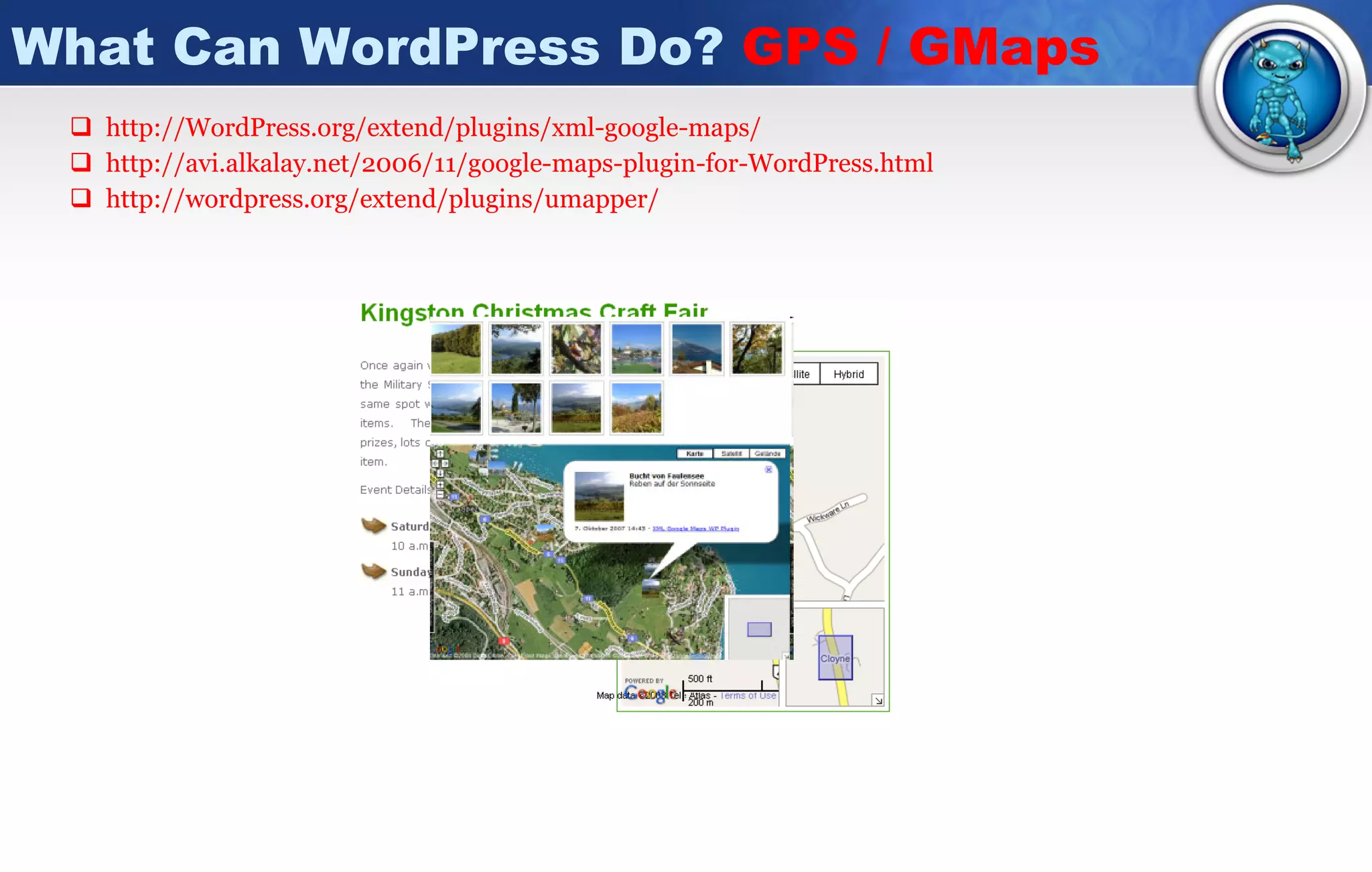
What Can WordPress Do?  GPS / GMaps http://WordPress.org/extend/plugins/xml-google-maps / http://avi.alkalay.net/2006/11/google-maps-plugin-for-WordPress.html http:// wordpress.org/extend/plugins/umapper /
What Can WordPress Do?  Auctions WP Auctions -  http:// WordPress.org/extend/plugins/WP -auctions/ Create and host as many auctions as you like  Upload multiple images for each auction  Sell items only on 'Buy It Now' basis  Show 3rd party ads when there are no auctions *new  Get payment via PayPal RSS feed for your auctions, and many more...
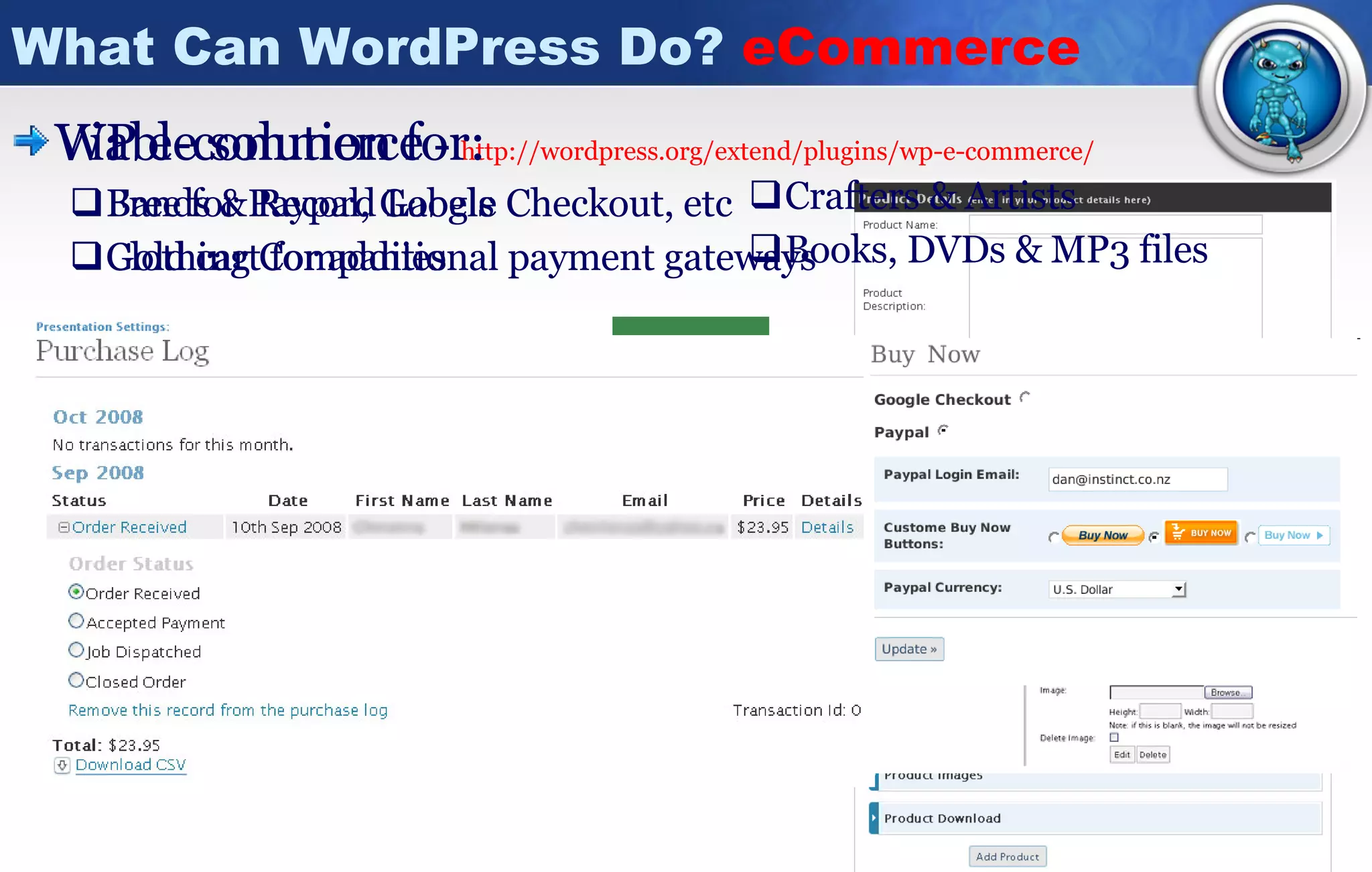
What Can WordPress Do?  eCommerce WP e-commerce  -  http://wordpress.org/extend/plugins/wp-e-commerce / Free for Paypal, Google Checkout, etc Gold cart for additional payment gateways Crafters & Artists  Books, DVDs & MP3 files Viable solution for: Bands & Record Labels  Clothing Companies
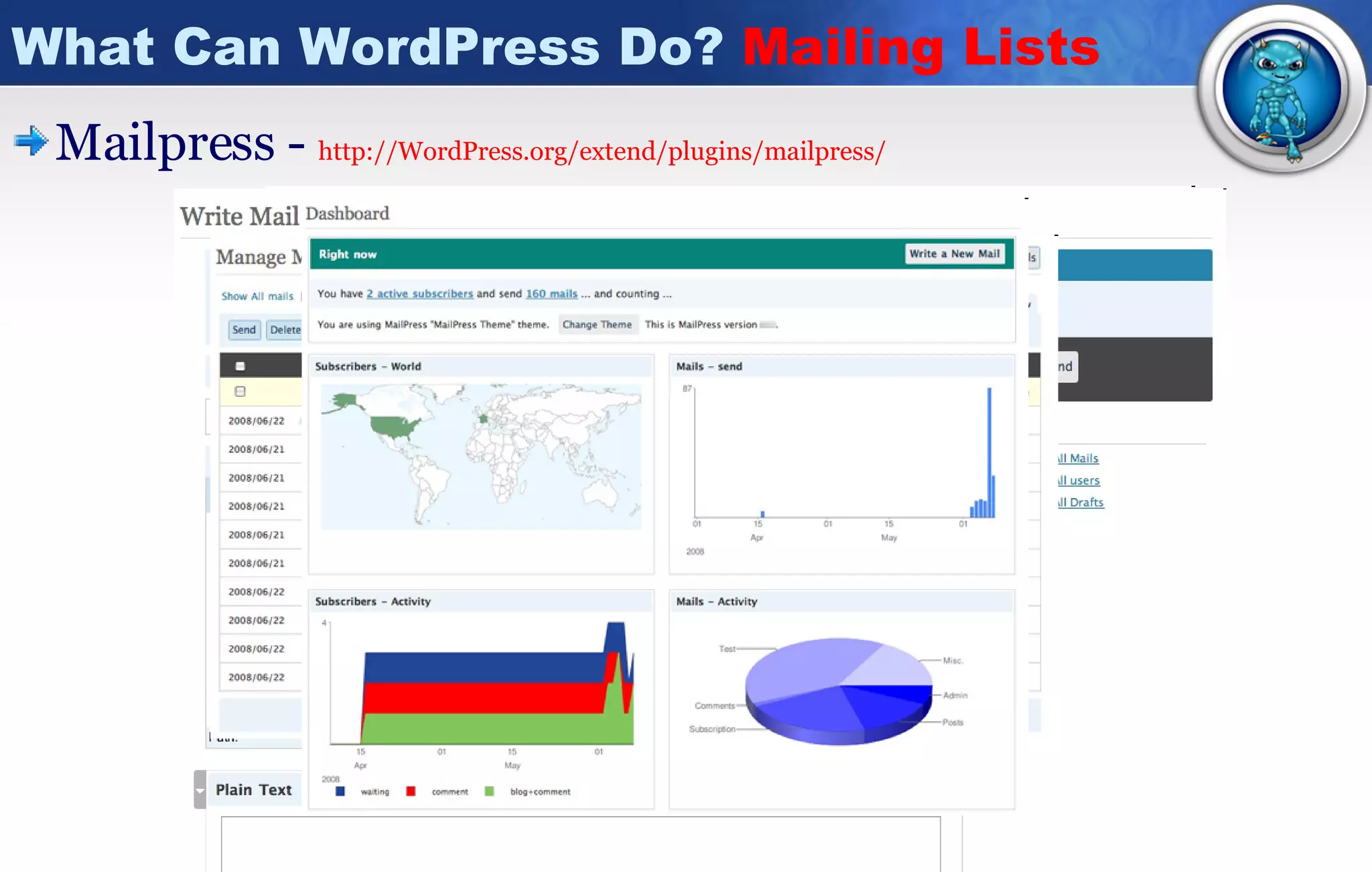
What Can WordPress Do?  Mailing Lists Mailpress -  http:// WordPress.org/extend/plugins/mailpress /
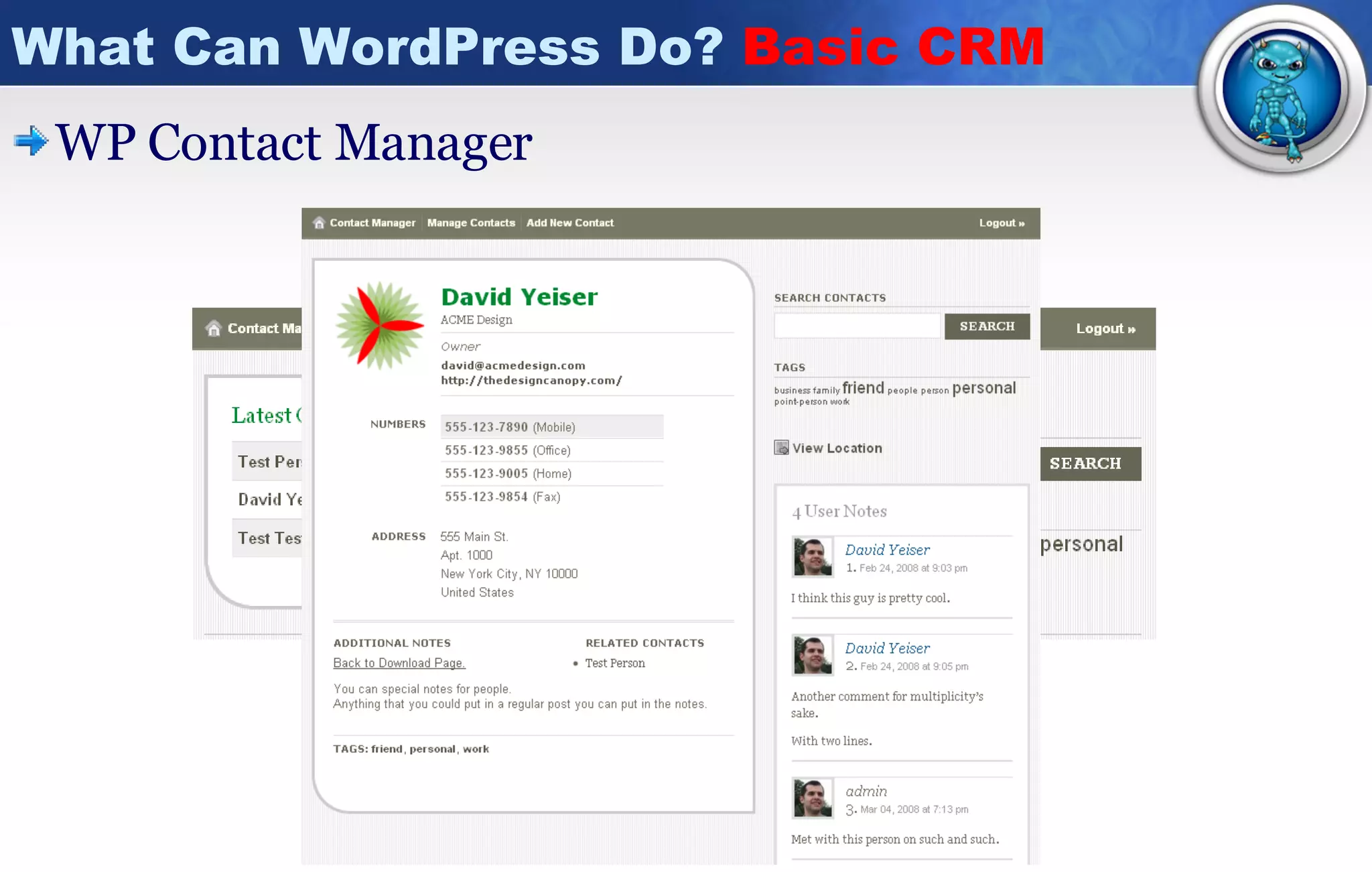
What Can WordPress Do?  Basic CRM WP Contact Manager
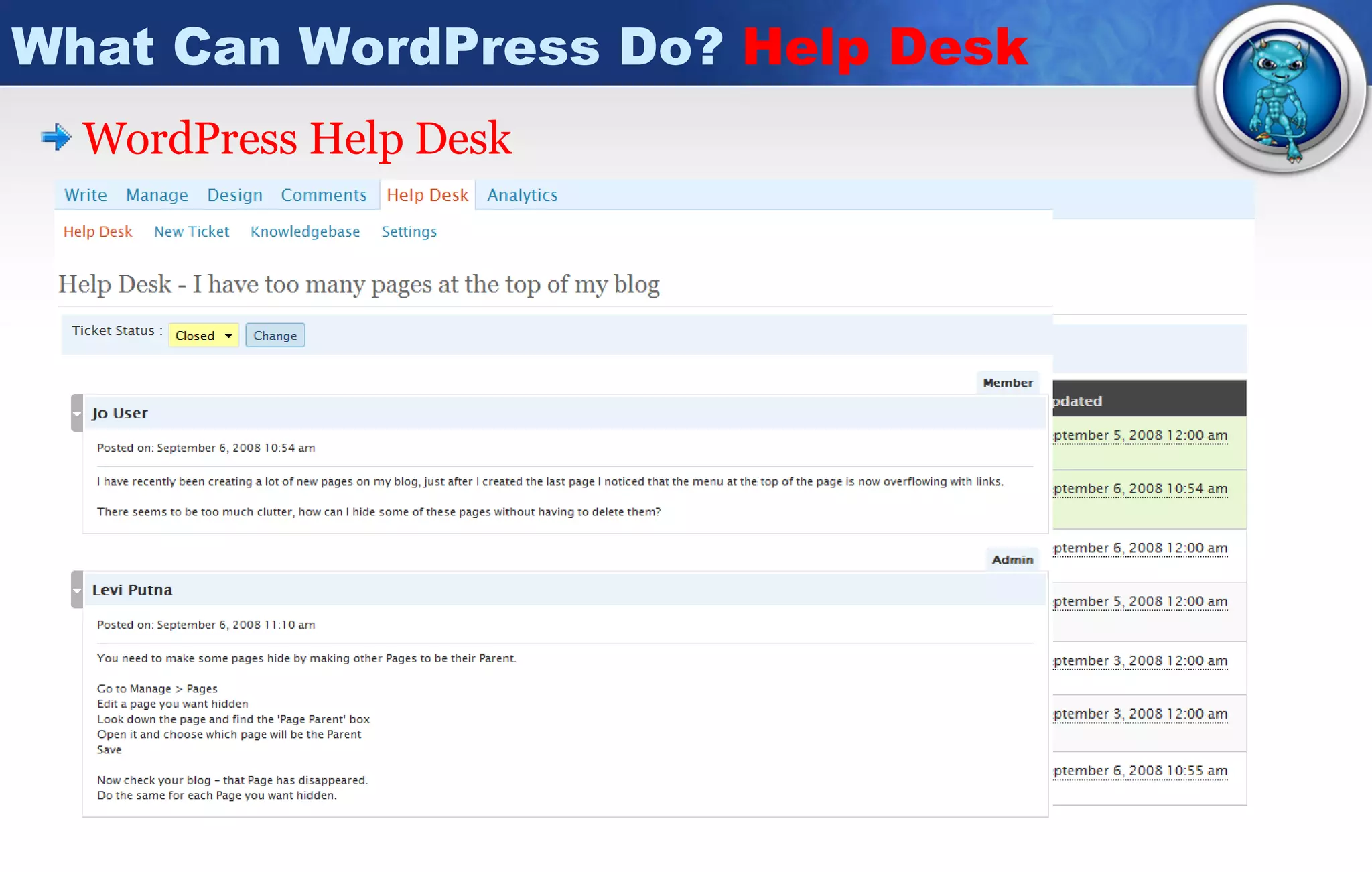
What Can WordPress Do?  Help Desk WordPress  Help Desk Flexible Configuration.  Email Notification.  Accessible From Anywhere.  Full History Retention.  Integrated Seamlessly into WordPress Admin.  Reporting For Admin.  Different Views Depending On User Level.  Live Suggestions And Hints.
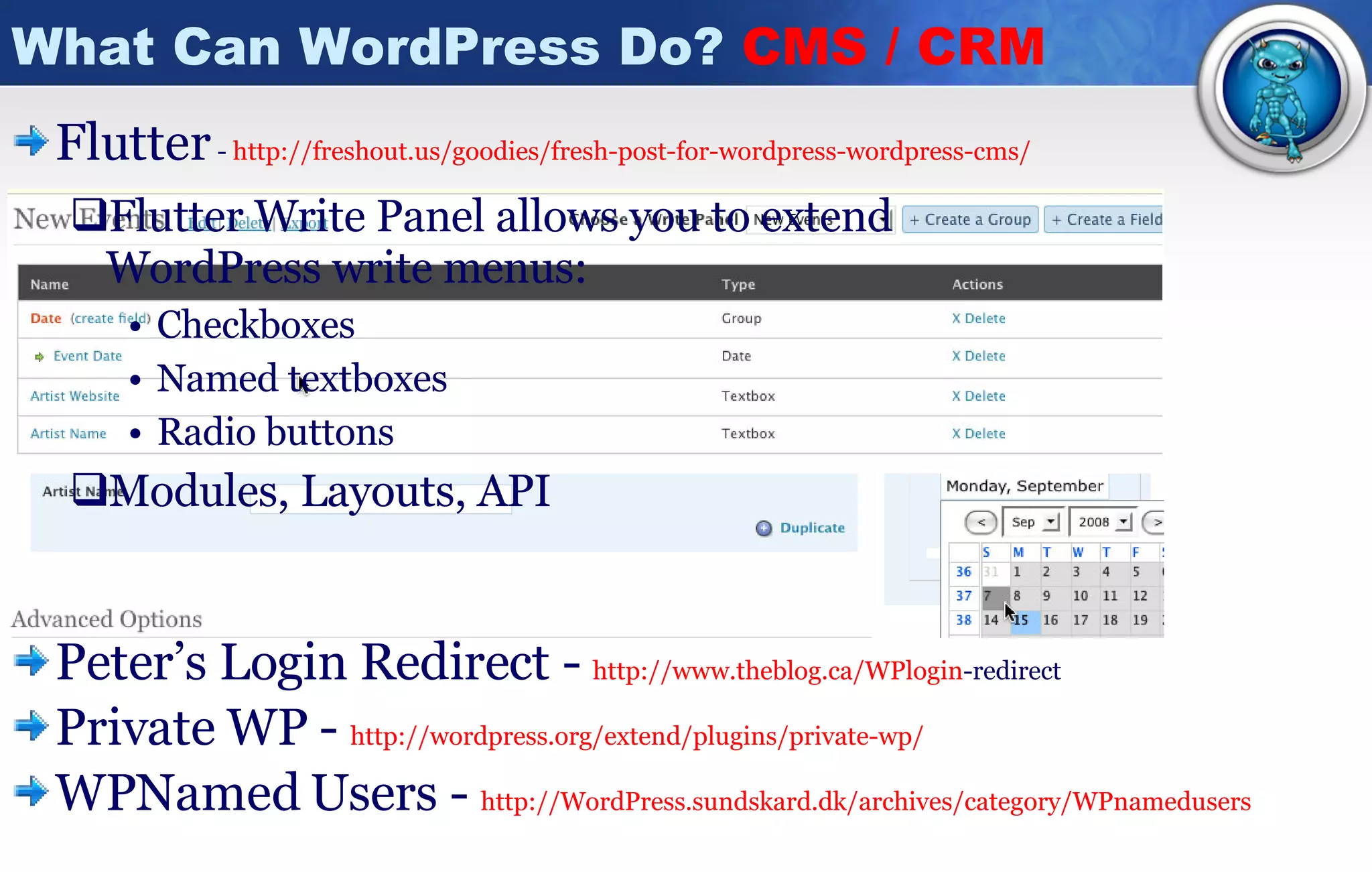
What Can WordPress Do?  CMS / CRM Flutter   -  http://freshout.us/goodies/fresh-post-for-wordpress-wordpress-cms/ Flutter Write Panel allows you to extend WordPress write menus: Checkboxes Named textboxes Radio buttons Modules, Layouts, API Peter’s Login Redirect -  http:// www.theblog.ca/WPlogin -redirect   Private WP -  http://wordpress.org/extend/plugins/private-wp / WPNamed Users -  http:// WordPress.sundskard.dk/archives/category/WPnamedusers
What Can WordPress Do?  Role Mgmt Role Scoper -  http://agapetry.net/news/introducing-role-scoper / Role Scoper is a comprehensive drop-in replacement for capability enforcement and administration in WordPress. Assign reading, editing or administration roles to users or groups on a page-specific, category-specific or other content-specific basis. What if you want someone to contribute their own pages without editing other’s post or pages? Can content-specific roles be administered on a sectional basis, or must someone be a super-adminstrator? BETA!
What Can WordPress Do? Events/Calendar Calendar -  http://wordpress.org/extend/plugins/calendar/ Events -  http://wordpress.org/extend/plugins/wp-events/screenshots/ Event Calendar -  http://wpcal.firetree.net/ Google Calendar wpng -  http:// code.google.com/p/wpng -calendar/ Feed Parser -  http:// wordpress.org/extend/plugins/google -calendar-feed-parser/
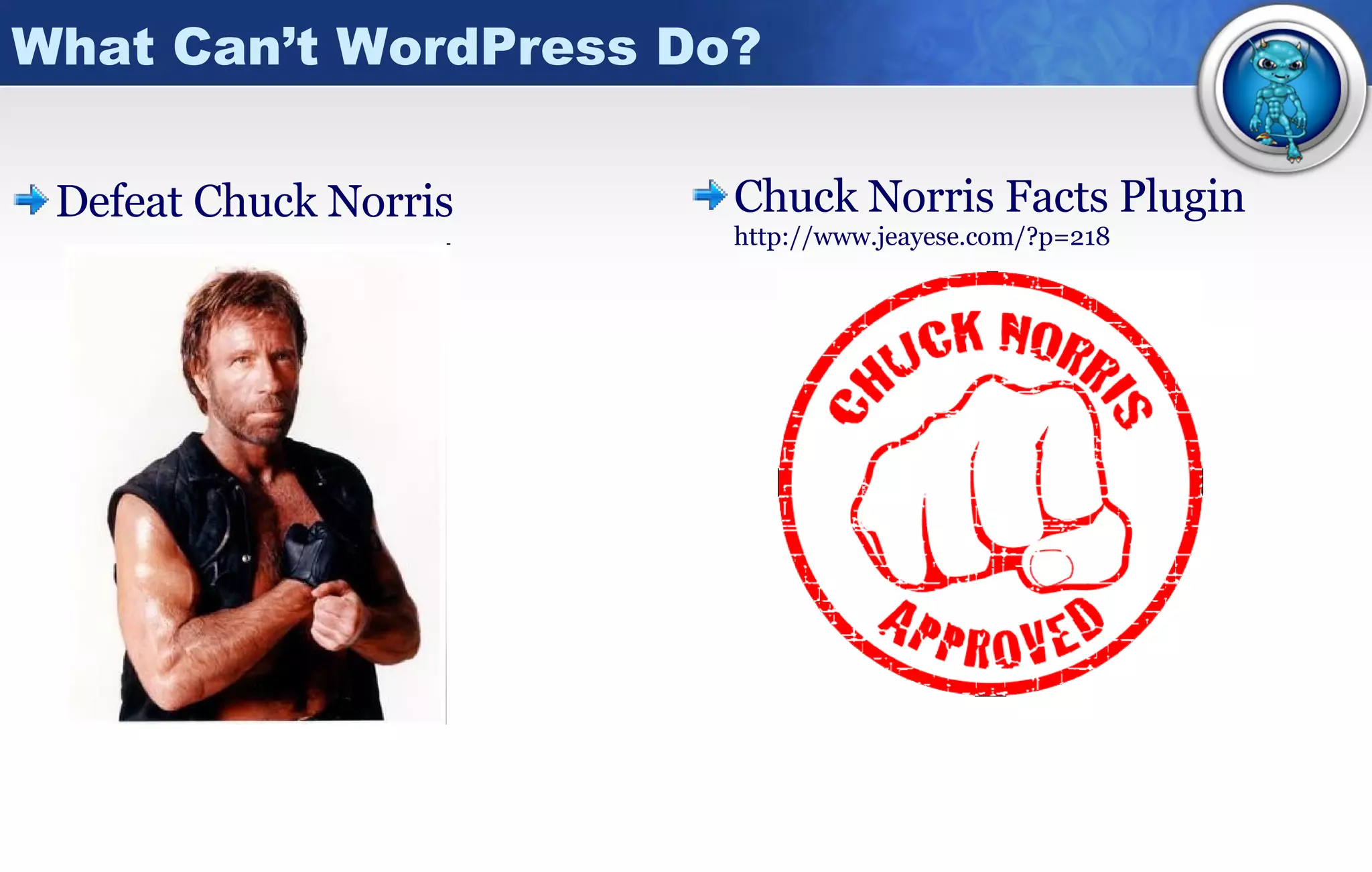
What Can’t WordPress Do? Defeat Chuck Norris Chuck Norris Facts Plugin  http://www.jeayese.com/?p=218
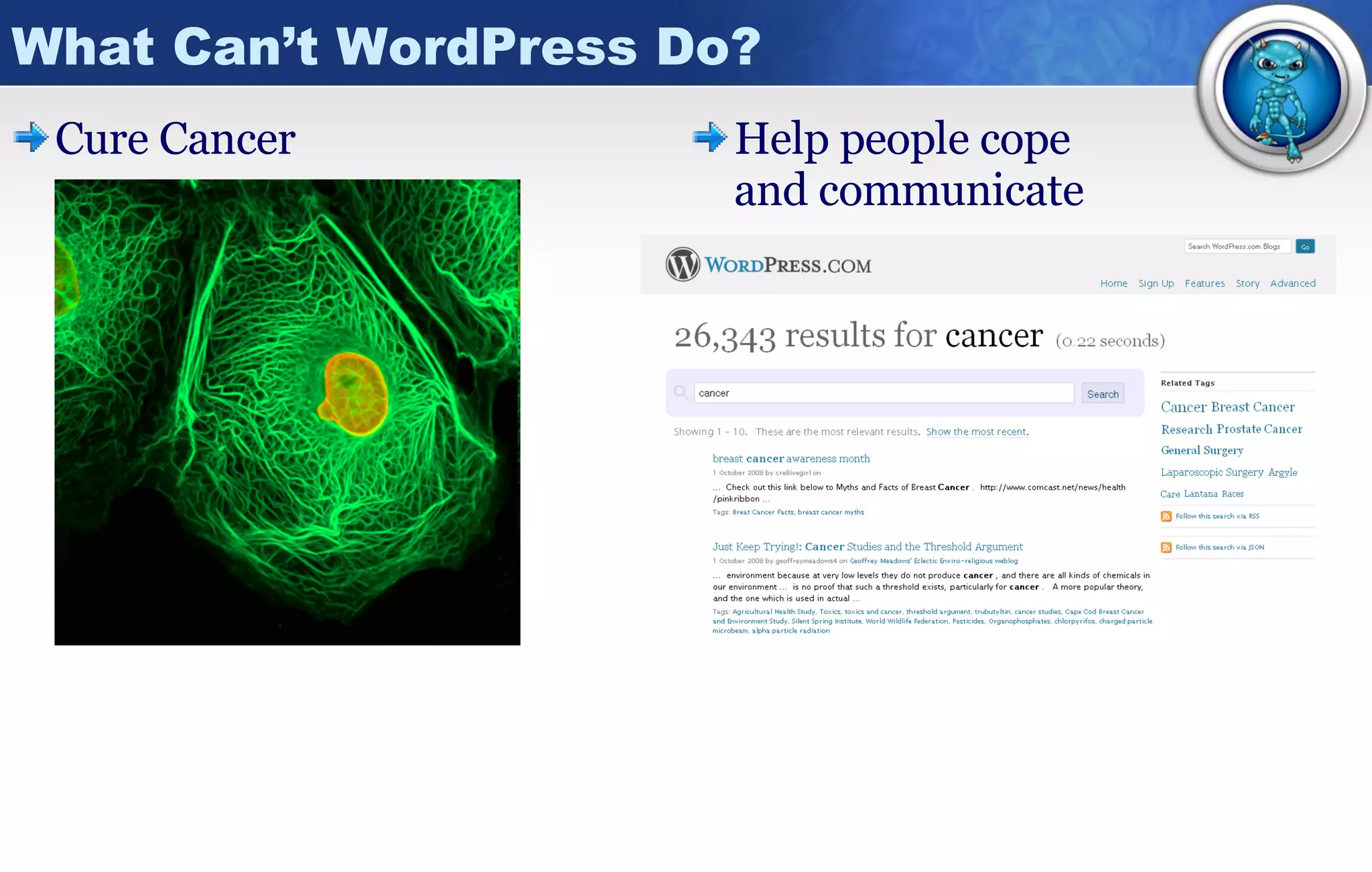
What Can’t WordPress Do? Cure Cancer Help people cope and communicate
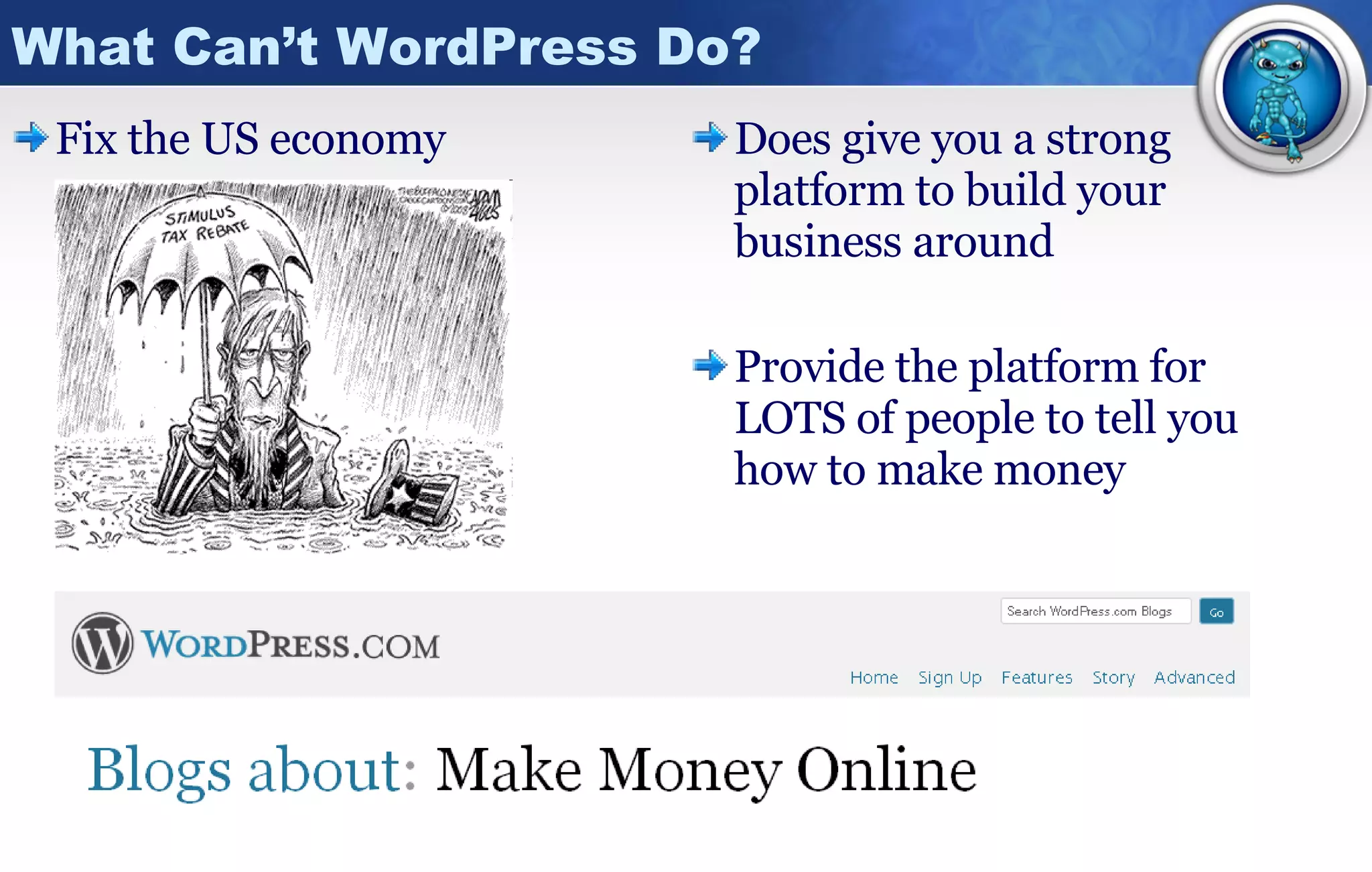
What Can’t WordPress Do? Fix the US economy Does give you a strong platform to build your business around Provide the platform for LOTS of people to tell you how to make money
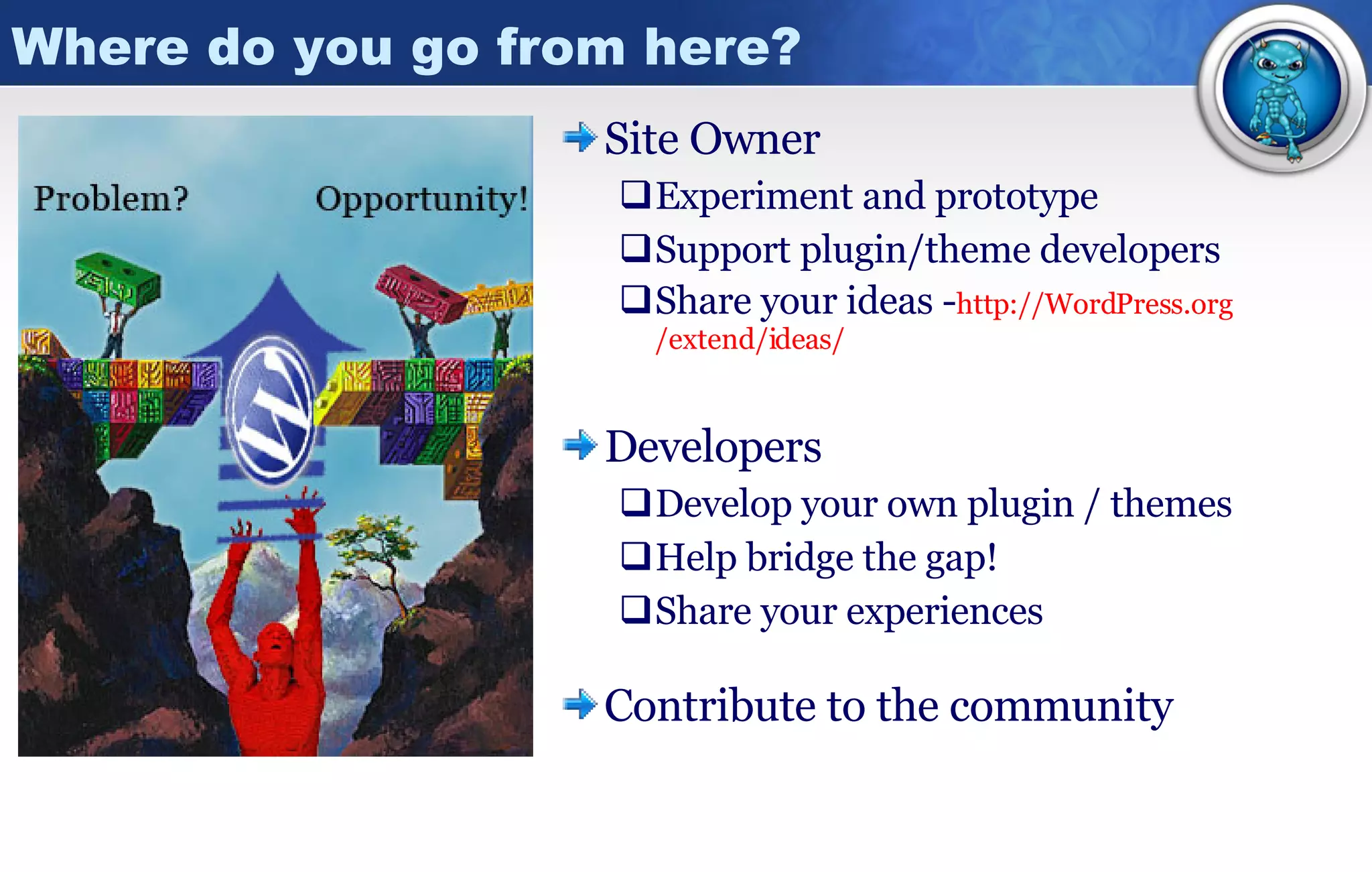
Where do you go from here? Site Owner Experiment and prototype Support plugin/theme developers Share your ideas - http:// WordPress.org /extend/ideas/ Developers Develop your own plugin / themes Help bridge the gap! Share your experiences Contribute to the community
Questions? Comments? Slides and audio of this presentation will be available shortly at: http:// www.idealienstudios.com /presentations
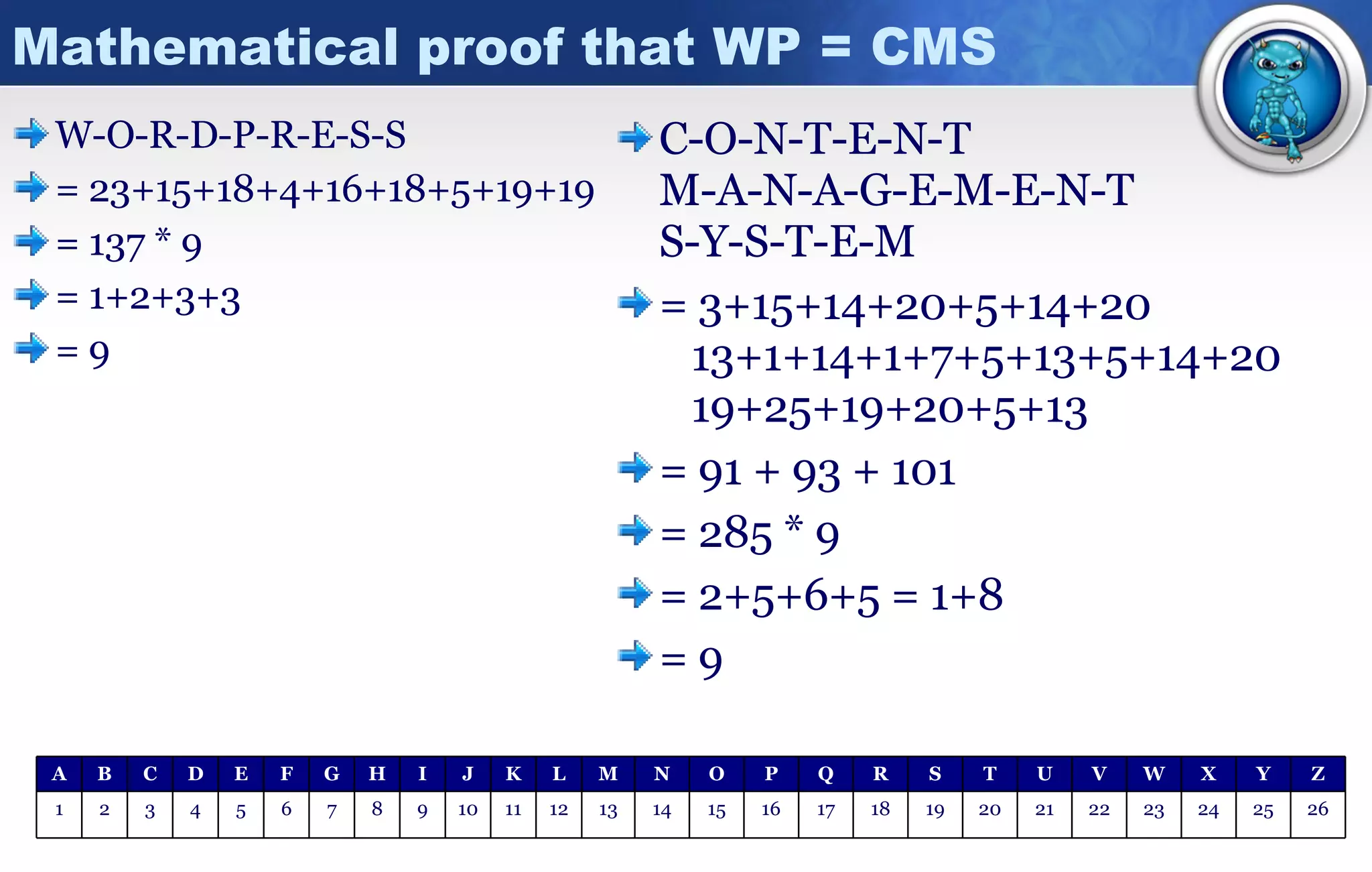
Mathematical proof that WP = CMS W-O-R-D-P-R-E-S-S = 23+15+18+4+16+18+5+19+19 = 137 * 9 = 1+2+3+3 = 9 C-O-N-T-E-N-T M-A-N-A-G-E-M-E-N-T S-Y-S-T-E-M = 3+15+14+20+5+14+20   13+1+14+1+7+5+13+5+14+20   19+25+19+20+5+13 = 91 + 93 + 101  = 285 * 9 = 2+5+6+5 = 1+8 = 9 26 25 24 23 22 21 20 19 18 17 16 15 14 13 12 11 10 9 8 7 6 5 4 3 2 1 Z Y X W V U T S R Q P O N M L K J I H G F E D C B A

Wordpress Beyond A Blog Word Camp Toronto08

  • 1.
    WordPress: Beyond ABlog WordCamp Toronto Saturday October 4 th , 2008 Jamie Oastler [email_address] www.idealienstudios.com
  • 2.
    Post Wordcamp Notes:You can watch the actual presentation here: http://www.vimeo.com/1888342 Bulk of slides are identical to what I used for Wordcamp. Small adjustments made so they print better as handouts. Please feel free to e-mail me any comments / questions / links where you blog about the presentation – jamie@idealienstudios.com
  • 3.
    Highlights The BluePill Introduction The power of the platform Anatomy of a theme A few words about plugins The Red Pill WordPress-as-a-CMS What can WordPress do? What can’t WordPress do? Where do you go from here? The Green Pill? How to install WordPress How to configure WordPress From CSS To WP Theme Available shortly at http:// www.idealienstudios.com /presentations
  • 4.
    Introduction Education Bachelorof Commerce from Carleton University Experience Corporate development Canada Post - www.canadapost.ca Lee Valley Tools - www.leevalley.com Innovapost - www.innovapost.com Small business design Hobbyists – sawdustandglass.oastler.ca Local Businesses – www.sanacentre.com New Businesses – www.healthyhooves.ca Rural Artists – www.nostalgicarts.ca
  • 5.
    The power ofthe platform WordPress.com stats 2.3 million new blogs 35 million posts 6.5 million page views WordPress.org 11.1 million downloads 931 user submitted ideas 12,932 votes 1,090 changes into repository 3,028 plugins
  • 6.
    The power ofthe platform
  • 7.
    The power ofthe platform Out-of-box functionality Easy installation Multiple content types Hierarchical data structure User roles Content approval / publishing workflow Content versioning Customizable presentation layer Comment system Canonical URLS Support for RSS, SSL
  • 8.
    The power ofthe platform Open source!! Community of contributors Evolve with best practices Bend and extend for yourself Shared knowledge Business potential - free! Smart architecture PHP All major operating systems – Linux, Windows, Mac Runs on all major web server platforms (including IIS) mySQL Popular open source database Consistent fast performance, high reliability and ease of use Set it and forget it – Add connection strings to WP-config.php and you can instruct WordPress to handle all changes via the admin menu
  • 9.
    The power ofthe platform Modular design Themes template file system that provides a method to define separate PHP files for the different components of your site. Plugins A set of one or more functions, written in PHP that adds a specific set of features or services to WordPress Filters Modify content of various types before adding it to the database or sending it to the browser screen Actions Launched at specific points during execution, or when specific events occur
  • 10.
    The power ofthe platform FUD Tactics – Fear, Uncertainty, Doubt You’re pushing it to do something it wasn’t meant to do Single Blog-centric Simple Post/Page/User Management Single and Simple Category Tree Rigid Permalink Structure “ WordPress was always designed as a simple CMS for people smart enough to not get mired in the things that CMSes usually get mired in.” Matt Mullenweg http://bloghelper.is-there.net/5-reasons-not-to-use-WordPress-as-a-cms/
  • 11.
    Anatomy of atheme “ Template files are the building blocks of your WordPress site. They fit together like the pieces of a puzzle to generate the web pages on your site.” http:// codex.WordPress.org/Stepping_Into_Templates Themes Directory - /WP-content/themes/
  • 12.
    Anatomy of atheme Start simple and build your design iteratively http://WPcandy.com/articles/the-WordPress-starter-theme-project.html Display template for posts without category styling archive.php Primary landing page and could be the only one index.php <head></head> and usually top-navigation header.php A container for functions called in other theme files functions.php Put your analytics code here! footer.php Included inside display templates to display comments and allow users to add new comments to a post / page. comments.php Display template for categories requests category.php Invalid URL requests will be served this page. 404.php Usage Theme File
  • 13.
    Anatomy of atheme The volume and types of files in any theme will be based on the complexity / variety of designs and the skill of the author to implement those styles. Sub-folder [Javascript] Display template for pages (non-blog) page.php Sub-folder [Images] Primary css stylesheet style.css Display template for individual blog posts single.php Navigation or code included in other display templates. Can be managed through admin via widgets - http:// automattic.com /code/widgets/themes/ sidebar.php <?php include(TEMPLATEPATH . '/searchform.php'); ?> searchform.php Usage Theme File
  • 14.
    Anatomy of atheme Make? Intimate knowledge of code Designed to your standards Less cost / More time Integrate concepts Learn to be self-sufficient How to make? http:// www.WordPress.org http:// www.wordcamptoronto.com http://vibr8bros.com/WordPress-project/ http:// weblogtoolscollection.com http:// themetation.com Acquire / Customize? Faster development Focus on customization Unfamiliar with code at start Costs money Leverage best practices Where to get? http:// WordPress.org /extend/themes/ http:// www.templatemonster.com http:// www.woothemes.com / http:// www.WPremix.com http://www/ revolutiontheme.com http:// www.themeforest.net
  • 15.
    A few wordsabout plugins Why are plugins like women They vary in quality They can cost you time / money Find a good one and you’ll be very happy! What should you do with a plugin? Read comments / reviews - http:// WordPress.org/extend/plugins / Backup, backup, BACKUP! Experiment on a development server first Share your knowledge about implementation experiences Support plugin developers! a spouse?
  • 16.
    A few wordsabout plugins Manual process D – Download U – Unzip F – FTP A – Activate I – Integrate T – Test Why? More control over the process Better understanding of changes More secure Automatic process An option as of WP 2.5 Store FTP password in db Install via plugin panel Plugins from WP.org Consider the impact each additional plugin may have on your environment Compatible with others? New tables / entries in db? Cross-browser implications? Is there a simpler way?
  • 17.
    A few wordsabout plugins Standard plugins to consider for any site Akismet - Spam Control http:// akismet.com / Ozh Admin Drop Down Menu http:// WordPress.org/extend/plugins/ozh -admin-drop-down-menu/ Maintenance Mode http:// WordPress.org/extend/plugins/maintenance -mode/ WP-cache – Improve page load performance http:// WordPress.org/extend/plugins/WP -super-cache/ WP-db-backup – Save you from yourself / hackers http:// WordPress.org/extend/plugins/WP -db-backup/ google-sitemap-generator http:// WordPress.org/extend/plugins/google -sitemap-generator/
  • 18.
    Idealien Category EnhancementsWordPress-as-a-CMS usually involves completely different presentation requirements per category / per post. Modifies the category and post template process Consistent with the page template process. Site authors can select post / category template through the admin console. Configurable sub-category inheritance / overrides. http:// www.idealienstudios.com/code/ice/index.html
  • 19.
    WordPress-as-a-CMS WP asa CMS means “to push WP beyond what it was originally intended to do - publishing blogs - and into the realm of more robust and perhaps more complex CMSes.” bloghelper.is-there.net “ If you are going to be the person customizing and extending the system and then using it, its easier to start with WordPress, because by the time you’ve learnt about the templates and the tags, you are already ready to customize WordPress into whatever you want out of it.” blogopreneur.com “ The three open source content management systems WordPress, Joomla! and Drupal are by far the most used publication-oriented CMS on the Web” cmsexperts.com “ Our site is testimony to the versatility of WordPress for use as an entire website that is more than just a blog” Sharani.org
  • 20.
    What Can WordPressDo? Basic Content Blogs Magazines Portals Tutorials Subscription-based content
  • 21.
    What Can WordPressDo? Photo Gallery Rannie Turingan NextGen flShow Manager Post Thumb Custom fields + Lightbox2
  • 22.
    What Can WordPressDo? Podcasting Charles Hodgson Plugins PodPress (2.6 issues) Blubrry Powerpress CaveMonkey50.com Attach .mp3 to post?
  • 23.
    What Can WordPressDo? Recipes Each recipe is a post Custom fields for ingredients Design a delicious theme! Plugin potential What can you make with what you have on hand? What do you have to buy to make what you want?
  • 24.
    What Can WordPressDo? Comics ComicPress - http:// mindfaucet.com/comicpress /
  • 25.
    What Can WordPressDo? Bilingualisation Gengo - http:// WordPress.org/extend/plugins/gengo / The unofficial language of the internet is English Sites still have need of multiple languages Easily translate posts / pages New functionality – snippets
  • 26.
    What Can WordPressDo? CSS Gallery OS Designer - - http://www.osdesigner.net/wordpress-themes/css-gallery-theme/ Theme Test Drive - http://wordpress.org/extend/plugins/theme-test-drive/
  • 27.
    What Can WordPressDo? Classified Ads http://WPglamour.com/classipress-premium-WordPress-theme-for-classifieds-websites/
  • 28.
    What Can WordPressDo? AJAX Loads posts, comments and comment form inline. AJAX Submit comments Threaded Comments Highly customizable post excerpts including having multiple inline pages. Embed posts into posts and pages and load them inline. Live Comment Preview or AJAX full comment preview. Rich Text Editor for comment form. Includes Lightbox, Slimbox, Lightview, and reCAPTCHA support. Ajax previous/next post and pages. Full AJAX Navigation Clickable quicktags and smilies. Major features work without theme edits. Easily customized templates. Supports multiple themes. Options can be customized on a post-by-post basis. Powerful Admin Panel. Works with WP AJAX Edit Comments to allow inline comment editing. Excellent support and active development. AJAXed Wordpress - http://wordpress.org/extend/plugins/ajaxd-wordpress /
  • 29.
    What Can WordPressDo? Integrate 2.0 Host your media on Simple Storage Service TanTan S3 Amazon S3 Updates Ping.FM when you c/e/u a post, etc. WPing.FM Ping.FM Use photos from sites to build WP galleries PhotoXhibit Flickr Enable visitors to use OpenID to post / login SimpleOpenID OpenID Analytics for traffic from social media Social Traffic Monitor List all your social media profile links Social Homes Daily post of your daily stumbles Stumble Digest Shows SU user reviews inside your posts Stumble Reviews StumbleUpon Show your twitters in your WP sidebar SimpleTwitter Notify twitter of blog posts Twitpress Twitter Actions in WP show up in FB and vice versa Wordbook Facebook Let your users promote your content for you Share This Social Media Everything Interaction Plugin Website / App
  • 30.
    What Can WordPressDo? GPS / GMaps http://WordPress.org/extend/plugins/xml-google-maps / http://avi.alkalay.net/2006/11/google-maps-plugin-for-WordPress.html http:// wordpress.org/extend/plugins/umapper /
  • 31.
    What Can WordPressDo? Auctions WP Auctions - http:// WordPress.org/extend/plugins/WP -auctions/ Create and host as many auctions as you like Upload multiple images for each auction Sell items only on 'Buy It Now' basis Show 3rd party ads when there are no auctions *new Get payment via PayPal RSS feed for your auctions, and many more...
  • 32.
    What Can WordPressDo? eCommerce WP e-commerce - http://wordpress.org/extend/plugins/wp-e-commerce / Free for Paypal, Google Checkout, etc Gold cart for additional payment gateways Crafters & Artists Books, DVDs & MP3 files Viable solution for: Bands & Record Labels Clothing Companies
  • 33.
    What Can WordPressDo? Mailing Lists Mailpress - http:// WordPress.org/extend/plugins/mailpress /
  • 34.
    What Can WordPressDo? Basic CRM WP Contact Manager
  • 35.
    What Can WordPressDo? Help Desk WordPress Help Desk Flexible Configuration. Email Notification. Accessible From Anywhere. Full History Retention. Integrated Seamlessly into WordPress Admin. Reporting For Admin. Different Views Depending On User Level. Live Suggestions And Hints.
  • 36.
    What Can WordPressDo? CMS / CRM Flutter - http://freshout.us/goodies/fresh-post-for-wordpress-wordpress-cms/ Flutter Write Panel allows you to extend WordPress write menus: Checkboxes Named textboxes Radio buttons Modules, Layouts, API Peter’s Login Redirect - http:// www.theblog.ca/WPlogin -redirect Private WP - http://wordpress.org/extend/plugins/private-wp / WPNamed Users - http:// WordPress.sundskard.dk/archives/category/WPnamedusers
  • 37.
    What Can WordPressDo? Role Mgmt Role Scoper - http://agapetry.net/news/introducing-role-scoper / Role Scoper is a comprehensive drop-in replacement for capability enforcement and administration in WordPress. Assign reading, editing or administration roles to users or groups on a page-specific, category-specific or other content-specific basis. What if you want someone to contribute their own pages without editing other’s post or pages? Can content-specific roles be administered on a sectional basis, or must someone be a super-adminstrator? BETA!
  • 38.
    What Can WordPressDo? Events/Calendar Calendar - http://wordpress.org/extend/plugins/calendar/ Events - http://wordpress.org/extend/plugins/wp-events/screenshots/ Event Calendar - http://wpcal.firetree.net/ Google Calendar wpng - http:// code.google.com/p/wpng -calendar/ Feed Parser - http:// wordpress.org/extend/plugins/google -calendar-feed-parser/
  • 39.
    What Can’t WordPressDo? Defeat Chuck Norris Chuck Norris Facts Plugin http://www.jeayese.com/?p=218
  • 40.
    What Can’t WordPressDo? Cure Cancer Help people cope and communicate
  • 41.
    What Can’t WordPressDo? Fix the US economy Does give you a strong platform to build your business around Provide the platform for LOTS of people to tell you how to make money
  • 42.
    Where do yougo from here? Site Owner Experiment and prototype Support plugin/theme developers Share your ideas - http:// WordPress.org /extend/ideas/ Developers Develop your own plugin / themes Help bridge the gap! Share your experiences Contribute to the community
  • 43.
    Questions? Comments? Slidesand audio of this presentation will be available shortly at: http:// www.idealienstudios.com /presentations
  • 44.
    Mathematical proof thatWP = CMS W-O-R-D-P-R-E-S-S = 23+15+18+4+16+18+5+19+19 = 137 * 9 = 1+2+3+3 = 9 C-O-N-T-E-N-T M-A-N-A-G-E-M-E-N-T S-Y-S-T-E-M = 3+15+14+20+5+14+20 13+1+14+1+7+5+13+5+14+20 19+25+19+20+5+13 = 91 + 93 + 101 = 285 * 9 = 2+5+6+5 = 1+8 = 9 26 25 24 23 22 21 20 19 18 17 16 15 14 13 12 11 10 9 8 7 6 5 4 3 2 1 Z Y X W V U T S R Q P O N M L K J I H G F E D C B A